ExoCross PC Game Download for Windows 10/11
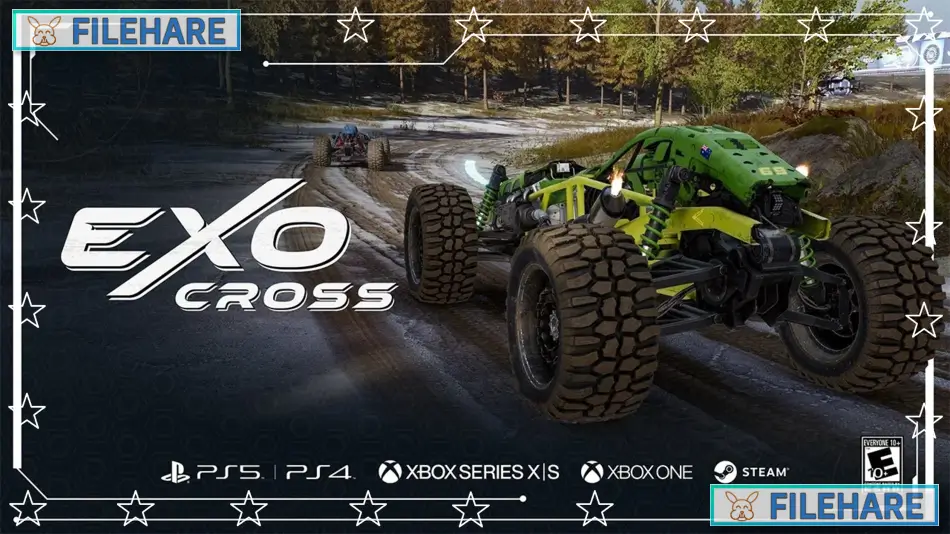
ExoCross is an offroad racing game that takes place on an alien planet. Orontes Games developed this game, and iRacing.com Motorsport Simulations published it. The game was released on July 22, 2024, for PC on Steam. It uses 4CPT vehicle physics technology, which stands for 4-way contact patch traction, to create realistic tire behavior and handling during races.
Table of Contents
ExoCross Gameplay
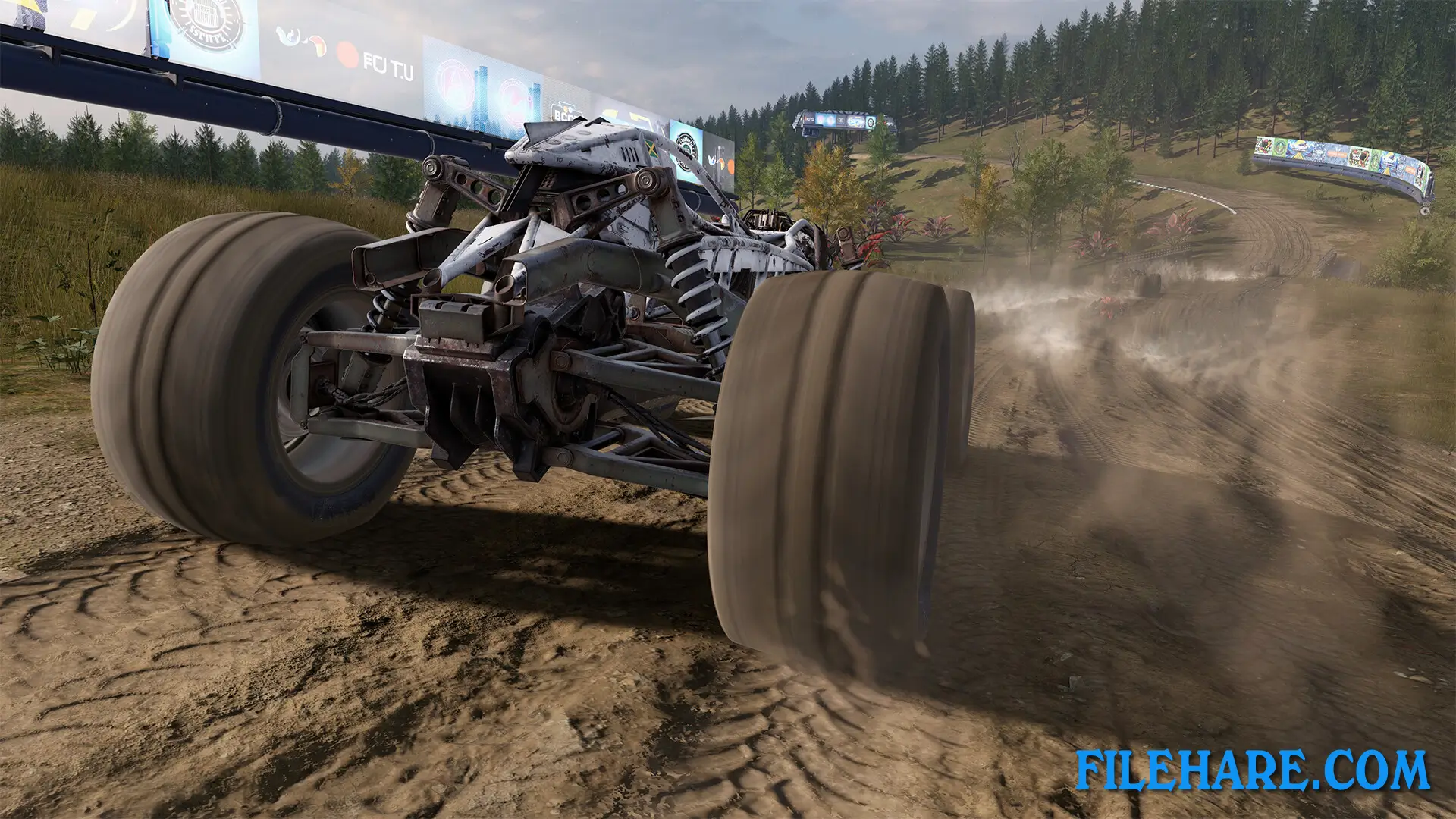
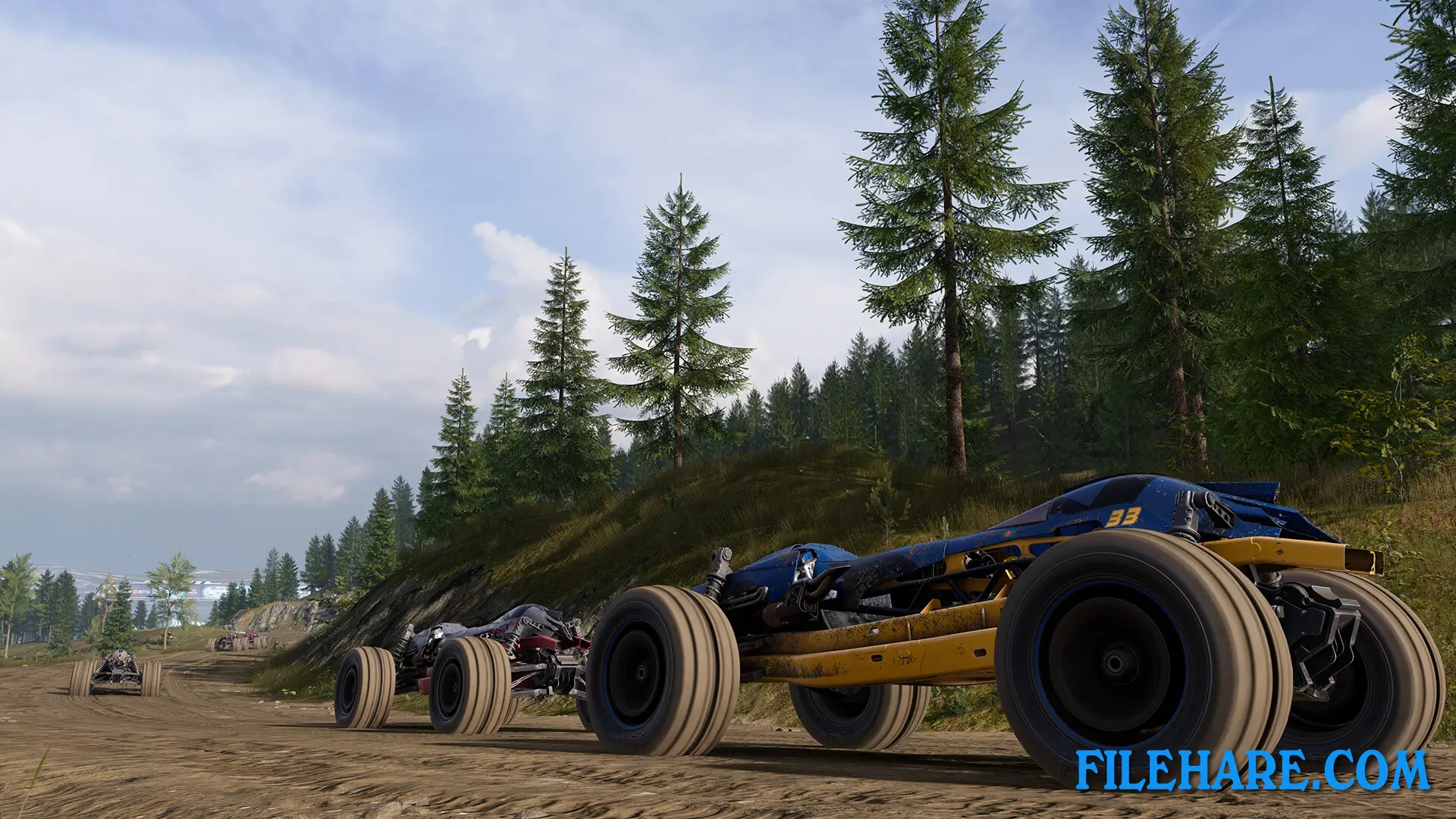
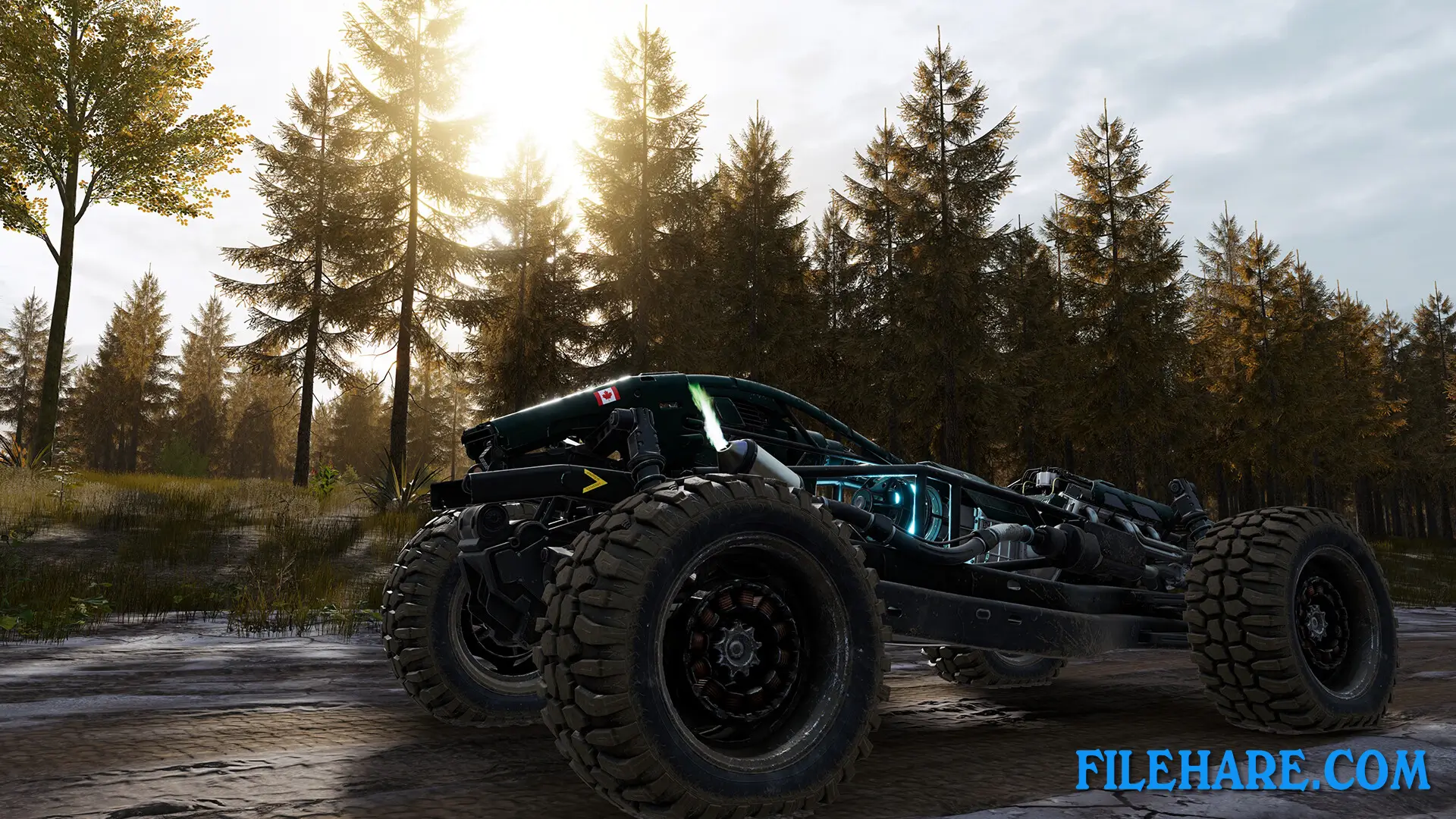
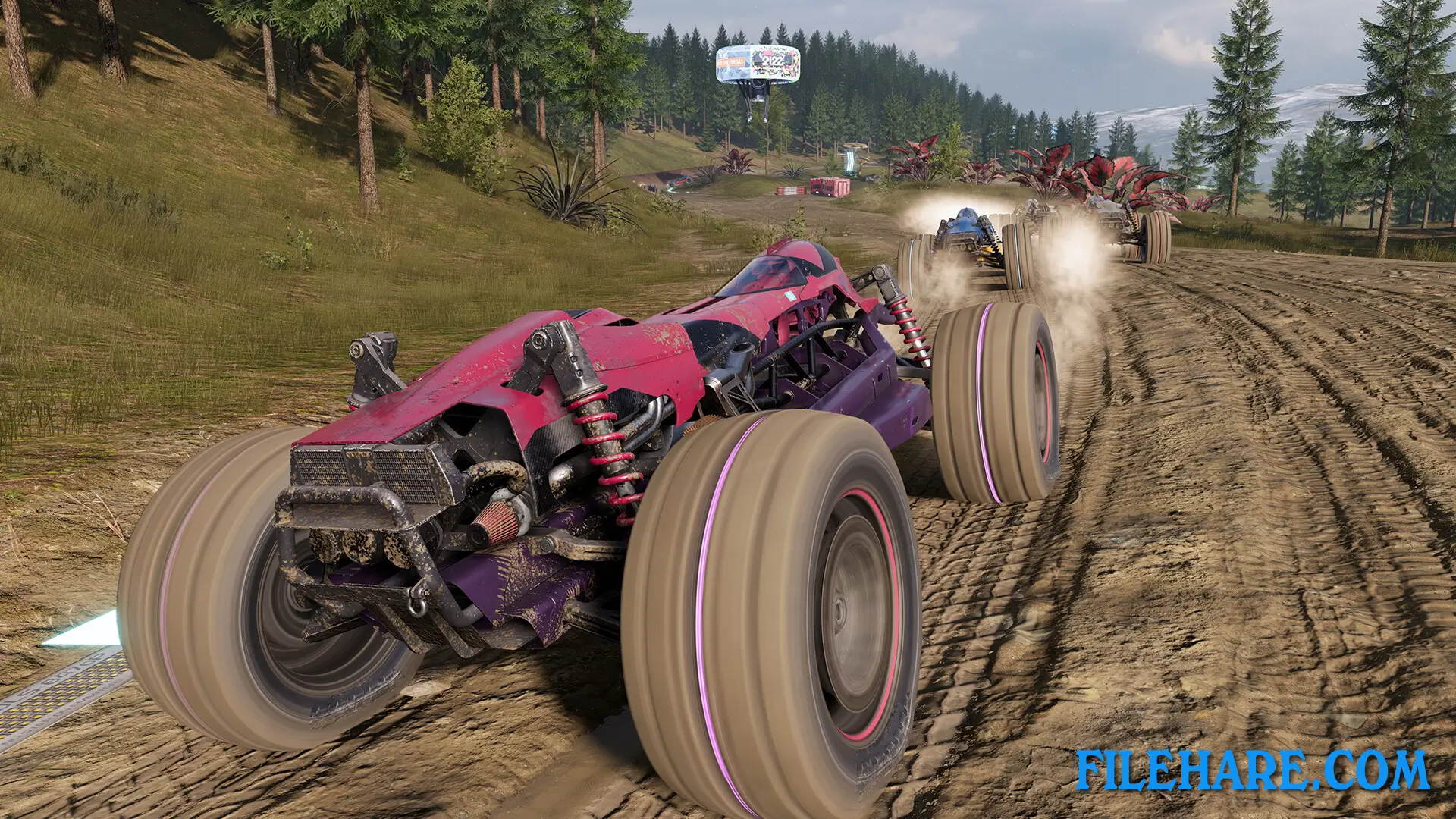
You race futuristic open-wheel vehicles on offroad tracks located on the planet Proteus in galaxy NGC 43324. The game has 19 track layouts that you can race in both forward and reverse directions. These tracks are spread across four zones, including desert sand, forest dirt, paved circuits, and elevated tracks high above the ground. The physics engine simulates weight transfer and tire grip realistically, so you must have good control when turning and drifting. The game includes a boost mechanic where you charge your boost by driving behind other racers in their slipstream. You can then use this boost to speed past opponents at the right moment. Career Mode has six racing series, with two series for cars.
You compete against AI opponents in seasons that last up to 10 races. You advance through these series to become the top driver. If you want quick action, you can pick any car and track combination and start racing immediately. Challenge Mode has 48 unique challenges across all four zones, where you try to beat time records. Your times are compared on a global scoreboard against other players. The game supports online multiplayer, where you race against players worldwide in challenge events and circuit races. Players vote to decide which car and track will be used for races.
ExoCross Features
The game has three vehicle classes to drive. The soft-body tire model means tires deform and react to terrain just like real tires would. The game can be played with both a controller and a racing wheel. Visually, the game shows detailed vehicles and tracks with colorful alien environments. The game was previously called DRAG: Outer Zones when it was in early access starting in August 2020. It was fully rebuilt and renamed to ExoCross when it officially launched in 2024.
Recommended System Requirements
Requires a 64-bit processor and operating system
- OS: Windows 10
- Processor: AMD Ryzen 5 or Intel Core i5
- Memory: 16 GB RAM
- Graphics: NVIDIA GeForce GTX 1060
- DirectX: Version 12
- Storage: 10 GB available space
Gameplay Screenshots
| Name | ExoCross |
|---|---|
| Developer | Orontes Games, iRacing.com Motorsport Simulations, iRacing |
| File Size | 4 GB |
| Category | Racing |
| Minimum System Requirements | |
| CPU | Intel Core i5-4590 |
| RAM | 8 GB |
| Graphics | NVIDIA GeForce GTX 960 |
| Free Disk Space | 10 GB |
| Operating System | Windows 10 / 11 (64-bit) |
| User Rating | |
To buy this game, visit the Store Page
How to Download and Install ExoCross PC Game?
We have simple instructions for you to download and install the PC game. Before following the steps, Ensure your PC meets the minimum system requirements for Playing the game on your PC.
- First, click on the DOWNLOAD button and you will be redirected to the final Download page. Then, Download the Game on your PC.
- Once you have downloaded the ExoCross PC Game, Open the folder where you saved the Game.
- Then Right-click on the Zip file and click on the "Extract files" option from the dropdown menu. If your computer does not have a Zip file extract software installed, you must first install it. (such as WinRAR, 7Zip software)
- After Extracting the Zip file, Open the ExoCross PC Game folder.
- Then, double-click on the Setup.exe file to Install the Game.
- If asked, provide administrator permissions for the installation to proceed. Click Yes to continue.
- Follow the on-screen installation wizard to install the game on your PC.
- After the installation, if you get any missing ".dll" errors or the Game is not launching, open the Readme.txt file located in the game folder and follow the instructions shown in the document file to play the game.
Done!. Now, you can launch the game from your desktop.