Satisfactory PC Game Download for Windows 10/11
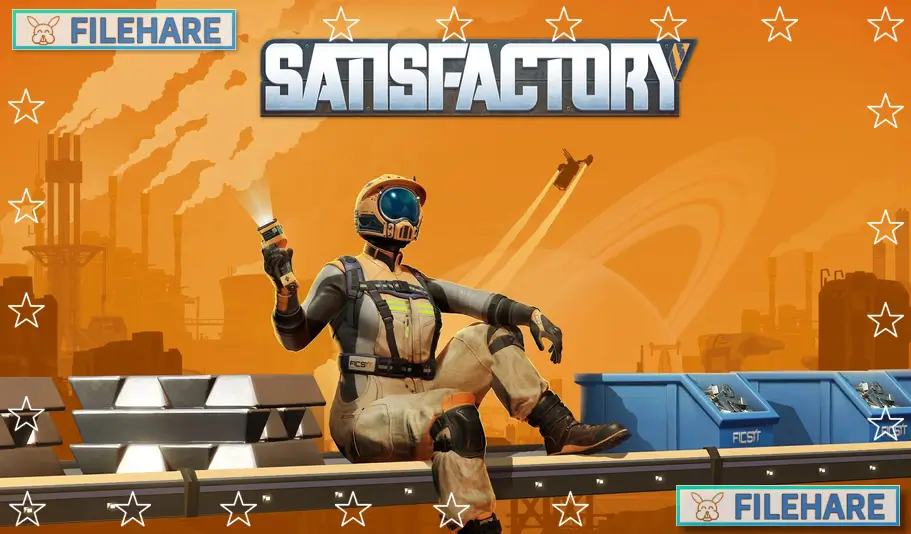
Satisfactory is a first-person factory building game where players build and automate huge factories on an alien planet. The game was developed by Coffee Stain Studios and published by Coffee Stain Publishing. It was released as early access on March 19, 2019, and the full version came out on September 10, 2024, for PC. Players can enjoy this game alone or with friends in co-op multiplayer mode. The game runs on Unreal Engine 5, which helps it run smoothly and look good.
Table of Contents
Satisfactory Gameplay
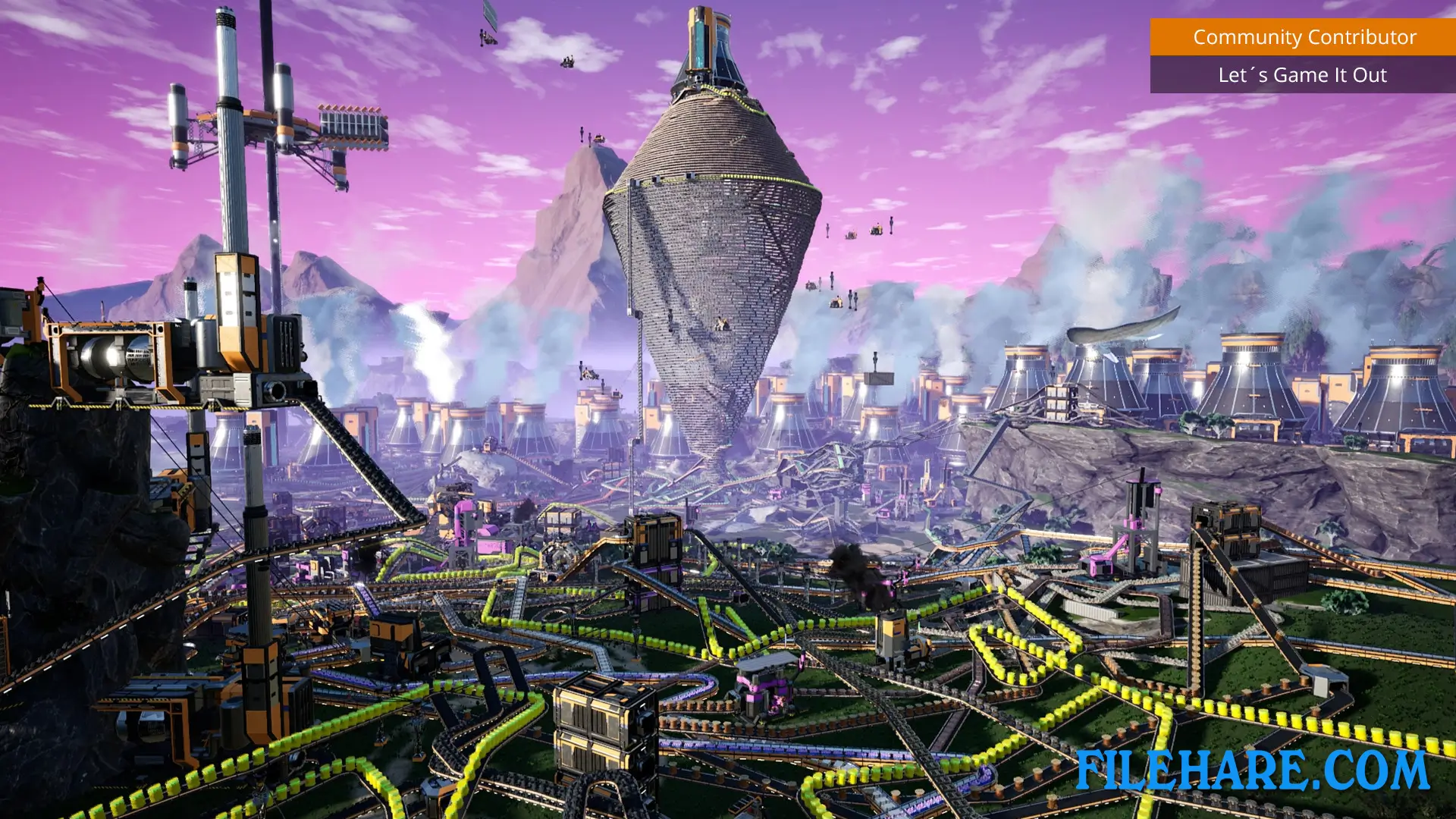
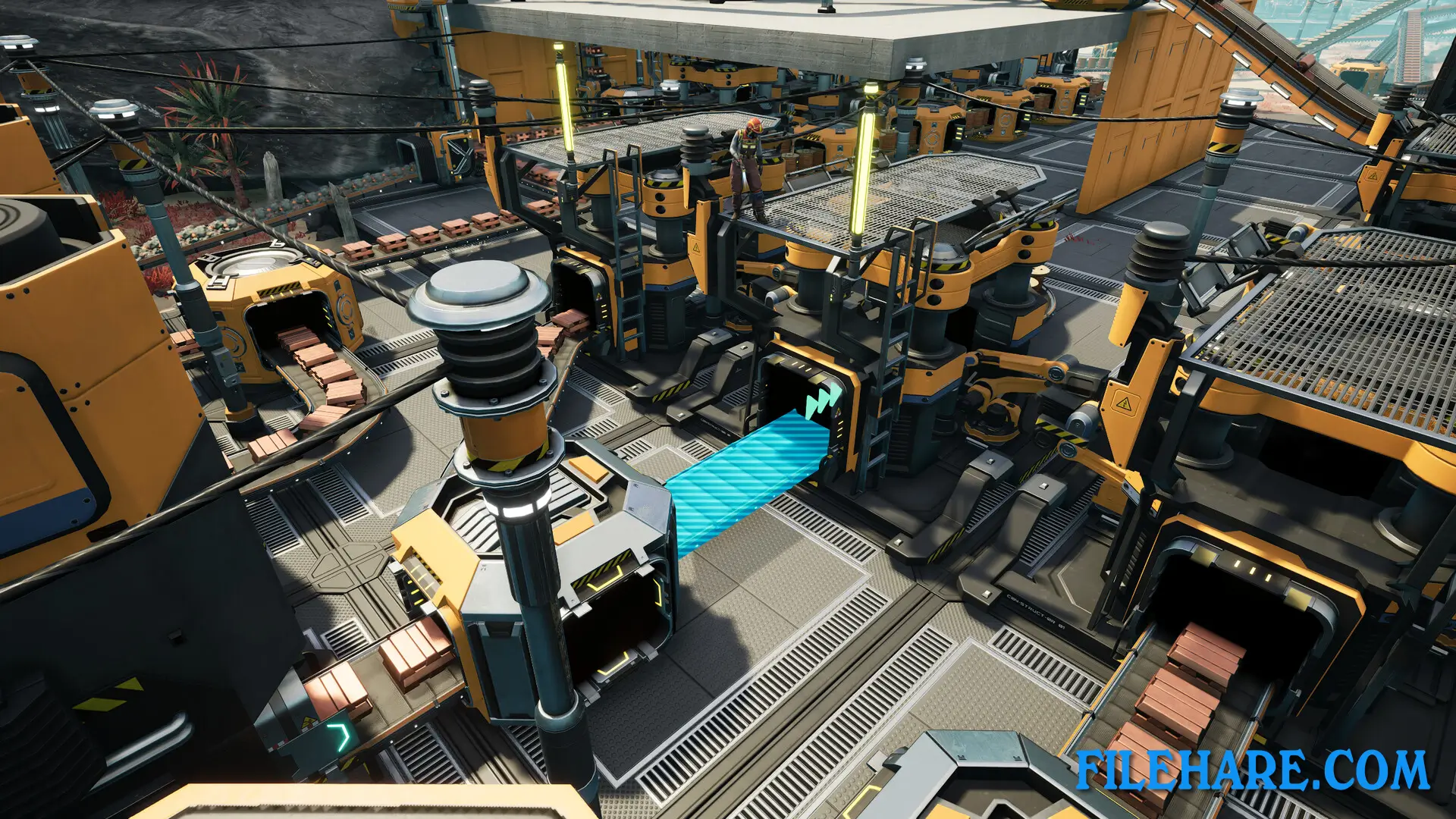
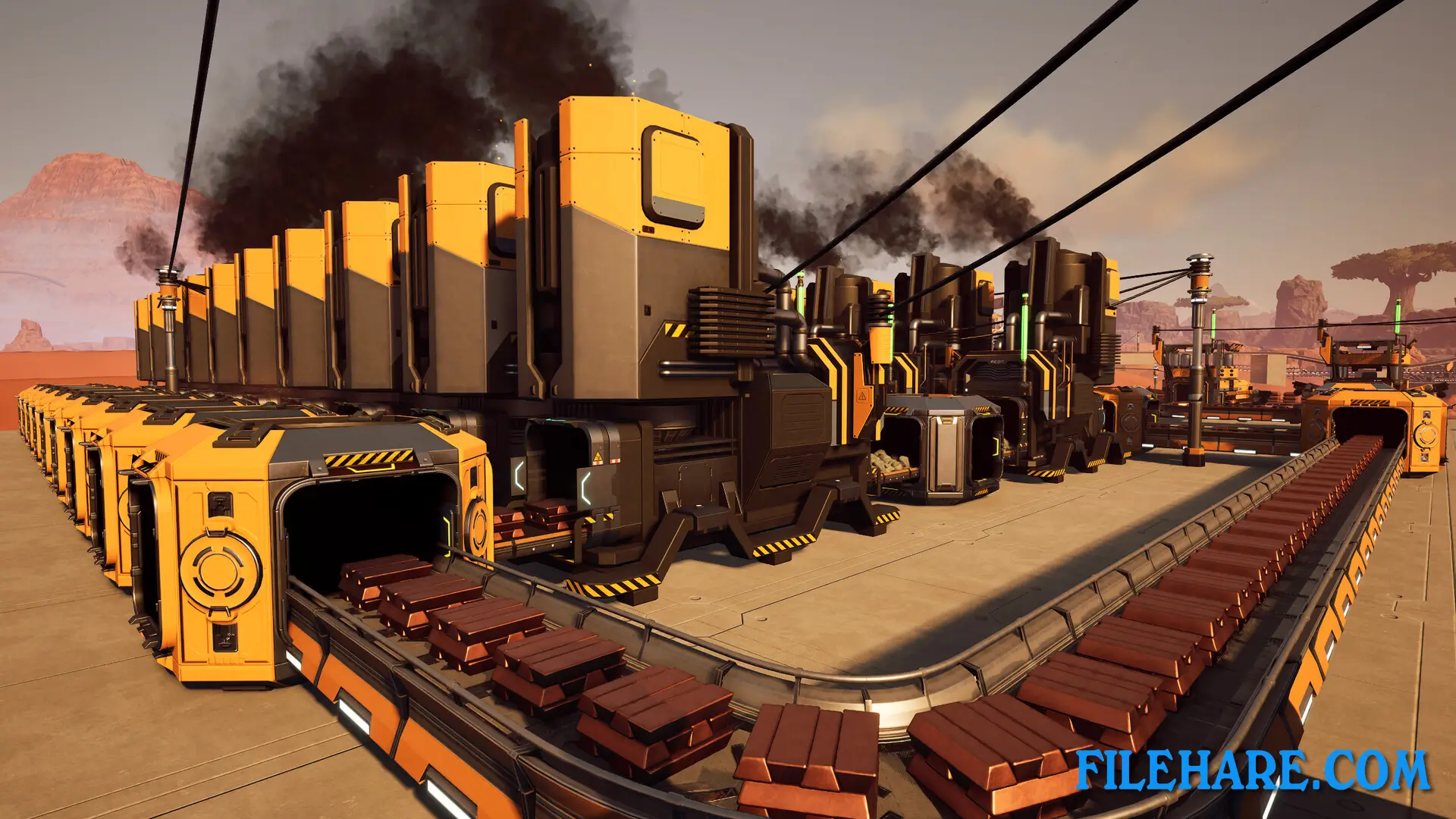
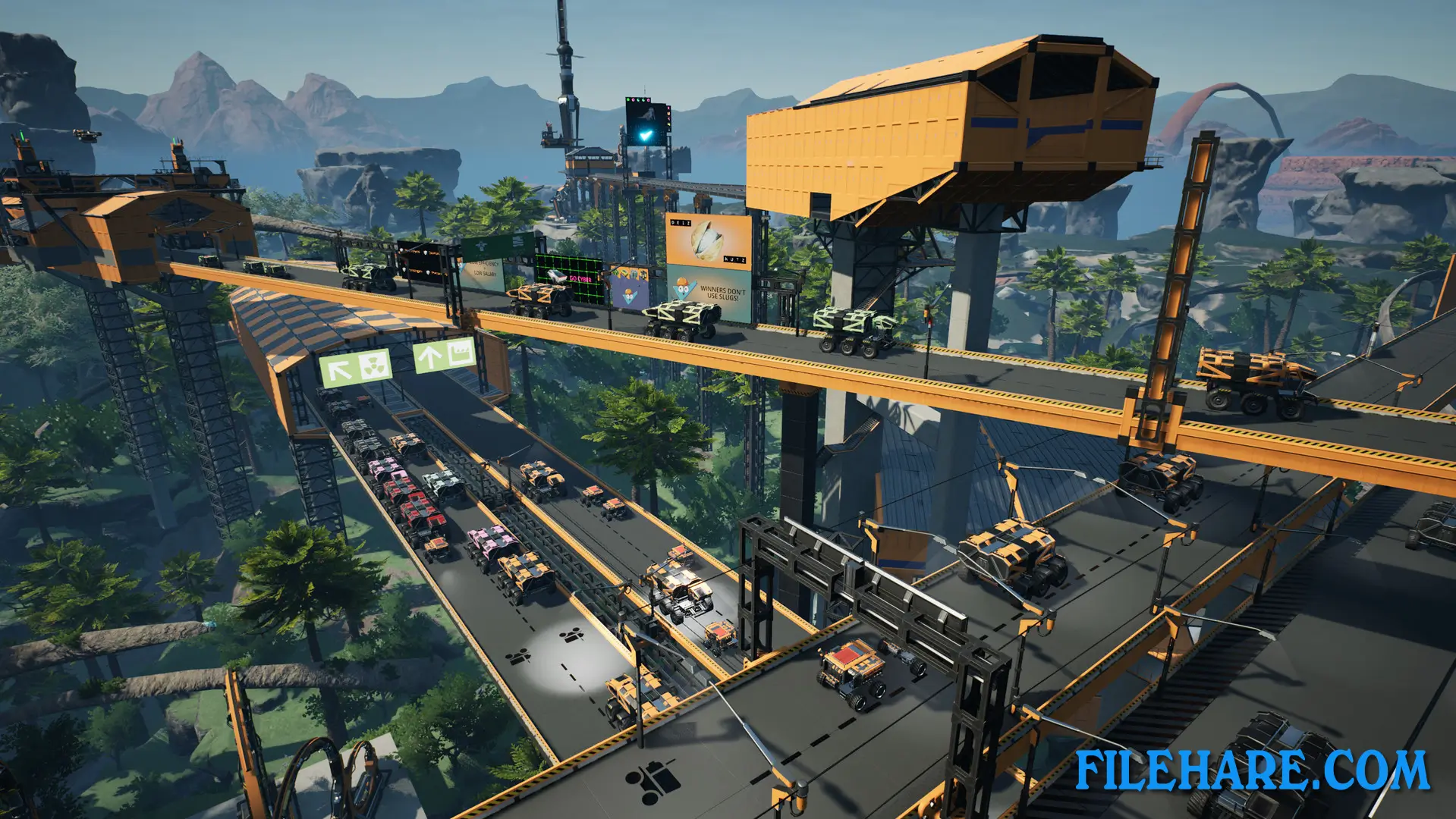
Players take on the role of a FICSIT Pioneer who lands on a planet called MASSAGE-2(AB)b to collect resources. The main goal is to build factories and automate production to create components that get sent to space using a space elevator. Players start by collecting basic resources like iron and copper by hand, then slowly build machines to do this work automatically. The game has a tier system where completing one tier unlocks new technology and machines for the next level. Players explore the planet on foot to find resources and unlock the map. The map covers about 30 square kilometers and is not randomly generated but carefully designed with different areas. There are alien creatures on the planet, so players need to defend themselves while exploring. As factories grow bigger, players can build conveyor belts to move items between machines, set up trucks and trains for transport, and use pipes to move liquids.
Satisfactory Features
Players can build factories that go up multiple floors, creating tall structures that process materials step by step. The game supports cooperative multiplayer, so friends can work together to build even bigger factories. There are vehicles players can use to travel faster and carry more items. The planet has different types of land, from forests to deserts, and players can build anywhere they want. There are mysterious alien artifacts scattered around the planet that players can find. These artifacts connect to a storyline about an alien intelligence trying to communicate. The building system is very flexible, allowing players to design their factories however they like, whether neat and organized or with conveyor belts going everywhere.
Recommended System Requirements
Requires a 64-bit processor and operating system
- OS: Windows 11 or later (64-bit)
- Processor: Ryzen 5 5600X or i5-12400 or equivalent performance, 6 physical cores minimum
- Memory: 16 GB RAM
- Graphics: Nvidia RTX 2070 or RX 5700, or equivalent performance & VRAM
- Storage: 20 GB available space
- Additional Notes: Internet connection required for multiplayer.
Gameplay Screenshots
| Name | Satisfactory |
|---|---|
| Developer | Coffee Stain Studios |
| File Size | 7.63 GB |
| Category | Simulation, Strategy |
| Minimum System Requirements | |
| CPU | Intel i5-3570 3.4 GHz 4 Core |
| RAM | 8 GB |
| Graphics | Nvidia GTX 1650/GTX 1050-ti, or AMD RX 470/RX 570, or equivalent performance & VRAM |
| Free Disk Space | 20 GB |
| Operating System | Windows 10 / 11 (64-bit) |
| User Rating | |
To buy this game, visit the Store Page
How to Download and Install Satisfactory PC Game?
We have simple instructions for you to download and install the PC game. Before following the steps, Ensure your PC meets the minimum system requirements for Playing the game on your PC.
- First, click on the DOWNLOAD button and you will be redirected to the final Download page. Then, Download the Game on your PC.
- Once you have downloaded the Satisfactory PC Game, Open the folder where you saved the Game.
- Then Right-click on the Zip file and click on the "Extract files" option from the dropdown menu. If your computer does not have a Zip file extract software installed, you must first install it. (such as WinRAR, 7Zip software)
- After Extracting the Zip file, Open the Satisfactory PC Game folder.
- Then, double-click on the Setup.exe file to Install the Game.
- If asked, provide administrator permissions for the installation to proceed. Click Yes to continue.
- Follow the on-screen installation wizard to install the game on your PC.
- After the installation, if you get any missing ".dll" errors or the Game is not launching, open the Readme.txt file located in the game folder and follow the instructions shown in the document file to play the game.
Done!. Now, you can launch the game from your desktop.