Caravan SandWitch: Digital Collector’s Edition PC Game Download
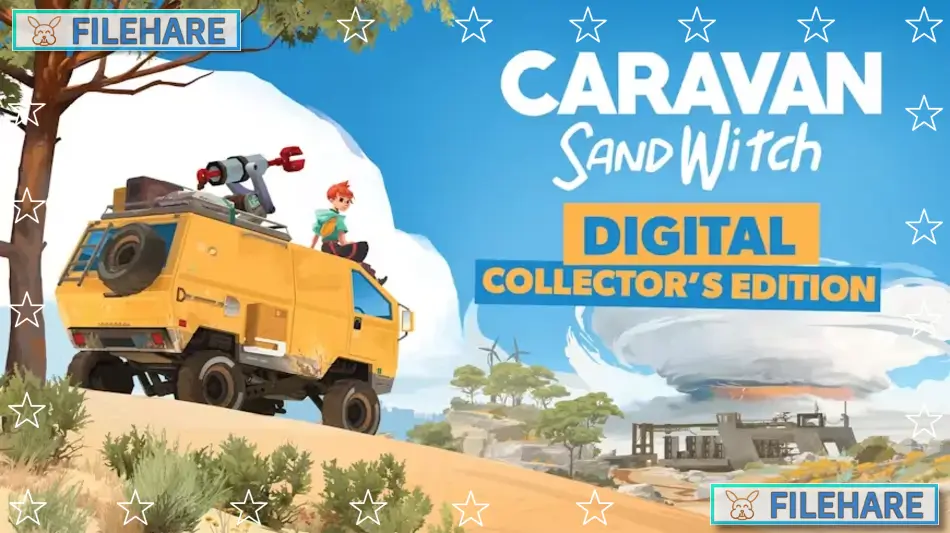
Caravan SandWitch: Digital Collector’s Edition is an adventure exploration game that was developed by Studio Plane Toast and published by Dear Villagers. The game was released on September 12, 2024, for PC, PlayStation 5, and Nintendo Switch. This special edition comes with the base game plus extra content, including the official soundtrack and a digital souvenir shop with bonus items like a coloring book and 3D printing files for characters.
Table of Contents
Caravan SandWitch: Digital Collector’s Edition Story
You play as Sauge, a person who returns home to the planet Cigalo to search for her missing sister, Garance. The planet is a sci-fi version of Provence that was abandoned by most humans who left for another planet after overusing its resources. The inhabitants that remain include the Reinetos, an old aboriginal species, robots that were left behind, and humans who chose to stay. These groups now live together peacefully and help one another in this difficult environment. As you explore and talk to people, you slowly discover clues about what happened to your sister.
Caravan SandWitch: Digital Collector’s Edition Gameplay
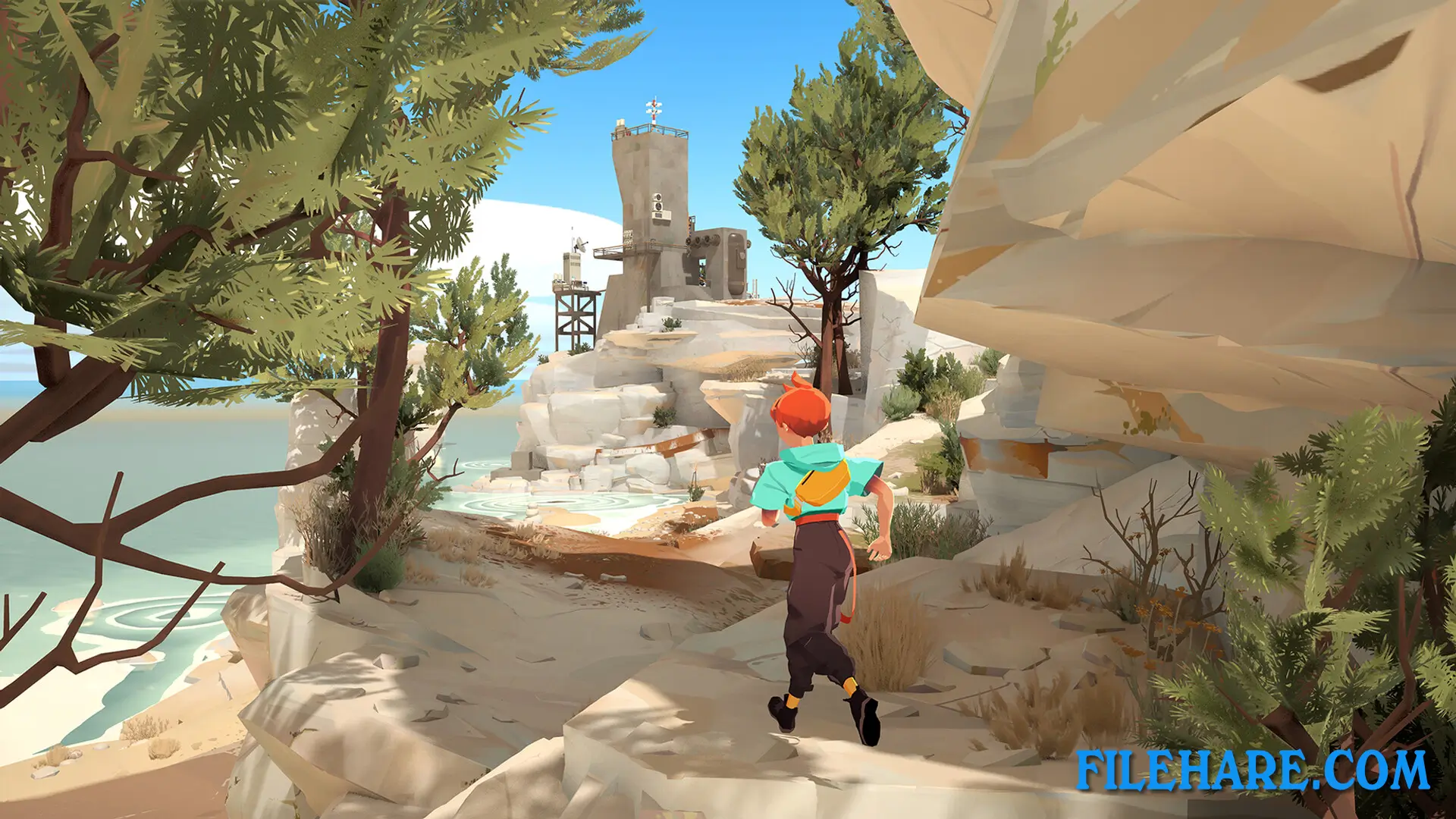
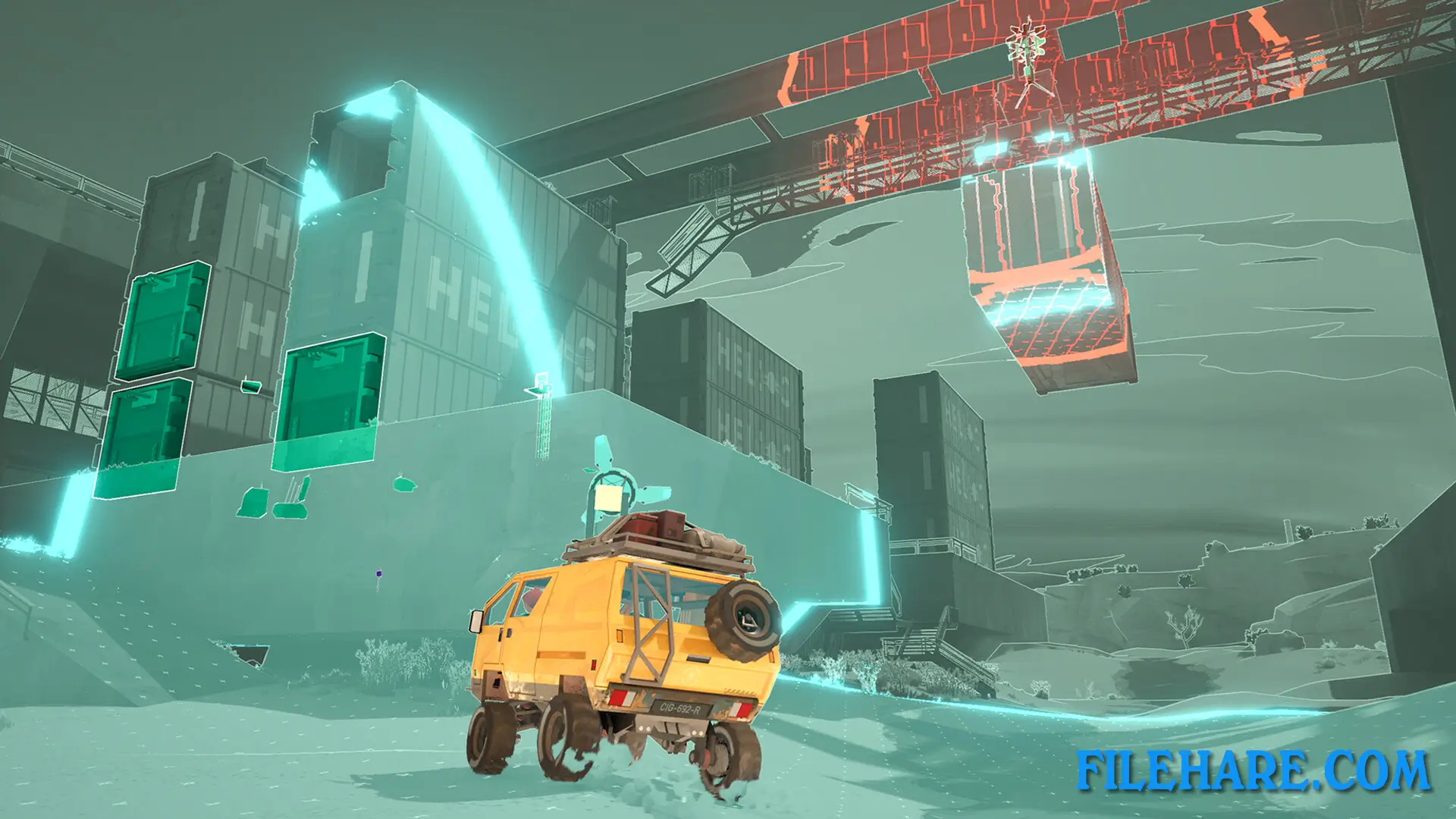
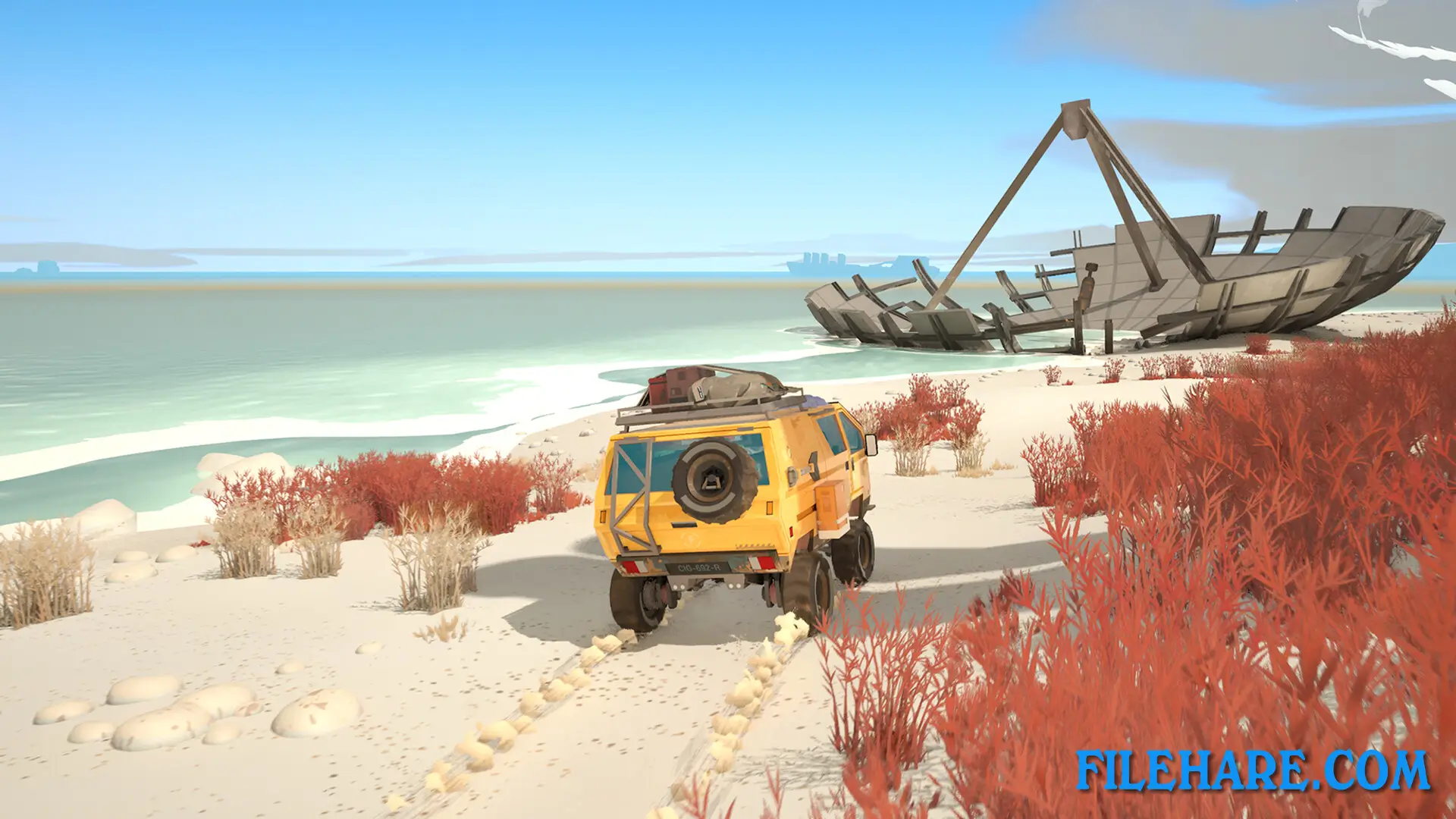
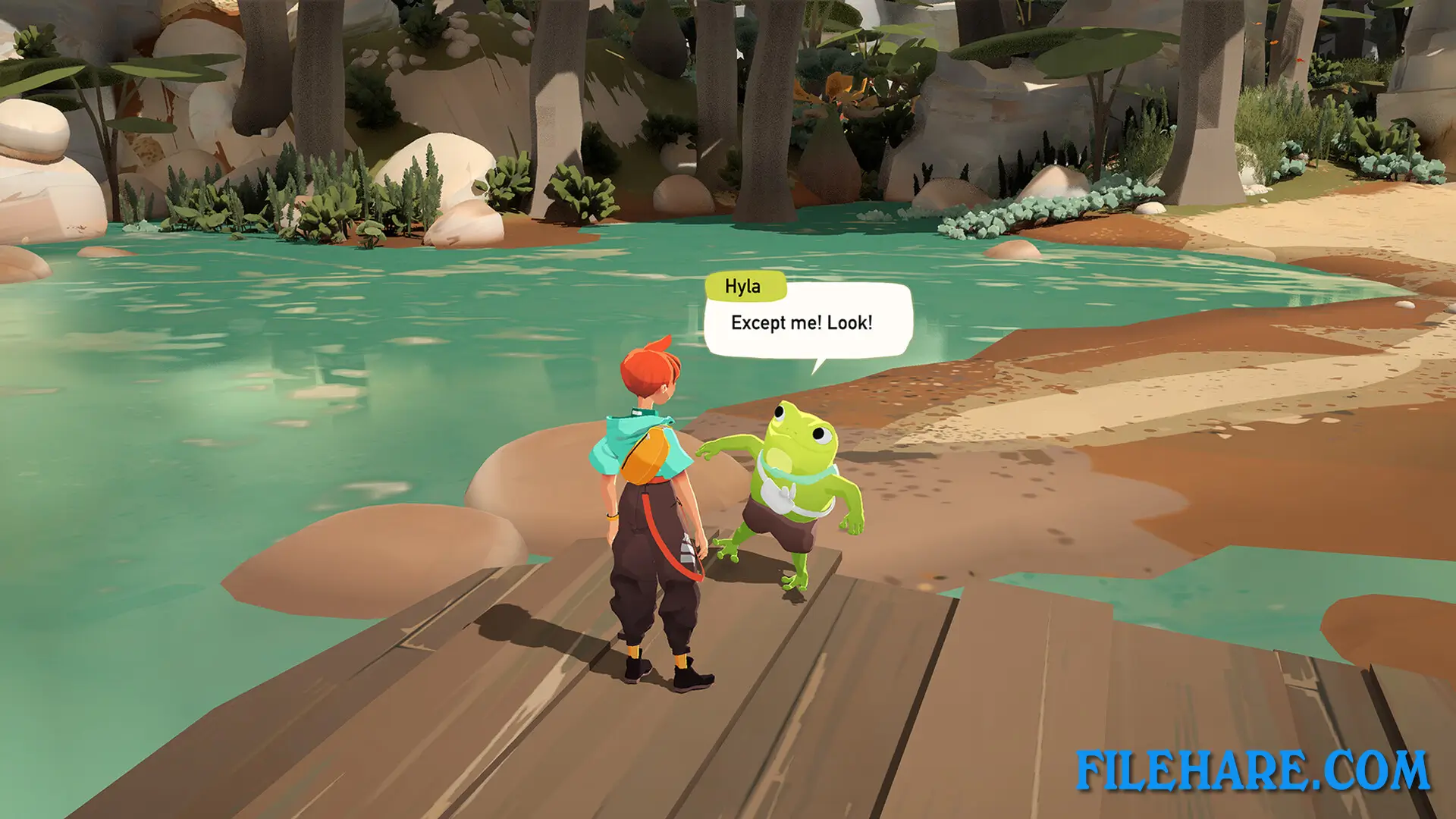
The game lets you explore the open world at your own speed without any time limits, combat, or danger of death. You travel across the planet using a customizable van that can be upgraded to access new areas and unlock previously blocked passages. When not driving, you can walk around on foot to interact with the local community and assist them with their problems. The game focuses on relaxed exploration rather than action. You collect tools and upgrade your van as you progress, which helps you reach ancient ruins and hidden locations. There are no enemies to fight, so you can concentrate on discovering the environment and talking to the people you meet along the way.
Caravan SandWitch: Digital Collector’s Edition Features
The Digital Collector’s Edition includes several bonus items beyond the main game. You get the complete original soundtrack composed by Antynomy, which has 23 tracks totaling 38 minutes of music. The souvenir shop contains a digital coloring book with artwork from the game and 3D printing files for game characters. The game supports multiple languages, including English, French, German, Spanish, Portuguese, Japanese, Korean, and Chinese. Players can customize their van throughout the adventure to suit their preferences and needs.
Recommended System Requirements
- OS: Windows 10/11
- Processor: AMD Ryzen 7 1700X / Intel Core i5-8600K
- Memory: 16 GB RAM
- Graphics: GeForce GTX 3050 / Radeon RX 5600XT
- DirectX: Version 11
- Storage: 5 GB available space
Gameplay Screenshots
| Name | Caravan SandWitch: Digital Collector’s Edition |
|---|---|
| Developer | Studio Plane Toast |
| File Size | 2.15 GB |
| Category | Adventure |
| Minimum System Requirements | |
| CPU | AMD Ryzen 3 3100 / Intel Core i3-8100 |
| RAM | 8 GB |
| Graphics | GeForce GTX 1050 Ti / Radeon RX 570 |
| Free Disk Space | 5 GB |
| Operating System | Windows 10 / 11 |
| User Rating | |
To buy this game, visit the Store Page
How to Download and Install Caravan SandWitch: Digital Collector’s Edition PC Game?
We have simple instructions for you to download and install the PC game. Before following the steps, Ensure your PC meets the minimum system requirements for Playing the game on your PC.
- First, click on the DOWNLOAD button and you will be redirected to the final Download page. Then, Download the Game on your PC.
- Once you have downloaded the Caravan SandWitch: Digital Collector’s Edition PC Game, Open the folder where you saved the Game.
- Then Right-click on the Zip file and click on the "Extract files" option from the dropdown menu. If your computer does not have a Zip file extract software installed, you must first install it. (such as WinRAR, 7Zip software)
- After Extracting the Zip file, Open the Caravan SandWitch: Digital Collector’s Edition PC Game folder.
- Then, double-click on the Setup.exe file to Install the Game.
- If asked, provide administrator permissions for the installation to proceed. Click Yes to continue.
- Follow the on-screen installation wizard to install the game on your PC.
- After the installation, if you get any missing ".dll" errors or the Game is not launching, open the Readme.txt file located in the game folder and follow the instructions shown in the document file to play the game.
Done!. Now, you can launch the game from your desktop.