MARVEL vs. CAPCOM Fighting Collection: Arcade Classics PC Game Download
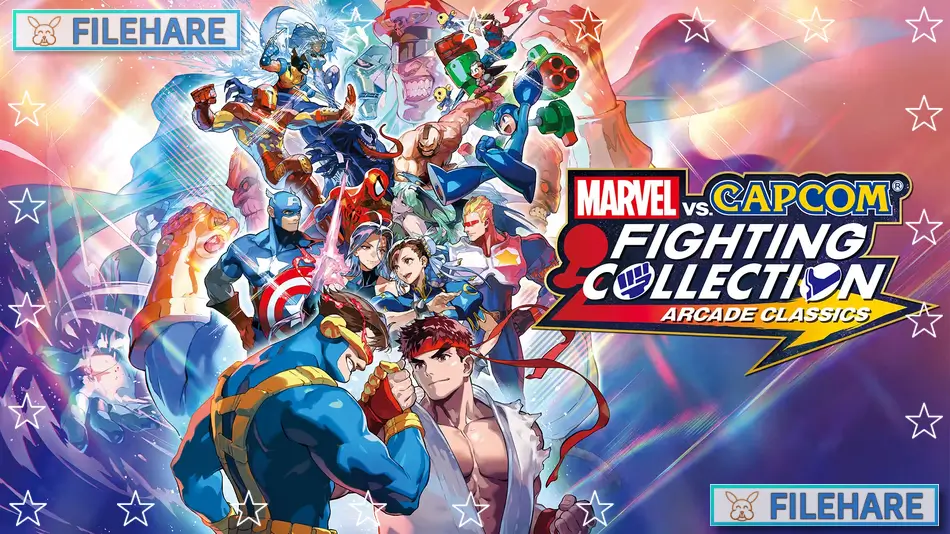
MARVEL vs. CAPCOM Fighting Collection: Arcade Classics is a fighting game compilation developed and published by Capcom. The collection was released on September 12, 2024, for PC via Steam, PlayStation 4, and Nintendo Switch. Physical versions for PlayStation 4 and Nintendo Switch came out on November 22, 2024. An Xbox One version was released on February 4, 2025. This is the second entry in Capcom’s Fighting Collection series. The collection costs $49.99 and includes seven arcade games featuring Marvel and Capcom characters. This marks the first time many of these games have appeared on modern platforms in over a decade.
Table of Contents
MARVEL vs. CAPCOM Fighting Collection: Arcade Classics Gameplay
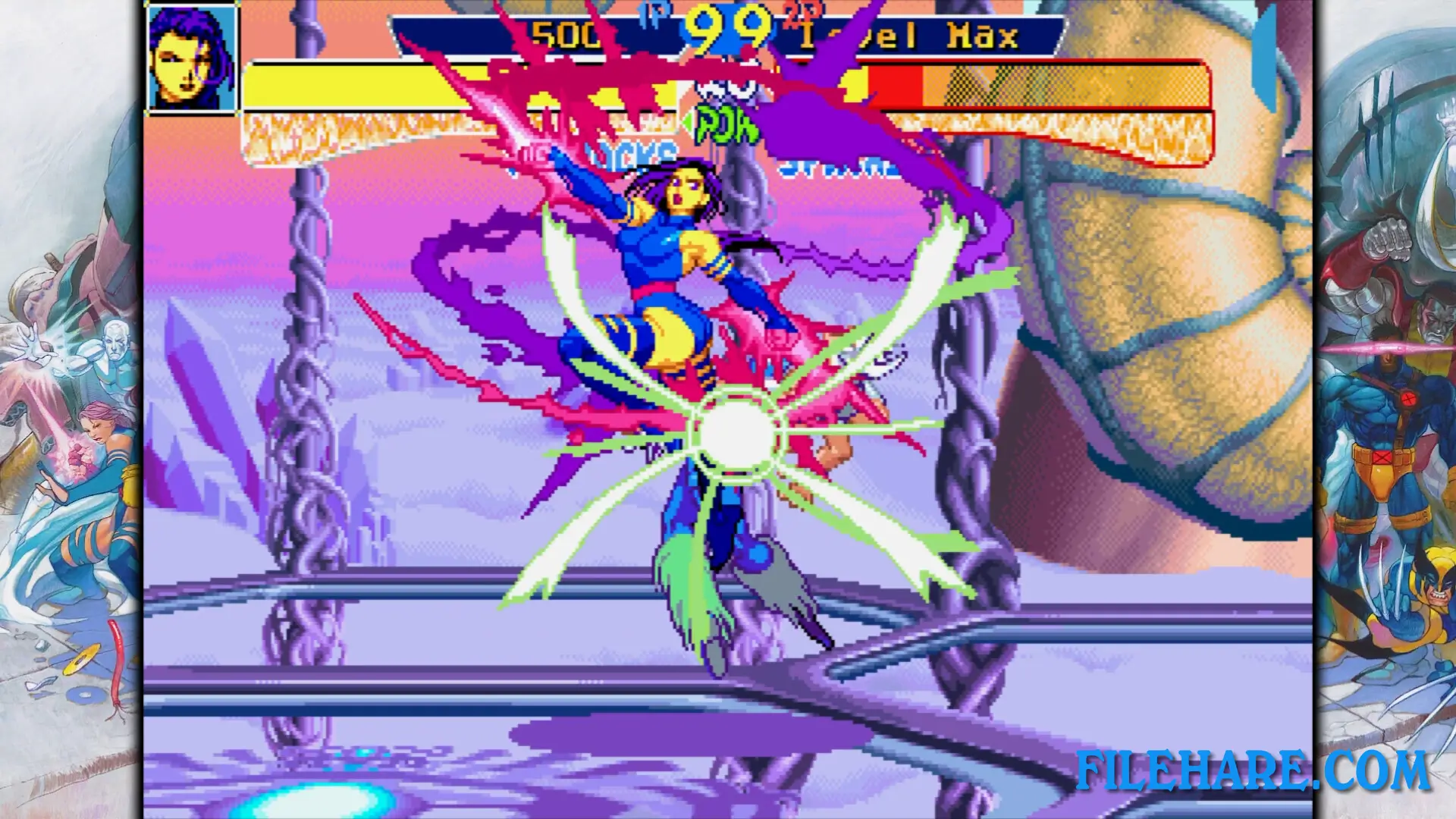
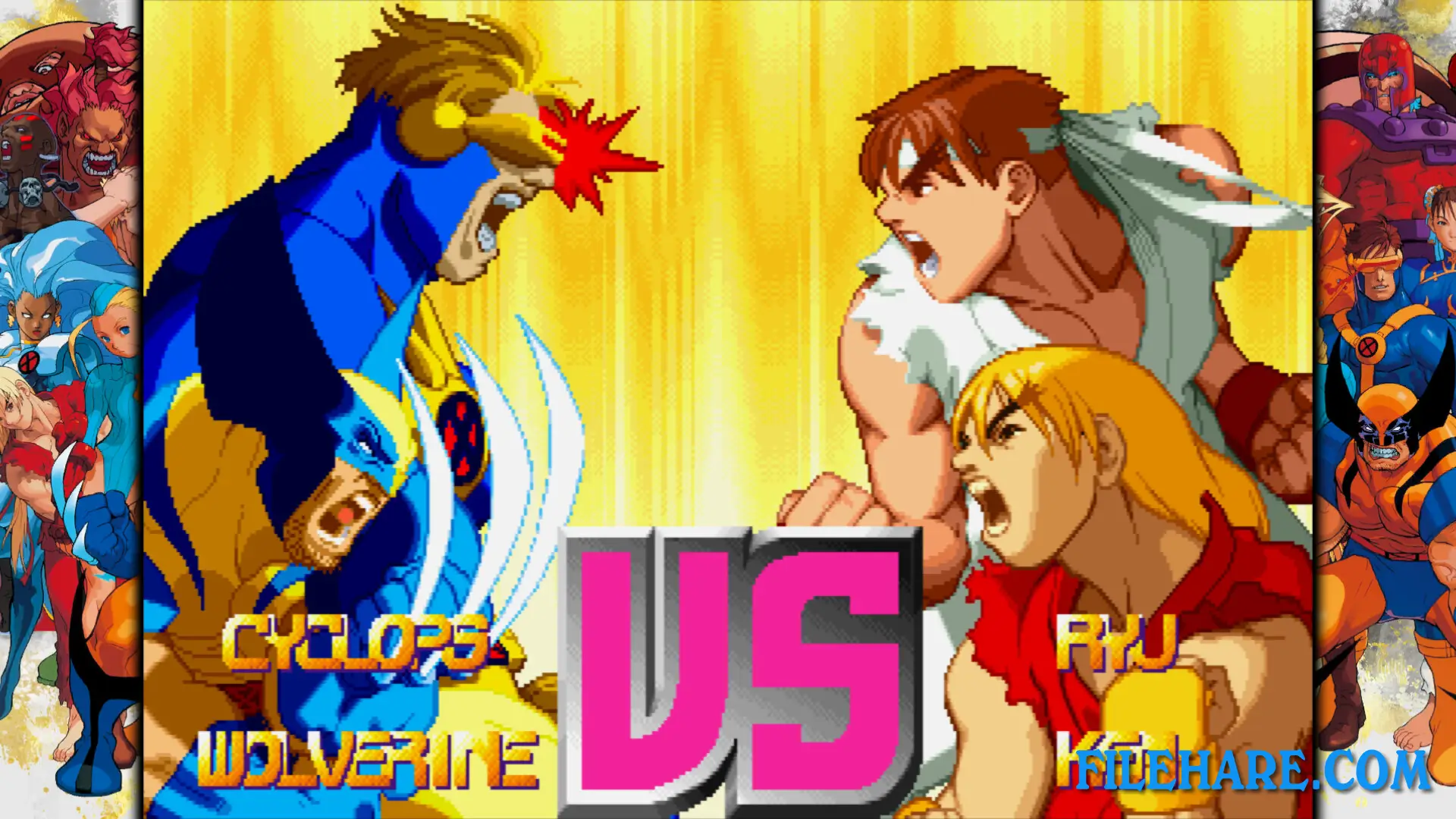
The collection features seven games: X-Men Children of the Atom, Marvel Super Heroes, X-Men vs. Street Fighter, Marvel Super Heroes vs. Street Fighter, Marvel vs. Capcom Clash of Super Heroes, Marvel vs. Capcom 2 New Age of Heroes, and The Punisher. Six of these are fighting games where players control teams of characters and battle opponents using punches, kicks, and special moves. Players can switch between team members during matches. The games use tag team mechanics where fighters can be swapped out to recover health. All fighting games support online play with rollback netcode for smooth matches. Players can compete in ranked battles or casual matches. The Punisher is a beat ’em up game where players fight through levels instead of one-on-one battles. The collection also includes a High Score Challenge mode where players try to get the highest scores and compete on global rankings.
MARVEL vs. CAPCOM Fighting Collection: Arcade Classics Features
The collection has online multiplayer for all seven games with ranked, casual, and lobby matches. Players can use Spectator Mode to watch other people play. The games are based on the original arcade versions, which means they are the most accurate ports available. The collection has over 500 pieces of artwork from all seven titles that players can view in the museum section. There are also development documents showing how the original games were created. A music player contains over 200 tracks from the arcade games that can be listened to at any time. The collection offers adjustable difficulty levels and One Button Specials to help new players. Training modes are available to practice moves and combos. Players can save and load their game state almost anywhere. The collection includes new display filters and visual options. Fighter Awards track player accomplishments and point to obscure content. Pre-orders of physical versions came with a 32-page Marvel comic book featuring characters from the games.
Recommended System Requirements
Requires a 64-bit processor and operating system
- OS: Windows 10 / Windows 11
- Processor: Intel Core i5-4460, AMD FX-8300 (or better)
- Memory: 4 GB RAM
- Graphics: NVIDIA: GeForce GTX 970 with 4GB Video RAM, AMD: Radeon RX480 with 4GB Video RAM
- DirectX: Version 11
- Storage: 4 GB available space
- Sound Card: DirectSound (DirectX 9.0c or later)
- Additional Notes: Xinput-compatible controller recommended
Gameplay Screenshots
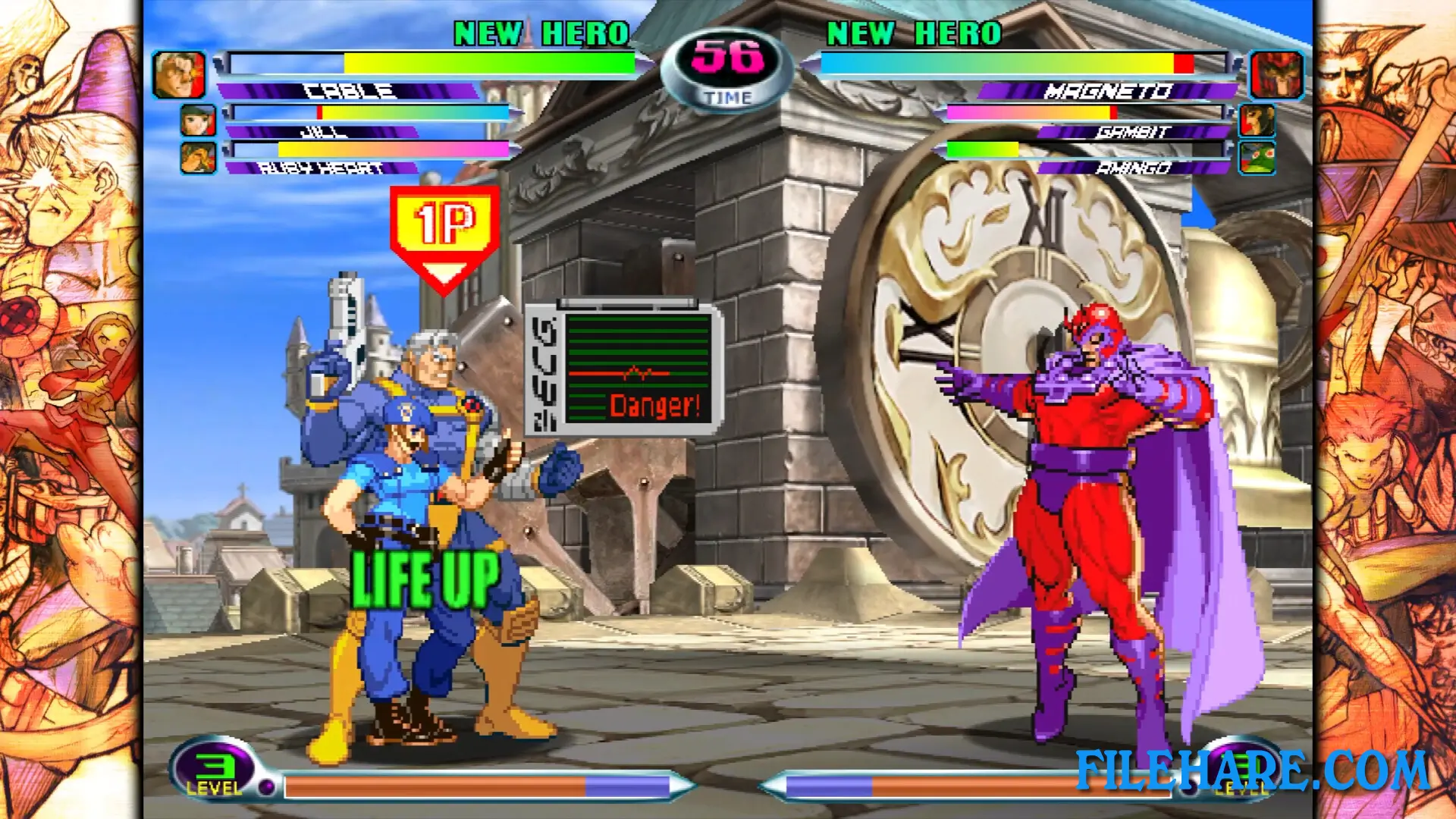
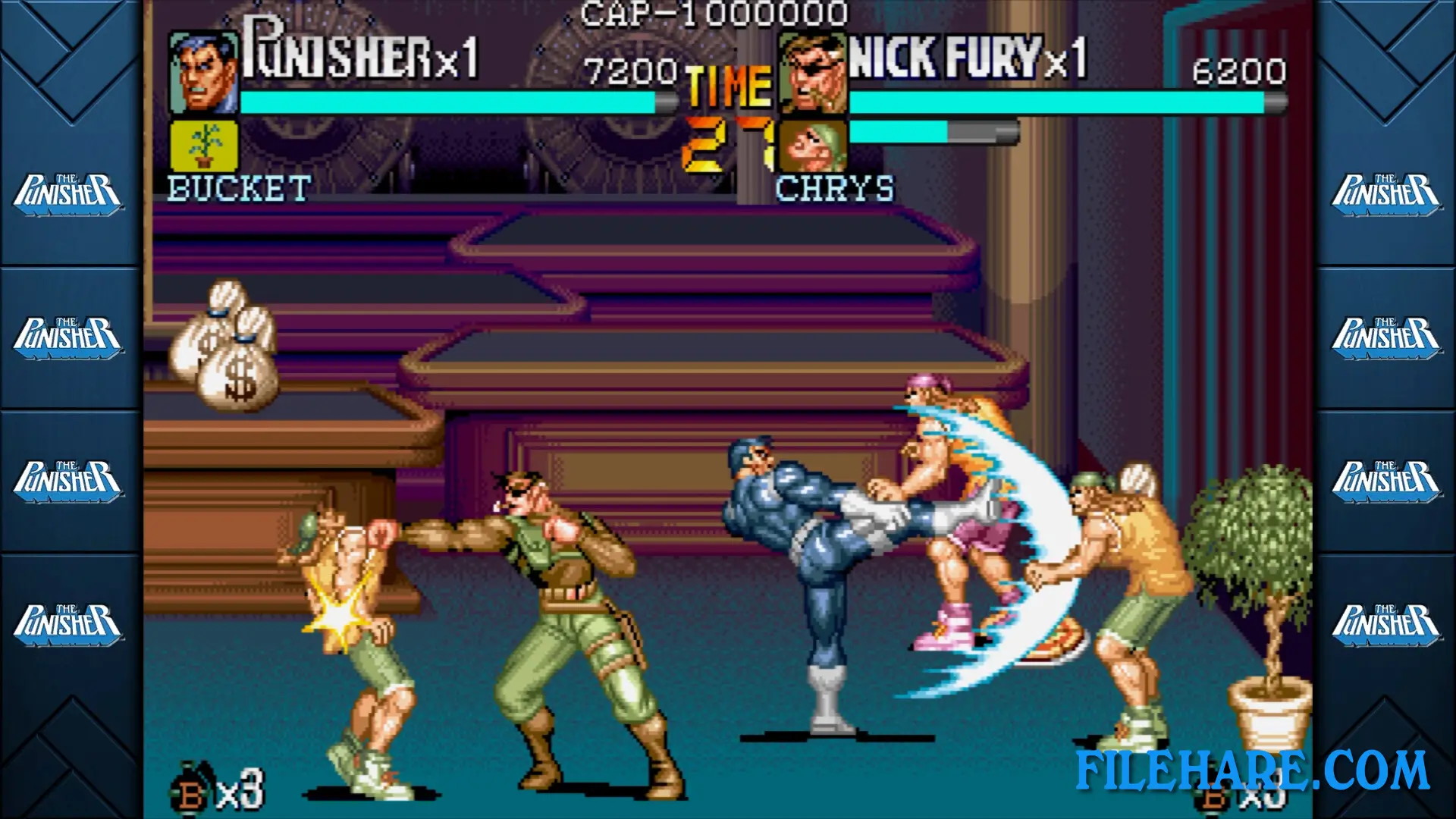
| Name | MARVEL vs. CAPCOM Fighting Collection: Arcade Classics |
|---|---|
| Developer | CAPCOM Co., Ltd. |
| File Size | 2.61 GB |
| Category | Action |
| Minimum System Requirements | |
| CPU | Intel Core i5-3470 / AMD FX-6100 |
| RAM | 4 GB |
| Graphics | NVIDIA GeForce GTX 470 with 1.2GB Video RAM / AMD Radeon R7 260x with 2GB Video RAM |
| Free Disk Space | 4 GB |
| Operating System | Windows 10 / 11 (64-bit) |
| User Rating | |
To buy this game, visit the Store Page
How to Download and Install MARVEL vs. CAPCOM Fighting Collection: Arcade Classics PC Game?
We have simple instructions for you to download and install the PC game. Before following the steps, Ensure your PC meets the minimum system requirements for Playing the game on your PC.
- First, click on the DOWNLOAD button and you will be redirected to the final Download page. Then, Download the Game on your PC.
- Once you have downloaded the MARVEL vs. CAPCOM Fighting Collection: Arcade Classics PC Game, Open the folder where you saved the Game.
- Then Right-click on the Zip file and click on the "Extract files" option from the dropdown menu. If your computer does not have a Zip file extract software installed, you must first install it. (such as WinRAR, 7Zip software)
- After Extracting the Zip file, Open the MARVEL vs. CAPCOM Fighting Collection: Arcade Classics PC Game folder.
- Then, double-click on the Setup.exe file to Install the Game.
- If asked, provide administrator permissions for the installation to proceed. Click Yes to continue.
- Follow the on-screen installation wizard to install the game on your PC.
- After the installation, if you get any missing ".dll" errors or the Game is not launching, open the Readme.txt file located in the game folder and follow the instructions shown in the document file to play the game.
Done!. Now, you can launch the game from your desktop.