Kingdom Rush: Vengeance PC Game Download for Windows 10/11/7/8
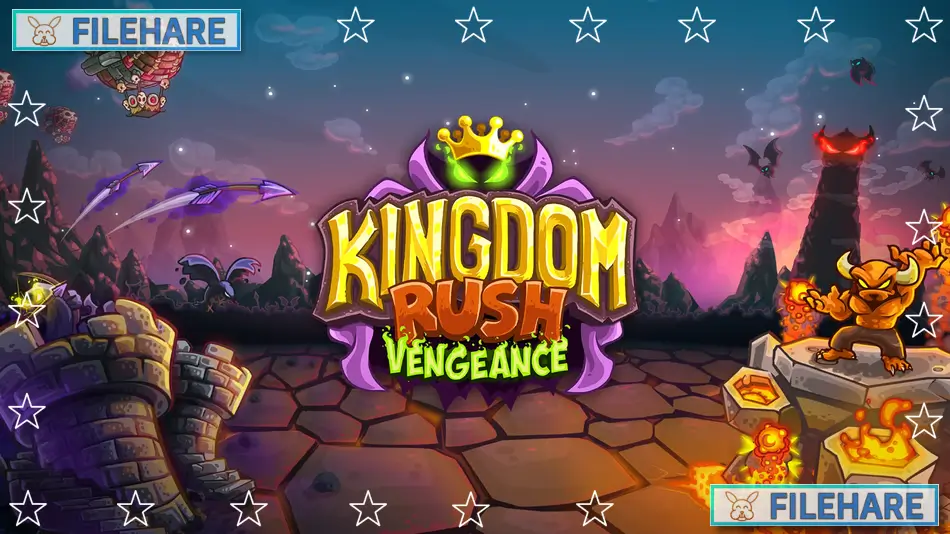
Kingdom Rush Vengeance is a tower defense strategy game developed and published by Ironhide Game Studio. The game was first released on November 22, 2018, for mobile platforms including iOS and Android. The PC version came out on October 15, 2020, on Steam and GOG. This is the fourth game in the Kingdom Rush series and follows after Kingdom Rush Origins. It is also available on Mac computers. The game costs $19.99 and has received very positive reviews from players, with a 90 percent approval rating.
Table of Contents
Kingdom Rush Vengeance Story
The story follows Vez’nan, the powerful wizard who was the main villain in previous Kingdom Rush games. This time, players control Vez’nan as he escapes from his fiery prison. When he returns to his dark tower, he finds it has been invaded by King Denas and his soldiers. Vez’nan appoints the player as his general, and together they work to take back the tower. After clearing out the invaders, Vez’nan begins his plans to dominate the kingdom and get revenge on those who imprisoned him. The campaign takes players through various lands as Vez’nan’s dark army conquers territory. Players will face three mighty kings in major confrontations throughout the story. The game has a dark comedy tone as Vez’nan commands his army of orcs, goblins, demons, dark knights, and zombies.
Kingdom Rush Vengeance Gameplay
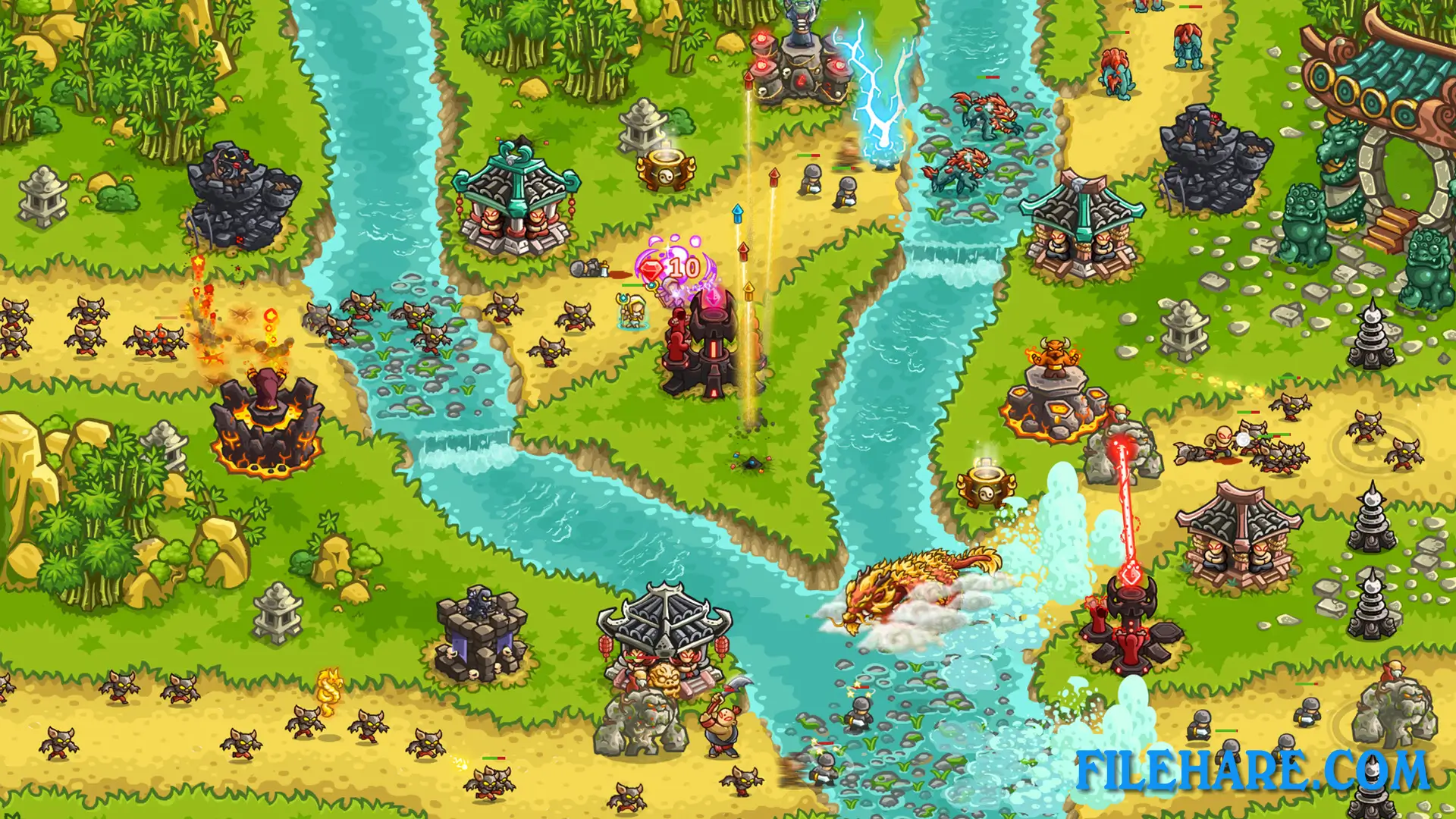
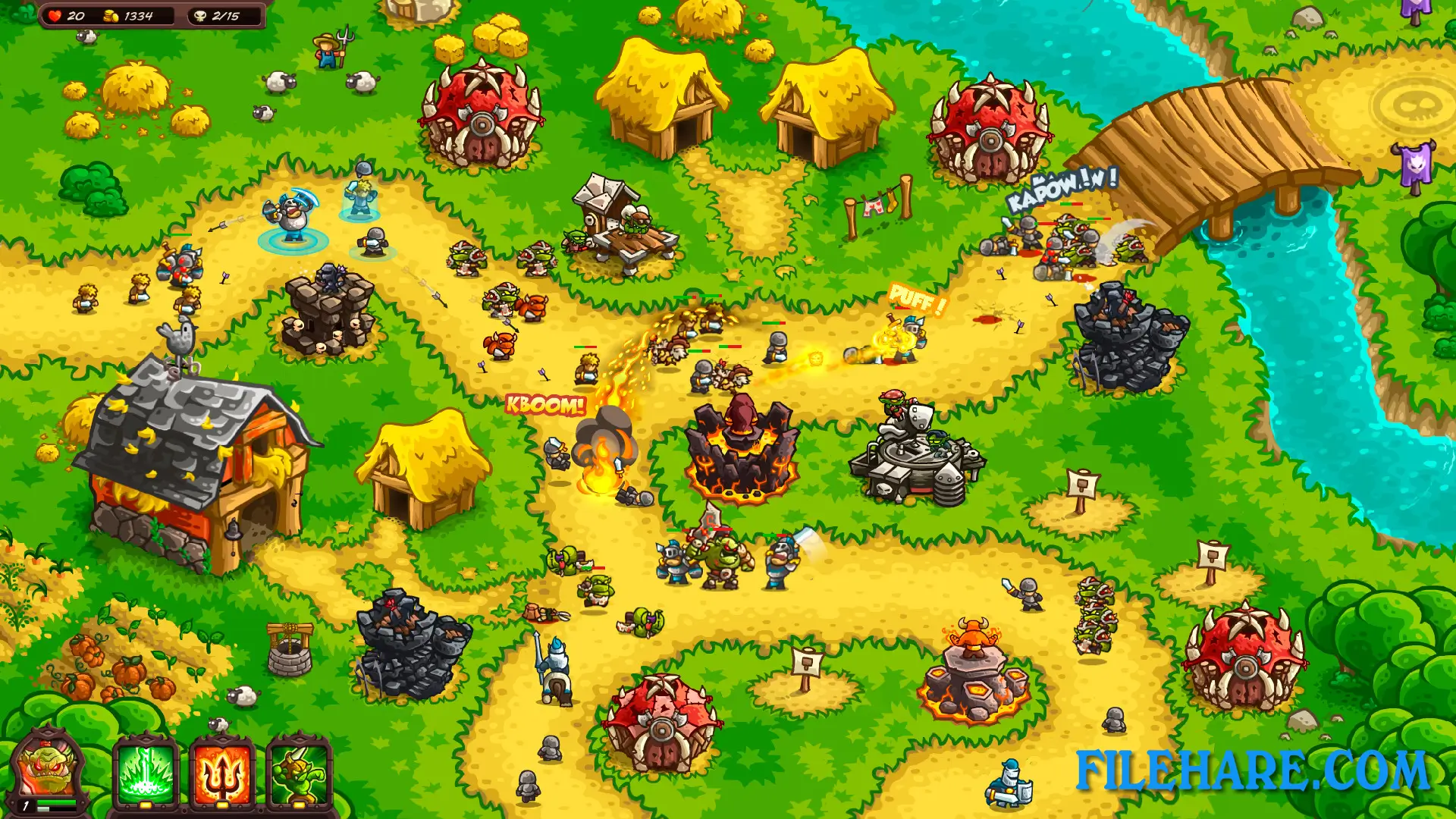
Kingdom Rush Vengeance follows the classic tower defense formula where players place towers along paths to stop enemy waves from reaching the end. The game introduces a new approach compared to earlier Kingdom Rush games. Instead of having four basic tower types that can be specialized, players now get to choose from 18 specialized towers before starting a level. Players can select five towers to bring into battle from this larger selection. Gold is used to build and upgrade towers during combat. Players start each level with some gold and earn more by defeating enemies. Towers can be upgraded four times to become more powerful.
The game includes nine heroes that players can deploy during battles. These heroes are controllable units that can move around the map and have special abilities. Players can upgrade their heroes and towers, which have 30 different upgrades. The game also has special powers and reinforcements that can be called in during tough situations. Over 60 enemy types appear throughout the campaign, including regular troops and powerful commanders. Players must complete 16 stages across three lands. Additional campaigns have been released as downloadable content, including the Hammerhold Campaign and the Pirate Kings Campaign.
Gameplay Screenshots
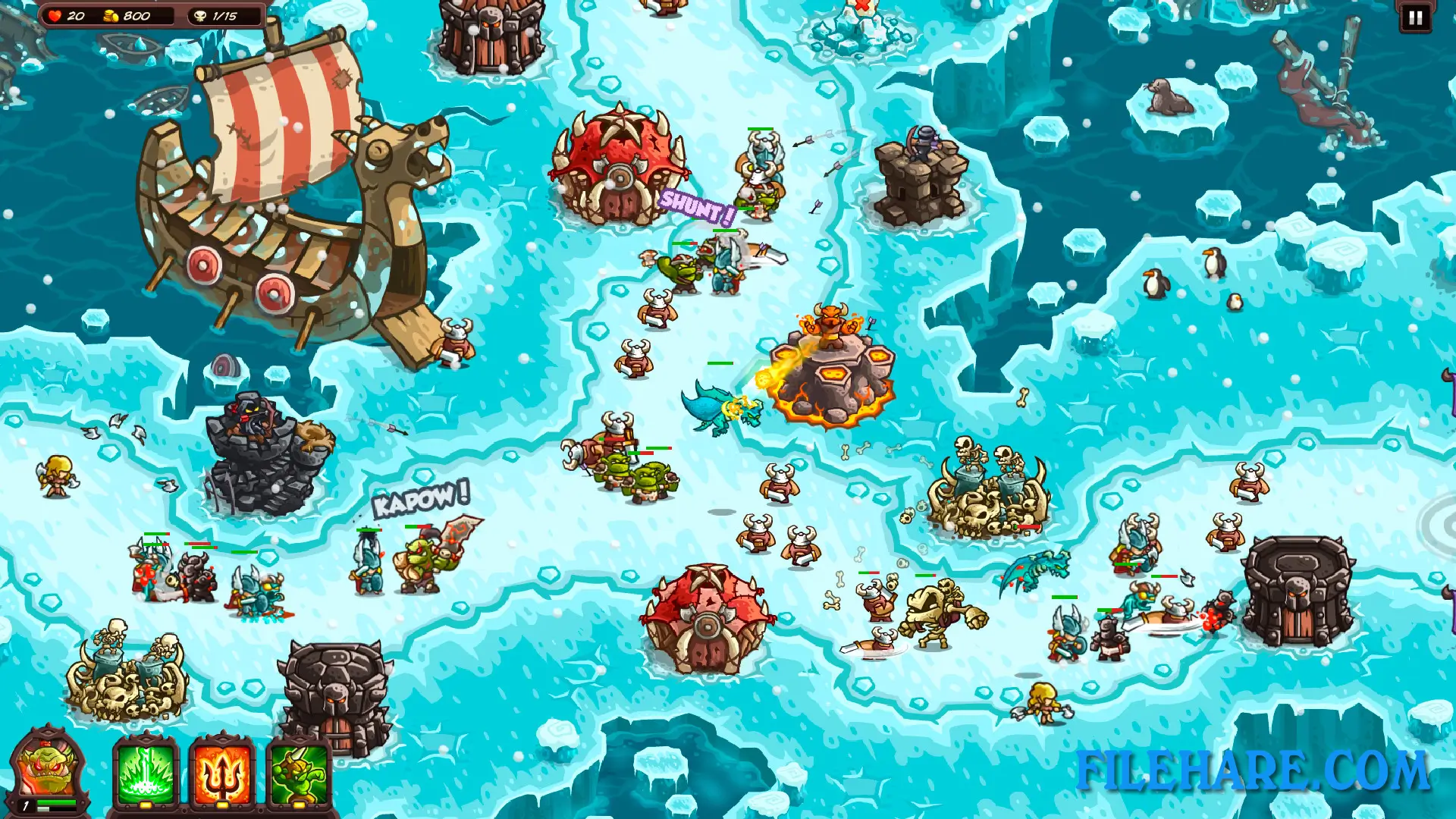
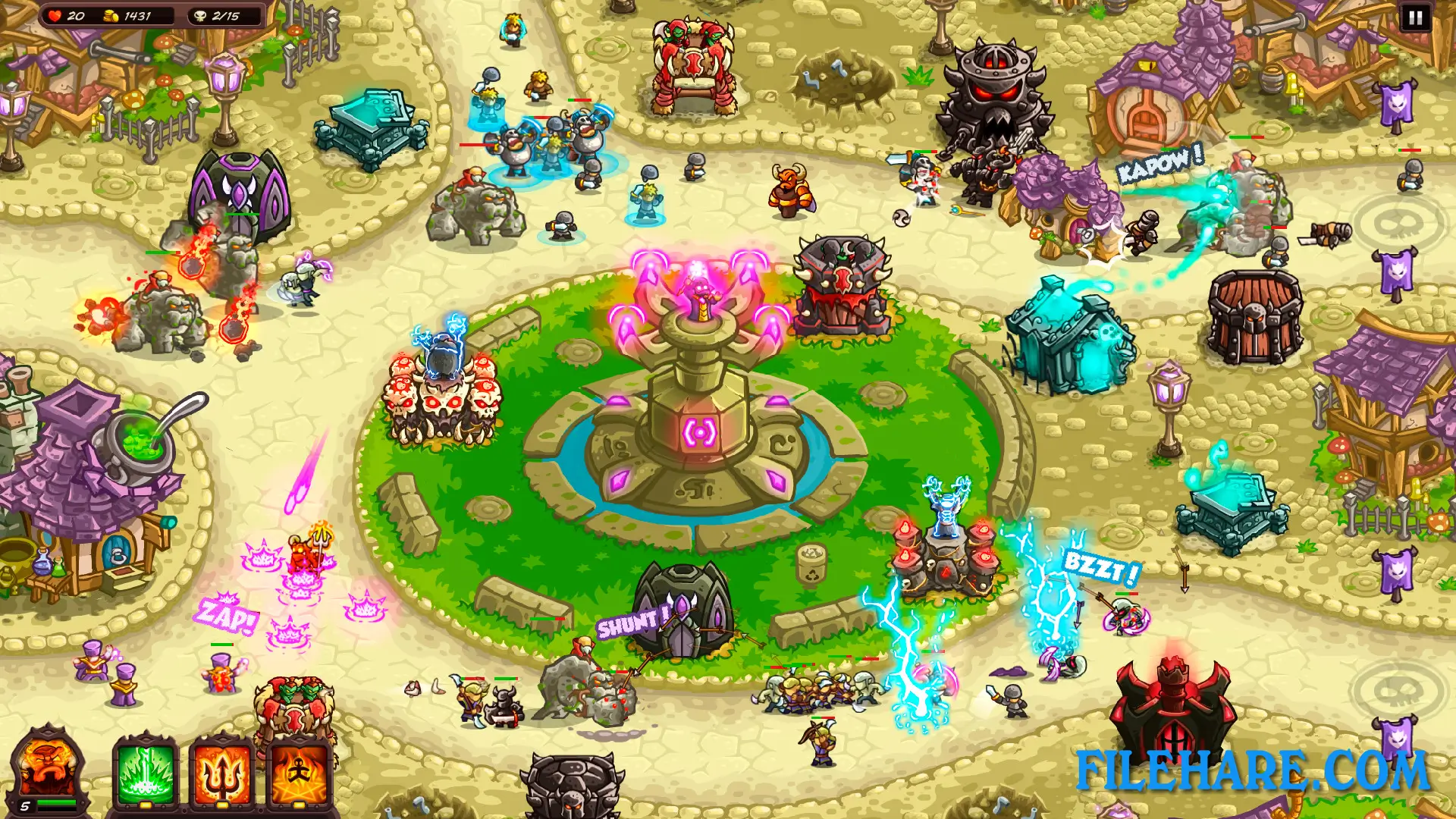
| Name | Kingdom Rush: Vengeance |
|---|---|
| Developer | Ironhide Game Studio |
| File Size | 821.85 MB |
| Category | Strategy |
| Minimum System Requirements | |
| CPU | Intel/AMD 2.0 GHz dual-core |
| RAM | 4 GB |
| Graphics | OpenGL 3.0 compliant with 512MB of video RAM. |
| Free Disk Space | 2 GB |
| Operating System | Windows 10 / 11 / 7 / 8 |
| User Rating | |
To buy this game, visit the Store Page
How to Download and Install Kingdom Rush: Vengeance PC Game?
We have simple instructions for you to download and install the PC game. Before following the steps, Ensure your PC meets the minimum system requirements for Playing the game on your PC.
- First, click on the DOWNLOAD button and you will be redirected to the final Download page. Then, Download the Game on your PC.
- Once you have downloaded the Kingdom Rush: Vengeance PC Game, Open the folder where you saved the Game.
- Then Right-click on the Zip file and click on the "Extract files" option from the dropdown menu. If your computer does not have a Zip file extract software installed, you must first install it. (such as WinRAR, 7Zip software)
- After Extracting the Zip file, Open the Kingdom Rush: Vengeance PC Game folder.
- Then, double-click on the Setup.exe file to Install the Game.
- If asked, provide administrator permissions for the installation to proceed. Click Yes to continue.
- Follow the on-screen installation wizard to install the game on your PC.
- After the installation, if you get any missing ".dll" errors or the Game is not launching, open the Readme.txt file located in the game folder and follow the instructions shown in the document file to play the game.
Done!. Now, you can launch the game from your desktop.