God of War Ragnarök – Digital Deluxe Edition PC Game Download
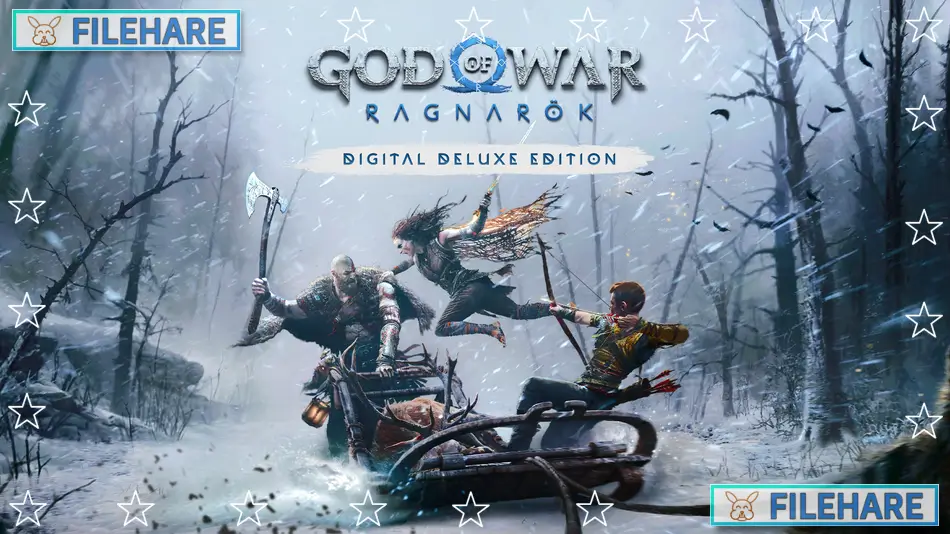
God of War Ragnarök – Digital Deluxe Edition is an action-adventure game developed by Santa Monica Studio and published by Sony Interactive Entertainment. The game was first released on November 9, 2022, for PlayStation 4 and PlayStation 5. The PC version was released on September 19, 2024, on Steam and the Epic Games Store. Jetpack Interactive helped develop the PC port. This is the ninth game in the God of War series and continues the story from the 2018 God of War game. The Digital Deluxe Edition includes extra cosmetic items, a digital art book, and the official soundtrack.
Table of Contents
God of War Ragnarök – Digital Deluxe Edition Story
The game picks up where the 2018 God of War ended. Fimbulwinter has started and continues to cover the land in ice and snow. This winter will last for three years before Ragnarök arrives, which is a prophesied battle that will destroy the Nine Realms. Kratos and his teenage son, Atreus, must travel across the Nine Realms to find answers and prepare for this coming war. Odin and his army in Asgard are getting ready for Ragnarök and will try to stop them.
Atreus has learned his true identity as Loki and wants to understand more about his destiny. However, Kratos wants to protect his son and prevent Ragnarök from happening. The story explores their relationship as Atreus grows older and wants more independence. Along their travels, they meet both allies and enemies from Norse mythology. The game concludes the Norse saga that began in 2018. After finishing the main story, players can access the Valhalla DLC, which follows Kratos on a personal mission where he faces his past.
God of War Ragnarök – Digital Deluxe Edition Gameplay
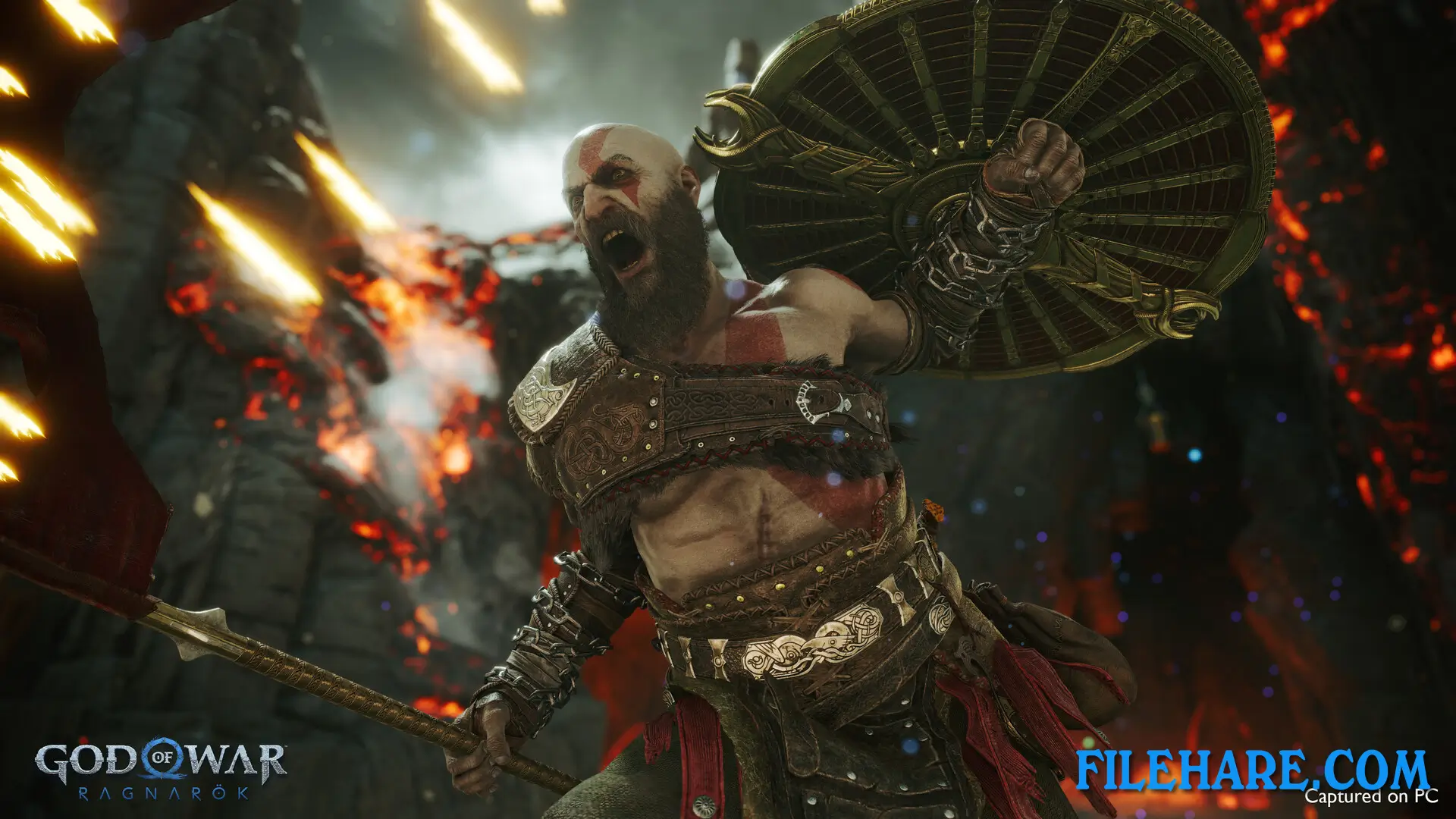
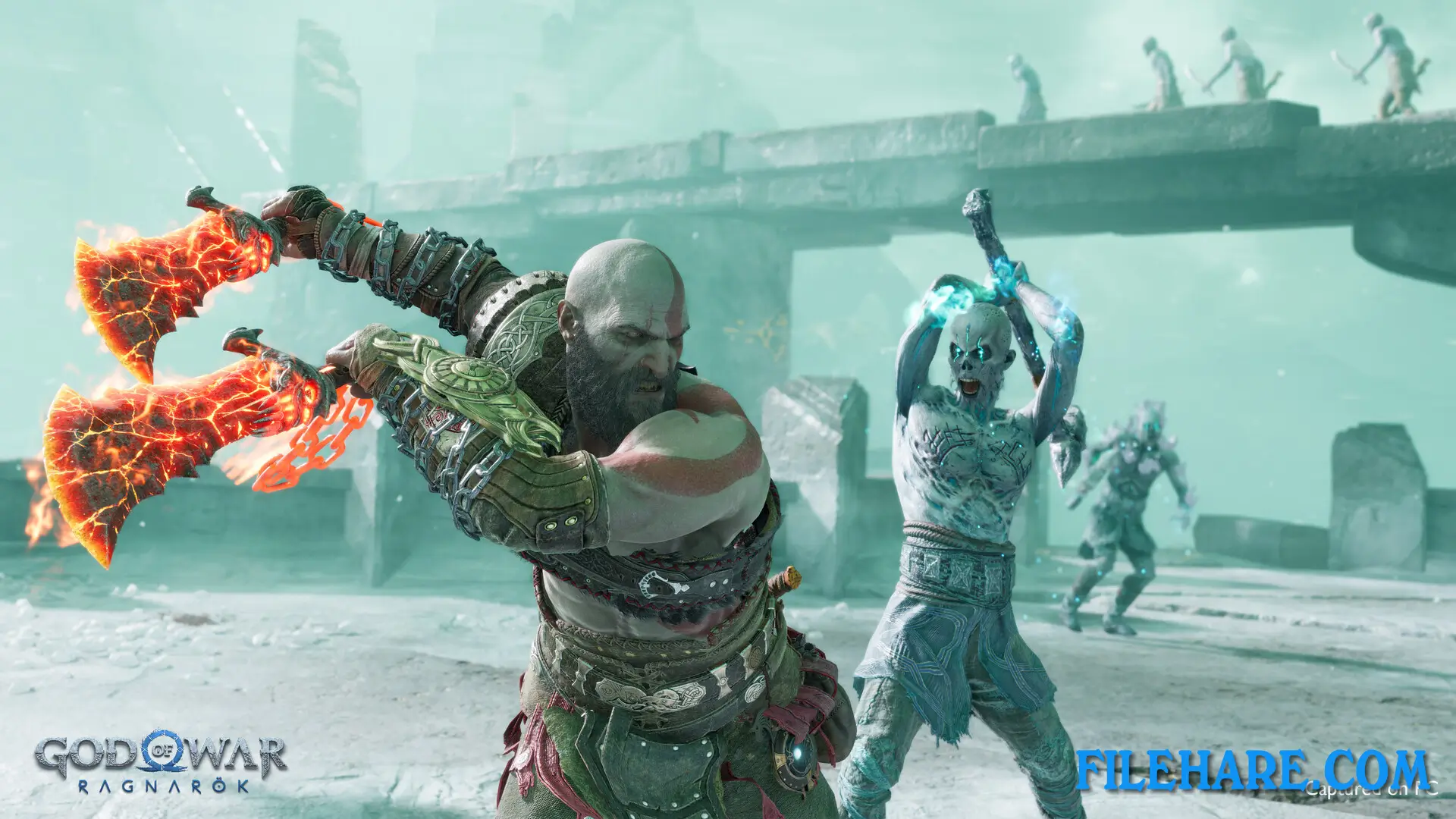
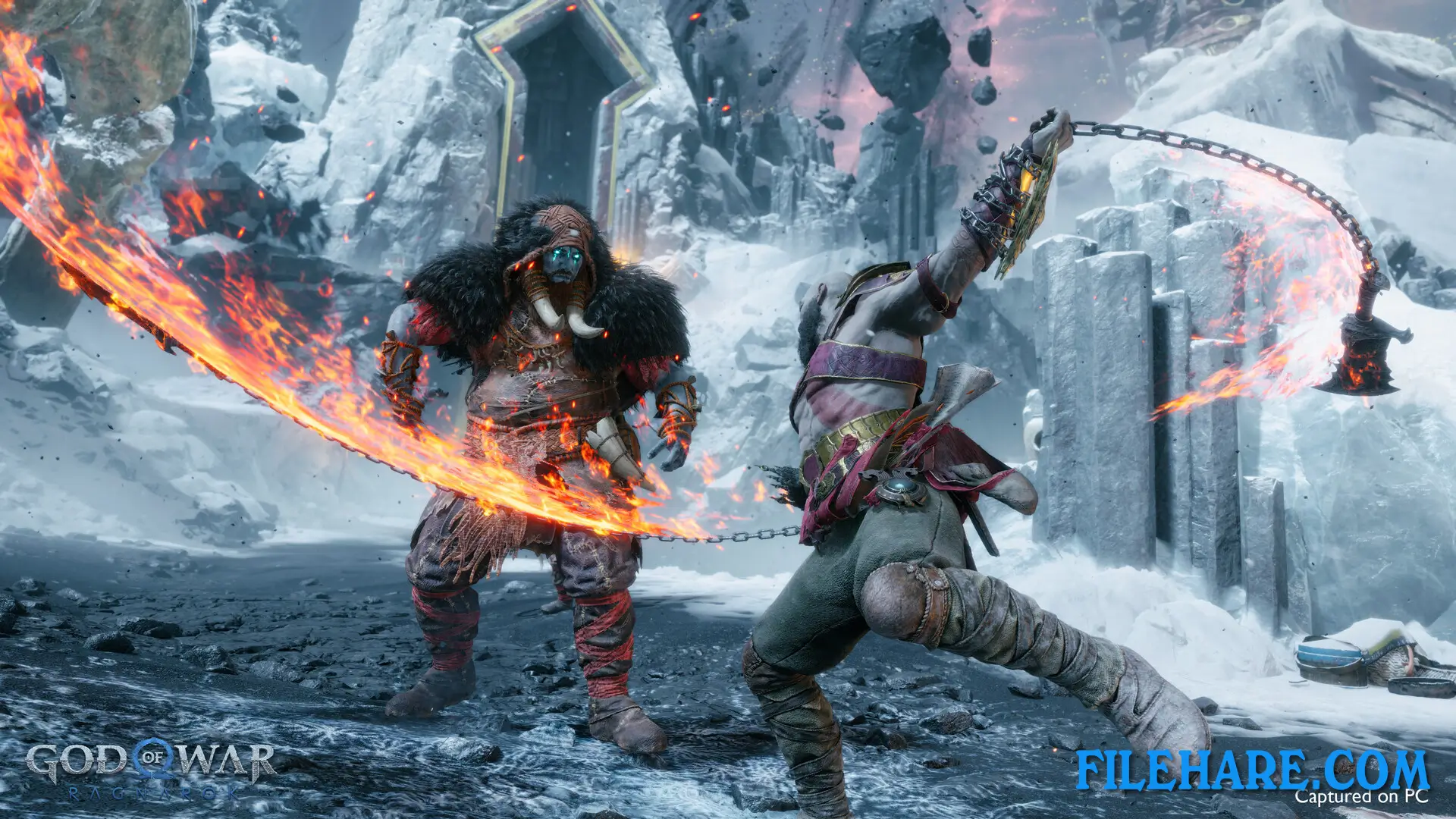
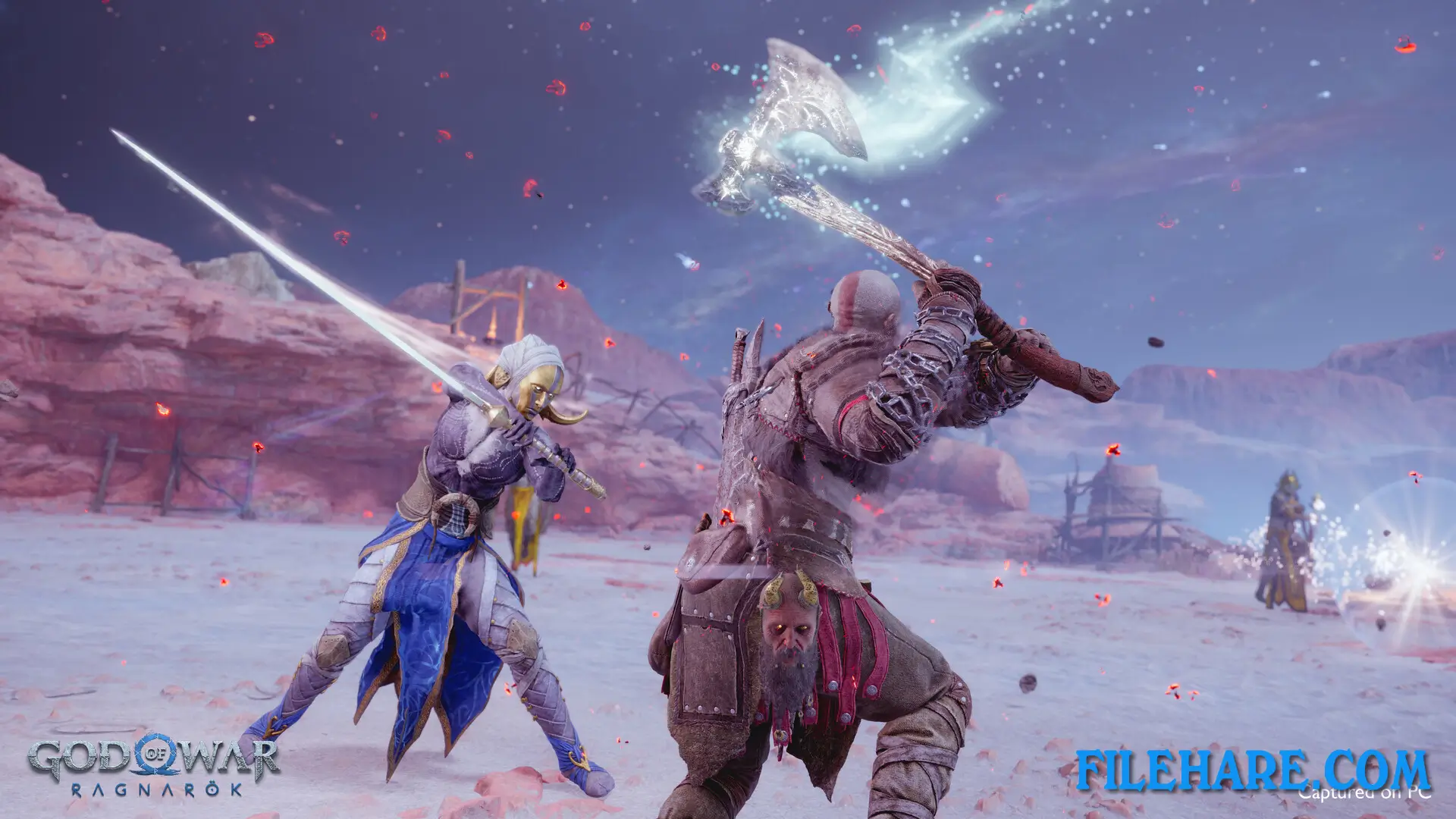
God of War Ragnarök is a third-person action game with an over-the-shoulder camera view. The entire game has no loading screens or camera cuts, even during cutscenes. Players mainly control Kratos during combat and exploration. Kratos uses two main weapons: the Leviathan Axe, which is a magical battle axe that can be thrown and recalled, and the Blades of Chaos, which are his signature double-chained blades. Combat combines light attacks, heavy attacks, blocks, and dodges into combos. Players fight against various Norse mythological creatures and enemies, including einherjar warriors, wyverns, phantoms, and raiders.
The game has more enemy types than the previous game. Atreus fights alongside Kratos and can shoot arrows to support in battle. Later in the game, players can also control Atreus during certain story sections. The PC version supports unlocked framerates, true 4K resolution, and ultrawide monitors. It also includes NVIDIA DLSS, AMD FSR, and Intel XeSS upscaling technologies. The game requires 190GB of storage space on PC.
Recommended System Requirements
Requires a 64-bit processor and operating system
- OS: Windows 10 20H1
- Processor: Intel i5-8600 or AMD Ryzen 5 3600
- Memory: 16 GB RAM
- Graphics: NVIDIA RTX 2060 Super or AMD RX 5700 or Intel Arc A770
- DirectX: Version 12
- Storage: 190 GB available space
Gameplay Screenshots
| Name | God of War Ragnarök – Digital Deluxe Edition |
|---|---|
| Developer | Santa Monica Studio, Jetpack Interactive |
| File Size | 65.73 GB |
| Category | Action, Adventure |
| Minimum System Requirements | |
| CPU | Intel i5-4670k or AMD Ryzen 3 1200 |
| RAM | 8 GB |
| Graphics | NVIDIA GTX 1060 (6GB) or AMD RX 5500 XT (8GB) or Intel Arc A750 |
| Free Disk Space | 190 GB |
| Operating System | Windows 10 (20H1) / 11 (64-bit) |
| User Rating | |
To buy this game, visit the Store Page
How to Download and Install God of War Ragnarök – Digital Deluxe Edition PC Game?
We have simple instructions for you to download and install the PC game. Before following the steps, Ensure your PC meets the minimum system requirements for Playing the game on your PC.
- First, click on the DOWNLOAD button and you will be redirected to the final Download page. Then, Download the Game on your PC.
- Once you have downloaded the God of War Ragnarök – Digital Deluxe Edition PC Game, Open the folder where you saved the Game.
- Then Right-click on the Zip file and click on the "Extract files" option from the dropdown menu. If your computer does not have a Zip file extract software installed, you must first install it. (such as WinRAR, 7Zip software)
- After Extracting the Zip file, Open the God of War Ragnarök – Digital Deluxe Edition PC Game folder.
- Then, double-click on the Setup.exe file to Install the Game.
- If asked, provide administrator permissions for the installation to proceed. Click Yes to continue.
- Follow the on-screen installation wizard to install the game on your PC.
- After the installation, if you get any missing ".dll" errors or the Game is not launching, open the Readme.txt file located in the game folder and follow the instructions shown in the document file to play the game.
Done!. Now, you can launch the game from your desktop.