Virtual Rides 3: Ultimate Edition PC Game Download

Virtual Rides 3: Ultimate Edition is a funfair simulation game developed and published by Pixelsplit Simulations. The game was originally released on March 16, 2017, for PC on Steam and GOG. The Ultimate Edition is a bundle that includes the base game, Virtual Rides 3, along with all downloadable content and expansion packs. Earlier versions of the game were developed by Zeichenkraftwerk Jeutter and Schaller GbR and published by 2tainment GmbH before Pixelsplit took over. The game supports VR headsets, including HTC Vive and Oculus Rift, for a more realistic experience.
Table of Contents
Virtual Rides 3: Ultimate Edition Gameplay
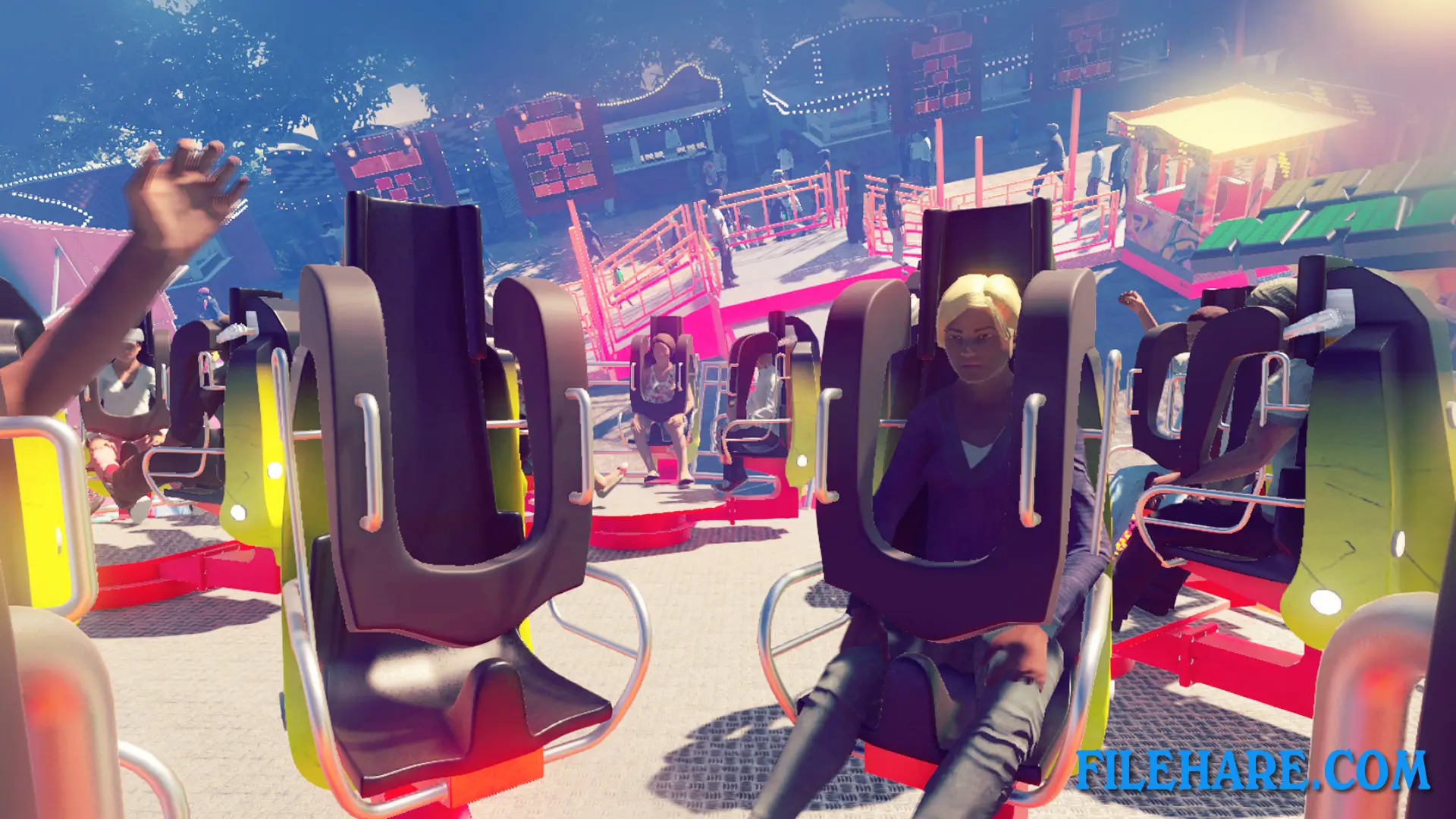
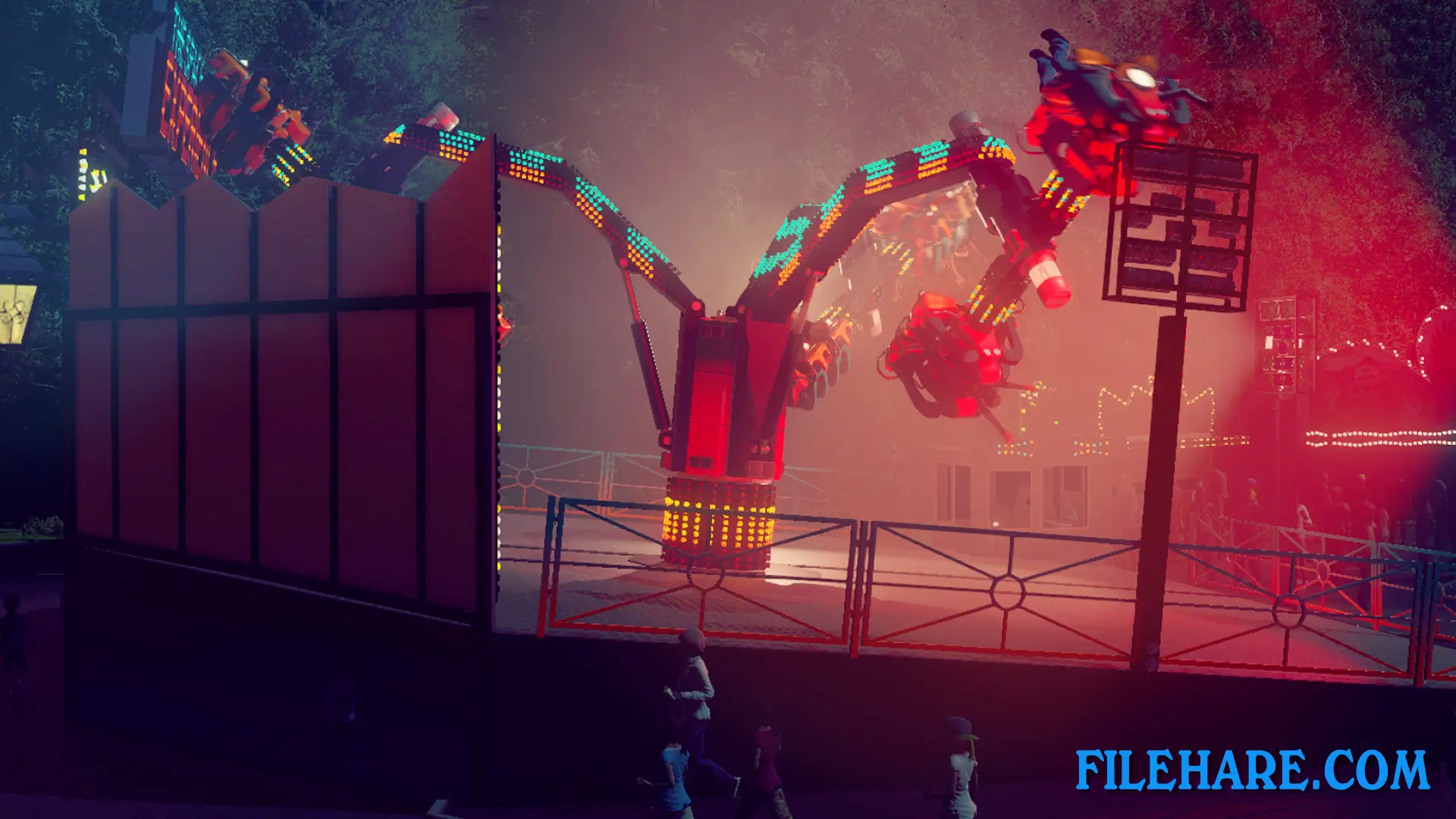
Virtual Rides 3 is a first-person simulation where players design, control, and ride funfair attractions. The game takes place on a large fairground that covers 12 acres with more than 15 unique rides and over 100 food and game stands. Players can choose to be the carnival operator or a visitor riding the attractions. As operators, players take their place in the control booth where they use a 3D control panel to operate rides. They can adjust how fast or slow the ride goes, control movement programs, and even grab a microphone to make announcements to guests like a real carnival barker.
Players can also change the time of day and weather conditions. When playing as a visitor, players can experience the rides from a first-person perspective. The VR support makes these rides even more realistic and thrilling. Players have full control over customization options. They can change the colors of ride components, swap out parts, and modify decorations. The game includes lighting equipment, fog machines, stroboscopes, and laser effects that can be used to create spectacular shows, especially at night when the lights really stand out.
Virtual Rides 3: Ultimate Edition Features
The Ultimate Edition includes the base game plus multiple DLC packs that add new rides. Some of the attractions include Bounce Machine, which sends riders on pneumatic-powered jumps, Astronaut, which uses three motors to create unique movements, Roundtrip and Salsa, which are classic spinning rides, The Falcon for thrilling experiences, Flipping Disc that spins riders through the air, Forge, Northstar located in a forest area, and newer additions like Glider, Upside Down, Power Spin, Continuum, Noise Machine, and Power Dive. Players can customize every aspect of their fairground, including ride colors, components, decorations, lighting systems, sound effects, and fog effects.
Gameplay Screenshots


| Name | Virtual Rides 3: Ultimate Edition |
|---|---|
| Developer | Pixelsplit Simulations |
| File Size | 1.68 GB |
| Category | Simulation |
| Minimum System Requirements | |
| CPU | AMD FX-6350 / Intel Core i5 6600K |
| RAM | 8 GB |
| Graphics | AMD Radeon HD 7850 7850 2 GB / nVidia GeForce GTX 660 2 GB / (VR): nVidia GeForce GTX 970 |
| Free Disk Space | 10 GB |
| Operating System | Windows 10 / 11 / 7 / 8 (64-bit) |
| User Rating | |
To buy this game, visit the Store Page
How to Download and Install Virtual Rides 3: Ultimate Edition PC Game?
We have simple instructions for you to download and install the PC game. Before following the steps, Ensure your PC meets the minimum system requirements for Playing the game on your PC.
- First, click on the DOWNLOAD button and you will be redirected to the final Download page. Then, Download the Game on your PC.
- Once you have downloaded the Virtual Rides 3: Ultimate Edition PC Game, Open the folder where you saved the Game.
- Then Right-click on the Zip file and click on the "Extract files" option from the dropdown menu. If your computer does not have a Zip file extract software installed, you must first install it. (such as WinRAR, 7Zip software)
- After Extracting the Zip file, Open the Virtual Rides 3: Ultimate Edition PC Game folder.
- Then, double-click on the Setup.exe file to Install the Game.
- If asked, provide administrator permissions for the installation to proceed. Click Yes to continue.
- Follow the on-screen installation wizard to install the game on your PC.
- After the installation, if you get any missing ".dll" errors or the Game is not launching, open the Readme.txt file located in the game folder and follow the instructions shown in the document file to play the game.
Done!. Now, you can launch the game from your desktop.