Dread Dawn PC Game Download for Windows 10/11/7/8
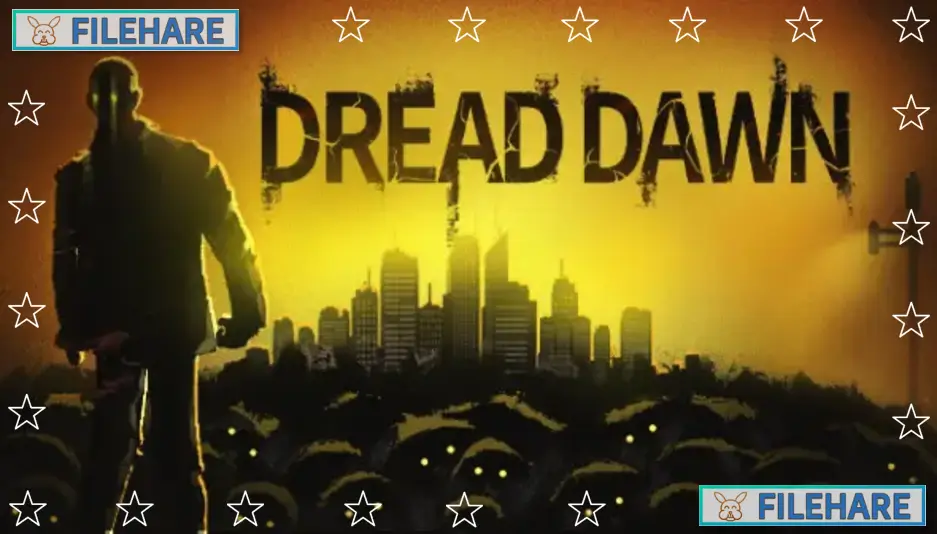
Dread Dawn is an open-world zombie survival game with sandbox and base building features. The game was developed and published by Kioop, an indie studio. It was released on September 30, 2024, for PC via Steam. The game costs $19.99 and is available in six languages, including English, Simplified Chinese, Spanish, Japanese, and Russian. It received mostly positive reviews, with 72% of over 1,900 Steam users recommending it.
Table of Contents
Dread Dawn Story
The game takes place in a modern city that has been quarantined because of an unknown virus. You play as a student who missed the evacuation convoy and got left behind when everyone else escaped. Now you are stuck in the infected city with zombies everywhere. You must stay at your school with other survivors who also remained in the city. Your main goal is to defend your camp, survive the zombie attacks, and wait for rescue. The city was once a busy metropolis with hospitals, subway stations, prisons, and schools. Now these places are abandoned and dangerous. The story is about survival and working together with classmates and other survivors to stay alive in a hopeless situation.
Dread Dawn Gameplay
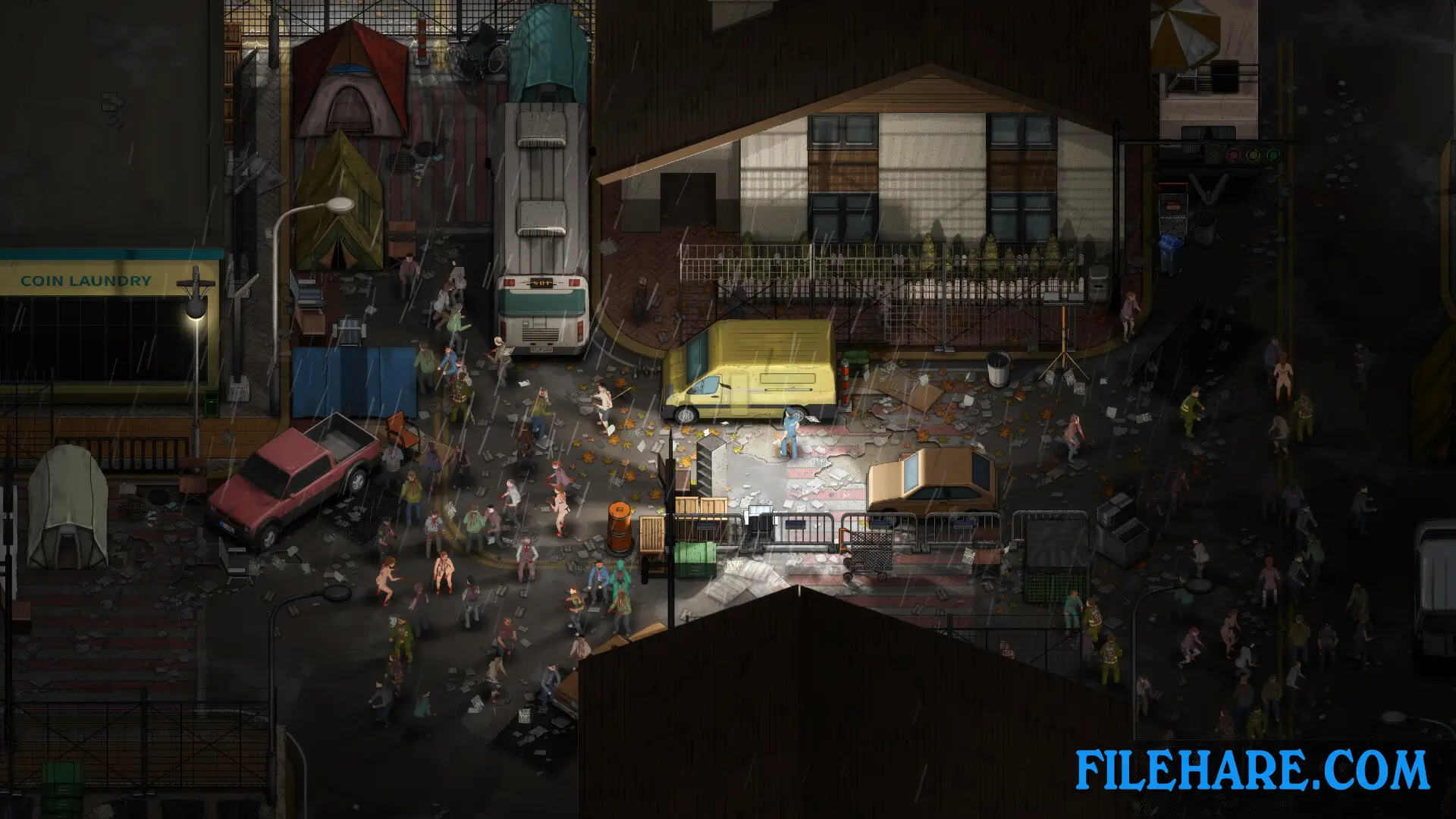
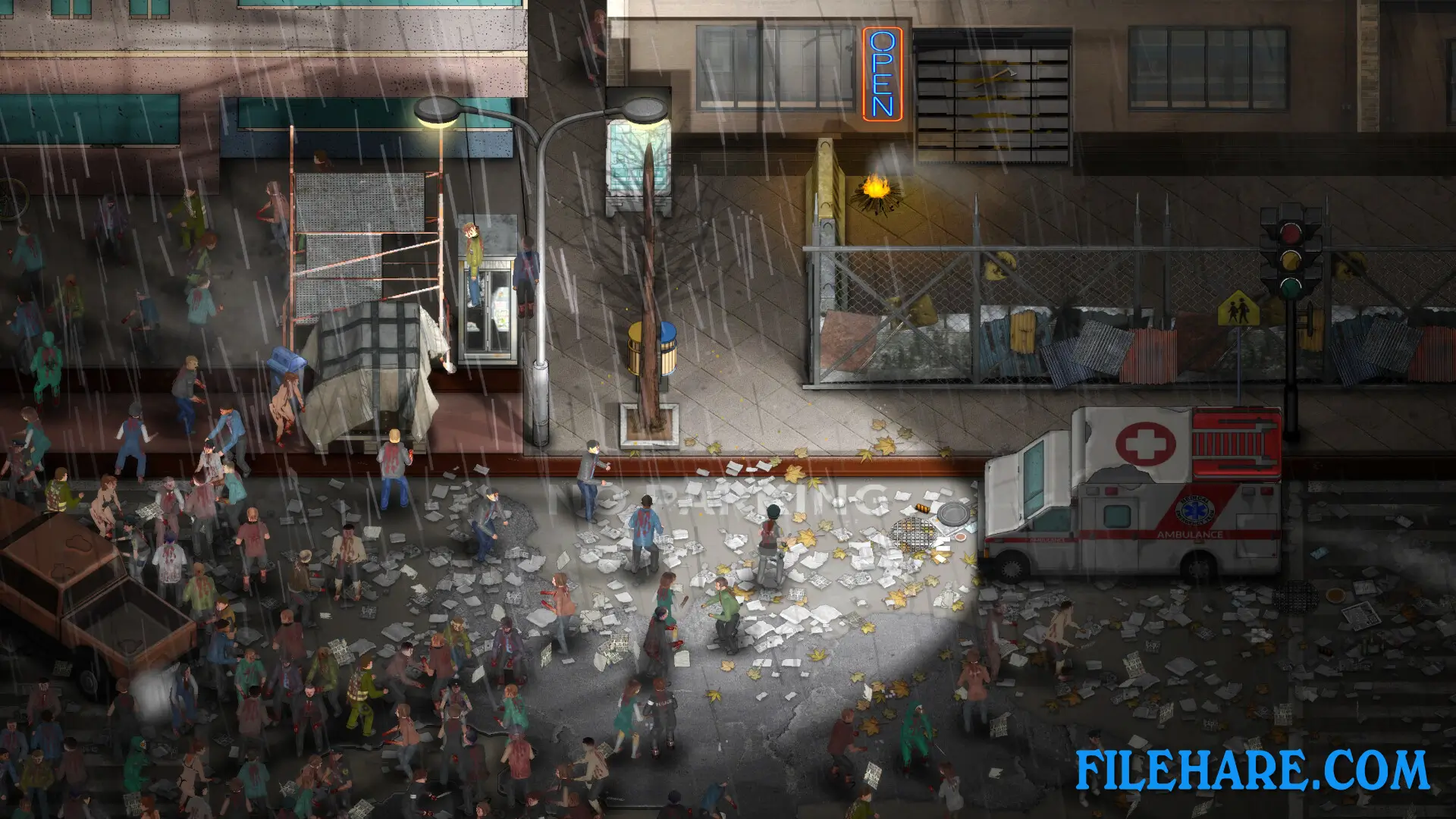
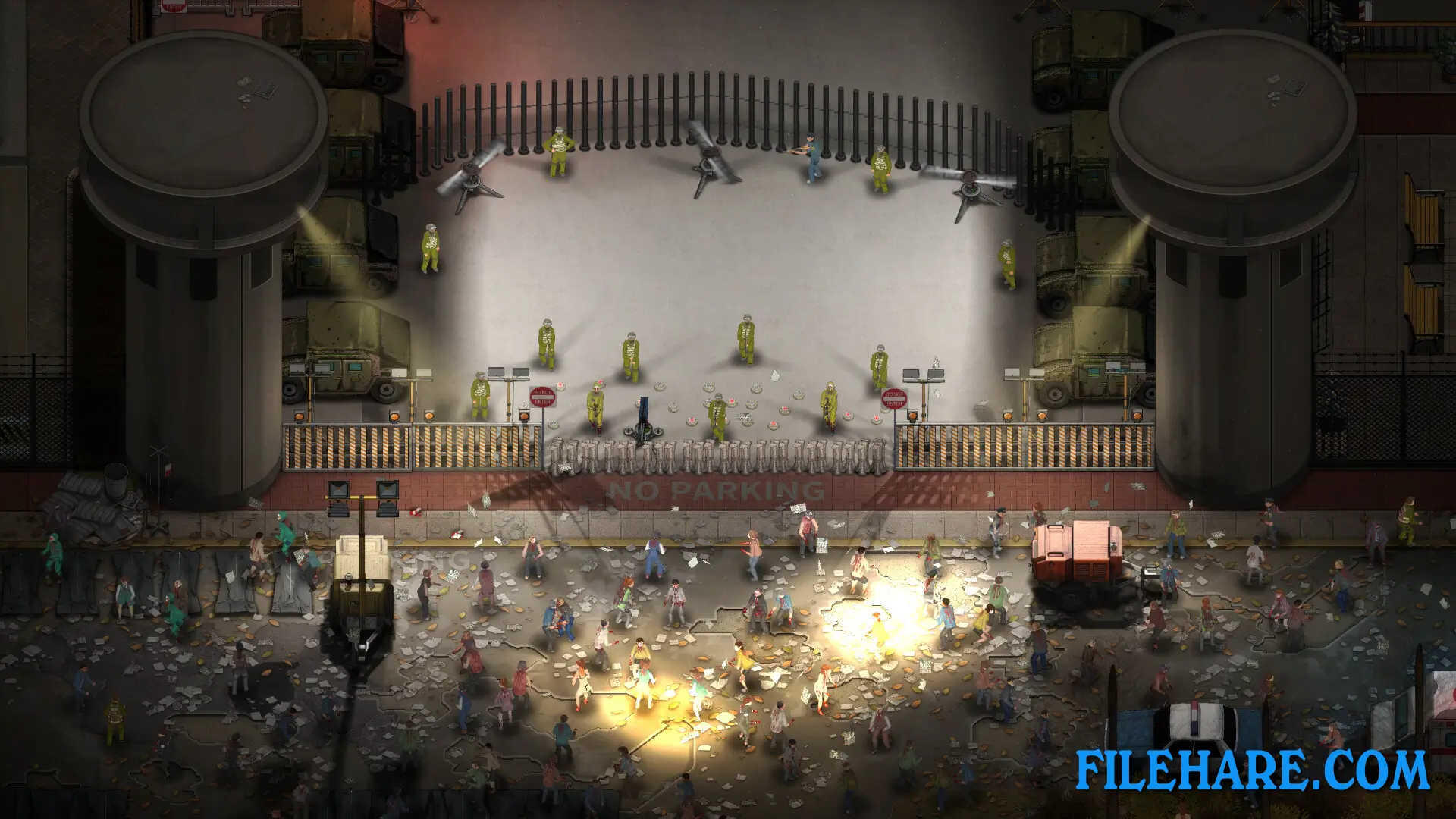
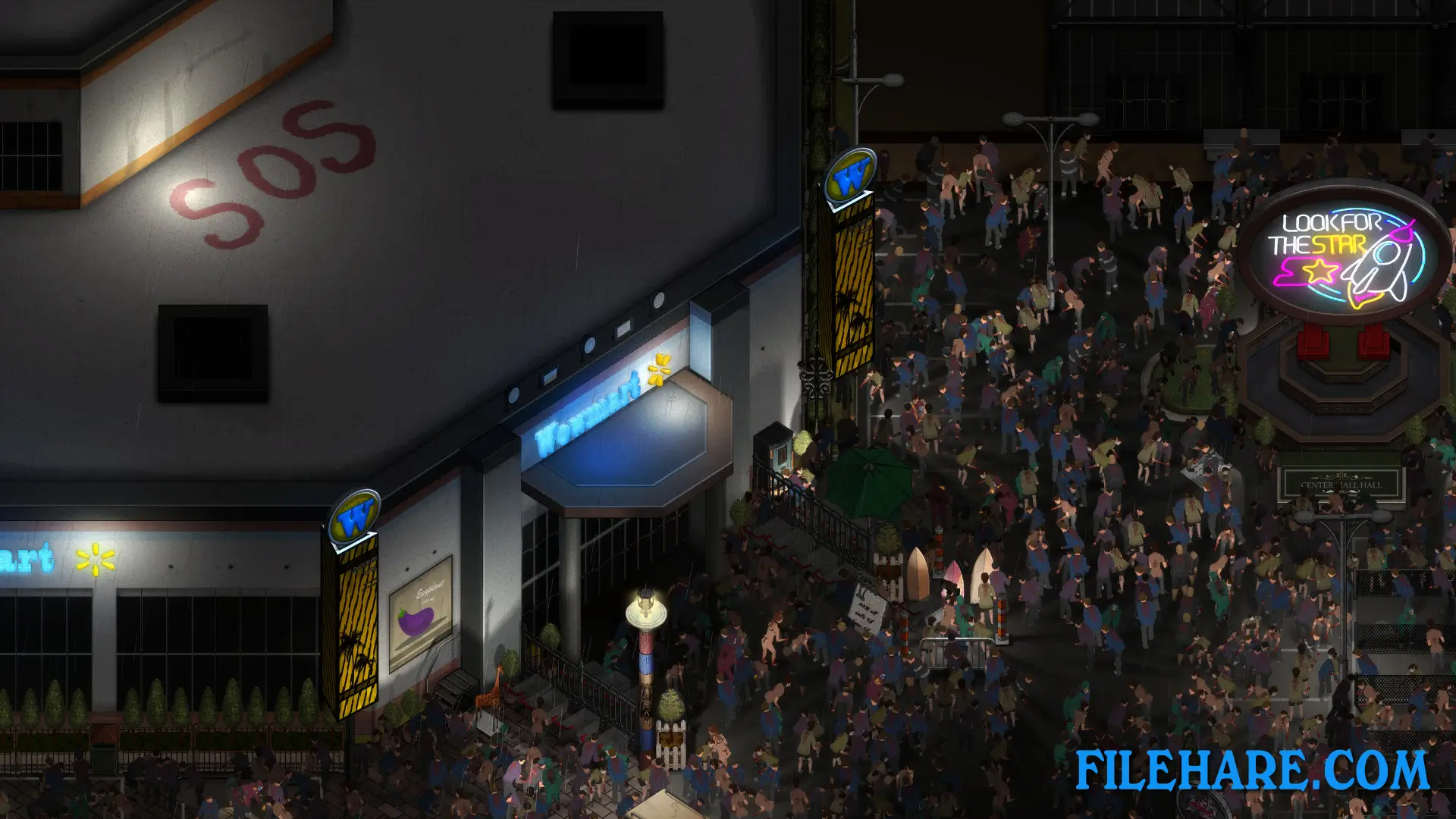
The game uses a 2.5D isometric perspective where you see the action from above. You control your character from a third-person view and explore the open city. You can visit public facilities like hospitals, subway stations, prisons, and schools to scavenge for supplies. The game is a sandbox survival experience where you collect materials to build and upgrade your camp defenses. You can construct walls, towers, and traps to protect your school from zombie invasions. Zombies attack your camp when you least expect it, so you must always be ready. The game has tower defense mechanics where you set up defenses and fight waves of zombies.
You can plant crops in spare areas of your camp or raise chickens to get eggs. Farming is necessary when other food sources run out. Any surplus crops can be traded with other survivors for different items. Combat uses third-person shooter mechanics where you fight zombies with weapons you find or create. You need to manage your inventory and resources carefully because supplies are limited. The game has RPG elements where your character gets stronger over time. You can explore the entire city freely, but zombies are everywhere, and some areas are more dangerous than others. The game is playable on Steam Deck, but some functions may not work perfectly. It supports keyboard, mouse, and controllers.
Dread Dawn Features
The game has an open sandbox where you can explore the quarantined city freely. You can build your own base at the school and customize it with various structures. The base building system lets you create defenses, farms, and living spaces. There is a drama story that develops as you interact with survivors and experience events in the city. The game has atmospheric horror visuals. Zombies have different types and behaviors. Some are slow walkers, while others are fast and aggressive.
The city has many buildings to explore, and you can enter most of them to search for loot. Weather and time of day affect gameplay. Zombies may be more active at certain times. You can find weapons, tools, medical supplies, food, and building materials throughout the city. The game supports single-player mode only. There is no multiplayer or co-op available. Steam achievements are included for completing various tasks.
The game has been featured in the Steam Next Festival, where a demo was available. The developers are active on Discord and respond to player feedback. The game takes approximately 20 to 30 hours to complete, depending on how much you explore and build.
Recommended System Requirements
- OS: Windows 10
- Processor: 6 core
- Memory: 8 GB RAM
- Graphics: GTX 660
- DirectX: Version 9.0
- Storage: 30 GB available space
- Additional Notes: Please enable your dedicated graphics card.
Gameplay Screenshots
| Name | Dread Dawn |
|---|---|
| Developer | Kioop |
| File Size | 11.31 GB |
| Category | Action |
| Minimum System Requirements | |
| CPU | Intel/AMD 2.0 GHz 4 core |
| RAM | 8 GB |
| Graphics | NVIDIA GeForce 660 |
| Free Disk Space | 26 GB |
| Operating System | Windows 10 / 11 / 7 / 8 |
| User Rating | |
To buy this game, visit the Store Page
How to Download and Install Dread Dawn PC Game?
We have simple instructions for you to download and install the PC game. Before following the steps, Ensure your PC meets the minimum system requirements for Playing the game on your PC.
- First, click on the DOWNLOAD button and you will be redirected to the final Download page. Then, Download the Game on your PC.
- Once you have downloaded the Dread Dawn PC Game, Open the folder where you saved the Game.
- Then Right-click on the Zip file and click on the "Extract files" option from the dropdown menu. If your computer does not have a Zip file extract software installed, you must first install it. (such as WinRAR, 7Zip software)
- After Extracting the Zip file, Open the Dread Dawn PC Game folder.
- Then, double-click on the Setup.exe file to Install the Game.
- If asked, provide administrator permissions for the installation to proceed. Click Yes to continue.
- Follow the on-screen installation wizard to install the game on your PC.
- After the installation, if you get any missing ".dll" errors or the Game is not launching, open the Readme.txt file located in the game folder and follow the instructions shown in the document file to play the game.
Done!. Now, you can launch the game from your desktop.