FRONT MISSION 1st: Remake PC Game Download for Windows 10/11/7/8
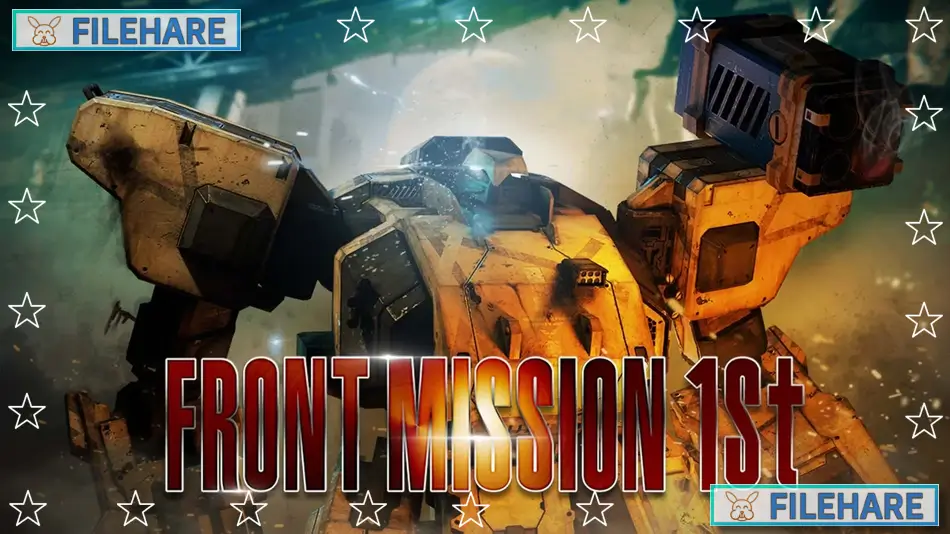
FRONT MISSION 1st: Remake is a tactical RPG game developed by MegaPixel Studio and published by Forever Entertainment. The game was released on November 30, 2022, for Nintendo Switch. Later, it came to PC on June 30, 2023 and can be downloaded from Steam, Epic Games Store, and GOG. This is a remake of the original Front Mission game that first came out in Japan on February 24, 1995, for the Super Famicom.
Table of Contents
FRONT MISSION 1st: Remake Story
The game takes place in 2090. At this time, wars are fought with giant robots called Wanzers, which are short for Wanderpanzer. Huffman Island is the only place where two big powers, the Oceania Cooperative Union (O.C.U.) and the Unified Continental States (U.C.S.), share a land border. Captain Royd Clive leads an O.C.U. unit sent to check a U.C.S. weapons factory. His team gets attacked by U.C.S. Wanzers. During the attack, Royd’s girlfriend, Lieutenant Karen Meure, disappears. This attack starts a big war on Huffman Island. Royd is blamed for what happened and is removed from the military. He then becomes a mercenary and tries to find out what happened to Karen and why the attack occurred.
FRONT MISSION 1st: Remake Gameplay
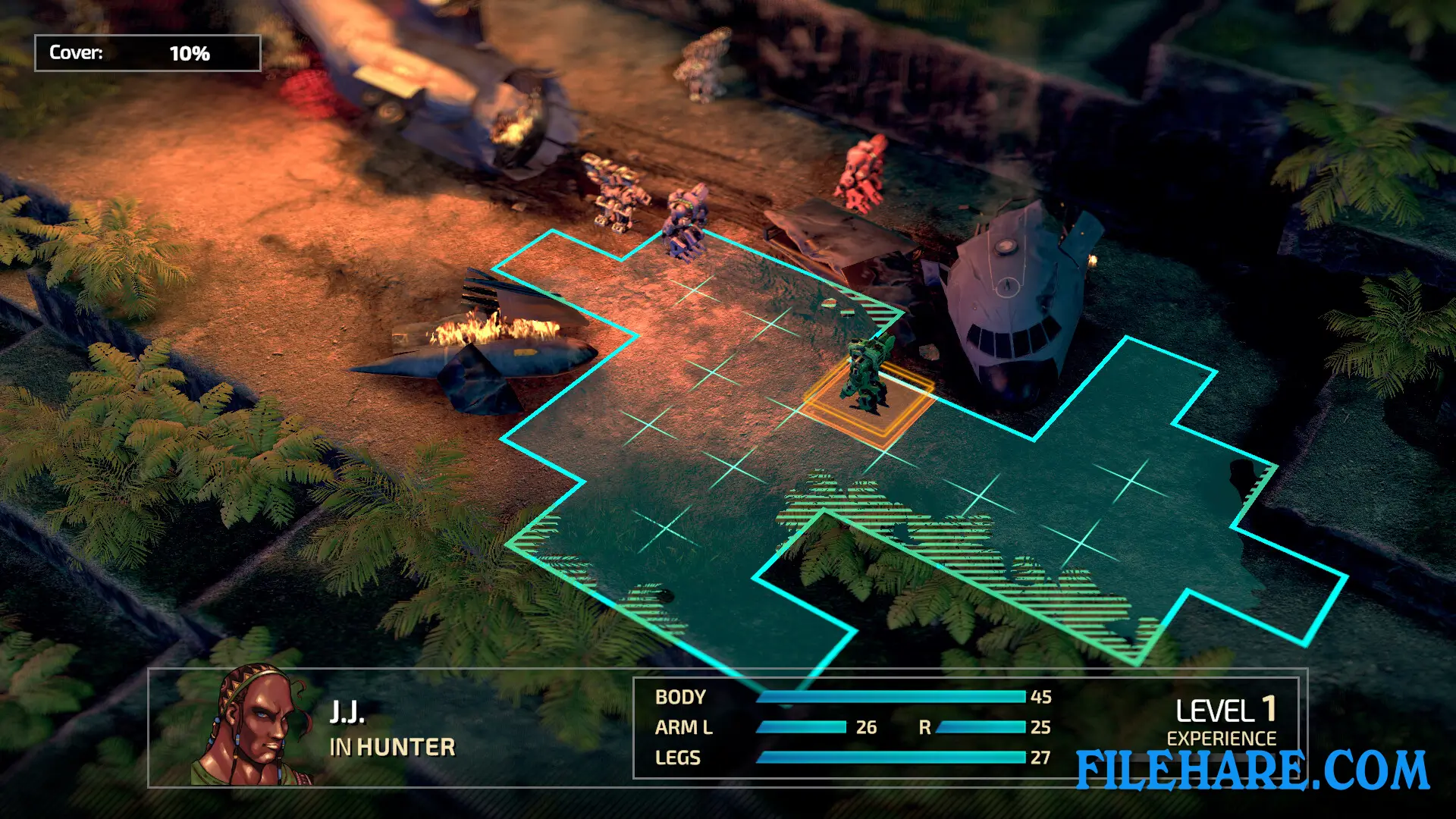
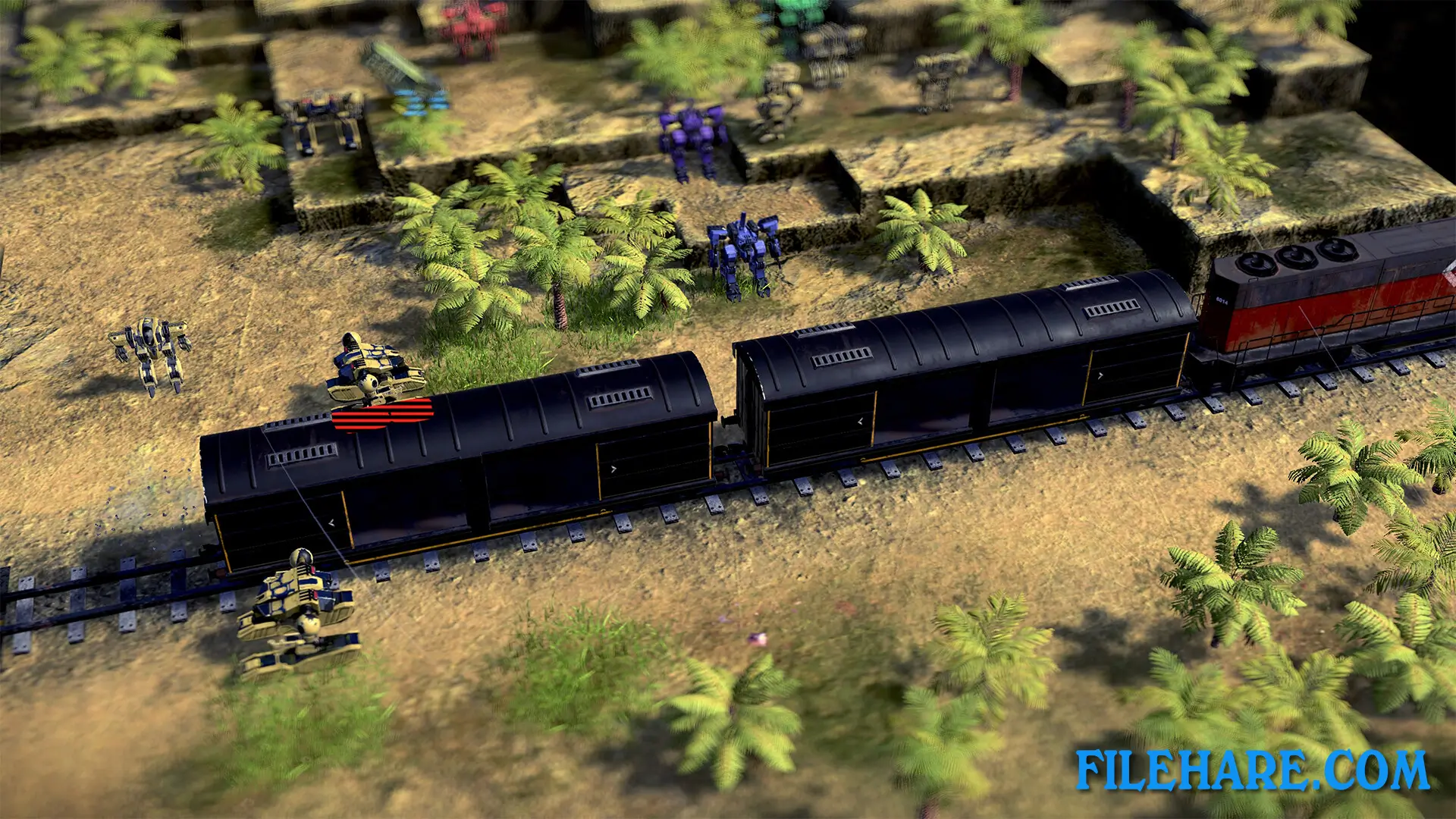
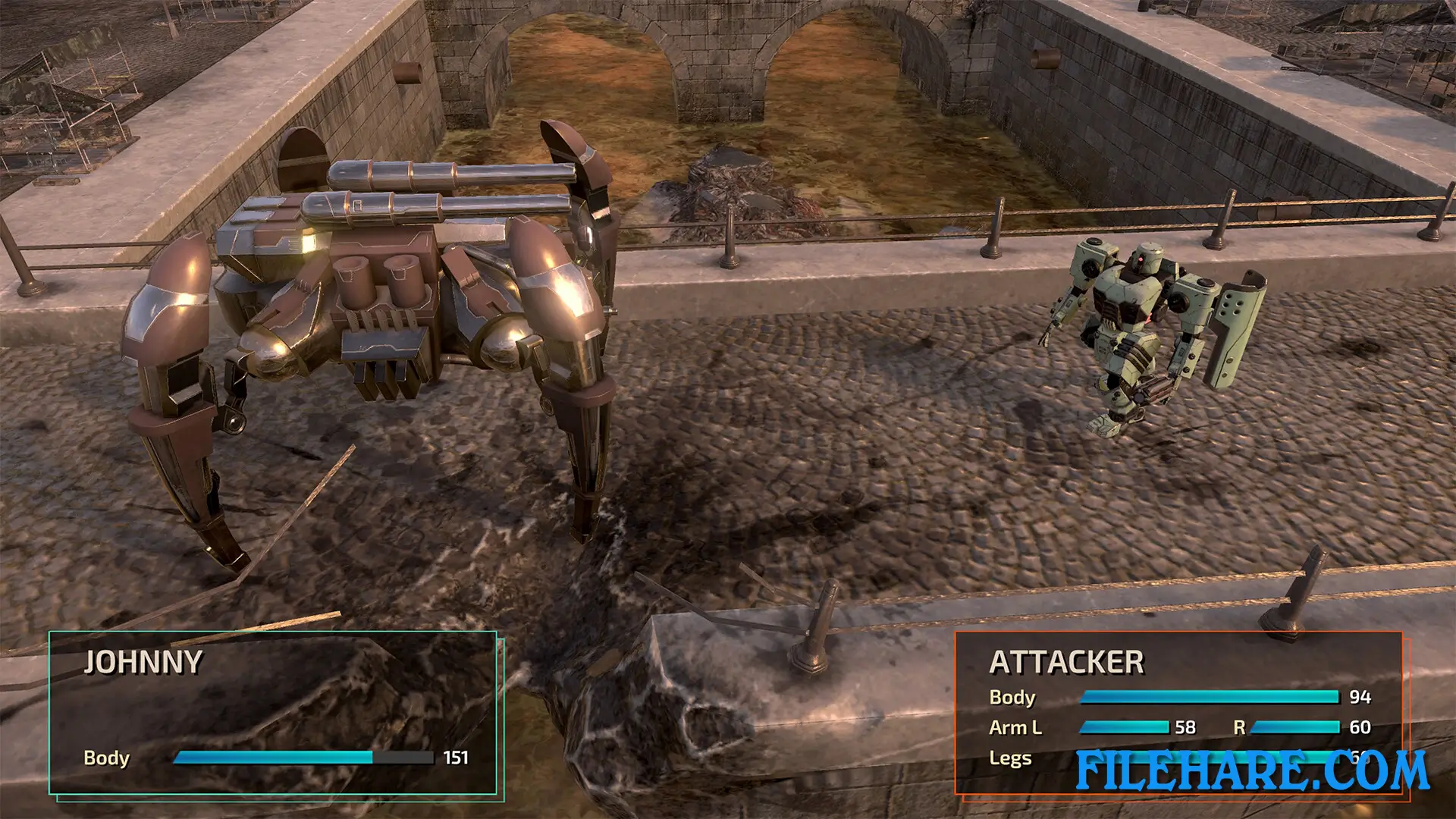
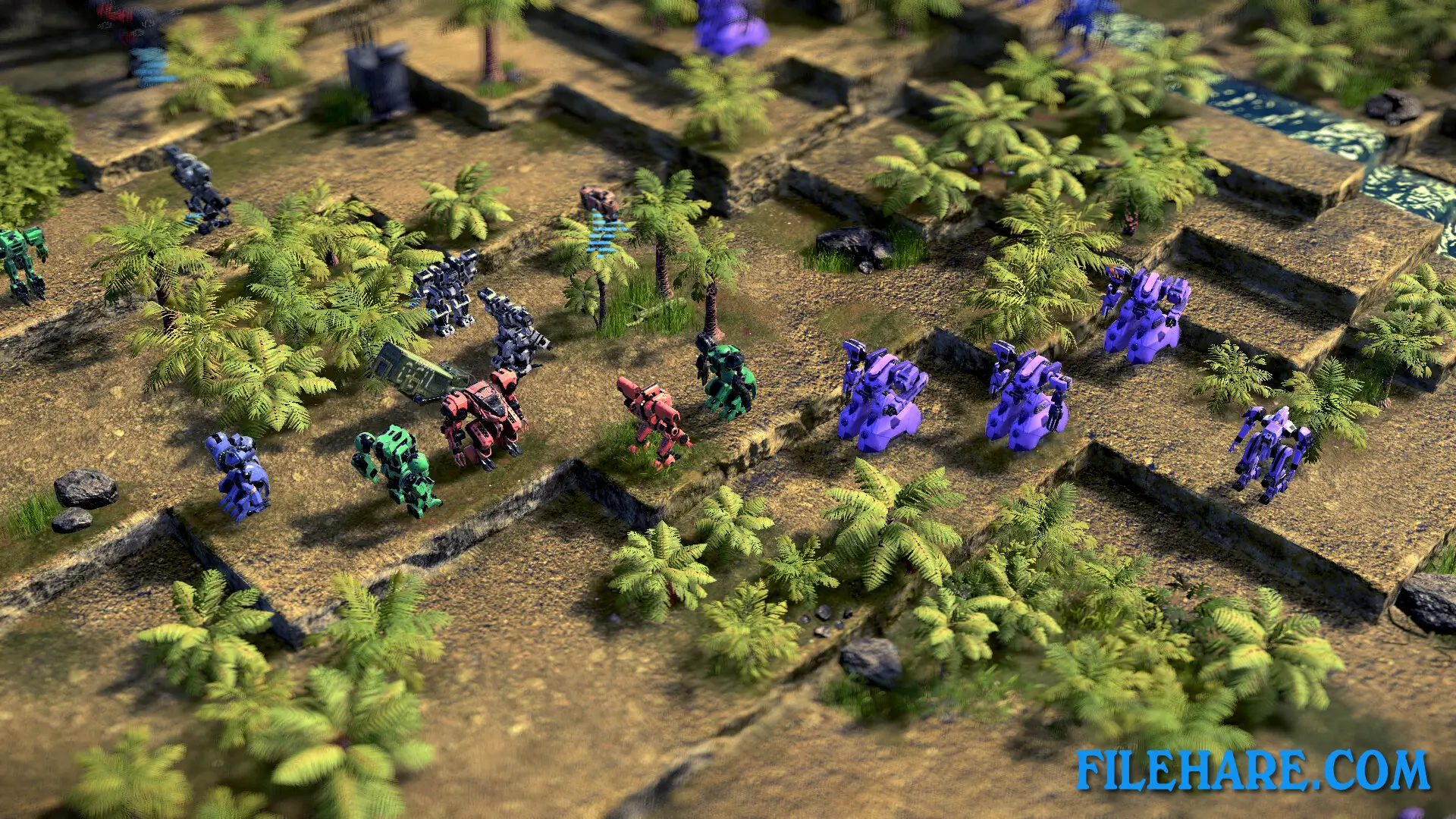
This is a tactical RPG where you move units on a map and take turns with the enemy. You control Wanzers in combat. You can target specific body parts of enemy Wanzers. If you destroy their arms, they lose the weapons attached there. If you destroy their legs, they cannot move well anymore. Between battles, you can buy new parts and weapons for your Wanzers. You need to balance the weight and power when you add new equipment. The game has two play modes. Modern mode has better controls and a free camera that you can move around. Classic mode plays like the original 1995 game with a fixed camera. The remake also has a second campaign where you play from the U.C.S. side instead of the O.C.U. Side.
FRONT MISSION 1st: Remake Features
The remake has better graphics than the original game from 1995. The music has been rerecorded with an orchestra, but you can also choose to listen to the original soundtrack if you want. You can customise your Wanzers with different body parts and weapons like rocket launchers, machine guns, and flamethrowers. The game includes new missions that were not in the original game. There is a local multiplayer mode where two players can fight on new maps. You can play multiplayer using two controllers or by taking turns on one controller. There are six new maps for single-player and multiplayer battles.
Gameplay Screenshots
| Name | FRONT MISSION 1st: Remake |
|---|---|
| Developer | Forever Entertainment S. A. |
| File Size | 8.37 GB |
| Category | Strategy |
| Minimum System Requirements | |
| CPU | Intel I5-2300 / AMD A8-5600k |
| RAM | 4 GB |
| Graphics | GeForce GTX 630 / Radeon HD 6570 |
| Free Disk Space | 7 GB |
| Operating System | Windows 10 / 11 / 7 / 8 (64-bit) |
| User Rating | |
To buy this game, visit the Store Page
How to Download and Install FRONT MISSION 1st: Remake PC Game?
We have simple instructions for you to download and install the PC game. Before following the steps, Ensure your PC meets the minimum system requirements for Playing the game on your PC.
- First, click on the DOWNLOAD button and you will be redirected to the final Download page. Then, Download the Game on your PC.
- Once you have downloaded the FRONT MISSION 1st: Remake PC Game, Open the folder where you saved the Game.
- Then Right-click on the Zip file and click on the "Extract files" option from the dropdown menu. If your computer does not have a Zip file extract software installed, you must first install it. (such as WinRAR, 7Zip software)
- After Extracting the Zip file, Open the FRONT MISSION 1st: Remake PC Game folder.
- Then, double-click on the Setup.exe file to Install the Game.
- If asked, provide administrator permissions for the installation to proceed. Click Yes to continue.
- Follow the on-screen installation wizard to install the game on your PC.
- After the installation, if you get any missing ".dll" errors or the Game is not launching, open the Readme.txt file located in the game folder and follow the instructions shown in the document file to play the game.
Done!. Now, you can launch the game from your desktop.