SpongeBob SquarePants: The Patrick Star Game PC Game Download
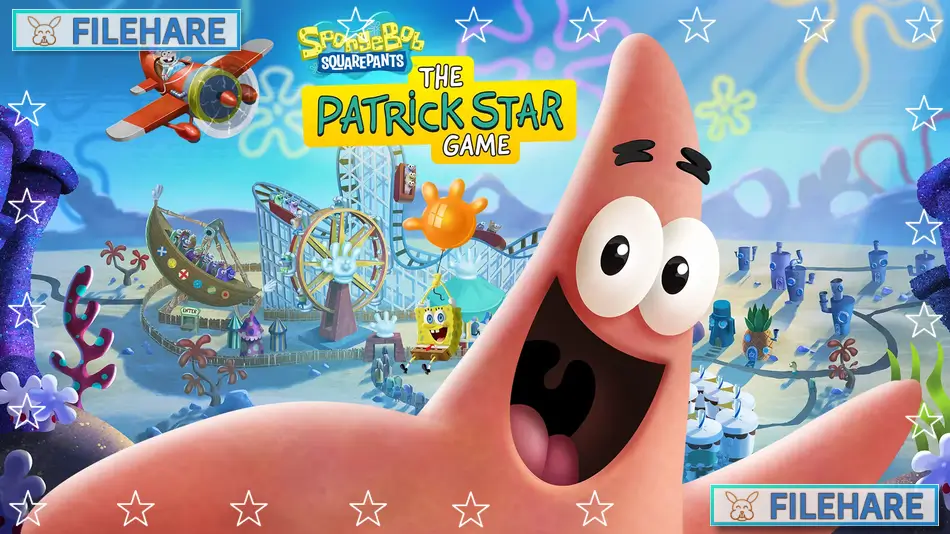
SpongeBob SquarePants: The Patrick Star Game is a physics-based sandbox adventure game developed by PHL Collective and published by Outright Games Ltd. The game was released on October 4, 2024, for PC, PlayStation 4, PlayStation 5, Xbox One, Xbox Series X and Series S, and Nintendo Switch. This is the first SpongeBob video game where Patrick Star is the main playable character in his solo adventure. The game celebrates the 25th anniversary of the SpongeBob SquarePants television series, which first aired in 1999.
Table of Contents
SpongeBob SquarePants: The Patrick Star Game Gameplay
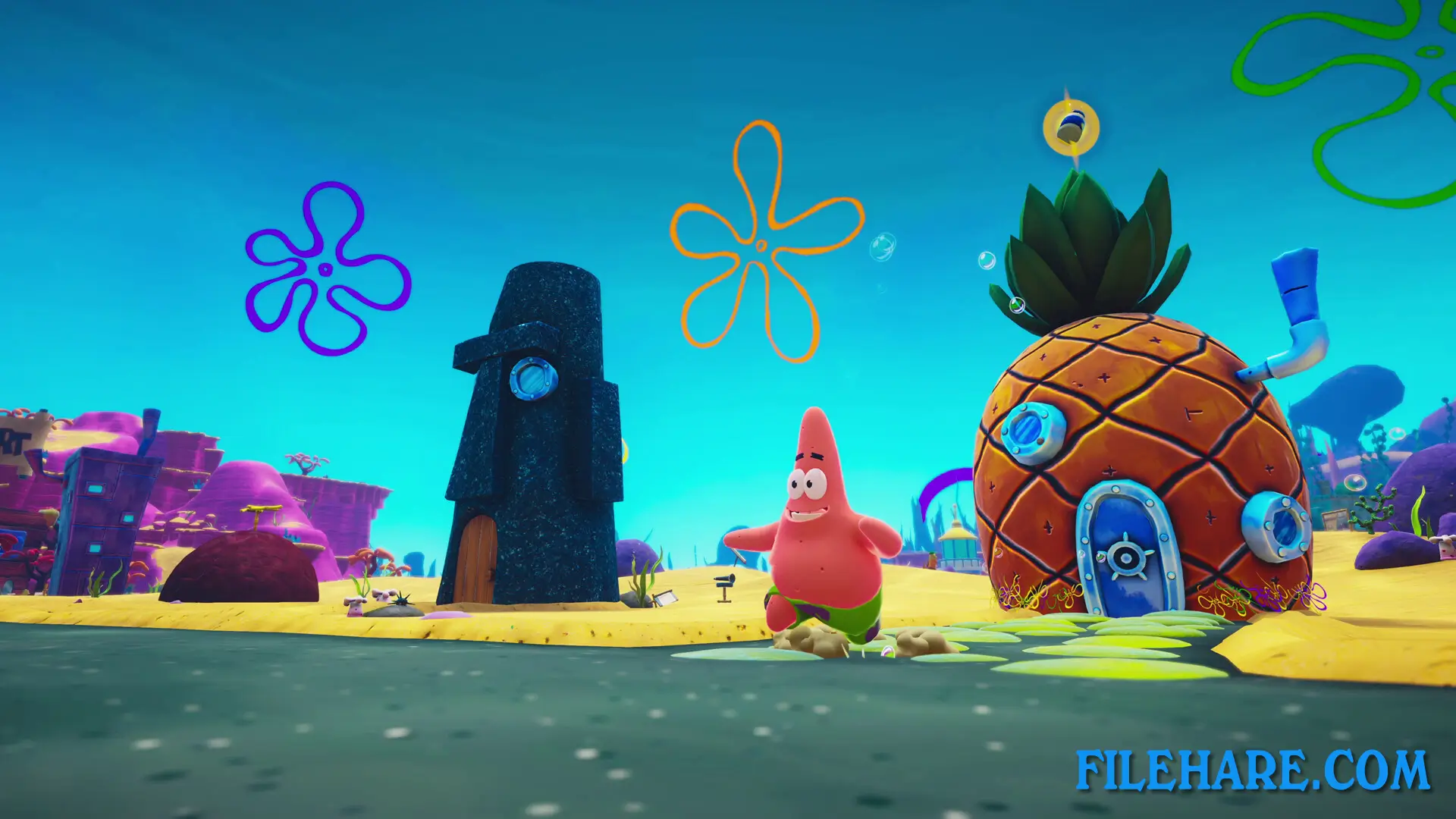
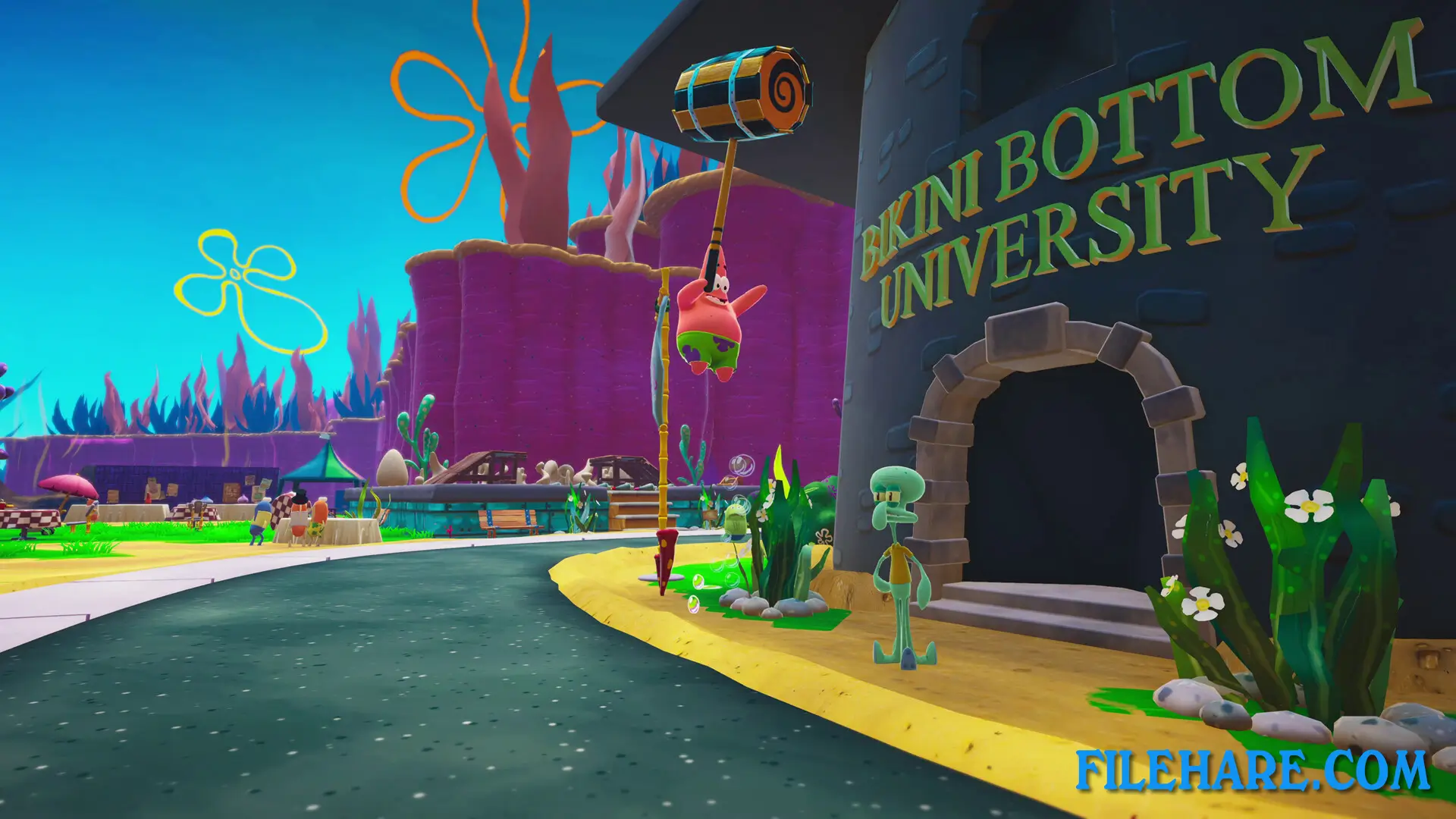
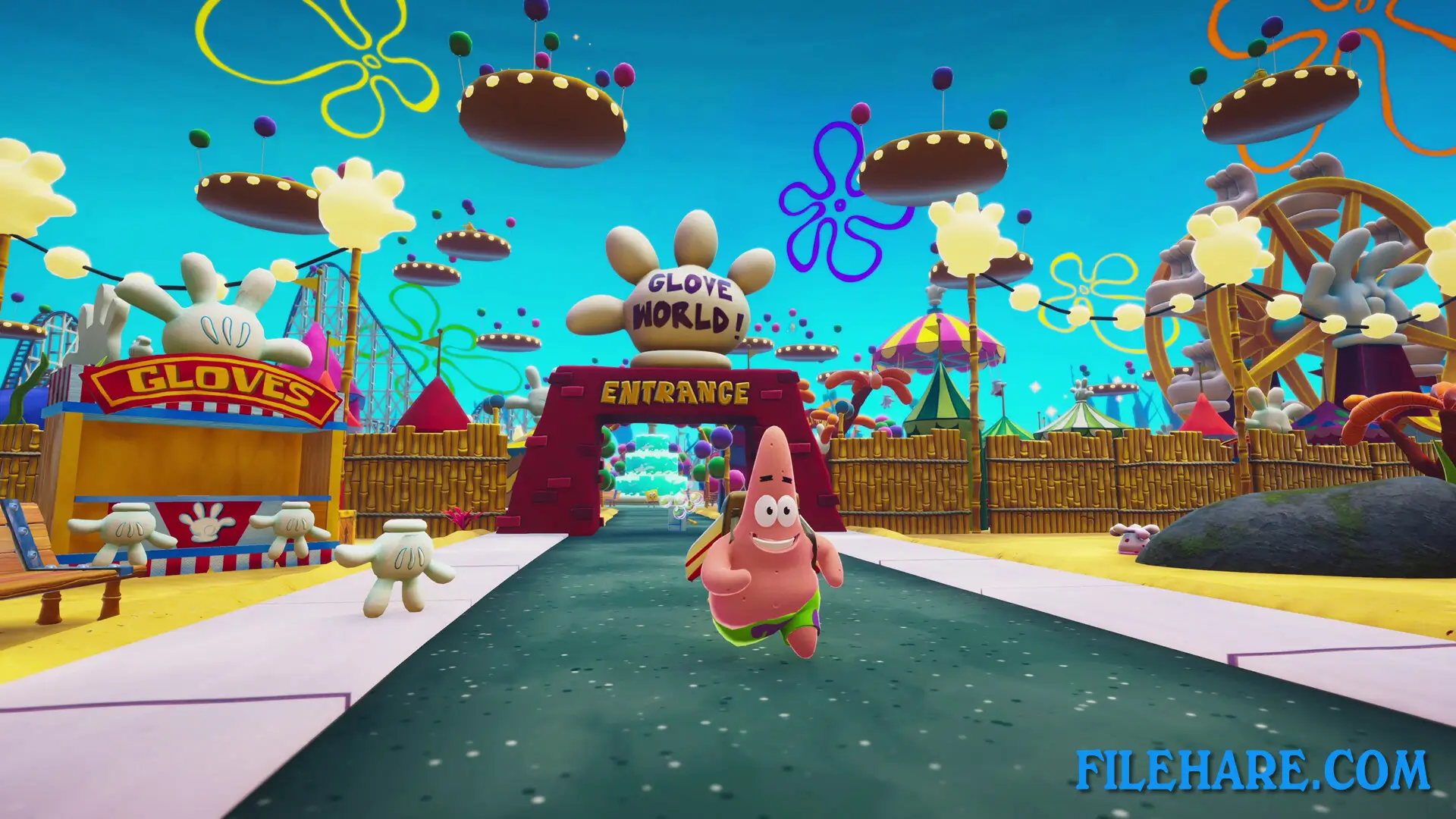
The Patrick Star Game is a third-person physics-based sandbox game where players control Patrick Star in an open-world version of Bikini Bottom. Players can pick up and interact with almost any item they find in the environment, from reef blowers to paint cans, and use them to cause funny chaos around the town. The game focuses on physics-based interactions, meaning objects behave in silly and unpredictable ways when Patrick touches them. Players can explore famous locations like The Krusty Krab, Glove World, and the Bikini Bottom Dump.
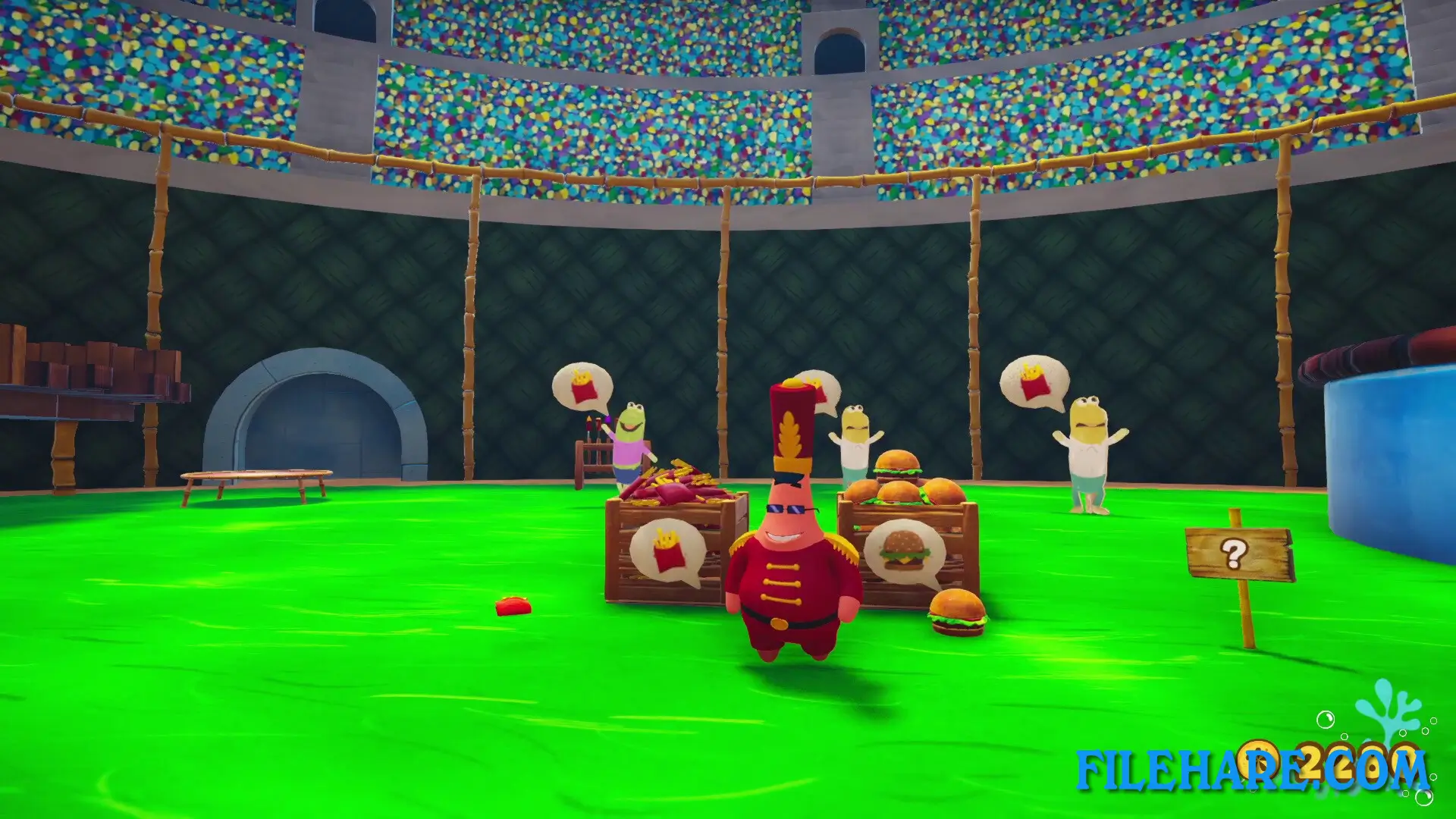
The game allows players to skydive with just a parasol or nothing at all, search for buried treasure, and visit Mrs. Puff’s Rage Room. Unlike previous SpongeBob games, this game is similar to sandbox games like Goat Simulator, where the main goal is to experiment and have fun with the physics. Players can complete tasks and challenges given by other characters like SpongeBob, Sandy Cheeks, Mr. Krabs, and even Plankton. The game also includes minigames such as the Krabby Patio.
SpongeBob SquarePants: The Patrick Star Game Features
Players can unlock classic Patrick outfits by completing crazy stunts and finding collectibles throughout Bikini Bottom. The game includes quests where players can earn sand dollars, which serve as the in-game currency. One example quest involves helping Squidward clear his sunbathing spots in locations like Conch Street, Downtown Bikini Bottom, and Jellyfish Fields. Players can collect jars of mayonnaise in typical Patrick fashion to unlock new costumes and other items.
The game features the complete original voice cast from the SpongeBob SquarePants television series, including Bill Fagerbakke as Patrick, Tom Kenny as SpongeBob, Rodger Bumpass as Squidward, and Clancy Brown as Mr. Krabs. Players will interact with all the beloved characters from the show, including Sandy, Plankton, and more. The game contains Easter Eggs and references from the TV series for longtime fans to discover while playing. This is truly Patrick’s moment to shine as the main character in his first solo video game adventure.
Recommended System Requirements
Requires a 64-bit processor and operating system
- OS: Windows 10 64-Bit
- Processor: AMD Ryzen 5 2500X / Intel Core i5-8400
- Memory: 8 GB RAM
- Graphics: AMD Radeon R9 280 / Nvidia GTX 960
- DirectX: Version 11
- Storage: 16 GB available space
- Sound Card: DirectX Compatible Sound Card
Gameplay Screenshots
| Name | SpongeBob SquarePants: The Patrick Star Game |
|---|---|
| Developer | PHL Collective |
| File Size | 1.10 GB |
| Category | Adventure |
| Minimum System Requirements | |
| CPU | AMD Ryzen 3 1200 / Intel Core i3-7100 |
| RAM | 8 GB |
| Graphics | AMD Radeon RX 550 4GB / Nvidia GTX 750 |
| Free Disk Space | 8 GB |
| Operating System | Windows 10 / 11 (64-bit) |
| User Rating | |
To buy this game, visit the Store Page
How to Download and Install SpongeBob SquarePants: The Patrick Star PC Game?
We have simple instructions for you to download and install the PC game. Before following the steps, Ensure your PC meets the minimum system requirements for Playing the game on your PC.
- First, click on the DOWNLOAD button and you will be redirected to the final Download page. Then, Download the Game on your PC.
- Once you have downloaded the SpongeBob SquarePants: The Patrick Star PC Game, Open the folder where you saved the Game.
- Then Right-click on the Zip file and click on the "Extract files" option from the dropdown menu. If your computer does not have a Zip file extract software installed, you must first install it. (such as WinRAR, 7Zip software)
- After Extracting the Zip file, Open the SpongeBob SquarePants: The Patrick Star PC Game folder.
- Then, double-click on the Setup.exe file to Install the Game.
- If asked, provide administrator permissions for the installation to proceed. Click Yes to continue.
- Follow the on-screen installation wizard to install the game on your PC.
- After the installation, if you get any missing ".dll" errors or the Game is not launching, open the Readme.txt file located in the game folder and follow the instructions shown in the document file to play the game.
Done!. Now, you can launch the game from your desktop.