Microsoft Flight Simulator PC Game Download for Windows 10/11
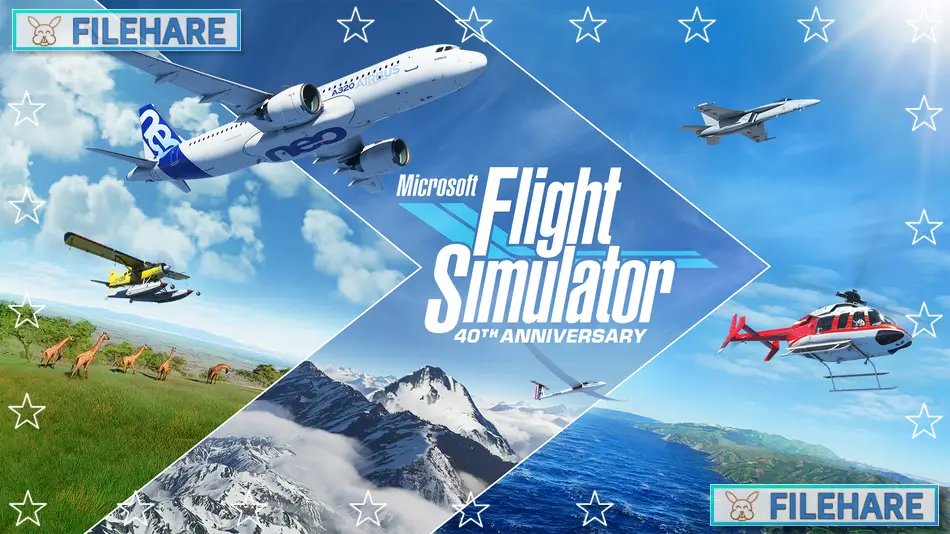
Microsoft Flight Simulator is a realistic flight simulation game developed by Asobo Studio and published by Xbox Game Studios. The game was released on August 18, 2020, for PC through Steam and the Microsoft Store. This is the latest entry in the long-running Microsoft Flight Simulator series that started in 1982. The game offers one of the most realistic flying experiences available, with detailed aircraft models.
Table of Contents
Microsoft Flight Simulator Gameplay
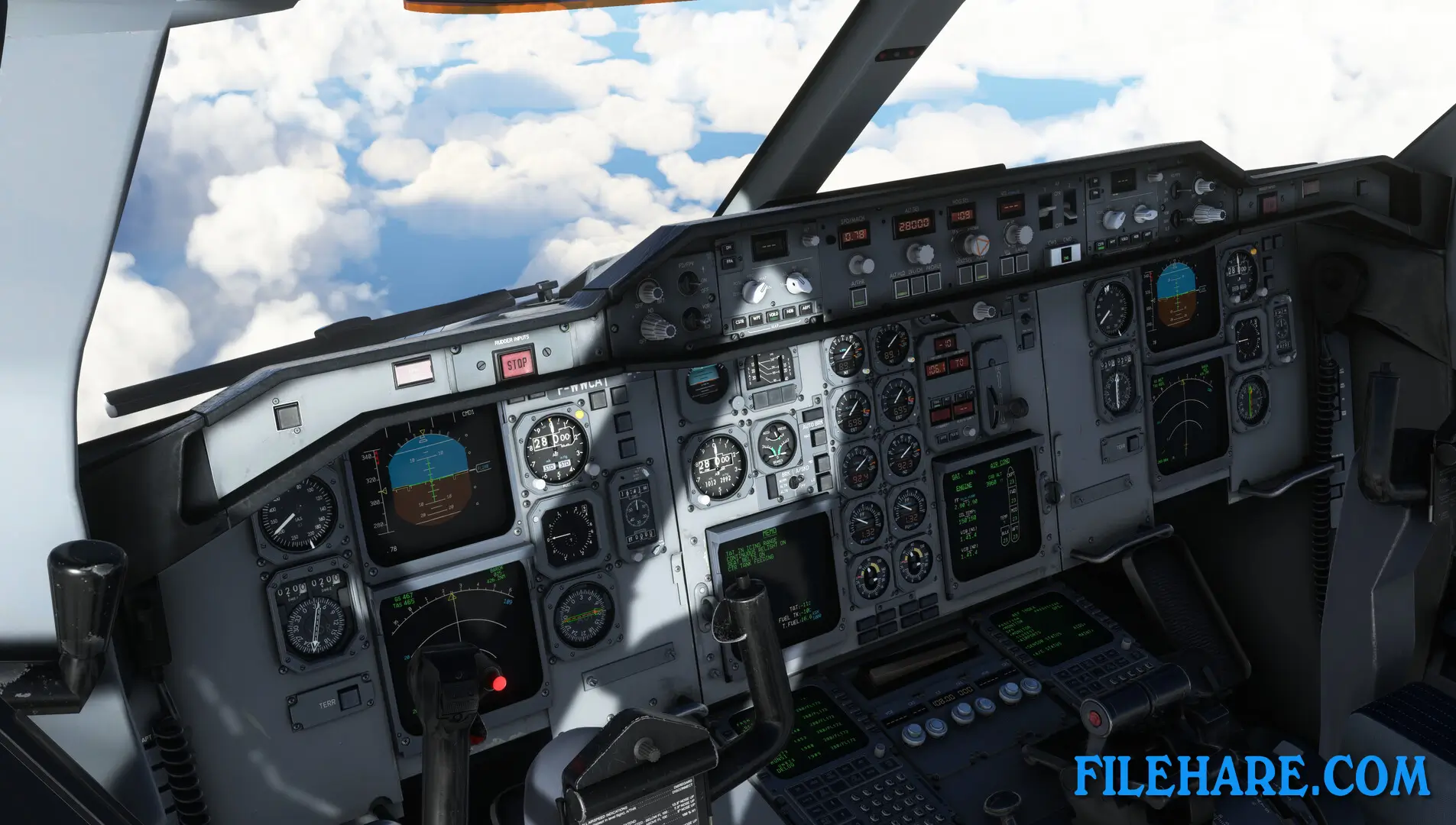
The gameplay is all about flying aircraft in a realistic simulation. You can fly many types of planes, from small propeller aircraft to large commercial jets. The game teaches you how to start the engine, use the instruments, take off, navigate, and land safely. There are different assistance options for beginners who are new to flying and for experienced pilots who want full realism. You control the throttle, flaps, landing gear, and many other aircraft systems.
You can fly anywhere in the world because the game recreates the entire Earth using satellite data and mapping technology. The weather in the game is real and updates based on actual weather conditions happening right now. This means if it is raining in Tokyo in real life, it will rain in the game too. You can create your own flight plans or try pre-made activities and landing challenges. The time of day matches real time so that you can experience sunrise, sunset, and night flying. The game includes tutorials and flight training lessons to help you learn how to fly properly.
Microsoft Flight Simulator Features
The game includes over 30 detailed aircraft, ranging from small planes to airliners and even historical aircraft. There are more than 37,000 airports around the world that you can visit. The scenery includes cities, mountains, forests, and oceans with realistic details. Famous landmarks like the Eiffel Tower and the Grand Canyon are accurately modeled. The game supports virtual reality headsets for an even more realistic experience. You can fly with other players online in multiplayer mode. The game receives regular free updates that add new planes, airports, and improved locations.
Recommended System Requirements
Requires a 64-bit processor and operating system
- OS: Windows 10
- Processor: Intel i5-8400 | AMD Ryzen 5 1500X
- Memory: 16 GB RAM
- Graphics: NVIDIA GTX 970 | AMD Radeon RX 590
- DirectX: Version 11
- Storage: 150 GB available space
Gameplay Screenshots


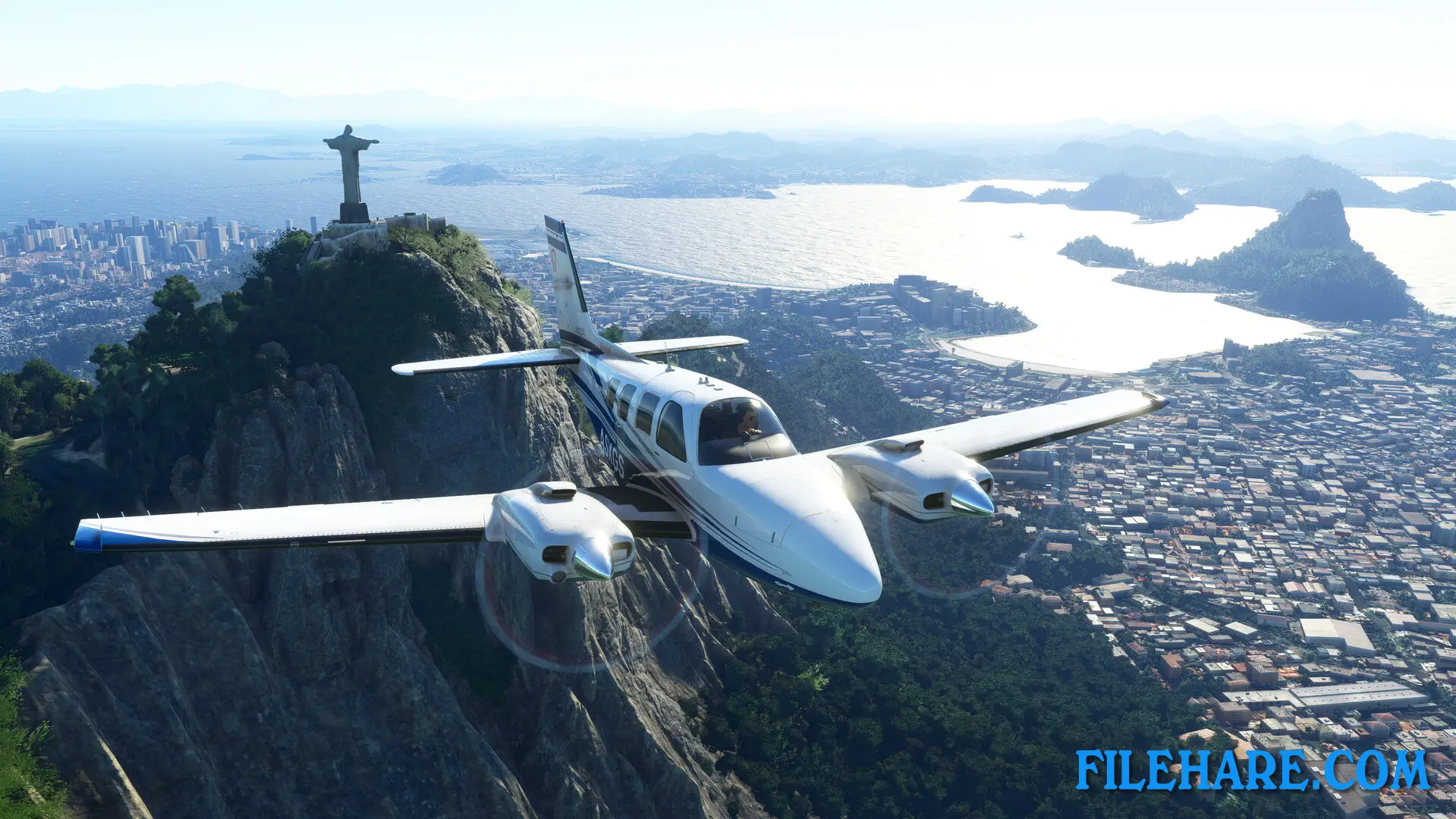
| Name | Microsoft Flight Simulator |
|---|---|
| Developer | Asobo Studio |
| File Size | 68.55 GB |
| Category | Simulation |
| Minimum System Requirements | |
| CPU | Intel i5-4460 | AMD Ryzen 3 1200 |
| RAM | 8 GB |
| Graphics | NVIDIA GTX 770 | AMD Radeon RX 570 |
| Free Disk Space | 150 GB |
| Operating System | Windows 10 / 11 (64-bit) |
| User Rating | |
To buy this game, visit the Store Page
How to Download and Install Microsoft Flight Simulator PC Game?
We have simple instructions for you to download and install the PC game. Before following the steps, Ensure your PC meets the minimum system requirements for Playing the game on your PC.
- First, click on the DOWNLOAD button and you will be redirected to the final Download page. Then, Download the Game on your PC.
- Once you have downloaded the Microsoft Flight Simulator PC Game, Open the folder where you saved the Game.
- Then Right-click on the Zip file and click on the "Extract files" option from the dropdown menu. If your computer does not have a Zip file extract software installed, you must first install it. (such as WinRAR, 7Zip software)
- After Extracting the Zip file, Open the Microsoft Flight Simulator PC Game folder.
- Then, double-click on the Setup.exe file to Install the Game.
- If asked, provide administrator permissions for the installation to proceed. Click Yes to continue.
- Follow the on-screen installation wizard to install the game on your PC.
- After the installation, if you get any missing ".dll" errors or the Game is not launching, open the Readme.txt file located in the game folder and follow the instructions shown in the document file to play the game.
Done!. Now, you can launch the game from your desktop.