Farming Simulator 25 PC Game Download for Windows 10/11
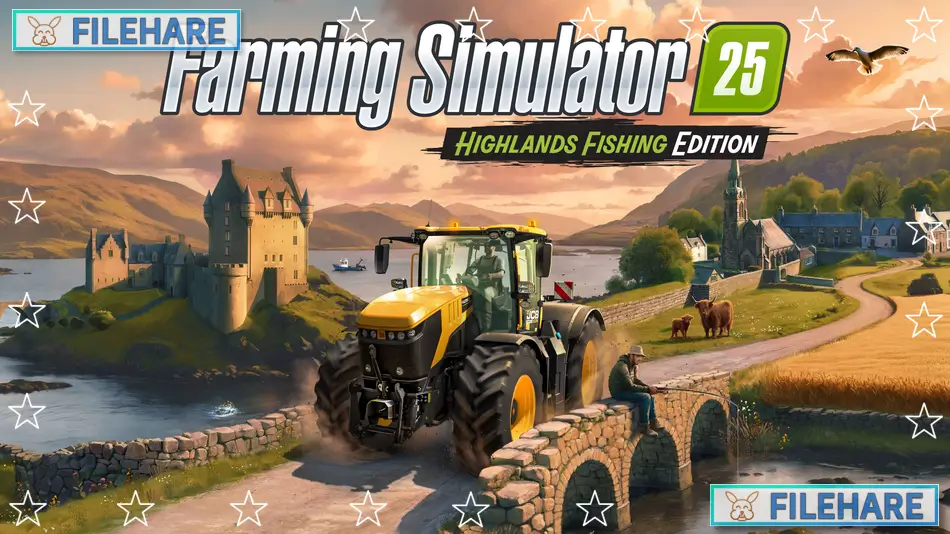
Farming Simulator 25 is a farming simulation game developed by GIANTS Software and published by GIANTS Software. The game was released on November 12, 2024, for PC through Steam and other platforms. This is the latest entry in the popular Farming Simulator series. Players manage their own farm, grow crops, raise animals, and build a successful agricultural business. The game features new locations, updated graphics, and more farming activities than previous versions.
Table of Contents
Farming Simulator 25 Gameplay
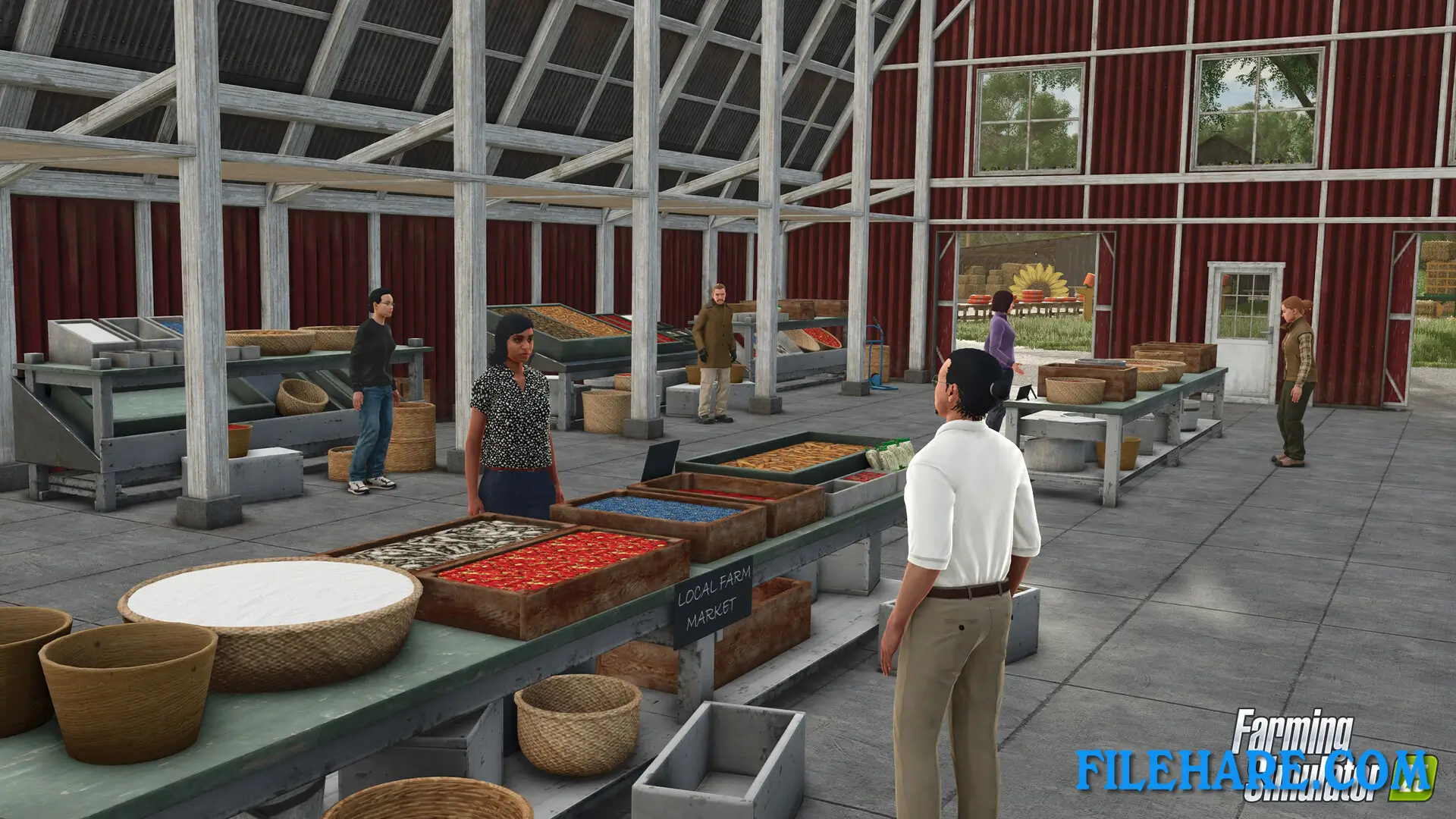
The gameplay focuses on running a complete farm operation. You start with basic equipment and a small amount of money. You must plow fields, plant seeds, fertilize crops, and harvest them when they are ready. You drive tractors, combines, and other farm vehicles to complete your work. After harvesting, you sell your crops at the market to earn money. You can also raise animals like cows, chickens, pigs, and sheep. Animals need food, water, and clean shelters to stay healthy and produce milk, eggs, and wool.
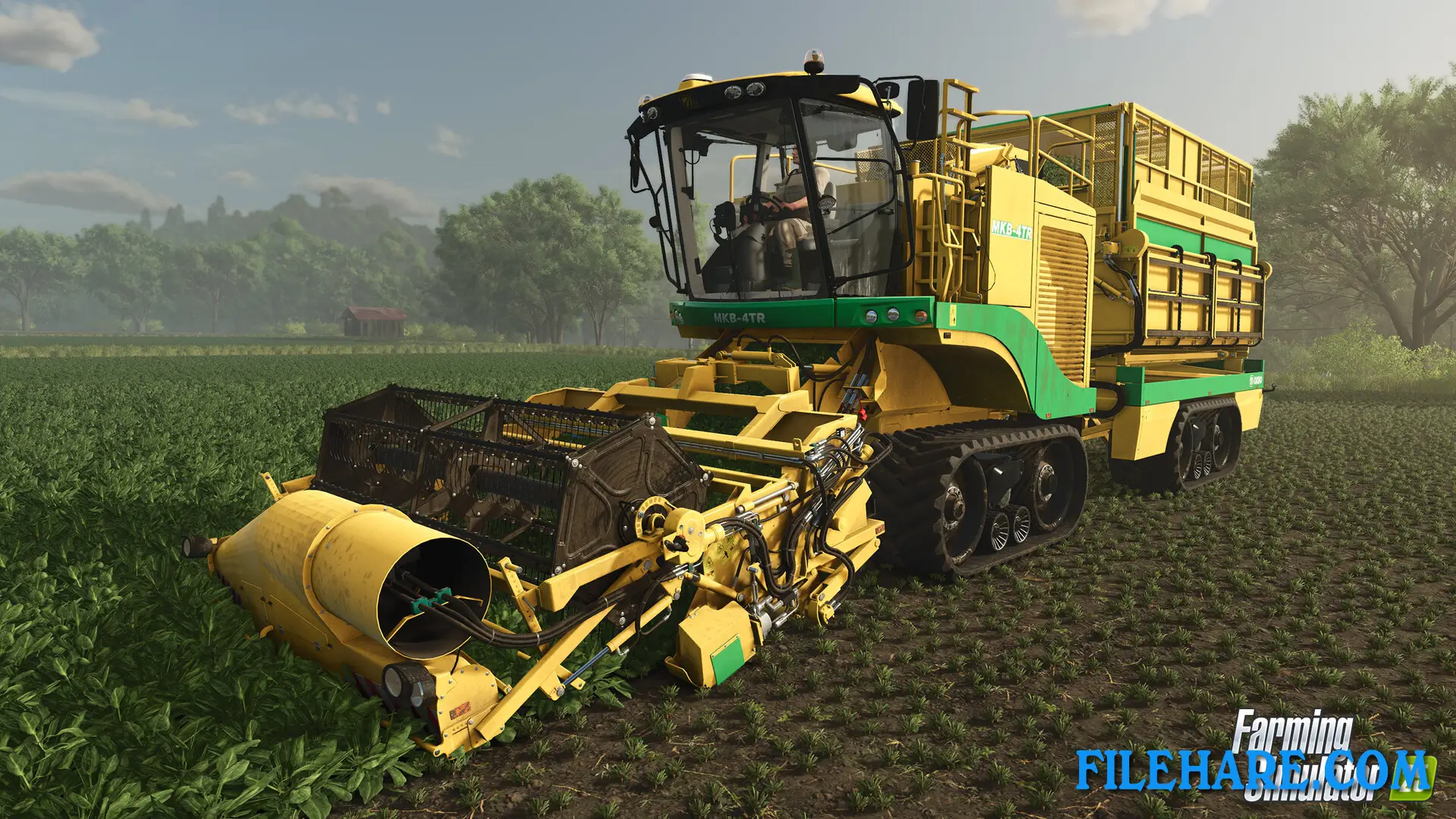
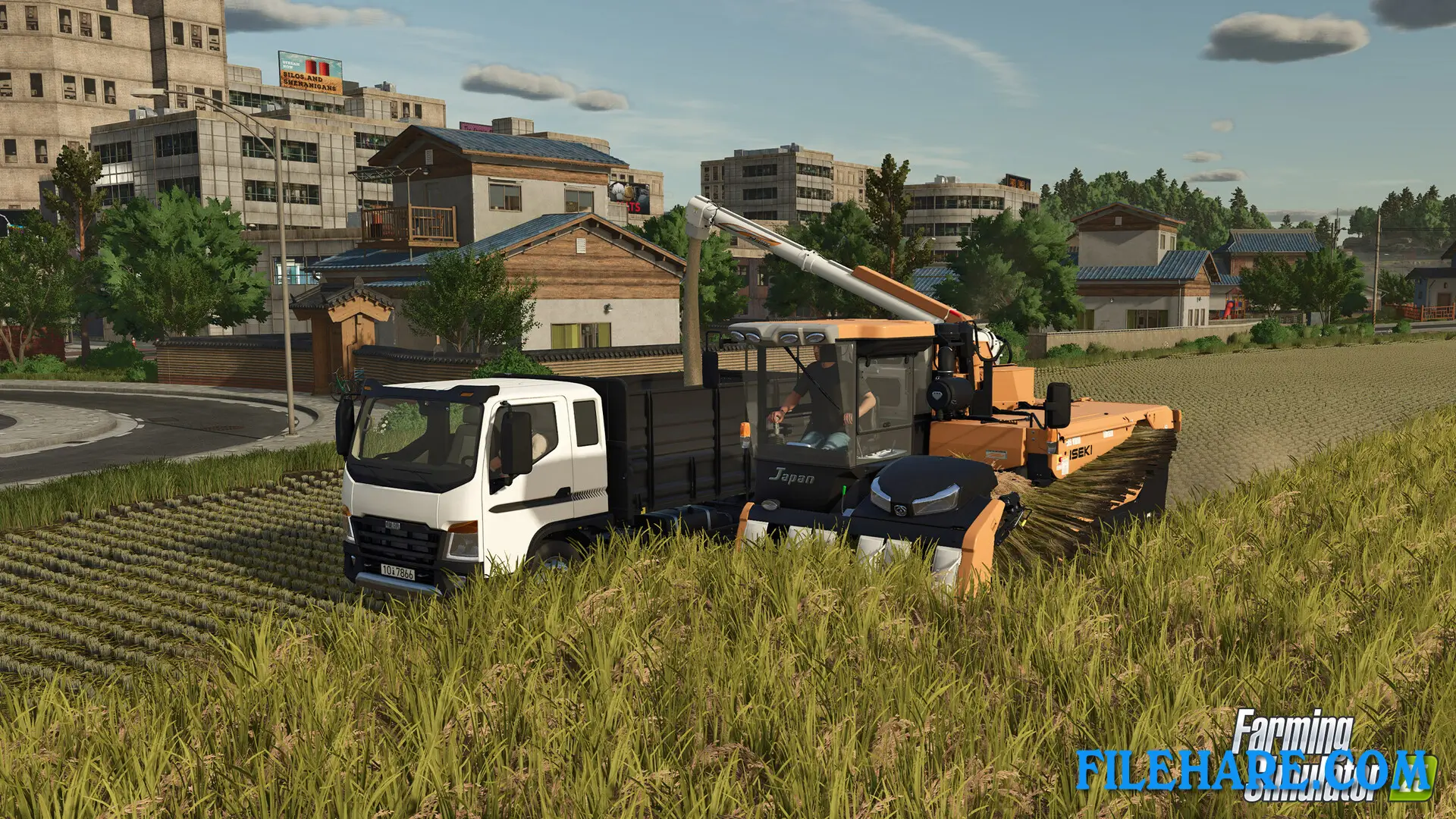
The game includes realistic farming seasons where you must plan what to plant and when to harvest. Weather conditions affect your crops and farming schedule. You can expand your farm by buying more land, buildings, and equipment. There are many types of machinery from real manufacturers like John Deere, Case IH, and New Holland. You must also maintain your vehicles by repairing and refueling them. The game offers both single-player and multiplayer modes where you can farm together with friends.
Farming Simulator 25 Features
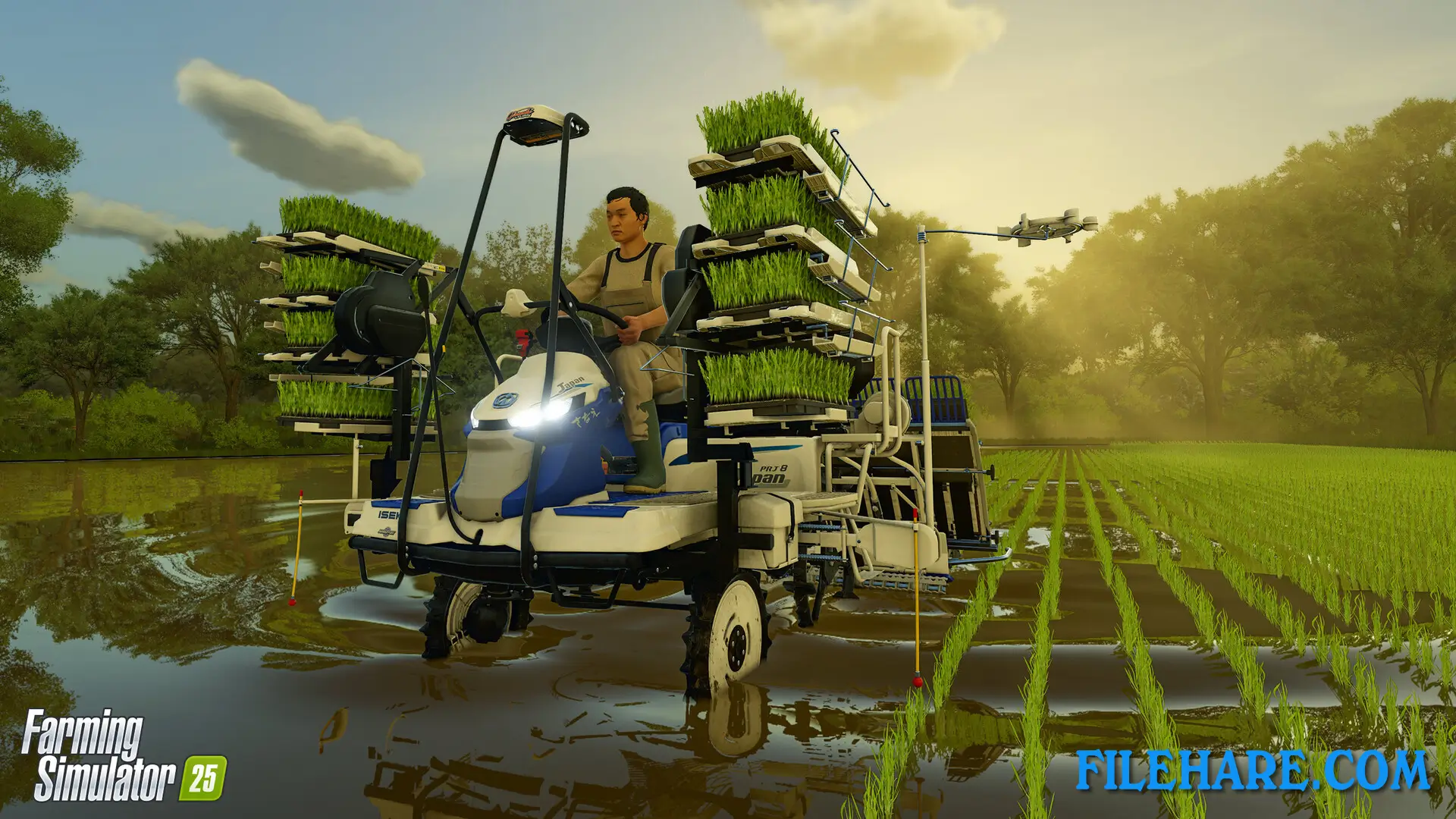
The game introduces new crops like rice and spinach that were not in earlier games. There are over 400 authentic machines and tools from more than 150 real brands. The game includes three new map locations in North America, Europe, and Asia, where you can build your farm. You can use construction equipment to modify your land and create new fields. There is a production chain system where you can process your crops into products like flour, bread, and juice to sell for higher prices. The game supports mods created by the community, allowing you to add new vehicles, maps, and features. You can hire AI workers to help with repetitive tasks like plowing and harvesting while you focus on other farm activities.
Recommended System Requirements
Requires a 64-bit processor and operating system
- OS: Windows 10 64-bit
- Processor: Intel Core i7-10700, AMD Ryzen 7 3800X, or better
- Memory: 12 GB RAM
- Graphics: Nvidia GeForce RTX 2070, AMD Radeon RX 5700 XT, Intel Arc A750 graphics card or better (min 8GB VRAM, DX12 support)
- DirectX: Version 12
- Storage: 45 GB available space
- Sound Card: Sound card
- VR Support: N/A
- Additional Notes: These system requirements can´t cover all possible system configurations, so issues could occur that influence the functionality in some cases.
Gameplay Screenshots
| Name | Farming Simulator 25 |
|---|---|
| Developer | GIANTS Software |
| File Size | 14 GB |
| Category | Simulation |
| Minimum System Requirements | |
| CPU | Intel Core i5-6400, AMD Ryzen 5 1400, or better |
| RAM | 8 GB |
| Graphics | Nvidia GeForce GTX 1050Ti, AMD Radeon RX 470 graphics card or better (min 3GB VRAM, DX12 support) |
| Free Disk Space | 45 GB |
| Operating System | Windows 10 / 11 (64-bit) |
| User Rating | |
To buy this game, visit the Store Page
How to Download and Install Farming Simulator 25 PC Game?
We have simple instructions for you to download and install the PC game. Before following the steps, Ensure your PC meets the minimum system requirements for Playing the game on your PC.
- First, click on the DOWNLOAD button and you will be redirected to the final Download page. Then, Download the Game on your PC.
- Once you have downloaded the Farming Simulator 25 PC Game, Open the folder where you saved the Game.
- Then Right-click on the Zip file and click on the "Extract files" option from the dropdown menu. If your computer does not have a Zip file extract software installed, you must first install it. (such as WinRAR, 7Zip software)
- After Extracting the Zip file, Open the Farming Simulator 25 PC Game folder.
- Then, double-click on the Setup.exe file to Install the Game.
- If asked, provide administrator permissions for the installation to proceed. Click Yes to continue.
- Follow the on-screen installation wizard to install the game on your PC.
- After the installation, if you get any missing ".dll" errors or the Game is not launching, open the Readme.txt file located in the game folder and follow the instructions shown in the document file to play the game.
Done!. Now, you can launch the game from your desktop.