Goat Simulator 3 PC Game Download for Windows 10/11
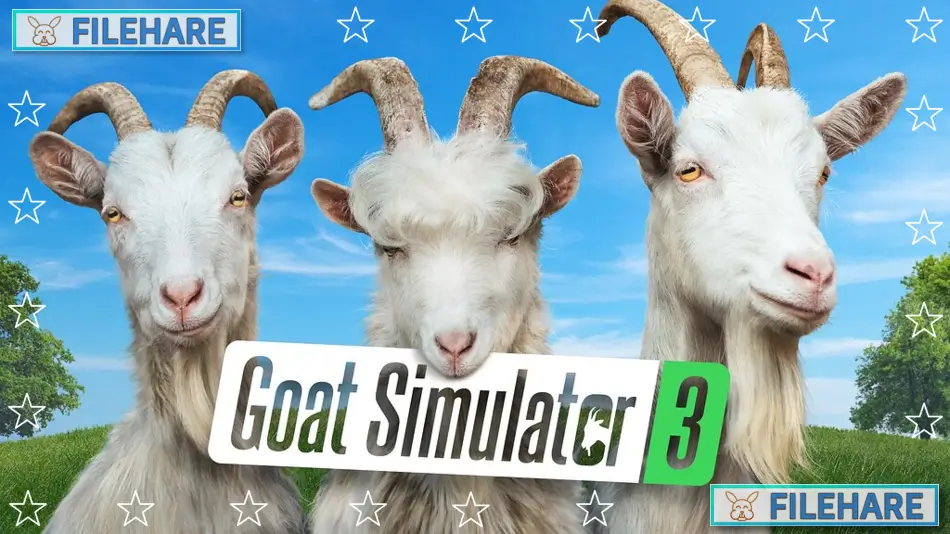
Goat Simulator 3 is a silly action sandbox game developed by Coffee Stain North and published by Coffee Stain Publishing. The game was released on November 17, 2022, for PC via the Epic Games Store, and later came to Steam on June 29, 2023. Despite being called Goat Simulator 3, there was never a Goat Simulator 2, which is part of the game’s joke and funny nature. Players control a goat and cause chaos in an open city called San Angora.
Table of Contents
Goat Simulator 3 Gameplay
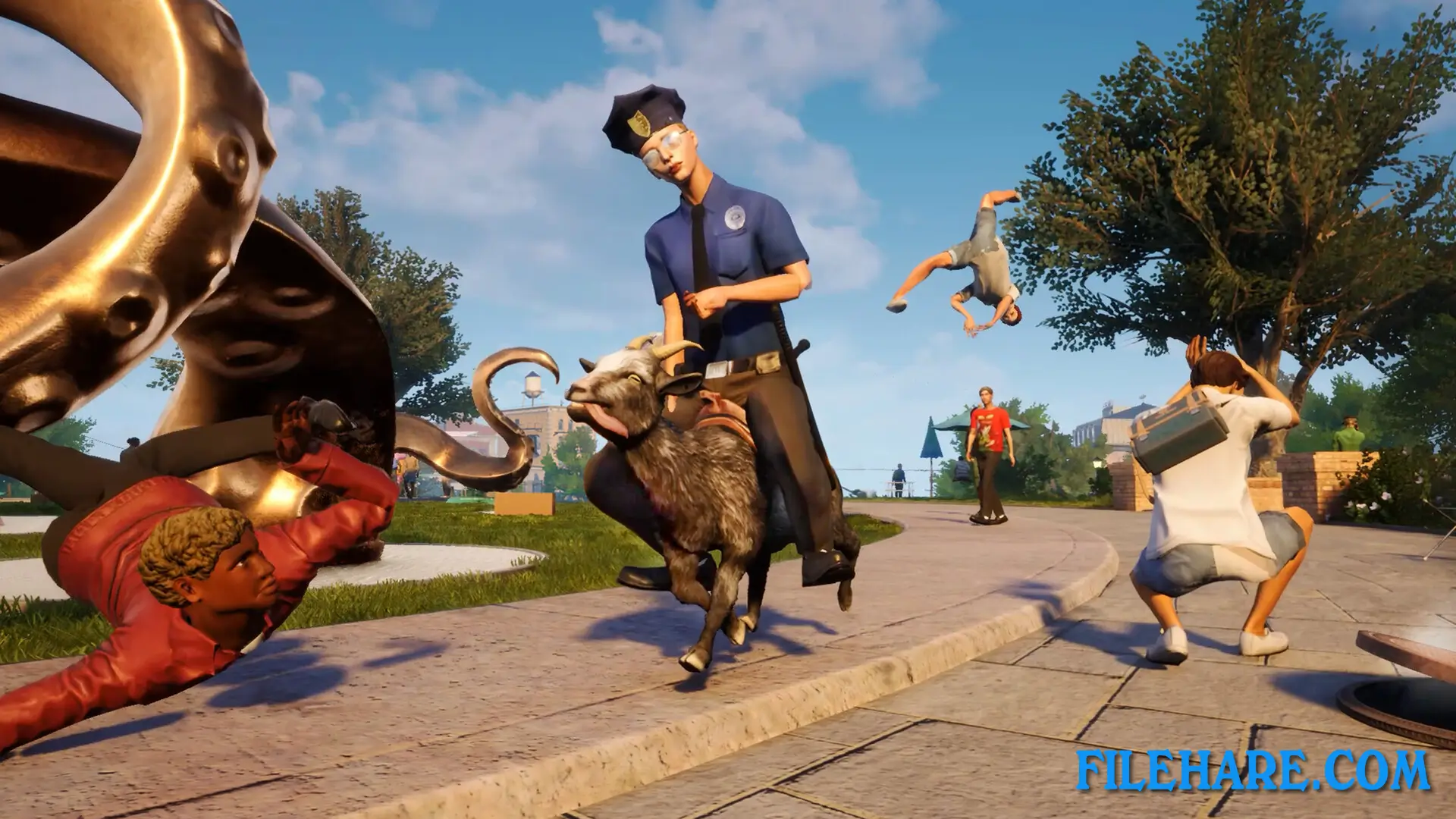
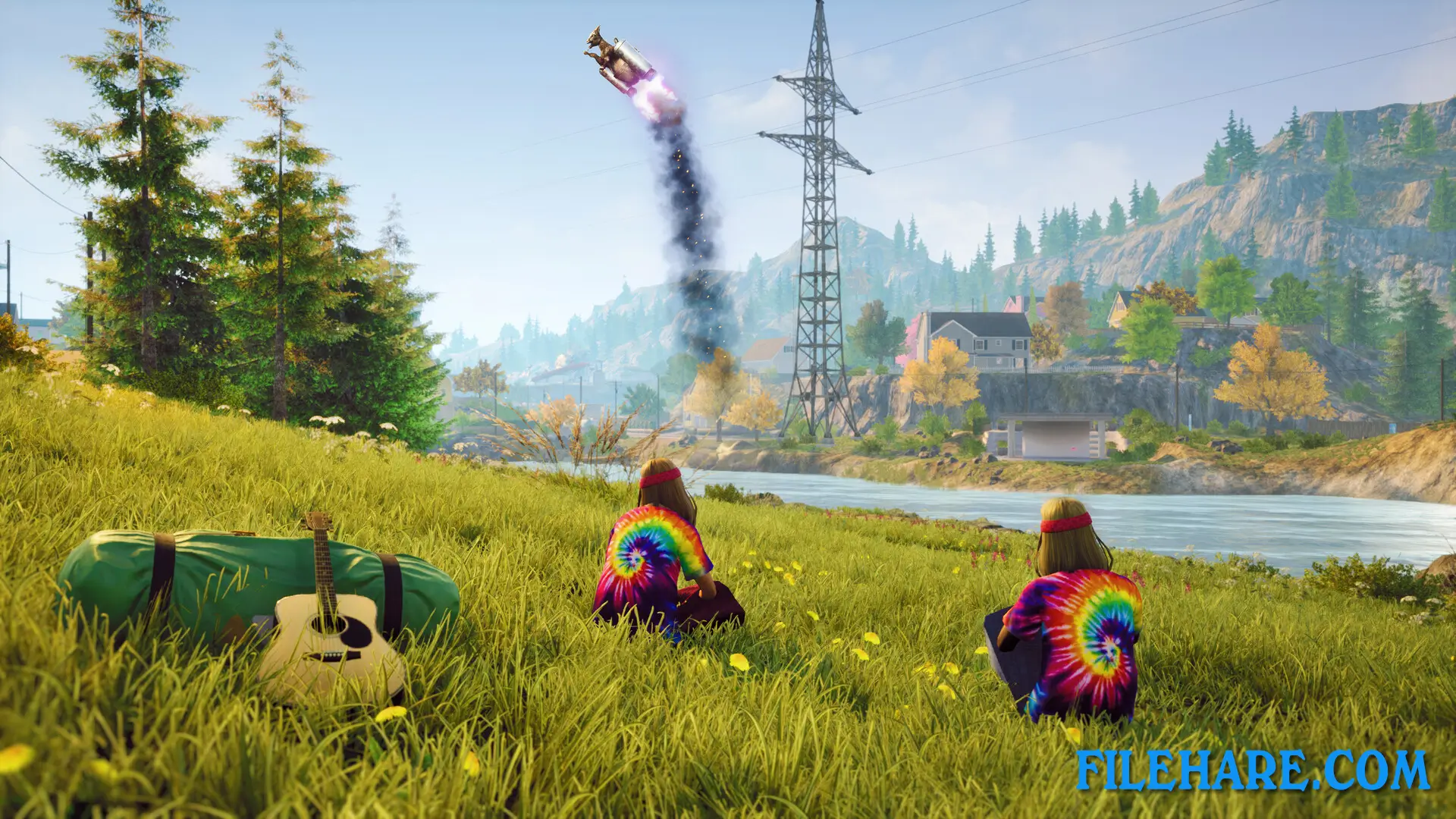
The gameplay is simple and focused on causing destruction and having fun. You control a goat that can run, jump, headbutt objects, and lick things to drag them around. The physics in the game are intentionally silly, which creates funny situations when you crash into objects or people. You explore a large open map filled with buildings, vehicles, and people. There are no serious goals or missions you must complete. Instead, you find activities and challenges scattered around the map that you can try if you want.
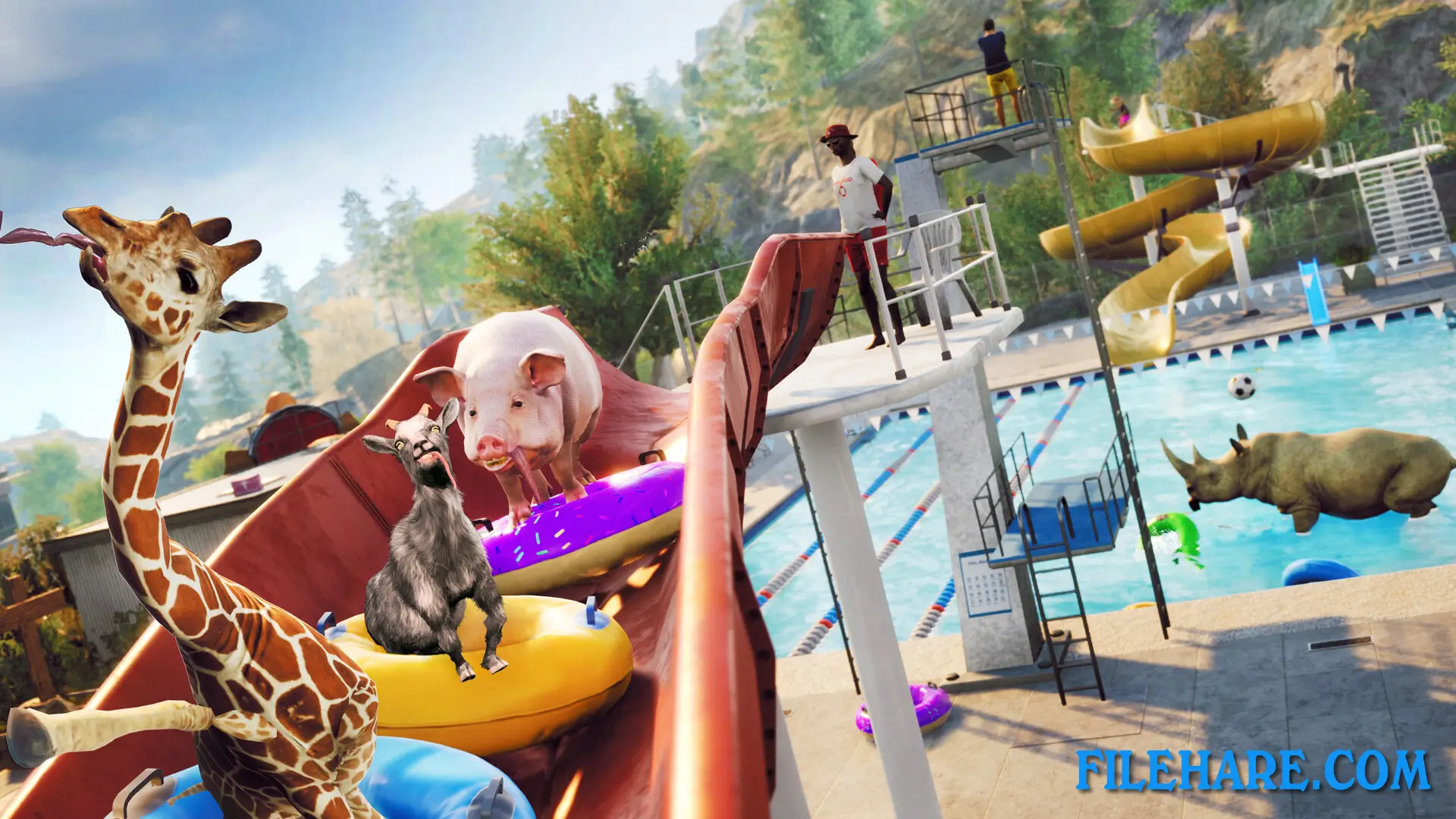
The game includes mini-games and events spread across the city. You can destroy property, knock over people, ride vehicles, and interact with almost everything you see. You can also ragdoll your goat’s body to create funny crashes. The game supports multiplayer mode, where up to four players can join together online and cause chaos as a group of goats.
Goat Simulator 3 Features
The game offers many goat costumes and gear that change how your goat looks and sometimes give special abilities. Some outfits let you do new things, like double jump or explode objects. San Angora is much bigger than the maps in earlier Goat Simulator games, with more areas to explore, including suburbs, farms, and city centers. There are hundreds of small challenges and collectibles hidden throughout the map. The game includes references and parodies of popular culture, movies, and other video games. You can find secret areas and Easter eggs by exploring carefully. The multiplayer mode lets friends play together and compete or cooperate in causing mayhem across the city.
Recommended System Requirements
Requires a 64-bit processor and operating system
- OS: Windows 10
- Processor: i5 9400F
- Memory: 16 GB RAM
- Graphics: GTX 1070 (8GB VRAM)
- DirectX: Version 11
- Storage: 12 GB available space
Gameplay Screenshots

| Name | Goat Simulator 3 |
|---|---|
| Developer | Coffee Stain North |
| File Size | 2.19 GB |
| Category | Adventure, Simulation |
| Minimum System Requirements | |
| CPU | Intel i5 4690k |
| RAM | 8 GB |
| Graphics | GTX 1050 Ti (4GB VRAM) |
| Free Disk Space | 12 GB |
| Operating System | Windows 10 / 11 (64-bit) |
| User Rating | |
To buy this game, visit the Store Page
How to Download and Install Goat Simulator 3 PC Game?
We have simple instructions for you to download and install the PC game. Before following the steps, Ensure your PC meets the minimum system requirements for Playing the game on your PC.
- First, click on the DOWNLOAD button and you will be redirected to the final Download page. Then, Download the Game on your PC.
- Once you have downloaded the Goat Simulator 3 PC Game, Open the folder where you saved the Game.
- Then Right-click on the Zip file and click on the "Extract files" option from the dropdown menu. If your computer does not have a Zip file extract software installed, you must first install it. (such as WinRAR, 7Zip software)
- After Extracting the Zip file, Open the Goat Simulator 3 PC Game folder.
- Then, double-click on the Setup.exe file to Install the Game.
- If asked, provide administrator permissions for the installation to proceed. Click Yes to continue.
- Follow the on-screen installation wizard to install the game on your PC.
- After the installation, if you get any missing ".dll" errors or the Game is not launching, open the Readme.txt file located in the game folder and follow the instructions shown in the document file to play the game.
Done!. Now, you can launch the game from your desktop.