Taxi Life: A City Driving Simulator – Supporter Edition PC Game Download

Taxi Life: A City Driving Simulator – Supporter Edition is a driving simulation game developed by Simteract and published by Nacon. The game was released on March 7, 2024, for PC via Steam. Players become taxi driver in the city of Barcelona, Spain. The game creates a large portion of Barcelona with realistic streets and famous landmarks. You build your taxi business from a single driver to managing a full taxi company.
Table of Contents
Taxi Life: A City Driving Simulator Gameplay
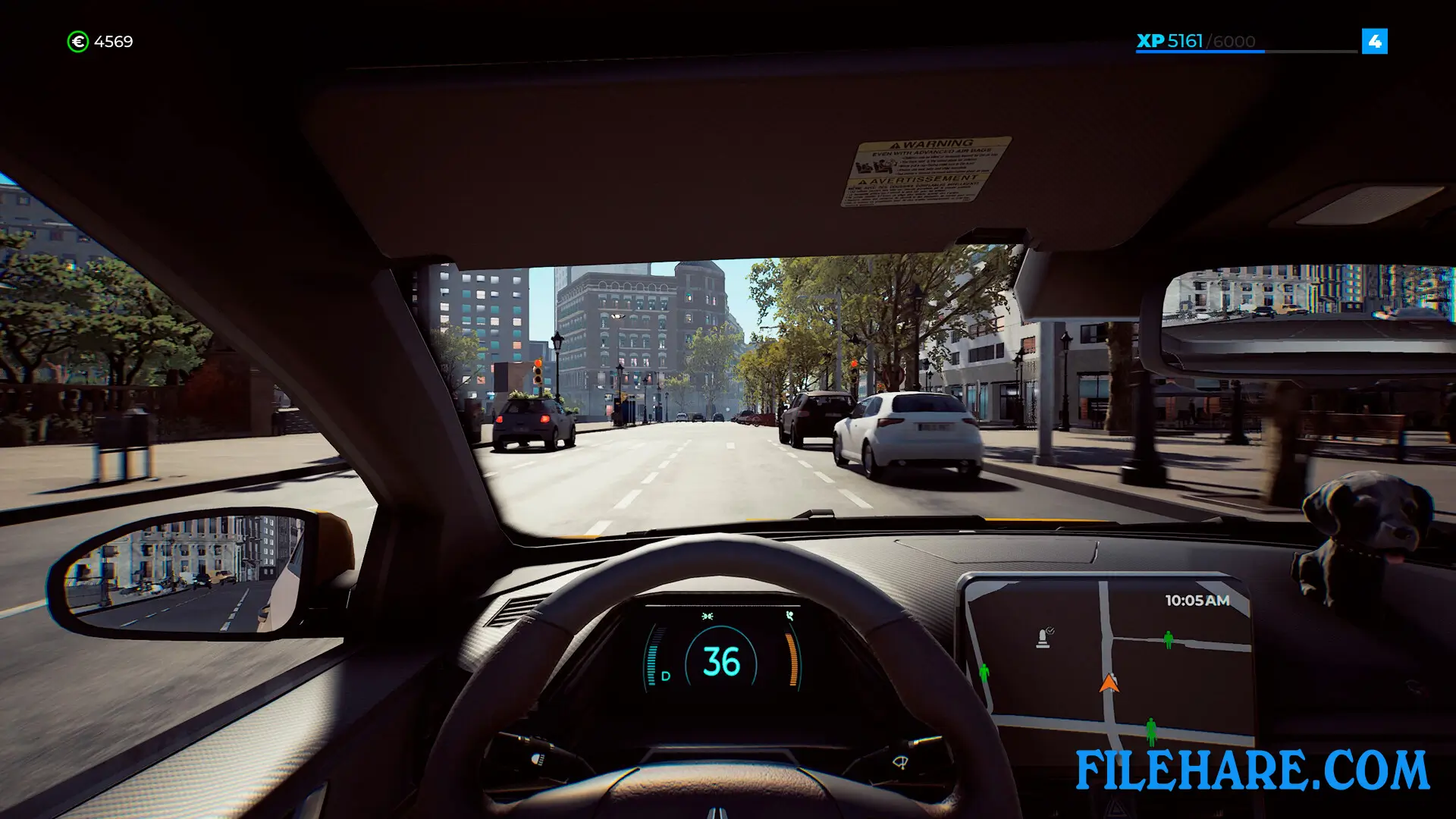
The gameplay centers on driving passengers around Barcelona to their destinations. You pick up customers from the street or respond to taxi calls. Passengers tell you where they want to go, and you must drive them there safely and quickly. You need to follow traffic rules, avoid accidents, and use your GPS to find the best routes.
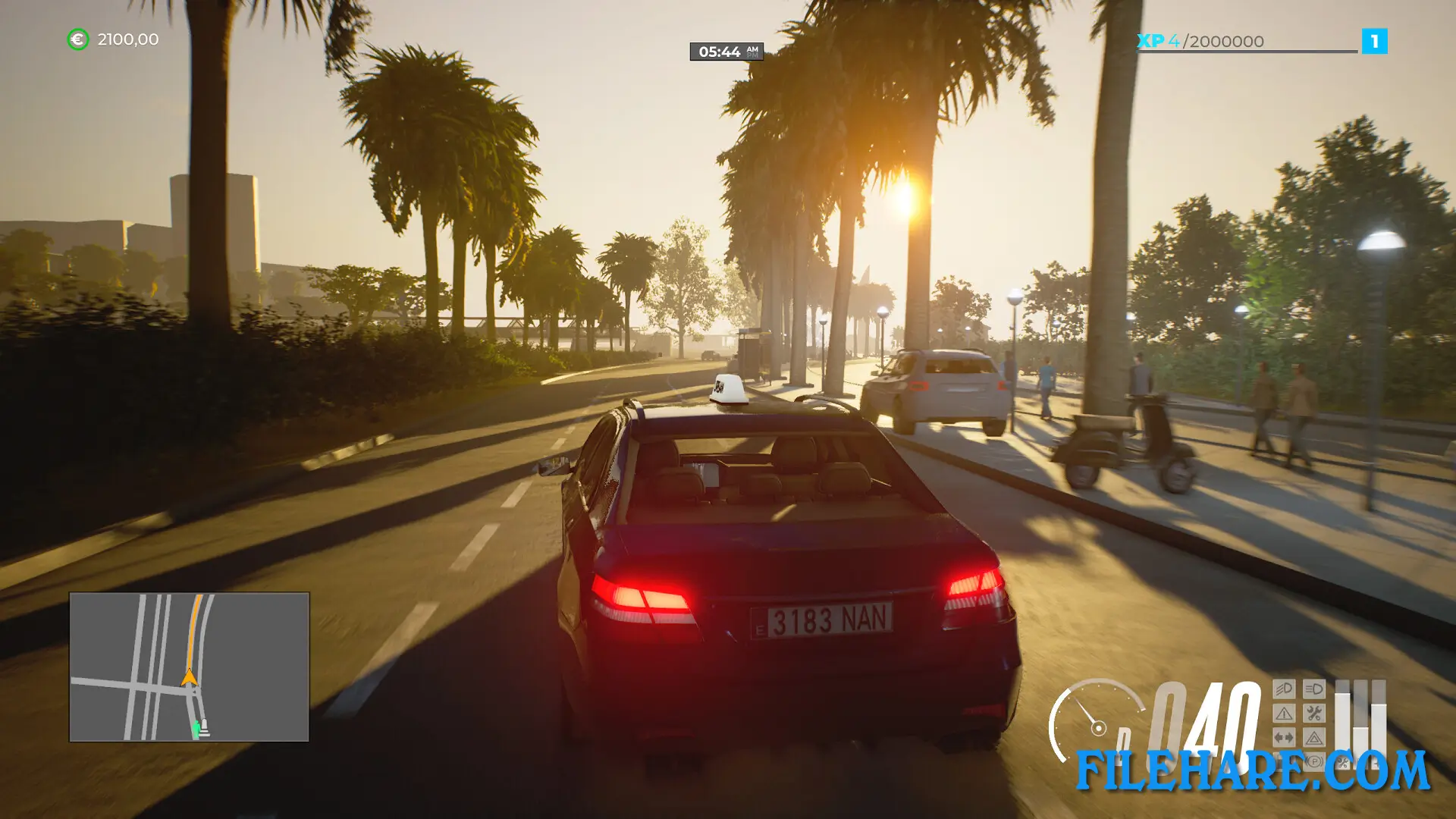
You start with a basic taxi and limited money. As you complete rides and earn income, you can upgrade your vehicle or buy new taxis. The game includes realistic driving mechanics where you must stop at red lights, use turn signals, and watch your speed. You also need to refuel your taxi. Passengers react to your driving style, so reckless driving makes them unhappy. The game has a day and night cycle with changing traffic conditions. When your business grows, you can hire other drivers to work for you and manage multiple taxis at once.
Taxi Life: A City Driving Simulator Features
The game features a detailed creation of over 460 kilometers of Barcelona roads. You can visit famous places like La Sagrada Familia, Park Güell, and the Gothic Quarter. There are many types of passengers with different personalities and conversations. Some customers are in a hurry, while others prefer a calm ride. The game includes realistic car damage where crashes affect your vehicle’s performance. You can customize your taxi with different colors and accessories. There is a radio in your taxi that plays various music stations. The game also has a company management system where you handle finances, hire drivers, and expand your taxi fleet.
Recommended System Requirements
Requires a 64-bit processor and operating system
- OS: Windows 11
- Processor: Intel Core i7-11700K or AMD Ryzen 7 5800X
- Memory: 12 GB RAM
- Graphics: NVIDIA GeForce GTX 1660S, 6 GB or AMD Radeon RX 5600 XT, 6 GB
- DirectX: Version 12
- Storage: 6 GB available space
- Additional Notes: High 1080p @ 60 FPS
Gameplay Screenshots


| Name | Taxi Life: A City Driving Simulator – Supporter Edition |
|---|---|
| Developer | Simteract |
| File Size | 2 GB |
| Category | Simulation |
| Minimum System Requirements | |
| CPU | Intel Core i5-7600 or AMD Ryzen 5 2600 |
| RAM | 8 GB |
| Graphics | NVIDIA GeForce GTX 760, 4 GB or AMD Radeon RX 560, 4 GB |
| Free Disk Space | 6 GB |
| Operating System | Windows 10 / 11 (64-bit) |
| User Rating | |
To buy this game, visit the Store Page
How to Download and Install Taxi Life: A City Driving Simulator – Supporter Edition PC Game?
We have simple instructions for you to download and install the PC game. Before following the steps, Ensure your PC meets the minimum system requirements for Playing the game on your PC.
- First, click on the DOWNLOAD button and you will be redirected to the final Download page. Then, Download the Game on your PC.
- Once you have downloaded the Taxi Life: A City Driving Simulator – Supporter Edition PC Game, Open the folder where you saved the Game.
- Then Right-click on the Zip file and click on the "Extract files" option from the dropdown menu. If your computer does not have a Zip file extract software installed, you must first install it. (such as WinRAR, 7Zip software)
- After Extracting the Zip file, Open the Taxi Life: A City Driving Simulator – Supporter Edition PC Game folder.
- Then, double-click on the Setup.exe file to Install the Game.
- If asked, provide administrator permissions for the installation to proceed. Click Yes to continue.
- Follow the on-screen installation wizard to install the game on your PC.
- After the installation, if you get any missing ".dll" errors or the Game is not launching, open the Readme.txt file located in the game folder and follow the instructions shown in the document file to play the game.
Done!. Now, you can launch the game from your desktop.