Car Mechanic Simulator 2018 PC Game Download for Windows 10/11/7/8
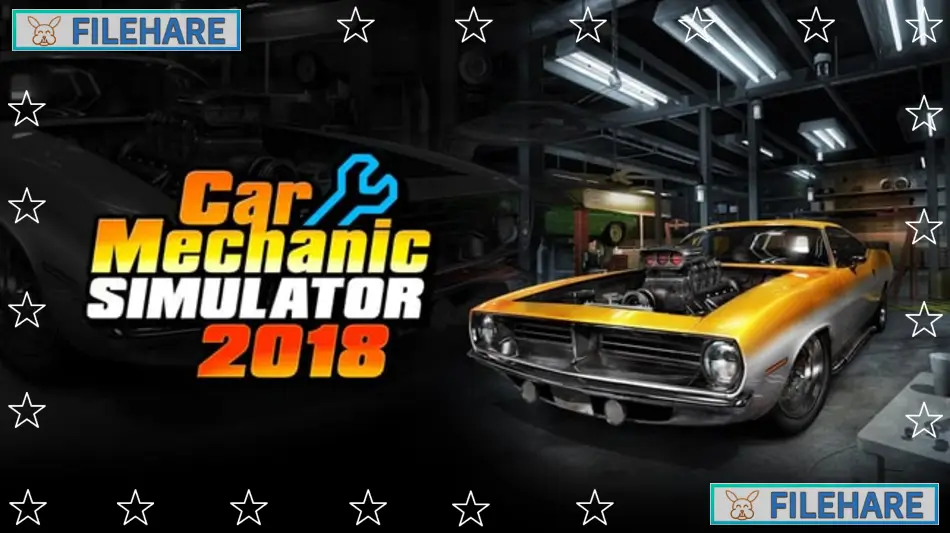
Car Mechanic Simulator 2018 is a vehicle repair simulation game developed by Red Dot Games and published by PlayWay S.A. The game was released on July 28, 2017, for PC through Steam. Players run their own car repair shop where they fix, restore, and tune vehicles. The game teaches real automotive knowledge while providing an entertaining mechanic experience with detailed car parts and repair procedures.
Table of Contents
Car Mechanic Simulator 2018 Gameplay
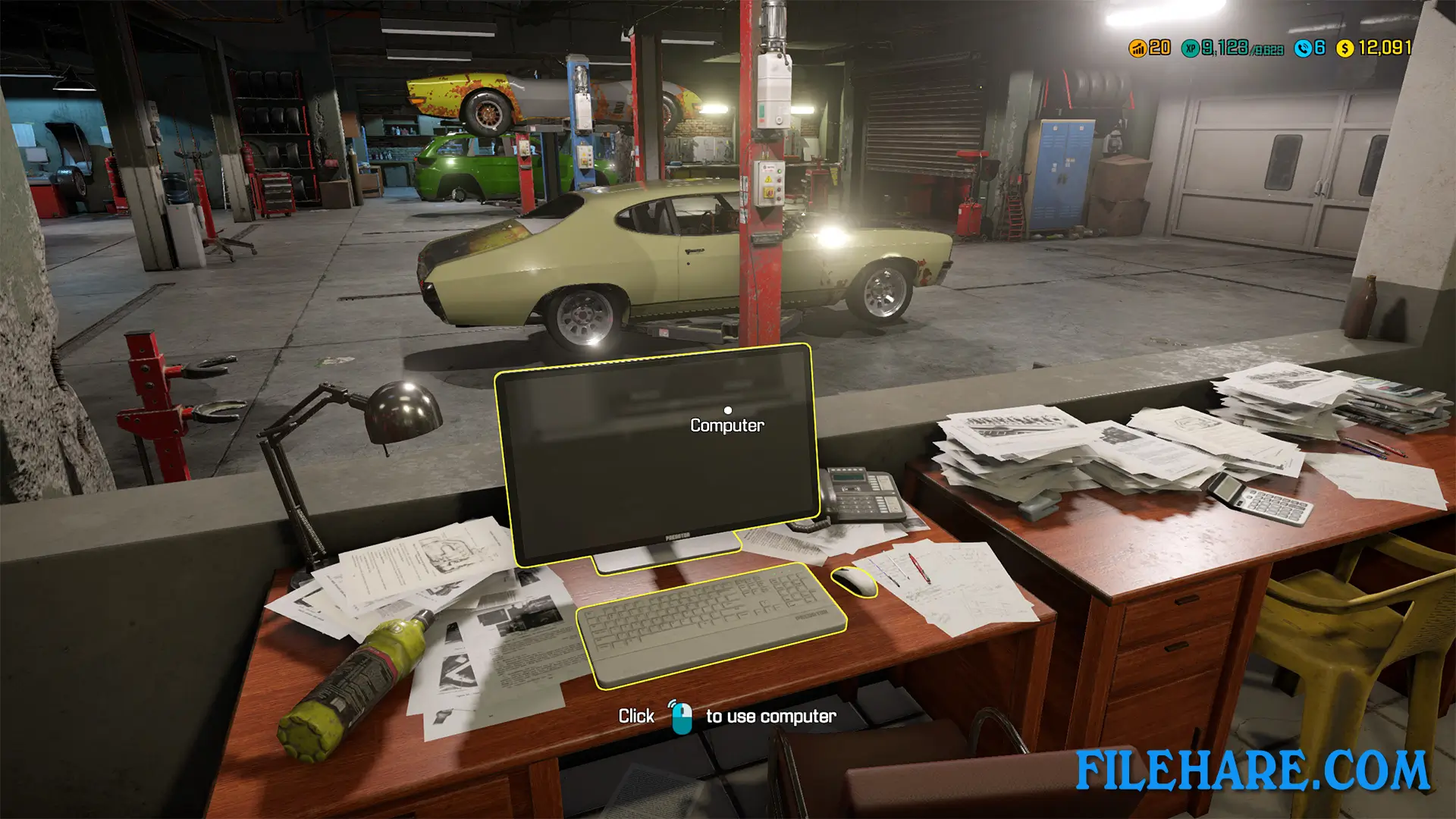
The gameplay revolves around repairing and maintaining cars in your workshop. Customers bring their vehicles with various problems, and you must diagnose and fix the issues. You use diagnostic tools to find out what is wrong with the car. Then you remove broken parts, order replacements, and install new components. You can take apart almost every part of a car, including the engine, transmission, suspension, brakes, and interior.
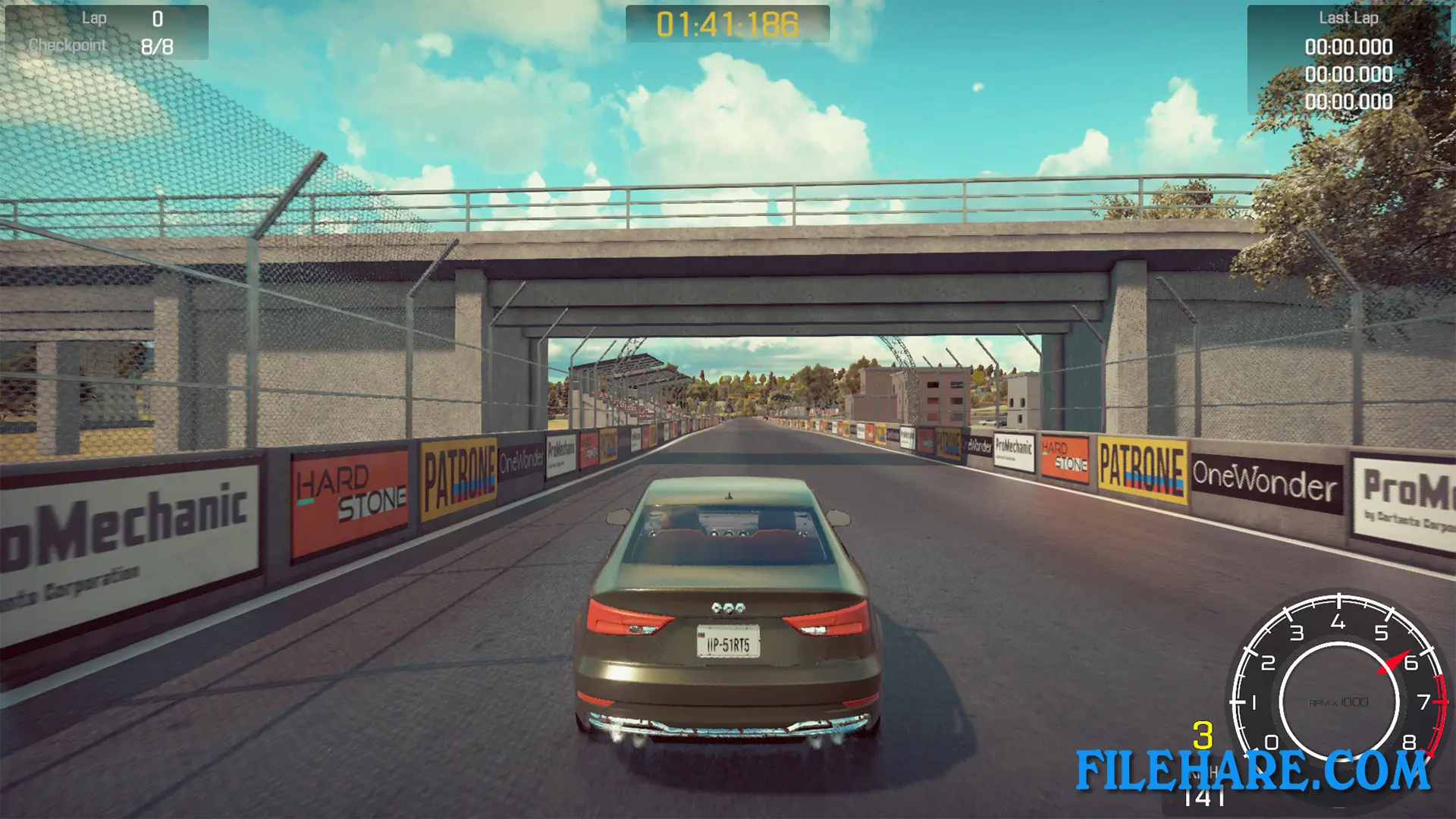
You earn money by completing repair jobs. The money allows you to buy better tools and expand your garage. You can also buy damaged cars at auctions, repair them completely, and sell them for profit. The game includes a test path where you can drive cars to check if they work properly after repairs. You must manage your time and resources to complete jobs before deadlines.
Car Mechanic Simulator 2018 Features
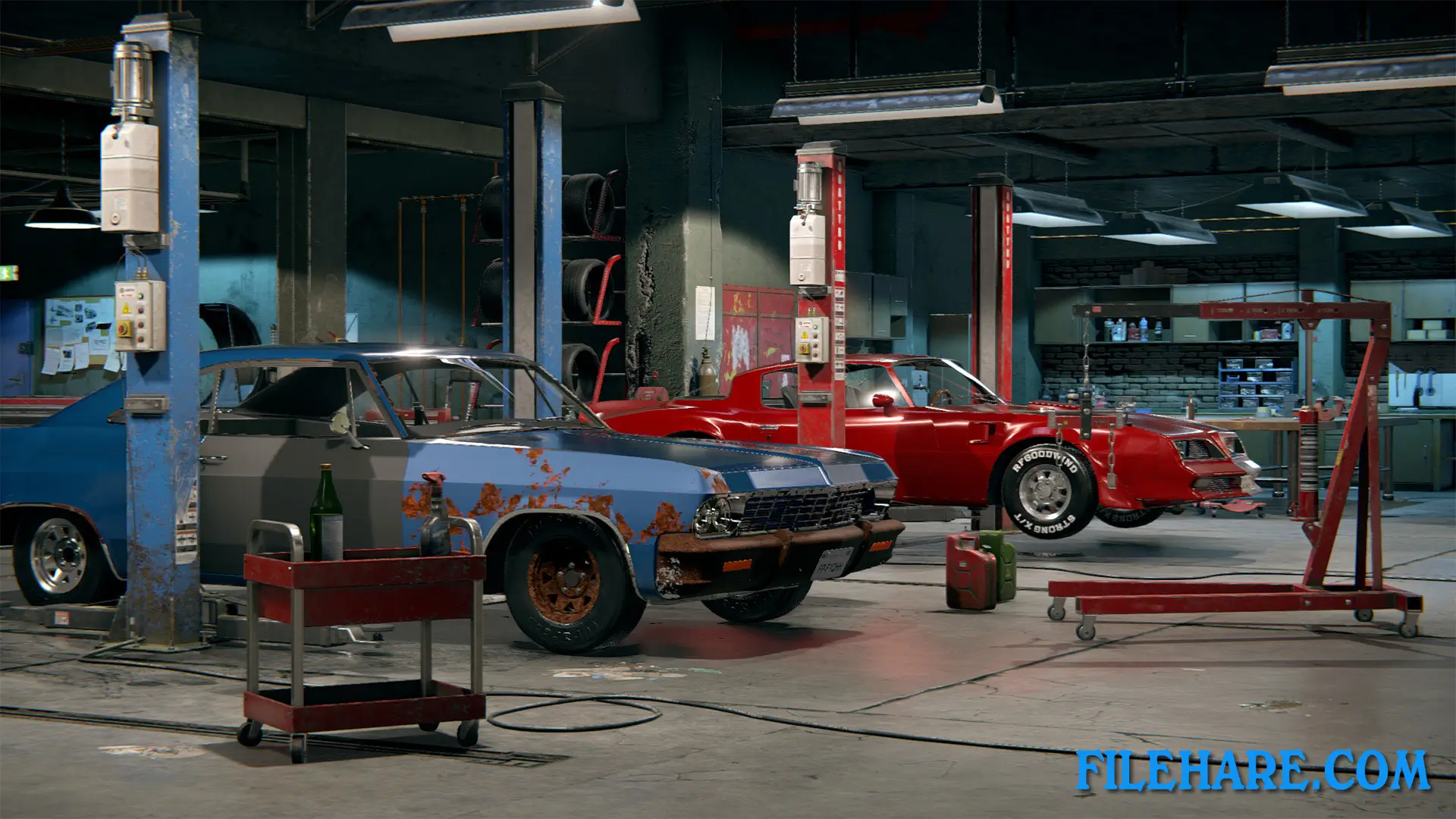
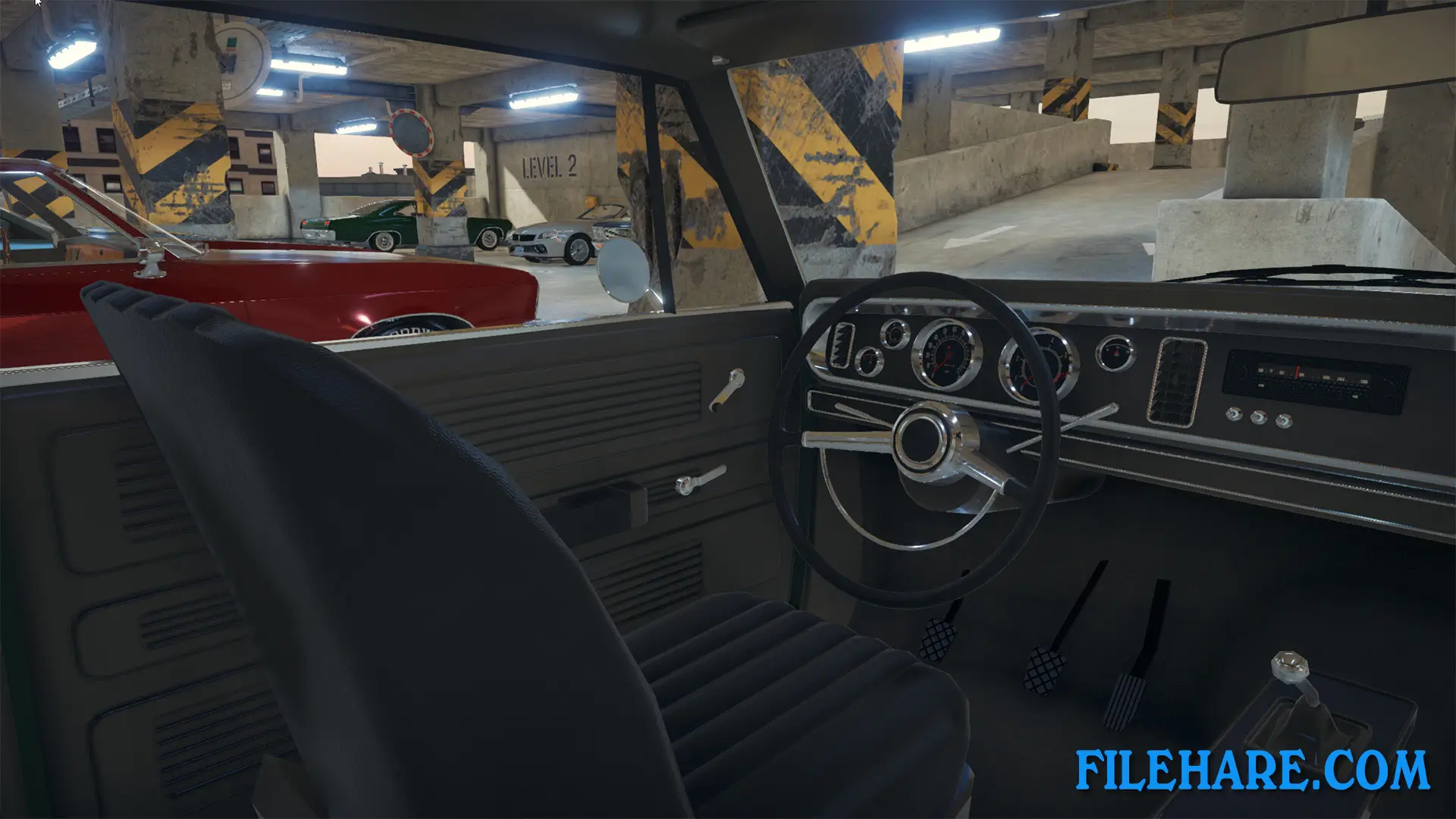
The game includes over 40 licensed cars from brands like Dodge, Chevrolet, Ford, and Nissan. You can work on classic muscle cars, modern sports cars, and regular vehicles. There are more than 1000 individual car parts that you can remove, inspect, and replace. The game has a detailed engine building mode where you assemble engines piece by piece. You can also customize and tune cars by installing performance parts like turbochargers, better exhausts, and racing components.
The workshop can be upgraded with new equipment like lifts, painting stations, and better diagnostic computers. There is a barn find mode where you discover abandoned cars and restore them. The game also includes a junkyard where you can find spare parts. The game supports mods from the community that add new cars and features.
Recommended System Requirements
Requires a 64-bit processor and operating system
- OS: Windows(64-bit) 7 or Newer
- Processor: Intel Core i5 3.4 GHz
- Memory: 8 GB RAM
- Graphics: NVidia GeForce GTX 970 4GB
- DirectX: Version 11
- Storage: 20 GB available space
Gameplay Screenshots
| Name | Car Mechanic Simulator 2018 |
|---|---|
| Developer | Red Dot Games |
| File Size | 9.33 GB |
| Category | Simulation |
| Minimum System Requirements | |
| CPU | Intel Core i3 3.0 GHz |
| RAM | 4 GB |
| Graphics | NVidia GeForce GTX 660 2GB |
| Free Disk Space | 20 GB |
| Operating System | Windows 10 / 11 / 7 / 8 (64-bit) |
| User Rating | |
To buy this game, visit the Store Page
How to Download and Install Car Mechanic Simulator 2018 PC Game?
We have simple instructions for you to download and install the PC game. Before following the steps, Ensure your PC meets the minimum system requirements for Playing the game on your PC.
- First, click on the DOWNLOAD button and you will be redirected to the final Download page. Then, Download the Game on your PC.
- Once you have downloaded the Car Mechanic Simulator 2018 PC Game, Open the folder where you saved the Game.
- Then Right-click on the Zip file and click on the "Extract files" option from the dropdown menu. If your computer does not have a Zip file extract software installed, you must first install it. (such as WinRAR, 7Zip software)
- After Extracting the Zip file, Open the Car Mechanic Simulator 2018 PC Game folder.
- Then, double-click on the Setup.exe file to Install the Game.
- If asked, provide administrator permissions for the installation to proceed. Click Yes to continue.
- Follow the on-screen installation wizard to install the game on your PC.
- After the installation, if you get any missing ".dll" errors or the Game is not launching, open the Readme.txt file located in the game folder and follow the instructions shown in the document file to play the game.
Done!. Now, you can launch the game from your desktop.