Brewmaster: Beer Brewing Simulator PC Game Download
Brewmaster: Beer Brewing Simulator is a realistic brewing simulation game developed by Auroch Digital and published by Fireshine Games. The game was released on September 29, 2022, for PC through Steam. In this game, you become a homebrewer who learns the complete process of making beer from start to finish. You use real brewing chemistry and techniques to create various beer styles. The game offers both a guided mode with goals and a creative sandbox mode where everything is unlocked.
Table of Contents
Brewmaster: Beer Brewing Simulator Gameplay
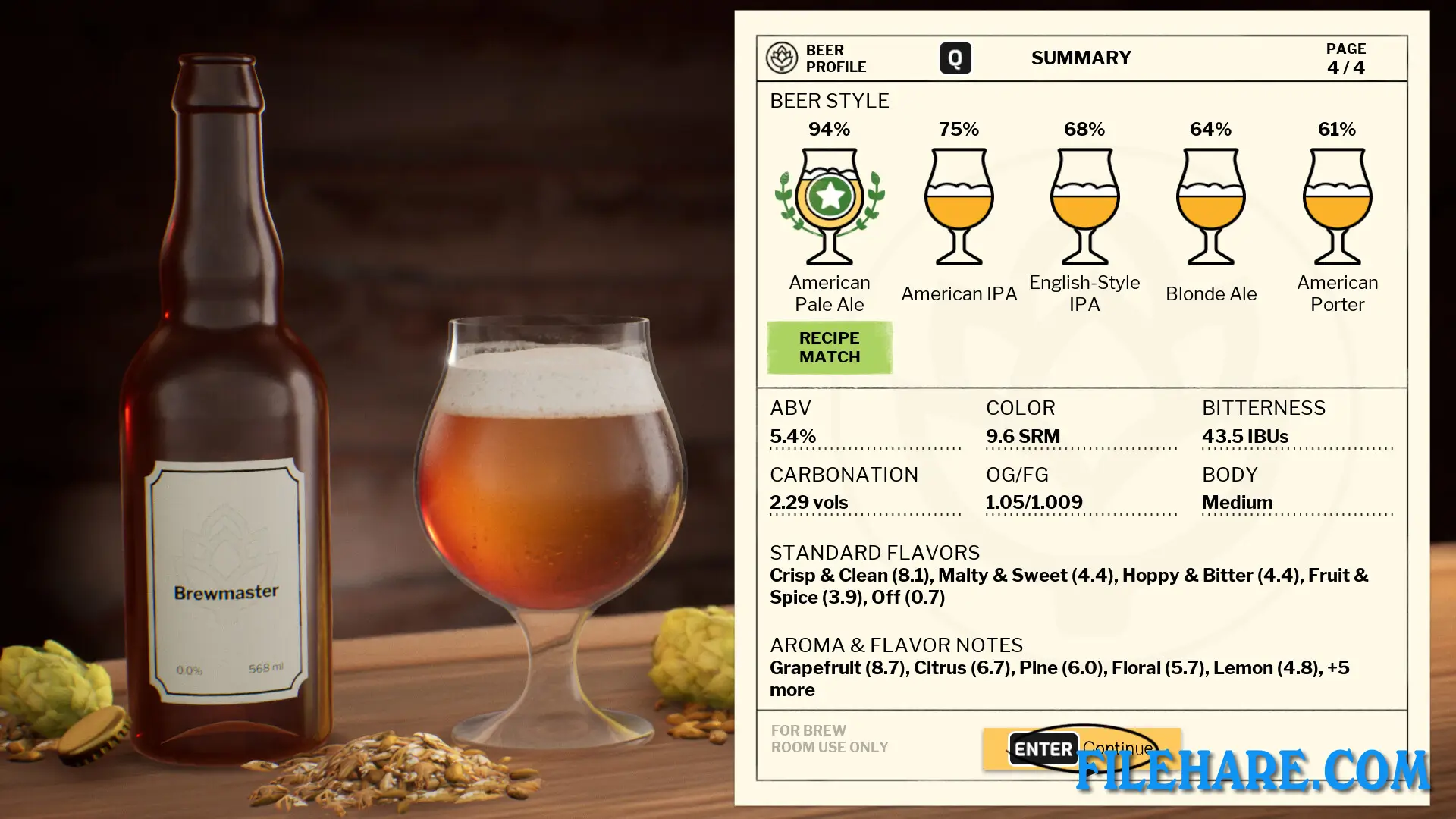
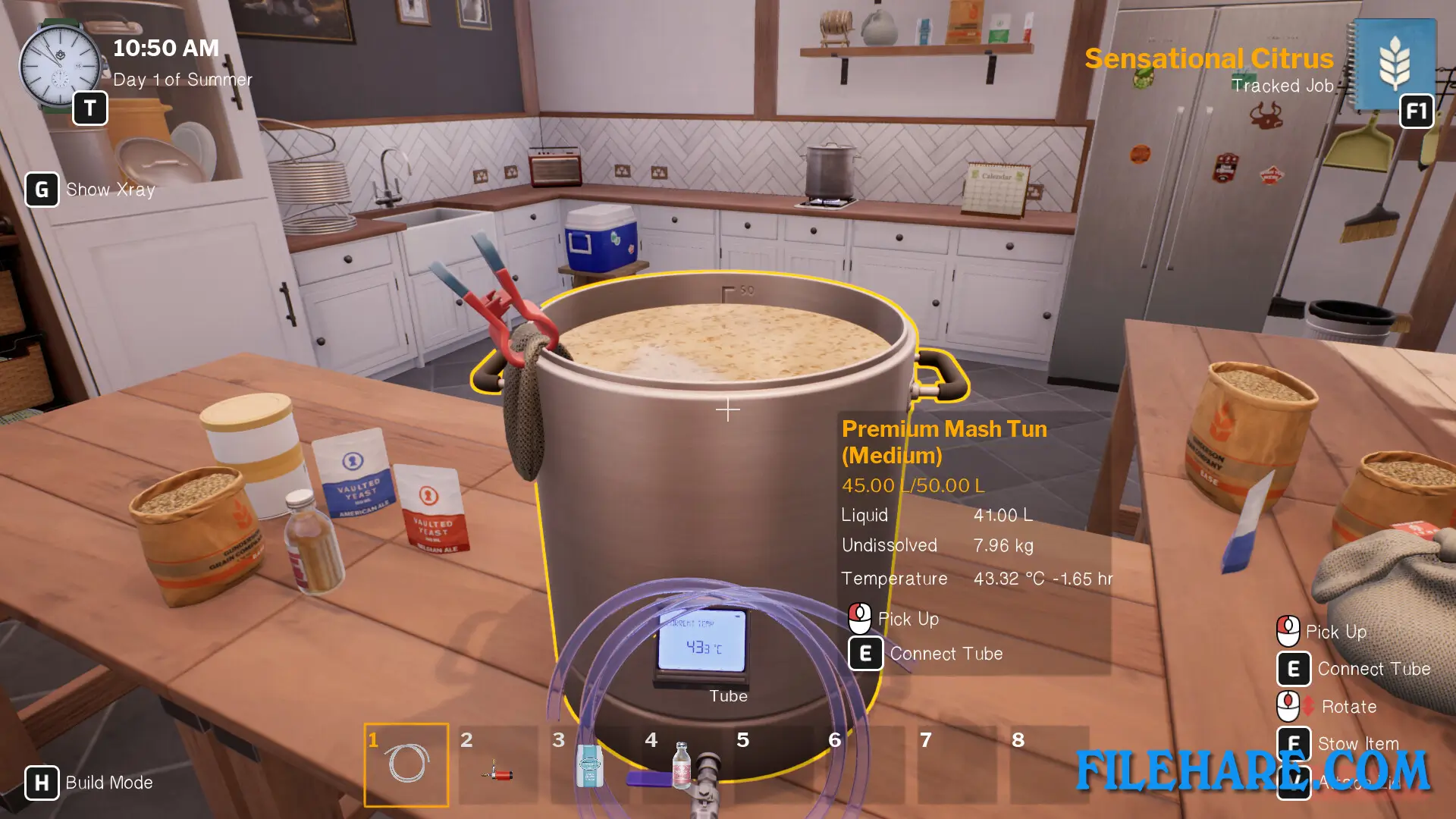
The gameplay follows the actual steps of brewing beer in a first-person view. You begin by mashing malts in hot water to extract sugars and flavors. Then you boil hops to add bitterness and aroma to your brew. After cooling the mixture, you pitch yeast to start fermentation. The game uses a realistic chemistry simulation. You can follow provided recipes or experiment with your own combinations of grains, hops, yeast, and other ingredients. The game includes two brewing methods: extract brewing for beginners and all-grain brewing for advanced brewers. You must monitor temperatures carefully and time each step correctly. The game runs in real time, but you can fast forward through waiting periods like fermentation, which takes days. Once your beer is ready, you taste it to get feedback on quality and flavor profile. You then design custom labels and bottle your creation.
Brewmaster: Beer Brewing Simulator Features
The game provides a wide range of real ingredients to experiment with, including various malts, hops, yeasts, and flavor additions. You can brew many beer styles such as IPAs, stouts, wheats, blondes, and more. There is a career mode where you complete jobs for local breweries and enter competitions to earn beer tokens. You use these tokens to buy better equipment and unlock new ingredients. The game includes a magazine called Brewer’s Quarterly that teaches you about brewing history and culture. You can customize your brewing space with decorations and equipment placement. The label designer allows you to create unique branding for your beers. There is a Steam Workshop feature where you can share your recipes with other players. The sandbox mode removes all restrictions and gives you access to everything for unlimited experimentation.
Recommended System Requirements
Requires a 64-bit processor and operating system
- OS: Windows 10
- Processor: Intel(R) Core(TM) i5
- Memory: 8 GB RAM
- Graphics: GeForce GTX 660
- DirectX: Version 12
- Storage: 7 GB available space
- Sound Card: DirectX compatible
Gameplay Screenshots
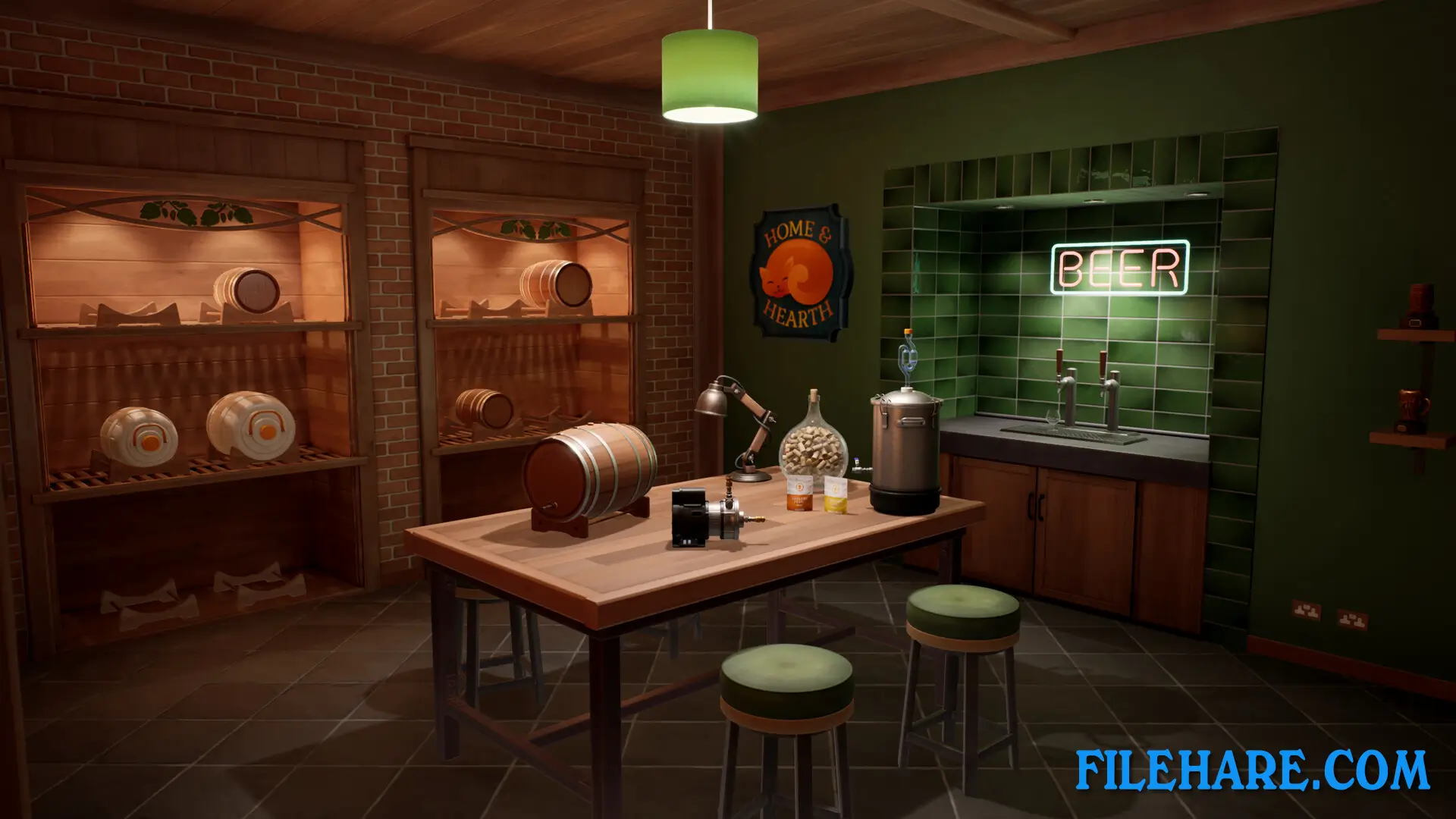
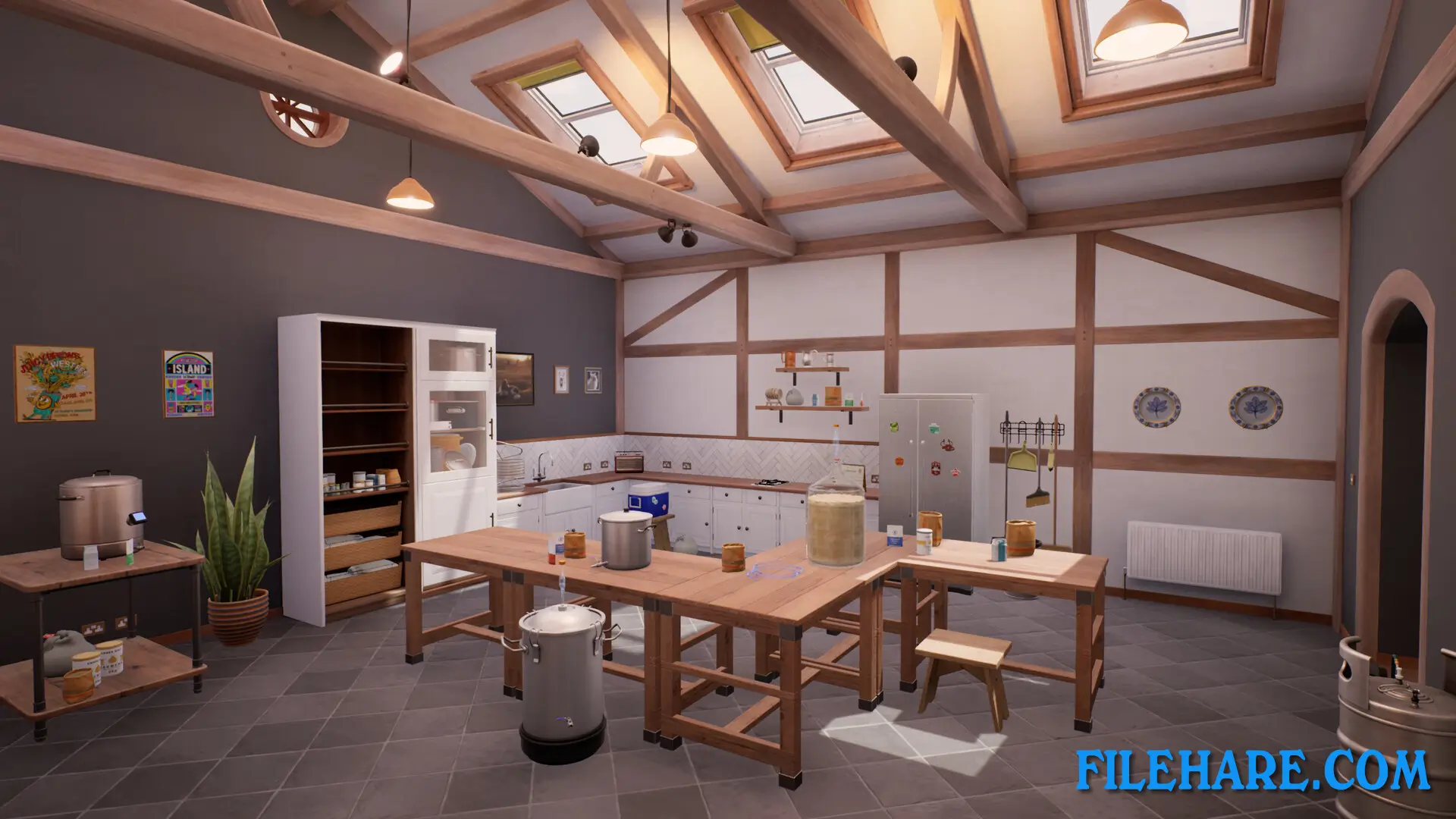
| Name | Brewmaster: Beer Brewing Simulator |
|---|---|
| Developer | Auroch Digital |
| File Size | 1.62 GB |
| Category | Simulation |
| Minimum System Requirements | |
| CPU | Intel(R) Core(TM)2 Quad 2.7 Ghz, AMD Phenom(TM)II X4 3 Ghz |
| RAM | 4 GB |
| Graphics | GeForce GTX 260, Radeon HD 5770, 1024 MB, Shader Model 3.0 |
| Free Disk Space | 7 GB |
| Operating System | Windows 10 / 11 / 7 / 8 (64-bit) |
| User Rating | |
To buy this game, visit the Store Page
How to Download and Install Brewmaster: Beer Brewing Simulator PC Game?
We have simple instructions for you to download and install the PC game. Before following the steps, Ensure your PC meets the minimum system requirements for Playing the game on your PC.
- First, click on the DOWNLOAD button and you will be redirected to the final Download page. Then, Download the Game on your PC.
- Once you have downloaded the Brewmaster: Beer Brewing Simulator PC Game, Open the folder where you saved the Game.
- Then Right-click on the Zip file and click on the "Extract files" option from the dropdown menu. If your computer does not have a Zip file extract software installed, you must first install it. (such as WinRAR, 7Zip software)
- After Extracting the Zip file, Open the Brewmaster: Beer Brewing Simulator PC Game folder.
- Then, double-click on the Setup.exe file to Install the Game.
- If asked, provide administrator permissions for the installation to proceed. Click Yes to continue.
- Follow the on-screen installation wizard to install the game on your PC.
- After the installation, if you get any missing ".dll" errors or the Game is not launching, open the Readme.txt file located in the game folder and follow the instructions shown in the document file to play the game.
Done!. Now, you can launch the game from your desktop.