Food Truck Simulator PC Game Download for Windows 10/11
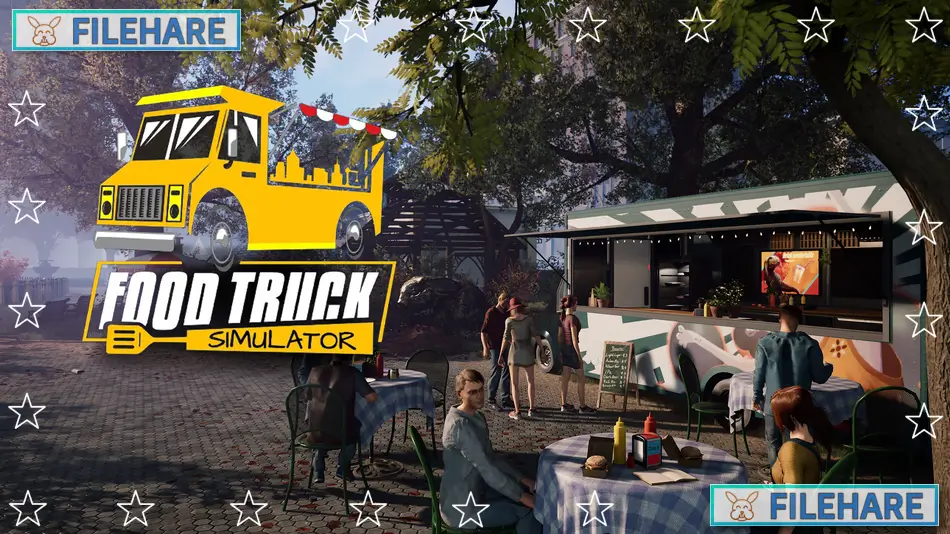
Food Truck Simulator is a business simulation game developed and published by DRAGO entertainment, HeartBeat Games. The game was released on 14 Sep, 2022, for PC through Steam. In this game, players run their own food truck business and work to become successful in the mobile food industry. The game offers a realistic experience where you manage everything from cooking to customer service.
Table of Contents
Food Truck Simulator Gameplay
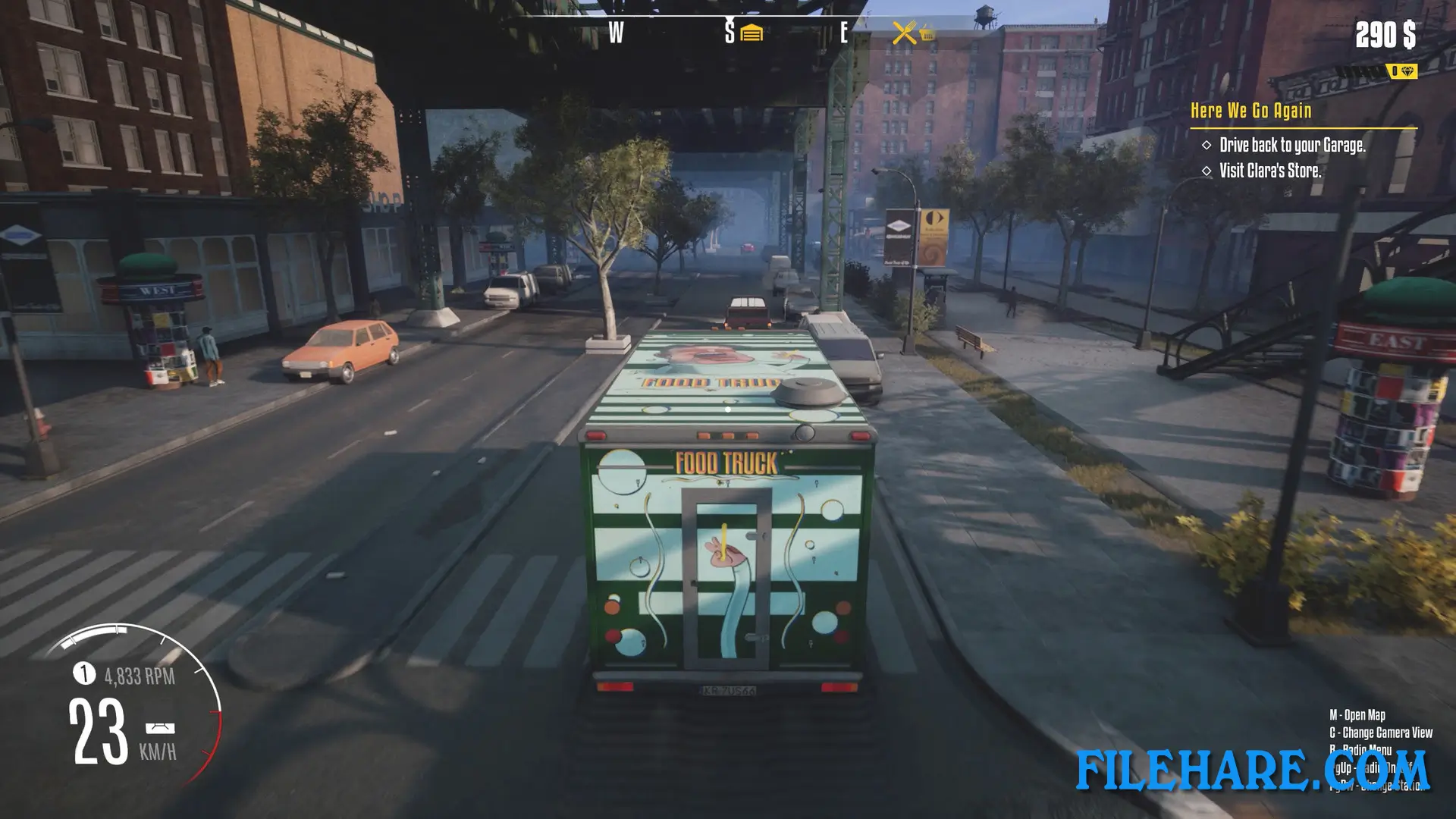
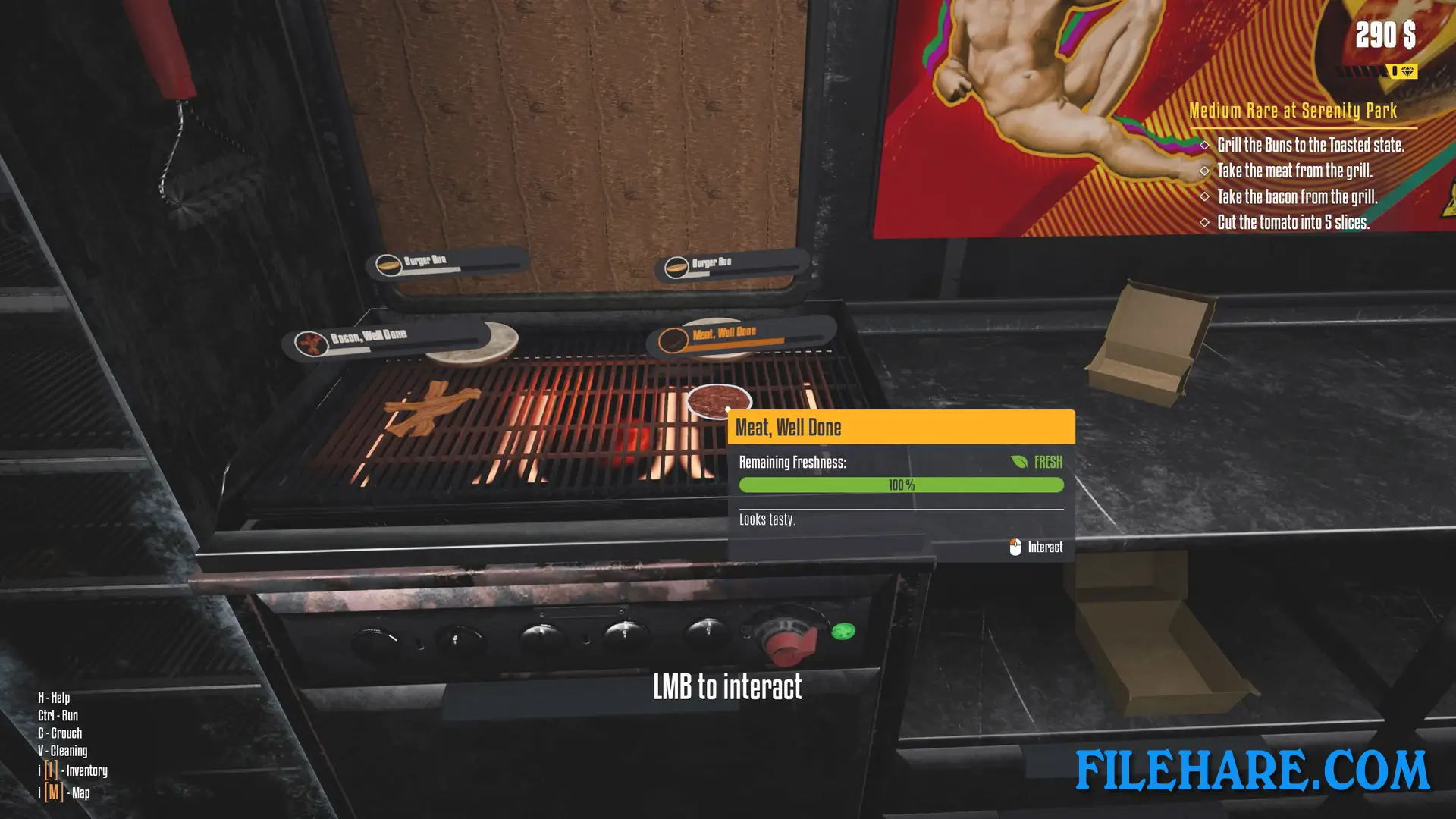
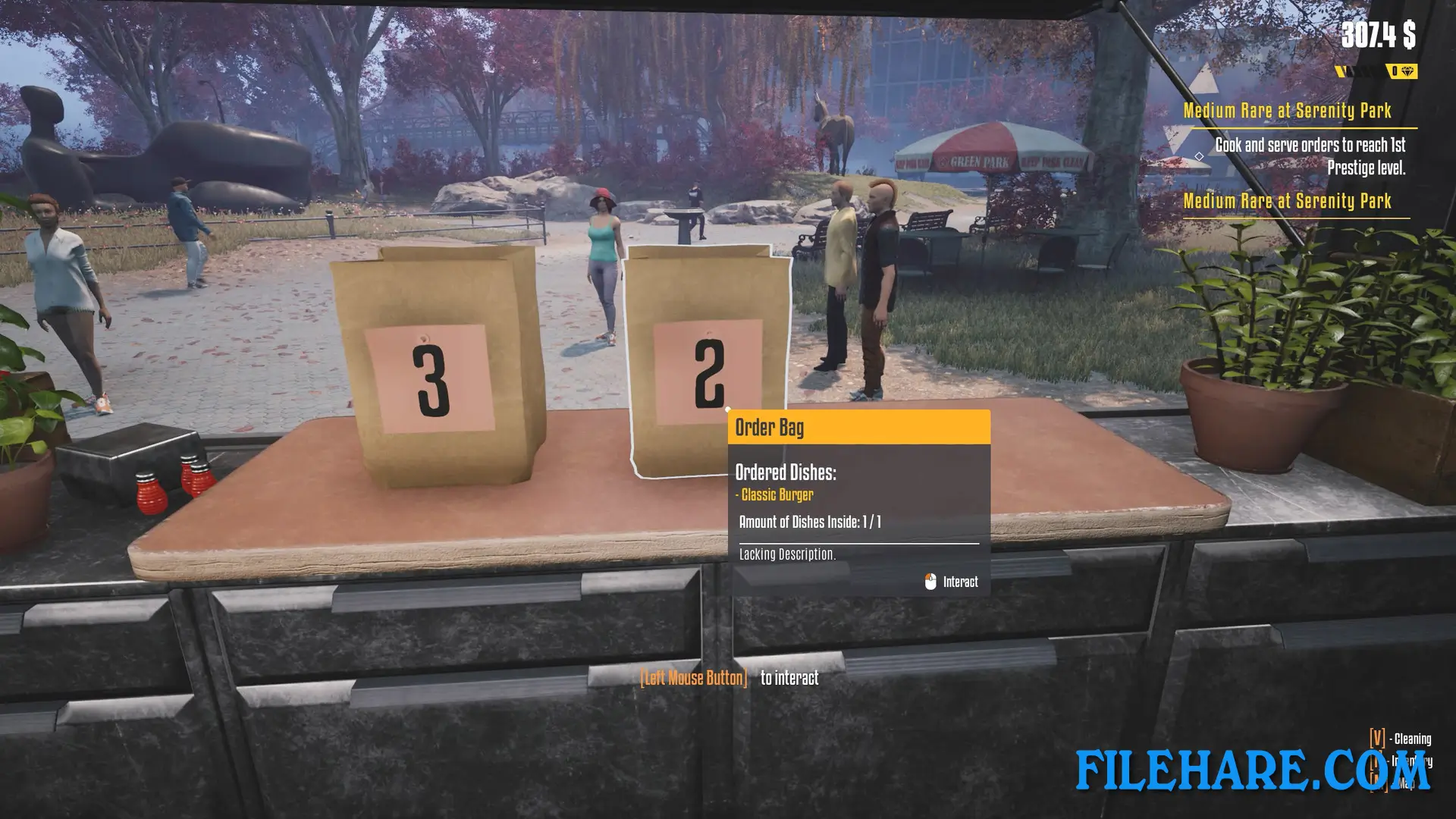
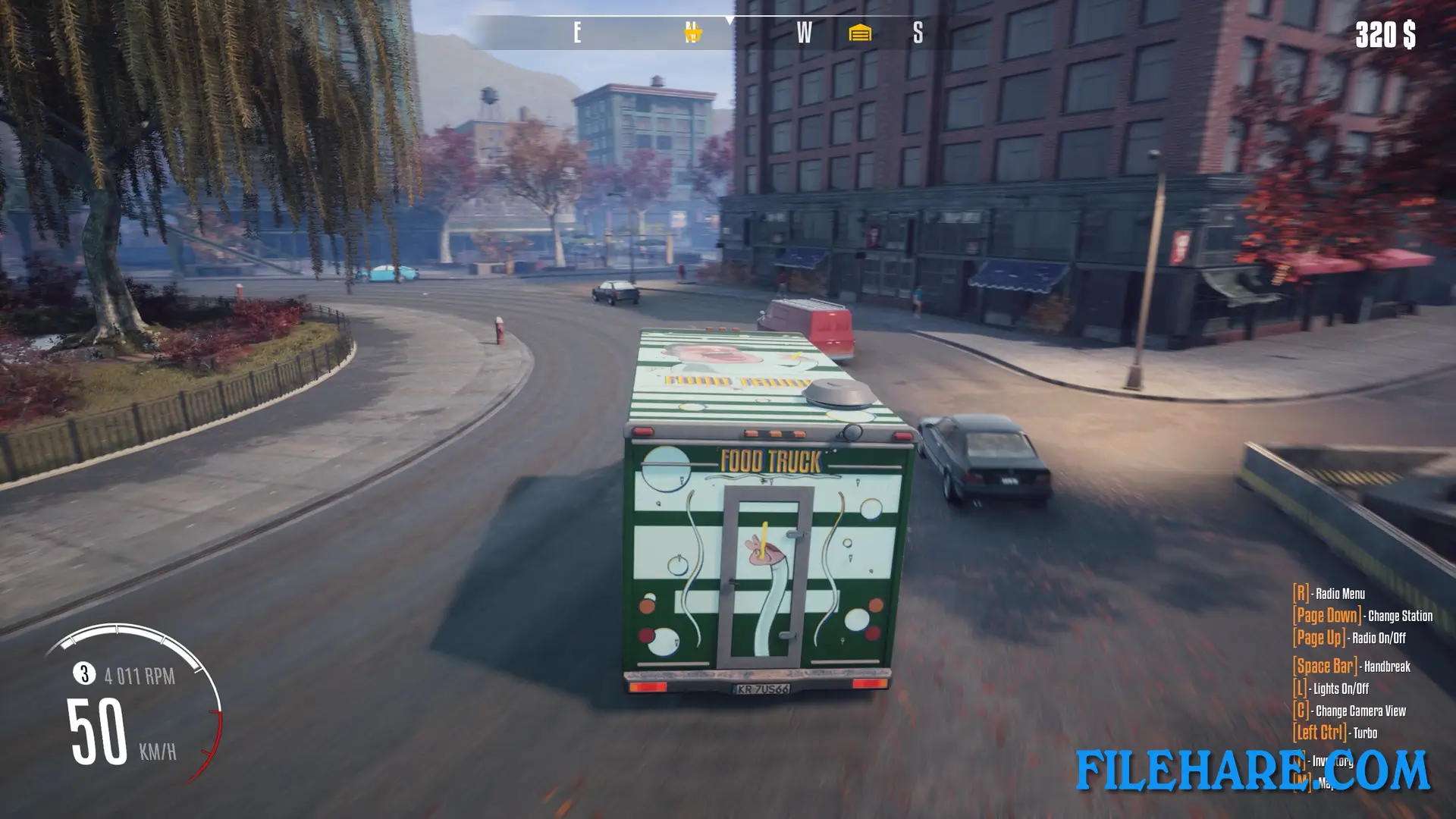
The gameplay focuses on managing a food truck business from start to finish. You begin with a basic truck and limited menu options. Players must prepare food orders, serve customers quickly, and handle payments. The cooking process involves following recipes and using proper timing to avoid burning food. You drive your truck to various locations around the city to find good spots with many hungry customers.
Managing finances is important in the game. You need to buy ingredients, pay for fuel, and maintain your truck. When you earn enough money, you can upgrade your equipment, expand your menu, and improve your vehicle. The game includes a day and night cycle where you decide when and where to operate your business. You also need to keep your truck clean and in good working condition. Repairs cost money, so taking care of your equipment helps save funds for growth.
Food Truck Simulator Features
The game includes many customization options for your food truck. You can change the truck’s appearance with paint jobs and decorations. There are numerous recipes to unlock as you progress. The city map has multiple locations to visit, and some spots are better for business than others. You can hire employees to help manage the workload when your business grows larger. Competition from other food trucks appears in the game, creating challenges as you try to attract customers. Weather conditions affect gameplay, and different times of day bring various types of customers.
Recommended System Requirements
Requires a 64-bit processor and operating system
- OS: Windows 10 (64-bit)
- Processor: Intel Core i5 (recent generation)
- Memory: 16 GB RAM
- Graphics: NVidia GeForce GTX 1070 6GB VRAM
- DirectX: Version 11
- Storage: 7 GB available space
Gameplay Screenshots
| Name | Food Truck Simulator |
|---|---|
| Developer | DRAGO entertainment |
| File Size | 2.93 GB |
| Category | Simulation |
| Minimum System Requirements | |
| CPU | Intel Core i3 3.0 GHz or Ryzen 3xxx |
| RAM | 8 GB |
| Graphics | NVidia GeForce GTX 960 4GB VRAM |
| Free Disk Space | 7 GB |
| Operating System | Windows 10 / 11 (64-bit) |
| User Rating | |
To buy this game, visit the Store Page
How to Download and Install Food Truck Simulator PC Game?
We have simple instructions for you to download and install the PC game. Before following the steps, Ensure your PC meets the minimum system requirements for Playing the game on your PC.
- First, click on the DOWNLOAD button and you will be redirected to the final Download page. Then, Download the Game on your PC.
- Once you have downloaded the Food Truck Simulator PC Game, Open the folder where you saved the Game.
- Then Right-click on the Zip file and click on the "Extract files" option from the dropdown menu. If your computer does not have a Zip file extract software installed, you must first install it. (such as WinRAR, 7Zip software)
- After Extracting the Zip file, Open the Food Truck Simulator PC Game folder.
- Then, double-click on the Setup.exe file to Install the Game.
- If asked, provide administrator permissions for the installation to proceed. Click Yes to continue.
- Follow the on-screen installation wizard to install the game on your PC.
- After the installation, if you get any missing ".dll" errors or the Game is not launching, open the Readme.txt file located in the game folder and follow the instructions shown in the document file to play the game.
Done!. Now, you can launch the game from your desktop.