Cash Cleaner Simulator PC Game Download for Windows 10/11
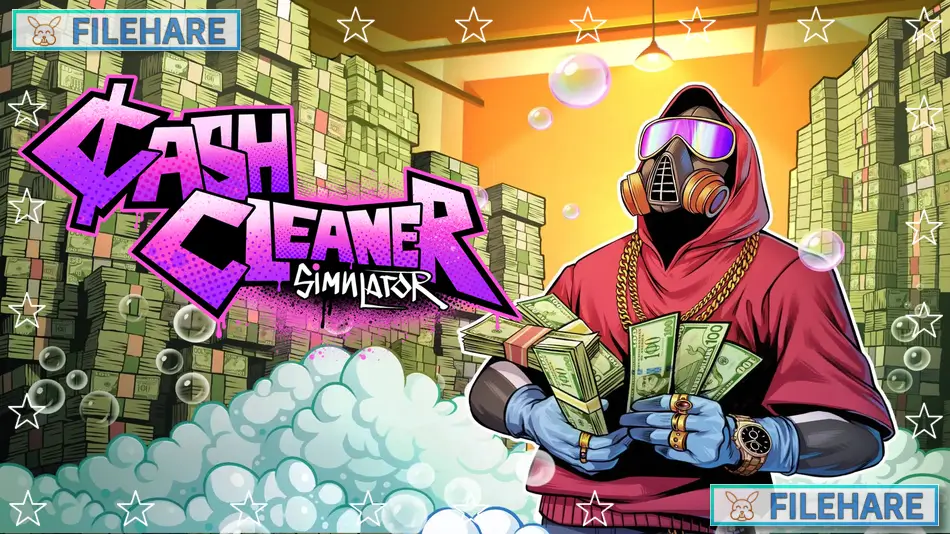
Cash Cleaner Simulator is a first-person simulation game about cleaning dirty money for criminal clients. The game was developed by Mind Control Games and published by Forklift Interactive and Digital Pajamas. It was released on May 8, 2025, for PC on Steam. The game has received very positive reviews from players who enjoy its relaxing gameplay.
Table of Contents
Cash Cleaner Simulator Gameplay
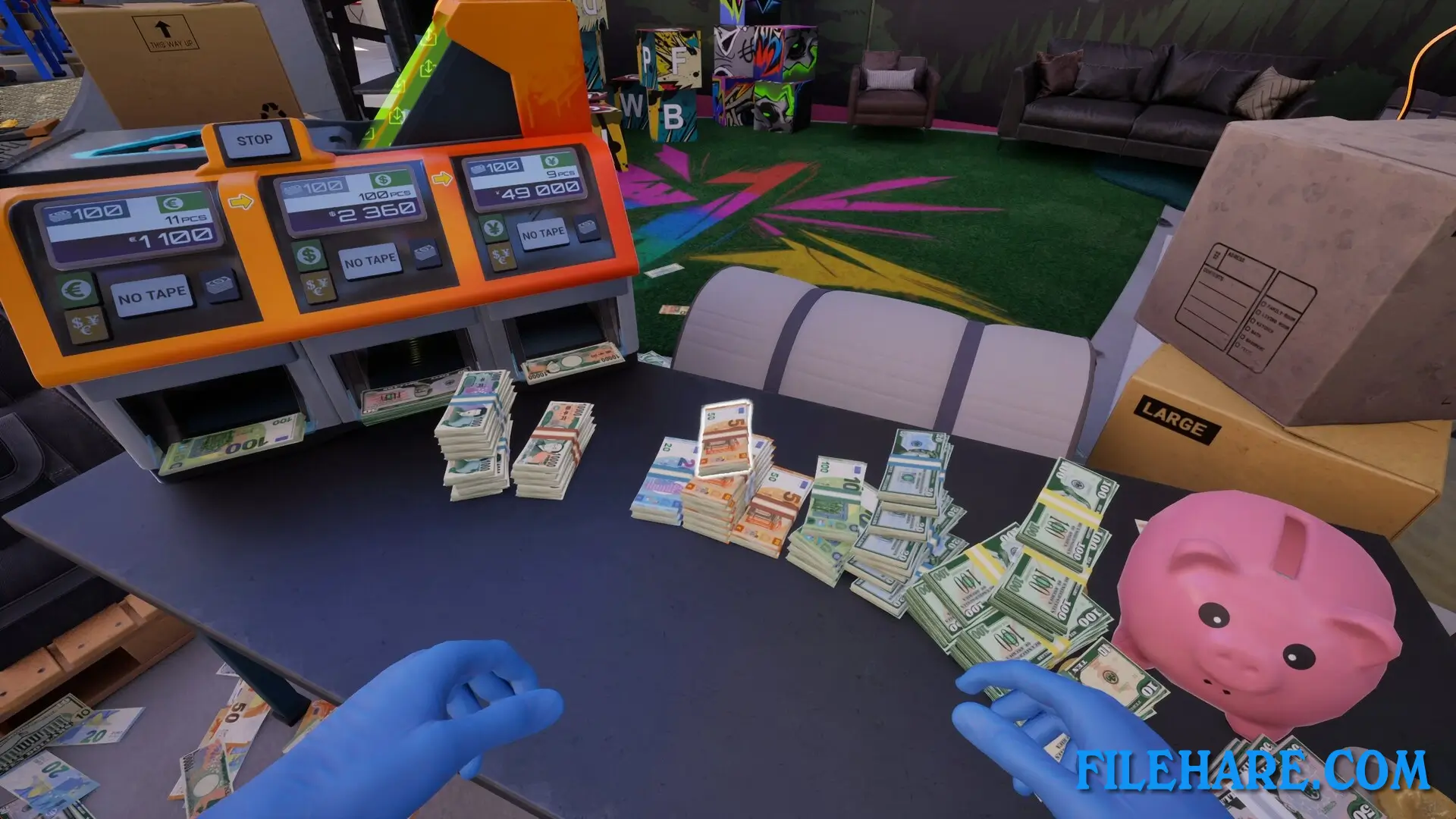
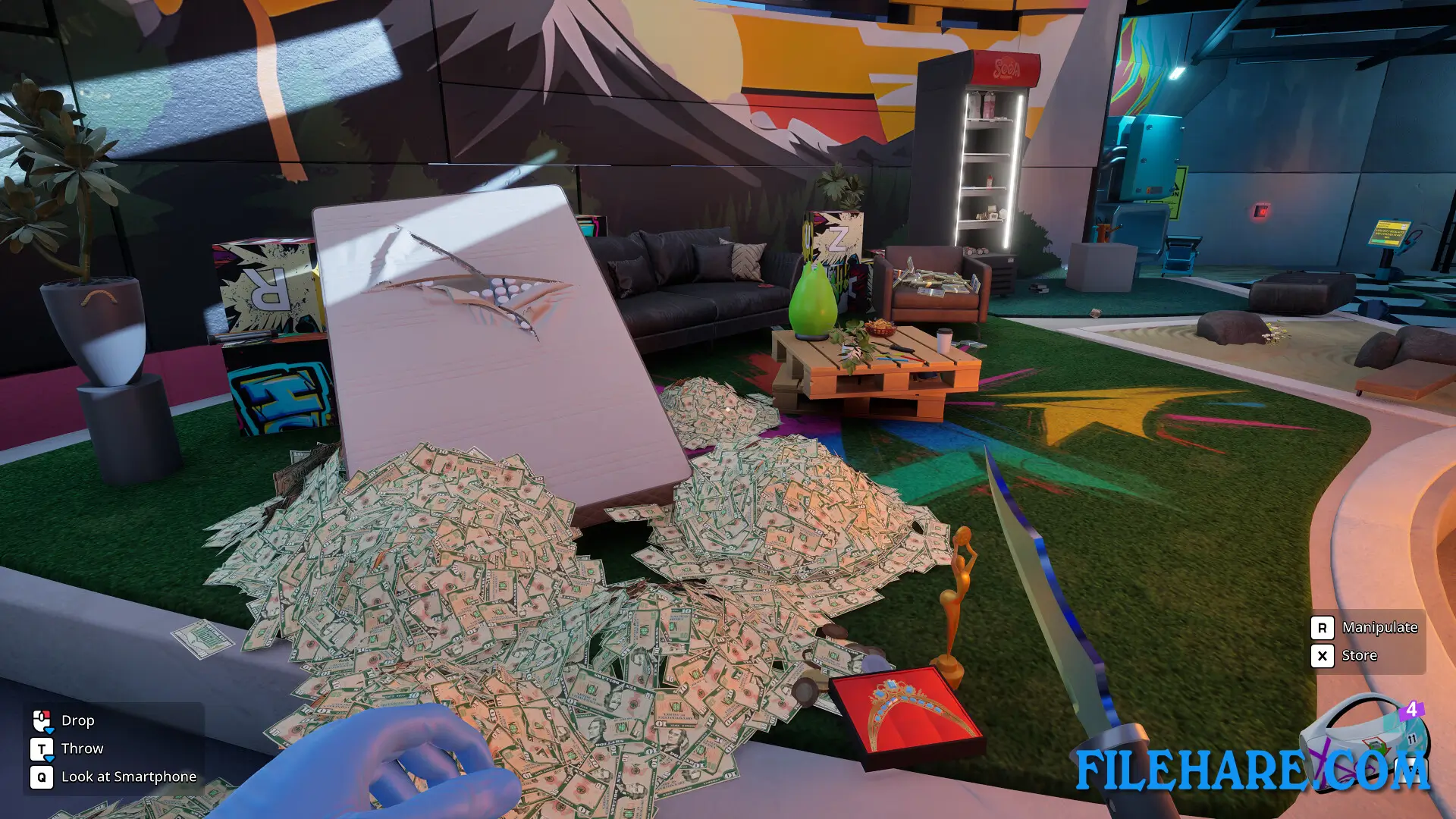
You play as a cash cleaner who wakes up in a secret underground lab with no way to leave. Your only contact with the outside is a jailbroken phone that receives jobs from criminals who need their dirty money cleaned. Money arrives in bags, boxes, or hidden in mattresses and other items. Your job is to take out all the cash, check it for problems like dirt, blood, or fake bills, and clean everything properly. You use real physics to handle piles of money that move and scatter naturally.
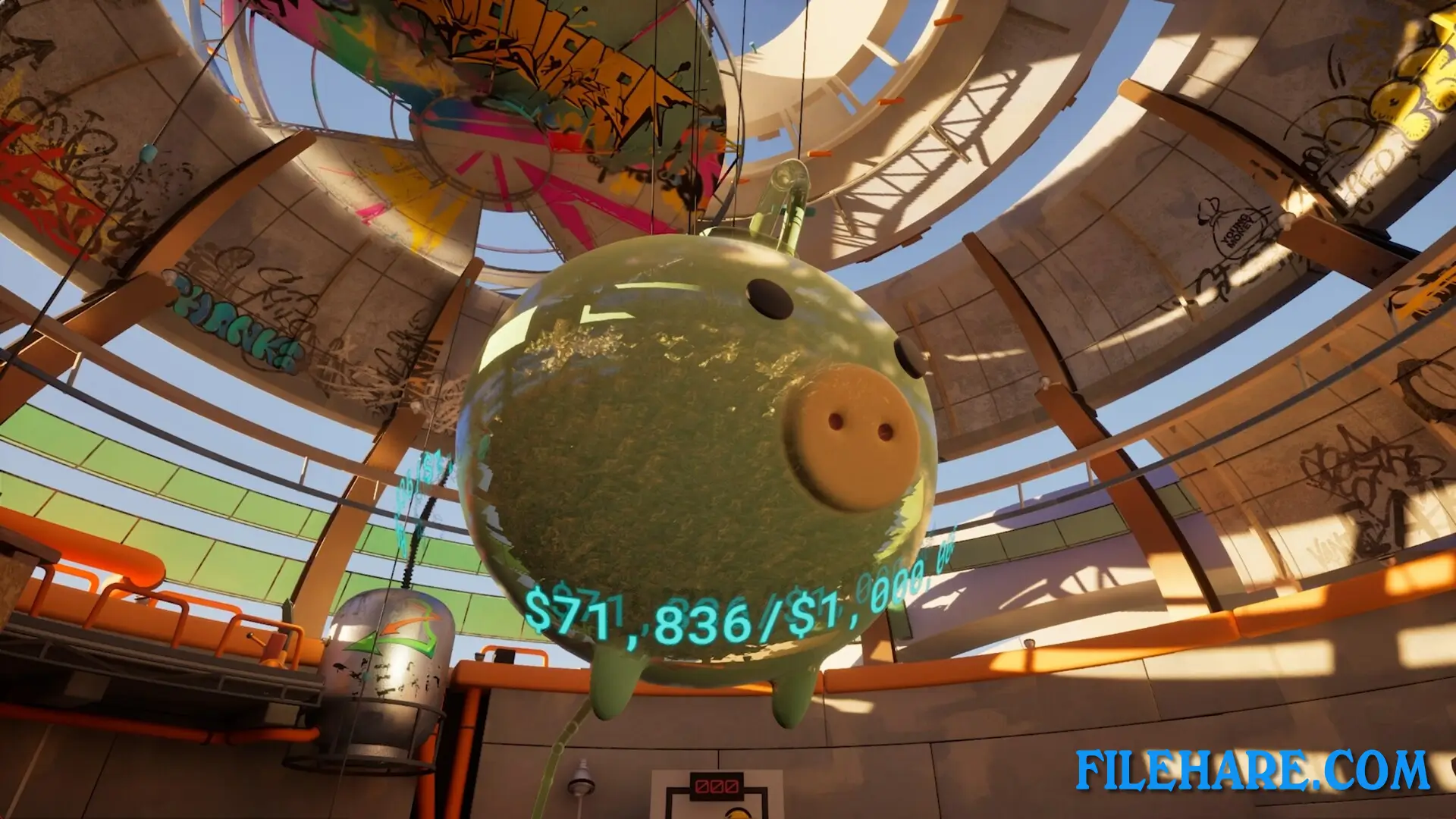
The game has no time limits or pressure so that you can work at your own speed. You clean bills and coins using different tools like washing machines, dryers, UV lamps, workbenches, and furnaces. After cleaning, you sort and package the money to send back to clients through a ceiling chute. When you do good work, you get paid and can use that money to buy new tools and upgrades. You browse the darknet on your phone to find new clients who pay better. You can also convert some cash into cryptocurrency that nobody can trace. Between jobs, you can explore your lab to find hidden secrets using UV lights and other equipment.
Cash Cleaner Simulator Features
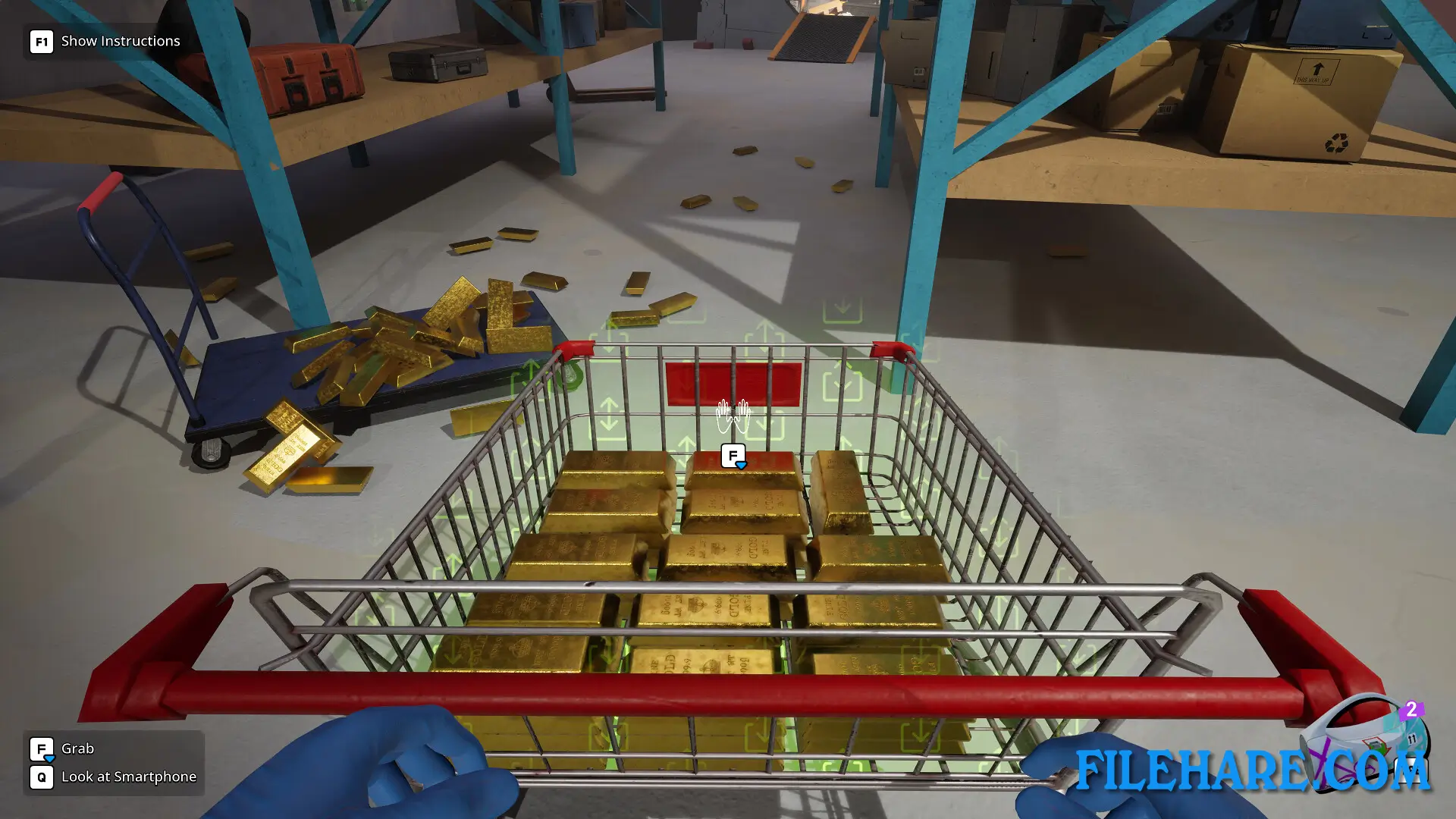
The game includes many cleaning tools that you can unlock and upgrade. Washing machines remove dirt and stains from bills. Dryers make wet money crispy again. UV lamps help spot counterfeit bills and hidden messages. Furnaces can burn damaged money. You can decorate and customize your lab with plants, basketball hoops, and furniture. The game has a Money Gun that shoots cash everywhere for fun. You can form money into basketballs and shoot them into hoops. There is also a fireplace where you can burn money to keep warm. The lab has secrets hidden in walls and floors that you discover as you play. Jobs vary in size from small bags to huge deliveries. You clean different types of money, including paper bills, coins, gold bars, and foreign currency. The game runs smoothly with realistic physics that make handling cash feel natural.
Recommended System Requirements
- OS: Windows 10 and up
- Processor: i7 8th gen ~3 Ghz / Ryzen 7 and up
- Memory: 16 GB RAM
- Graphics: NVIDIA GTX 2070 8GB
- DirectX: Version 12
- Storage: 6 GB available space
- Sound Card: Integrated
Gameplay Screenshots
| Name | Cash Cleaner Simulator |
|---|---|
| Developer | Mind Control Games |
| File Size | 1.45 GB |
| Category | Simulation |
| Minimum System Requirements | |
| CPU | Intel Core i5 2.2GHz 8th Gen and up |
| RAM | 8 GB |
| Graphics | NVIDIA GTX 1060 4GB |
| Free Disk Space | 6 GB |
| Operating System | Windows 10 / 11 |
| User Rating | |
To buy this game, visit the Store Page
How to Download and Install Cash Cleaner Simulator PC Game?
We have simple instructions for you to download and install the PC game. Before following the steps, Ensure your PC meets the minimum system requirements for Playing the game on your PC.
- First, click on the DOWNLOAD button and you will be redirected to the final Download page. Then, Download the Game on your PC.
- Once you have downloaded the Cash Cleaner Simulator PC Game, Open the folder where you saved the Game.
- Then Right-click on the Zip file and click on the "Extract files" option from the dropdown menu. If your computer does not have a Zip file extract software installed, you must first install it. (such as WinRAR, 7Zip software)
- After Extracting the Zip file, Open the Cash Cleaner Simulator PC Game folder.
- Then, double-click on the Setup.exe file to Install the Game.
- If asked, provide administrator permissions for the installation to proceed. Click Yes to continue.
- Follow the on-screen installation wizard to install the game on your PC.
- After the installation, if you get any missing ".dll" errors or the Game is not launching, open the Readme.txt file located in the game folder and follow the instructions shown in the document file to play the game.
Done!. Now, you can launch the game from your desktop.