Ambulance Life: A Paramedic Simulator PC Game Download
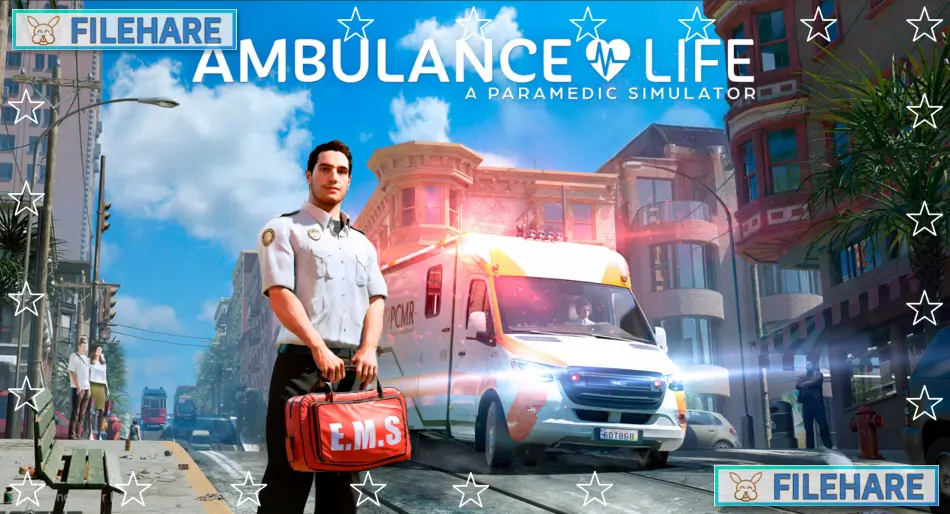
Ambulance Life: A Paramedic Simulator is a simulation game where you experience the complete work of a paramedic. Developed by Aesir Interactive, the same studio behind Police Simulator: Patrol Officers, and published by Nacon, the game was released on February 6, 2024 for Windows PC, PlayStation 5, and Xbox Series X/S. The game takes place in San Pelícano, a fictional city inspired by San Francisco on the West Coast of the United States. You play as a paramedic dedicated to saving lives in this busy city.
Table of Contents
Ambulance Life: A Paramedic Simulator Gameplay
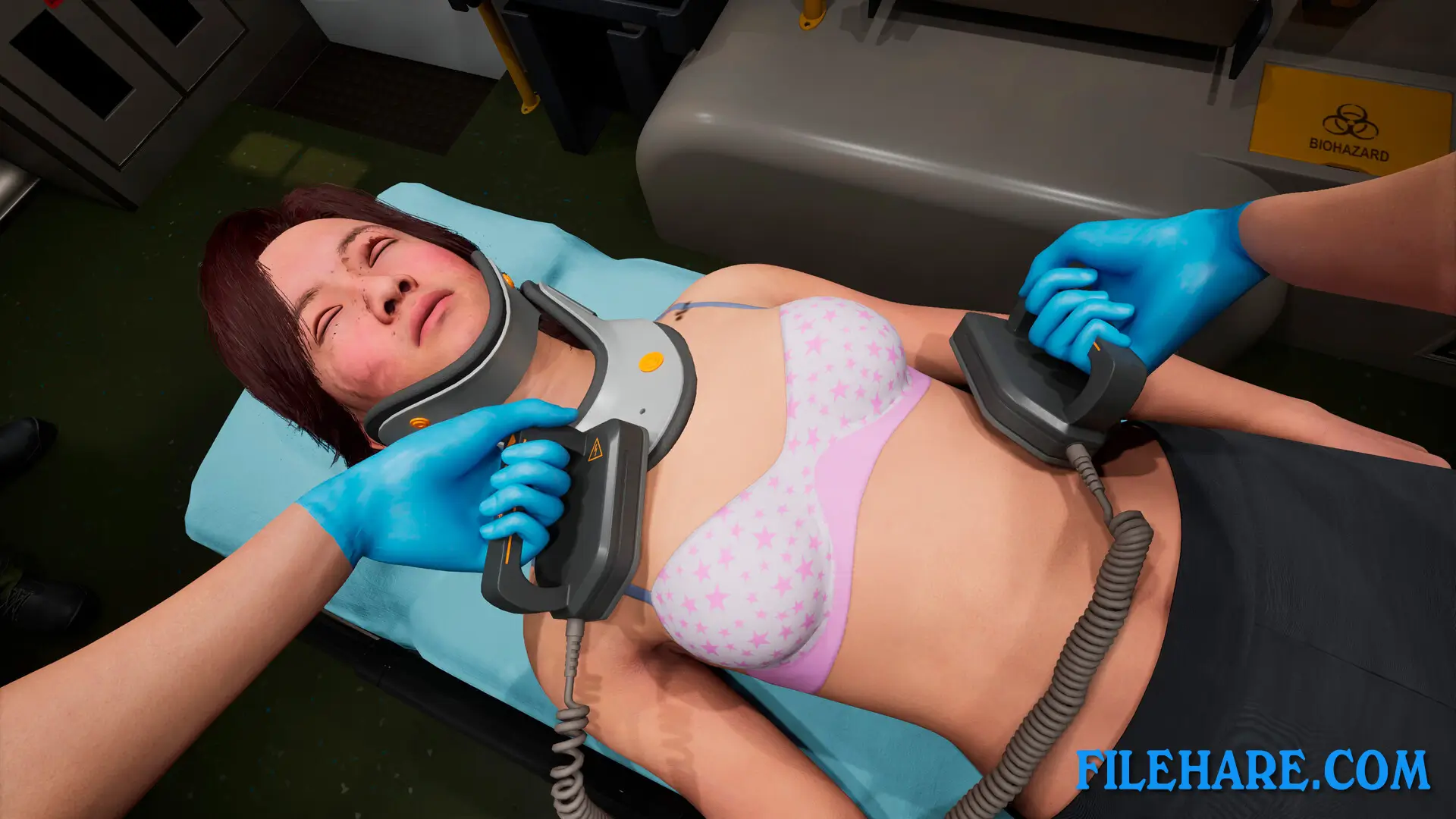
When you receive an emergency call, you must race to your ambulance, turn on the siren, and drive through crowded streets to reach the accident site as quickly as possible. Time is critical, and you need good driving skills to find the best route through heavy traffic. Once you arrive, you carefully analyze the situation to determine the correct treatment for every patient. You speak with patients to learn about what happened and use various medical instruments to perform necessary checks.
The game includes 17 medical tools like stethoscopes and oxygen masks for realistic procedures. You need to consider patient allergies and pre-existing conditions that can complicate treatment. Serious cases must be moved into the ambulance and transported to the nearest hospital quickly. The game offers two modes: classic mode with guidance for beginners, and simulation mode for experienced players who want a more challenging experience.
Ambulance Life: A Paramedic Simulator Features
The game includes three diverse districts to explore: historic quarters, business areas, and industrial zones. You can handle 36 types of medical complaints, from minor daily cuts to serious third-degree burns from catastrophic events like petrol station explosions. The game includes catastrophic events where the number of victims increases largely. During these emergencies, you must examine patients methodically and triage them according to how severe their injuries are. You will face difficult moral choices that directly impact whether patients survive. Sometimes you cannot save everyone despite your best efforts. The game tests your ability to handle pressure and make tough decisions under stressful conditions.
Recommended System Requirements
Requires a 64-bit processor and operating system
- OS: Windows 10
- Processor: Intel Core i7-12700K or AMD Ryzen 7 5800X
- Memory: 16 GB RAM
- Graphics: NVIDIA GeForce RTX 2070 Ti SUPER, 8 GB or AMD Radeon RX 5700 XT, 8 GB or Intel Arc A770, 16 GB
- DirectX: Version 12
- Storage: 60 GB available space
- Additional Notes: SSD Required. 1080p High @ 30 FPS w/ TSR @ 71% Resolution Scaling
Gameplay Screenshots



| Name | Ambulance Life: A Paramedic Simulator |
|---|---|
| Developer | Aesir Interactive |
| File Size | 41.79 GB |
| Category | Simulation |
| Minimum System Requirements | |
| CPU | Intel Core i7-8700K or AMD Ryzen 7 1800X |
| RAM | 16 GB |
| Graphics | NVIDIA GeForce GTX 980, 4 GB or AMD Radeon RX 590, 8 GB or Intel Arc A380, 6 GB |
| Free Disk Space | 60 GB |
| Operating System | Windows 10 / 11 (64-bit) |
| User Rating | |
To buy this game, visit the Store Page
How to Download and Install Ambulance Life: A Paramedic Simulator PC Game?
We have simple instructions for you to download and install the PC game. Before following the steps, Ensure your PC meets the minimum system requirements for Playing the game on your PC.
- First, click on the DOWNLOAD button and you will be redirected to the final Download page. Then, Download the Game on your PC.
- Once you have downloaded the Ambulance Life: A Paramedic Simulator PC Game, Open the folder where you saved the Game.
- Then Right-click on the Zip file and click on the "Extract files" option from the dropdown menu. If your computer does not have a Zip file extract software installed, you must first install it. (such as WinRAR, 7Zip software)
- After Extracting the Zip file, Open the Ambulance Life: A Paramedic Simulator PC Game folder.
- Then, double-click on the Setup.exe file to Install the Game.
- If asked, provide administrator permissions for the installation to proceed. Click Yes to continue.
- Follow the on-screen installation wizard to install the game on your PC.
- After the installation, if you get any missing ".dll" errors or the Game is not launching, open the Readme.txt file located in the game folder and follow the instructions shown in the document file to play the game.
Done!. Now, you can launch the game from your desktop.