Hundred Days: Winemaking Simulator PC Game Download

Hundred Days: Winemaking Simulator is a management simulation game developed and published by Broken Arms Games. The game was released on May 13, 2021, for PC via Steam. It later came out for PlayStation 4, Xbox One, and Nintendo Switch. The game puts you in control of a small winery where you manage all parts of wine production. You start with an abandoned vineyard and must work to build a successful wine business.
Table of Contents
Hundred Days: Winemaking Simulator Gameplay
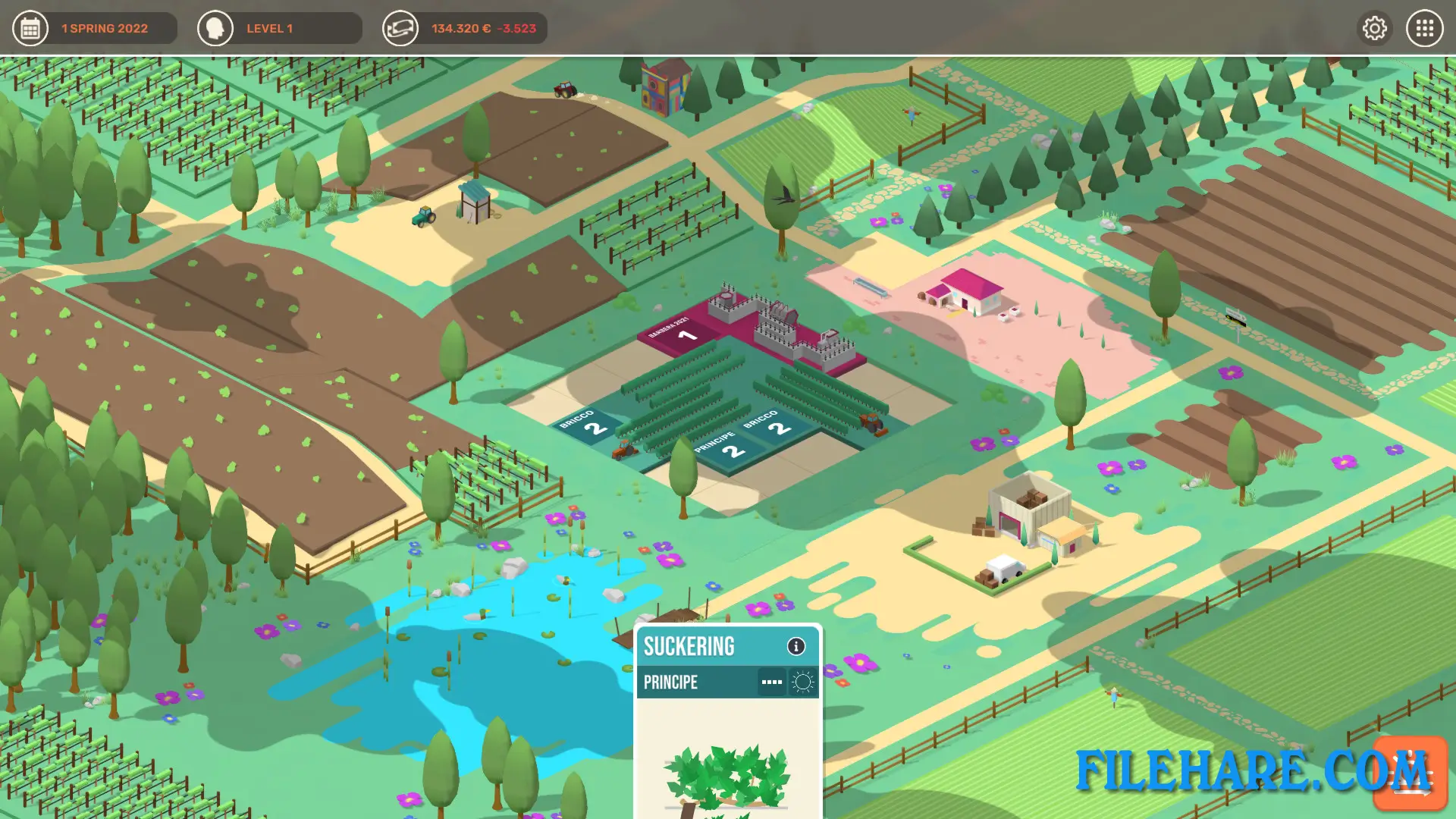
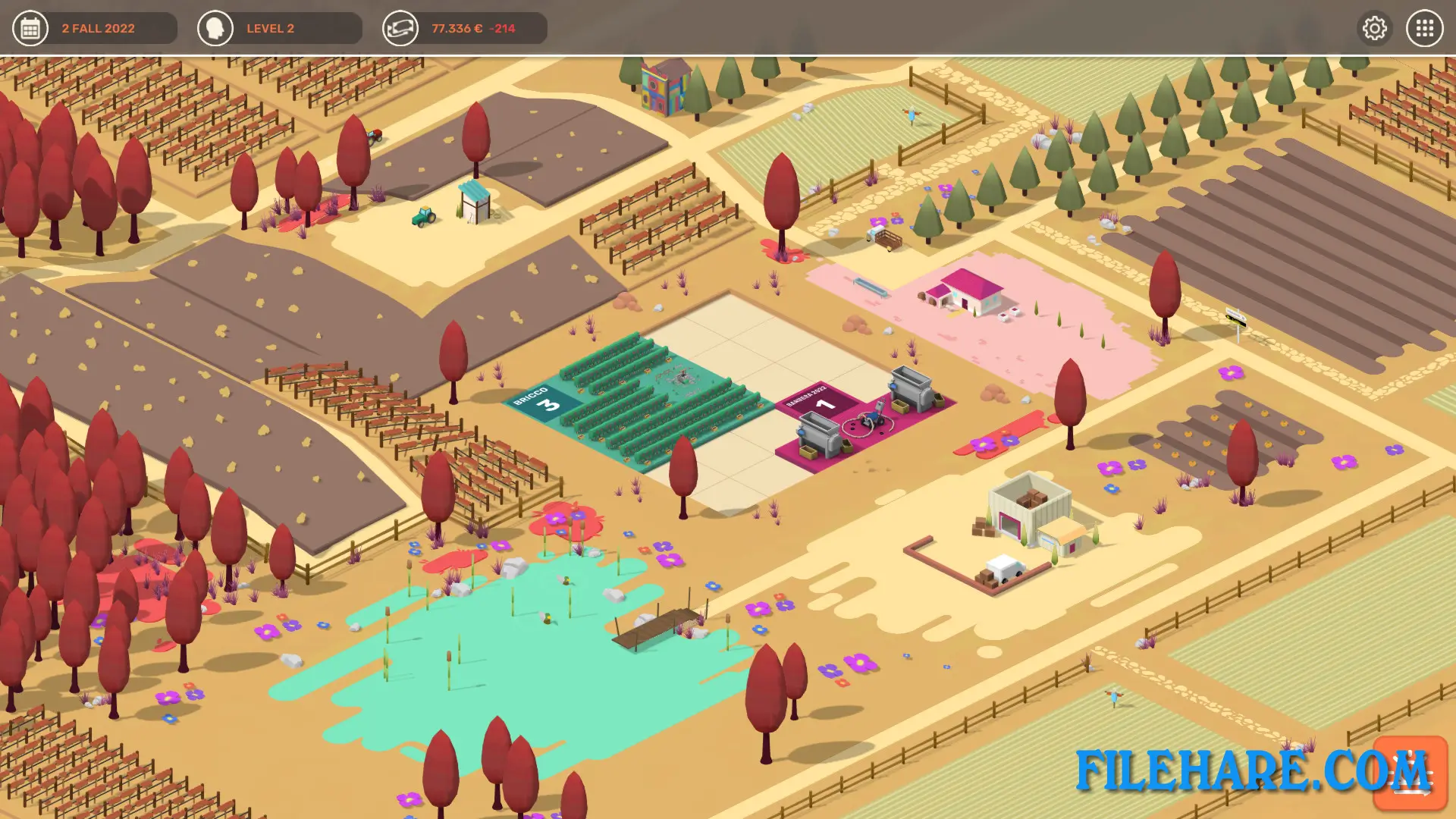
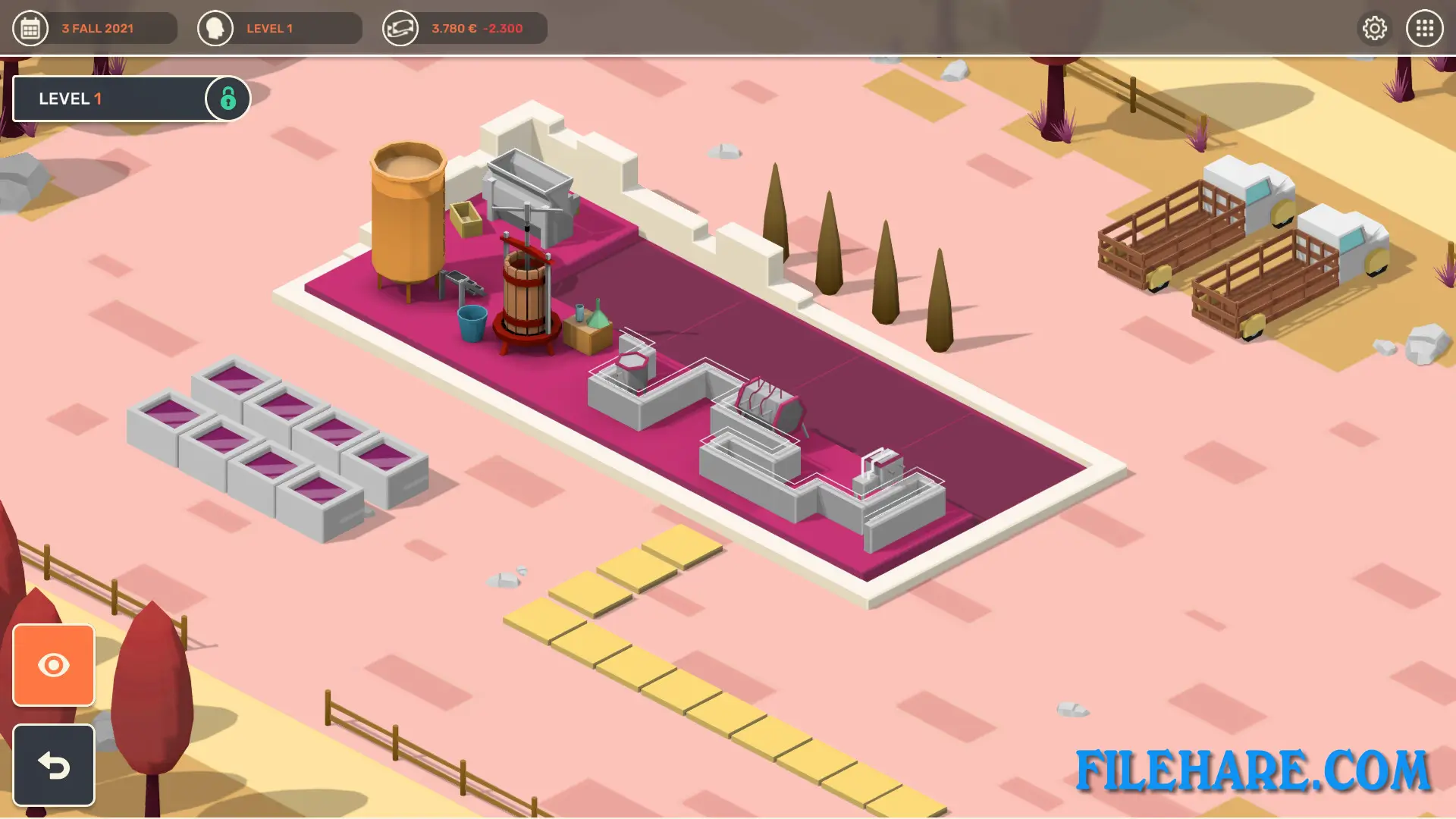
The game uses a card-based board system to represent winemaking activities. In the center of your vineyard is a 3×3 board where you place cards. Each card represents an action like planting vines, pruning, or harvesting grapes. Cards stay on the board for several turns before finishing their task. You must plan carefully because board space is limited. Time passes in turns, with seasons changing as you play. You choose which grape varieties to grow based on your soil type. You must protect your vines from diseases and bad weather. After harvest, you control the fermentation process by picking yeasts and bacteria. You can age wine in barrels to improve its taste. Then you design wine bottles, set prices, and sell to customers.
Hundred Days: Winemaking Simulator Features
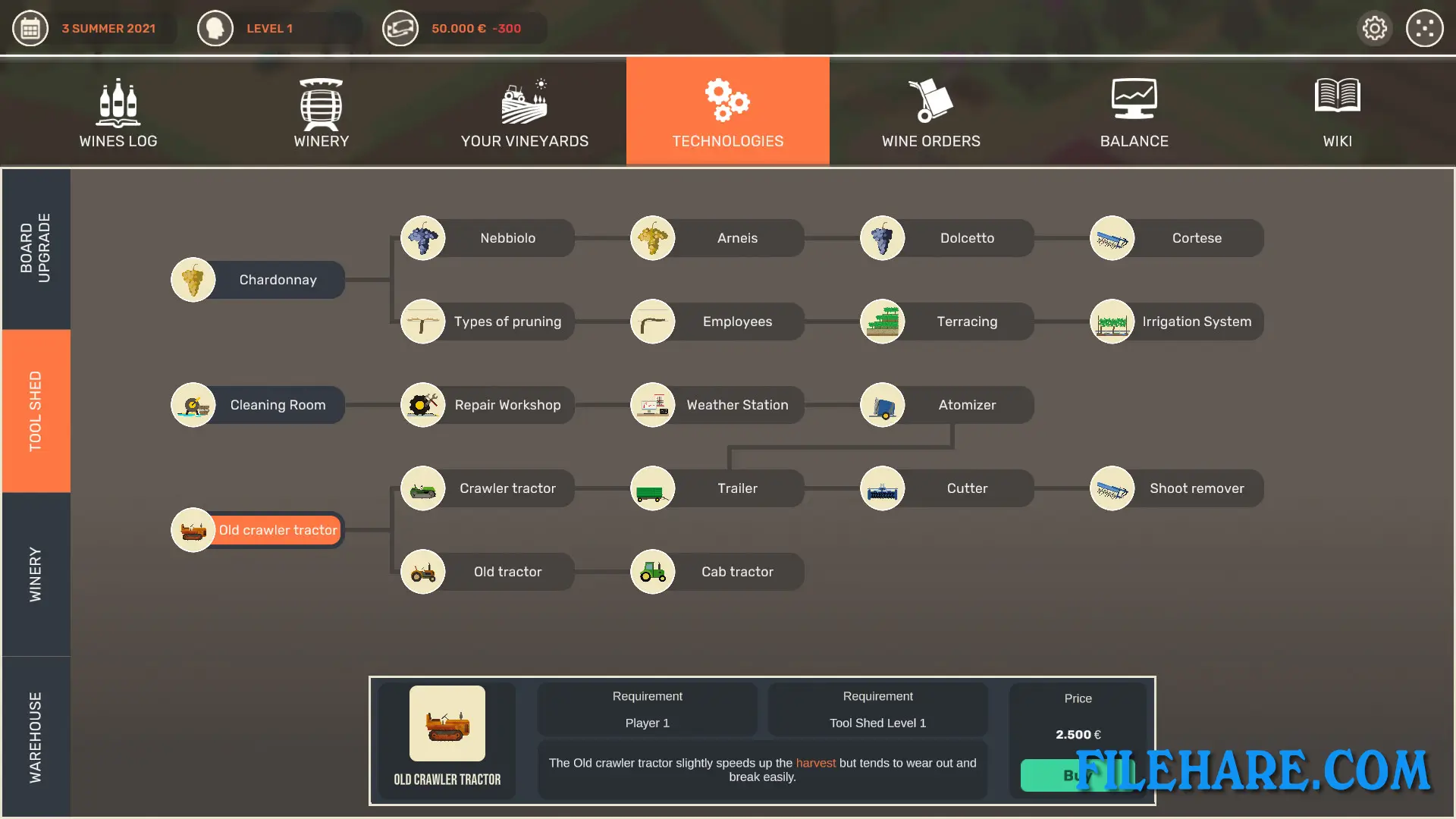
The game has three modes to play. Story mode works as a tutorial that teaches you the basics. Challenge mode gives you specific goals to complete with certain starting conditions. Endless mode lets you run your winery without limits. You can unlock new technologies and tools as you earn money. The game includes real grape varieties like Barbera, Chardonnay, Nebbiolo, and Dolcetto. Later updates added Napa Valley grapes such as Cabernet Sauvignon, Zinfandel, Pinot Noir, and Riesling. You can hire employees to help manage tasks. The game uses real data from actual wineries to make the simulation accurate. Even the machines and tools in the game are based on real equipment used in wine production.
Gameplay Screenshots
| Name | Hundred Days: Winemaking Simulator |
|---|---|
| Developer | Broken Arms Games |
| File Size | 532.45 MB |
| Category | Simulation |
| Minimum System Requirements | |
| CPU | Intel Core i3, 2.5GHz or AMD Athlon equivalent |
| RAM | 4 GB |
| Graphics | NVIDIA GeForce 700 series or AMD Radeon equivalent |
| Free Disk Space | 2 GB |
| Operating System | Windows 10 / 11 / 7 / 8 (64-bit) |
| User Rating | |
To buy this game, visit the Store Page
How to Download and Install Hundred Days: Winemaking Simulator PC Game?
We have simple instructions for you to download and install the PC game. Before following the steps, Ensure your PC meets the minimum system requirements for Playing the game on your PC.
- First, click on the DOWNLOAD button and you will be redirected to the final Download page. Then, Download the Game on your PC.
- Once you have downloaded the Hundred Days: Winemaking Simulator PC Game, Open the folder where you saved the Game.
- Then Right-click on the Zip file and click on the "Extract files" option from the dropdown menu. If your computer does not have a Zip file extract software installed, you must first install it. (such as WinRAR, 7Zip software)
- After Extracting the Zip file, Open the Hundred Days: Winemaking Simulator PC Game folder.
- Then, double-click on the Setup.exe file to Install the Game.
- If asked, provide administrator permissions for the installation to proceed. Click Yes to continue.
- Follow the on-screen installation wizard to install the game on your PC.
- After the installation, if you get any missing ".dll" errors or the Game is not launching, open the Readme.txt file located in the game folder and follow the instructions shown in the document file to play the game.
Done!. Now, you can launch the game from your desktop.