Nuclear War Simulator PC Game Download for Windows 10/11
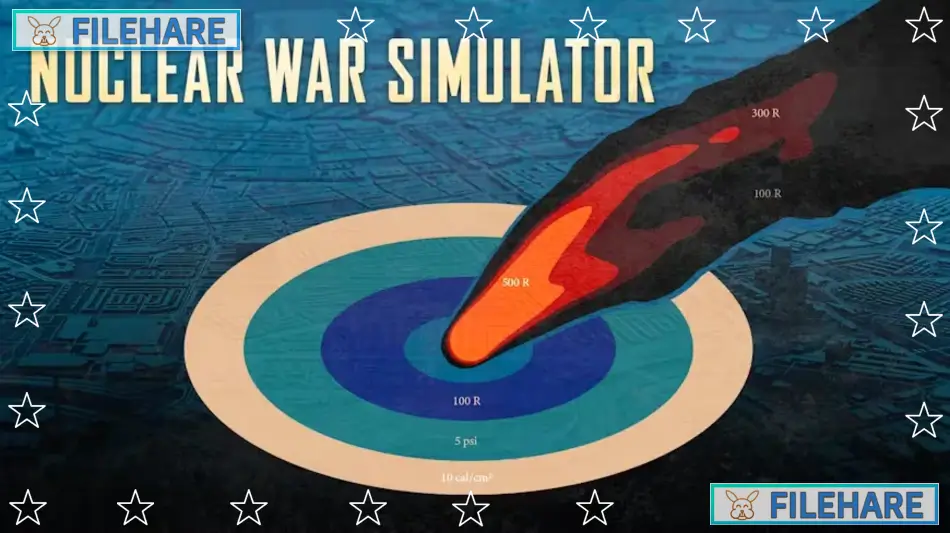
Nuclear War Simulator is a realistic simulation game developed by Bit Mirror and published by Matrix Games. The game was released on May 16, 2023, for PC via Steam. It focuses on showing the serious humanitarian results of large-scale nuclear conflicts. The game uses real data about nuclear weapons that exist today. There are over 13,000 nuclear weapons on Earth, with more than 9,000 in military stockpiles. This simulator helps answer questions about what would happen if major countries used their nuclear arsenals against one another.
Table of Contents
Nuclear War Simulator Gameplay
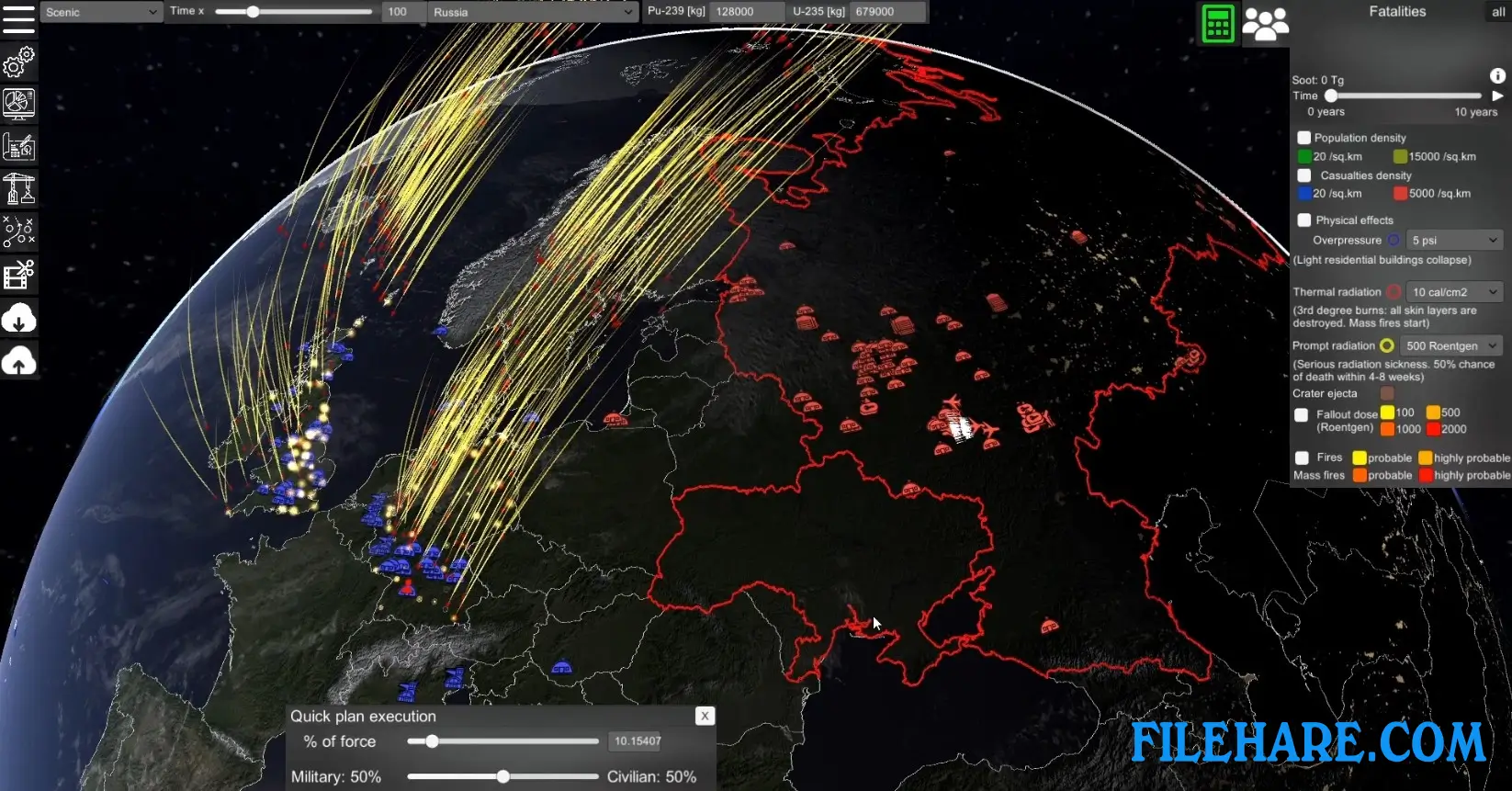
The game is a real-time strategy simulation where you design and run nuclear conflict scenarios. You can create warheads with specific blast power and radiation effects. Then you place these warheads on delivery systems like missiles, aircraft, submarines, and mobile launchers. You click on a map to position your military forces at different locations. You can import real locations from special files or use a database of actual military sites for some countries. After setting up forces, you create attack plans by choosing targets manually or using AI assistance for faster planning.
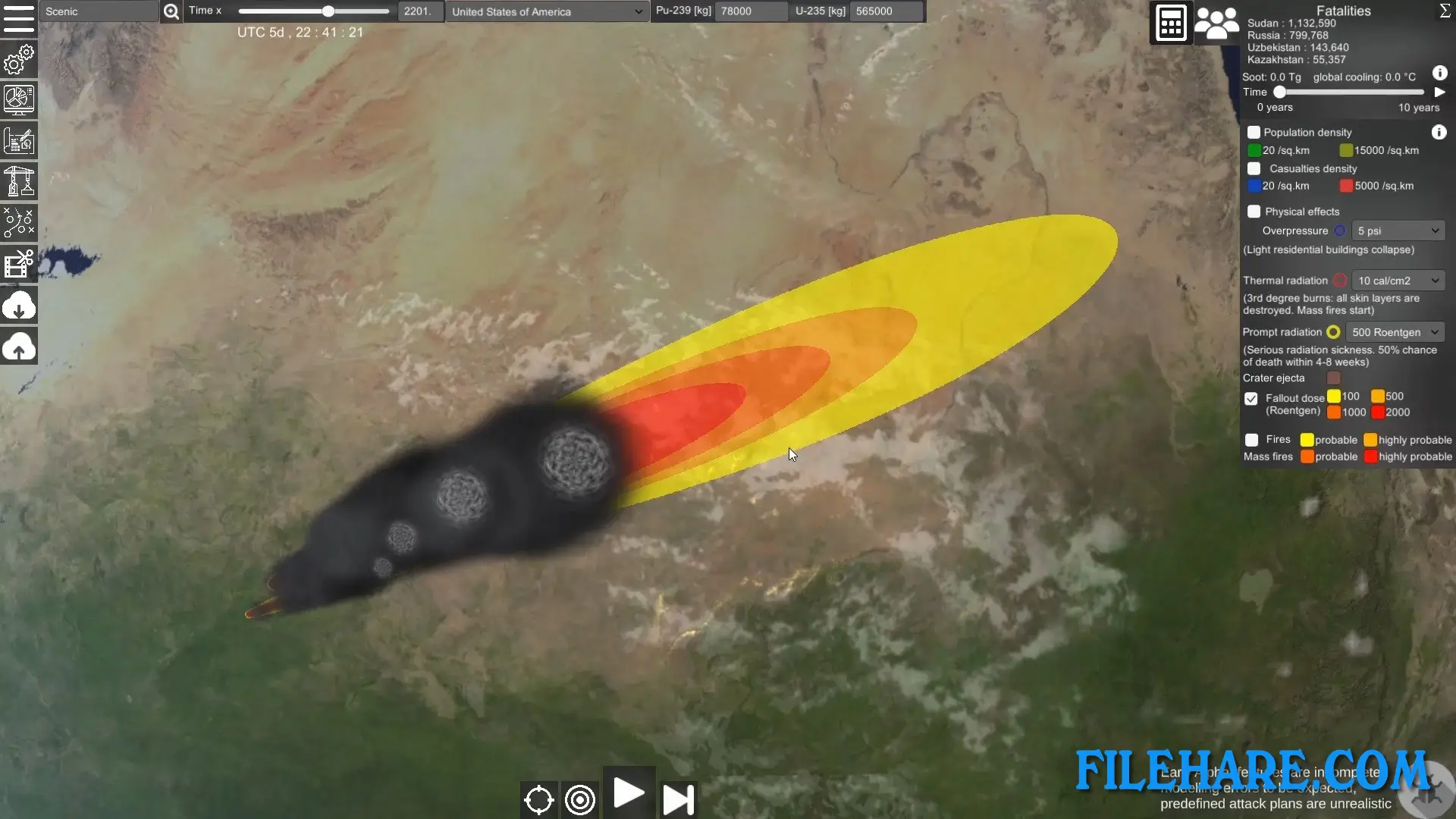
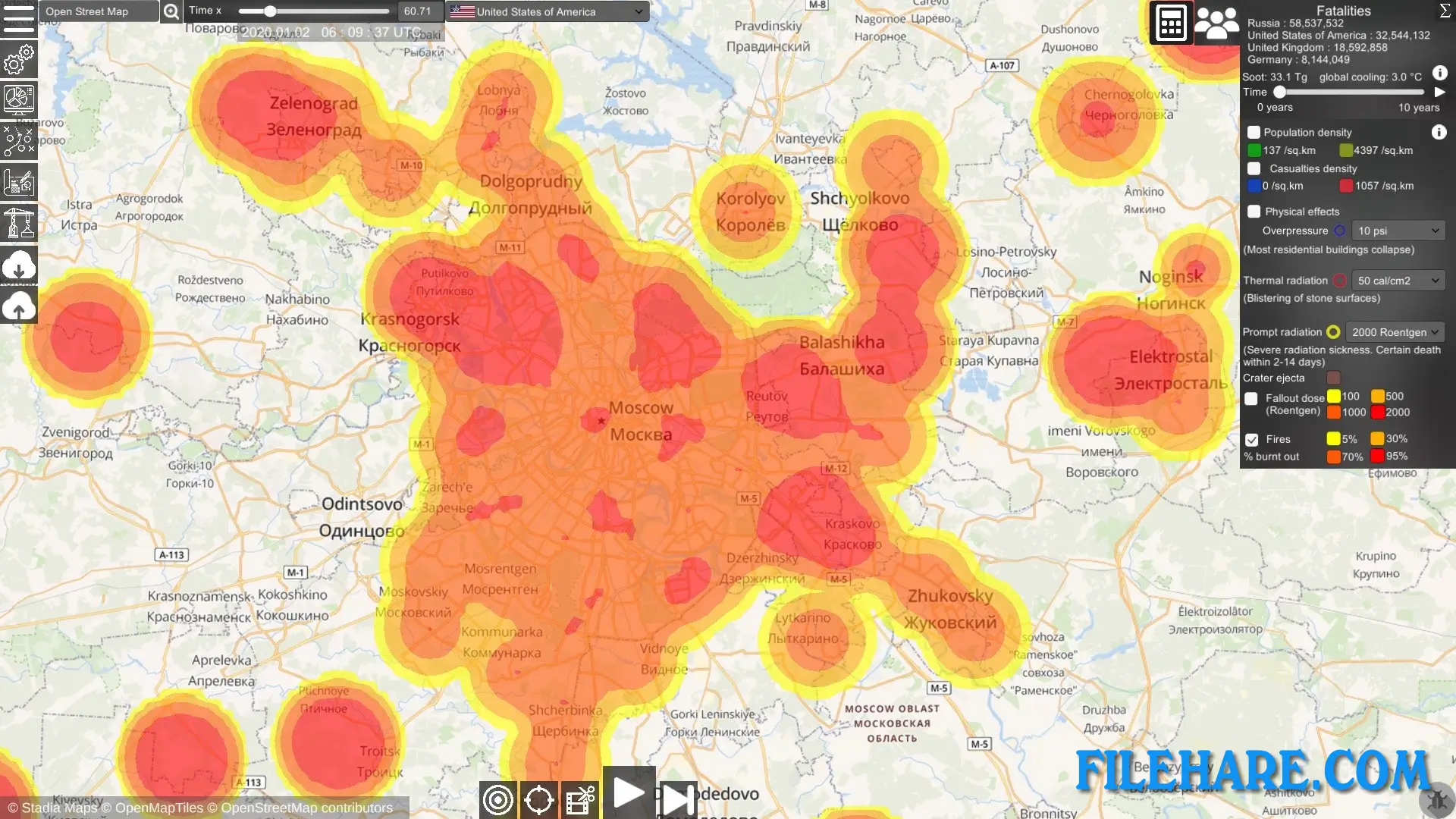
When you run the simulation, you watch missiles follow realistic flight paths to their targets. The game calculates how long missiles take to reach targets, which helps you understand response times in a real conflict. You see nuclear detonations happen on the map with their blast radius, heat damage, fire spread, and radiation zones. The game uses a detailed population map to show how many people would die or get injured in each area. It also shows damage to important buildings like power plants, hospitals, and airports.
Nuclear War Simulator Features
The game includes accurate data on nuclear weapons from major countries like Russia, the United States, China, India, and Pakistan. You can access a database of real weapons that are currently deployed and some historical ones. The simulation shows individual civilians on the map who try to find shelter when warnings appear. It includes early warning systems and missile defense systems that attempt to intercept incoming missiles.
The game has a sandbox mode where you freely design any conflict scenario you want. You can also download scenarios that other players have created or upload your own to share with the community. The game supports basic modding, where you can change textures, loading screens, and background music. You can export simulation data to use in other programs or import lists of nuclear detonations from other tools to see the humanitarian effects.
Recommended System Requirements
- OS: Windows 10/11
- Processor: quadcore or more
- Memory: 16 GB RAM
- Graphics: DirectX 11 compatible graphics card with 6 GB of VRAM
- Storage: 11 GB available space
Gameplay Screenshots

| Name | Nuclear War Simulator |
|---|---|
| Developer | Bit Mirror |
| File Size | 1.49 GB |
| Category | Simulation |
| Minimum System Requirements | |
| CPU | Intel/AMD 1.5 GHz dual-core |
| RAM | 8 GB |
| Graphics | DirectX 11 or OpenGL 4.3 compatible graphics card with 3 GB of VRAM |
| Free Disk Space | 11 GB |
| Operating System | Windows 10 / 11 |
| User Rating | |
To buy this game, visit the Store Page
How to Download and Install Nuclear War Simulator PC Game?
We have simple instructions for you to download and install the PC game. Before following the steps, Ensure your PC meets the minimum system requirements for Playing the game on your PC.
- First, click on the DOWNLOAD button and you will be redirected to the final Download page. Then, Download the Game on your PC.
- Once you have downloaded the Nuclear War Simulator PC Game, Open the folder where you saved the Game.
- Then Right-click on the Zip file and click on the "Extract files" option from the dropdown menu. If your computer does not have a Zip file extract software installed, you must first install it. (such as WinRAR, 7Zip software)
- After Extracting the Zip file, Open the Nuclear War Simulator PC Game folder.
- Then, double-click on the Setup.exe file to Install the Game.
- If asked, provide administrator permissions for the installation to proceed. Click Yes to continue.
- Follow the on-screen installation wizard to install the game on your PC.
- After the installation, if you get any missing ".dll" errors or the Game is not launching, open the Readme.txt file located in the game folder and follow the instructions shown in the document file to play the game.
Done!. Now, you can launch the game from your desktop.