Thrust 8 PC Game Download for Windows 10/11

Thrust 8 is a PC game developed and published by Momentum Games. It was released on 23 September 2025. This game is short, low-cost, and made for adults. In it the main character wakes up in a strange place with no memory.
Table of Contents
Thrust 8 Story / Plot
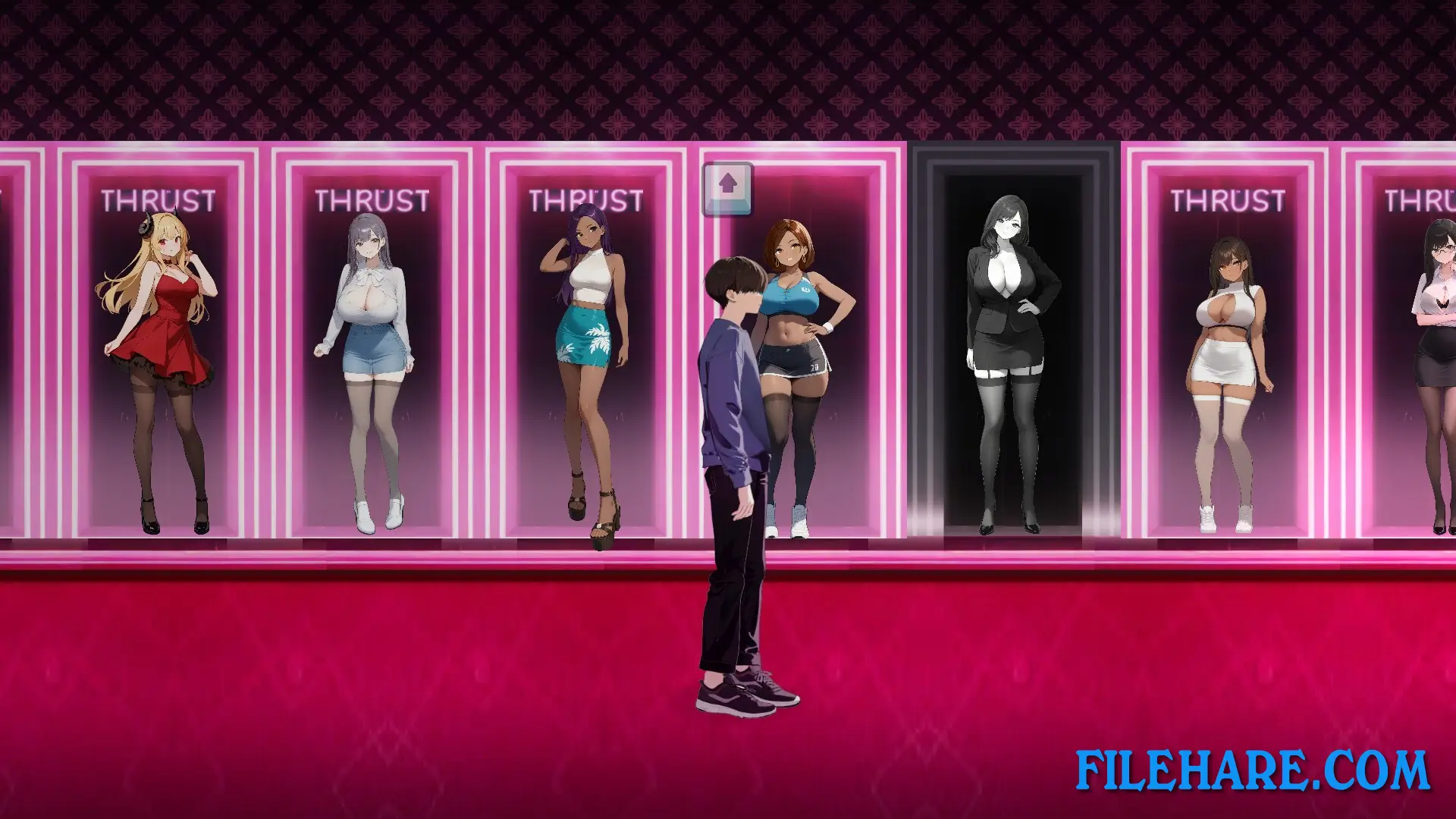
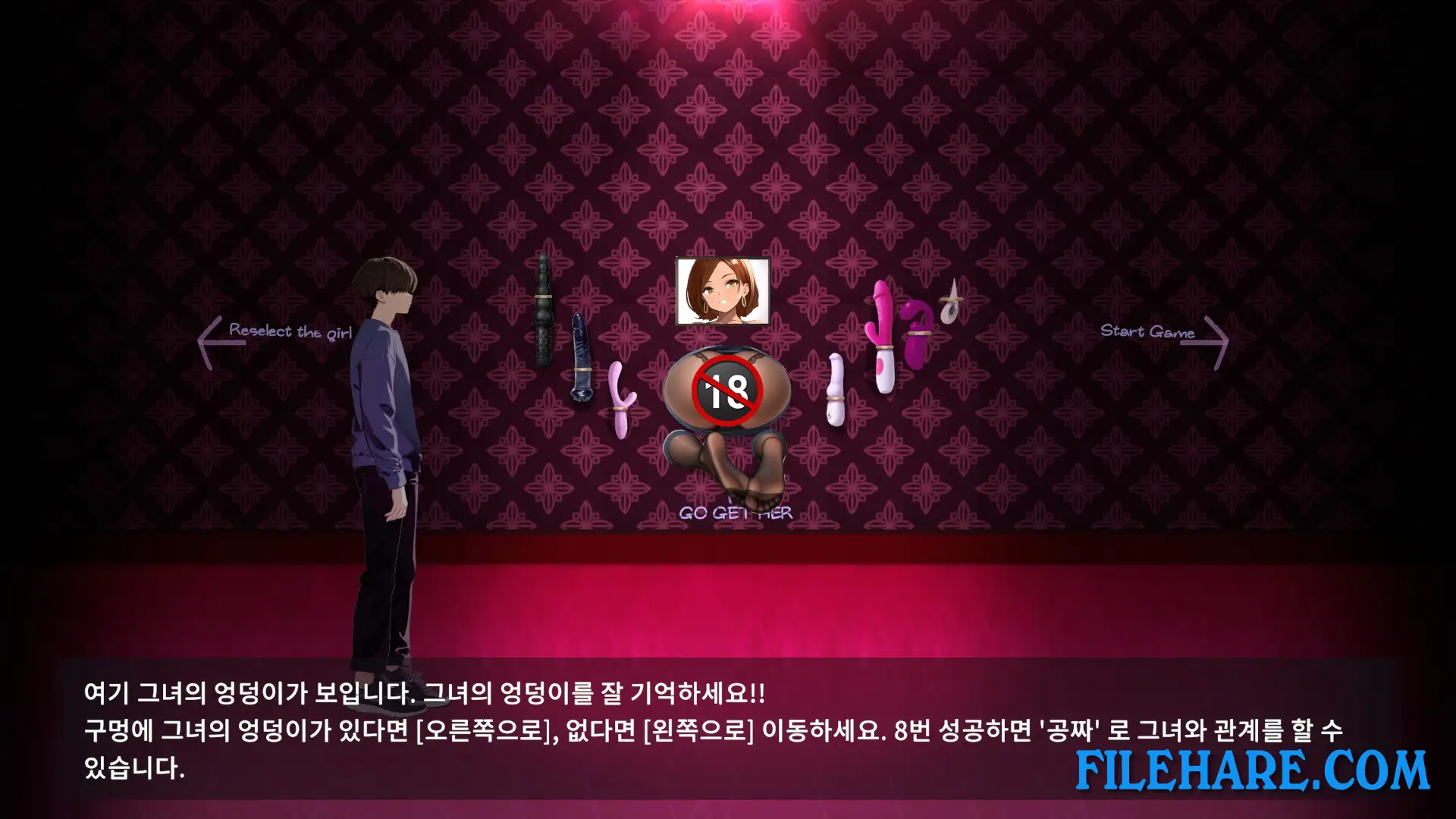
In Thrust 8, you play as a person who suddenly wakes up in a strange place. Bright lights blur your vision, and you see women around you. On a wall, you read a message: “If you find the buttocks you want, you can insert it!” The game then asks you to pick one woman to remember. Because of this surreal setup, the story is not serious or deep. It mostly serves to place you in a weird, adult scenario.
Thrust 8 Gameplay
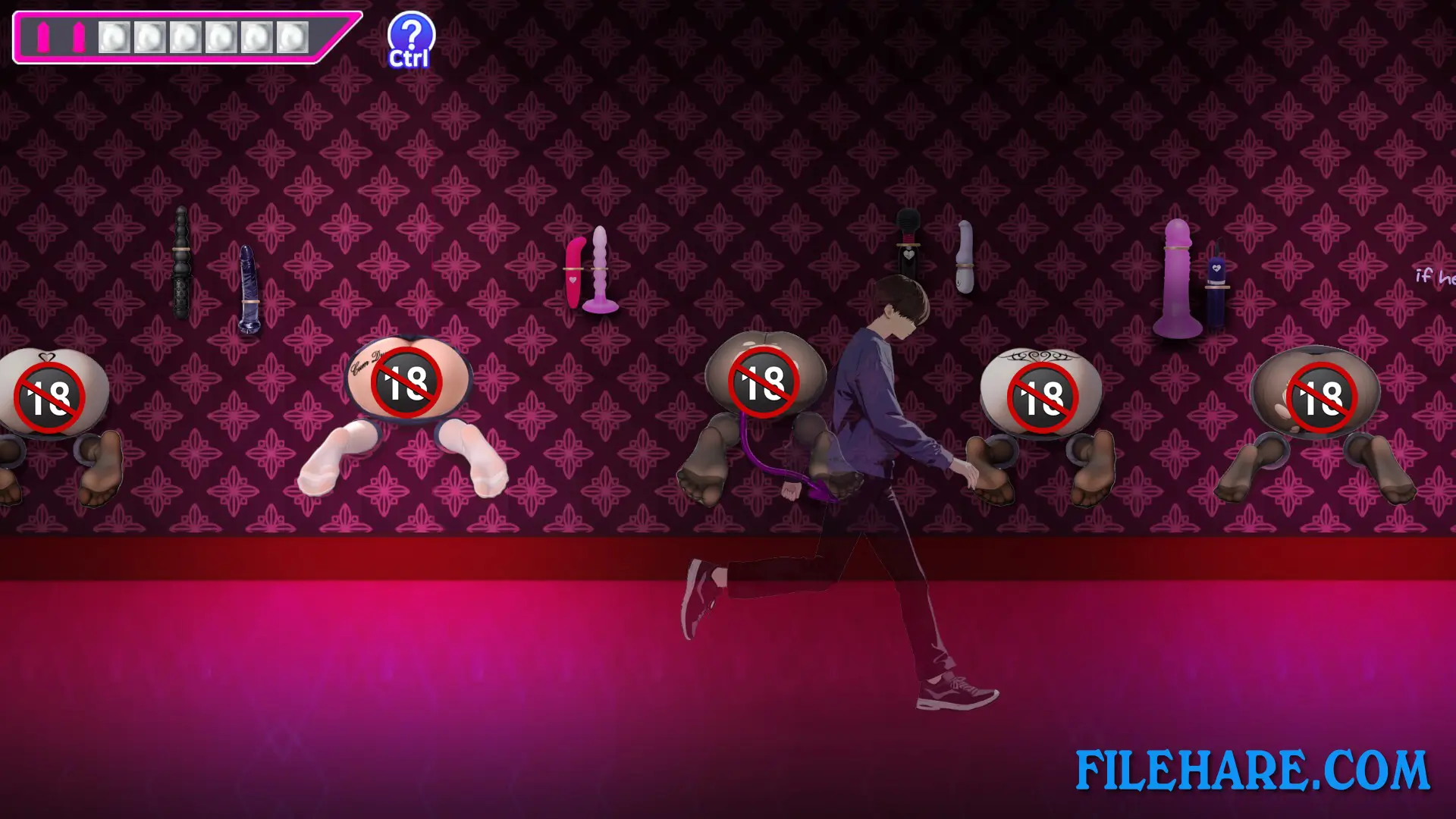
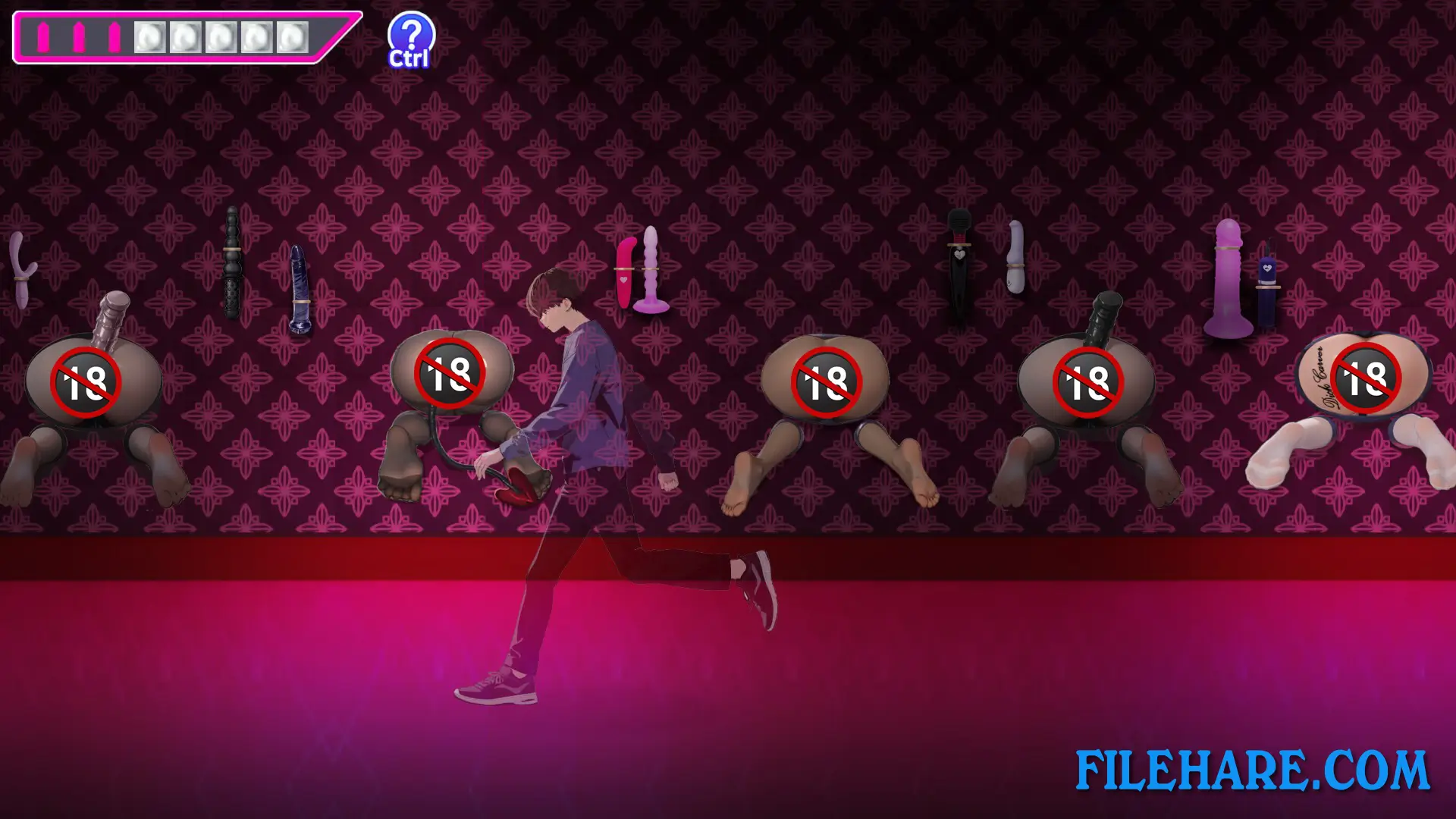
Gameplay is simple. The game shows many images of female characters — their bodies and buttocks — on screen. At the start, you pick one character to target. Then the game displays a batch of images. If the woman you picked appears among them, you move to the right side of the screen. If she does not appear, you move to the left side. If you manage to match correctly eight times in a row, the game unlocks an event scene. That event offers an explicit, adult sequence. There is no fighting, no exploration or puzzle solving. You just watch, remember, and match images. The controls are very basic, and the core is memory and observation. The game runs on Windows and supports languages including English, Japanese, Chinese, and Korean.
Thrust 8 Features
This game lets you choose among eight female characters. Each character has a different appearance — skin tone, body shape, and physical traits vary. The game is clearly labeled for adults. It contains nudity and explicit sexual content. The visuals are stylized and cartoon-like rather than realistic. Thrust 8 includes Steam features like achievements, cloud save, and support for multiple languages.
Gameplay Screenshots
| Name | Thrust 8 |
|---|---|
| Developer | Momentum Games |
| File Size | 530.48 MB |
| Category | Adult |
| Minimum System Requirements | |
| CPU | Intel/AMD 1.2 GHz dual-core |
| RAM | 8 GB |
| Graphics | Integrated Graphics |
| Free Disk Space | 1 GB |
| Operating System | Windows 10 / 11 |
| User Rating | |
To buy this game, visit the Store Page
How to Download and Install Thrust 8 PC Game?
We have simple instructions for you to download and install the PC game. Before following the steps, Ensure your PC meets the minimum system requirements for Playing the game on your PC.
- First, click on the DOWNLOAD button and you will be redirected to the final Download page. Then, Download the Game on your PC.
- Once you have downloaded the Thrust 8 PC Game, Open the folder where you saved the Game.
- Then Right-click on the Zip file and click on the "Extract files" option from the dropdown menu. If your computer does not have a Zip file extract software installed, you must first install it. (such as WinRAR, 7Zip software)
- After Extracting the Zip file, Open the Thrust 8 PC Game folder.
- Then, double-click on the Setup.exe file to Install the Game.
- If asked, provide administrator permissions for the installation to proceed. Click Yes to continue.
- Follow the on-screen installation wizard to install the game on your PC.
- After the installation, if you get any missing ".dll" errors or the Game is not launching, open the Readme.txt file located in the game folder and follow the instructions shown in the document file to play the game.
Done!. Now, you can launch the game from your desktop.