YOUR ADULT STORE PC Game Download for Windows 10/11
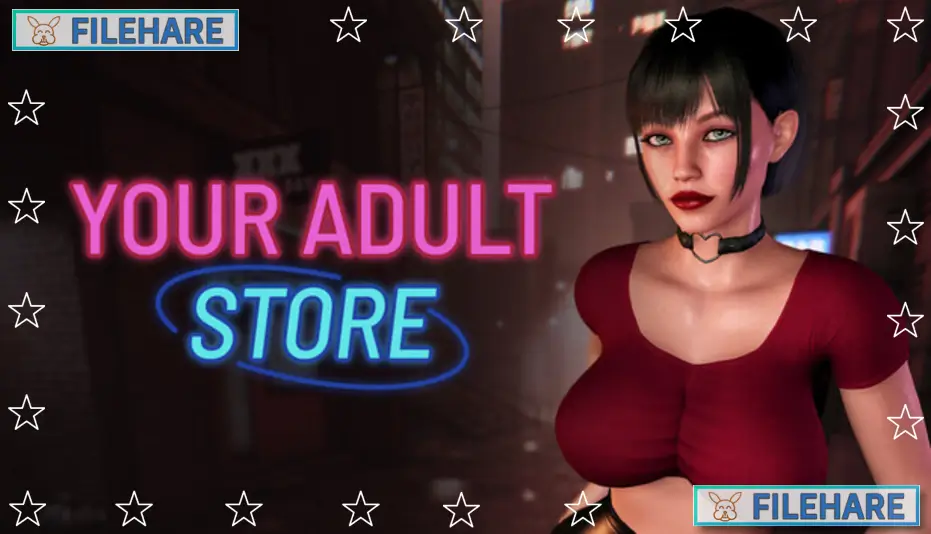
Your Adult Store is a PC game developed and published by Lust Zone Studio. It was released on August 8, 2025. The game is a simulation title where you run a business that focuses on adult products and services. It puts you in control of day-to-day tasks that come with managing and growing a specialized store. The core idea is to build and maintain your business while meeting customer needs and managing staff.
Table of Contents
Your Adult Store Gameplay
Gameplay centers on managing all parts of a small business in an adult goods market. At the start, you choose what kind of products to stock and how much inventory to keep. You hire workers who help serve customers and keep the store running. Players decide where to place items in the shop and how to set prices so the business earns money. Money from sales is then used to improve the store, hire better staff, or expand what you offer. The game is played from a top-down view, and time moves forward as you work to serve customers and complete tasks.
Your Adult Store Features
The control system in Your Adult Store is simple and user-friendly. You can use the mouse to click menus, buy products, check employee status, and look at sales reports. The game tracks how well your business is doing and gives feedback so you can adjust your strategy.
Running your store means paying attention to customer satisfaction and financial health. You see how popular certain products are and can stop selling items that do not sell well.
Overall, Your Adult Store is a business management simulation with a specific theme aimed at adult players. It provides a way to experience running a niche shop with clear goals and progression in a single-player setting.
Recommended System Requirements
Requires a 64-bit processor and operating system
- OS: Windows 11 or newer
- Processor: Intel Dual-Core 2.4 GHz
- Memory: 1 GB RAM
- Storage: 615 MB available space
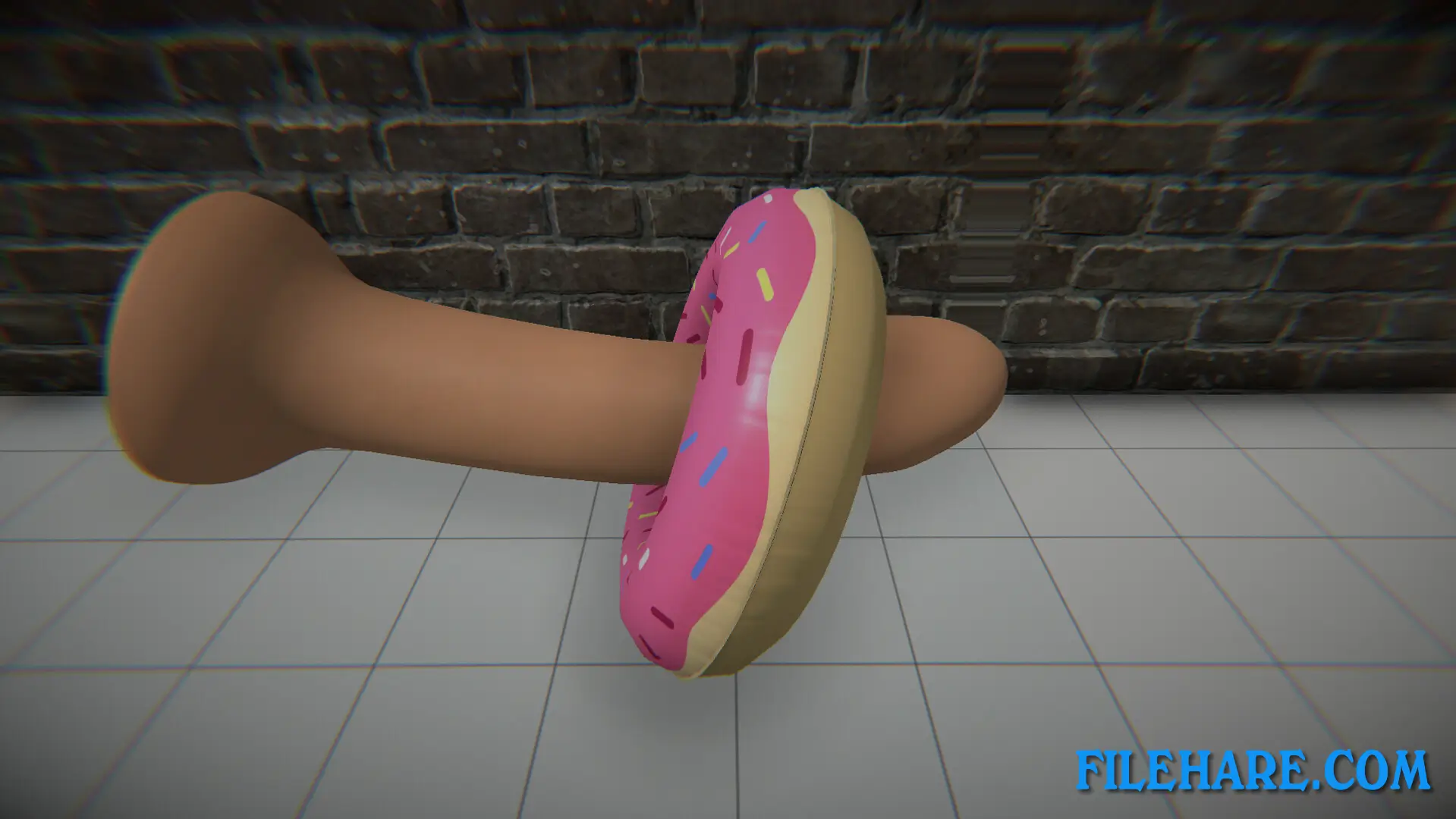
Gameplay Screenshots
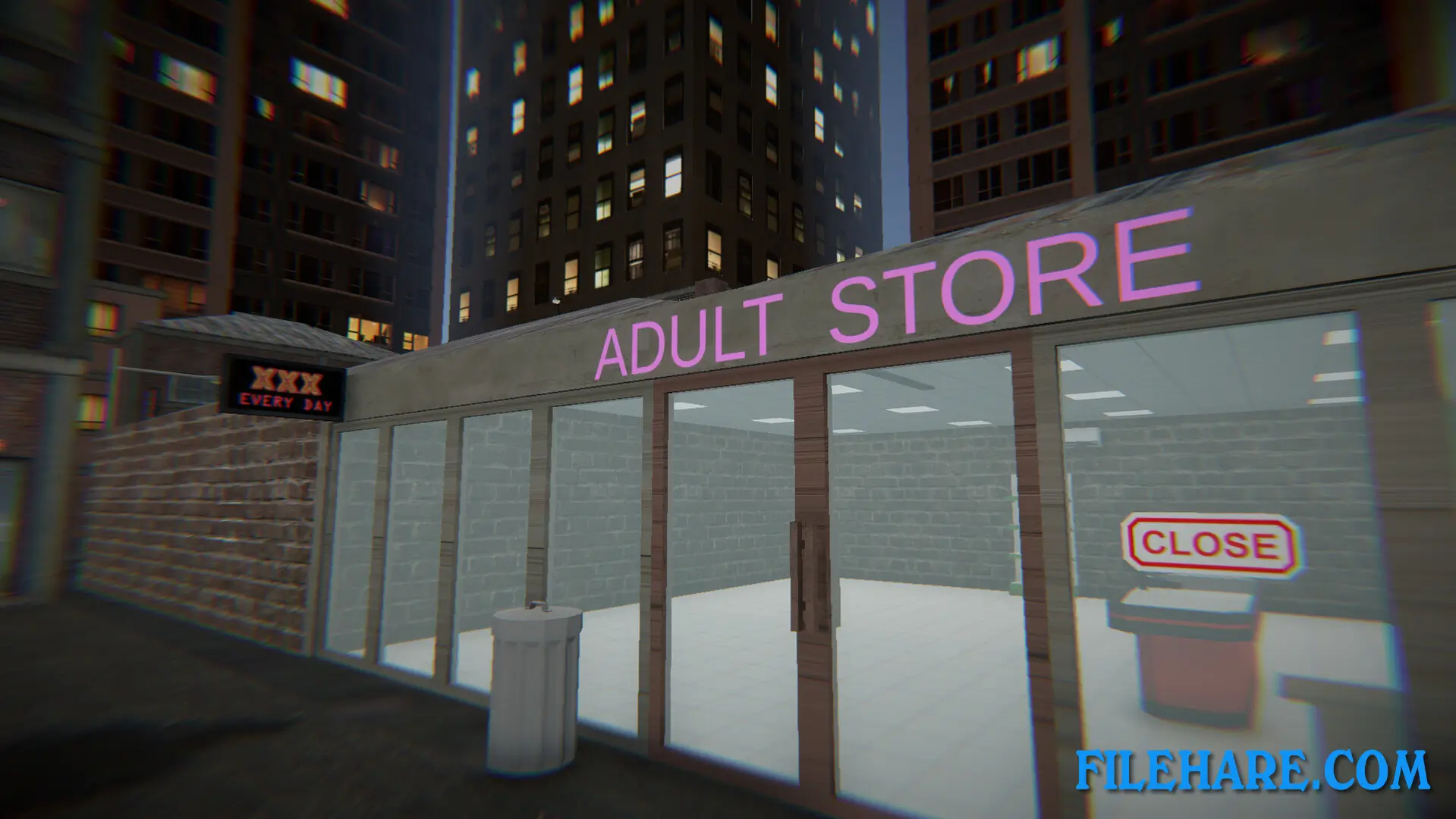
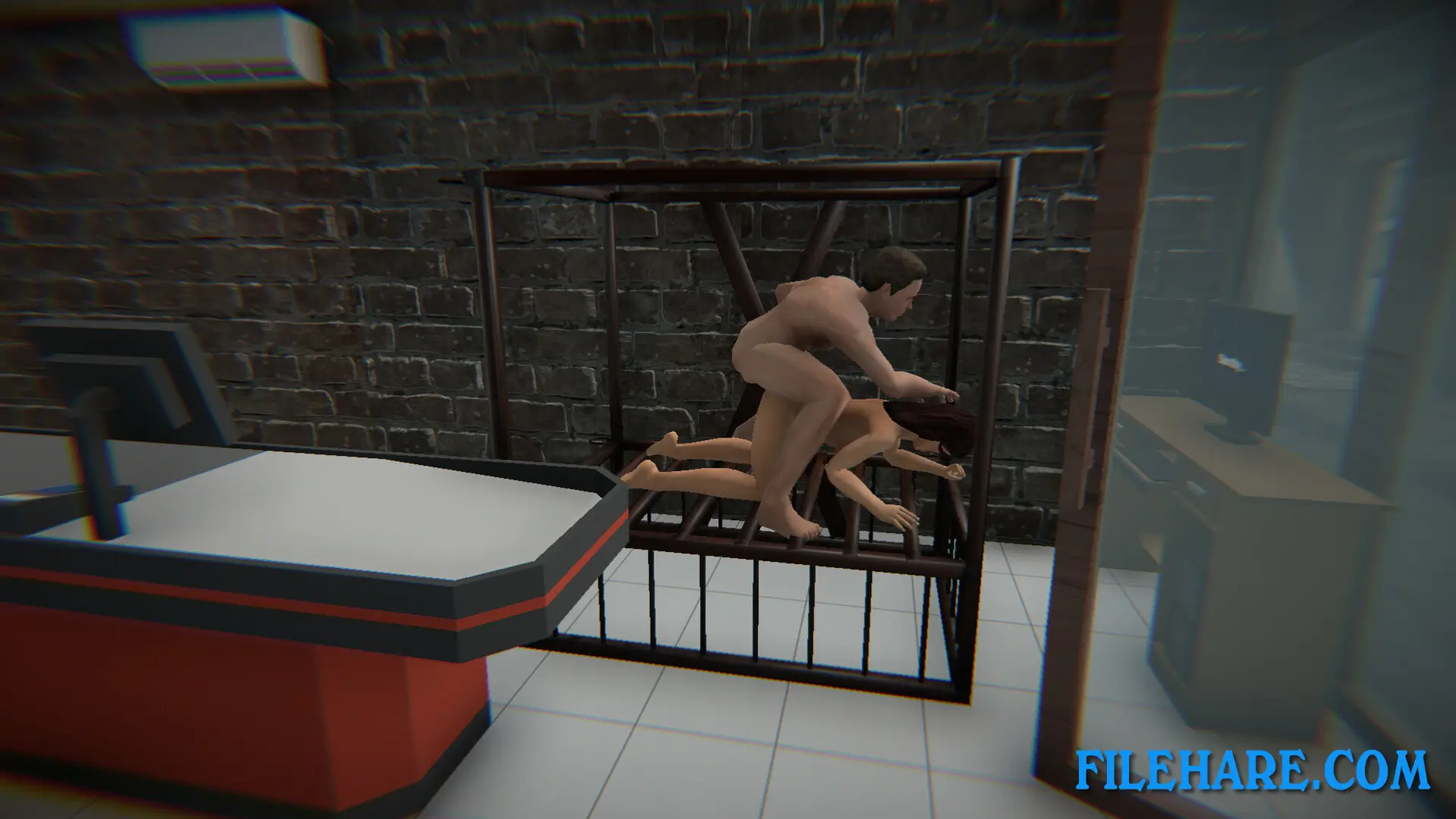
| Name | YOUR ADULT STORE |
|---|---|
| Developer | Lust Zone Studio |
| File Size | 393.30 MB |
| Category | Adult |
| Minimum System Requirements | |
| CPU | Intel Dual-Core 2.4 GHz |
| RAM | 1 GB |
| Graphics | Integrated Graphics |
| Free Disk Space | 615 MB |
| Operating System | Windows 10 / 11 (64-bit) |
| User Rating | |
To buy this game, visit the Store Page
How to Download and Install YOUR ADULT STORE PC Game?
We have simple instructions for you to download and install the PC game. Before following the steps, Ensure your PC meets the minimum system requirements for Playing the game on your PC.
- First, click on the DOWNLOAD button and you will be redirected to the final Download page. Then, Download the Game on your PC.
- Once you have downloaded the YOUR ADULT STORE PC Game, Open the folder where you saved the Game.
- Then Right-click on the Zip file and click on the "Extract files" option from the dropdown menu. If your computer does not have a Zip file extract software installed, you must first install it. (such as WinRAR, 7Zip software)
- After Extracting the Zip file, Open the YOUR ADULT STORE PC Game folder.
- Then, double-click on the Setup.exe file to Install the Game.
- If asked, provide administrator permissions for the installation to proceed. Click Yes to continue.
- Follow the on-screen installation wizard to install the game on your PC.
- After the installation, if you get any missing ".dll" errors or the Game is not launching, open the Readme.txt file located in the game folder and follow the instructions shown in the document file to play the game.
Done!. Now, you can launch the game from your desktop.