Beach Cry of VR PC Game Download for Windows 10/11/7/8
Beach Cry of VR is an action-adventure VR shooter game for PC. BeiJing Da Xing Media Limited Company developed and published the game. It was released on September 29, 2017. This is a virtual reality zombie shooter with adult content and mythical creature bosses. The game runs on Windows and requires a VR headset to play.
Table of Contents
Beach Cry of VR Gameplay
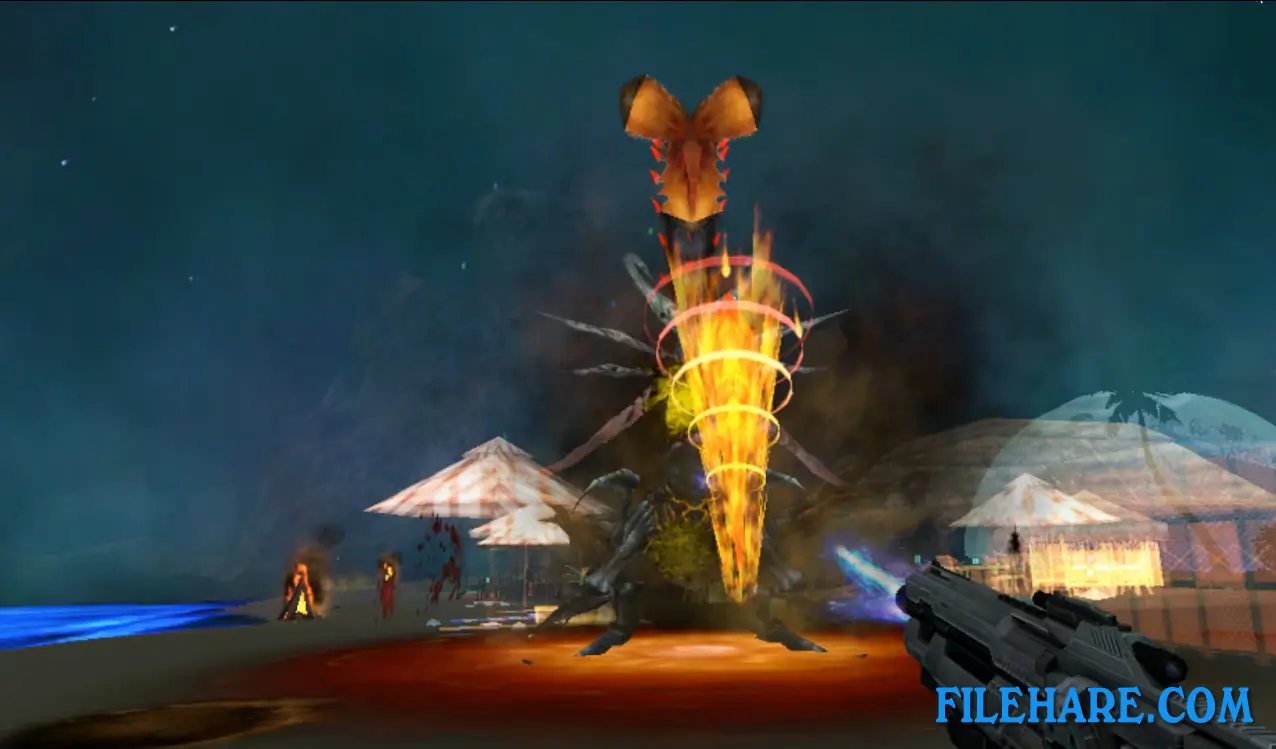
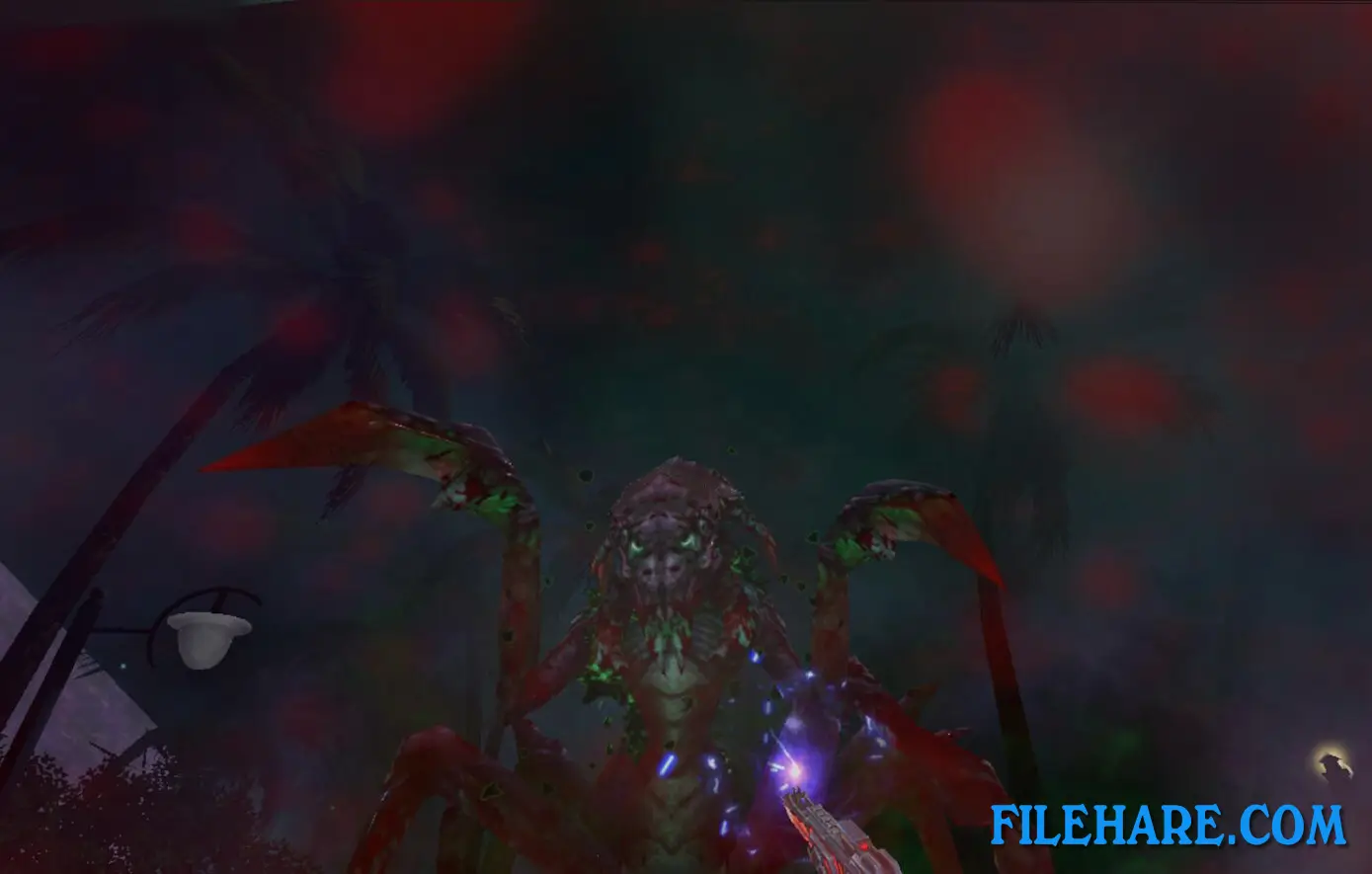
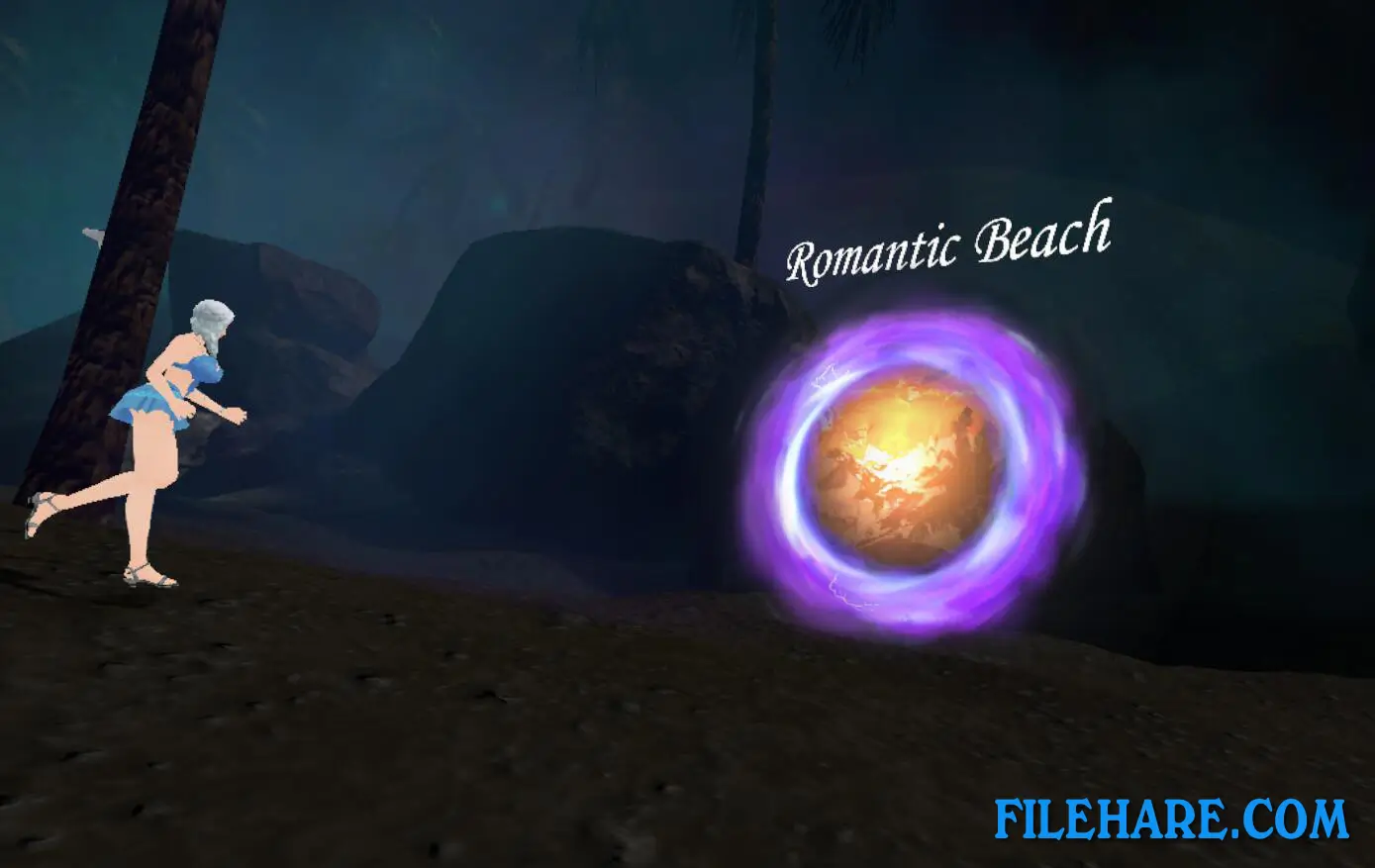
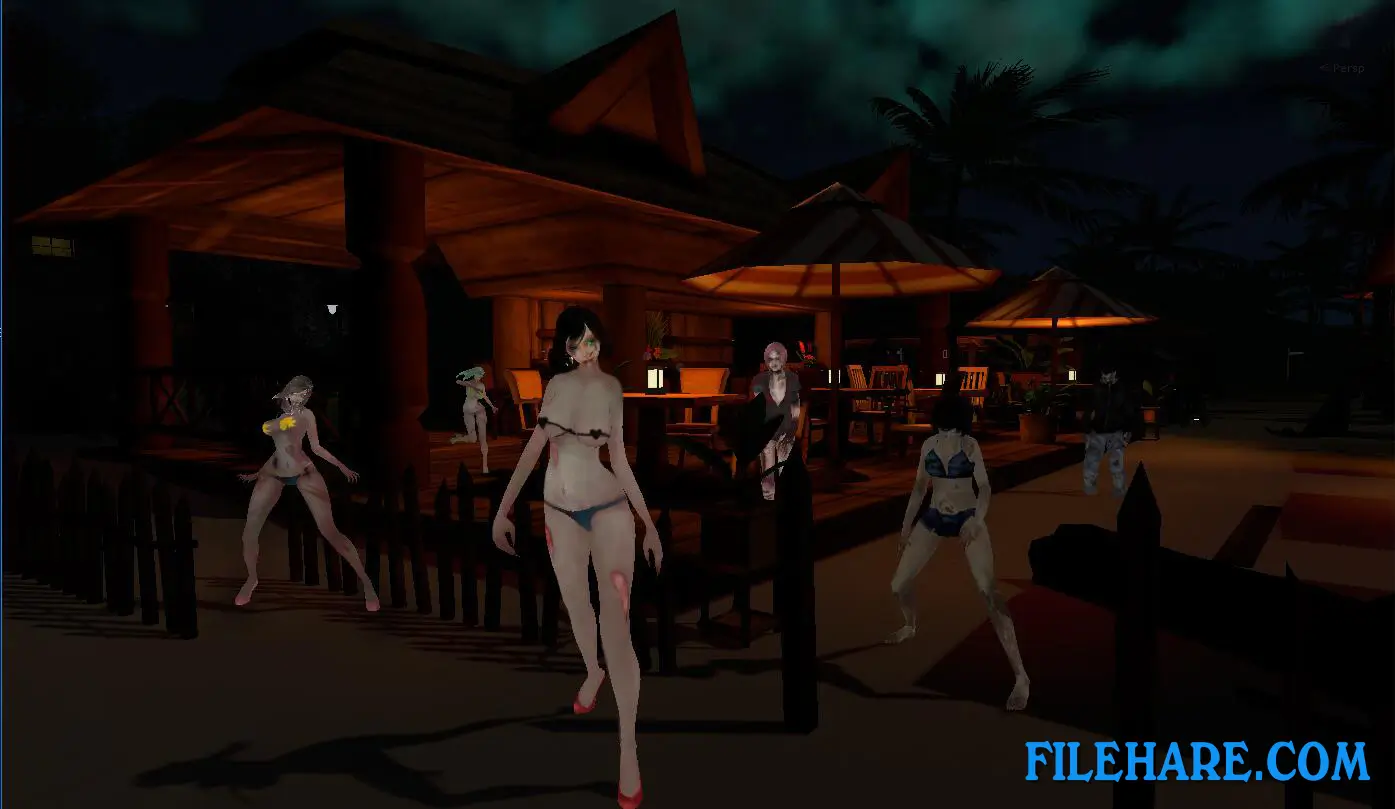
This is a VR zombie shooting game where you fight waves of bikini zombies and legendary bosses. You use VR controllers to aim and fire weapons at enemies that attack from various directions. The game includes a level selection system where you can choose which boss to fight. There are five mythical bosses, including Boa Monster, Medusa, Scorpion Enchantress, Giant Spider, and Octopus Monster. When you select a boss, the environment changes to match that creature. For example, Giant Spider appears in a huge canyon while Octopus Monster fights you in an ocean location. Bikini zombies appear randomly throughout stages and attack at unpredictable times.
The game received a major update that added magic themes with thunder, lightning, and environmental effects. Guns and shooting mechanics were completely updated for a better combat experience. The game also includes hostage rescue missions where you must save people to win. You need a room-scale VR space of 2 meters by 1.5 meters and two USB 3.0 ports to play properly.
Beach Cry of VR Features
The game features five legendary bosses from myths and legends. Boa Monster is a serpent creature with powerful strikes. Medusa can petrify players with her gaze. Scorpion Enchantress uses venomous attacks. Giant Spider traps players with its webs. Octopus Monster uses massive tentacles to attack. The bikini zombies are unique enemies that behave unpredictably compared to standard zombies.
The game uses VR tracked controller support for realistic aiming and shooting. Updated graphics include magical effects like thunder and sandstorms. Multiple environments include canyons, beaches, and underwater areas. The game requires VR-only play and cannot be played without a headset. The game contains nudity and sexual content along with frequent violence. It is designed for adult players only. The game received major updates after its initial release that improved gameplay and added new content.
Recommended System Requirements
- OS: Windows 10
- Processor: Intel Core i7 6700K equivalent or greater
- Memory: 16 GB RAM
- Graphics: NVIDIA GTX 1060 / AMD equivalent or greater
- DirectX: Version 12
- Storage: 10 GB available space
- Additional Notes: VR Headset required, 2x USB 3.0 ports
Gameplay Screenshots
| Name | Beach Cry of VR |
|---|---|
| Developer | BeiJing Da Xing Media Limited Company |
| File Size | 1012 MB |
| Category | Adult |
| Minimum System Requirements | |
| CPU | Intel i5-4590 equivalent or greater |
| RAM | 8 GB |
| Graphics | NVIDIA GTX 970 / AMD equivalent or greater |
| Free Disk Space | 10 GB |
| Operating System | Windows 10 / 11 / 7 / 8 (64-bit) |
| User Rating | |
To buy this game, visit the Store Page
How to Download and Install Beach Cry of VR PC Game?
We have simple instructions for you to download and install the PC game. Before following the steps, Ensure your PC meets the minimum system requirements for Playing the game on your PC.
- First, click on the DOWNLOAD button and you will be redirected to the final Download page. Then, Download the Game on your PC.
- Once you have downloaded the Beach Cry of VR PC Game, Open the folder where you saved the Game.
- Then Right-click on the Zip file and click on the "Extract files" option from the dropdown menu. If your computer does not have a Zip file extract software installed, you must first install it. (such as WinRAR, 7Zip software)
- After Extracting the Zip file, Open the Beach Cry of VR PC Game folder.
- Then, double-click on the Setup.exe file to Install the Game.
- If asked, provide administrator permissions for the installation to proceed. Click Yes to continue.
- Follow the on-screen installation wizard to install the game on your PC.
- After the installation, if you get any missing ".dll" errors or the Game is not launching, open the Readme.txt file located in the game folder and follow the instructions shown in the document file to play the game.
Done!. Now, you can launch the game from your desktop.