Virtual Girl – Sex Simulator VR PC Game Download for Windows 10/11
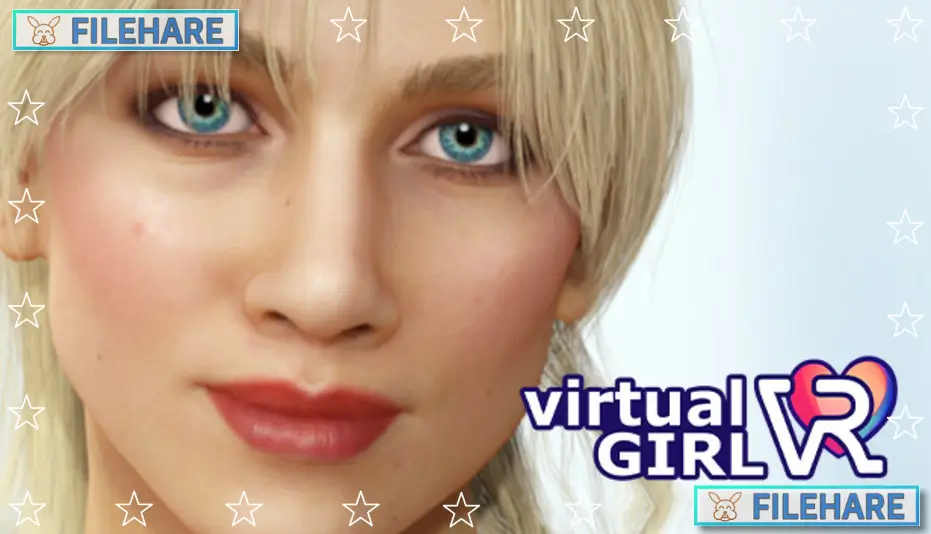
Virtual Girl – Sex Simulator VR is a simulation RPG game for PC. Real Girl VR developed and published the game. It was released on December 19, 2024. This is a virtual reality simulation with adult content that can be played both in VR and on regular PC monitors. The game runs on Windows and supports the English language. It requires VR support for the full virtual reality experience, but does not require a VR headset to play.
Table of Contents
Virtual Girl – Sex Simulator VR Gameplay
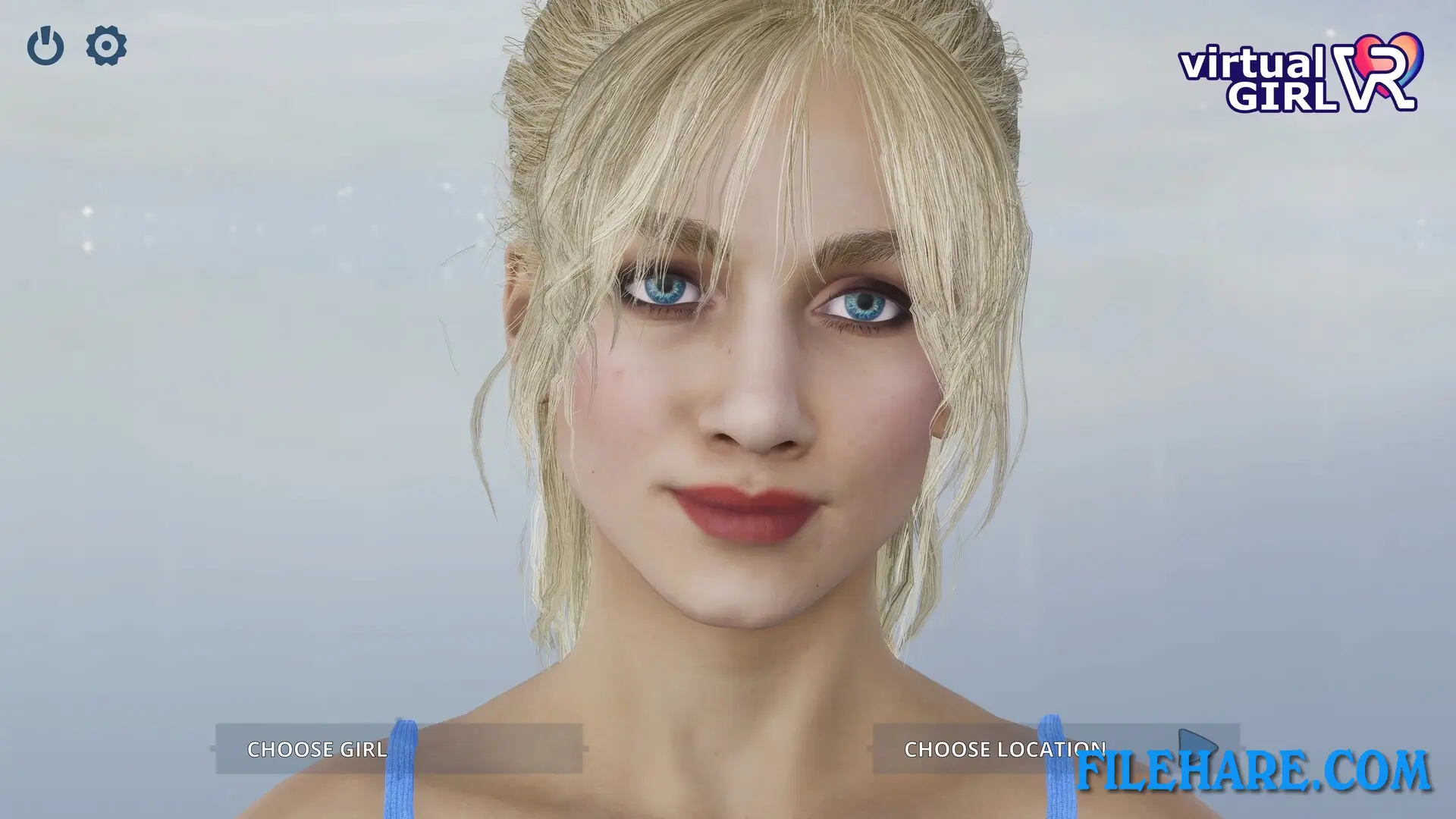
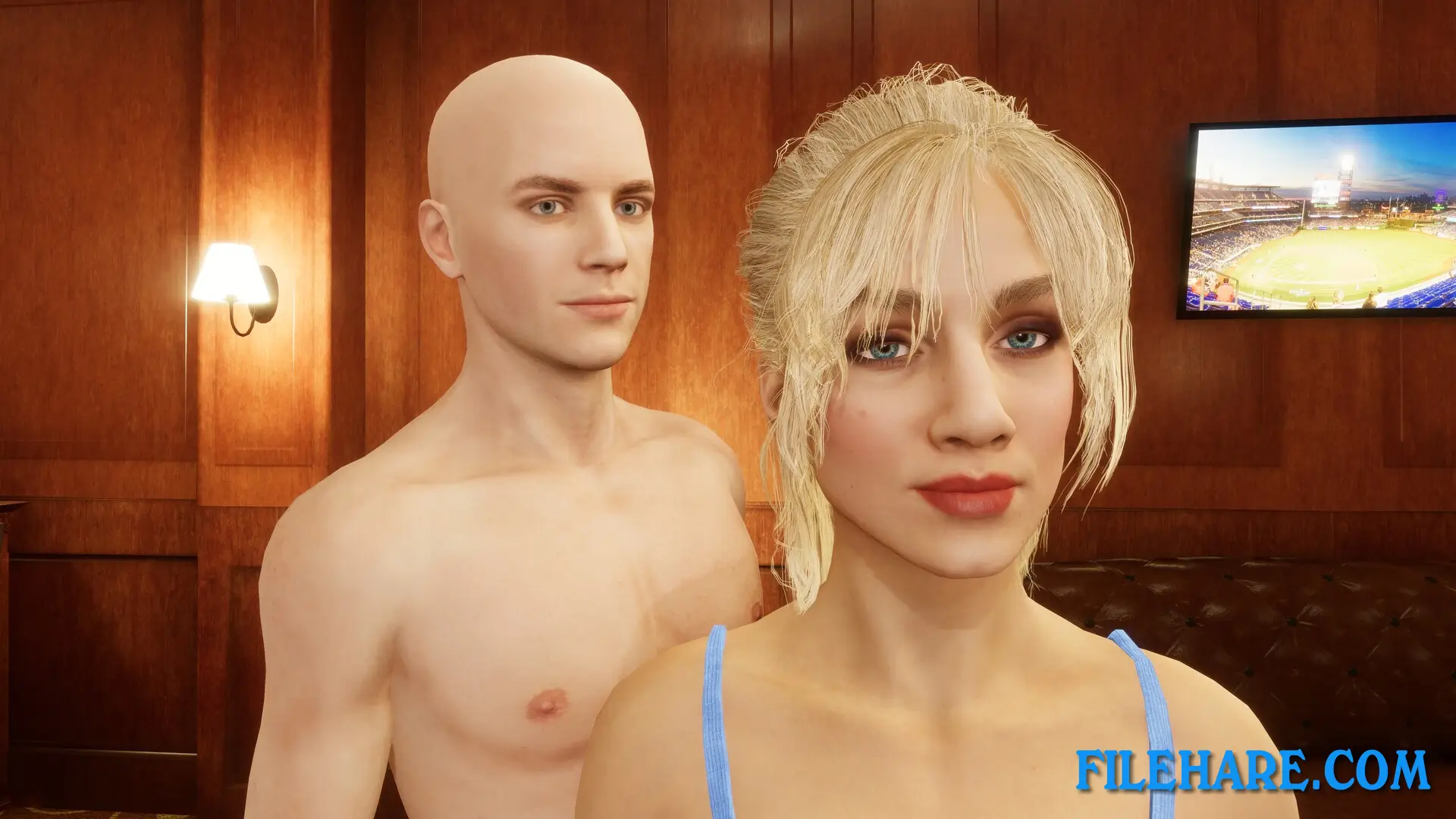
This is a simulation game where you interact with a virtual character. You can customize the appearance and behaviour of the character using the available options. The game offers over 200 body animations that you can select and control during your session. There are also 100 facial expressions available that change how the character looks and reacts. The game uses HDRP graphics technology for realistic visuals. You can play the game in two ways: either on a standard PC monitor using keyboard and mouse controls, or in full virtual reality using a VR headset and controllers. In VR mode, you use motion controllers to interact directly with the virtual character. The game allows you to control all animations and poses using simple controls. You only need one hand to navigate and select different options in the game. The simulation runs in real-time with responsive controls.
Virtual Girl – Sex Simulator VR Features
The game contains explicit adult content, including nudity and sexual themes. It is designed exclusively for adult players. The character can be customized with various options to change its appearance. The HDRP graphics create realistic lighting and textures for a more lifelike presentation. VR support allows for an enhanced experience using virtual reality headsets. The game works with various VR devices that Steam supports. You can use motion controllers in VR mode to interact naturally with the environment. PC mode allows players without VR equipment to still enjoy the simulation using traditional controls. The game is single-player only. It includes over 200 animations and 100 facial expressions for variety. The developer Real Girl VR has created multiple similar simulation games in their franchise.
Recommended System Requirements
Requires a 64-bit processor and operating system
- OS: Windows 11
- Processor: Intel Core i7 6700K equivalent or greater
- Memory: 16 GB RAM
- Graphics: NVIDIA GeForce GTX 1660 / AMD equivalent or greater
- DirectX: Version 11
- Storage: 10 GB available space
- Sound Card: Any
- VR Support: OpenXR Devices
- Additional Notes: You DO NOT need a VR Headset to play this game.
Gameplay Screenshots


| Name | Virtual Girl – Sex Simulator VR |
|---|---|
| Developer | Real Girl VR |
| File Size | 1.64 GB |
| Category | Adult |
| Minimum System Requirements | |
| CPU | Intel i3-6100/AMD Ryzen 3 1200, FX4350 or greater |
| RAM | 8 GB |
| Graphics | NVIDIA GTX 1050 Ti/AMD Radeon RX 470 or greater |
| Free Disk Space | 6 GB |
| Operating System | Windows 10 / 11 (64-bit) |
| User Rating | |
To buy this game, visit the Store Page
How to Download and Install Virtual Girl – Sex Simulator VR PC Game?
We have simple instructions for you to download and install the PC game. Before following the steps, Ensure your PC meets the minimum system requirements for Playing the game on your PC.
- First, click on the DOWNLOAD button and you will be redirected to the final Download page. Then, Download the Game on your PC.
- Once you have downloaded the Virtual Girl – Sex Simulator VR PC Game, Open the folder where you saved the Game.
- Then Right-click on the Zip file and click on the "Extract files" option from the dropdown menu. If your computer does not have a Zip file extract software installed, you must first install it. (such as WinRAR, 7Zip software)
- After Extracting the Zip file, Open the Virtual Girl – Sex Simulator VR PC Game folder.
- Then, double-click on the Setup.exe file to Install the Game.
- If asked, provide administrator permissions for the installation to proceed. Click Yes to continue.
- Follow the on-screen installation wizard to install the game on your PC.
- After the installation, if you get any missing ".dll" errors or the Game is not launching, open the Readme.txt file located in the game folder and follow the instructions shown in the document file to play the game.
Done!. Now, you can launch the game from your desktop.