Xenopurge PC Game Download for Windows 10/11
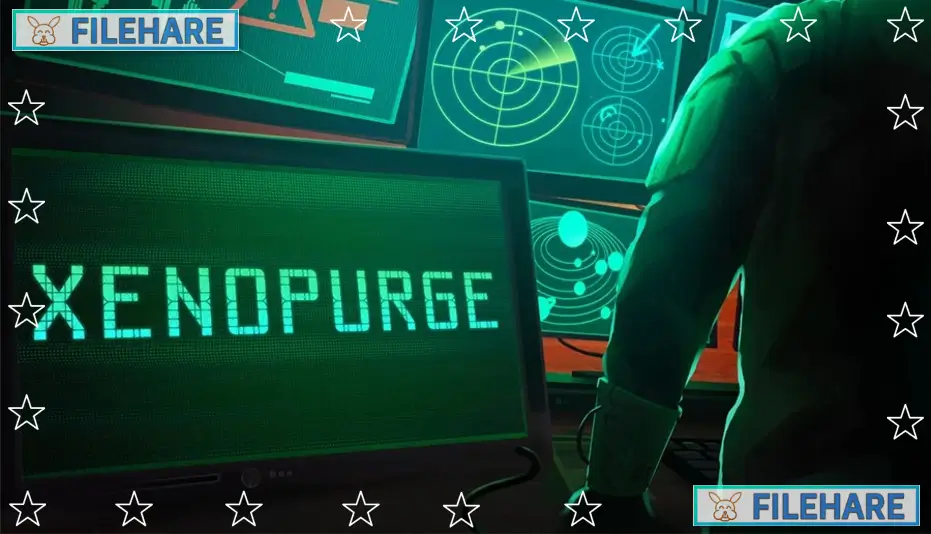
Xenopurge is a tactical auto-battler game developed by Traptics and published by Firesquid. The game was released on November 20, 2025, for PC. In this game, you play as a Commander who controls an elite military squad from a remote command center. Your job is to lead your troops as they fight against dangerous alien enemies called Xenos. The game is inspired by the horror and tension of movies like Alien and Space Hulk.
Table of Contents
Xenopurge Gameplay
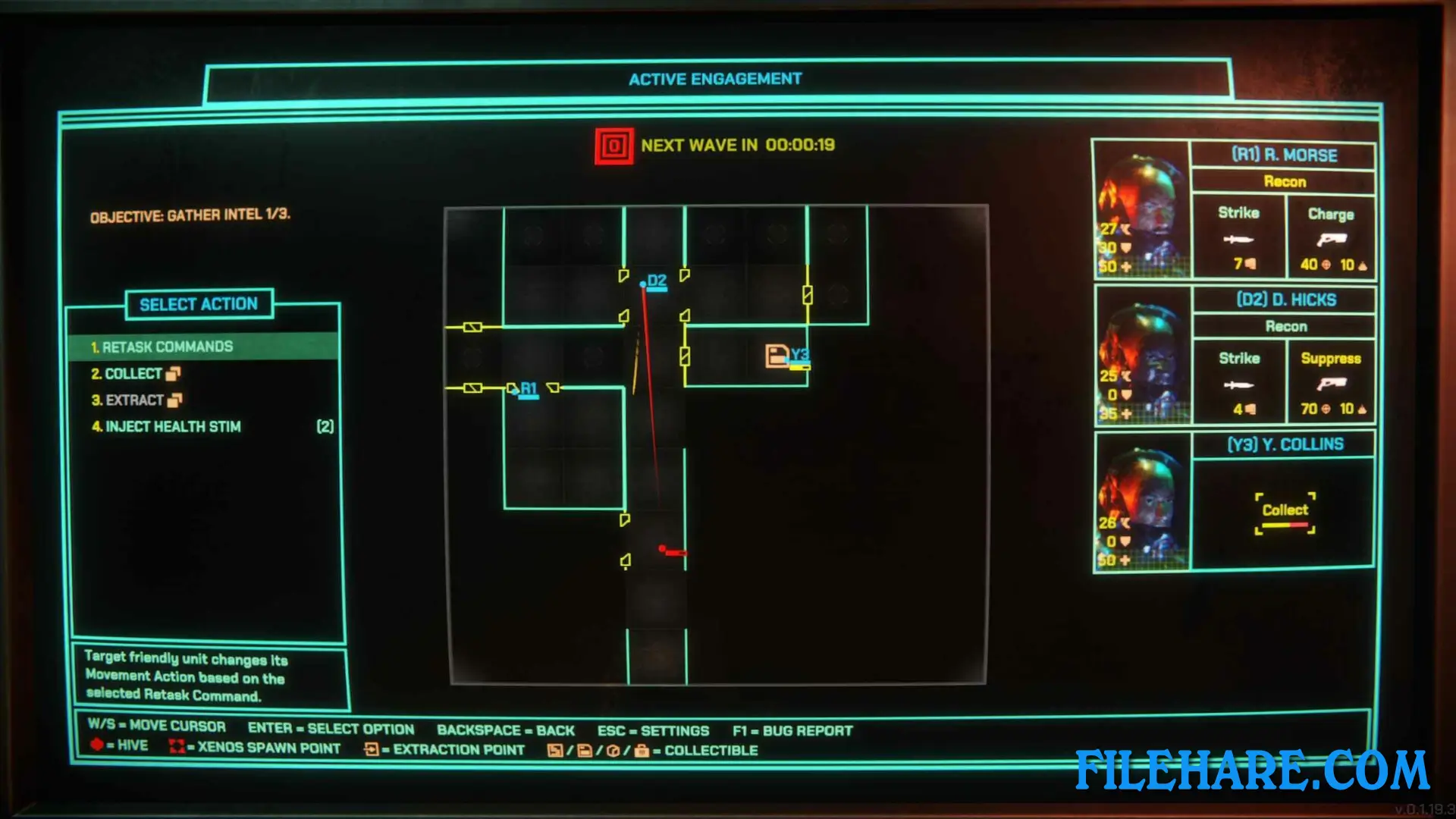
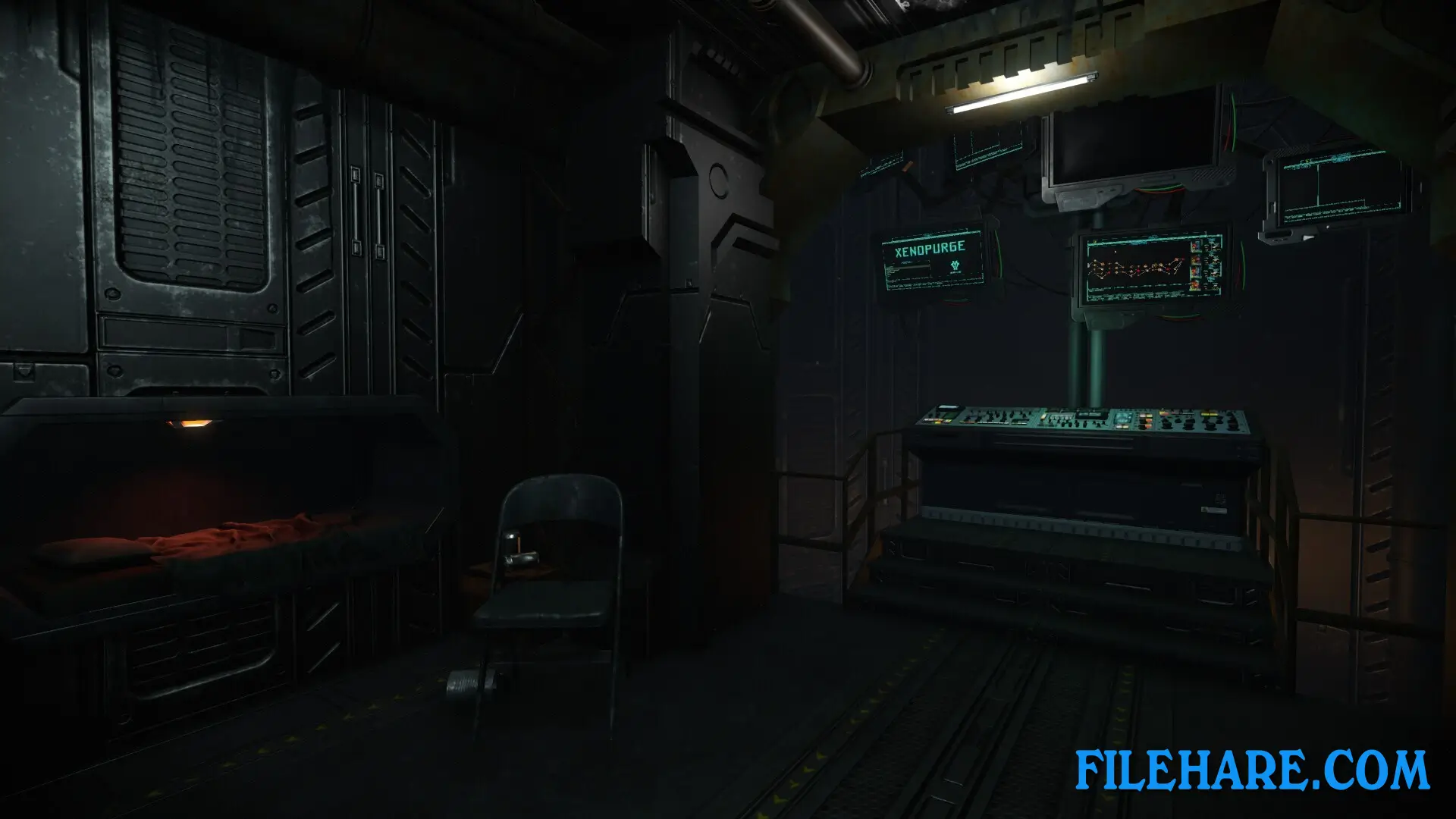
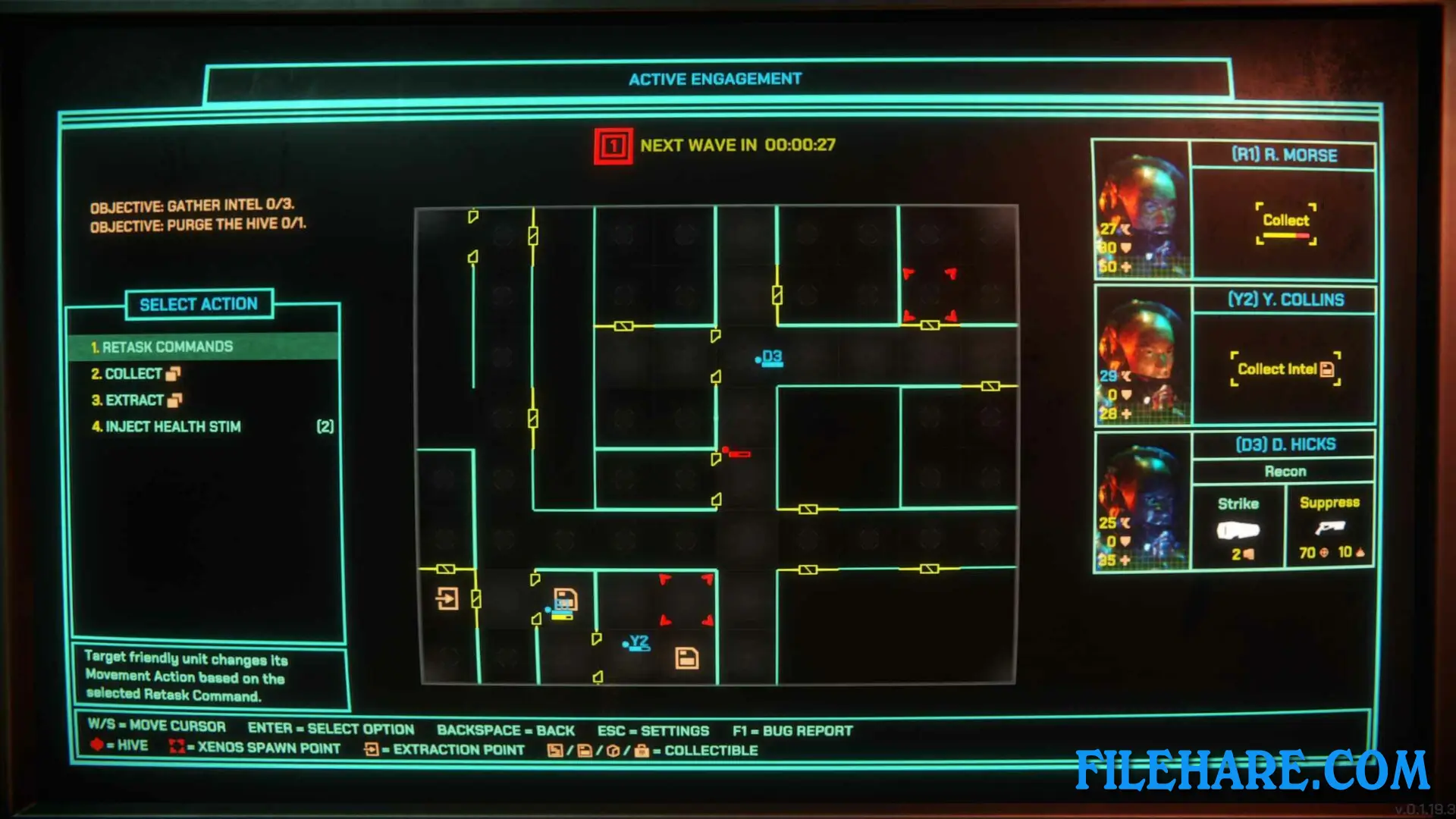
The game is played from a command center where you see multiple computer screens showing your squad’s location and status. You give orders to your troops instead of controlling them directly. Your soldiers automatically fight when they meet enemies, but you decide where they go and what they should do. You can tell your squad to search areas, recover items, or destroy targets. The game focuses more on planning than quick reactions. Missions take place in dark spaceships with randomly created maps, so every mission is different. You need to make smart decisions about routes and priorities because danger can appear at any time. Each mission lasts about 60 minutes.
Xenopurge Features
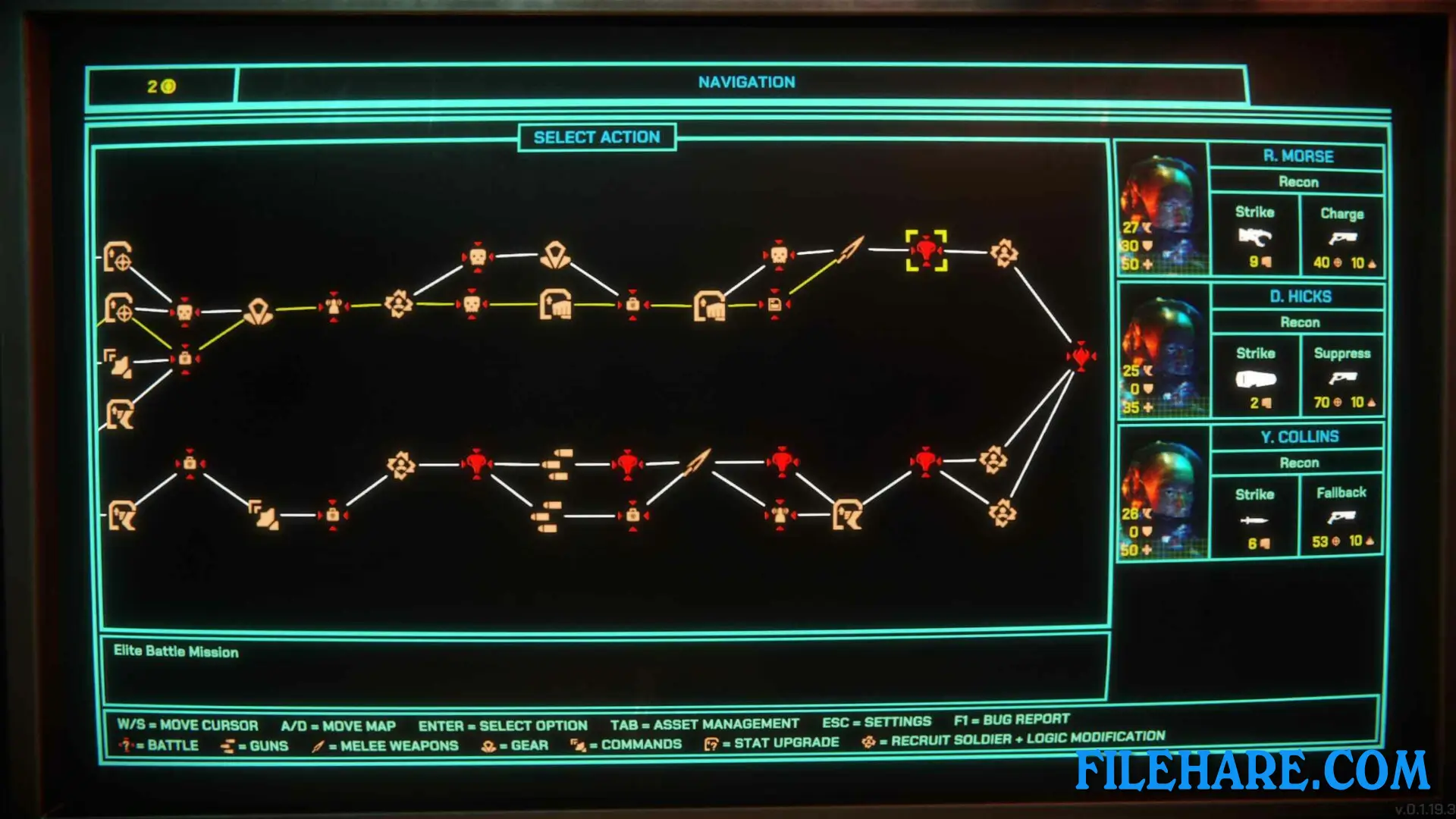
The game has a recruit option where you can bring new squad members during missions. Every soldier can be equipped with weapons and gear to match their tactics. There are different mission types, including search, escort, extraction, and destruction objectives. Xenopurge uses a roguelite progression where you unlock new abilities and recruit options after every mission, even if you fail. The retro-futuristic graphics create a scary mood as you command your troops in alien-infested spaceships. The game has procedurally generated maps, which means locations and enemies are never the same twice. You can play quick sessions or longer campaigns based on your time.
Recommended System Requirements
Requires a 64-bit processor and operating system
- OS: Windows 11
- Processor: Core i3 9100 or AMD Ryzen 3 1300X
- Memory: 8 GB RAM
- Graphics: Nvidia Geforce GTX 960 or AMD RX 470
- DirectX: Version 12
- Storage: 5 GB available space
- Additional Notes: 60+ FPS
Gameplay Screenshots
| Name | Xenopurge |
|---|---|
| Developer | Traptics |
| File Size | 1.08 GB |
| Category | Strategy |
| Minimum System Requirements | |
| CPU | Intel Core i5 4690K or AMD Ryzen 3 1200 |
| RAM | 8 GB |
| Graphics | Nvidia GeForce GTX 750 Ti or AMD Radeon RX 460 |
| Free Disk Space | 5 GB |
| Operating System | Windows 10 / 11 |
| User Rating | |
To buy this game, visit the Store Page
How to Download and Install Xenopurge PC Game?
We have simple instructions for you to download and install the PC game. Before following the steps, Ensure your PC meets the minimum system requirements for Playing the game on your PC.
- First, click on the DOWNLOAD button and you will be redirected to the final Download page. Then, Download the Game on your PC.
- Once you have downloaded the Xenopurge PC Game, Open the folder where you saved the Game.
- Then Right-click on the Zip file and click on the "Extract files" option from the dropdown menu. If your computer does not have a Zip file extract software installed, you must first install it. (such as WinRAR, 7Zip software)
- After Extracting the Zip file, Open the Xenopurge PC Game folder.
- Then, double-click on the Setup.exe file to Install the Game.
- If asked, provide administrator permissions for the installation to proceed. Click Yes to continue.
- Follow the on-screen installation wizard to install the game on your PC.
- After the installation, if you get any missing ".dll" errors or the Game is not launching, open the Readme.txt file located in the game folder and follow the instructions shown in the document file to play the game.
Done!. Now, you can launch the game from your desktop.