Female Anchor Next Door PC Game Download for Windows 11

Female Anchor Next Door is a casual RPG and adventure game developed by 18cmSam and UVKen and published by Playmeow Games. The game was released on June 19, 2025, on PC. It is a single-player, adult-themed title with a dialogue-based format. The game supports multiple languages, including English, Simplified Chinese, Traditional Chinese, Japanese, Russian, and Thai.
Table of Contents
Female Anchor Next Door Story
The player takes the role of an ordinary engineer who leads a simple and dull daily routine. His only escape was watching the live stream of a popular online streamer named “Ivy” every night. One day, Ivy unexpectedly appears in his real life, and from that point on, his quiet routine changes completely. The player must now navigate a series of unexpected events and personal situations while getting to know Ivy and three other female characters. The story puts the player in the middle of moral questions — about right and wrong, caution and risk — as relationships with the four heroines slowly develop. It is a personal story about one man’s changing life after a chance encounter.
Female Anchor Next Door Gameplay
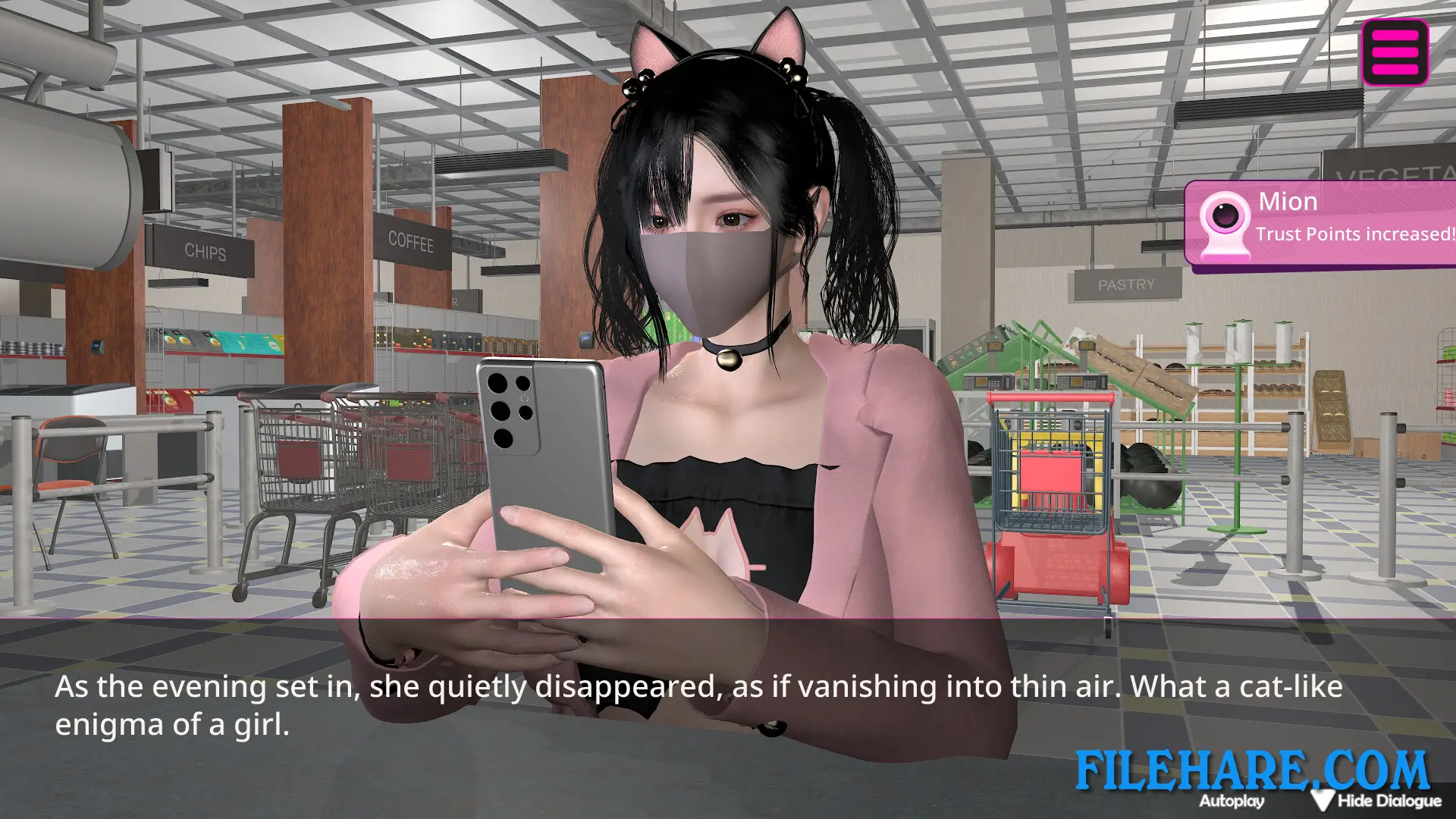
Female Anchor Next Door is played from a first-person perspective and is largely driven by dialogue. Players read conversations and pick responses that shape how relationships with the four heroines develop. The game has no time limit, so players can take their time reading the story and making selections at a relaxed speed. Players can also take part in activities like visiting characters, watching in-game live streams, and arranging plans, all of which help build stronger connections with the heroines. The game is simple to start and does not require advanced gaming skills to enjoy.
Female Anchor Next Door Features
The game includes four heroines, all with their own looks and personalities. It features more than 20 animated adult CG scenes presented in 3D. Players can switch between multiple viewing angles during 3D animations to get a better look at the characters. A full CG mode can be turned on in the settings, which allows players to view all CG content directly without going through the full story first. The game also tracks a conscience meter that rises or falls based on the player’s dialogue responses. Female Anchor Next Door is available only on PC as a single-player title.
Recommended System Requirements
Requires a 64-bit processor and operating system
- OS: WIN 11
- Processor: 1.2 GHz
- Memory: 8 GB RAM
- Graphics: DirectX 9 compatible graphics card
- DirectX: Version 9.0
- Storage: 20 GB available space
Gameplay Screenshots



| Name | Female Anchor Next Door |
|---|---|
| Developer | 18cmSam, UVKen |
| File Size | 20.47 GB |
| Category | Adult |
| Minimum System Requirements | |
| CPU | Intel/AMD 1.2 GHz dual-core |
| RAM | 4 GB |
| Graphics | DirectX 9 compatible graphics card |
| Free Disk Space | 21 GB |
| Operating System | Windows 11 (64-bit) |
| User Rating | |
To buy this game, visit the Store Page
How to Download and Install Female Anchor Next Door PC Game?
We have simple instructions for you to download and install the PC game. Before following the steps, Ensure your PC meets the minimum system requirements for Playing the game on your PC.
- First, click on the DOWNLOAD button and you will be redirected to the final Download page. Then, Download the Game on your PC.
- Once you have downloaded the Female Anchor Next Door PC Game, Open the folder where you saved the Game.
- Then Right-click on the Zip file and click on the "Extract files" option from the dropdown menu. If your computer does not have a Zip file extract software installed, you must first install it. (such as WinRAR, 7Zip software)
- After Extracting the Zip file, Open the Female Anchor Next Door PC Game folder.
- Then, double-click on the Setup.exe file to Install the Game.
- If asked, provide administrator permissions for the installation to proceed. Click Yes to continue.
- Follow the on-screen installation wizard to install the game on your PC.
- After the installation, if you get any missing ".dll" errors or the Game is not launching, open the Readme.txt file located in the game folder and follow the instructions shown in the document file to play the game.
Done!. Now, you can launch the game from your desktop.