The Censor DX Edition PC Game Download for Windows 10/11/7/8
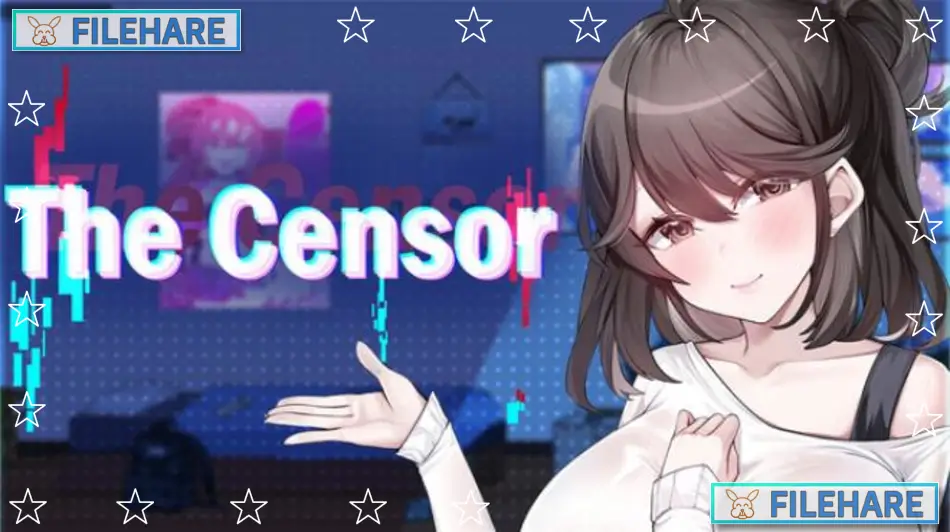
The Censor DX Edition is an adult casual simulation game developed by Tiramisu and Big S Studio and published by Mango Party. It was released on September 19, 2025, and is part of the Mango Party franchise. The game is intended for adults only and features pixel-art graphics, explicit sexual content, and a story-driven simulation where the player works as a content moderator while secretly influencing the world around them.
Table of Contents
The Censor DX Edition Story
The story follows Yuto Fujimoto, a shut-in who spends his time on computers and obsessing over idols. When a social media platform called Facibook offers him a job reviewing and removing adult content, he takes it out of necessity. At first, the work is boring and repetitive. But as he goes through flagged posts day after day, he starts noticing strange connections between the content and three women in his life — Misa, the married apartment manager; Yui, his favorite idol; and Rika, a nun at the local church. All three are hiding secrets he never expected to find. When Yuto accidentally lets adult content slip past moderation, things in his neighborhood and in the media begin to change in unexpected ways.
The Censor DX Edition Gameplay
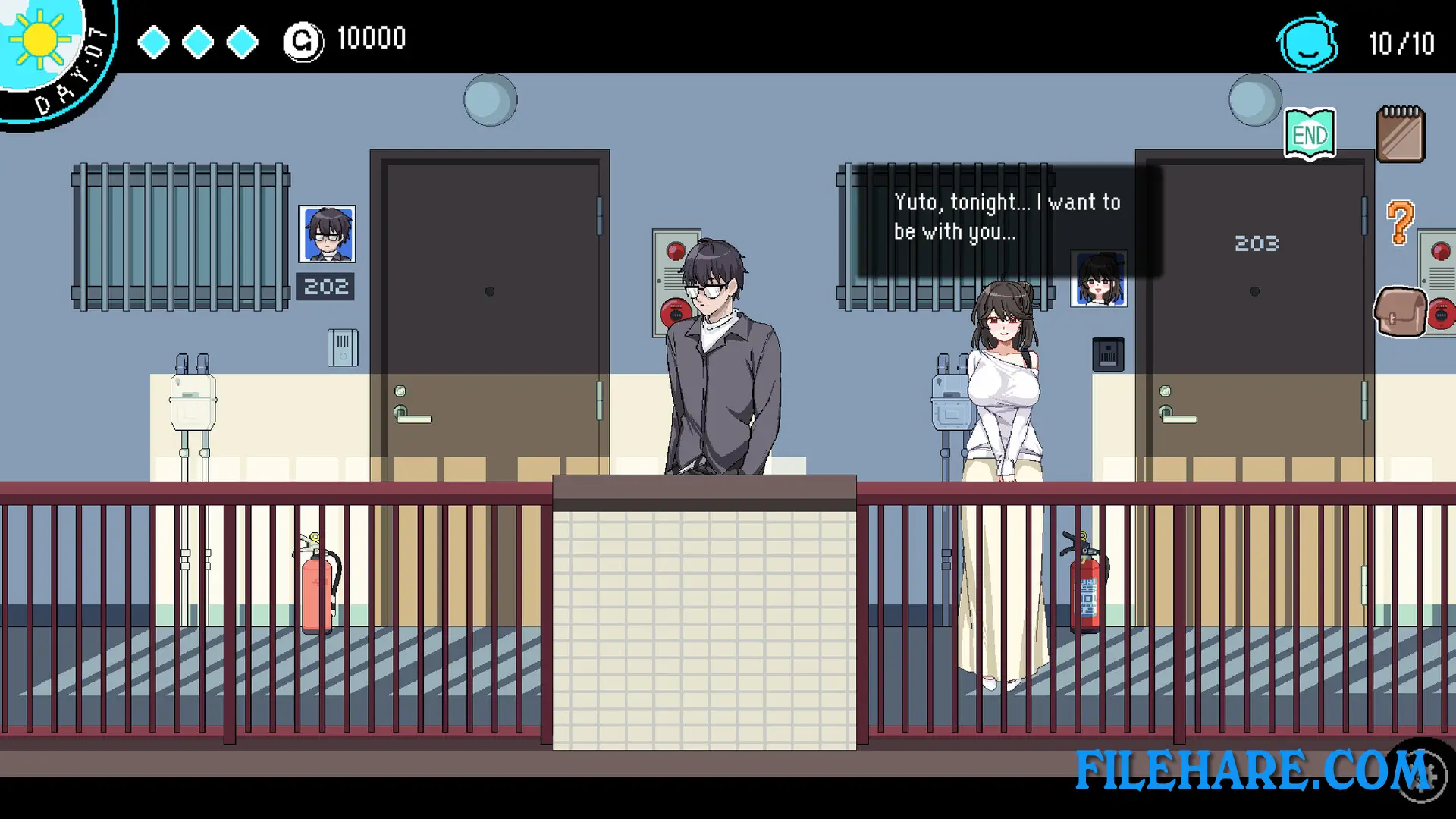
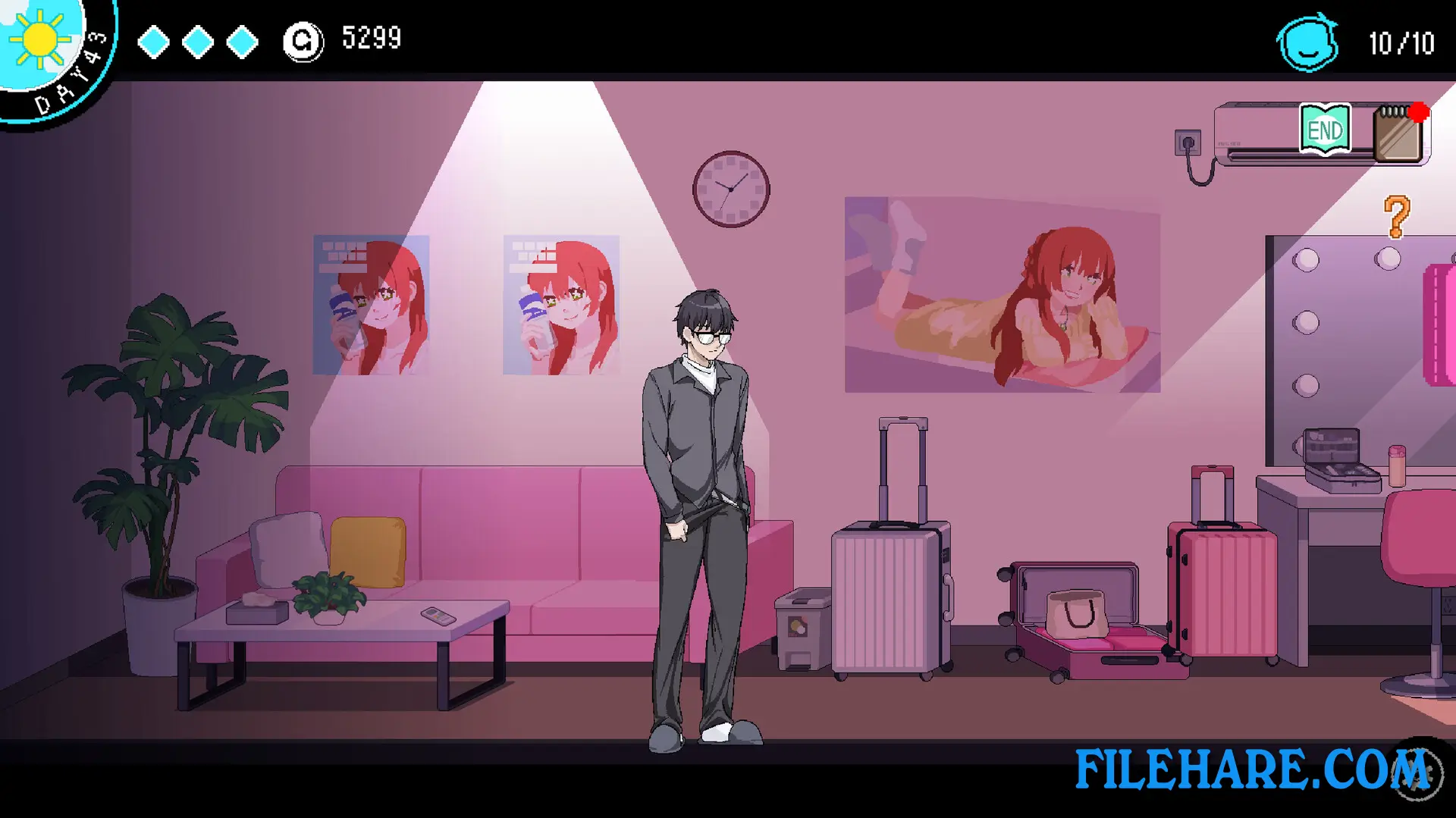
The game is divided into four time periods each day — Morning, Afternoon, Evening, and Night. Players plan their schedule to earn money, build relationships with characters, and raise a hidden CHAOS level by intentionally letting explicit content pass moderation without getting fired. As the CHAOS level rises, NPC behavior changes, outfits shift, and new adult events become available. Players rise through five work ranks from Intern to Manager. Unlocking Misa’s story route opens up new locations, including a Church, Convention, and Police Station, each with unique missions and minigames.
The Censor DX Edition Features
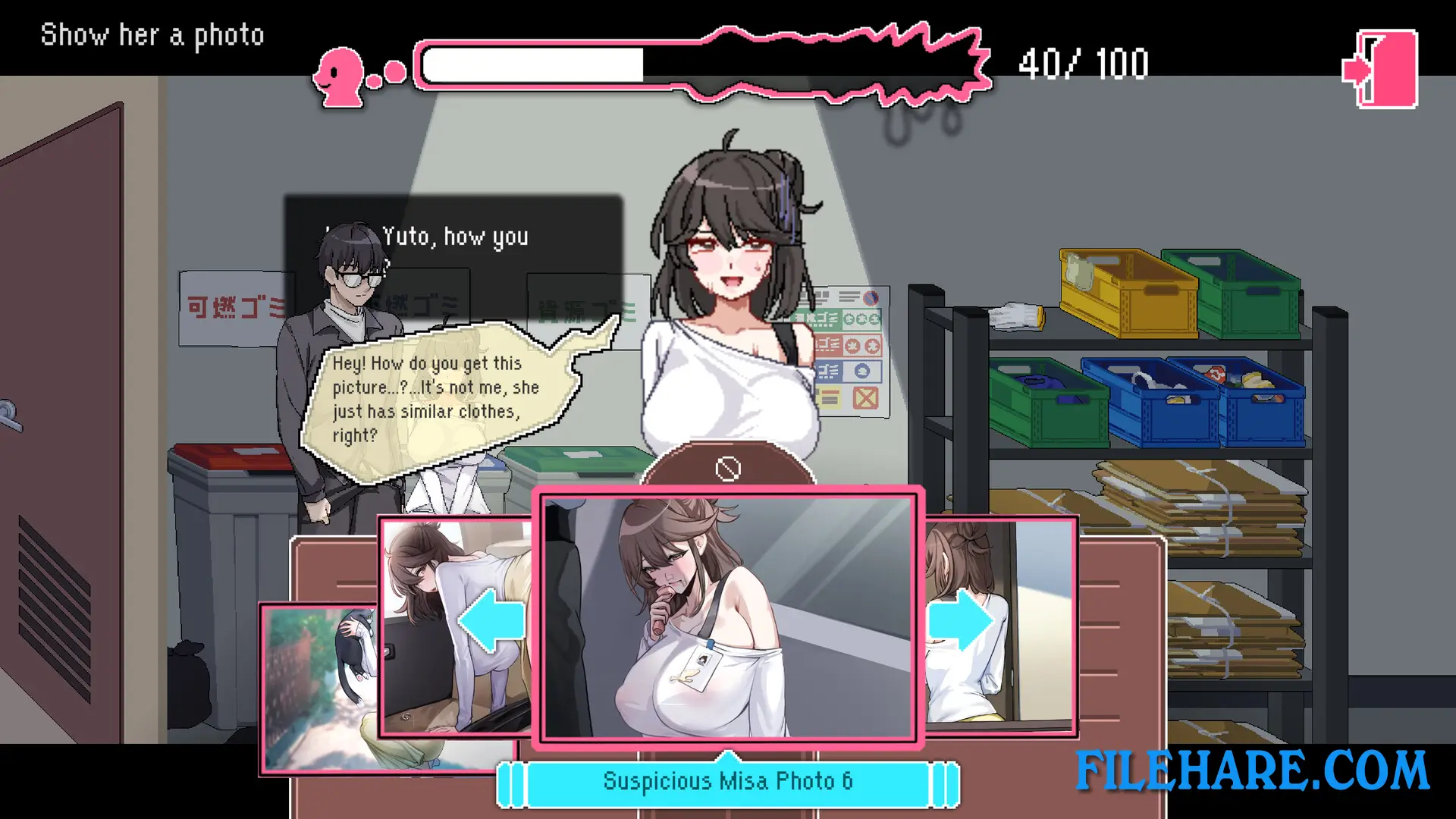
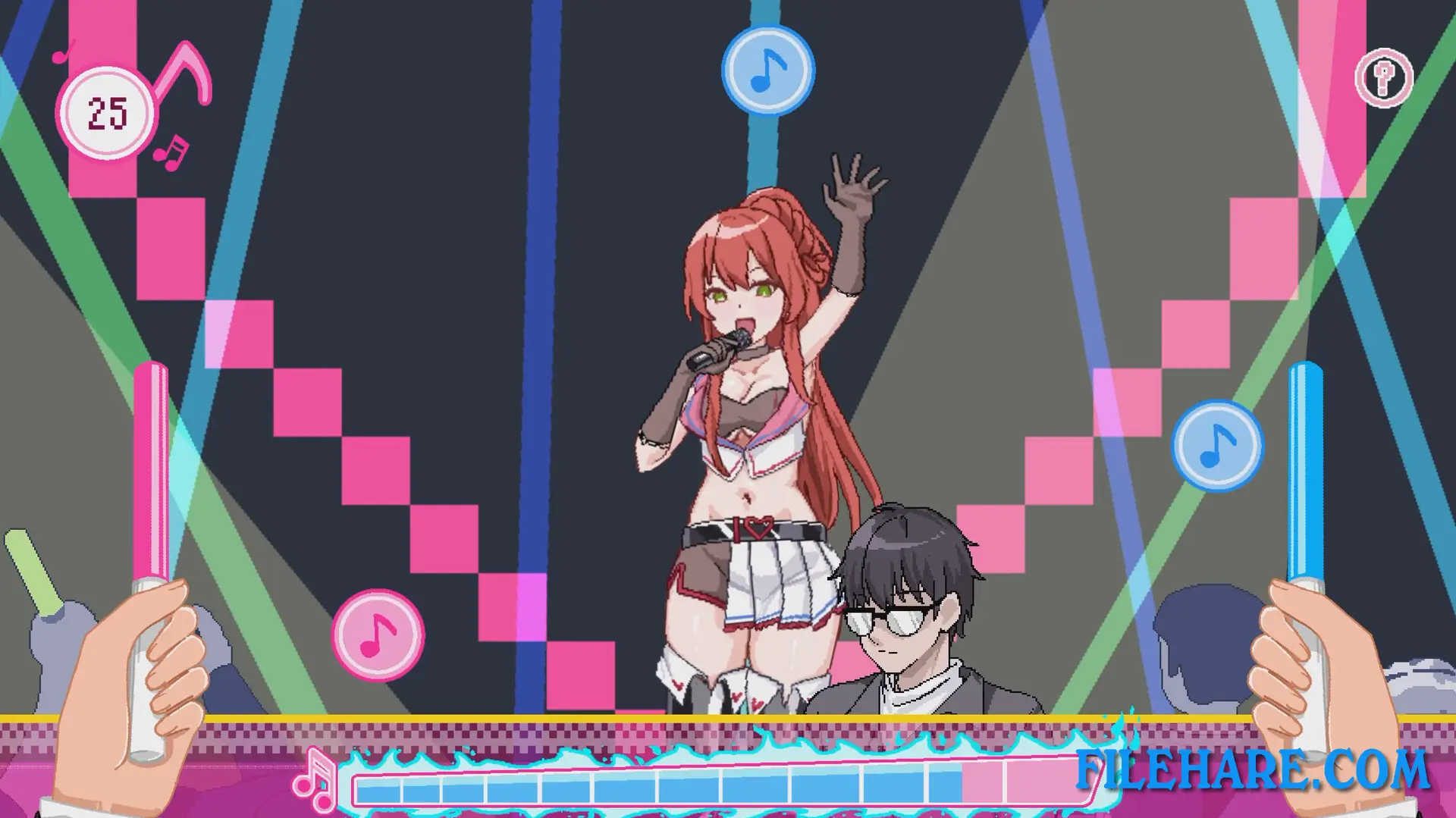
The game includes over a dozen minigames and side missions across its locations. It features more than 60 pixel-art erotic animations and over 200 CG image variations. There are three major zones to visit and over 30 unique NPCs, with most female NPCs being interactable. The game includes surprise character cameos from other Mango Party titles, such as Chiho and Lilith from NTRaholic. Voice acting is provided by Maria Ayana and Megumu Morino. The game includes 50 Steam Achievements and supports full mouse control. A Soundtrack and ArtBook are available as separate DLC. The game supports 6 languages, including English, Japanese, Korean, Russian, and Simplified Chinese.
Recommended System Requirements
- OS: Windows 10 64bit
- Processor: Core i5
- Memory: 8 GB RAM
- Graphics: Nvidia GTX 650 Ti
- Storage: 2 GB available space
Gameplay Screenshots
| Name | The Censor DX Edition |
|---|---|
| Developer | Tiramisu, Big S Studio |
| File Size | 919.49 MB |
| Category | Adult |
| Minimum System Requirements | |
| CPU | Intel Core i3 |
| RAM | 4 GB |
| Graphics | Nvidia GTX 650 Ti |
| Free Disk Space | 2 GB |
| Operating System | Windows 10 / 11 / 7 / 8 (64-bit) |
| User Rating | |
To buy this game, visit the Store Page
How to Download and Install The Censor DX Edition PC Game?
We have simple instructions for you to download and install the PC game. Before following the steps, Ensure your PC meets the minimum system requirements for Playing the game on your PC.
- First, click on the DOWNLOAD button and you will be redirected to the final Download page. Then, Download the Game on your PC.
- Once you have downloaded the The Censor DX Edition PC Game, Open the folder where you saved the Game.
- Then Right-click on the Zip file and click on the "Extract files" option from the dropdown menu. If your computer does not have a Zip file extract software installed, you must first install it. (such as WinRAR, 7Zip software)
- After Extracting the Zip file, Open the The Censor DX Edition PC Game folder.
- Then, double-click on the Setup.exe file to Install the Game.
- If asked, provide administrator permissions for the installation to proceed. Click Yes to continue.
- Follow the on-screen installation wizard to install the game on your PC.
- After the installation, if you get any missing ".dll" errors or the Game is not launching, open the Readme.txt file located in the game folder and follow the instructions shown in the document file to play the game.
Done!. Now, you can launch the game from your desktop.