Fallen Elf Freya PC Game Download for Windows 10/11/7/8
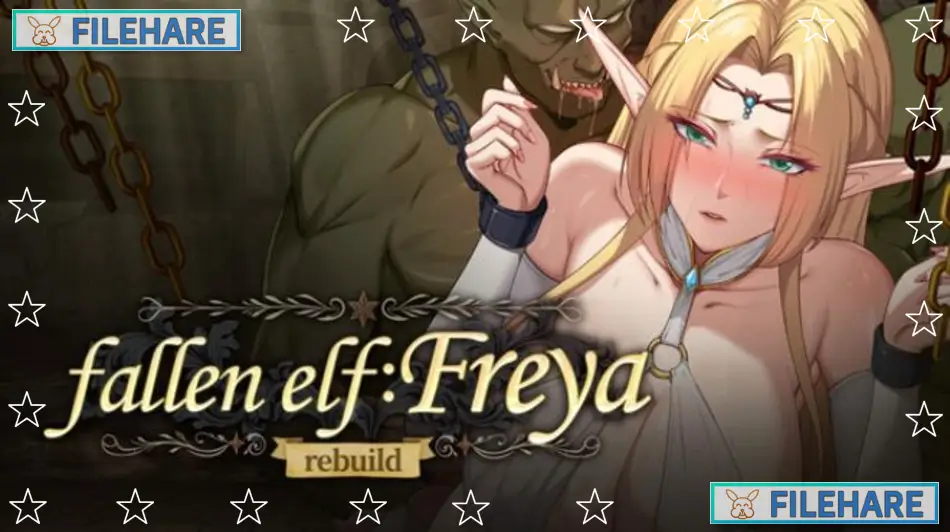
Fallen Elf Freya is an adult casual RPG game developed by Honey Rider and published by Playmeow, ACG creator, and Playmeow News. The game was released on October 21, 2025, for Windows PC. It is a single-player title and has received Very Positive reviews from players. The game supports English, Japanese, Simplified Chinese, and Traditional Chinese, with full Japanese voice acting for the characters.
Table of Contents
Fallen Elf Freya Story
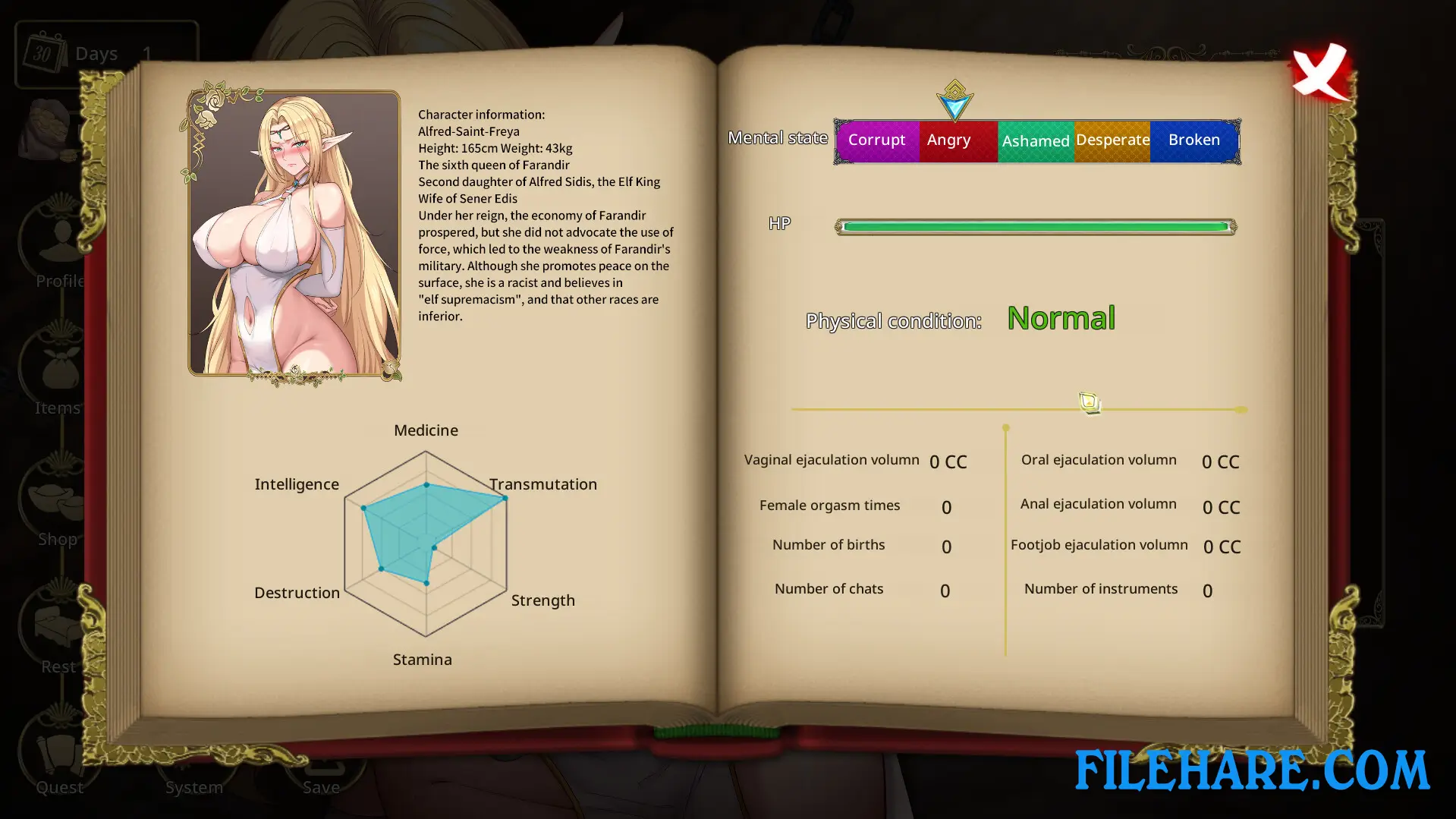
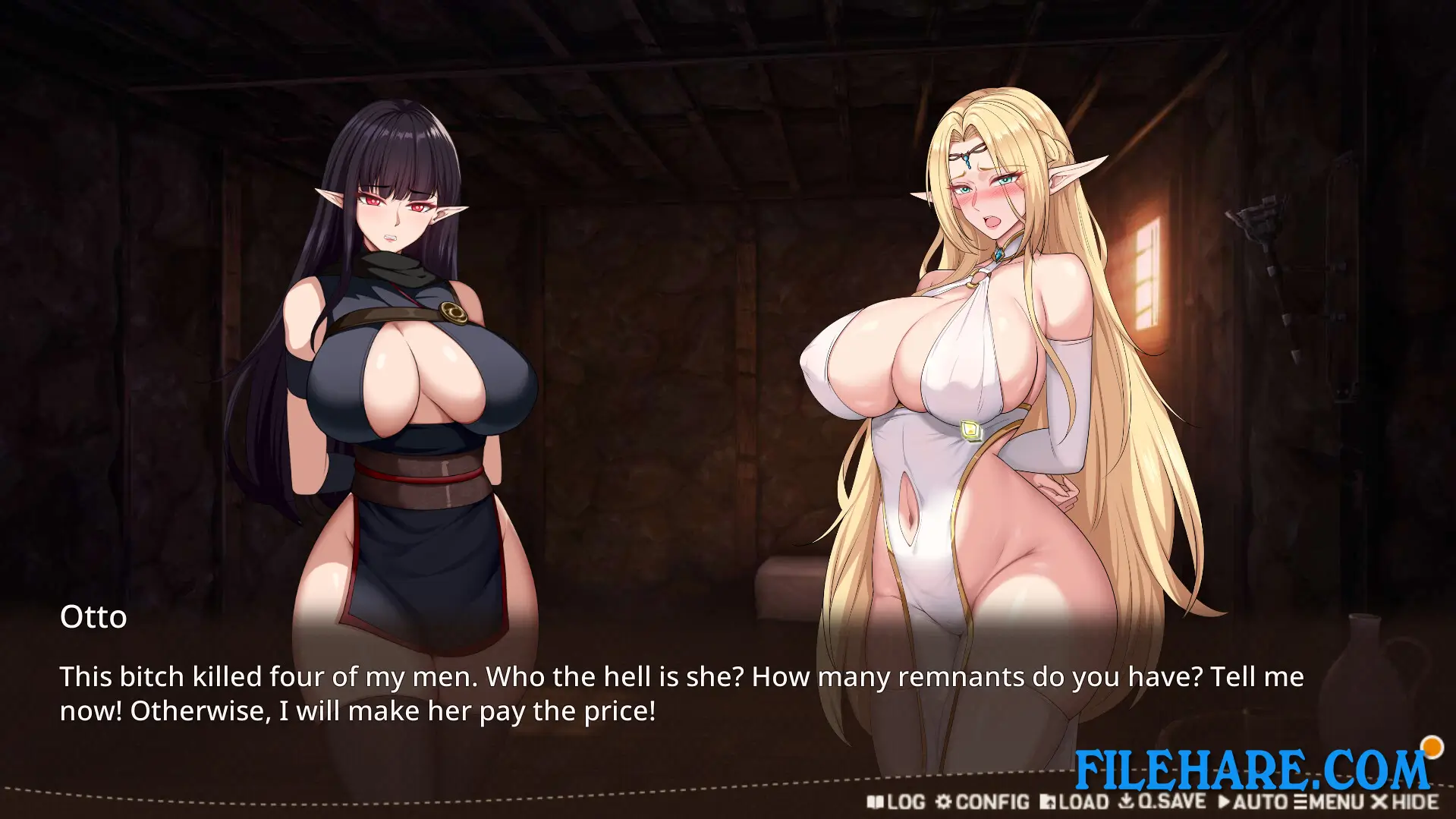
The story takes place in a land called Emma, home to three major races: Humans, Orcs, and Elves. The Orcs and Elves have been at war for decades. After the Orc Alliance, led by Chief Drax, launches a major counter-attack, they capture the elf border city of Falandir. The player takes on the role of Otto, an Orc Warden who is given a mission by Chief Drax to train the captured Elf Queen, Freya. Freya is a noble leader who chose to stay with her people rather than flee and was captured during the battle. Several other characters appear in the story, including Seyla, the Knight Commander of Falandir; Mio, Freya’s devoted personal guard; Susan, a traveling beastwoman merchant with a mysterious connection to Otto; and Gansoor, Drax’s most trusted general.
Fallen Elf Freya Gameplay
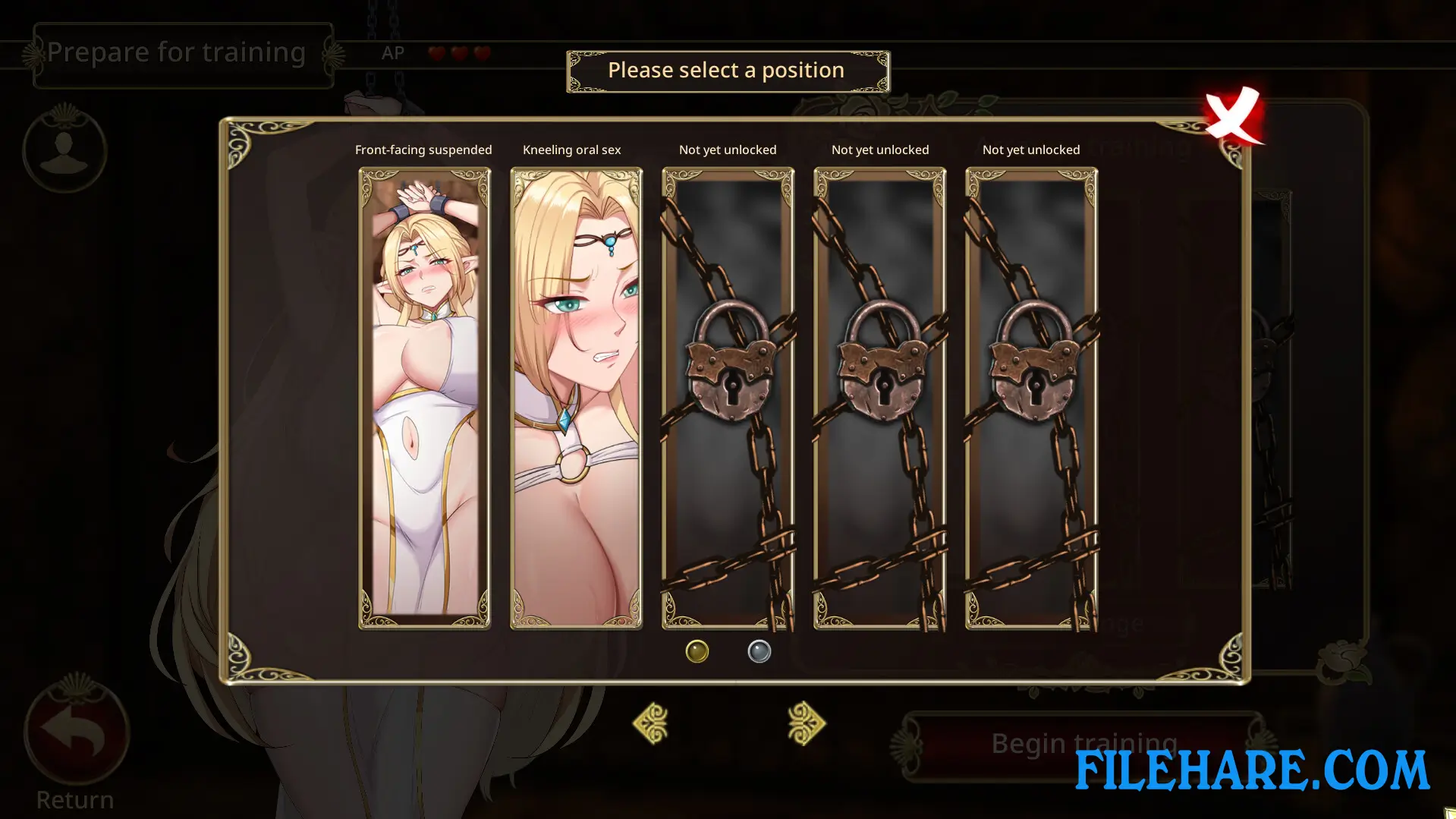
The core gameplay is built around time management and stat development. The player must complete Freya’s training within a set period of time. Stats such as Sexuality, Depravity, and Money change as the player takes actions, and these stat changes directly affect how the story progresses and which ending is reached. The game has 14 interactive positions, each with multiple animations, and new positions are unlocked as the story advances. Items can also be bought from the shop to use during training sessions. A pregnancy mechanic is also present, where the player’s actions during certain periods can lead to pregnancy, which then changes Freya’s visible state.
The game includes hidden plot content and a hidden heroine that can be unlocked depending on the player’s progress. Reaching the good ending opens up a permanent training mode. The game includes over 200 animations in total and also features static CG artwork that appears in the endings and hidden plot scenes.
Recommended System Requirements
Requires a 64-bit processor and operating system
- OS: WIN10/XP
- Processor: Intel/AMD 1.2 GHz
- Memory: 8 GB RAM
- Graphics: DirectX 9 compatible graphics card
- DirectX: Version 9.0
- Storage: 1 GB available space
Gameplay Screenshots

| Name | Fallen Elf Freya |
|---|---|
| Developer | Honey Rider |
| File Size | 4.36 GB |
| Category | Adult |
| Minimum System Requirements | |
| CPU | Intel/AMD 1.2 GHz dual-core |
| RAM | 4 GB |
| Graphics | DirectX 9 compatible graphics card |
| Free Disk Space | 5 GB |
| Operating System | Windows 10 / 11 / 7 / 8 / XP / Vista (64-bit) |
| User Rating | |
To buy this game, visit the Store Page
How to Download and Install Fallen Elf Freya PC Game?
We have simple instructions for you to download and install the PC game. Before following the steps, Ensure your PC meets the minimum system requirements for Playing the game on your PC.
- First, click on the DOWNLOAD button and you will be redirected to the final Download page. Then, Download the Game on your PC.
- Once you have downloaded the Fallen Elf Freya PC Game, Open the folder where you saved the Game.
- Then Right-click on the Zip file and click on the "Extract files" option from the dropdown menu. If your computer does not have a Zip file extract software installed, you must first install it. (such as WinRAR, 7Zip software)
- After Extracting the Zip file, Open the Fallen Elf Freya PC Game folder.
- Then, double-click on the Setup.exe file to Install the Game.
- If asked, provide administrator permissions for the installation to proceed. Click Yes to continue.
- Follow the on-screen installation wizard to install the game on your PC.
- After the installation, if you get any missing ".dll" errors or the Game is not launching, open the Readme.txt file located in the game folder and follow the instructions shown in the document file to play the game.
Done!. Now, you can launch the game from your desktop.