Love Mansion PC Game Download for Windows 10/11

Love Mansion is an adult casual dating simulation and visual novel game developed by Tsunmayo and published by Mango Party and Mango Party News. It was released on September 25, 2025, for PC on Windows. The game is intended for adult players only and contains mature content. It is a single-player title where the player moves into a wealthy family’s mansion as a private tutor and builds relationships with four women living there.
Table of Contents
Love Mansion Story
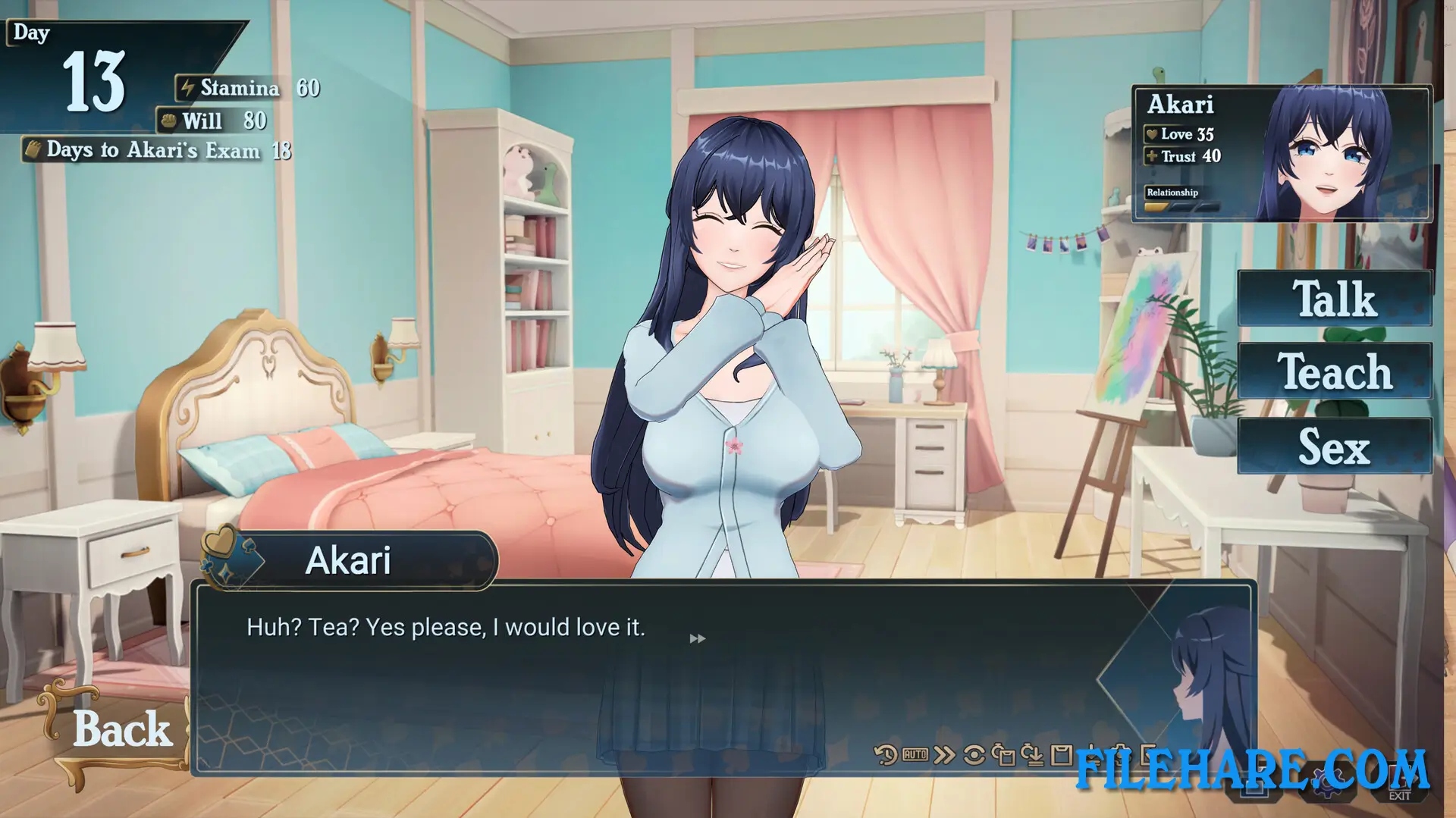
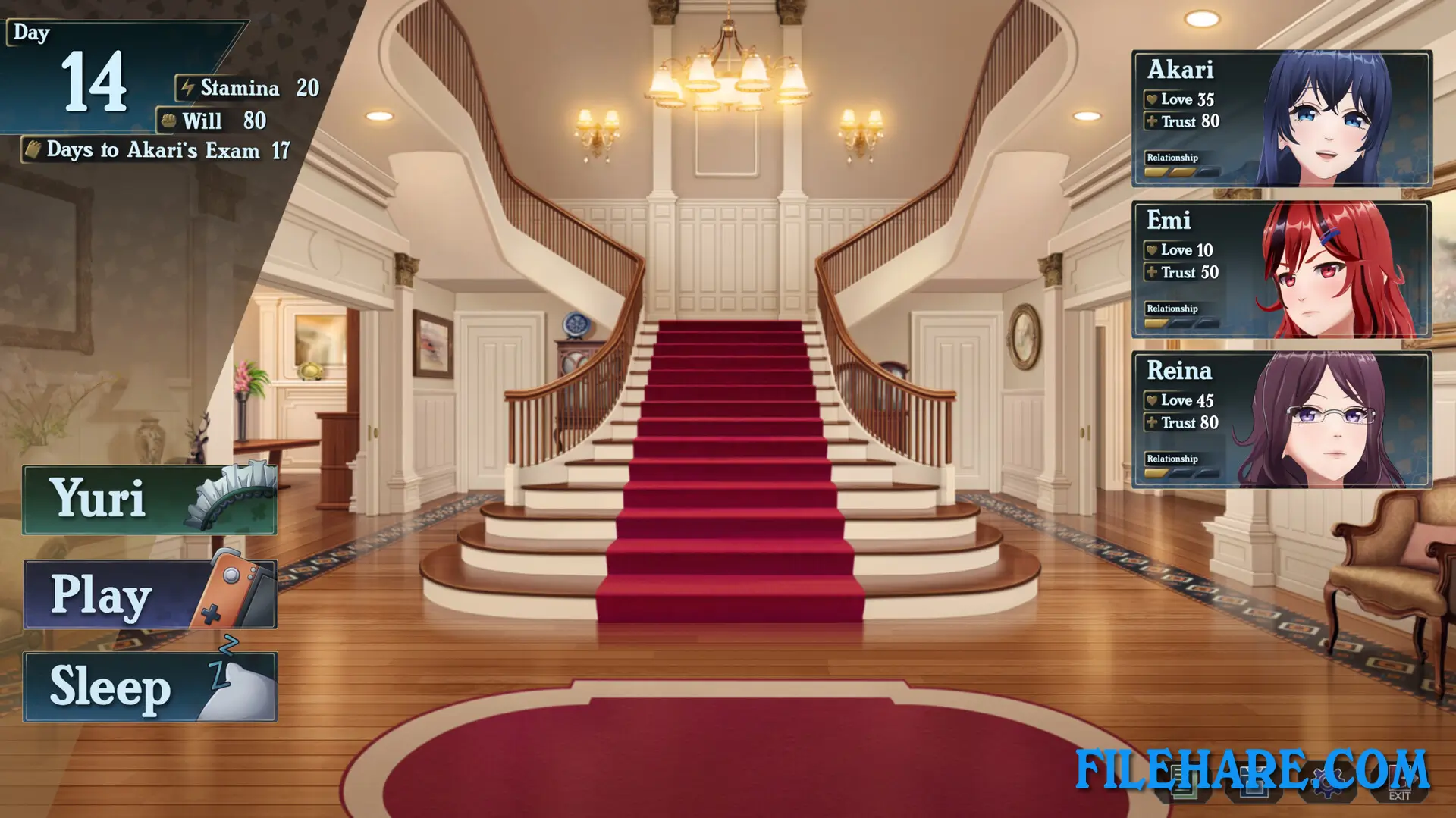
The player is a former streamer who is now unemployed and struggling with money. Out of nowhere, a lifeline appears — Akari, the youngest daughter of the prestigious Sugimoto family, needs a private tutor to help her get into a top university. Her important exam is only 30 days away. The player takes the job and is invited to live inside the family’s large mansion for the entire period. Inside the mansion, the player meets four women: Akari herself, her older sister Emi, their mother Reina, and the family’s maid Yuri. The player spends the 30-day period teaching Akari while also getting closer to all four women and learning more about each of them.
Love Mansion Gameplay
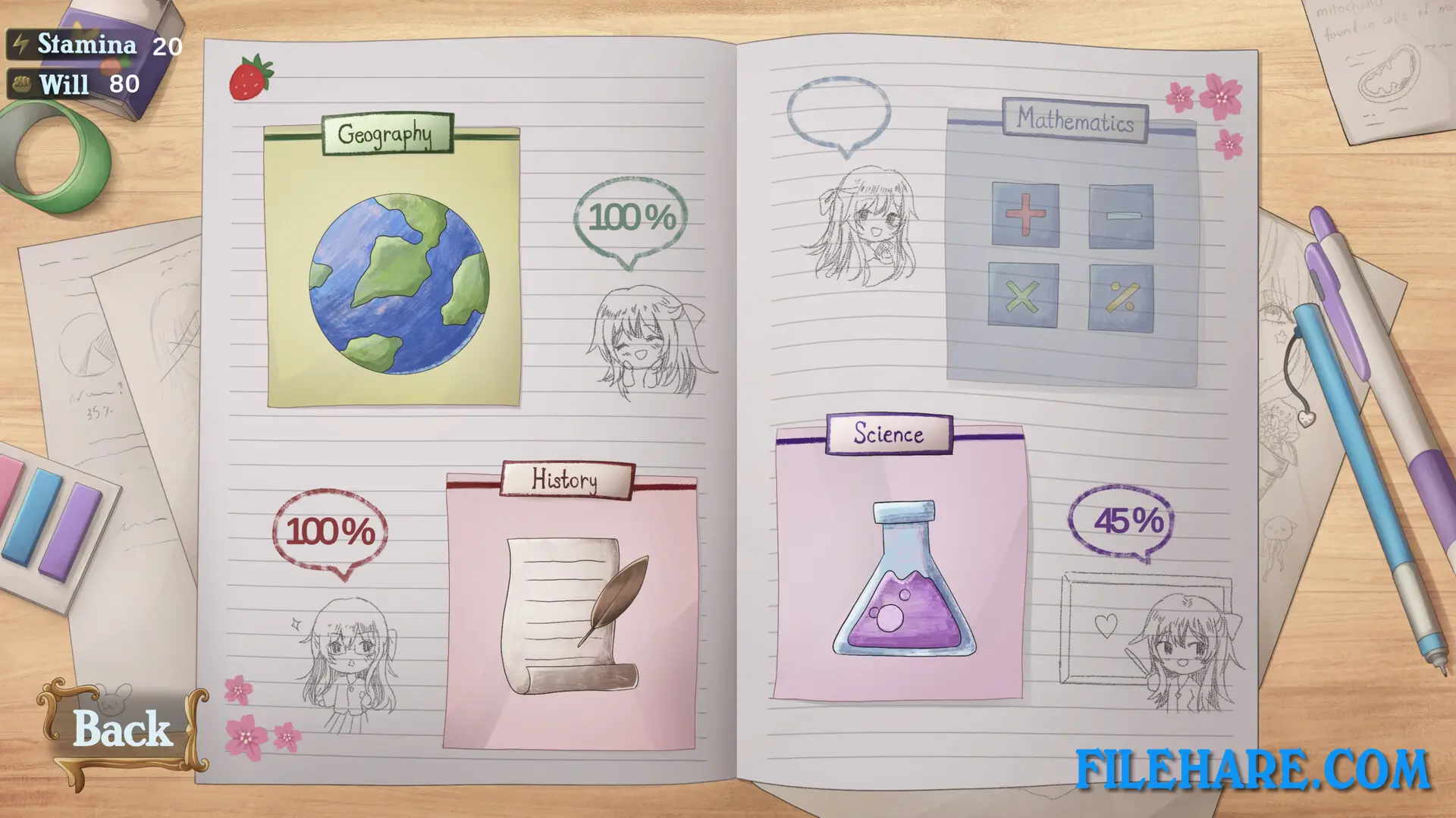
Love Mansion is played as a time management visual novel. The 30-day in-game period creates a structure where the player plans each day, choosing which activities to do and which character to spend time with. Akari’s lessons must be managed and completed before her exam deadline. Outside of lessons, the player can go on dates, have conversations, and build closer bonds with the four characters. The game has multiple endings — one for each heroine and one for all of them together — depending on which relationships the player prioritizes during the 30 days.
Love Mansion Features
The game features four female characters: Akari, Emi, Reina, and Yuri, each with her own personal story and ending route. Voice acting in both English and Japanese is included in the game. There is also a shop system managed by Yuri where the player can purchase items. The game includes 39 Steam Achievements and supports Steam Trading Cards, Steam Cloud saving, and Family Sharing. Languages supported include English, Japanese, Simplified Chinese, Traditional Chinese, Korean, Portuguese (Brazil), Spanish (Latin America), Spanish (Spain), and Portuguese (Portugal).
Gameplay Screenshots

| Name | Love Mansion |
|---|---|
| Developer | Tsunmayo |
| File Size | 3.55 GB |
| Category | Adult |
| Minimum System Requirements | |
| CPU | Intel Core i5 10th gen or above |
| RAM | 12 GB |
| Graphics | GeForce GTX 960 4GB or above |
| Free Disk Space | 3 GB |
| Operating System | Windows 10 / 11 |
| User Rating | |
To buy this game, visit the Store Page
How to Download and Install Love Mansion PC Game?
We have simple instructions for you to download and install the PC game. Before following the steps, Ensure your PC meets the minimum system requirements for Playing the game on your PC.
- First, click on the DOWNLOAD button and you will be redirected to the final Download page. Then, Download the Game on your PC.
- Once you have downloaded the Love Mansion PC Game, Open the folder where you saved the Game.
- Then Right-click on the Zip file and click on the "Extract files" option from the dropdown menu. If your computer does not have a Zip file extract software installed, you must first install it. (such as WinRAR, 7Zip software)
- After Extracting the Zip file, Open the Love Mansion PC Game folder.
- Then, double-click on the Setup.exe file to Install the Game.
- If asked, provide administrator permissions for the installation to proceed. Click Yes to continue.
- Follow the on-screen installation wizard to install the game on your PC.
- After the installation, if you get any missing ".dll" errors or the Game is not launching, open the Readme.txt file located in the game folder and follow the instructions shown in the document file to play the game.
Done!. Now, you can launch the game from your desktop.