Idol Hands 2 PC Game Download for Windows 10/11/7/8
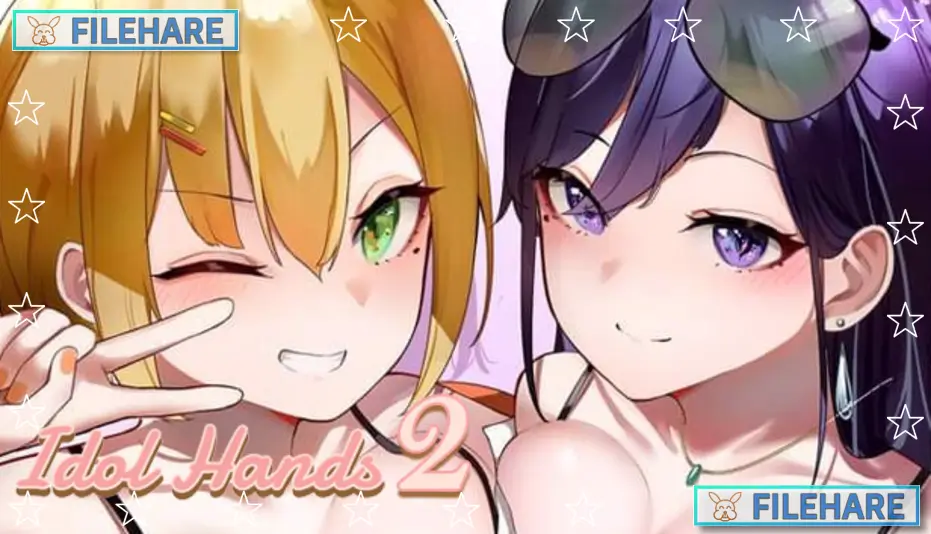
Idol Hands 2 is a casual, indie, RPG, and simulation game developed by 樹懶叫工作室 (Sloth Studio), Maker製造機, and sloth gamer, and published by Mango Party, LewdLoco, and Mango Party News. The game was released on March 12, 2023, for PC on Steam. It is a single-player adult title with mature and NSFW content, intended for players aged 18 and above. On Steam, the game has received very positive reviews, with around 90% of players rating it positively.
Table of Contents
Idol Hands 2 Story
The story begins when the player’s career as a top talent manager is completely ruined. His best talent, Summer Hsia, leaves him to join a large entertainment company. She takes everything with her and leaves him with nothing. Not willing to give up, the player decides to start over and look for new talent to manage. He finds two promising young women — Evelyn Song, who has a calm and dignified charm with strong creative skills, and Rainie Lin, who has a fun and trendy personality with a very attractive appearance. The player can only choose one of them to manage. The woman who is not chosen ends up working with Summer Hsia, the player’s biggest rival. From there, the player works hard to build his chosen talent into a true star.
Idol Hands 2 Gameplay
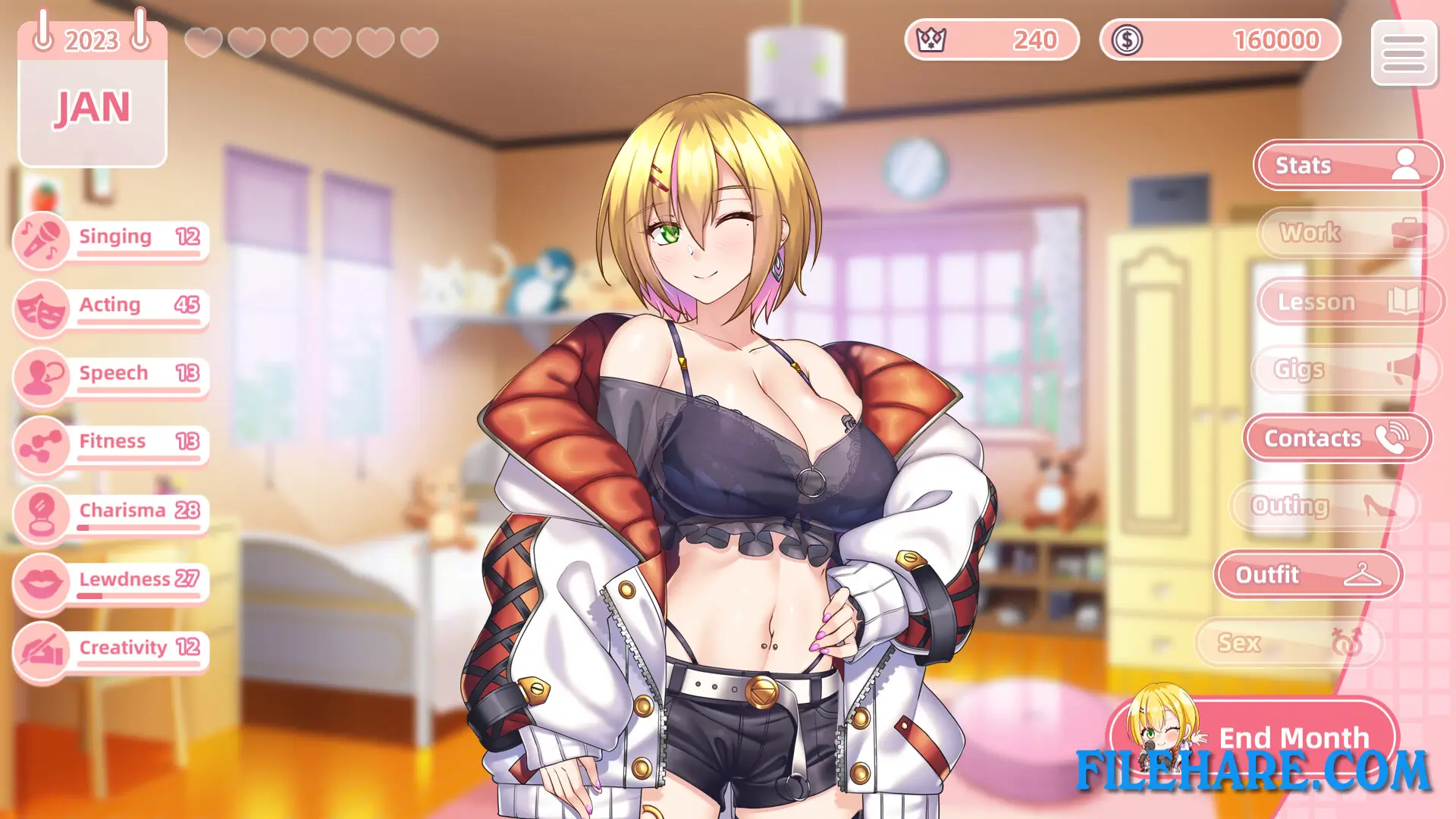
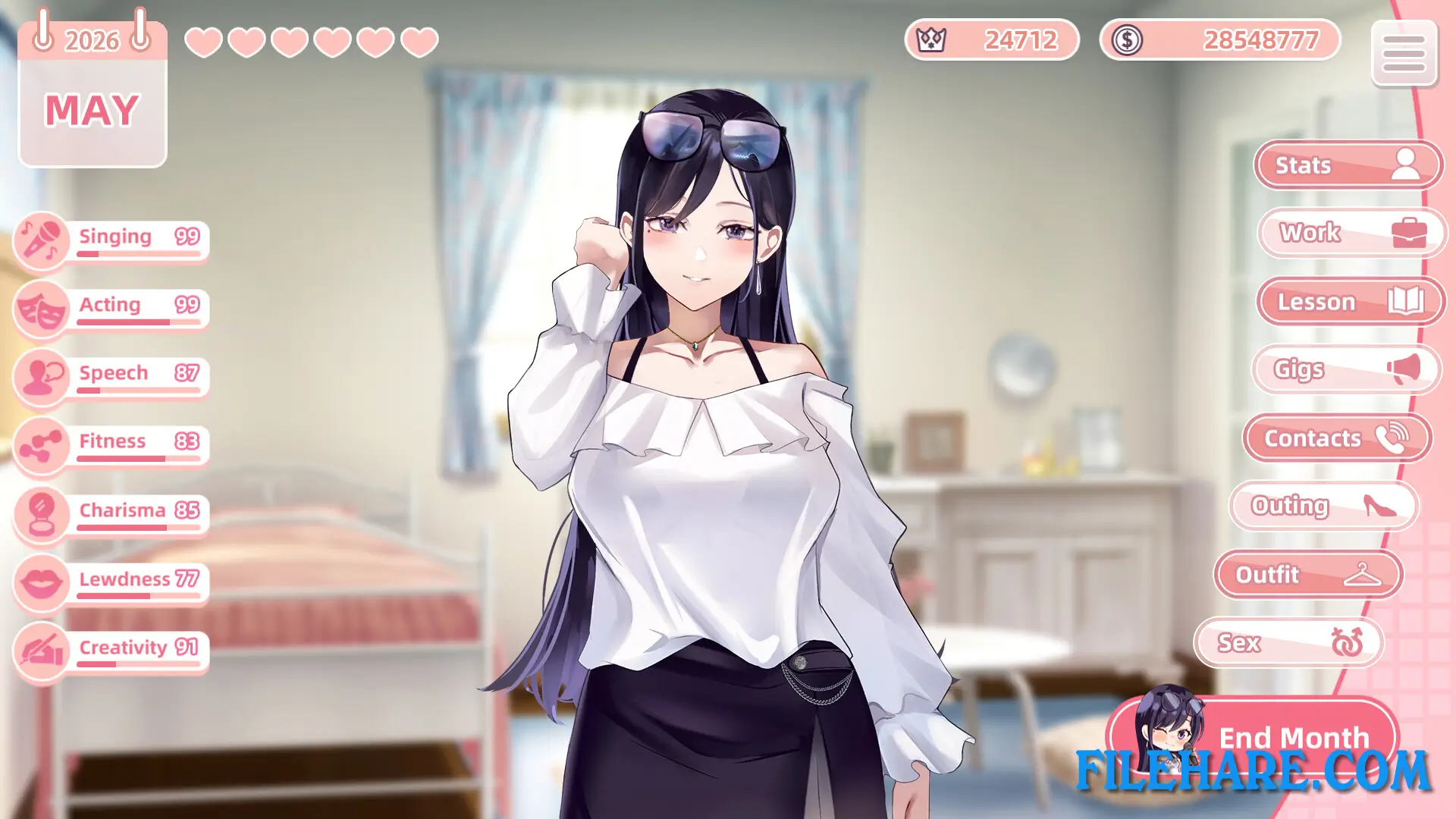
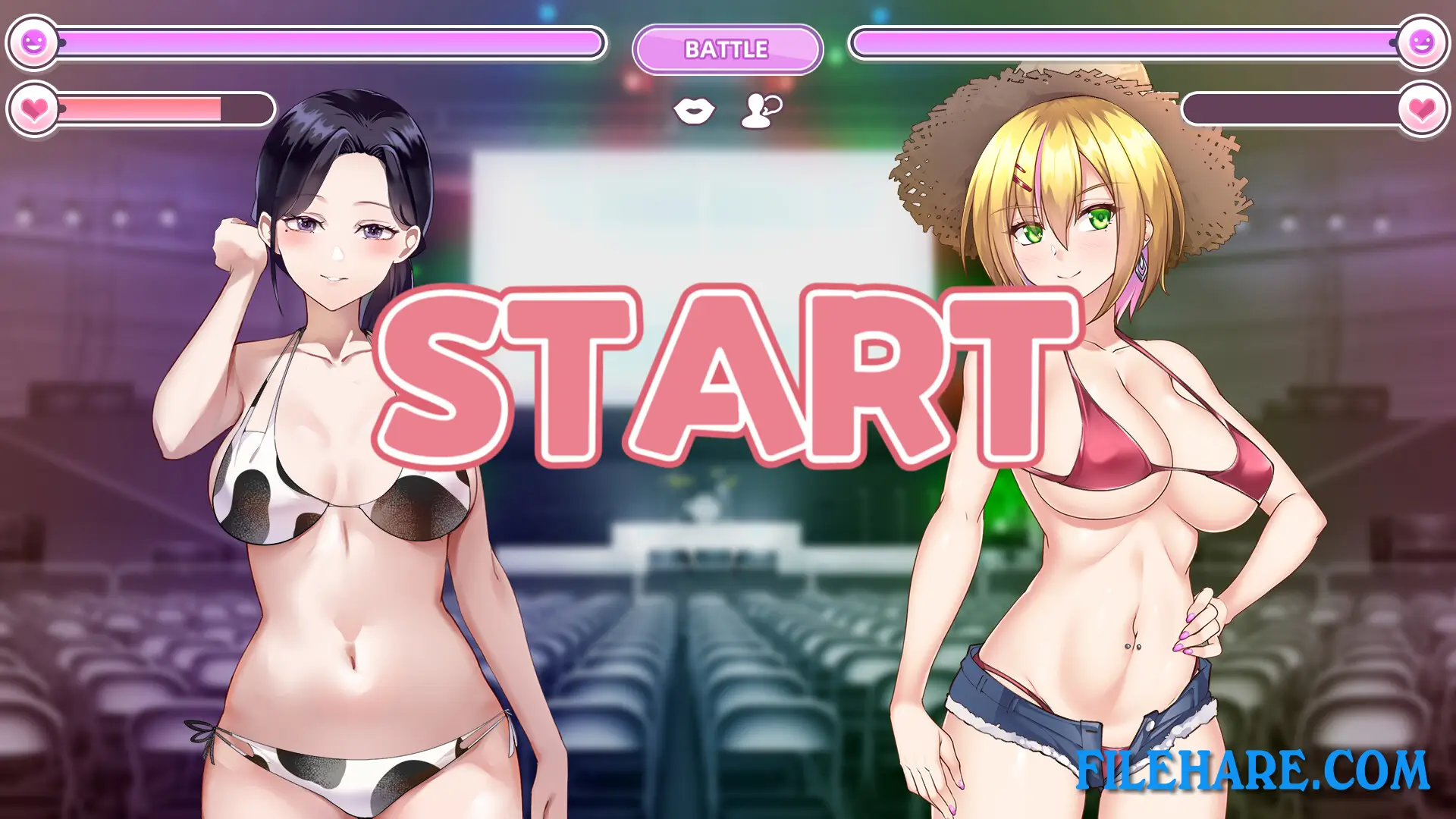
Idol Hands 2 is a management and love simulation game played from a 2D visual novel style. The player acts as a talent manager and must take care of their chosen idol by managing her daily schedule, keeping her mood up, and helping her build a fan base. The game also includes interactive scenes and animated H-scenes using Live 2D technology. The player reads story scenes and dialogue as the relationship with the idol becomes warmer and more intimate over time. The game has two story routes depending on which idol the player selects at the start, giving the game strong replay value.
Idol Hands 2 Features
The game uses Live 2D animated scenes, which makes the characters look more lively and expressive compared to static images. It includes a full CG gallery for players to view collected images. A separate art book DLC is also available for players who want extra visual content from the game. Idol Hands 2 supports Steam Achievements and Steam Cloud saves. It is playable on both Windows and Linux, though it does not support the Steam Deck. The game is available in three languages: English, Traditional Chinese, and Simplified Chinese. The total average playtime is around 3 to 4 hours.
Recommended System Requirements
- OS: Windows 7/8/10
- Processor: Intel Core i3
- Memory: 8 GB RAM
- Graphics: NVIDIA GeForce GTX 760 / AMD Radeon HD 6870
- DirectX: 11
- Storage: 8 GB available space
- Sound Card: DirectSound
Gameplay Screenshots

| Name | Idol Hands 2 |
|---|---|
| Developer | 樹懶叫工作室, Maker製造機, sloth gamer |
| File Size | 2.53 GB |
| Category | Adult |
| Minimum System Requirements | |
| CPU | Intel Core i3 |
| RAM | 4 GB |
| Graphics | NVIDIA GeForce GTX 560 / AMD Radeon HD 6870 DirectX 版本: 11 |
| Free Disk Space | 4 GB |
| Operating System | Windows 10 / 11 / 7 / 8 |
| User Rating | |
To buy this game, visit the Store Page
How to Download and Install Idol Hands 2 PC Game?
We have simple instructions for you to download and install the PC game. Before following the steps, Ensure your PC meets the minimum system requirements for Playing the game on your PC.
- First, click on the DOWNLOAD button and you will be redirected to the final Download page. Then, Download the Game on your PC.
- Once you have downloaded the Idol Hands 2 PC Game, Open the folder where you saved the Game.
- Then Right-click on the Zip file and click on the "Extract files" option from the dropdown menu. If your computer does not have a Zip file extract software installed, you must first install it. (such as WinRAR, 7Zip software)
- After Extracting the Zip file, Open the Idol Hands 2 PC Game folder.
- Then, double-click on the Setup.exe file to Install the Game.
- If asked, provide administrator permissions for the installation to proceed. Click Yes to continue.
- Follow the on-screen installation wizard to install the game on your PC.
- After the installation, if you get any missing ".dll" errors or the Game is not launching, open the Readme.txt file located in the game folder and follow the instructions shown in the document file to play the game.
Done!. Now, you can launch the game from your desktop.