Kaiju Princess PC Game Download for Windows 10/11/7/8

Kaiju Princess is a casual, indie, RPG, simulation, and strategy game developed by PantyParrot and published by Mango Party, PantyParrot, and Mango Party News. The game was released on June 21, 2022, for PC on Steam. It is a single-player adult title with mature and NSFW content intended for players aged 18 and above. The game has received outstanding reviews on Steam, with around 96% of players rating it positively.
Table of Contents
Kaiju Princess Story
The story follows an ordinary office worker who one day responds to a homestay request posted on a website for homeless women. The woman who shows up at his door is dressed in a very strange way and claims to be the princess of kaiju. After she moves in, the truth comes out — she is actually an alien invader named Xao who has the power to call giant monsters and send them to destroy things. The planet is at risk of total destruction by her alien masters if a certain minimum amount of damage is not met. The player’s character ends up becoming her helper, working to keep destruction within an acceptable range while also avoiding detection from government agencies — and building a close bond with Xao along the way.
Kaiju Princess Gameplay
Kaiju Princess is a time management simulation game where the player must juggle several responsibilities at once. On one side, the player must help Xao meet her destruction quotas by directing kaiju attacks on the city. On the other side, the player must keep the damage low enough to avoid attracting serious government attention. The player manages daily tasks, spends time with Xao at home, and works to maintain a balance between destruction and safety. As the relationship with Xao gets warmer, intimate scenes and special moments become accessible. The game takes around 5 to 6 hours to complete on average.
Kaiju Princess Features
The game includes animated interactive scenes as well as static CG images. Players can customize Xao’s outfits using the in-game dressing option. A dialogue-based interaction section is included, where the player talks with Xao and builds the relationship further. The game supports Steam Achievements and Steam Cloud saves. It is playable on Windows and Mac, and is also compatible with the Steam Deck, though some features may not work fully on that device. Kaiju Princess is available in seven languages, including English, Traditional Chinese, Simplified Chinese, Japanese, Russian, Thai, and Korean.
Gameplay Screenshots

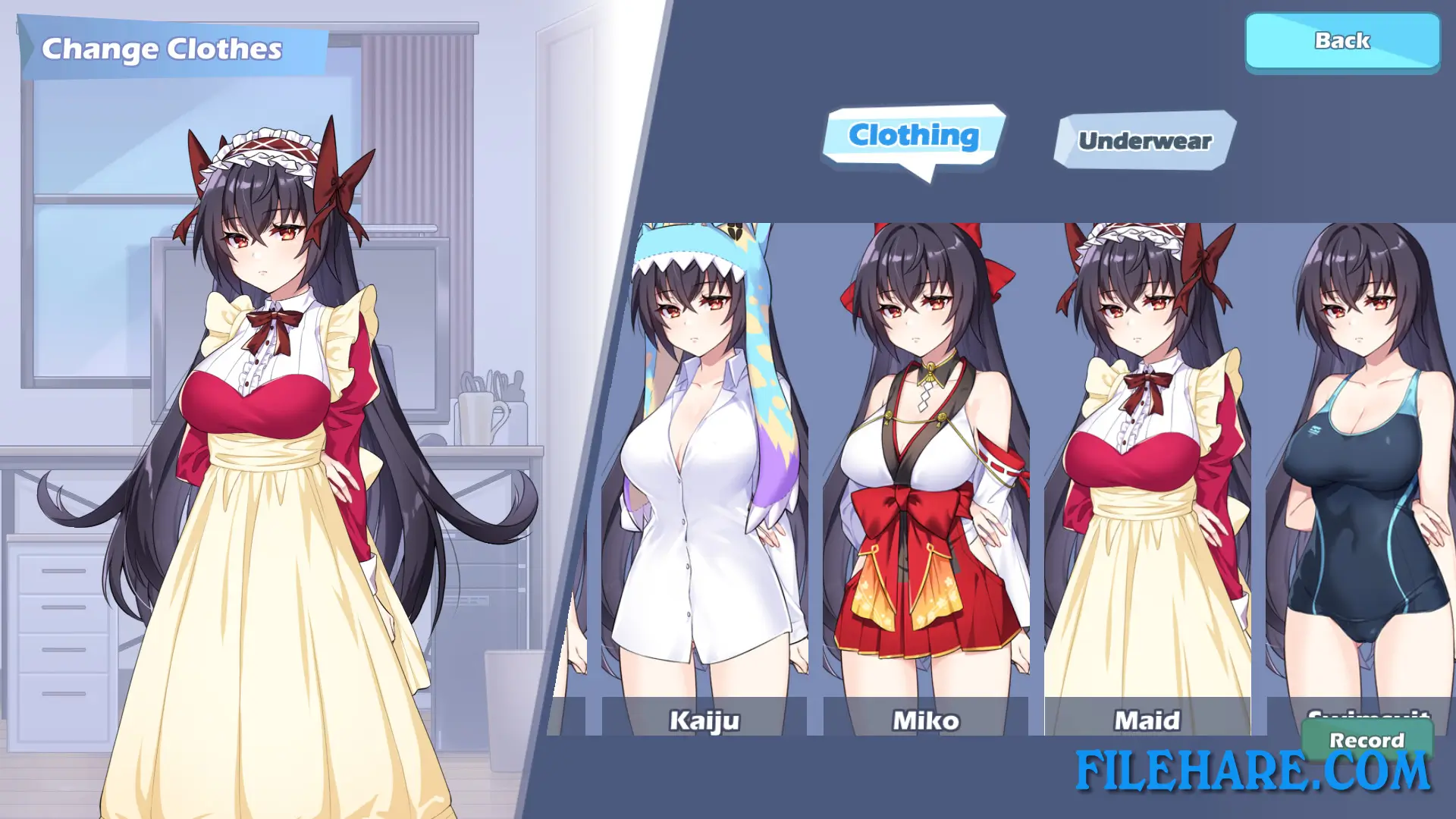
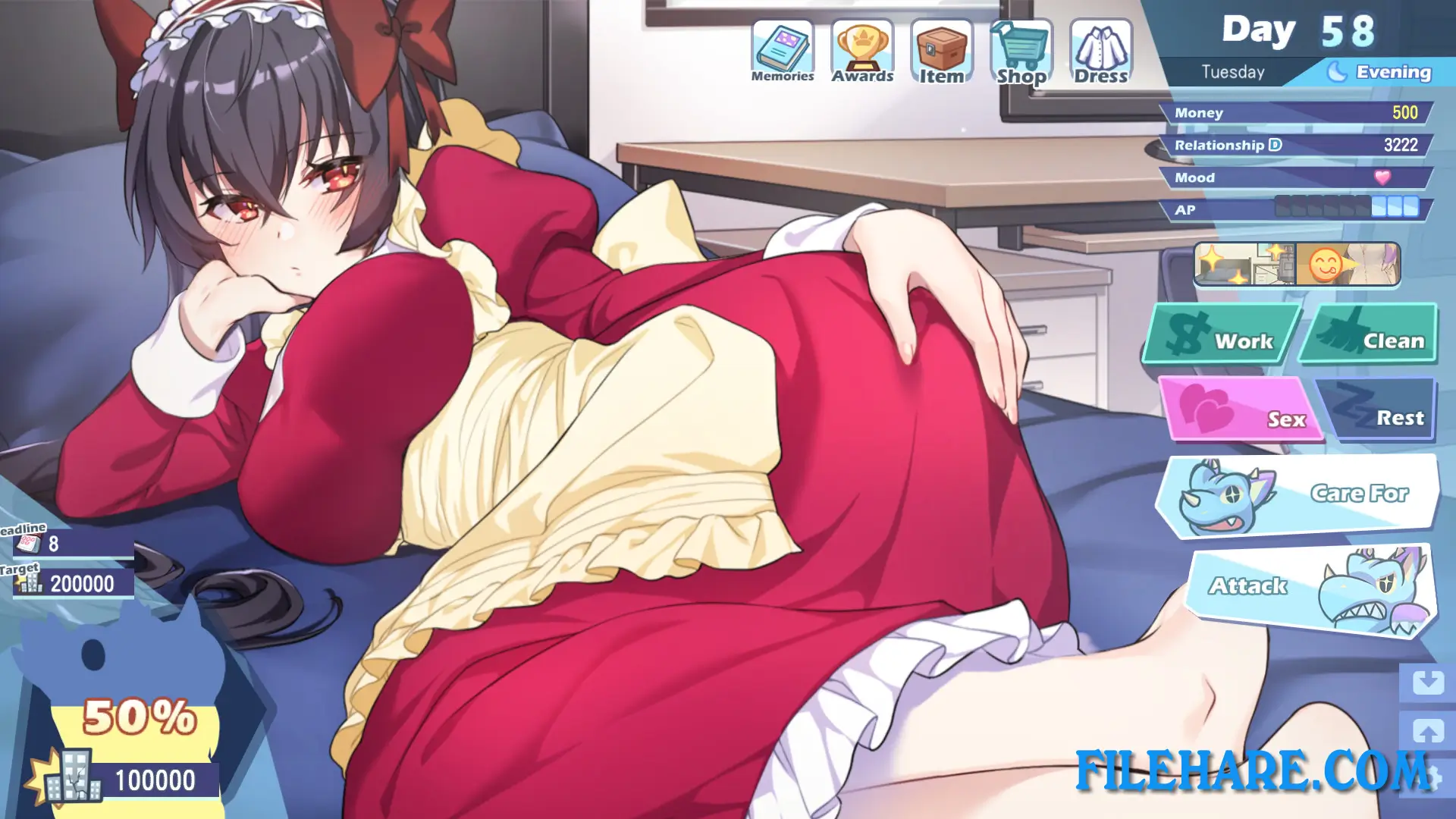
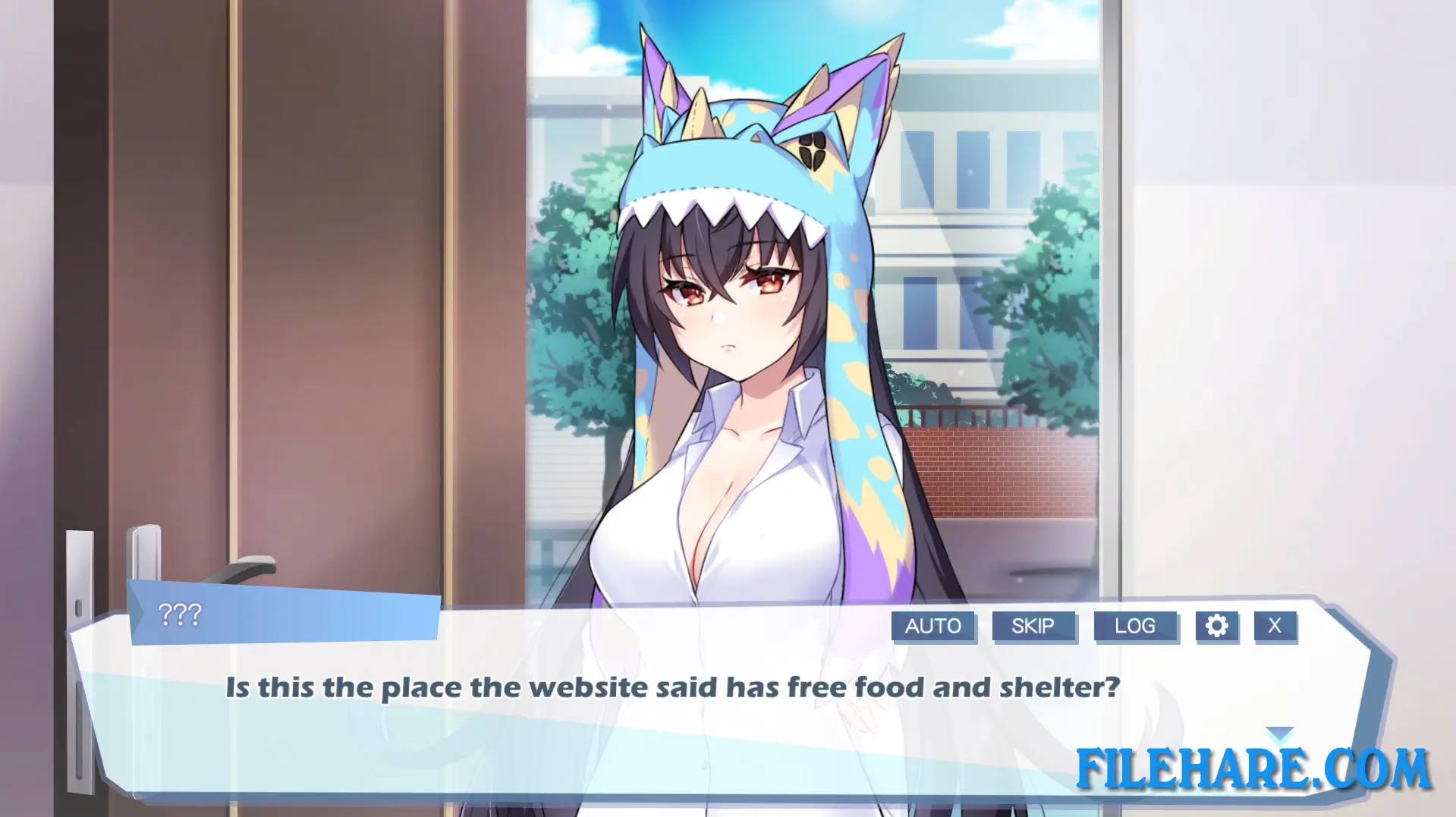
| Name | Kaiju Princess |
|---|---|
| Developer | PantyParrot |
| File Size | 503.17 MB |
| Category | Adult |
| Minimum System Requirements | |
| CPU | Intel Core i3 |
| RAM | 2 GB |
| Graphics | HD Graphics |
| Free Disk Space | 2 GB |
| Operating System | Windows 10 / 11 / 7 / 8 (64-bit) |
| User Rating | |
To buy this game, visit the Store Page
How to Download and Install Kaiju Princess PC Game?
We have simple instructions for you to download and install the PC game. Before following the steps, Ensure your PC meets the minimum system requirements for Playing the game on your PC.
- First, click on the DOWNLOAD button and you will be redirected to the final Download page. Then, Download the Game on your PC.
- Once you have downloaded the Kaiju Princess PC Game, Open the folder where you saved the Game.
- Then Right-click on the Zip file and click on the "Extract files" option from the dropdown menu. If your computer does not have a Zip file extract software installed, you must first install it. (such as WinRAR, 7Zip software)
- After Extracting the Zip file, Open the Kaiju Princess PC Game folder.
- Then, double-click on the Setup.exe file to Install the Game.
- If asked, provide administrator permissions for the installation to proceed. Click Yes to continue.
- Follow the on-screen installation wizard to install the game on your PC.
- After the installation, if you get any missing ".dll" errors or the Game is not launching, open the Readme.txt file located in the game folder and follow the instructions shown in the document file to play the game.
Done!. Now, you can launch the game from your desktop.