V-LOVER! PC Game Download for Windows 10/11/7/8

V-LOVER! is an adult romance simulation and management game developed by Hentopia and published by LewdLoco. The game was released on June 24, 2025, for Windows PC on Steam. It is a single-player game that puts the player in the role of a university freshman who unexpectedly becomes a manager at a VTuber production company called Big Mountain Production. The game has 2D anime visuals with Live2D character models and contains adult content.
Table of Contents
V-LOVER! Story
The main character is a university freshman who grew up as a big fan of VTubers. After his parents passed away in a car accident, he was raised by his uncle. One day, while searching for a part-time job, he gets a call from his uncle and ends up at Big Mountain Production. He is surprised to find out that the popular VTuber Inuyama Ai is actually his uncle in a costume. After this, the uncle introduces the main character to three real female VTubers at the company. The player then spends one full year working as their manager, helping them grow their channels while also getting closer to each of them on a personal level.
V-LOVER! Gameplay
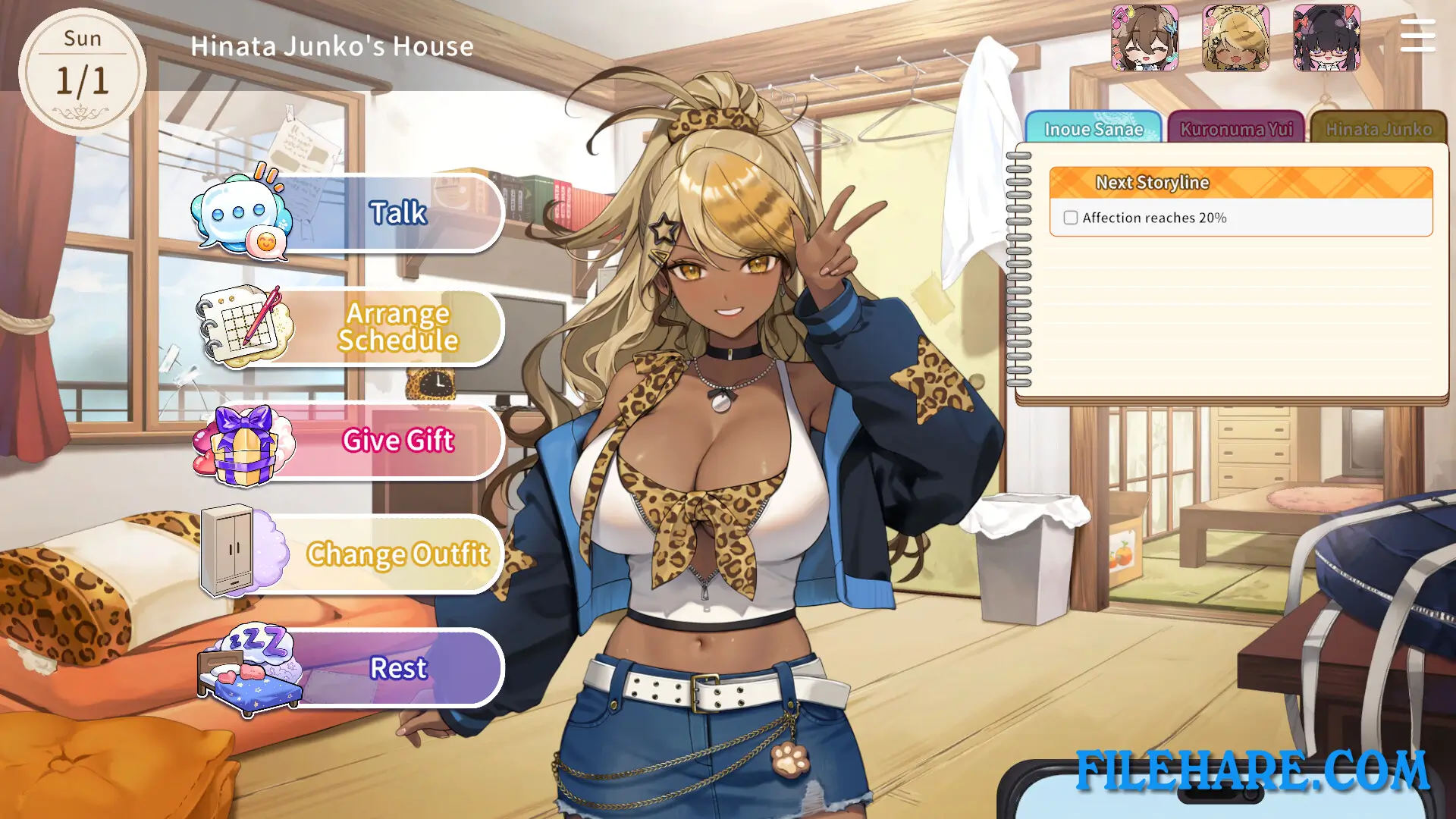
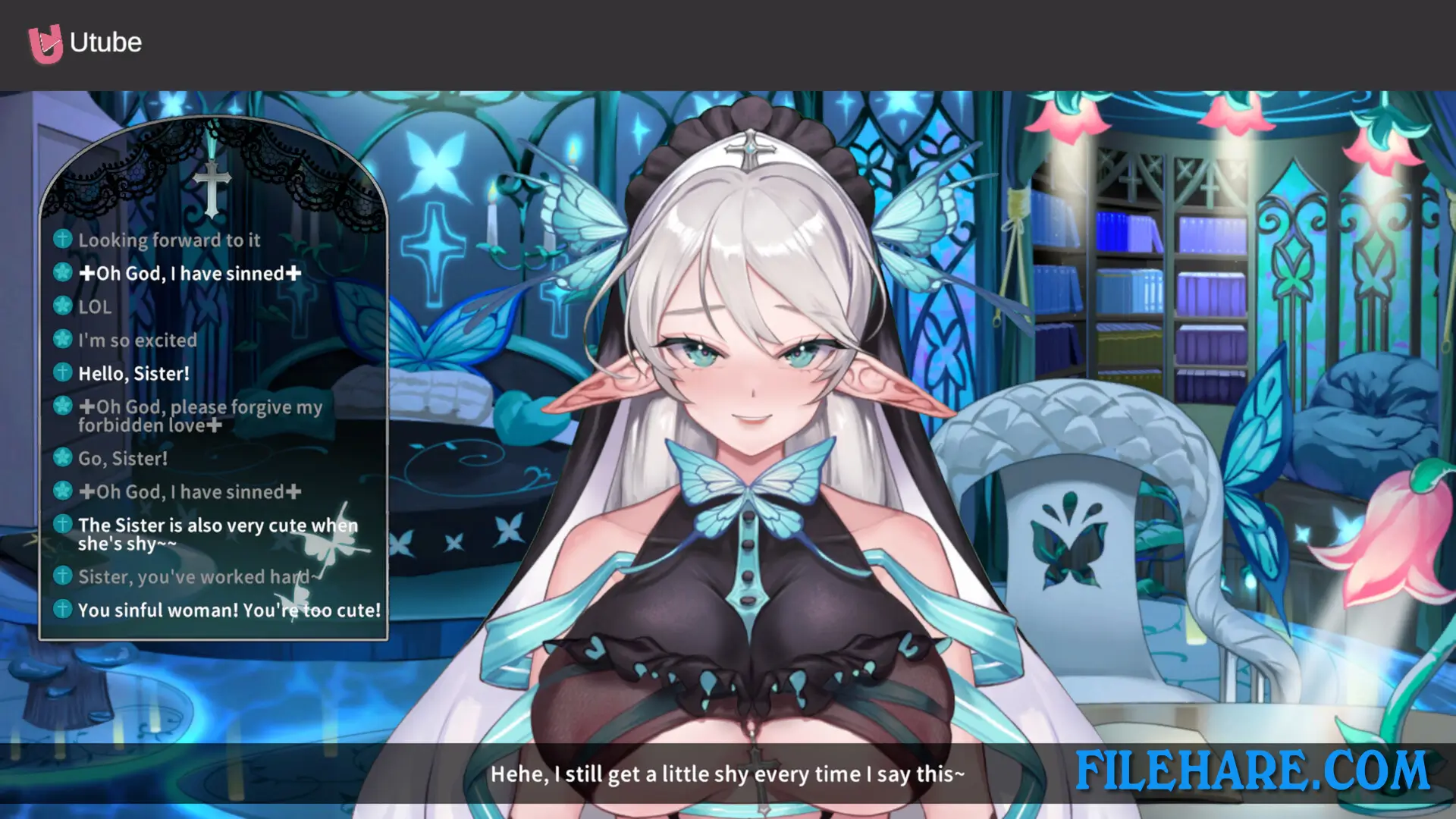
The game runs on a one-year time management structure. The player arranges weekly schedules for all three VTubers based on their individual abilities and personal goals. The player must also watch over their physical and mental health. If a VTuber’s stress is not reduced in time, permanent negative consequences follow. The game uses an action point allocation mechanics, where the player distributes time between training sessions, channel management, and dates with the girls. Training sessions include mini-games that help the VTubers grow faster. The live streaming scenes use Live2D models inside realistic streaming room setups, and during these live streams, unexpected events pop up where the player must pick the right response based on each VTuber’s personality.
V-LOVER! Features
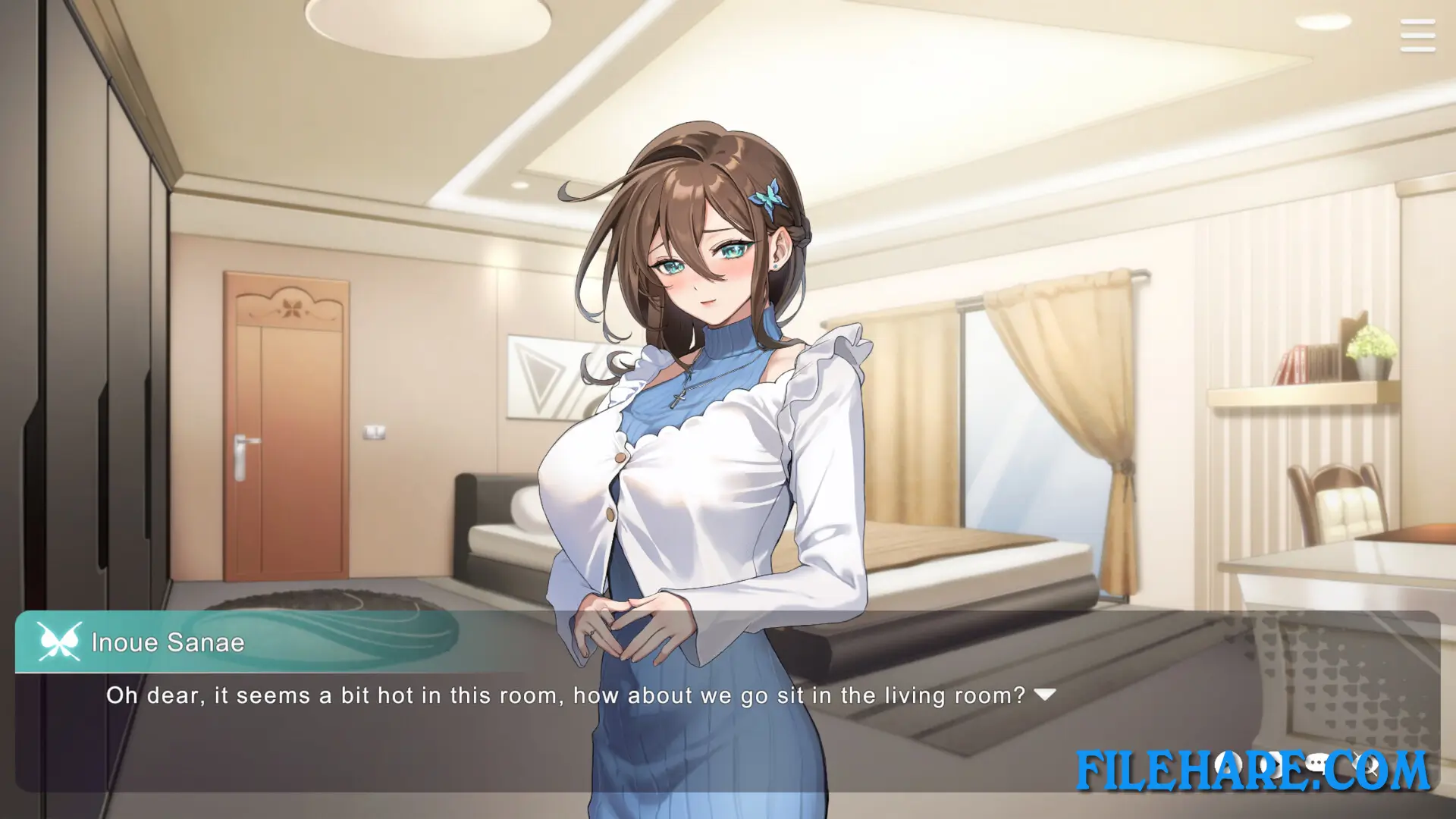
The three main female characters are Kuronuma Yui, a 25-year-old socially anxious otaku who goes by the VTuber name Lilith Succubus; a 21-year-old outgoing gyaru whose VTuber name is Hana Aoi; and Inoue Sanae, a 35-year-old nurturing type who goes by Sister Trisha. A Special Date event triggers unique story scenes when the player meets certain conditions before notable dates like Christmas, Tanabata, or a VTuber’s birthday. The game contains over 150,000 words of story text, more than 180 CG images, fully animated adult scenes, and a dress-up feature for the female characters. Full Japanese voice acting is included for all three main heroines. The game supports English, Japanese, Simplified Chinese, Traditional Chinese, and Korean. An artbook and a soundtrack are available as separate DLC.
Recommended System Requirements
- OS: Windows 7/8/10/11
- Processor: Intel Core i3
- Memory: 8 GB RAM
- Graphics: NVIDIA GeForce GTX 760 / AMD Radeon HD 6870
- DirectX: 11
- Storage: 11 GB available space
- Sound Card: DirectSound
Gameplay Screenshots

| Name | V-LOVER! |
|---|---|
| Developer | Hentopia |
| File Size | 4.97 GB |
| Category | Adult |
| Minimum System Requirements | |
| CPU | Intel Core i3 |
| RAM | 4 GB |
| Graphics | NVIDIA GeForce GTX 560 / AMD Radeon HD 6870 DirectX 版本: 11 |
| Free Disk Space | 10 GB |
| Operating System | Windows 10 / 11 / 7 / 8 |
| User Rating | |
To buy this game, visit the Store Page
How to Download and Install V-LOVER! PC Game?
We have simple instructions for you to download and install the PC game. Before following the steps, Ensure your PC meets the minimum system requirements for Playing the game on your PC.
- First, click on the DOWNLOAD button and you will be redirected to the final Download page. Then, Download the Game on your PC.
- Once you have downloaded the V-LOVER! PC Game, Open the folder where you saved the Game.
- Then Right-click on the Zip file and click on the "Extract files" option from the dropdown menu. If your computer does not have a Zip file extract software installed, you must first install it. (such as WinRAR, 7Zip software)
- After Extracting the Zip file, Open the V-LOVER! PC Game folder.
- Then, double-click on the Setup.exe file to Install the Game.
- If asked, provide administrator permissions for the installation to proceed. Click Yes to continue.
- Follow the on-screen installation wizard to install the game on your PC.
- After the installation, if you get any missing ".dll" errors or the Game is not launching, open the Readme.txt file located in the game folder and follow the instructions shown in the document file to play the game.
Done!. Now, you can launch the game from your desktop.