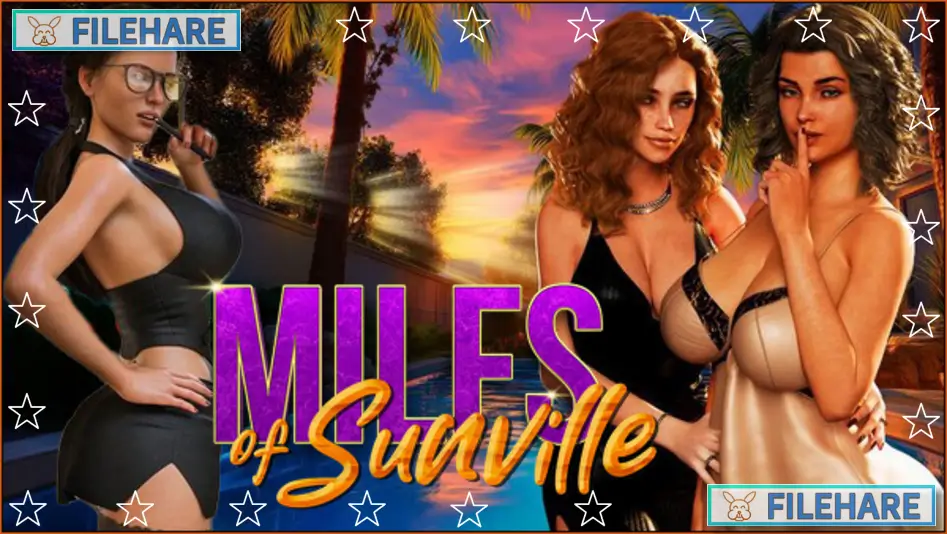
MILFs of Sunville – Season 2 PC Game Download for Windows 10/11

MILFs of Sunville – Season 2 is an adventure, casual, indie, and RPG game developed and published by L7team. The game first went into Early Access in late 2023, and its full version was released on September 9, 2025, for PC on Steam. It is a single-player adult title with mature content intended for players aged 18 and above. On Steam, the game has received very positive reviews, with around 89% of players rating it positively.
Table of Contents
MILFs of Sunville – Season 2 Story
This game is a direct sequel to the first season. The story continues with the same young man who was forced to leave his comfortable city life behind and return to the small, sunny town of Sunville. After the events of Season 1, he now has to face the results of what happened before. The town and its people have not stayed the same, and the player must deal with new complications while also picking up where old relationships left off. The story takes the main character deeper into the personal lives of the women he has come to know, and new characters also appear along the way.
MILFs of Sunville – Season 2 Gameplay
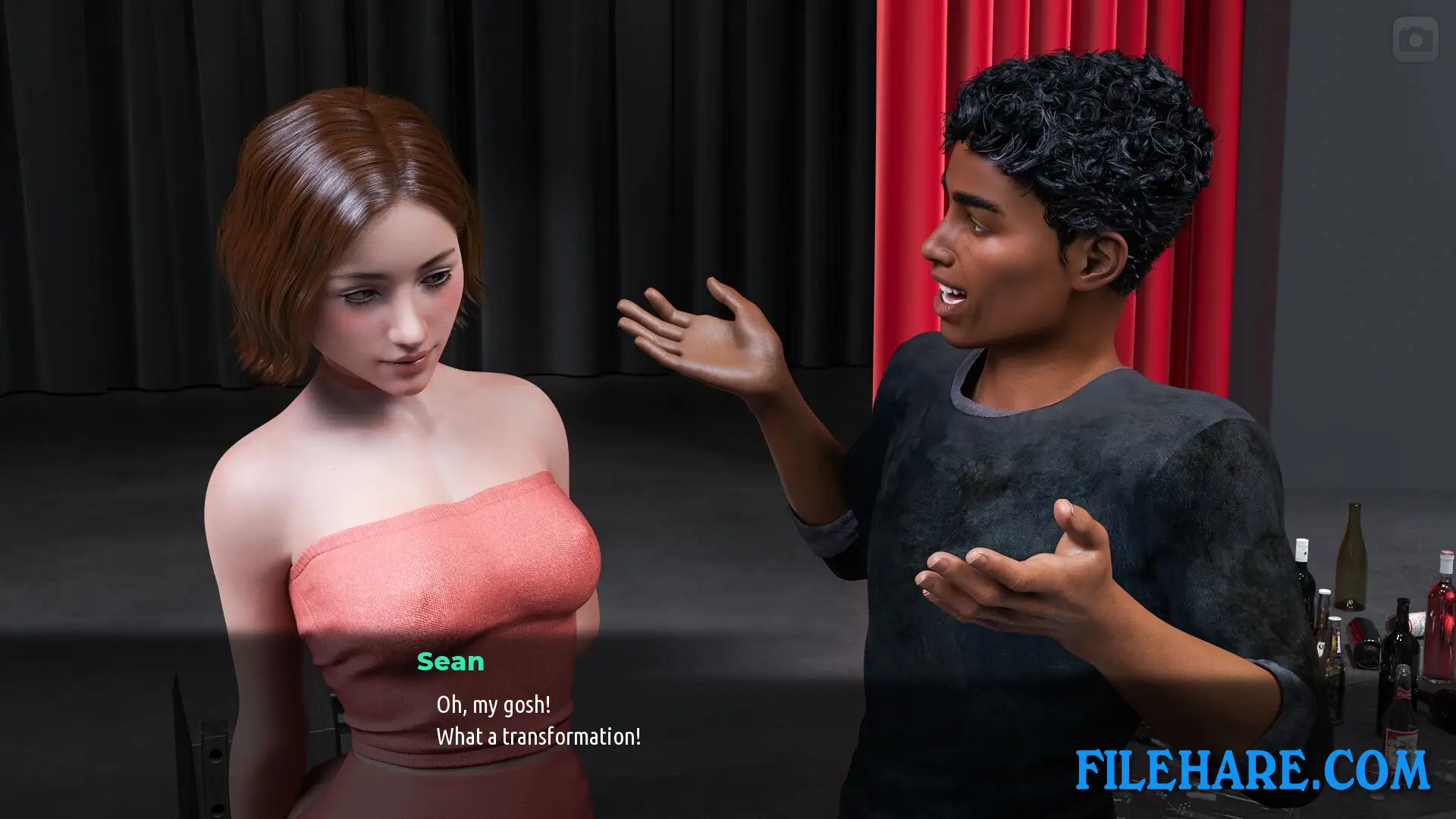
This is a visual novel game where the player reads dialogue and story scenes. The player can freely move around the town of Sunville to visit locations, find special events, and interact with more than 20 female characters. An in-game smartphone is available for managing contacts, checking messages, and unlocking additional relationship content. The game also uses a Love Bar feature during intimate scenes to add more interactivity. A flying camera option is included during close-up scenes, offering a range of viewing angles. The average playtime is around 18 hours, with some players putting in 30 or more hours.
MILFs of Sunville – Season 2 Features
The game includes animated eyes for characters to make their expressions more lively during conversations. A dynamic camera with multiple angles is used for intimate scenes. A fully functional in-game smartphone helps the player stay on top of relationships and story updates. This game supports Steam Achievements, Steam Trading Cards, Steam Cloud saves, and Family Sharing. A DLC add-on called Hot Investigation is available as extra story content. The game is available in 14 languages, including English, French, Italian, German, Spanish, Russian, Arabic, Turkish, Polish, Czech, and both Portuguese and Chinese variants. It runs on Windows, Mac, and Linux.
Gameplay Screenshots



| Name | MILFs of Sunville – Season 2 |
|---|---|
| Developer | L7team |
| File Size | 1 GB |
| Category | Adult |
| Minimum System Requirements | |
| CPU | Intel/AMD 2.0 GHz dual-core |
| RAM | 2 GB |
| Graphics | OpenGL 2.0 or DirectX 9.0c compatible |
| Free Disk Space | 4 GB |
| Operating System | Windows 10 / 11 |
| User Rating | |
To buy this game, visit the Store Page
How to Download and Install MILFs of Sunville – Season 2 PC Game?
We have simple instructions for you to download and install the PC game. Before following the steps, Ensure your PC meets the minimum system requirements for Playing the game on your PC.
- First, click on the DOWNLOAD button and you will be redirected to the final Download page. Then, Download the Game on your PC.
- Once you have downloaded the MILFs of Sunville – Season 2 PC Game, Open the folder where you saved the Game.
- Then Right-click on the Zip file and click on the "Extract files" option from the dropdown menu. If your computer does not have a Zip file extract software installed, you must first install it. (such as WinRAR, 7Zip software)
- After Extracting the Zip file, Open the MILFs of Sunville – Season 2 PC Game folder.
- Then, double-click on the Setup.exe file to Install the Game.
- If asked, provide administrator permissions for the installation to proceed. Click Yes to continue.
- Follow the on-screen installation wizard to install the game on your PC.
- After the installation, if you get any missing ".dll" errors or the Game is not launching, open the Readme.txt file located in the game folder and follow the instructions shown in the document file to play the game.
Done!. Now, you can launch the game from your desktop.