Sapphire Safari PC Game Download for Windows 10/11

Sapphire Safari is an open-world photography adventure game developed and published by Kinky Fridays, with Critical Bliss also listed as a co-publisher. The game was released on March 21, 2025, on PC via Steam as an Early Access title. It is a single-player adult game set on a mysterious island where the player takes on the role of a wildlife photographer. The game is currently available on Windows and has limited support on Steam Deck.
Table of Contents
Sapphire Safari Story
The story of Sapphire Safari takes place on Sapphire Island, a mysterious place that was recently discovered. A team of scientists was sent to the island to study its wildlife and explore the land. After one month, the team stops sending signals back to their home base. With no news of what happened to them, the player steps in as a wildlife photographer to go to the island, follow the trail left by the missing science team, and find out what happened to them. While searching the island, the player also takes photos of the Monster Girls living there and catalogs them in a Monster Encyclopedia.
Sapphire Safari Gameplay
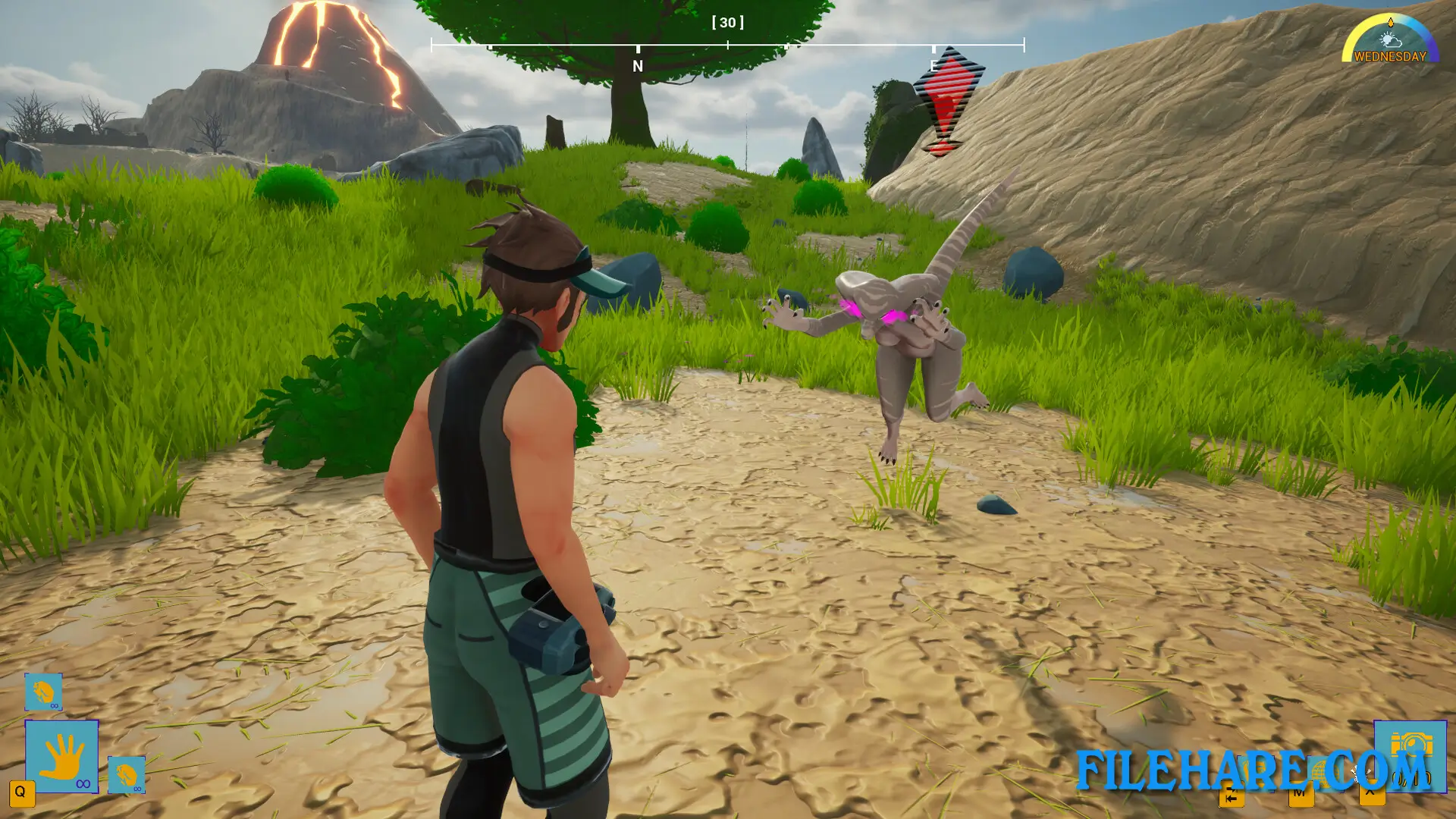
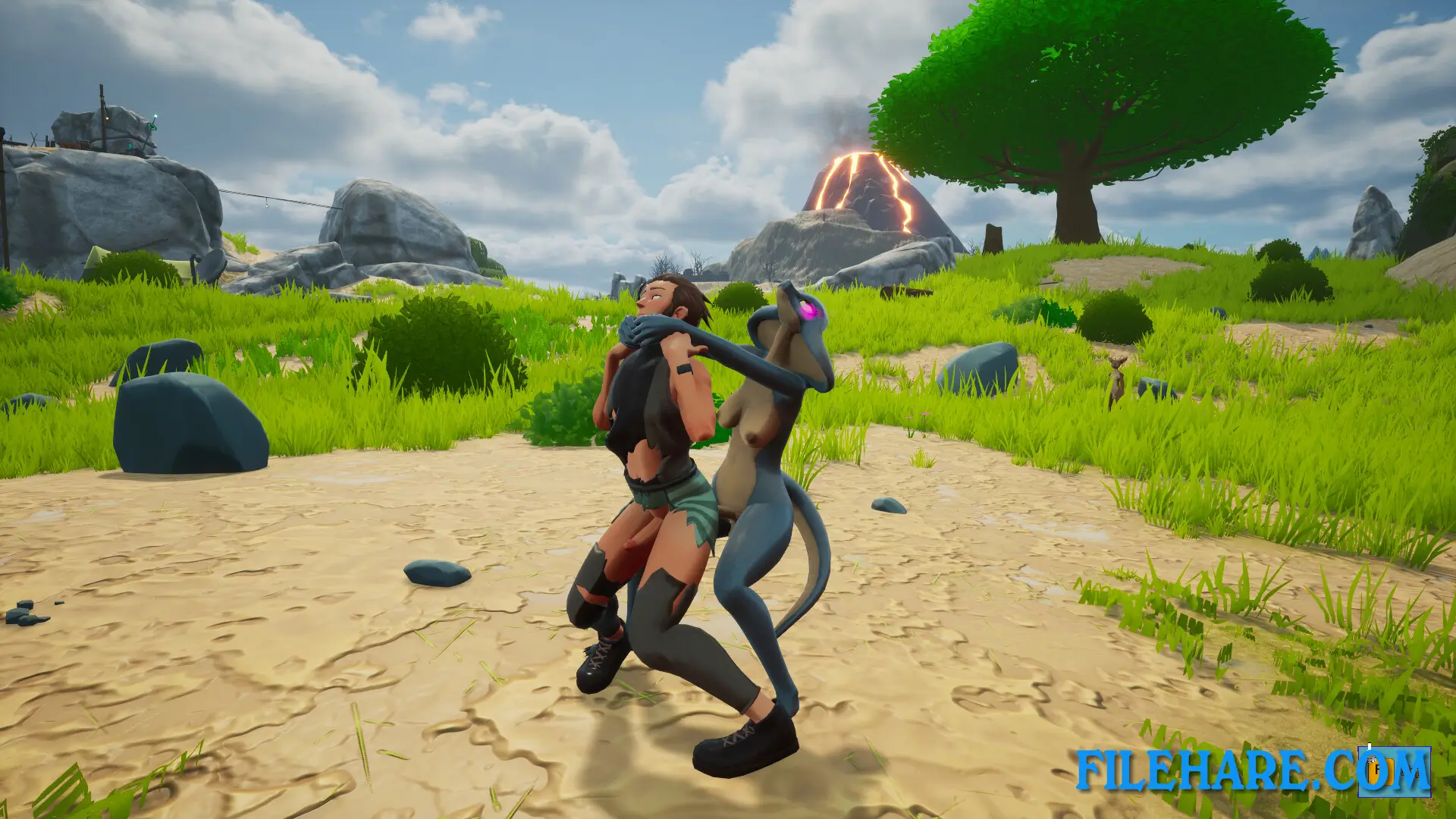
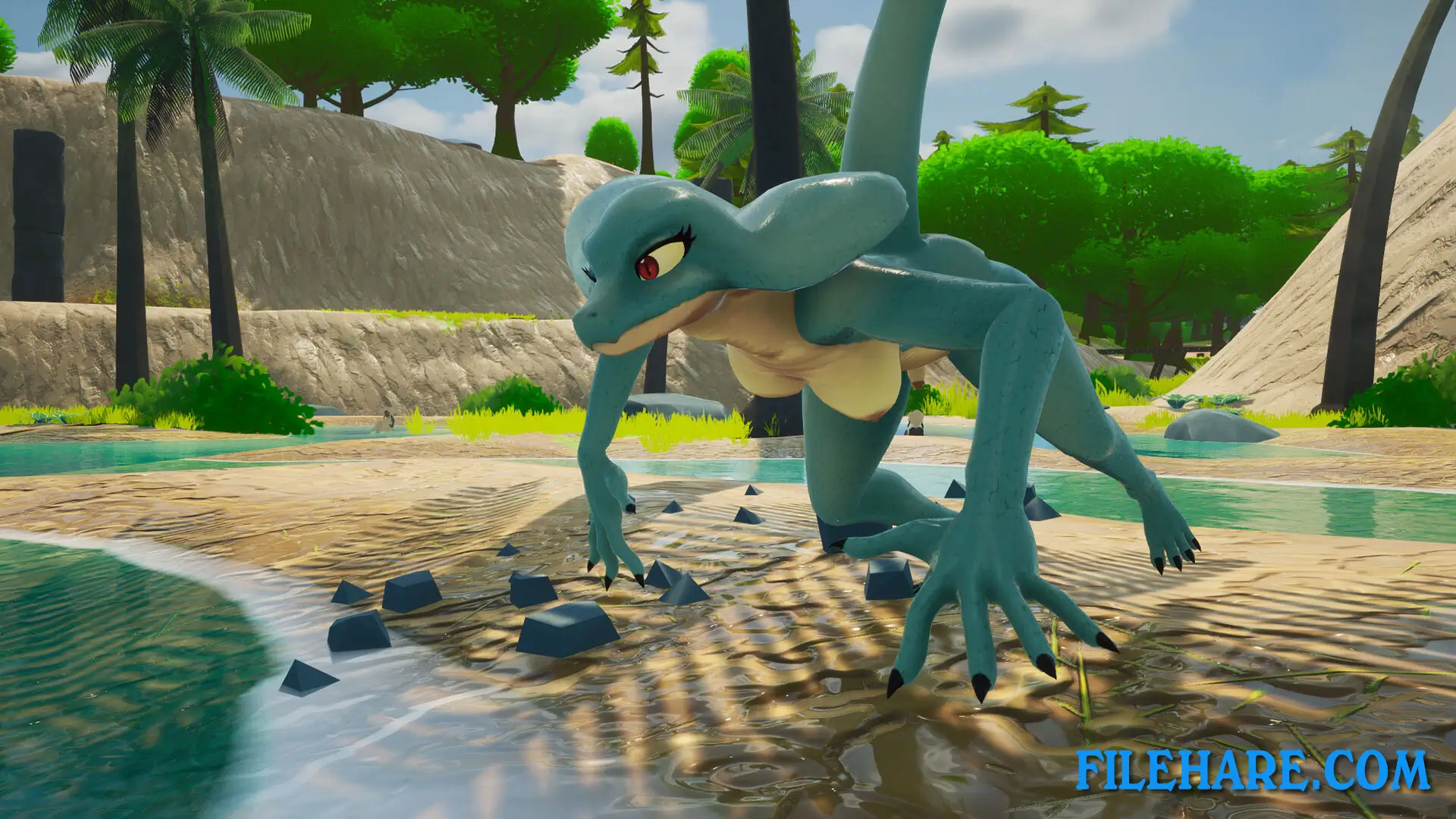
The player moves around a large open island and uses a camera to photograph Monster Girls in their natural environment. To take a photo, the player right-clicks to look through the viewfinder, uses the mouse wheel to zoom in or out, and presses a button to take the shot. The player can also crouch using the CTRL button to stay low and avoid being seen. Some Monster Girls on the island are predators and will attack if they notice the player. The island has a day and night cycle, as well as weather changes like rain and storms, which affect how Monster Girls behave. Photos taken in the game can be shared as image files. The player uploads photos at a campsite computer and can submit them to earn in-game money. Radio towers spread across the island help the player unlock new areas of the map for further exploration.
Sapphire Safari Features
Sapphire Safari includes several notable features. The game has multiple biomes on Sapphire Island, starting with the Plains area. Additional biomes like a Snow Biome and a Tundra/Volcano Biome are planned for future updates. The game has various Monster Girl species for the player to photograph, and each one has its own behavior and activity pattern. A Monster Encyclopedia lets the player keep track of all the species they have photographed. The game has full voice acting for the Monster Girl characters. Players can spend time with the Monster Girls to build a bond with them, which changes how the creatures react to the player. The game also supports Steam Trading Cards, Steam Achievements, and Steam Cloud. It supports 15 languages, including English, French, German, Italian, and Korean.
Recommended System Requirements
Requires a 64-bit processor and operating system
- OS: Windows 10 64-bit
- Processor: Intel i5-9400F or similar
- Memory: 8 GB RAM
- Graphics: RTX 2060 or similar
- DirectX: Version 12
- Storage: 5 GB available space
Gameplay Screenshots

| Name | Sapphire Safari |
|---|---|
| Developer | Kinky Fridays |
| File Size | 3.18 GB |
| Category | Adult |
| Minimum System Requirements | |
| CPU | Intel i7-3370 or similar |
| RAM | 4 GB |
| Graphics | GTX 970 or similar |
| Free Disk Space | 5 GB |
| Operating System | Windows 10 / 11 (64-bit) |
| User Rating | |
To buy this game, visit the Store Page
How to Download and Install Sapphire Safari PC Game?
We have simple instructions for you to download and install the PC game. Before following the steps, Ensure your PC meets the minimum system requirements for Playing the game on your PC.
- First, click on the DOWNLOAD button and you will be redirected to the final Download page. Then, Download the Game on your PC.
- Once you have downloaded the Sapphire Safari PC Game, Open the folder where you saved the Game.
- Then Right-click on the Zip file and click on the "Extract files" option from the dropdown menu. If your computer does not have a Zip file extract software installed, you must first install it. (such as WinRAR, 7Zip software)
- After Extracting the Zip file, Open the Sapphire Safari PC Game folder.
- Then, double-click on the Setup.exe file to Install the Game.
- If asked, provide administrator permissions for the installation to proceed. Click Yes to continue.
- Follow the on-screen installation wizard to install the game on your PC.
- After the installation, if you get any missing ".dll" errors or the Game is not launching, open the Readme.txt file located in the game folder and follow the instructions shown in the document file to play the game.
Done!. Now, you can launch the game from your desktop.