Forever Skies PC Game Download for Windows 10/11
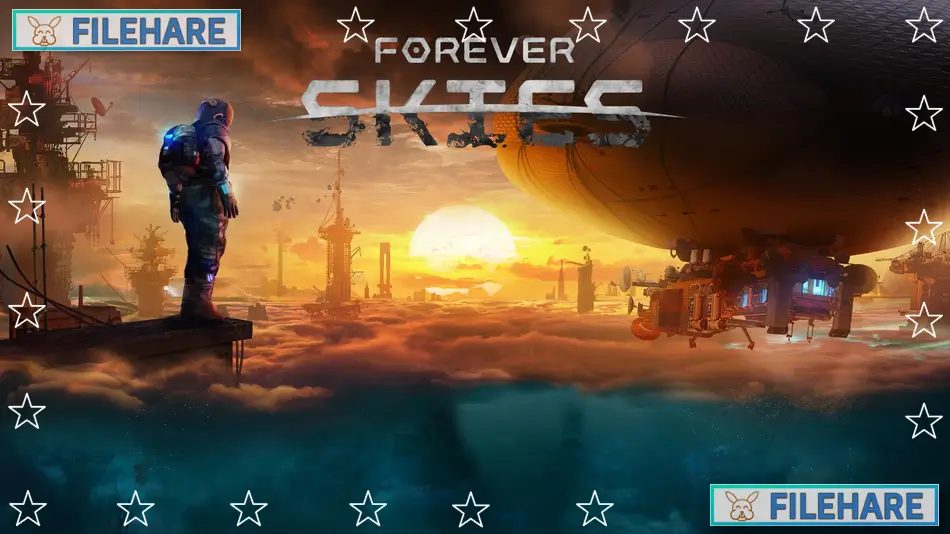
Forever Skies is a first-person survival game developed and published by Far From Home, a game studio based in Wroclaw, Poland. The game was first released in Early Access on June 22, 2023, and its full version launched on April 14, 2025. It is set on a ruined Earth where players must survive above a toxic dust-covered surface by flying and managing a high-tech airship.
Table of Contents
Forever Skies Story
The story takes place on Earth, long after a global ecological disaster covered the planet’s surface in a thick layer of toxic dust. Hundreds of years have passed, and humans had to build structures high above the ground to escape. Now, you return to this ruined planet as a scientist with one goal — to find a cure for a mysterious illness that is threatening your family. To do this, you must fly across the sky, descend below the dust layer, and search for viral pathogens on the dangerous surface below.
Forever Skies Gameplay
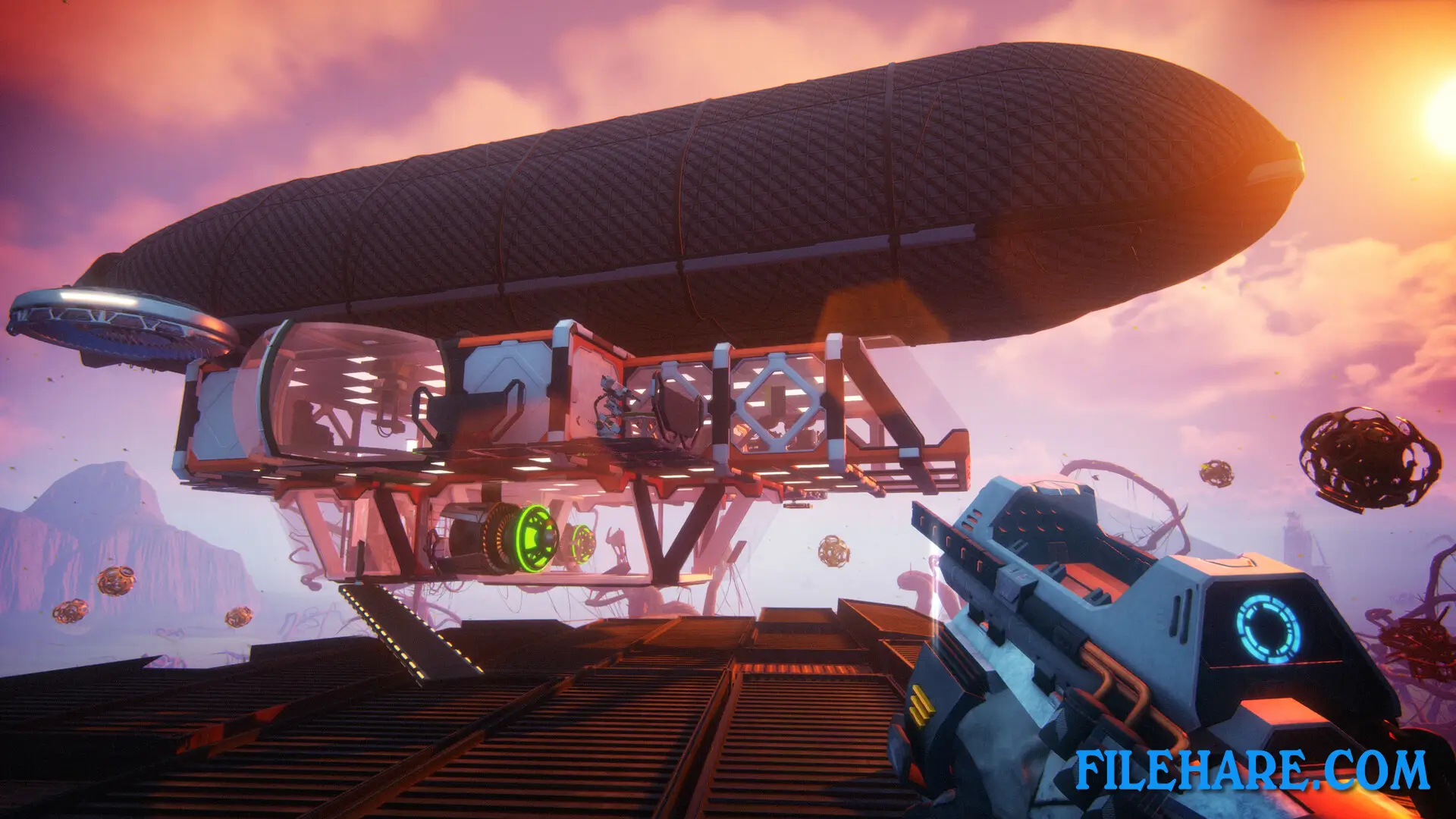
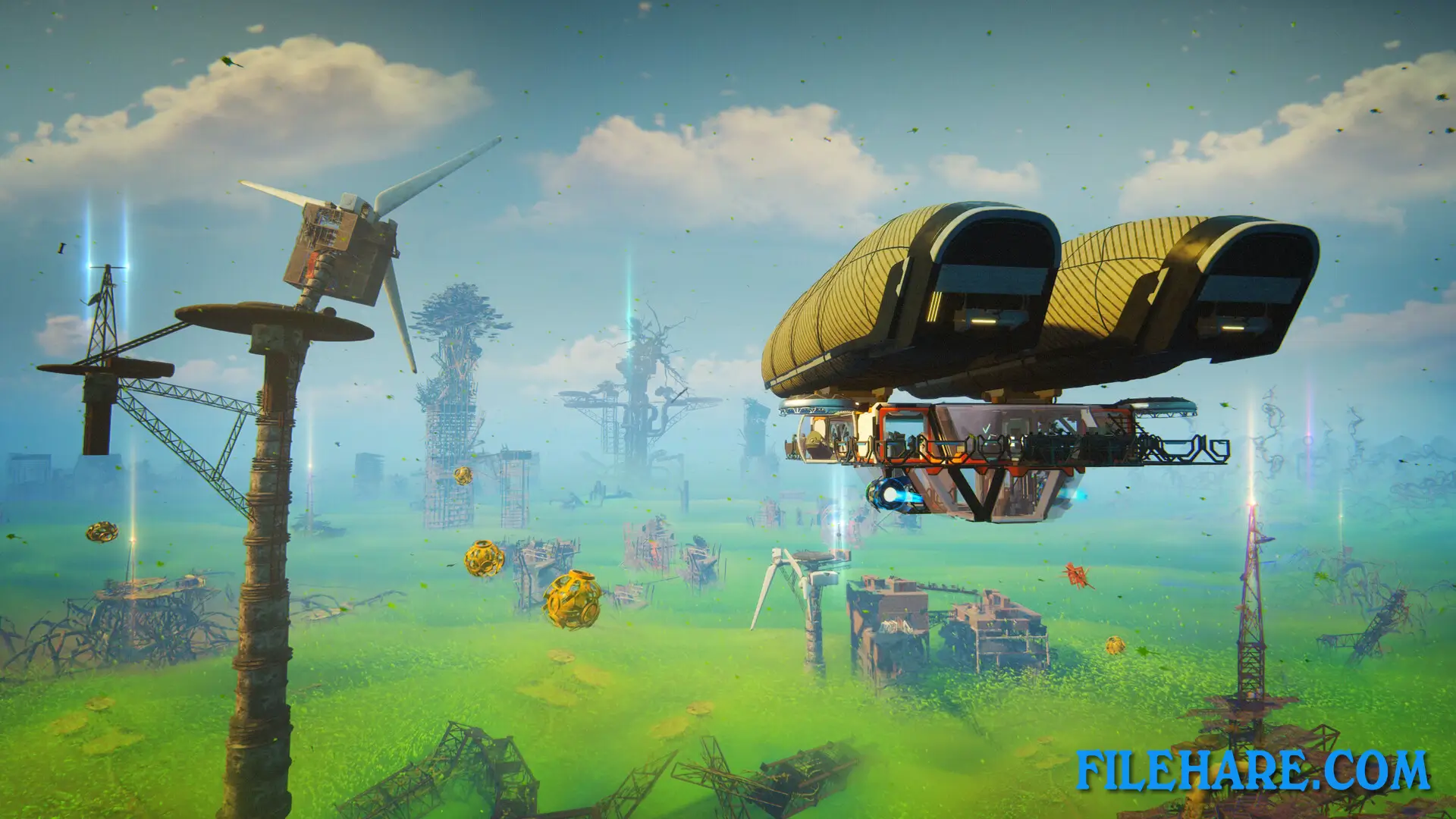
Forever Skies is played from a first-person view. You fly and control a high-tech airship, which acts as your home and base. You steer the airship toward ruins and old structures floating above the toxic dust, where you gather raw materials and resources. Using science-based tools and machines, you scan and analyze items, reverse engineer lost technology, and research new ways to get food and resources. When needed, you can descend below the dust layer to explore the changed surface of Earth, where new plants and animals have evolved over hundreds of years. You can play alone or with up to three friends in online co-op mode.
Forever Skies Features
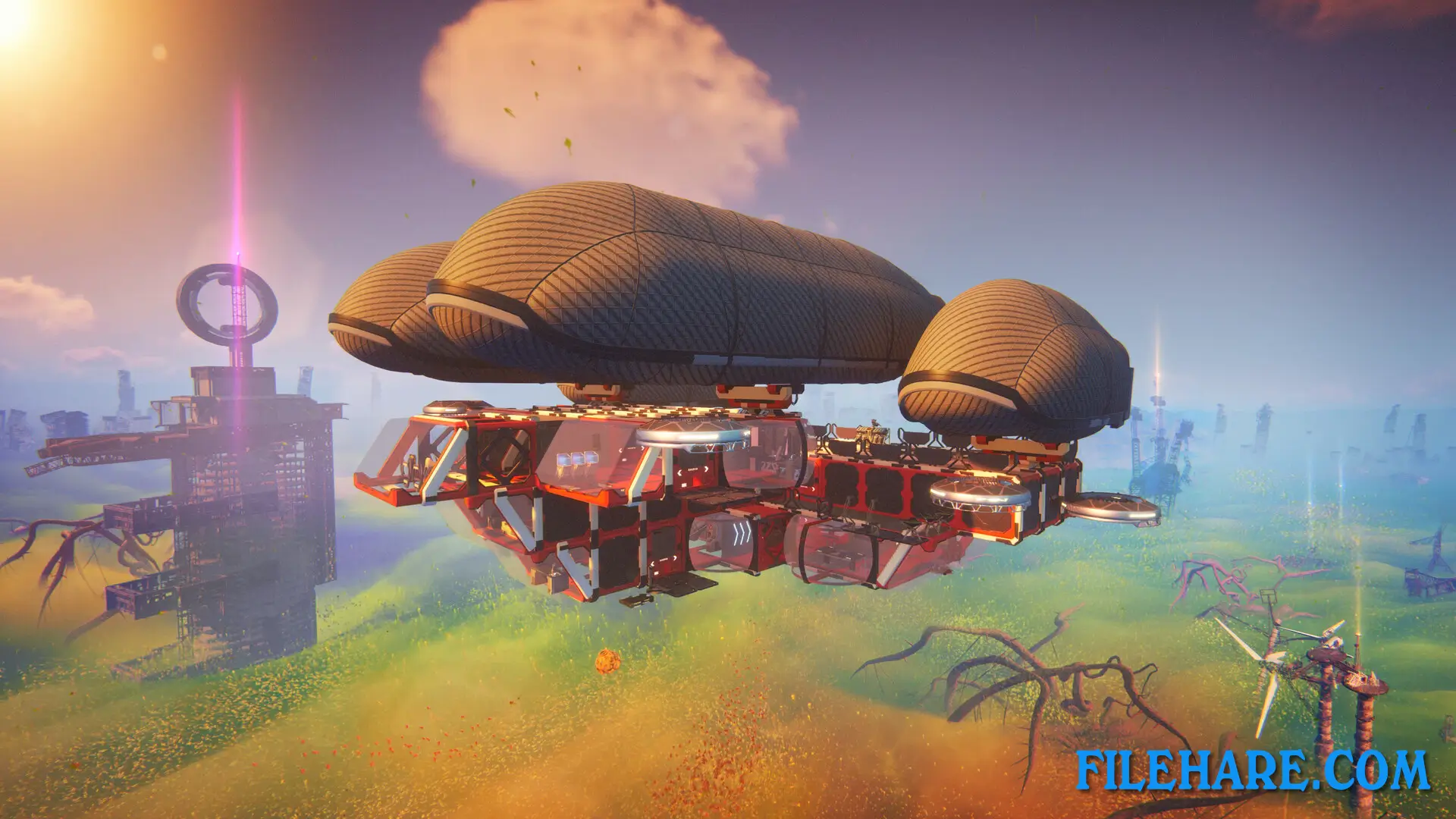
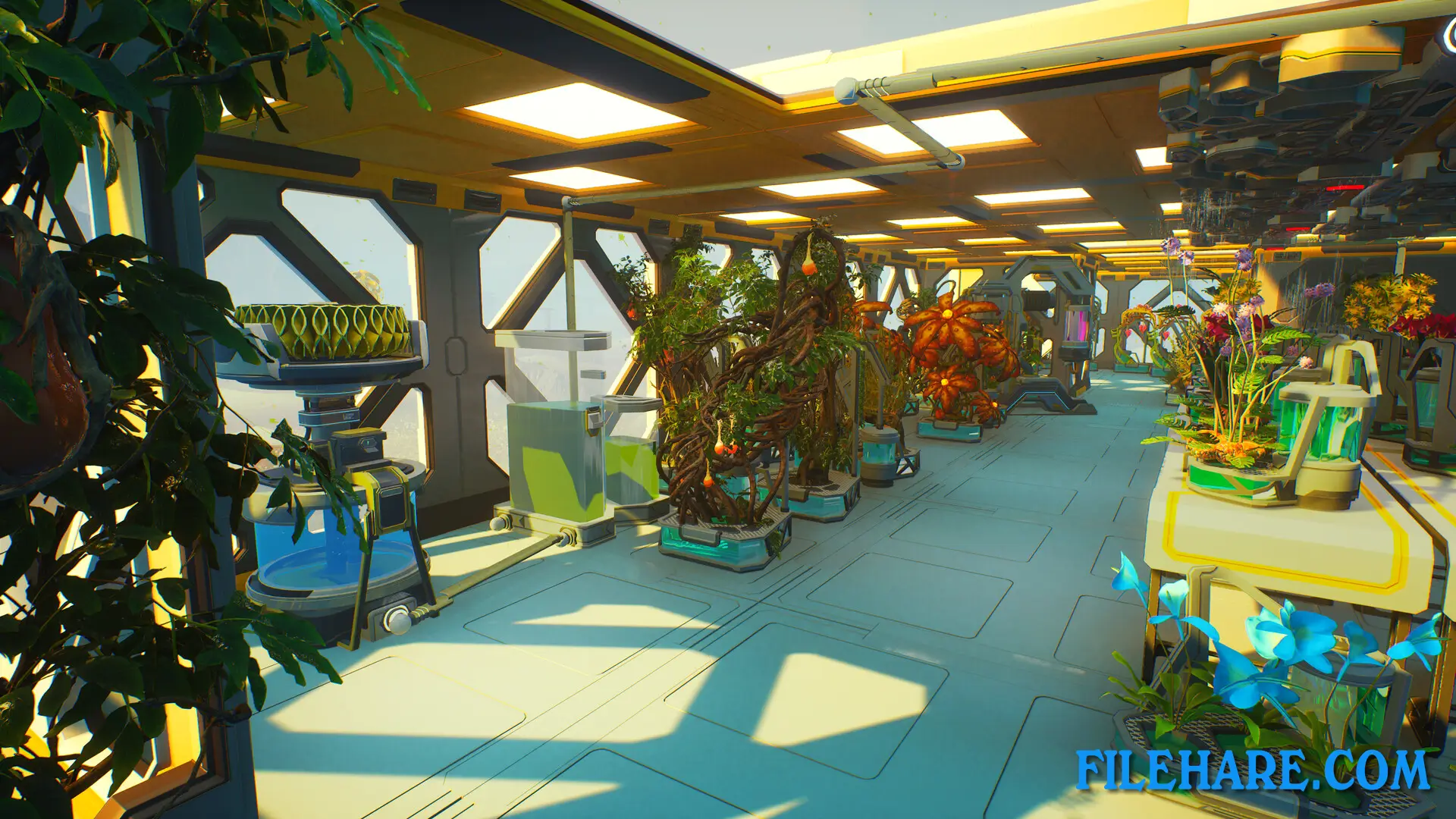
One of the biggest parts of Forever Skies is building and upgrading your airship. You can expand it, customize its layout, and install new equipment to improve its performance and hull strength. The game also has a science and research system where you use machines to study items and unlock new tools and technology. Descending to the surface opens up a new area to explore, with evolved fauna and flora that you can interact with and study. The game supports both single-player and online co-op for up to four players total. It also includes Steam Achievements and Steam Cloud support, so your progress is saved and tracked.
Recommended System Requirements
Requires a 64-bit processor and operating system
- OS: Windows 10/11
- Processor: Intel Core i7-7700K / AMD Ryzen 7 3800X or better
- Memory: 16 GB RAM
- Graphics: RX 5700-XT / GeForce RTX 2070 / Intel Arc A770 or better
- DirectX: Version 12
- Storage: 31 GB available space
- Sound Card: DirectX compatible
- Additional Notes: System requirements may change during the development of the game.
Gameplay Screenshots
| Name | Forever Skies |
|---|---|
| Developer | Far From Home |
| File Size | 6.50 GB |
| Category | Action |
| Minimum System Requirements | |
| CPU | Intel Core i5-7600 / AMD Ryzen 5 1600 |
| RAM | 12 GB |
| Graphics | RX 580 8GB VRAM / GeForce GTX 1060 6GB VRAM / Intel Arc A750 |
| Free Disk Space | 31 GB |
| Operating System | Windows 10 / 11 (64-bit) |
| User Rating | |
To buy this game, visit the Store Page
How to Download and Install Forever Skies PC Game?
We have simple instructions for you to download and install the PC game. Before following the steps, Ensure your PC meets the minimum system requirements for Playing the game on your PC.
- First, click on the DOWNLOAD button and you will be redirected to the final Download page. Then, Download the Game on your PC.
- Once you have downloaded the Forever Skies PC Game, Open the folder where you saved the Game.
- Then Right-click on the Zip file and click on the "Extract files" option from the dropdown menu. If your computer does not have a Zip file extract software installed, you must first install it. (such as WinRAR, 7Zip software)
- After Extracting the Zip file, Open the Forever Skies PC Game folder.
- Then, double-click on the Setup.exe file to Install the Game.
- If asked, provide administrator permissions for the installation to proceed. Click Yes to continue.
- Follow the on-screen installation wizard to install the game on your PC.
- After the installation, if you get any missing ".dll" errors or the Game is not launching, open the Readme.txt file located in the game folder and follow the instructions shown in the document file to play the game.
Done!. Now, you can launch the game from your desktop.