MEMORIAPOLIS PC Game Download for Windows 10/11
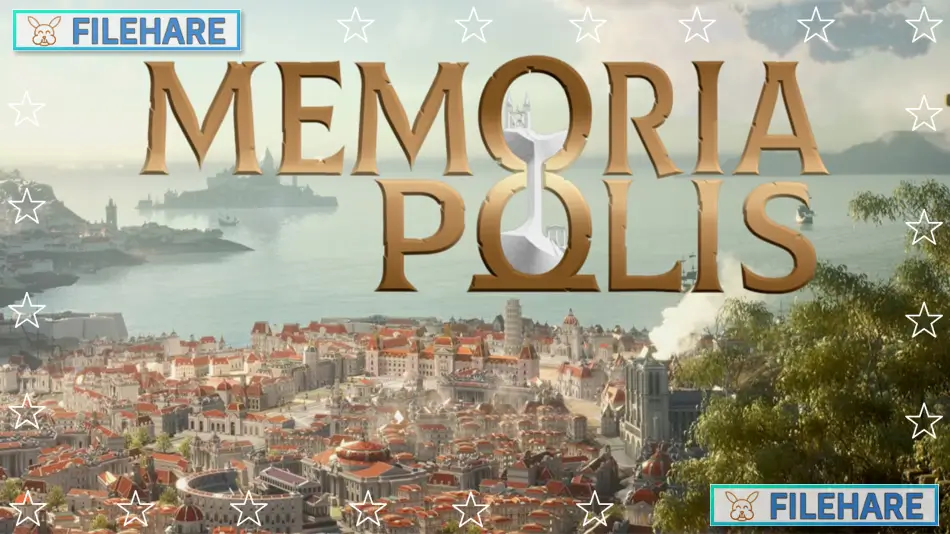
MEMORIAPOLIS is a city-builder strategy and simulation game developed and published by 5PM Studio. The game first entered Early Access on August 29, 2024, and was fully released on April 30, 2025. In MEMORIAPOLIS, you build and manage a city that spans across five major historical periods, from Antiquity all the way to the Industrial Revolution. The goal is to stay in power, manage rival factions, and leave a lasting mark on history.
Table of Contents
MEMORIAPOLIS Gameplay
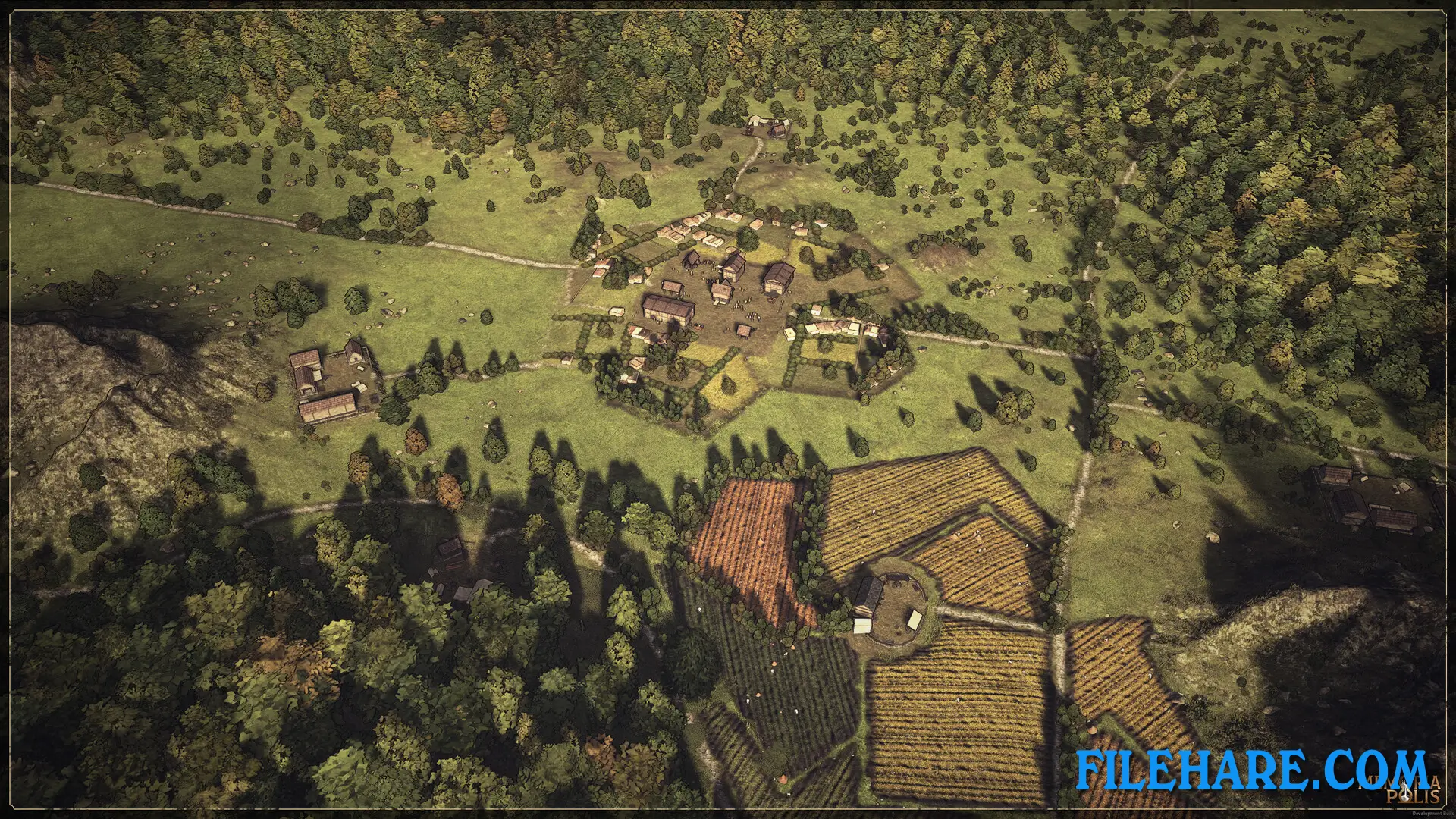
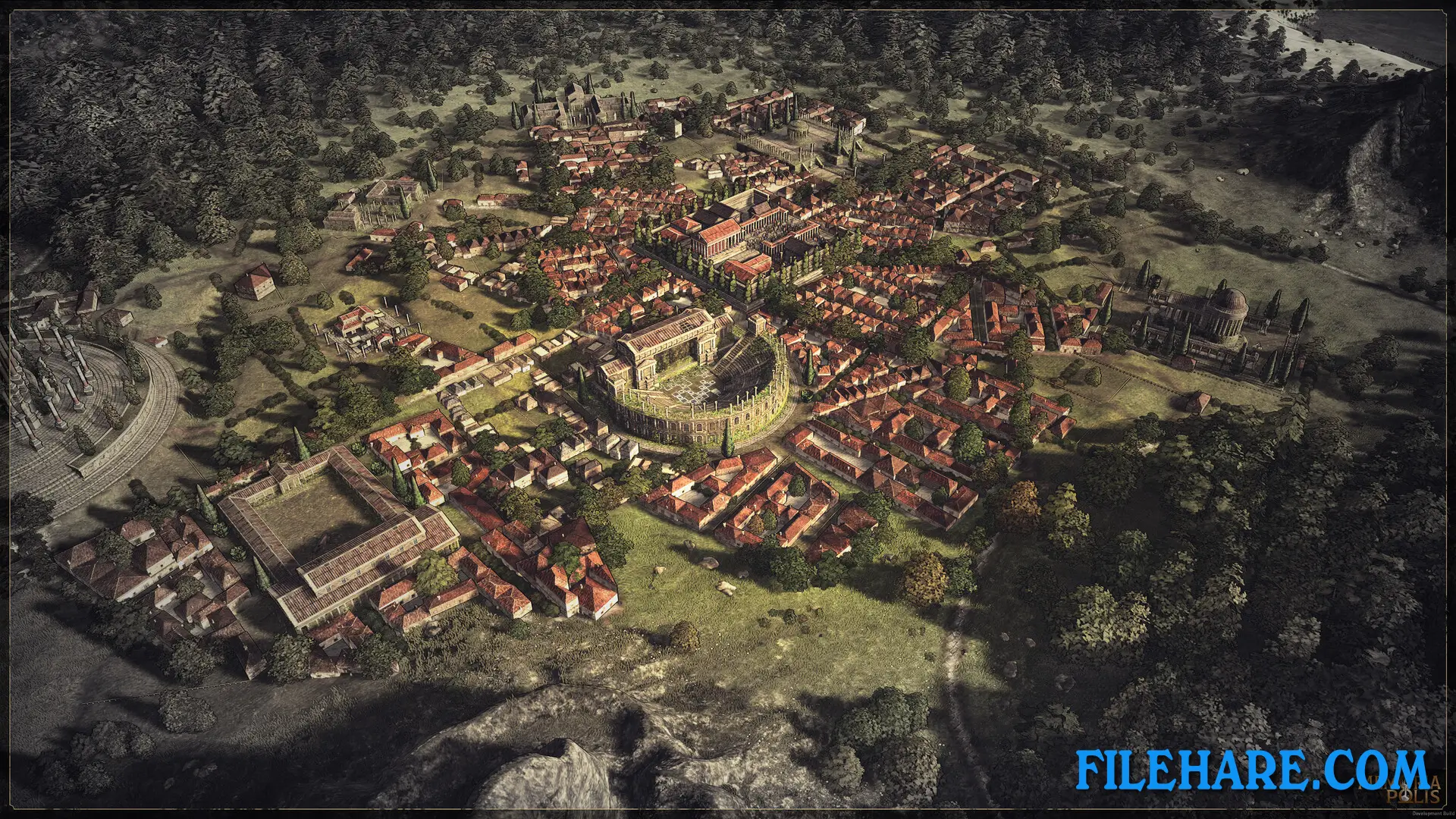
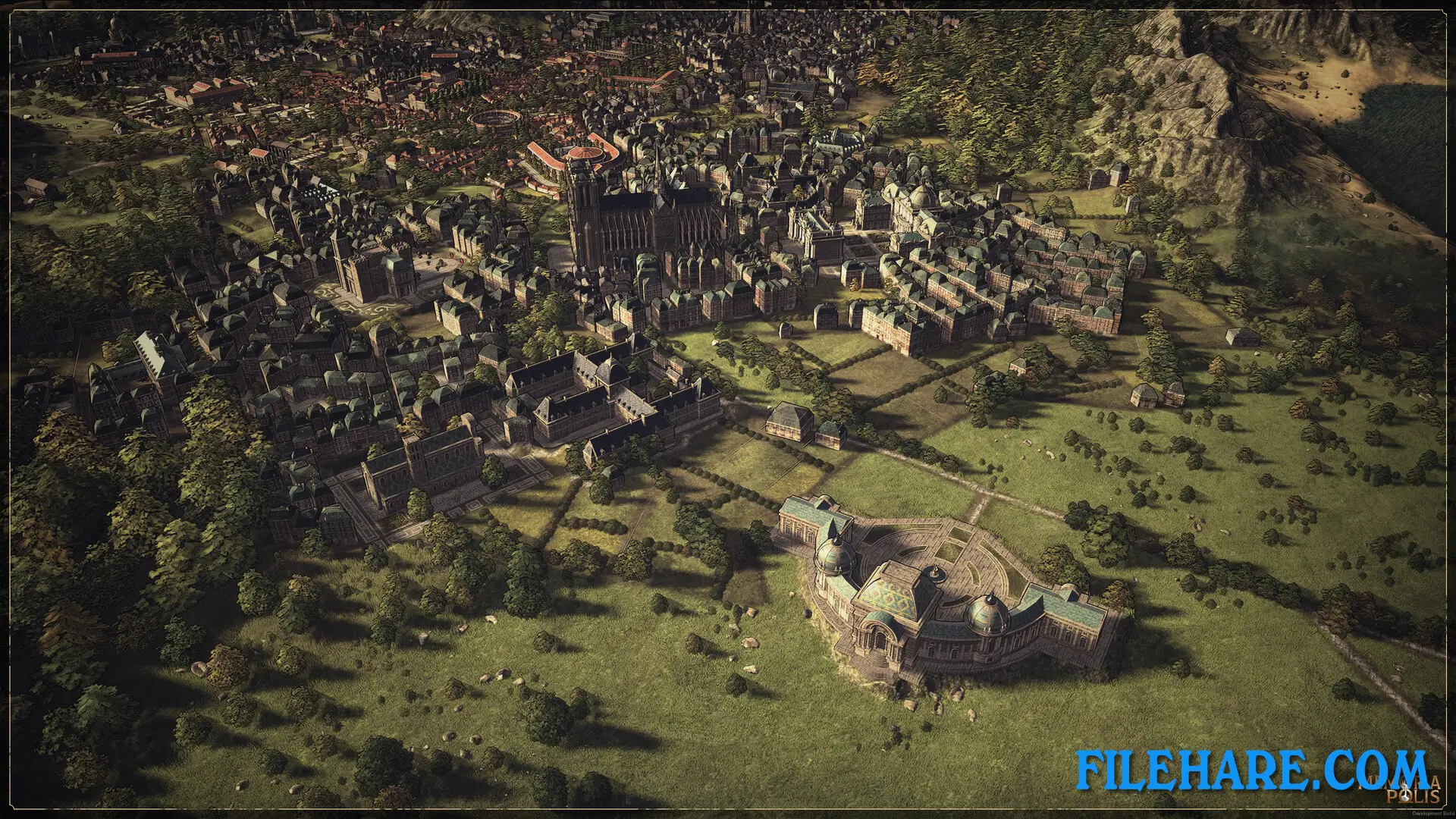
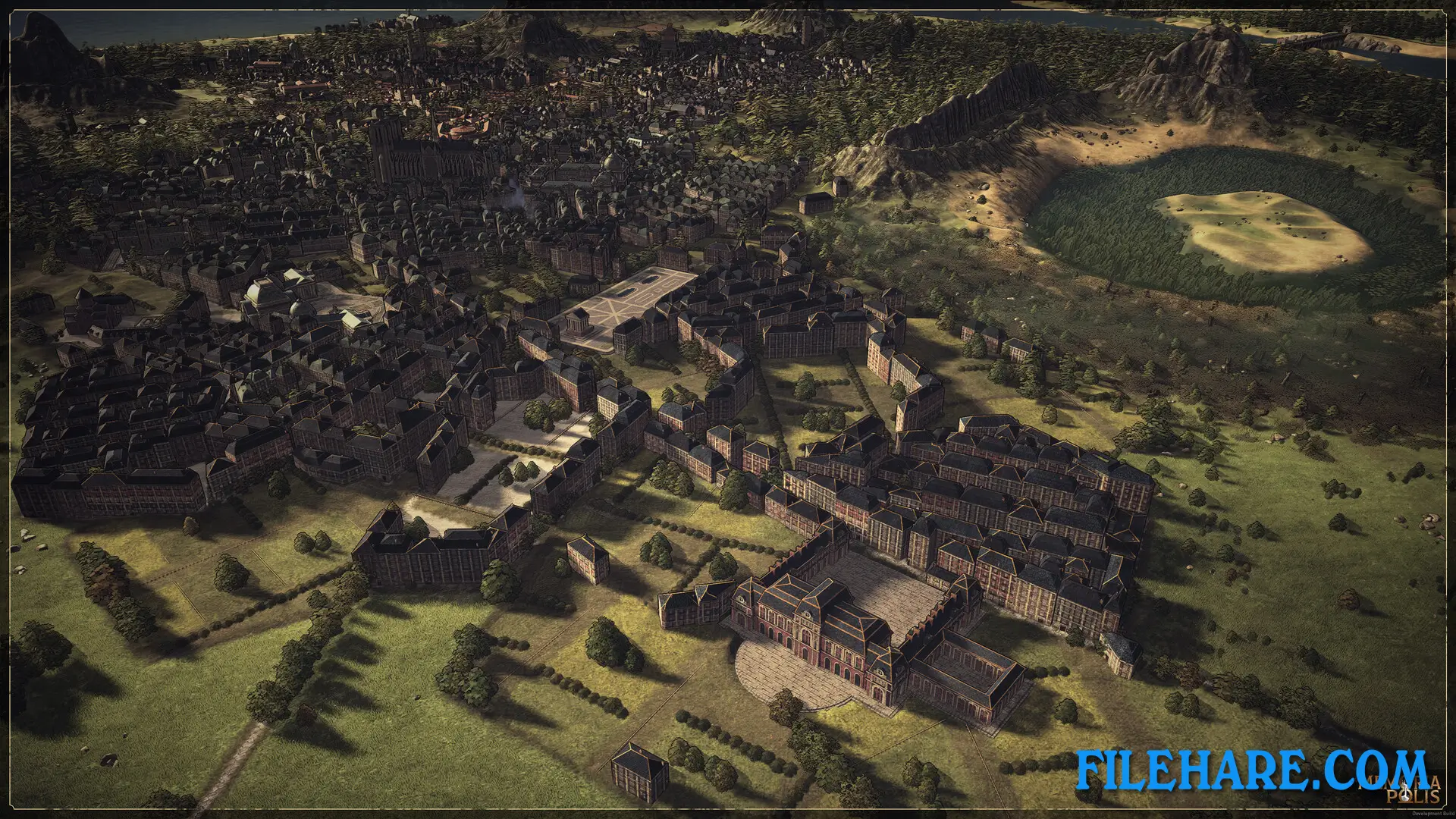
MEMORIAPOLIS is a single-player city-building game played from an overhead view. You start in the era of Antiquity and guide your city forward in time across five ages: Antiquity, Middle Ages, Renaissance, Age of Enlightenment, and the Industrial Revolution. In each era, you manage resources, construct buildings, and respond to the needs of your citizens.
As your city grows, six major cultures develop within it — Military, Religion, Trade, Education, Industry, and Politics. Over time, these cultures turn into factions with real influence in your city. If one faction becomes too powerful, it can threaten your rule and even end your game. You need to balance all factions carefully to stay in control.
Citizens in MEMORIAPOLIS settle and form neighbourhoods on their own, without you placing every person. You guide the overall direction, but the city forms in a natural way. Not every building from one era can be carried into the next. You have to decide what to preserve and what to leave behind as you move forward in time.
MEMORIAPOLIS Features
One of the most notable features in MEMORIAPOLIS is the ability to build famous real-world historical wonders. These include the Library of Alexandria, Notre-Dame, and the Leaning Tower of Pisa. Each wonder gives strong bonuses to your city but requires time and careful planning to build.
At the end of the fifth age, during the Industrial Revolution, you can design a City’s Fair — a grand promenade where you choose and arrange your most important buildings to tell the story of your city’s rise. This acts as a final display of your legacy. The final goal of the entire game is to complete this City’s Fair and leave your mark on history.
The game also features procedurally generated maps, so no two playthroughs look the same. It supports 8 languages, Steam Cloud, and Family Sharing. It has a single-player only mode, meaning there is no multiplayer.
Recommended System Requirements
- OS: Windows 10/11
- Processor: AMD RYZEN 5 7600 X or Intel equivalent
- Memory: 8 GB RAM
- Graphics: NVidia GTX 2070 or AMD equivalent
- DirectX: Version 12
- Storage: 6 GB available space
Gameplay Screenshots
| Name | MEMORIAPOLIS |
|---|---|
| Developer | 5PM Studio |
| File Size | 927.55 MB |
| Category | Simulation |
| Minimum System Requirements | |
| CPU | AMD RYZEN 5 3600 X or Intel equivalent |
| RAM | 8 GB |
| Graphics | NVidia GTX 1060 6 Go or AMD equivalent |
| Free Disk Space | 6 GB |
| Operating System | Windows 10 / 11 |
| User Rating | |
To buy this game, visit the Store Page
How to Download and Install MEMORIAPOLIS PC Game?
We have simple instructions for you to download and install the PC game. Before following the steps, Ensure your PC meets the minimum system requirements for Playing the game on your PC.
- First, click on the DOWNLOAD button and you will be redirected to the final Download page. Then, Download the Game on your PC.
- Once you have downloaded the MEMORIAPOLIS PC Game, Open the folder where you saved the Game.
- Then Right-click on the Zip file and click on the "Extract files" option from the dropdown menu. If your computer does not have a Zip file extract software installed, you must first install it. (such as WinRAR, 7Zip software)
- After Extracting the Zip file, Open the MEMORIAPOLIS PC Game folder.
- Then, double-click on the Setup.exe file to Install the Game.
- If asked, provide administrator permissions for the installation to proceed. Click Yes to continue.
- Follow the on-screen installation wizard to install the game on your PC.
- After the installation, if you get any missing ".dll" errors or the Game is not launching, open the Readme.txt file located in the game folder and follow the instructions shown in the document file to play the game.
Done!. Now, you can launch the game from your desktop.