THE HOUSE OF THE DEAD: Remake PC Game Download

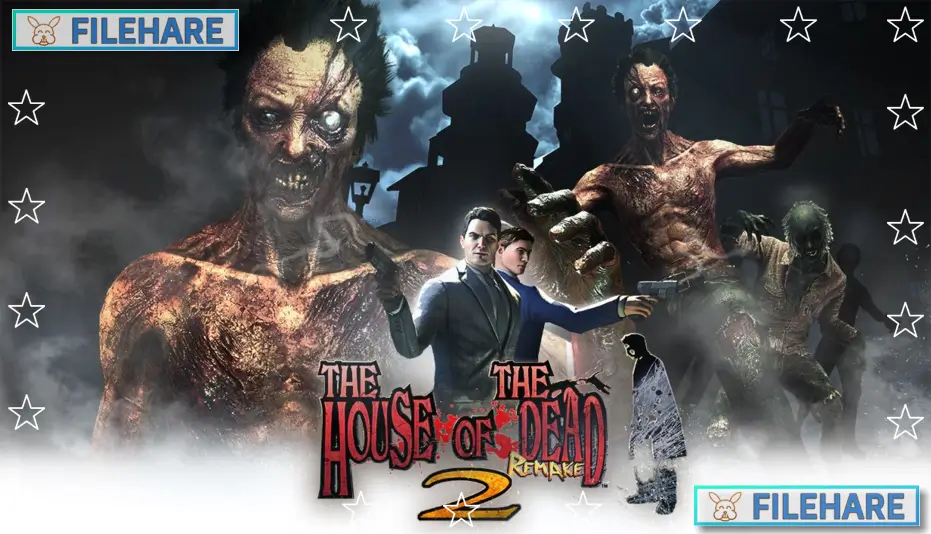
THE HOUSE OF THE DEAD: Remake is an action rail-shooter game developed by MegaPixel Studio S. A. and published by Forever Entertainment S. A. The original game was first introduced in 1997 as an arcade title. This remade version was released on PC on April 28, 2022. It keeps the core gameplay of the original but comes with new graphics and updated controls to match what players expect from a modern game.
Table of Contents
THE HOUSE OF THE DEAD: Remake Story
In THE HOUSE OF THE DEAD: Remake, the story is set in and around a large mansion where strange and terrible things are happening. A scientist named Dr. Roy Curien has been conducting dangerous experiments, and as a result, the mansion is now full of zombies and other mutant creatures. Two AMS agents, Thomas Rogan and G, are sent to stop the situation. Rogan also has a personal reason to go in — his girlfriend Sophie Richards is trapped inside. The two agents fight their way through rooms and corridors, trying to save survivors and stop Dr. Curien before things get worse.
THE HOUSE OF THE DEAD: Remake Gameplay
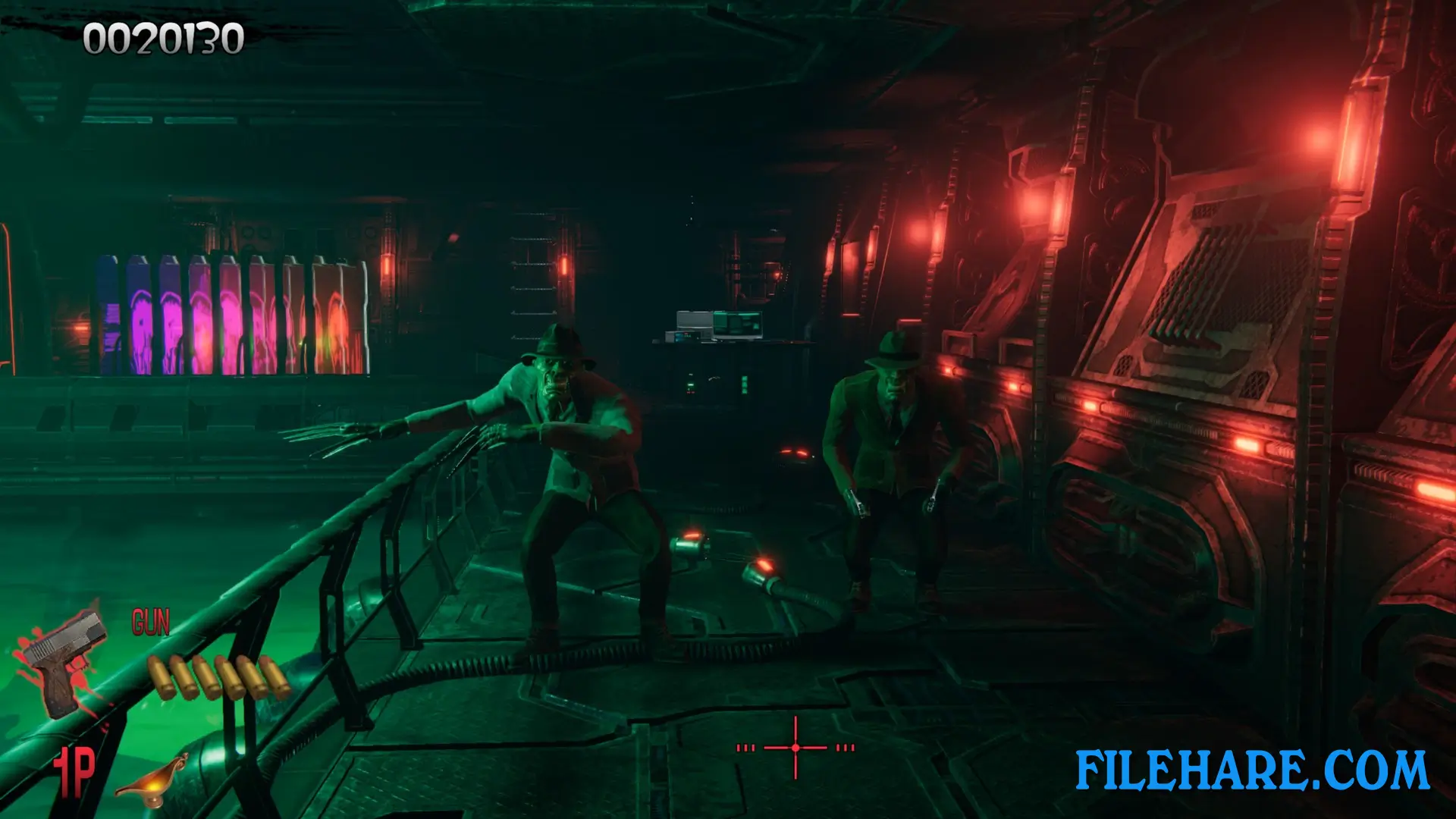
THE HOUSE OF THE DEAD: Remake is an on-rails shooter, which means the player moves automatically along a fixed path. You do not control where you walk. Instead, you aim and shoot at zombies and monsters that appear on screen. The game is played from a first-person view. You have to shoot enemies quickly before they get too close or attack the survivors you are trying to protect. Saving survivors on time can change the path you take in the game, which leads to multiple possible endings.
The game supports both single-player and local two-player co-op, so two people can play together on the same screen. It also supports Remote Play Together, which allows a friend to join online. Mouse and keyboard as well as controllers are supported for aiming and shooting.
THE HOUSE OF THE DEAD: Remake Features
THE HOUSE OF THE DEAD: Remake includes an armory where you can unlock new weapons as you play. There is also a special Horde mode where large waves of undead enemies come at you non-stop, giving a new type of challenge outside the main story. A gallery is included where you can view all the enemies and large creatures you have faced so far in the game. Photomode is available so you can take screenshots during gameplay. The game has 41 Steam achievements to collect, and the game offers multiple endings depending on how well you protect survivors along the way.
Recommended System Requirements
Requires a 64-bit processor and operating system
- OS: Windows 10
- Processor: intel i7-7700 / AMD RYZEN 5 5600X
- Memory: 16 GB RAM
- Graphics: NVIDIA GTX 1070 / 1660 super / AMD Radeon RX Vega 56
- DirectX: Version 11
- Storage: 7 GB available space
Gameplay Screenshots
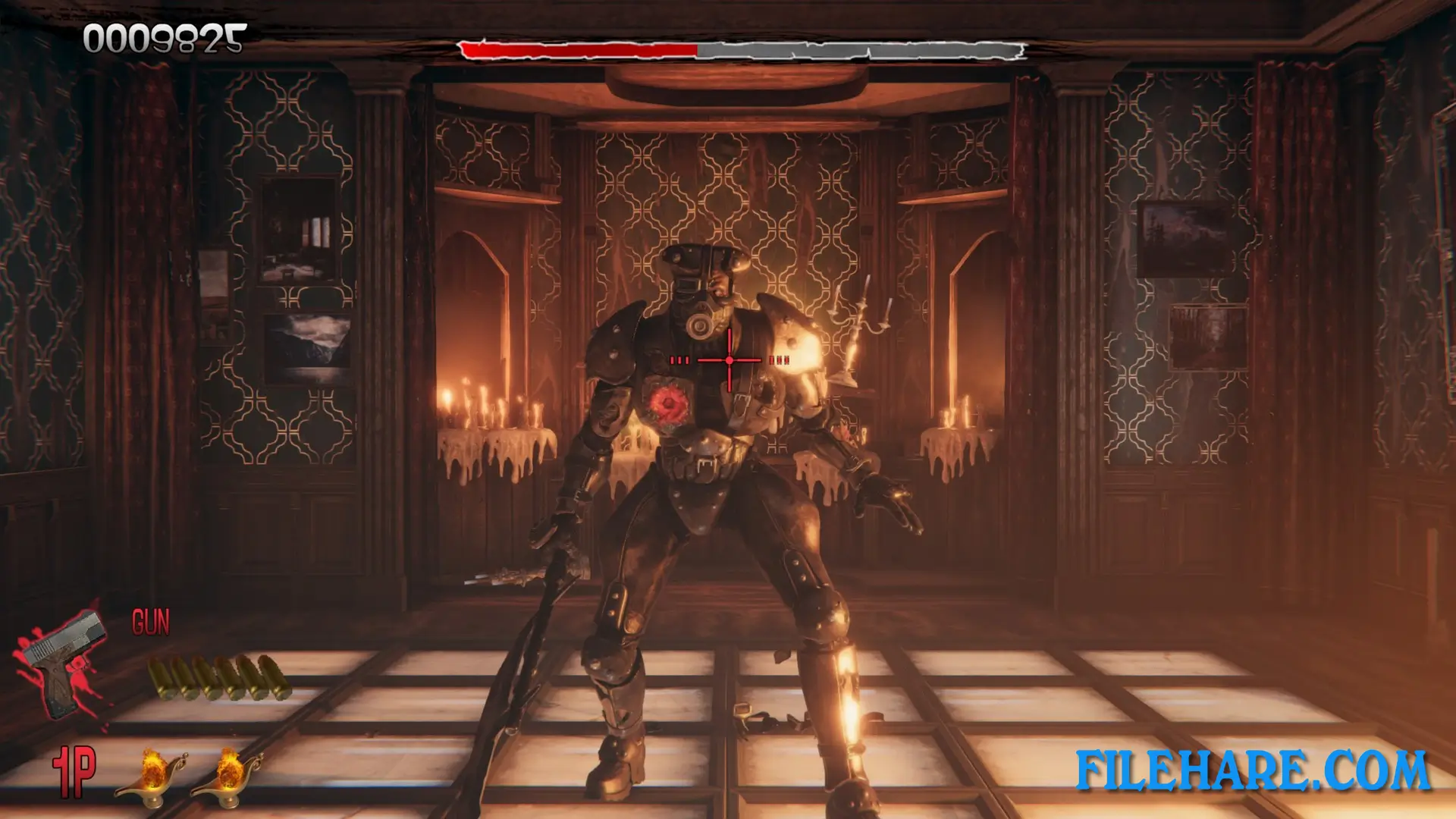
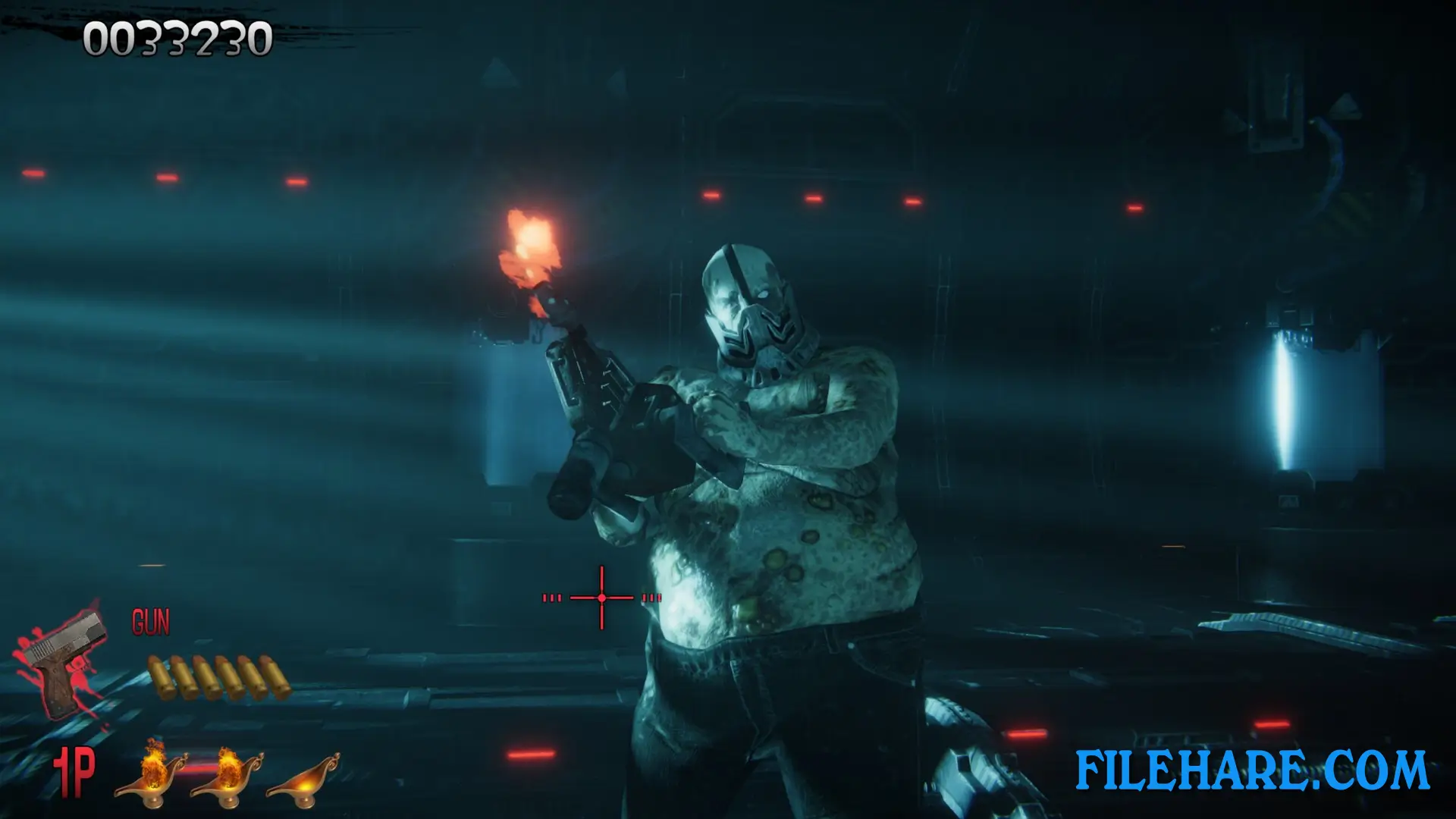
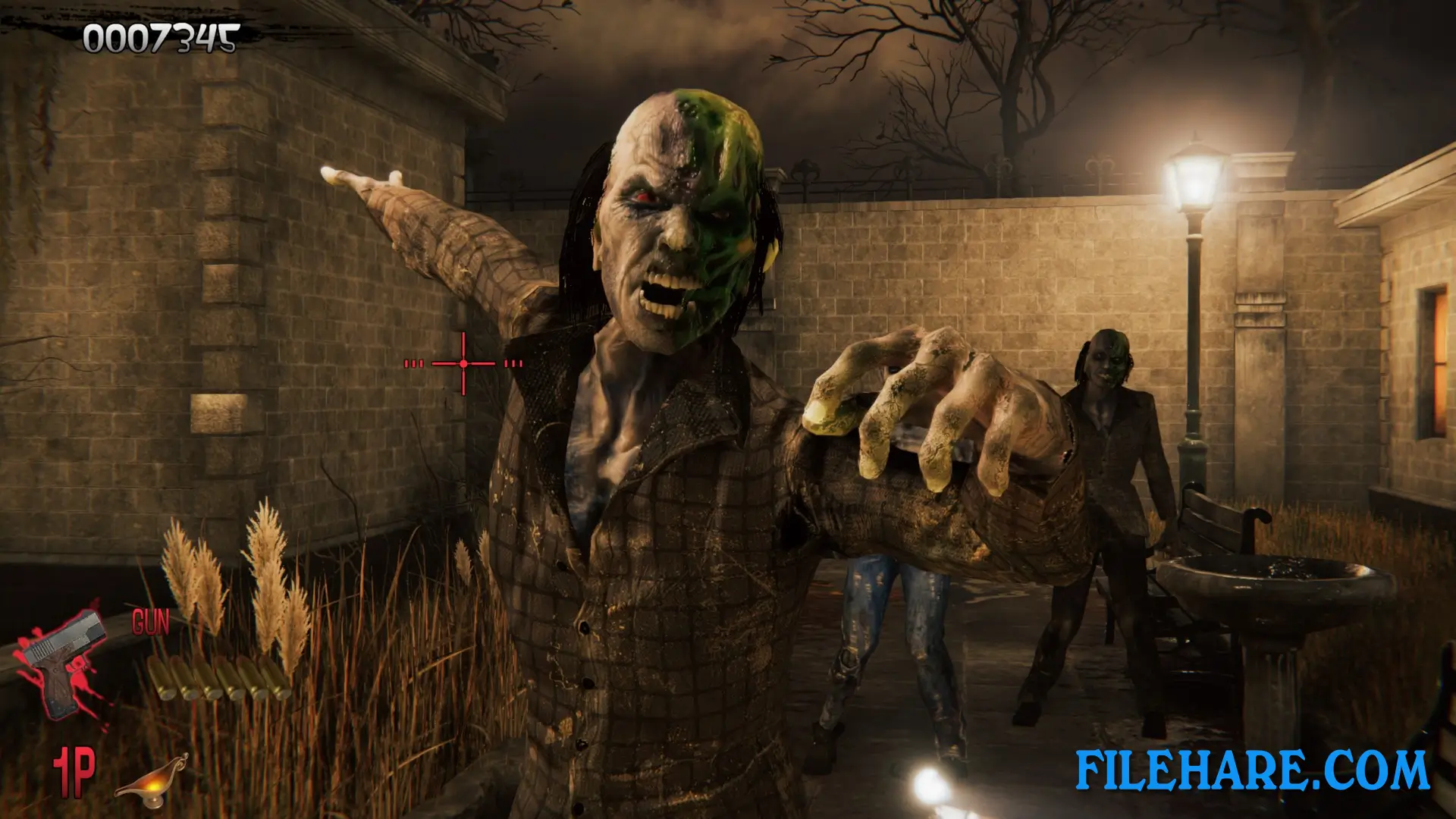
| Name | THE HOUSE OF THE DEAD: Remake |
|---|---|
| Developer | MegaPixel Studio S. A. |
| File Size | 4.34 GB |
| Category | Horror |
| Minimum System Requirements | |
| CPU | Intel i5 3570K / AMD RYZEN 3 3300X |
| RAM | 8 GB |
| Graphics | DESKTOP GTX 1050ti / 1650 / AMD Radeon RX 570 |
| Free Disk Space | 7 GB |
| Operating System | Windows 10 / 11 (64-bit) |
| User Rating | |
To buy this game, visit the Store Page
How to Download and Install THE HOUSE OF THE DEAD: Remake PC Game?
We have simple instructions for you to download and install the PC game. Before following the steps, Ensure your PC meets the minimum system requirements for Playing the game on your PC.
- First, click on the DOWNLOAD button and you will be redirected to the final Download page. Then, Download the Game on your PC.
- Once you have downloaded the THE HOUSE OF THE DEAD: Remake PC Game, Open the folder where you saved the Game.
- Then Right-click on the Zip file and click on the "Extract files" option from the dropdown menu. If your computer does not have a Zip file extract software installed, you must first install it. (such as WinRAR, 7Zip software)
- After Extracting the Zip file, Open the THE HOUSE OF THE DEAD: Remake PC Game folder.
- Then, double-click on the Setup.exe file to Install the Game.
- If asked, provide administrator permissions for the installation to proceed. Click Yes to continue.
- Follow the on-screen installation wizard to install the game on your PC.
- After the installation, if you get any missing ".dll" errors or the Game is not launching, open the Readme.txt file located in the game folder and follow the instructions shown in the document file to play the game.
Done!. Now, you can launch the game from your desktop.












![[Chilla’s Art] Parasocial PC Game Download](https://filehare.com/wp-content/uploads/2025/06/Chillas-Art-Parasocial.webp)