Atlas Fallen PC Game Download for Windows 10/11
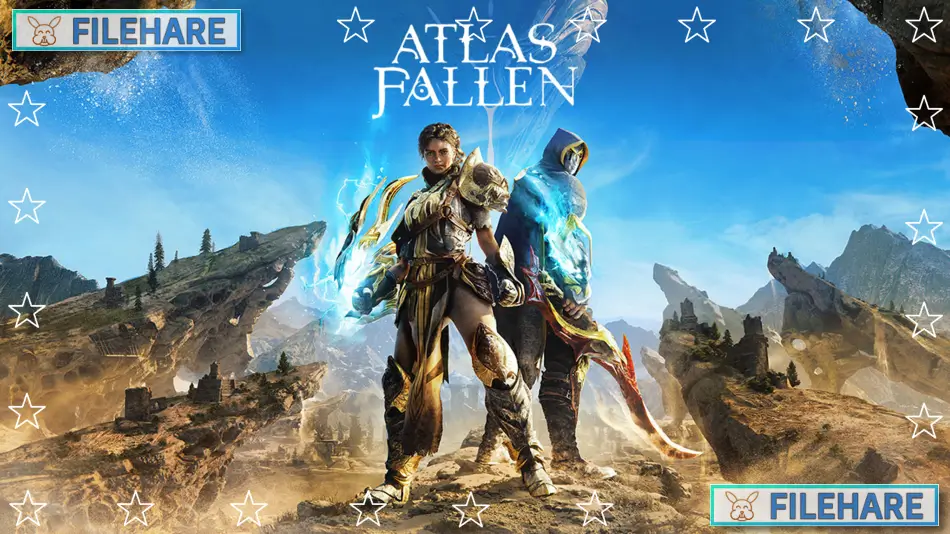
Atlas Fallen: Reign of Sand is an action role-playing game developed by Deck13 Interactive and published by Focus Entertainment. The game was first released on August 10, 2023, for PC, PlayStation 5, and Xbox Series X/S. In August 2024, the game received a major free update called Reign of Sand, which renamed it to Atlas Fallen: Reign of Sand and brought many improvements and new content.
Table of Contents
Atlas Fallen Story
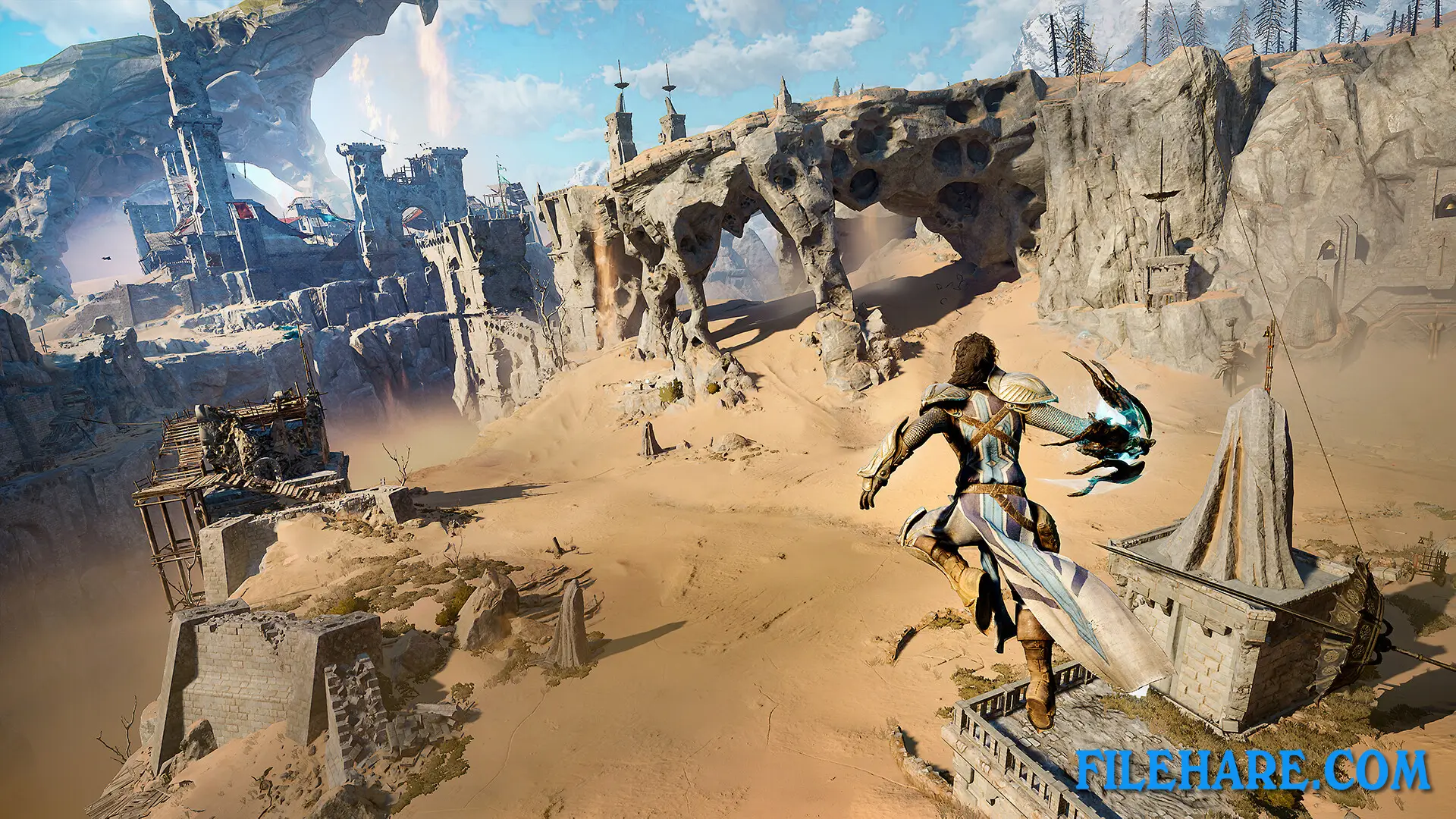
The story takes place in a land completely covered by sand where humans live under the control of corrupt gods. You play as someone who finds an ancient gauntlet that has the power to control sand. With this powerful artifact, you must fight against Thelos, the sun god who has oppressed the people of Atlas for many years. Your mission is to free humanity from this cruel rule and give them a new beginning. Throughout the game, you explore ancient ruins and discover secrets about what happened to this fallen civilization. You can play the entire story alone or team up with a friend in cooperative mode to face dangers together.
Atlas Fallen Gameplay
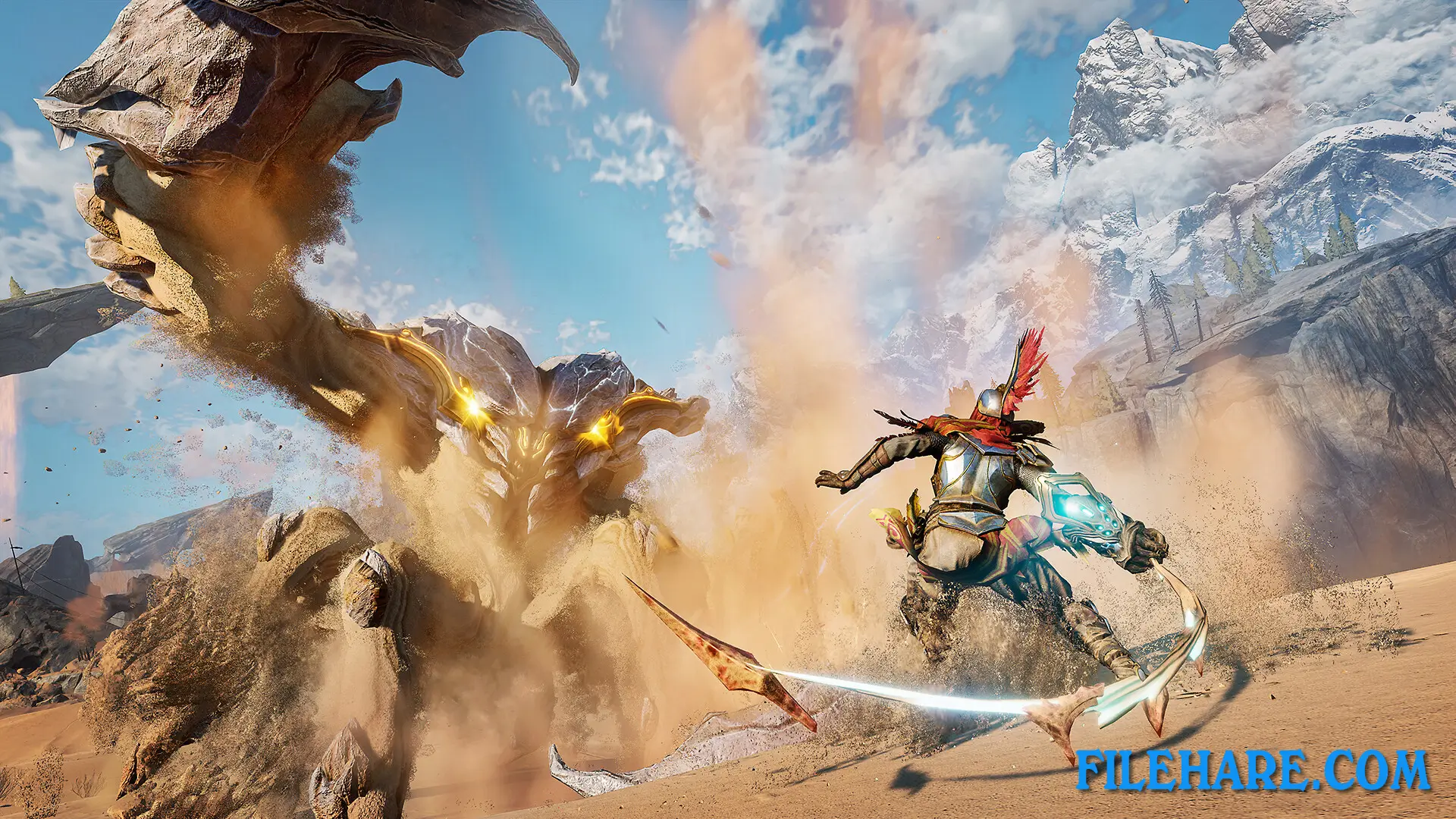
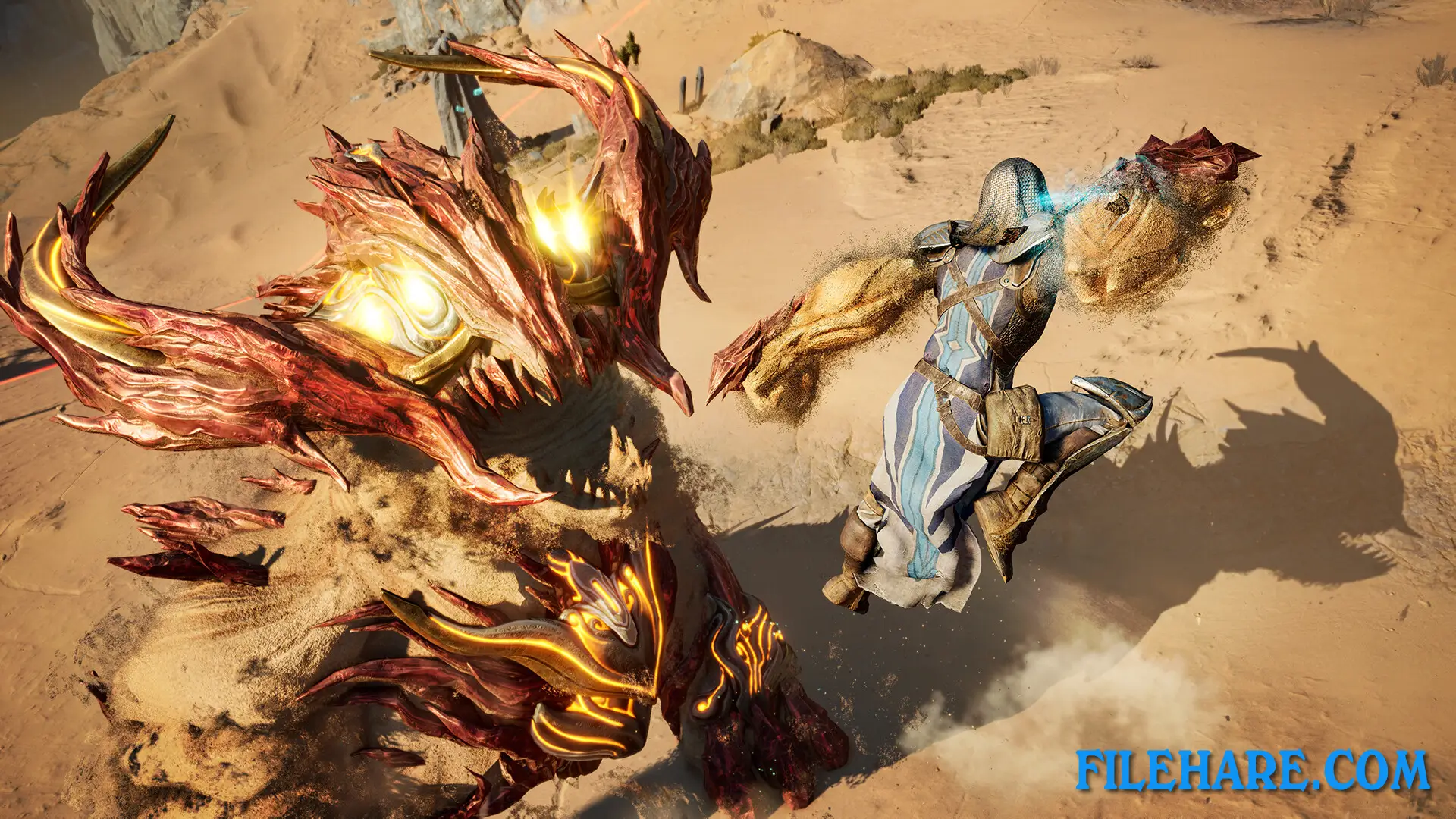
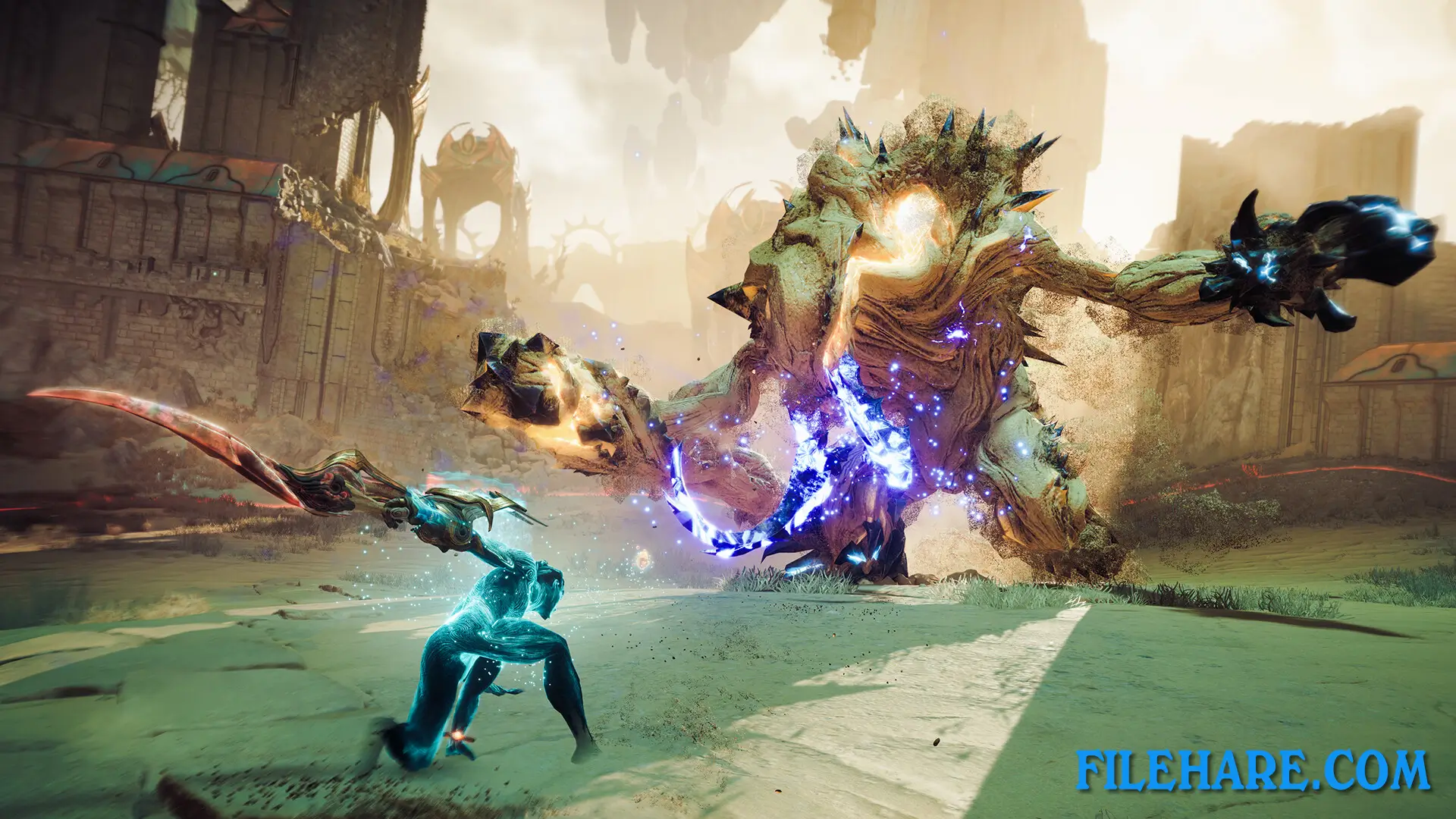
This third-person action RPG lets you create your own character at the beginning. The gauntlet you wear gives you the ability to form sand into three types of weapons: Dunecleaver, Sandwhip, and Knuckledust. You can only equip two weapons at once, so you must choose which pair fits your style best. The Dunecleaver works as an ax or hammer for heavy damage. The Sandwhip excels at fast attacks from both close and medium distances. The Knuckledust delivers quick punches but works better against single strong enemies rather than groups. Combat requires you to dodge, block perfectly, and parry enemy attacks. The momentum bar is the most important feature in combat. This bar fills up when you hit enemies, and as it fills, your weapons become stronger and change form. Higher momentum also unlocks special abilities from Essence Stones, but you will take more damage too. You must manage this risk carefully during fights. The game includes sand surfing, allowing you to glide quickly across desert areas.
Atlas Fallen Features
The game has over 150 Essence Stones that you can collect and equip to customize your abilities and attacks during combat. These stones provide special moves and techniques when you reach certain momentum levels. You can upgrade your armor and gauntlet at Anvils found throughout the map, which also work as fast travel points. Armor upgrades give you perk tokens that let you unlock passive skills to increase damage or reduce ability cooldowns. The Reign of Sand update added New Game Plus mode.
Recommended System Requirements
Requires a 64-bit processor and operating system
- OS: Windows 10 64-bit
- Processor: Intel Core i7-9800X/AMD Ryzen 5 3600
- Memory: 16 GB RAM
- Graphics: 8 GB VRAM, GTX 1070 Ti/RX 5700
- DirectX: Version 12
- Storage: 35 GB available space
- Additional Notes: 60 FPS in 1920×1080 with the “Very High” preset (Vulkan API)
Gameplay Screenshots
| Name | Atlas Fallen |
|---|---|
| Developer | Deck13 |
| File Size | 19 GB |
| Category | Action, Adventure |
| Minimum System Requirements | |
| CPU | Intel Core i5-6600K/AMD Ryzen 3 1200 |
| RAM | 8 GB |
| Graphics | 4 GB VRAM, GTX 1050 Ti/RX 470 |
| Free Disk Space | 35 GB |
| Operating System | Windows 10 / 11 (64-bit) |
| User Rating | |
Buy this game to support the developer. Store Page
How to Download and Install Atlas Fallen PC Game?
We have simple instructions for you to download and install the PC game. Before following the steps, Ensure your PC meets the minimum system requirements for Playing the game on your PC.
- First, click on the DOWNLOAD button and you will be redirected to the final Download page. Then, Download the Game on your PC.
- Once you have downloaded the Atlas Fallen PC Game, Open the folder where you saved the Game.
- Then Right-click on the Zip file and click on the "Extract files" option from the dropdown menu. If your computer does not have a Zip file extract software installed, you must first install it. (such as WinRAR, 7Zip software)
- After Extracting the Zip file, Open the Atlas Fallen PC Game folder.
- Then, double-click on the Setup.exe file to Install the Game.
- If asked to allow the program to make changes to your device, click Yes to continue.
- After the installation, if you get any missing ".dll" errors or the Game is not launching, open the Readme.txt file located in the game folder and follow the instructions shown in the document file to play the game.
Done!. Now, you can launch the game from your desktop.