Beat Banger PC Game Download for Windows 10/11
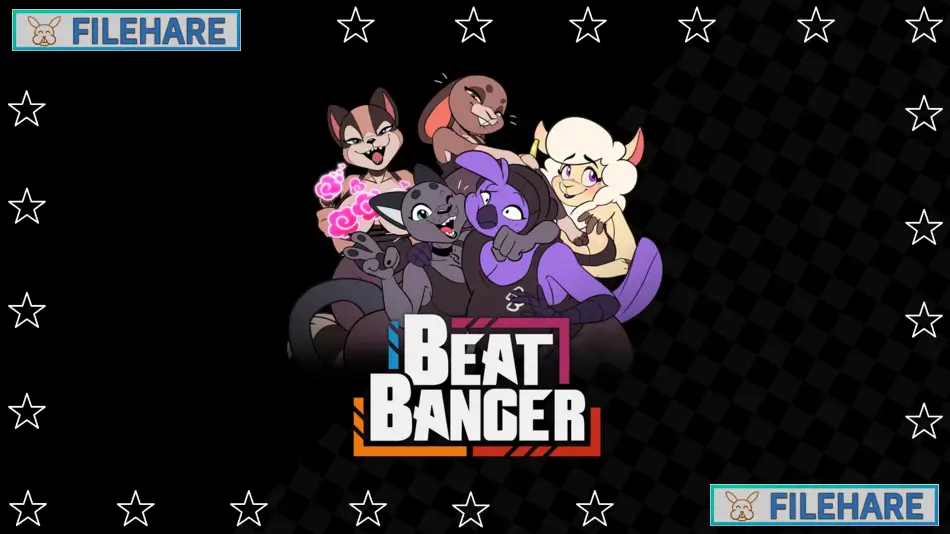
Beat Banger is a mature furry rhythm game developed by BunFan Games LLC in collaboration with Komdog, and published by BunFan Games LLC. The game was first released on itch.io on May 31, 2021, and launched on Steam in Early Access on April 24, 2023, for Windows, Mac, and Linux. The game is built using the Godot Engine. It is currently still in active Early Access development and contains adult content for players 18 and older.
Table of Contents
Beat Banger Story
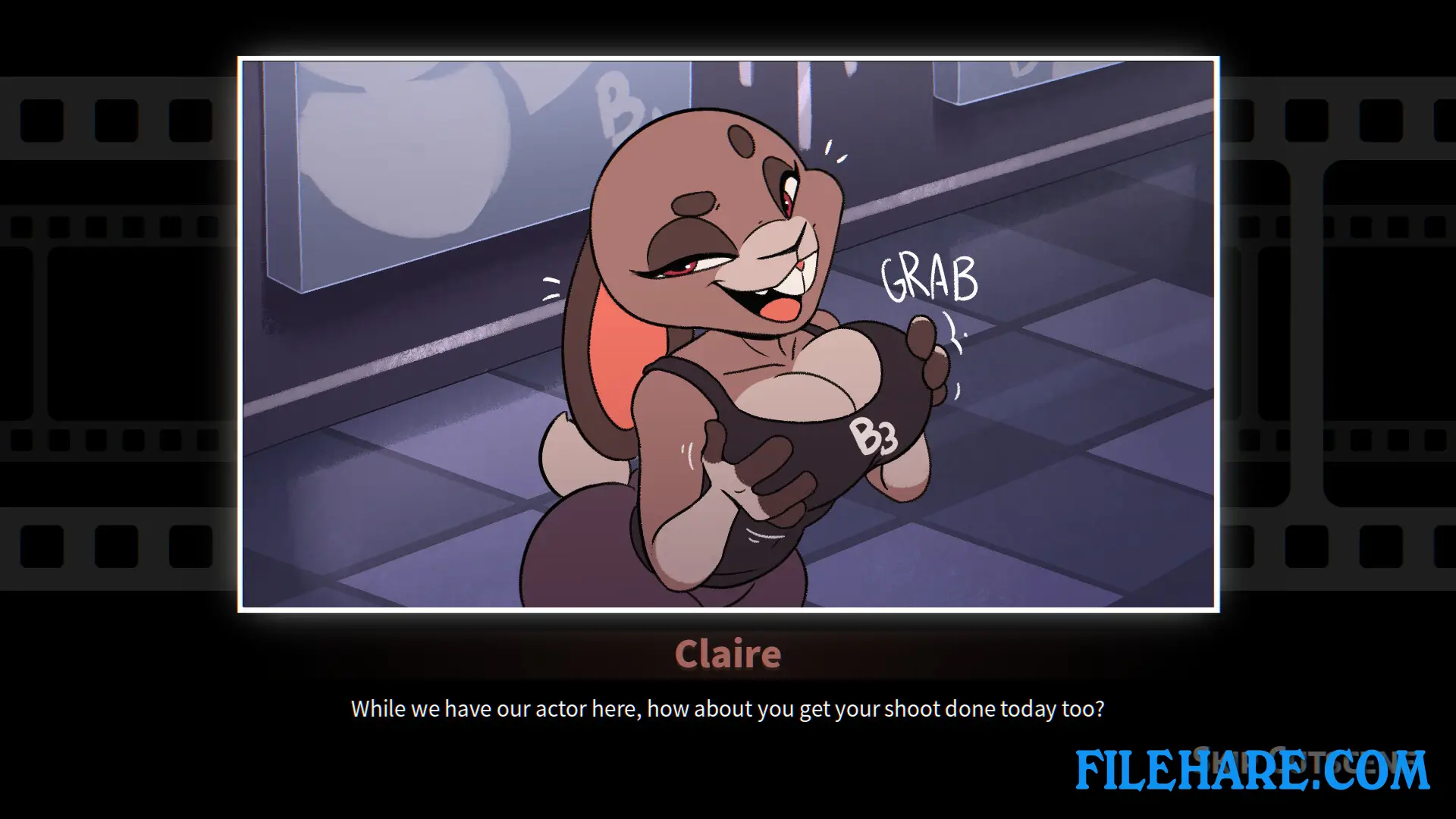
The player character is a male dog named Suin with white fur who stumbles upon a job listing for Beat Banger Studios, also called Studio 69. He arrives for an interview but gets pulled into the filming room by Cathy, a female cat with gray fur who mistakes him for a new hire. He gets the job without realizing it, and the story continues as he works at this small adult film company and gets to know its cast and staff. The CEO, Elaine Claire, is a brown rabbit who runs the studio. Other staff members include Jasmine, a bear who manages the in-game store, and the various performers who work at the studio.
Beat Banger Gameplay
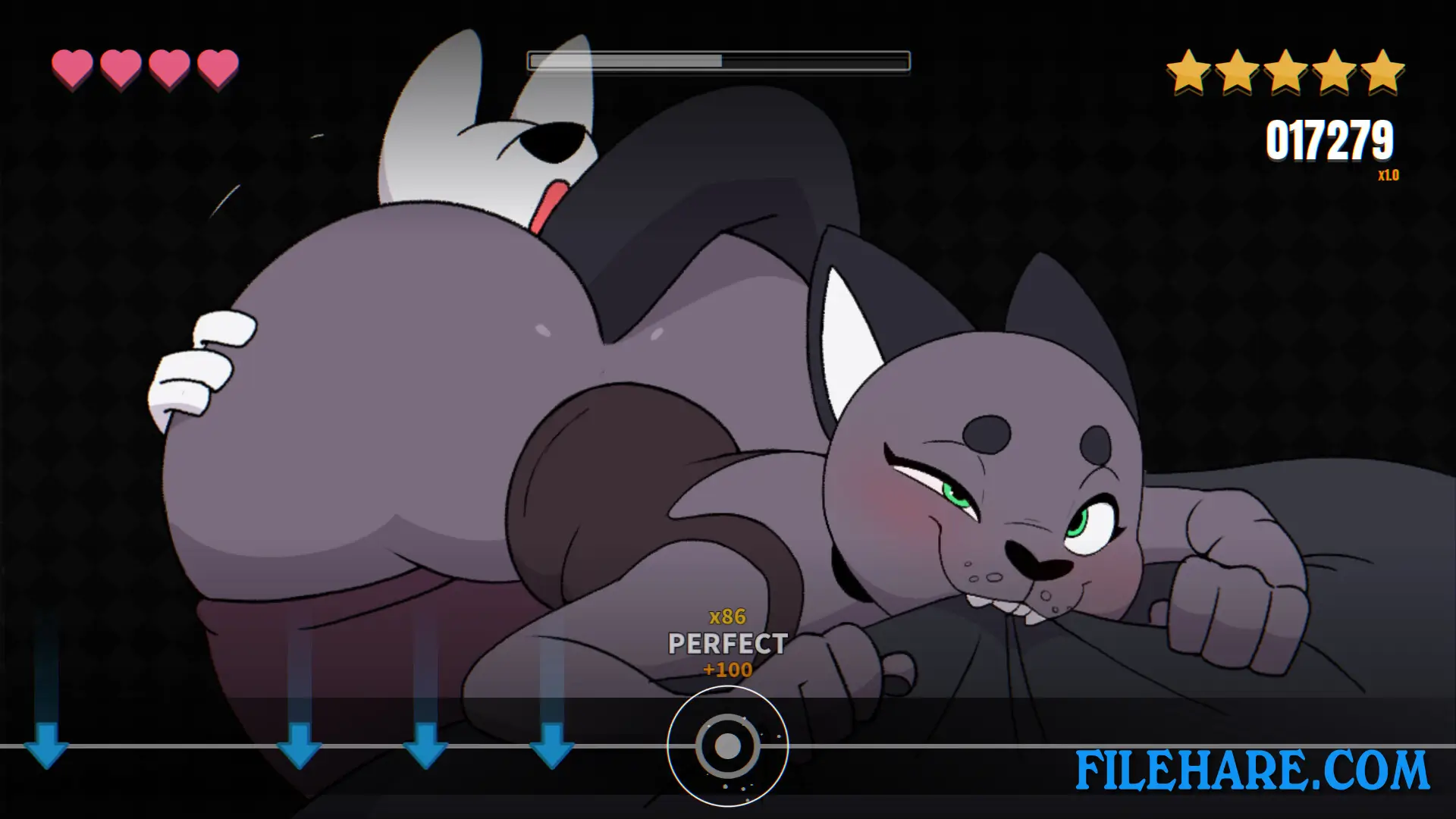
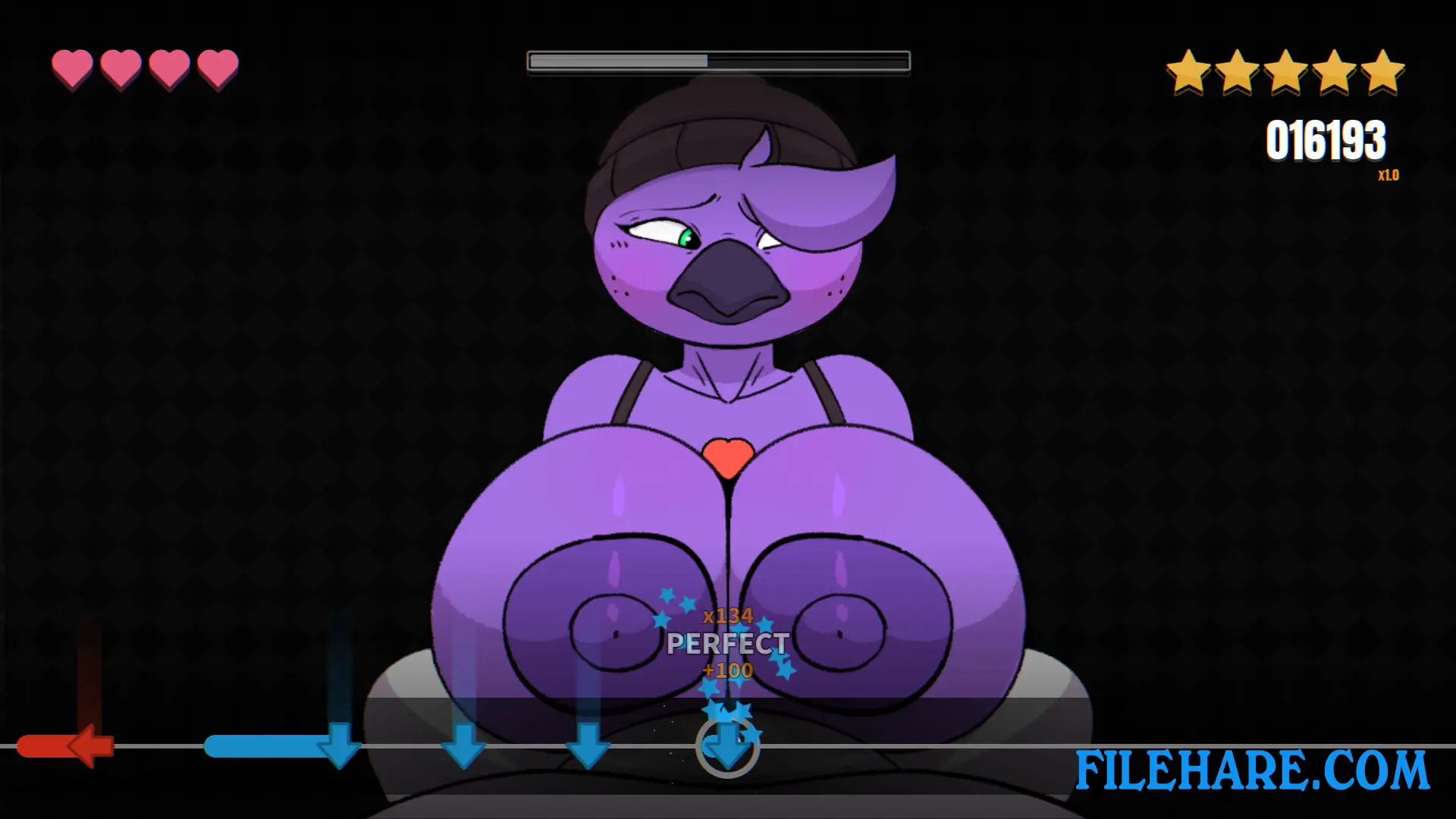
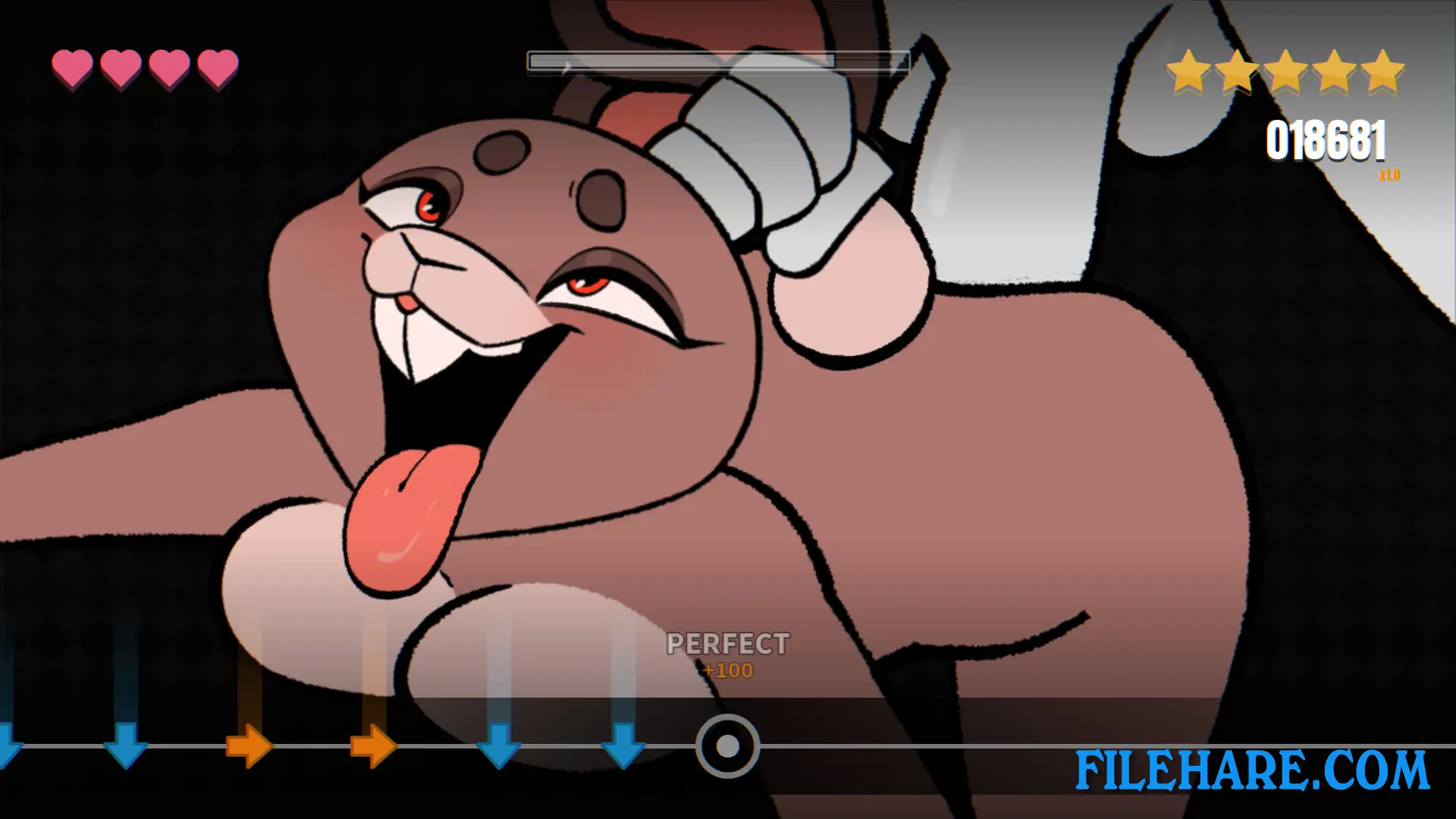
Beat Banger is played as a rhythm game where note arrows scroll across the screen and the player presses the matching keys in time with the music. The notes in each stage represent the physical actions of the player character, and the on-screen adult animations move in sync with the player’s input. The game uses four button inputs and includes Hold notes and Bomb notes. Missing notes lowers the player’s stamina bar, while hitting notes with good timing helps recover it. Finishing a stage with a high score unlocks alternate animation versions for that level. After completing a stage, it becomes available in a freeplay mode where the player can replay it to earn in-game cash for the store. The in-game store run by Jasmine sells items using cash earned from stages. The game also includes a built-in level editor that lets players create and share their own custom stages. A mod browser inside the game lets players install community-made mods. The game also supports haptic toy connectivity for supported devices.
Beat Banger Features
The main playable female characters are Cathy Smith, a gray cat; Zoe Monroe, a purple bird; Gale Shinpen, a raccoon; Elaine Claire, a brown rabbit; and Dawna Mabel, a sheep. The game includes Steam Achievements, Steam Cloud saves, full controller support, and a built-in level editor for mods. It runs on Windows, Mac, and Linux and is playable on Steam Deck. Each character has a named theme song — Cathy’s is “Virgin Newbie,” Claire’s is “The Boss,” Gale’s is “I Can Do It Better,” and Zoe’s is “Secret Weapon.”
Gameplay Screenshots
| Name | Beat Banger |
|---|---|
| Developer | BunFan Games LLC |
| File Size | 293 MB |
| Category | Adult |
| Minimum System Requirements | |
| CPU | AMD FX4300 or Intel Core i3 2130 |
| RAM | 4 GB |
| Graphics | AMD HD7750 or NVIDIA GTX650Ti (OpenGL 3.3 or Vulkan 1.0) |
| Free Disk Space | 2 GB |
| Operating System | Windows 10 / 11 (64-bit) |
| User Rating | |
Buy this game to support the developer. Store Page
How to Download and Install Beat Banger PC Game?
We have simple instructions for you to download and install the PC game. Before following the steps, Ensure your PC meets the minimum system requirements for Playing the game on your PC.
- First, click on the DOWNLOAD button and you will be redirected to the final Download page. Then, Download the Game on your PC.
- Once you have downloaded the Beat Banger PC Game, Open the folder where you saved the Game.
- Then Right-click on the Zip file and click on the "Extract files" option from the dropdown menu. If your computer does not have a Zip file extract software installed, you must first install it. (such as WinRAR, 7Zip software)
- After Extracting the Zip file, Open the Beat Banger PC Game folder.
- Then, double-click on the Setup.exe file to Install the Game.
- If asked to allow the program to make changes to your device, click Yes to continue.
- After the installation, if you get any missing ".dll" errors or the Game is not launching, open the Readme.txt file located in the game folder and follow the instructions shown in the document file to play the game.
Done!. Now, you can launch the game from your desktop.