Bum Simulator PC Game Download for Windows 10/11/8
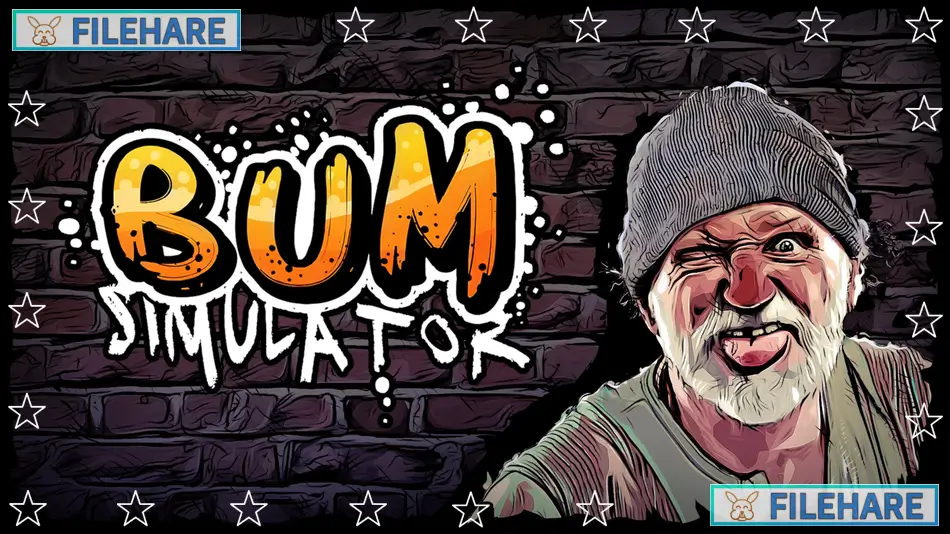
Bum Simulator is a sandbox survival game that was developed by Ragged Games and published by Ragged Games and PlayWay S.A. The game first came to Steam Early Access on August 26, 2021, and was fully released on May 12, 2023. In this game, you play as a homeless person living on the streets of Bumsville. The game mixes survival with comedy and unusual activities. You must survive daily while completing strange tasks and exploring an open city. The game does not take itself seriously and focuses on fun rather than realism.
Table of Contents
Bum Simulator Story
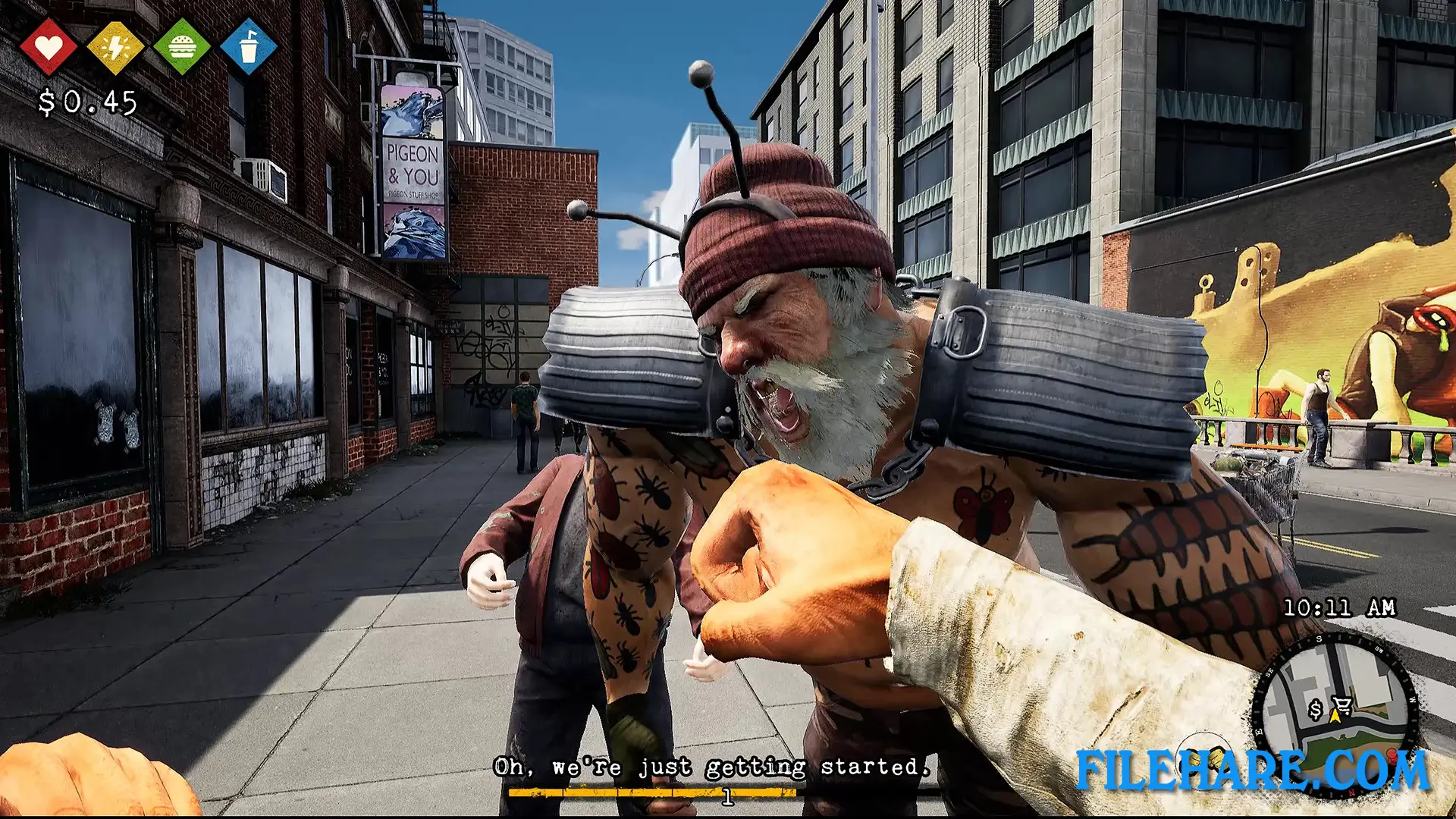
You are a homeless person who lost everything. A company called Evilway performed an operation on you and a shopping cart named Carl. Carl now has human awareness and can talk. You lost half of your brain during the operation. Two homeless gangs fight for control of the streets. You belong to a gang called the Creeps, but the rival gang, called the Bugs, has taken over most of the city. Your goal is to get revenge on Evilway, get your brain back, and turn Carl back into a human. Along the way, you meet strange characters like Bugzy the street spy, Pigeon Lady, who sells bird seeds, and Mr. Jello, a clown with a hook who runs the scrapyard.
Bum Simulator Gameplay
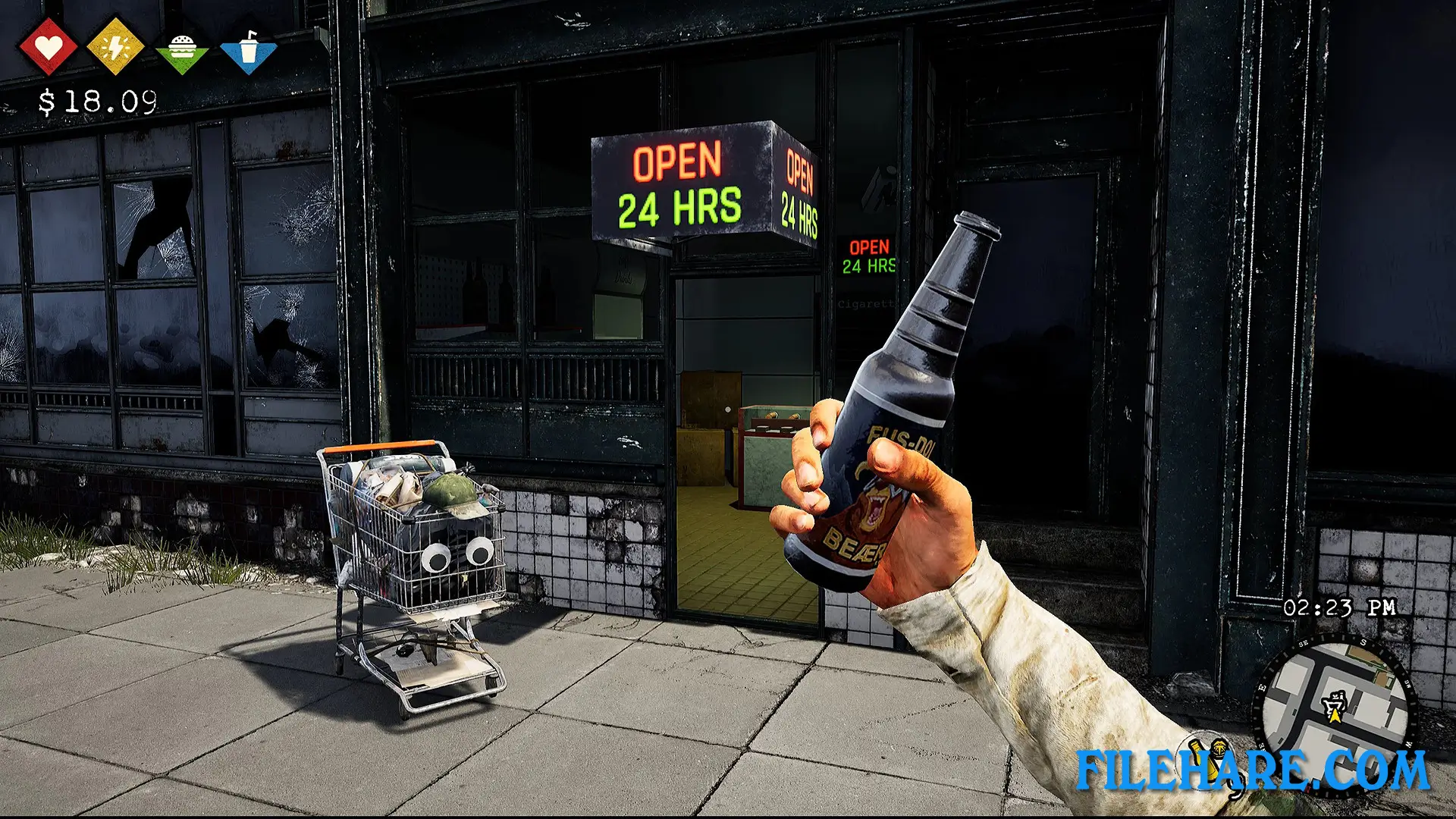
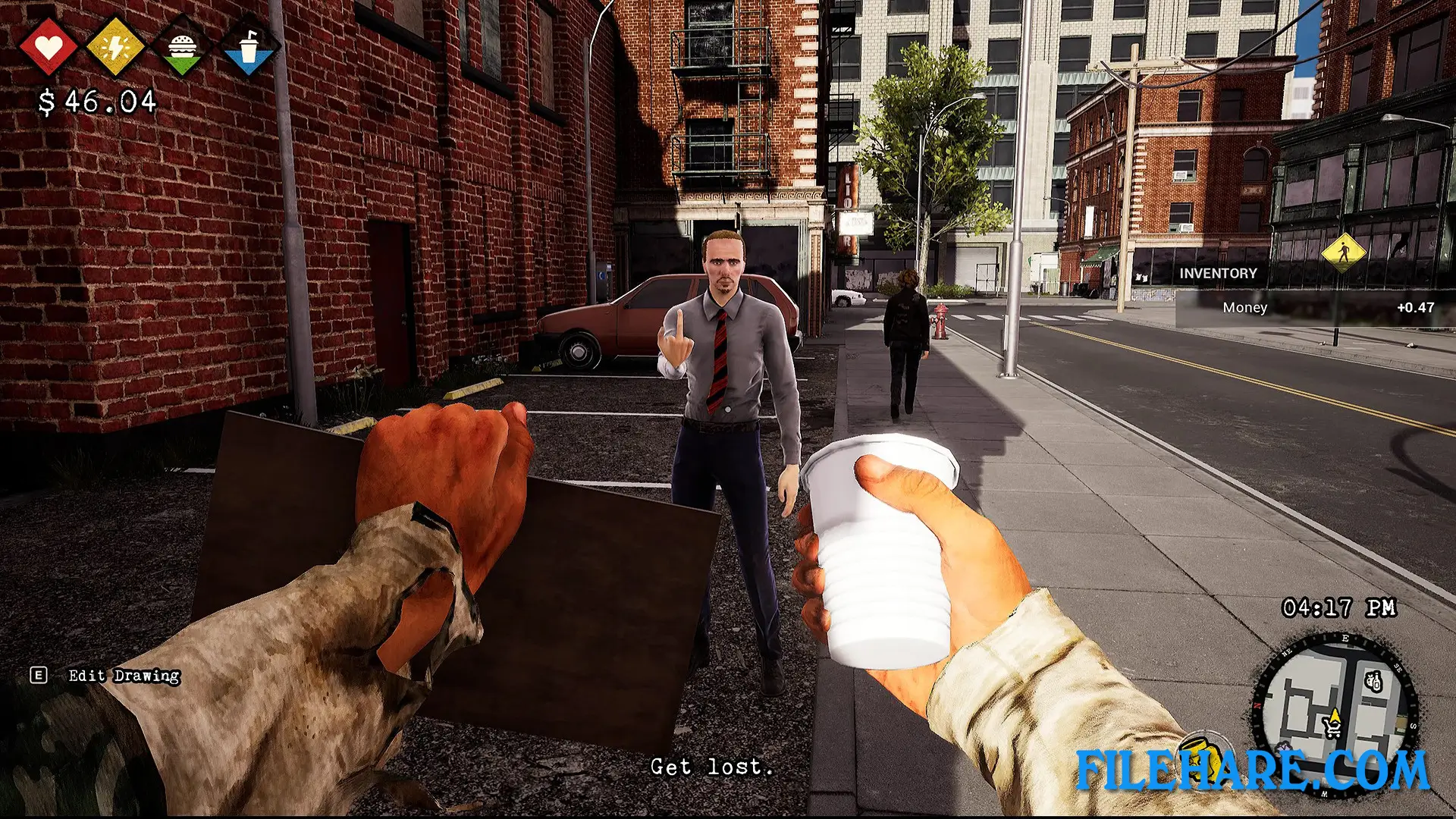
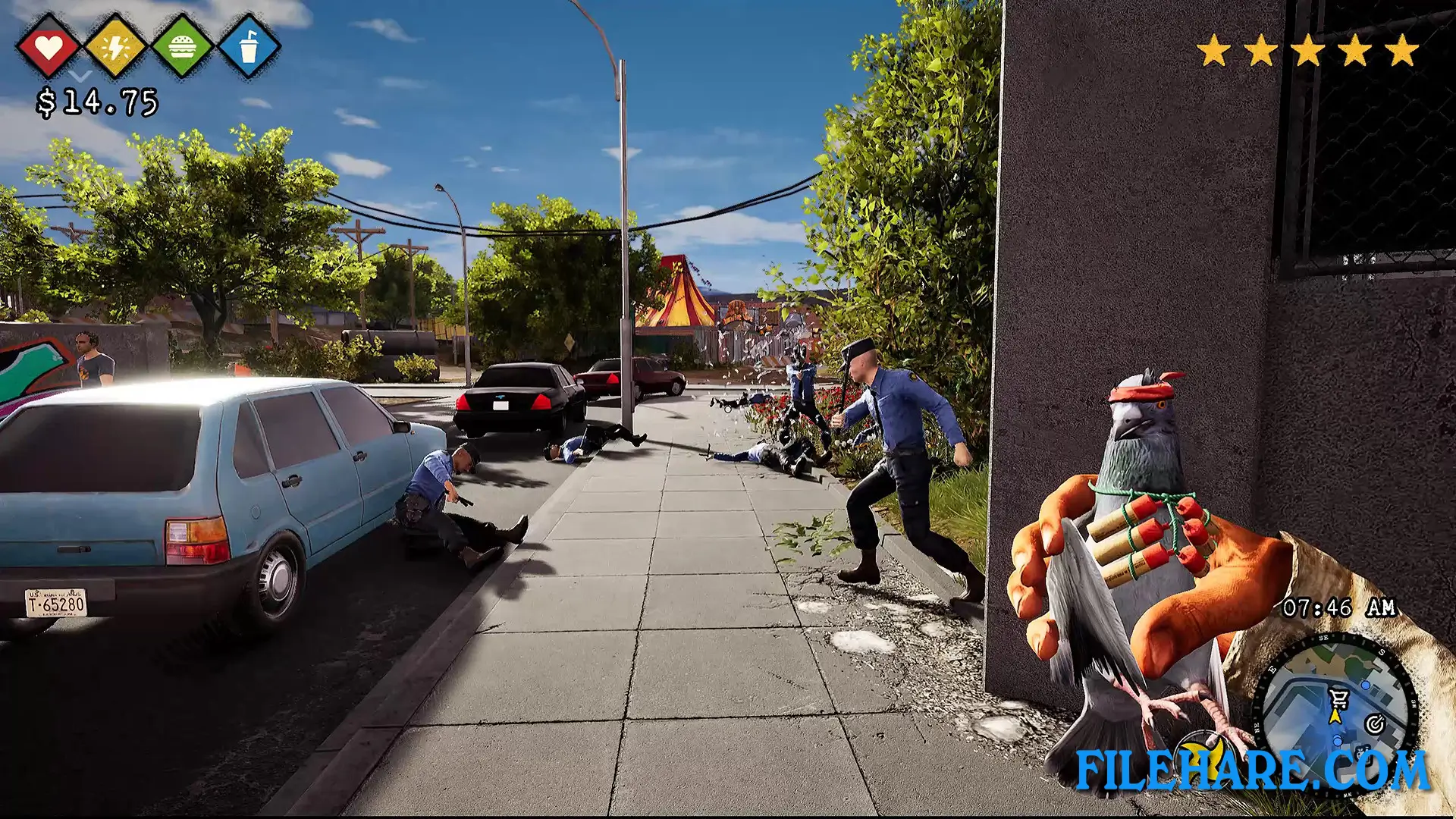
The game is played in first-person view in an open city. You must manage hunger and thirst by finding food and drinks or buying them with money. To earn money, you can beg people on the street with custom signs you draw, sell items at pawn shops, or complete missions. You have special hobo powers that help you fight and survive. Carl, the shopping cart is your inventory and can also be used as a vehicle to move faster. You can throw trained pigeons at people. These pigeons can be upgraded with explosives to cause more damage. You also mix alcohol with items you find to create drinks that give you power boosts or can be thrown as weapons. You search trash piles to collect materials like scrap and wood. These materials are used for building and improving your base.
Your base starts as just cardboard and a sleeping bag, but can be expanded with workbenches, vegetable gardens, and pigeon coops. You must defend your base from Bug gang attacks. The game includes many side activities like taming pigeons, exploring sewers, and discovering secrets around the city.
Bum Simulator Features
The game has a talking shopping cart companion named Carl who follows you everywhere. You can customize your character and build different bases in the city. There are two rival gangs with territory battles and raids. The pigeon training feature allows you to use birds as weapons with various upgrades. Alcohol alchemy allows you to create special drink mixtures with unique effects. The game has many strange characters with full voice acting. There are multiple missions and side activities spread across the city. You can explore different areas like streets, parks, sewers, beaches, and alleys. The game includes base defense, where you fight off enemy attacks. You can collect respect points by helping gang members to get rewards. All characters have dialogue with personality and comedy.
Recommended System Requirements
Requires a 64-bit processor and operating system
- OS: Windows (64-bit) 10
- Processor: Intel Core i5-6500 @ 3,2 GHz (4 CPUs)
- Memory: 16 GB RAM
- Graphics: NVidia GeForce GTX 1060 4GB
- DirectX: Version 11
- Storage: 20 GB available space
Gameplay Screenshots
| Name | Bum Simulator |
|---|---|
| Developer | Ragged Games |
| File Size | 3.67 GB |
| Category | Simulation |
| Minimum System Requirements | |
| CPU | Intel Core i5-2500 @ 3,3 GHz (4 CPUs) |
| RAM | 8 GB |
| Graphics | NVidia GeForce GTX 960 4GB |
| Free Disk Space | 20 GB |
| Operating System | Windows 10 / 11 / 8 (64-bit) |
| User Rating | |
Buy this game to support the developer. Store Page
How to Download and Install Bum Simulator PC Game?
We have simple instructions for you to download and install the PC game. Before following the steps, Ensure your PC meets the minimum system requirements for Playing the game on your PC.
- First, click on the DOWNLOAD button and you will be redirected to the final Download page. Then, Download the Game on your PC.
- Once you have downloaded the Bum Simulator PC Game, Open the folder where you saved the Game.
- Then Right-click on the Zip file and click on the "Extract files" option from the dropdown menu. If your computer does not have a Zip file extract software installed, you must first install it. (such as WinRAR, 7Zip software)
- After Extracting the Zip file, Open the Bum Simulator PC Game folder.
- Then, double-click on the Setup.exe file to Install the Game.
- If asked to allow the program to make changes to your device, click Yes to continue.
- After the installation, if you get any missing ".dll" errors or the Game is not launching, open the Readme.txt file located in the game folder and follow the instructions shown in the document file to play the game.
Done!. Now, you can launch the game from your desktop.