Cataclismo PC Game Download for Windows 10/11
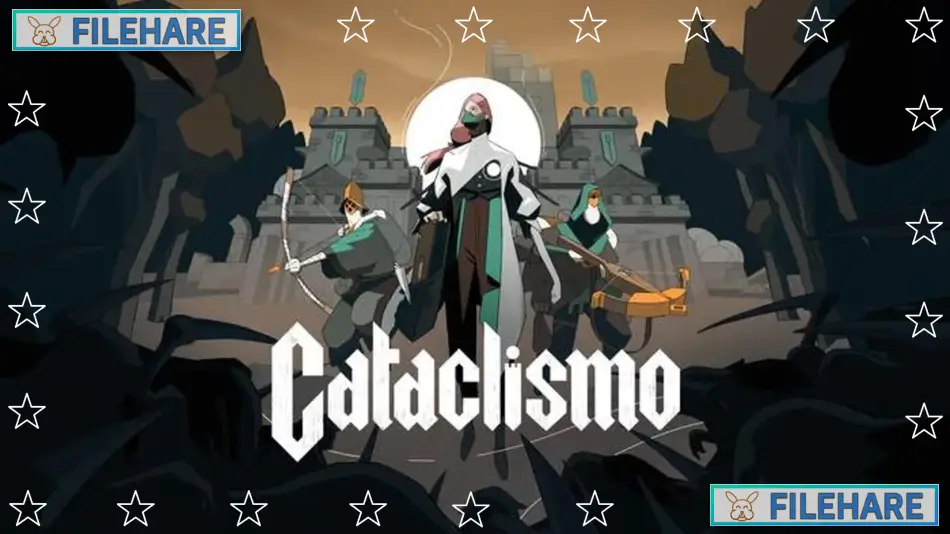
Cataclismo is a real-time strategy game developed by Digital Sun and published by Hooded Horse. The game was released on March 20, 2025, for PC after being in early access since July 22, 2024. This is a tower defence and siege defence game where you build fortresses brick by brick to defend against monsters called Horrors. The game combines base building, resource management, and real-time combat.
Table of Contents
Cataclismo Story
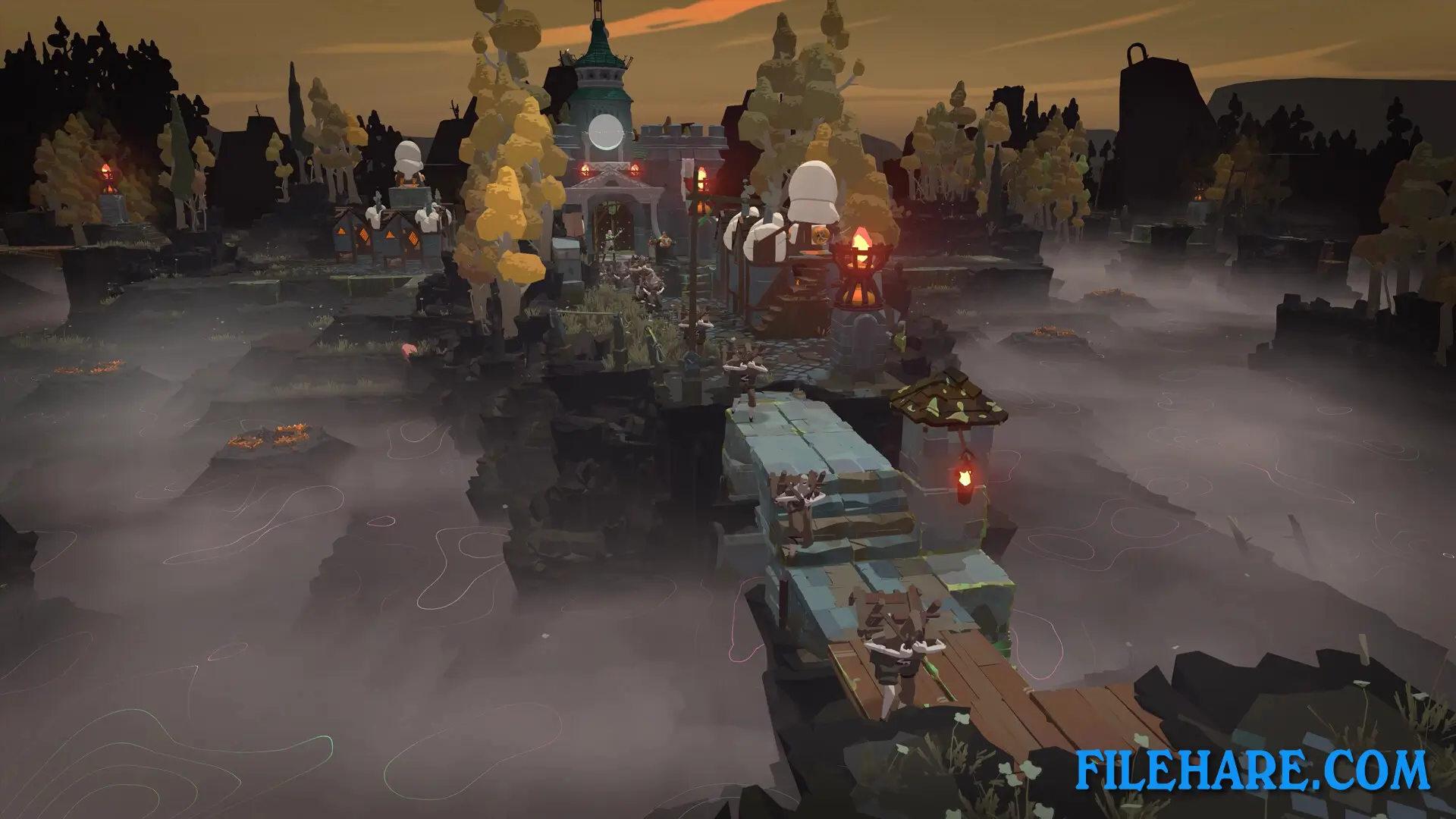
The game takes place after a disaster called the Cataclismo that destroyed much of the world. You lead the last survivors of humanity as they try to rebuild and defend themselves from Horrors that come from the Mist. These creatures attack your fortresses every night in waves. Your job is to protect the citadel and survivors by building strong defences and commanding troops. Far from the Last City, you must hold outposts that keep the Horrors away from humanity. If your defenses fail, the Horrors will destroy what remains of civilization.
Cataclismo Gameplay
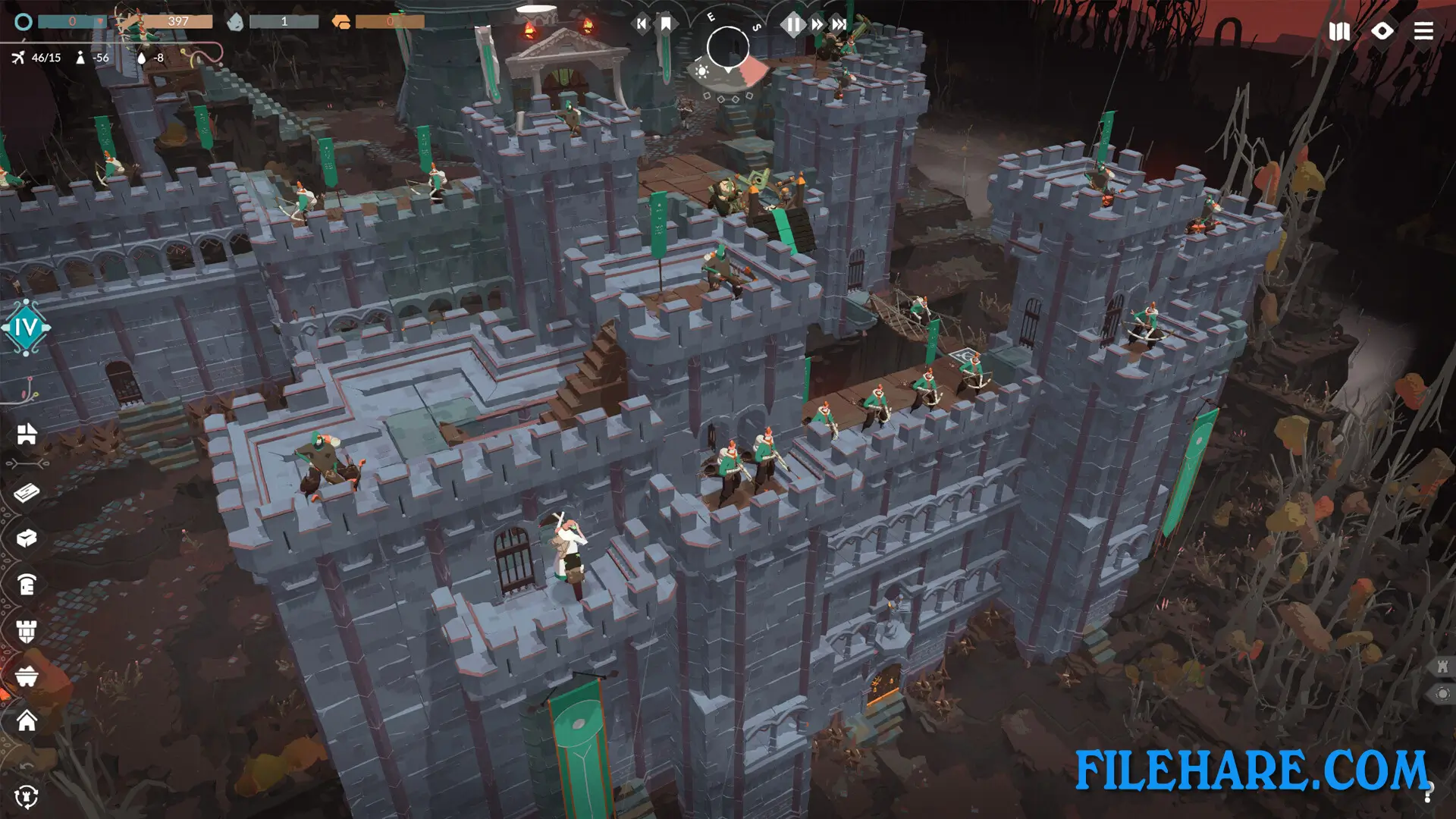
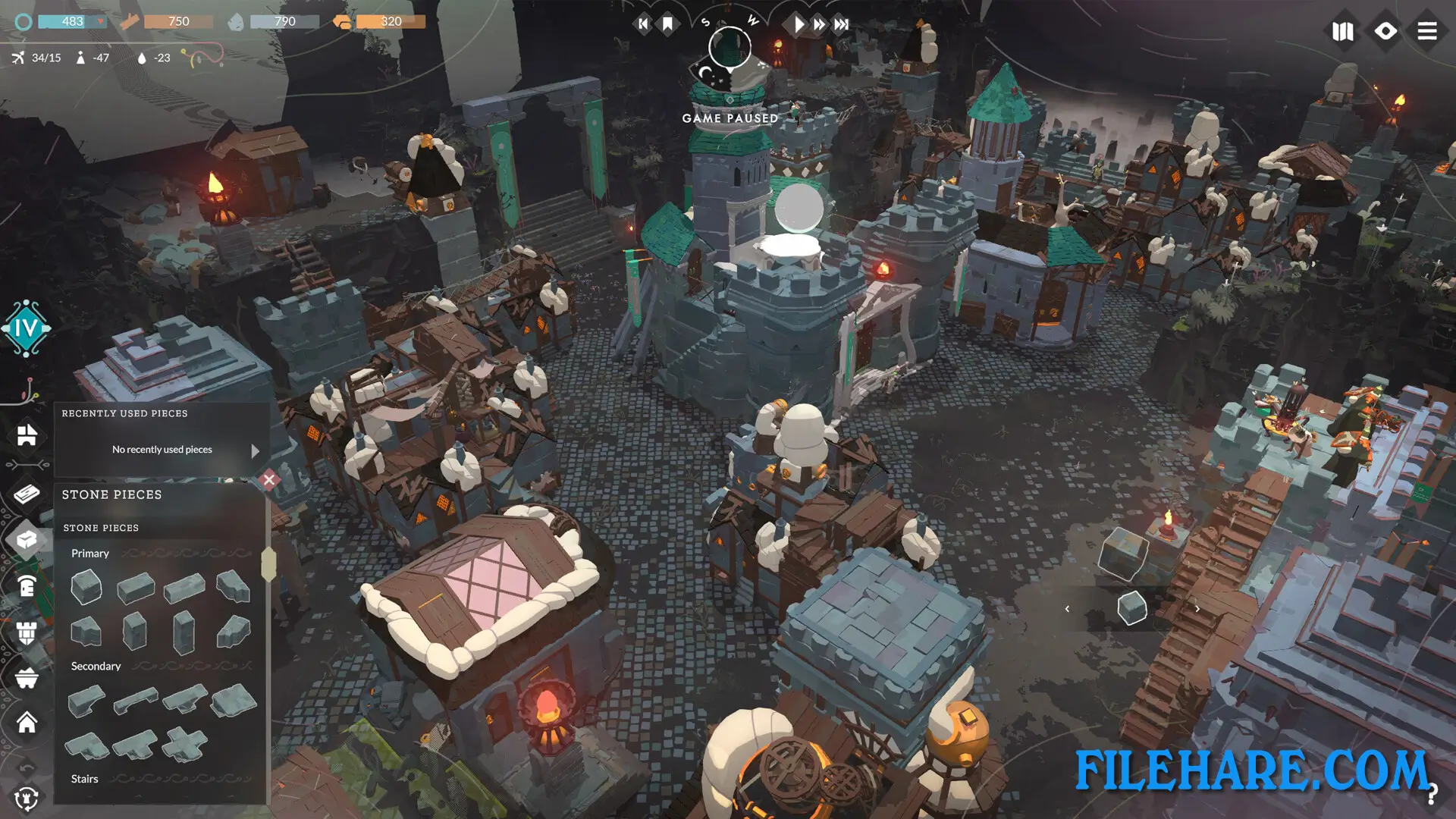
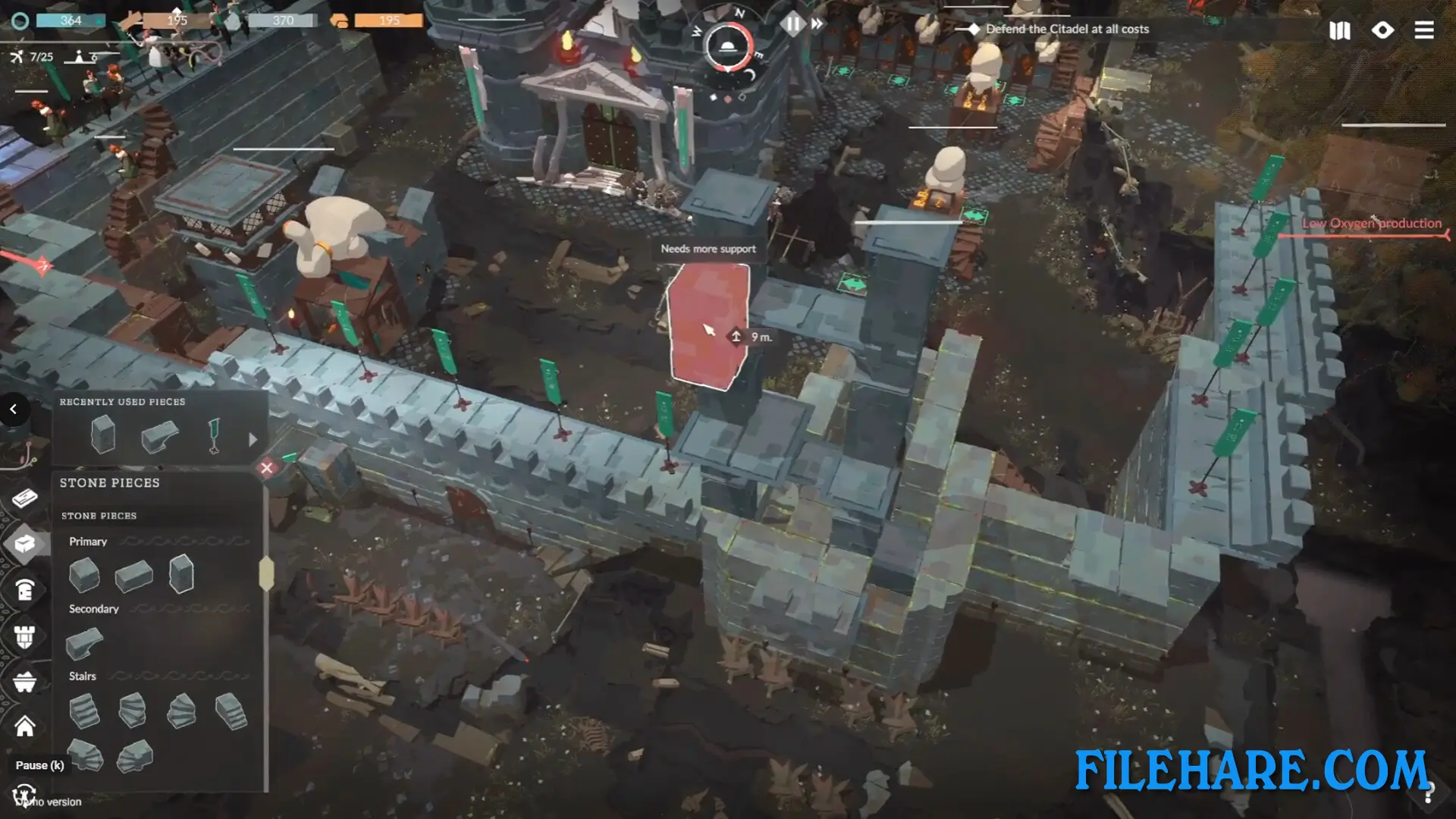
The game uses a unique brick-by-brick building option where you design and construct fortresses piece by piece, like building with blocks. You can build using wood for quick and cheap structures or use stone from quarries for stronger fortifications. You must pay attention to structural support and load-bearing columns because pieces can collapse and kill both enemies and your soldiers.
During the day, you explore the map, collect resources, and improve your fortress. At night, waves of Horrors attack your defences. You command different types of military units, including archers, cannoneers, and other soldiers. You must position your troops on walls and battlements to fight off the monsters. The game has resource gathering, where you collect materials to build structures and recruit units. You also manage housing for citizens and upgrade technologies to unlock stronger defences.
Cataclismo Features
The game includes a single-player campaign, a skirmish mode with custom maps, and a challenge mode with procedurally generated maps where you face stronger waves of enemies. There is a map editor where you can create and share custom maps with the community. You can also design blueprints for fortress structures and share them with other players. The game supports Steam Workshop for community creations. There are 43 achievements to unlock and different biomes where you can build your fortresses.
Recommended System Requirements
Requires a 64-bit processor and operating system
- OS: Windows 10 (64-bit)
- Processor: Intel Core i7-6700 (quad-core) / AMD Ryzen 5 1500X (quad-core)
- Memory: 12 GB RAM
- Graphics: NVIDIA GeForce GTX 1050 Ti (4 GB) / AMD Radeon RX 570 (4 GB)
- DirectX: Version 12
- Storage: 10 GB available space
Gameplay Screenshots
| Name | Cataclismo |
|---|---|
| Developer | Digital Sun |
| File Size | 1.83 GB |
| Category | Simulation, Strategy |
| Minimum System Requirements | |
| CPU | Intel Core i7-4770 (quad-core) / AMD FX-Series FX-9590 (quad-core) |
| RAM | 8 GB |
| Graphics | NVIDIA GeForce GTX 760 (2 GB) / AMD Radeon R9 270X (2 GB) |
| Free Disk Space | 10 GB |
| Operating System | Windows 10 / 11 (64-bit) |
| User Rating | |
Buy this game to support the developer. Store Page
How to Download and Install Cataclismo PC Game?
We have simple instructions for you to download and install the PC game. Before following the steps, Ensure your PC meets the minimum system requirements for Playing the game on your PC.
- First, click on the DOWNLOAD button and you will be redirected to the final Download page. Then, Download the Game on your PC.
- Once you have downloaded the Cataclismo PC Game, Open the folder where you saved the Game.
- Then Right-click on the Zip file and click on the "Extract files" option from the dropdown menu. If your computer does not have a Zip file extract software installed, you must first install it. (such as WinRAR, 7Zip software)
- After Extracting the Zip file, Open the Cataclismo PC Game folder.
- Then, double-click on the Setup.exe file to Install the Game.
- If asked to allow the program to make changes to your device, click Yes to continue.
- After the installation, if you get any missing ".dll" errors or the Game is not launching, open the Readme.txt file located in the game folder and follow the instructions shown in the document file to play the game.
Done!. Now, you can launch the game from your desktop.