Crusader Kings III: Collection PC Game Download for Windows 10/11

Crusader Kings III: Collection is a grand strategy and role-playing game where you control a noble family during the Middle Ages. The game was developed by Paradox Development Studio and published by Paradox Interactive. The base game was released on September 1, 2020, for Windows PC. The Collection bundle includes the main game plus multiple expansion packs and downloadable content that expand the game with new regions, features, and cosmetic items.
Table of Contents
Crusader Kings III: Collection Gameplay
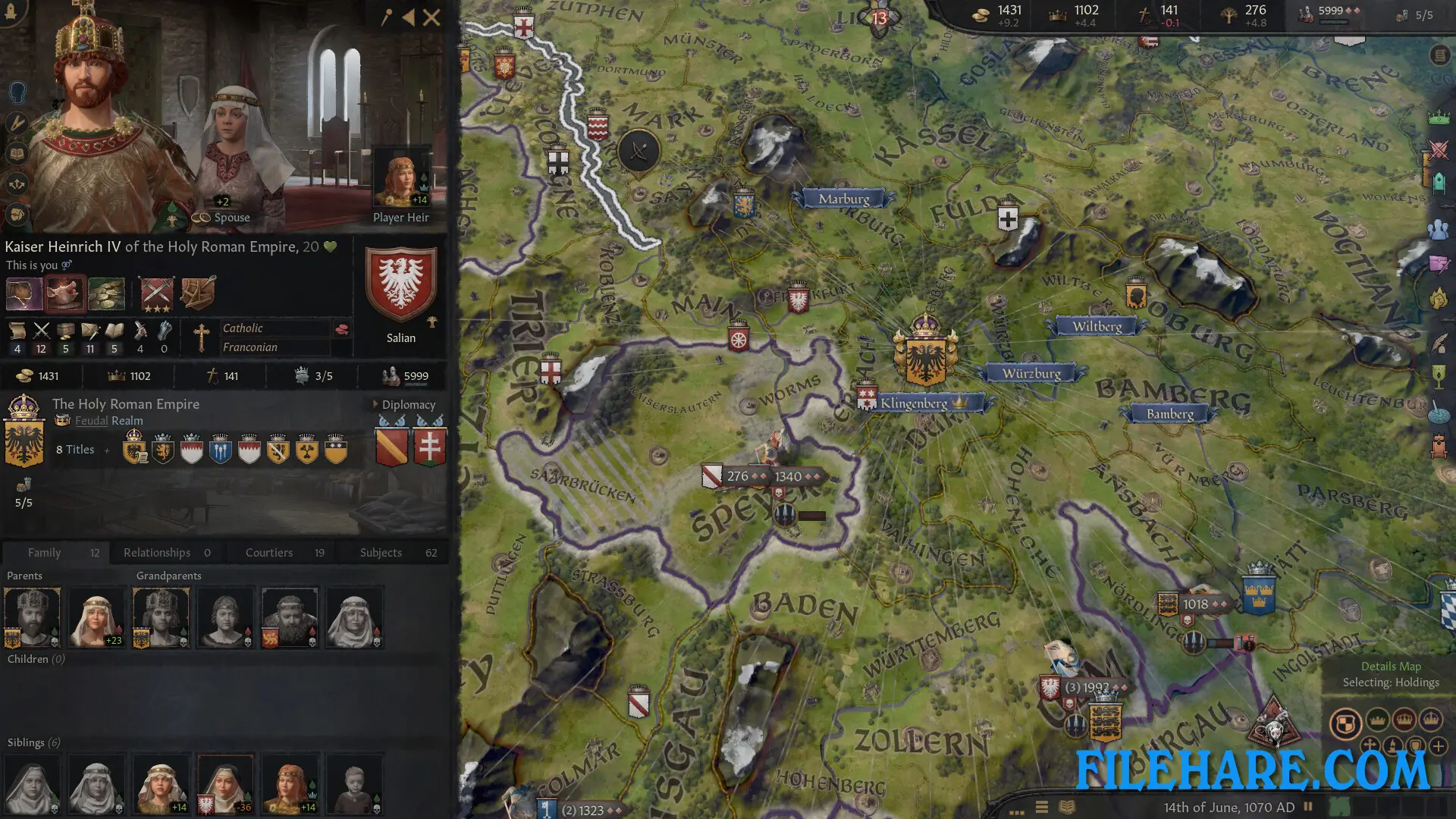
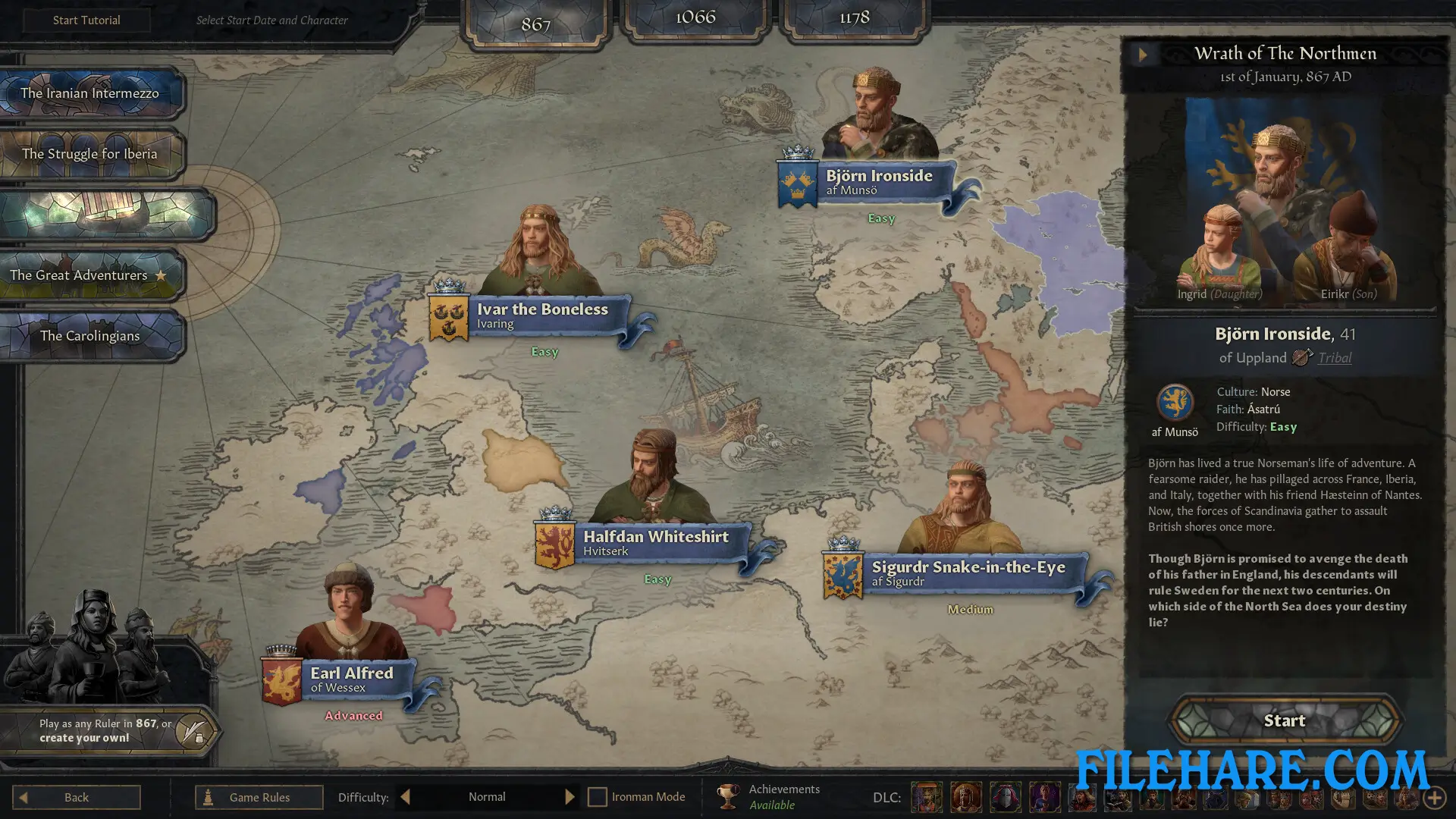
You start by selecting a historical ruler from 867 or 1066 and take control of their noble house. Your goal is to expand your dynasty and maintain power through multiple generations. When your character dies, you continue playing as their heir. The game runs in real-time but can be paused anytime to give orders. You manage your kingdom by claiming new lands, arranging marriages for political alliances, declaring wars, and negotiating with other rulers. Religion plays a big role, as you can follow traditional faiths or form your own custom religion with selected rules and beliefs. You earn resources like gold, prestige, and piety to improve your status.
Crusader Kings III: Collection Features
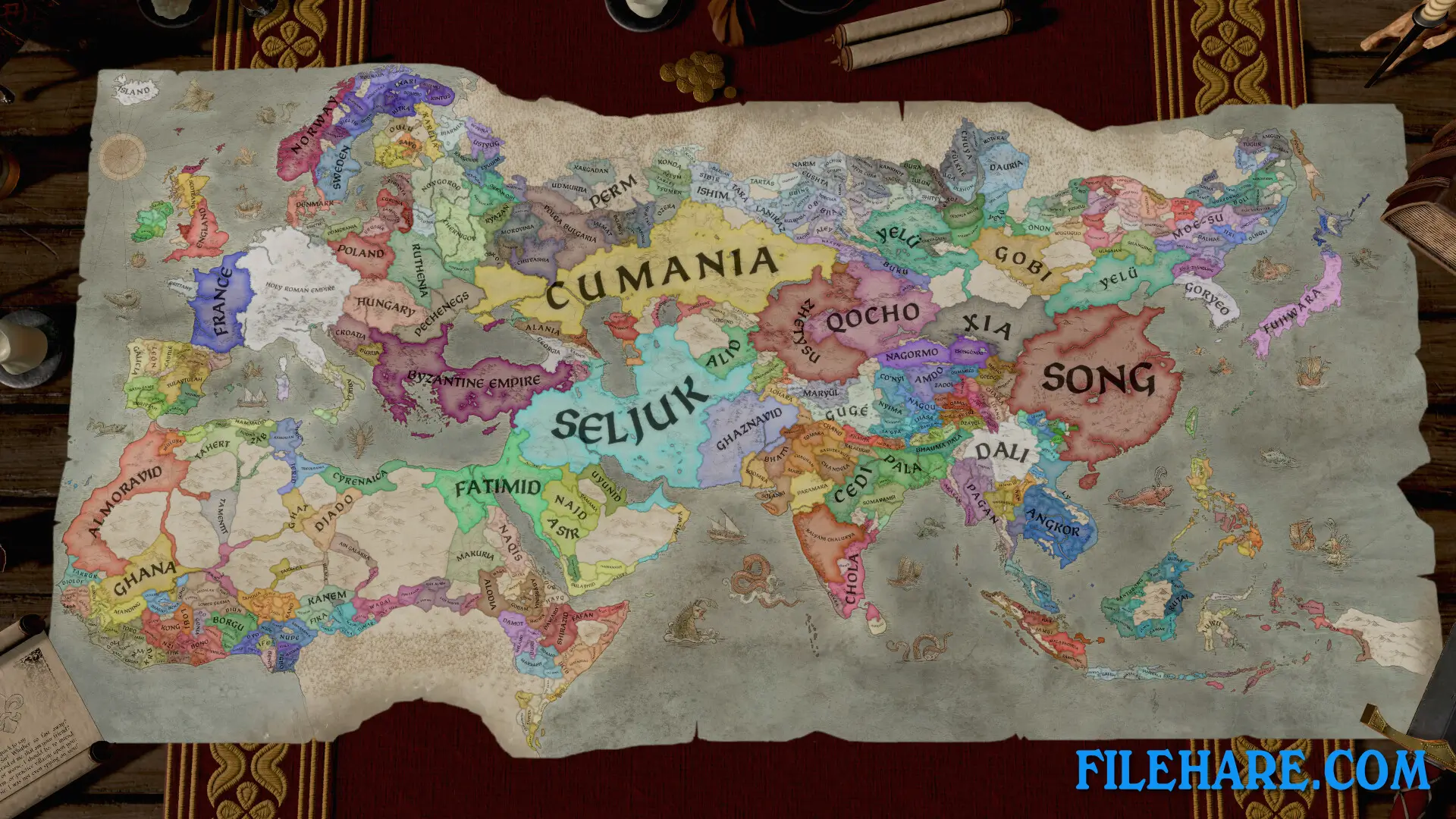
The game covers a massive map from Western Europe to East Asia, including thousands of counties, duchies, kingdoms, and empires. The Collection includes numerous expansions such as Royal Court, which introduces throne rooms and royal activities, Fate of Iberia focusing on the Spanish peninsula, Tours and Tournaments for travel and competitions, Legacy of Persia covering the Middle East, and Roads to Power about Byzantine politics. You can build castles and fortresses to strengthen your territories.
Recommended System Requirements
Requires a 64-bit processor and operating system
- OS: Windows 10 Home 64-bit or Windows 11
- Processor: Intel Core i5-8400 | AMD Ryzen 5 1600X
- Memory: 16 GB RAM
- Graphics: NVIDIA GeForce GTX 970 | AMD Radeon RX 480 | Intel Arc A580
- Storage: 20 GB available space
Gameplay Screenshots

| Name | Crusader Kings III: Collection |
|---|---|
| Developer | Paradox Development Studio |
| File Size | 4.12 GB |
| Category | Strategy |
| Minimum System Requirements | |
| CPU | Intel Core i5-750 | AMD FX 4300 |
| RAM | 8 GB |
| Graphics | NVIDIA GeForce GTX 660 | AMD Radeon HD 7870 | Intel Arc A310 | Intel Iris Plus G7 | AMD Radeon Vega 11 |
| Free Disk Space | 20 GB |
| Operating System | Windows 10 / 11 (64-bit) |
| User Rating | |
Buy this game to support the developer. Store Page
How to Download and Install Crusader Kings III: Collection PC Game?
We have simple instructions for you to download and install the PC game. Before following the steps, Ensure your PC meets the minimum system requirements for Playing the game on your PC.
- First, click on the DOWNLOAD button and you will be redirected to the final Download page. Then, Download the Game on your PC.
- Once you have downloaded the Crusader Kings III: Collection PC Game, Open the folder where you saved the Game.
- Then Right-click on the Zip file and click on the "Extract files" option from the dropdown menu. If your computer does not have a Zip file extract software installed, you must first install it. (such as WinRAR, 7Zip software)
- After Extracting the Zip file, Open the Crusader Kings III: Collection PC Game folder.
- Then, double-click on the Setup.exe file to Install the Game.
- If asked to allow the program to make changes to your device, click Yes to continue.
- After the installation, if you get any missing ".dll" errors or the Game is not launching, open the Readme.txt file located in the game folder and follow the instructions shown in the document file to play the game.
Done!. Now, you can launch the game from your desktop.