Dinosaur Simulator PC Game Download for Windows 10/11
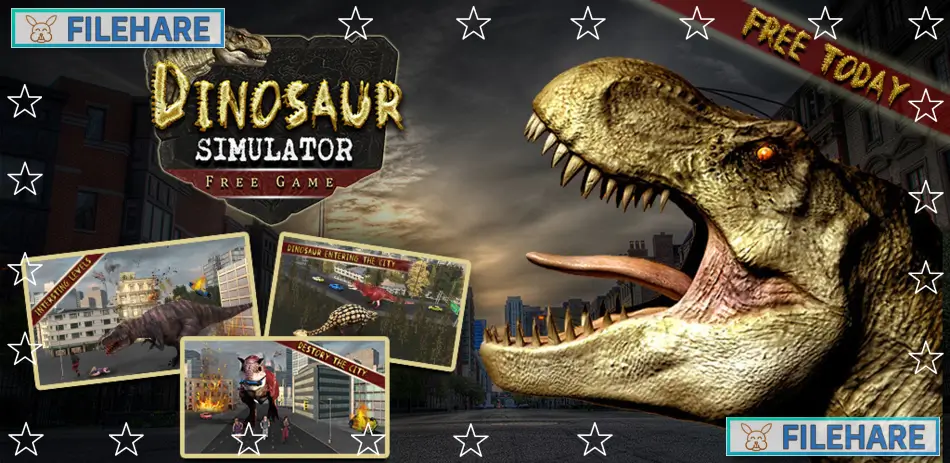
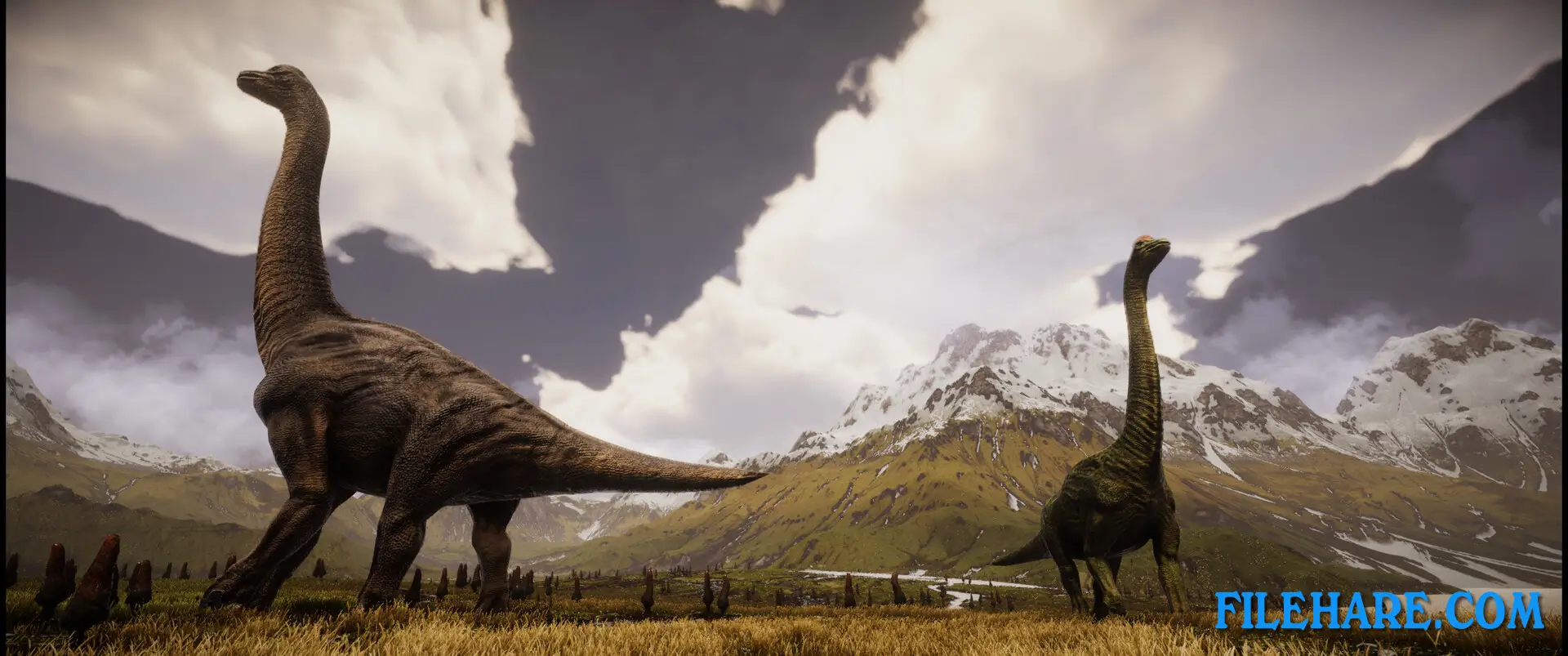
Dinosaur Simulator is a simulation and strategy game where you colonize a planet with dinosaurs. The game was developed and published by Imperian Online. It was released on Steam for PC on March 2, 2023. In this game, you work as a director for a private company called ACTAS and must build a complete dinosaur fauna on a newly discovered planet called Hope while trying to maximize company profits. You have more than 42 species of dinosaurs to work with and must manage them on this alien planet.
Table of Contents
Dinosaur Simulator Story
The game has a science fiction story set in the future. In the year 2190, scientists learned how to decode and reconstruct dinosaur DNA. By 2220, humans discovered how to travel at the speed of light and began visiting planets outside our solar system. In 2362, the ACTAS company found a planet named Hope that is very similar to Earth from 66 million years ago. The company wants to rebuild dinosaur life on this planet and turn it into a commercial tourist attraction. The planet was declared a protected reserve where only paying visitors can enter. You are appointed as the director of this planetary colonization project. The game references the real Chicxulub asteroid that hit Earth 66 million years ago and wiped out 75 percent of all living things on our planet.
Dinosaur Simulator Gameplay
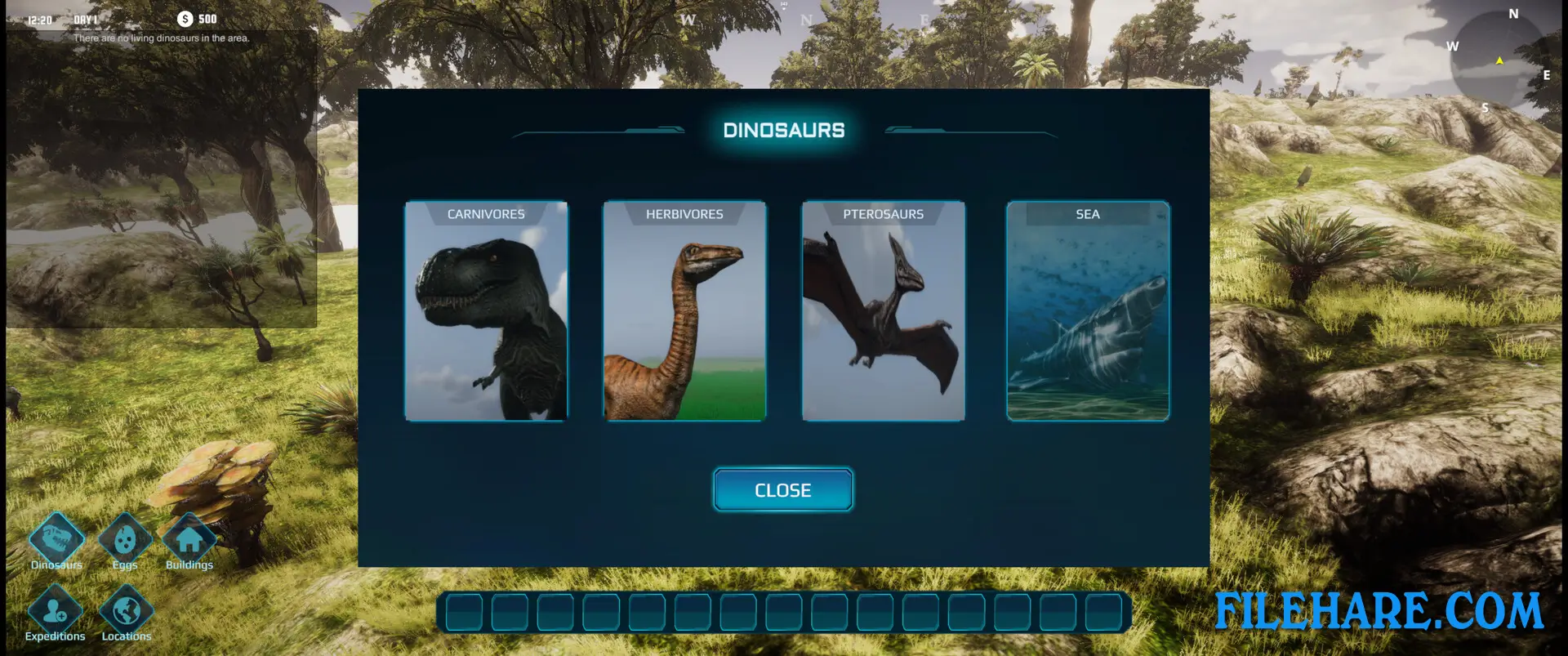
Dinosaur Simulator is a management and colony simulation game. You must select from over 42 dinosaur species including herbivores, predators, pterosaurs, and aquatic dinosaurs. You can place these dinosaurs in various locations around the planet Hope. The game allows you to organize expeditions and hunts to generate profits for the company. You can also land on the planet yourself to handle situations directly. One special feature is that technology allows you to control the brain of any dinosaur you have placed on the planet. You can breed dinosaurs and sell their eggs to increase your income. The game includes first-person and third-person view options for when you explore or control dinosaurs.
Dinosaur Simulator Features
The game includes more than 42 dinosaur species to choose from. You can pick herbivores that eat plants, dangerous predators that hunt other animals, flying pterosaurs that soar in the sky, and aquatic dinosaurs that live in water. You have access to multiple locations across the planet where you can establish dinosaur populations. The ability to directly control any dinosaur you have on the planet is a unique feature that gives you freedom to explore and interact with the environment from a dinosaur’s point of view. You can perform various tasks such as breeding programs and egg sales, to generate income.
Recommended System Requirements
Requires a 64-bit processor and operating system
- OS: Windows 10/11
- Processor: Intel i7-9700 or equivalent
- Memory: 32 GB RAM
- Graphics: RTX 2070 or equivalent
- DirectX: Version 11
- Storage: 8 GB available space
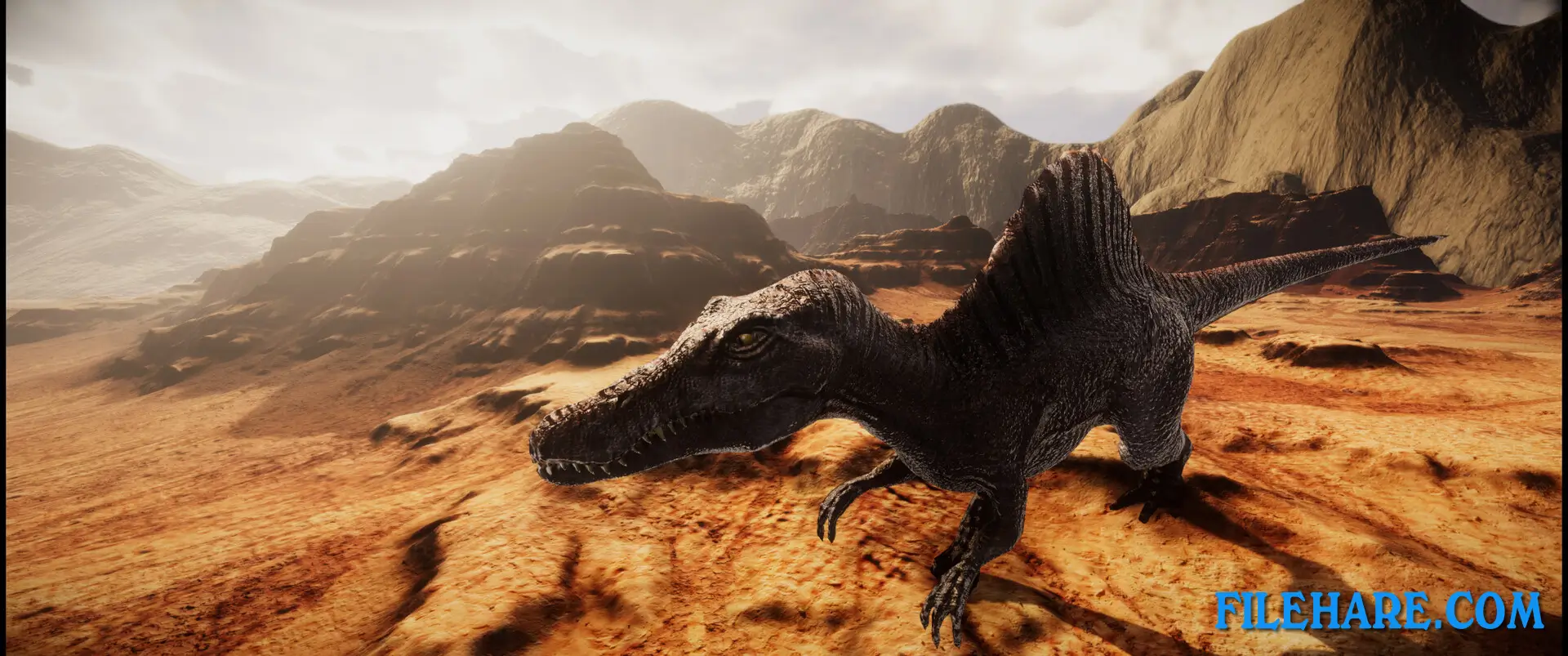
Gameplay Screenshots

| Name | Dinosaur Simulator |
|---|---|
| Developer | Imperian Online – As |
| File Size | 4.47 GB |
| Category | Simulation, Strategy |
| Minimum System Requirements | |
| CPU | Intel Core i7-2600 or equivalent |
| RAM | 6 GB |
| Graphics | Every basic graphics card |
| Free Disk Space | 8 GB |
| Operating System | Windows 10 / 11 (64-bit) |
| User Rating | |
Buy this game to support the developer. Store Page
How to Download and Install Dinosaur Simulator PC Game?
We have simple instructions for you to download and install the PC game. Before following the steps, Ensure your PC meets the minimum system requirements for Playing the game on your PC.
- First, click on the DOWNLOAD button and you will be redirected to the final Download page. Then, Download the Game on your PC.
- Once you have downloaded the Dinosaur Simulator PC Game, Open the folder where you saved the Game.
- Then Right-click on the Zip file and click on the "Extract files" option from the dropdown menu. If your computer does not have a Zip file extract software installed, you must first install it. (such as WinRAR, 7Zip software)
- After Extracting the Zip file, Open the Dinosaur Simulator PC Game folder.
- Then, double-click on the Setup.exe file to Install the Game.
- If asked to allow the program to make changes to your device, click Yes to continue.
- After the installation, if you get any missing ".dll" errors or the Game is not launching, open the Readme.txt file located in the game folder and follow the instructions shown in the document file to play the game.
Done!. Now, you can launch the game from your desktop.