DRAGON BALL: Sparking! ZERO PC Game Download for Windows 10/11
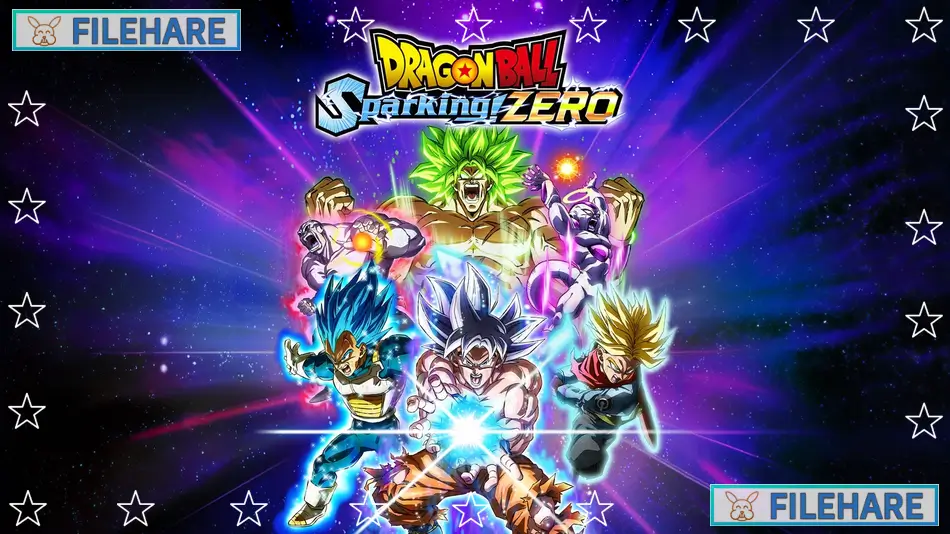
DRAGON BALL: Sparking! ZERO is a 3D fighting game developed by Spike Chunsoft and published by Bandai Namco Entertainment. The game was released on October 11, 2024, for PC via Steam, PlayStation 5, and Xbox Series X/S. This is the fourth main game in the Budokai Tenkaichi series and the first new entry in 17 years since Dragon Ball Z: Budokai Tenkaichi 3 came out in 2007. The game became very successful and sold over five million copies, becoming the fastest selling Dragon Ball console game ever.
Table of Contents
DRAGON BALL: Sparking! ZERO Gameplay
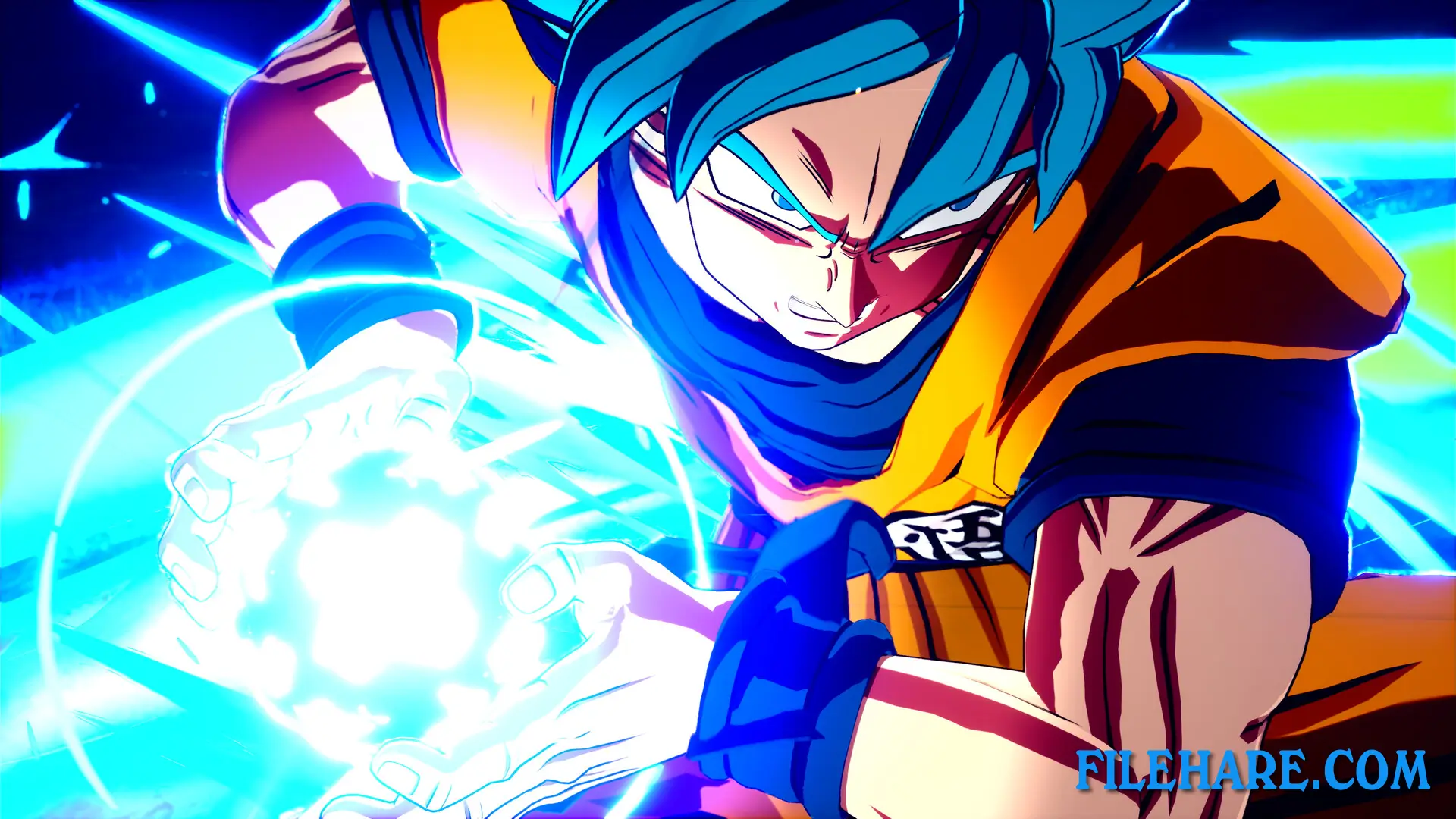
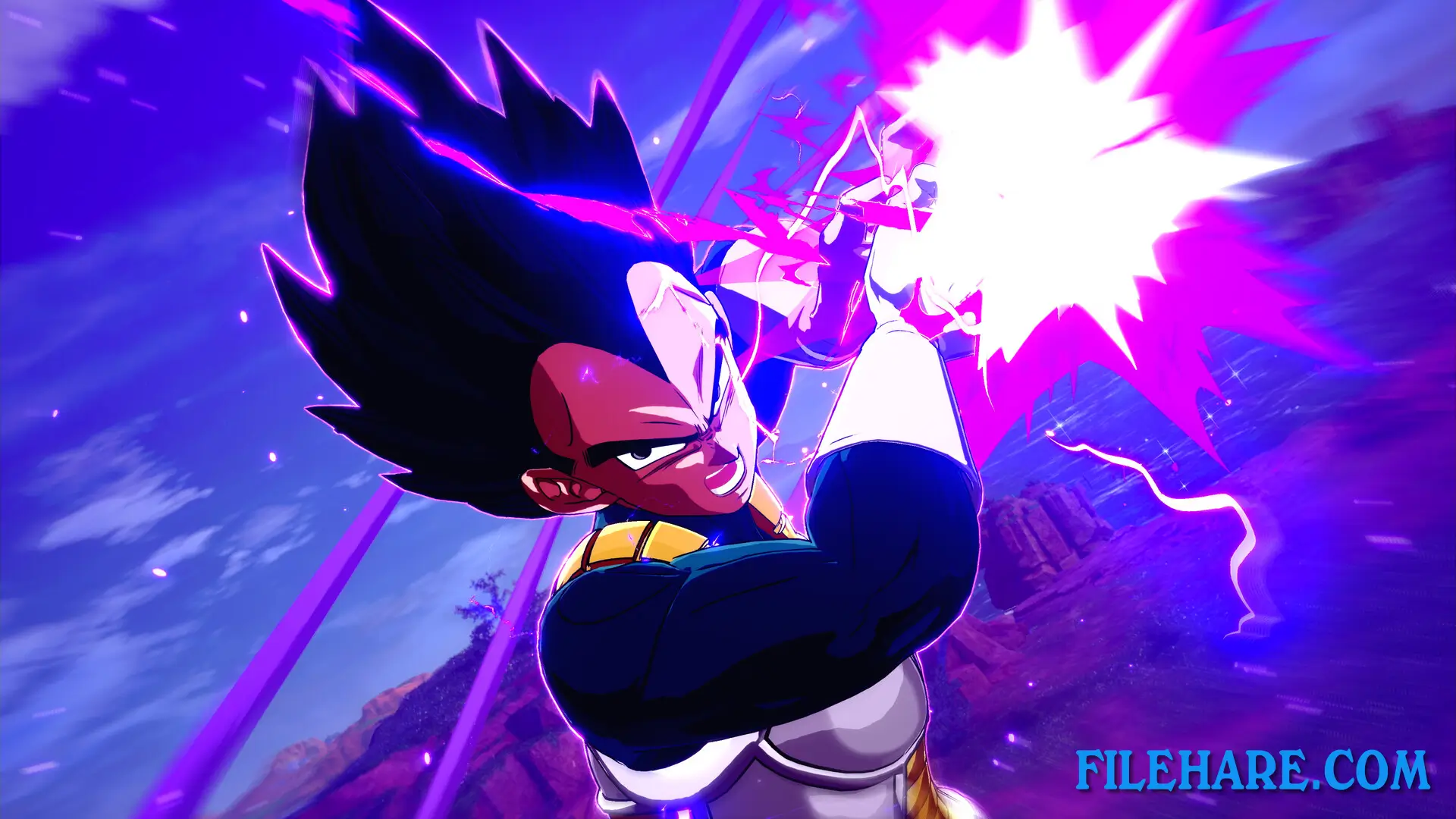
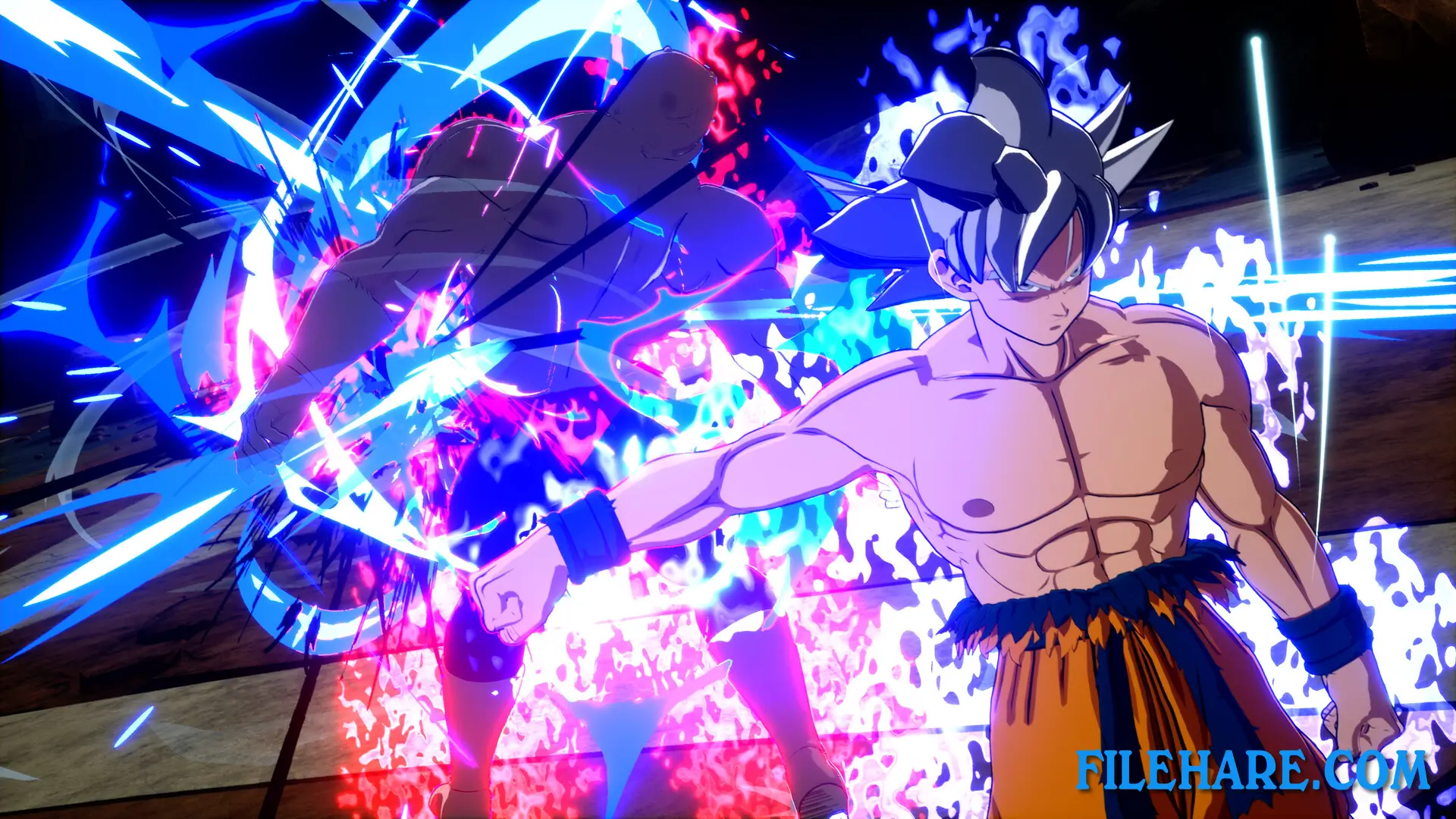
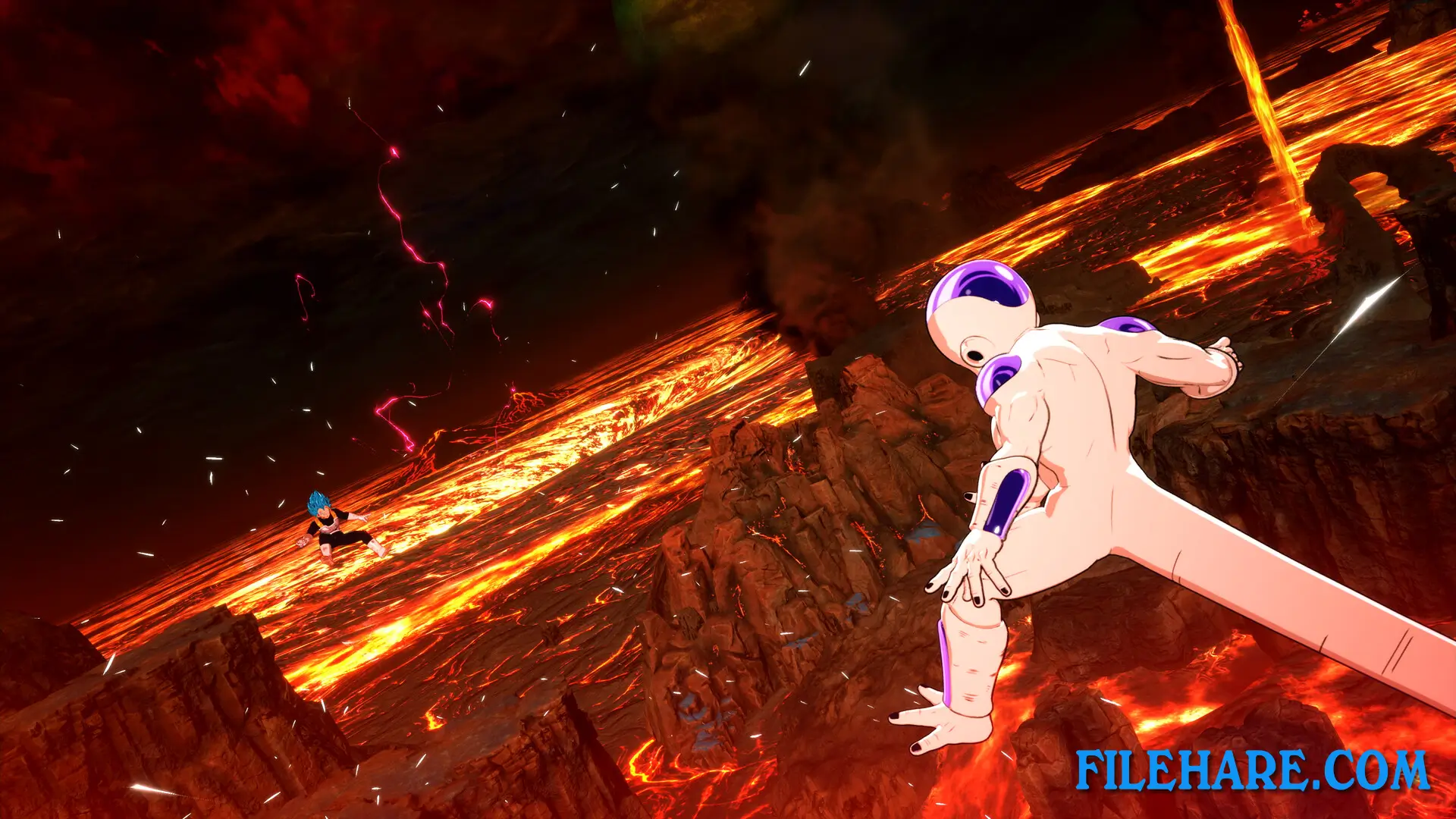
This is a 3D arena fighting game where you control Dragon Ball characters in large open spaces. You can fly around freely, dash at high speeds, and fight on the ground or in the air. The game uses real-time combat where you punch, kick, and use energy attacks. You can form a team of up to five characters or fight alone. You can transform during battle into Super Saiyan forms and other powerful states.
The game has beam clashes where two characters fire energy beams at the same time, and you must win by pressing buttons faster than your opponent. New features include Skill Count, which is a number that goes up when you do moves and can be used for special abilities. Short Dash lets you move very quickly to dodge attacks or link to bigger moves. Revenge Counter allows you to strike back while taking an opponent’s attack. You charge up Ki energy during battle to use powerful moves. When you have enough Ki and skill points, you can enter Sparking mode, where you get unlimited combo hits and can use your Ultimate skill for massive damage.
DRAGON BALL: Sparking! ZERO Features
The game has 182 playable characters from Dragon Ball, Dragon Ball Z, Dragon Ball GT, Dragon Ball Super, and Dragon Ball Daima. This has more characters than any previous game in the series. All characters are from the anime and manga created by Akira Toriyama. Custom Battle mode lets you create your own fight scenarios with dialogue, victory conditions, and special rules. You can share these custom battles online for other players to try. The game has online multiplayer, where you can fight other players, and local co-op, where two people can play together. The game was built using Unreal Engine 5 for modern graphics. Three downloadable content packs have been released, adding more characters like Gohan Beast, Gamma 1, Gamma 2, Cell Max, and Mini versions of Goku and Vegeta from Dragon Ball Daima.
Recommended System Requirements
Requires a 64-bit processor and operating system
- OS: Windows 10 / Windows 11
- Processor: Intel Core i7-9700K / AMD Ryzen 5 3600
- Memory: 16 GB RAM
- Graphics: Nvidia GeForce RTX 2060 / AMD Radeon RX Vega 64
- DirectX: Version 12
- Storage: 29 GB available space
- Additional Notes: Estimated performance: 1080p/60fps with graphics settings at “High”. Framerate might drop in graphics-intensive scenes. – A 64-bit processor and operating system are required. – Windows 10 (Version 1809 or later) and a 4GB VRAM GPU (graphics board or video card) are required for the DirectX 12 API.
Gameplay Screenshots
| Name | DRAGON BALL: Sparking! ZERO |
|---|---|
| Developer | Spike Chunsoft Co., Ltd. |
| File Size | 17 GB |
| Category | Action |
| Minimum System Requirements | |
| CPU | Intel Core i5-9600K / AMD Ryzen 5 2600 |
| RAM | 8 GB |
| Graphics | Nvidia GeForce GTX 980 / AMD Radeon RX 590 / Intel Arc A750 |
| Free Disk Space | 29 GB |
| Operating System | Windows 10 / 11 (64-bit) |
| User Rating | |
Buy this game to support the developer. Store Page
How to Download and Install DRAGON BALL: Sparking! ZERO PC Game?
We have simple instructions for you to download and install the PC game. Before following the steps, Ensure your PC meets the minimum system requirements for Playing the game on your PC.
- First, click on the DOWNLOAD button and you will be redirected to the final Download page. Then, Download the Game on your PC.
- Once you have downloaded the DRAGON BALL: Sparking! ZERO PC Game, Open the folder where you saved the Game.
- Then Right-click on the Zip file and click on the "Extract files" option from the dropdown menu. If your computer does not have a Zip file extract software installed, you must first install it. (such as WinRAR, 7Zip software)
- After Extracting the Zip file, Open the DRAGON BALL: Sparking! ZERO PC Game folder.
- Then, double-click on the Setup.exe file to Install the Game.
- If asked to allow the program to make changes to your device, click Yes to continue.
- After the installation, if you get any missing ".dll" errors or the Game is not launching, open the Readme.txt file located in the game folder and follow the instructions shown in the document file to play the game.
Done!. Now, you can launch the game from your desktop.