Dreams of Amelia PC Game Download for Windows 10/11

Dreams of Amelia is a casual and simulation game developed by CuddlePoint and published by CuddlePoint and Horny Collective. The game was released in Early Access on September 26, 2025, for PC on Steam. It is a single-player adult title with mature and explicit content intended for players aged 18 and above. On Steam, the game has received positive reviews, with around 82% of players rating it positively. It is also playable on the Steam Deck, though some features may not be fully supported.
Table of Contents
Dreams of Amelia Story
The story centers on Amelia, a 21-year-old woman who works a demanding corporate job. She also has a strong interest in 3D art. Despite appearing fine on the surface, Amelia is very lonely and has no romantic partner in her life. One day, she buys an old book at a local flea market, not knowing that a demon is trapped inside it. When she opens the book, the demon is released — and that demon is the player. Now free but bound to Amelia, the player takes on the role of her personal demon and sets out to fulfill her wishes and make her dreams come true. As the story moves forward, Amelia opens up more, and the bond between her and the player’s demon grows stronger.
Dreams of Amelia Gameplay
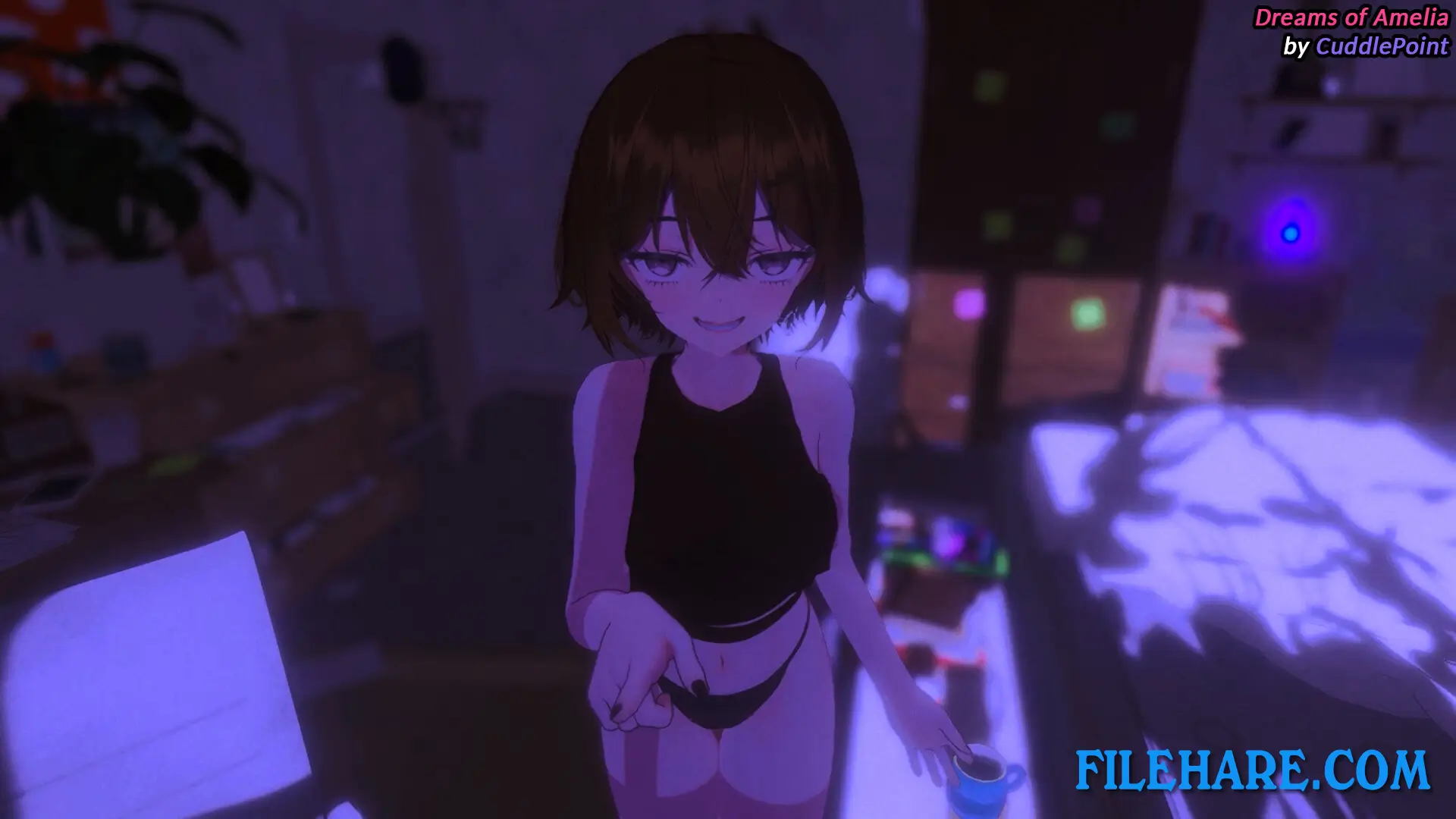
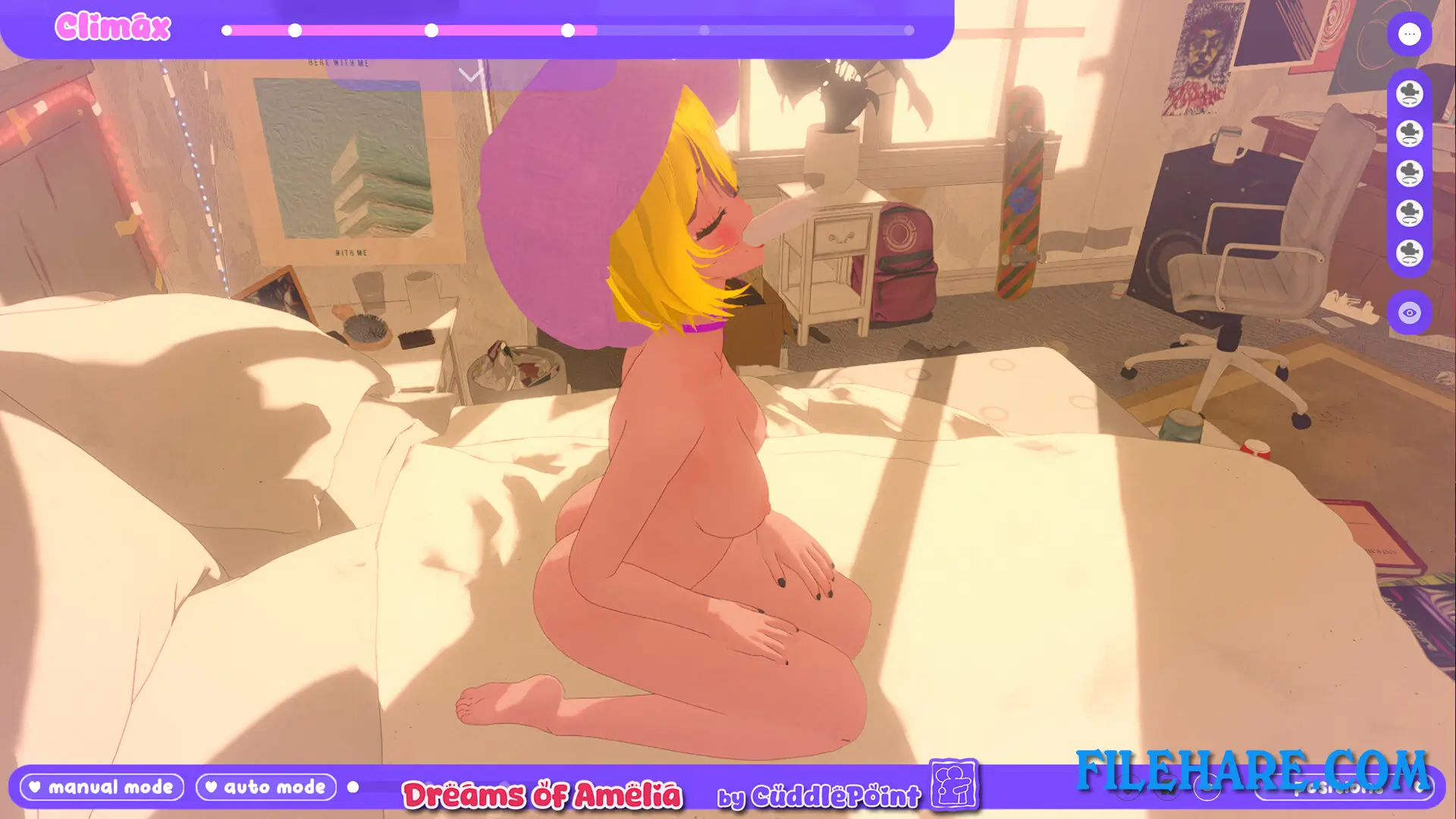
Dreams of Amelia is a 3D physics-based sandbox simulation game. The player interacts with Amelia in real time using physics-driven controls. The game includes several locations, such as her room and her garage, and each space has its own set of interactions. Players can adjust the time of day, changing between morning, day, evening, and night, which changes the mood and look of each scene. The game is built in Unity and is still in Early Access, which means the developer continues to release updates with new content, story chapters, and additional interactions on a regular basis.
Dreams of Amelia Features
The game includes character customization options where the player can change Amelia’s hair colour, skin tone, outfit, and other visual details. A story mode with separate chapters has been added to the game, with Chapter 2 released as part of a major update. The game includes Steam Trading Cards, Steam Achievements, and Steam Cloud saves. An original soundtrack DLC is also available as a separate add-on. Dreams of Amelia is available in multiple languages, including English, Traditional Chinese, Polish, and others. The game is playable only on Windows PC and is also playable on the Steam Deck, though some features may not work fully on that device.
Gameplay Screenshots


| Name | Dreams of Amelia |
|---|---|
| Developer | ❤️ CuddlePoint ❤️ |
| File Size | 1 GB |
| Category | Adult |
| Minimum System Requirements | |
| CPU | Intel/AMD 2.0 GHz dual-core |
| RAM | 4 GB |
| Graphics | Integrated Graphics |
| Free Disk Space | 2 GB |
| Operating System | Windows 10 / 11 |
| User Rating | |
Buy this game to support the developer. Store Page
How to Download and Install Dreams of Amelia PC Game?
We have simple instructions for you to download and install the PC game. Before following the steps, Ensure your PC meets the minimum system requirements for Playing the game on your PC.
- First, click on the DOWNLOAD button and you will be redirected to the final Download page. Then, Download the Game on your PC.
- Once you have downloaded the Dreams of Amelia PC Game, Open the folder where you saved the Game.
- Then Right-click on the Zip file and click on the "Extract files" option from the dropdown menu. If your computer does not have a Zip file extract software installed, you must first install it. (such as WinRAR, 7Zip software)
- After Extracting the Zip file, Open the Dreams of Amelia PC Game folder.
- Then, double-click on the Setup.exe file to Install the Game.
- If asked to allow the program to make changes to your device, click Yes to continue.
- After the installation, if you get any missing ".dll" errors or the Game is not launching, open the Readme.txt file located in the game folder and follow the instructions shown in the document file to play the game.
Done!. Now, you can launch the game from your desktop.