Dungeons of Sundaria PC Game Download for Windows 10/11/7/8
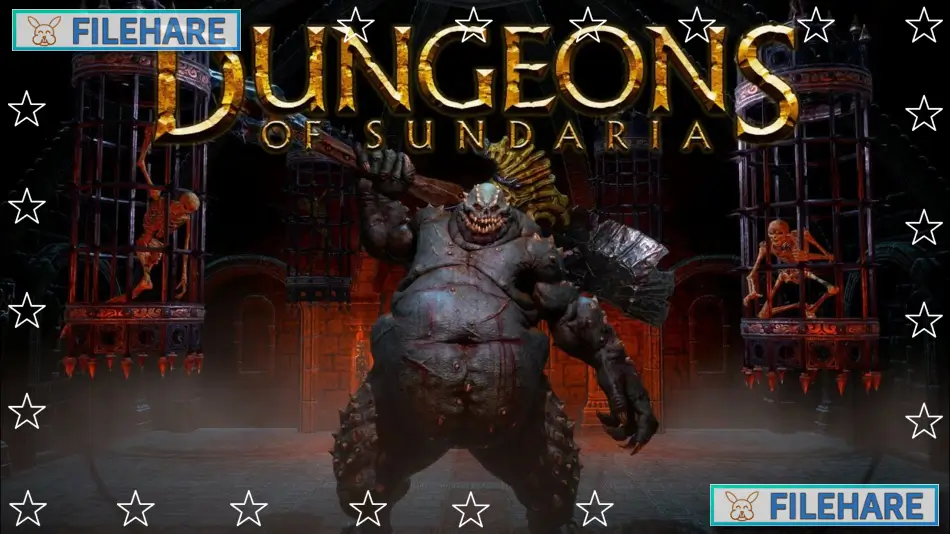
Dungeons of Sundaria is an action role-playing game where you explore dangerous dungeons. The game was developed and published by Industry Games. It entered early access on July 18, 2022, and was fully released on December 12, 2023, for PC through Steam. The game is also available on PlayStation 5, PlayStation 4, Xbox Series X and S, and Xbox One. Industry Games is an independent studio that specializes in multiplayer dungeon crawler experiences. This game allows you to play alone or with up to three friends in cooperative mode.
Table of Contents
Dungeons of Sundaria Gameplay
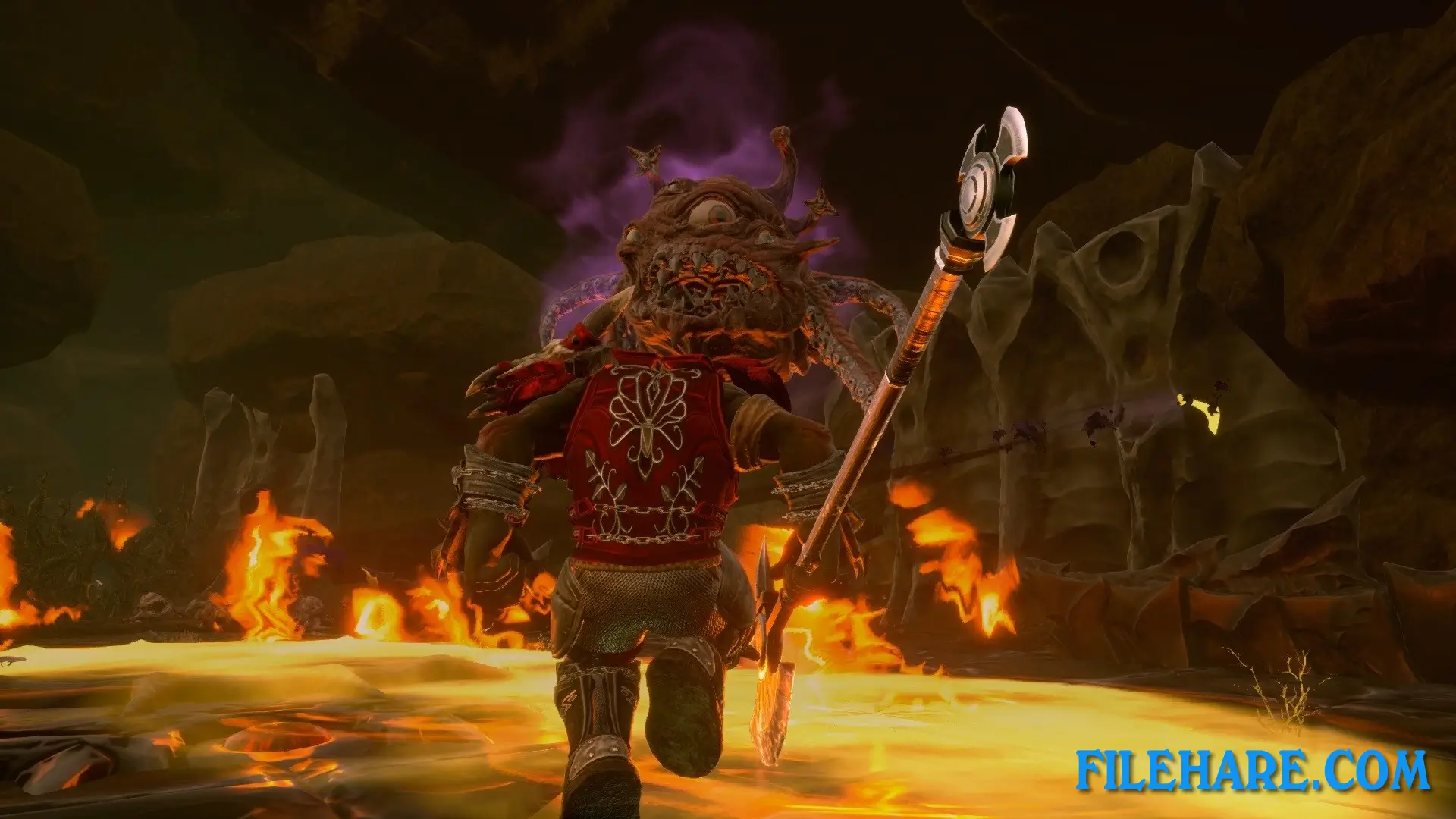
Dungeons of Sundaria is a third-person action RPG where you fight monsters and collect loot in dungeons. You can choose from seven races: Human, Dwarf, Elf, Halfling, Orc, Goblin, and Drog’al, which is a lizard race. There are five classes available: Champion, Ranger, Cleric, Wizard, and Rogue. After selecting your race and class, you can customize your hero’s appearance.
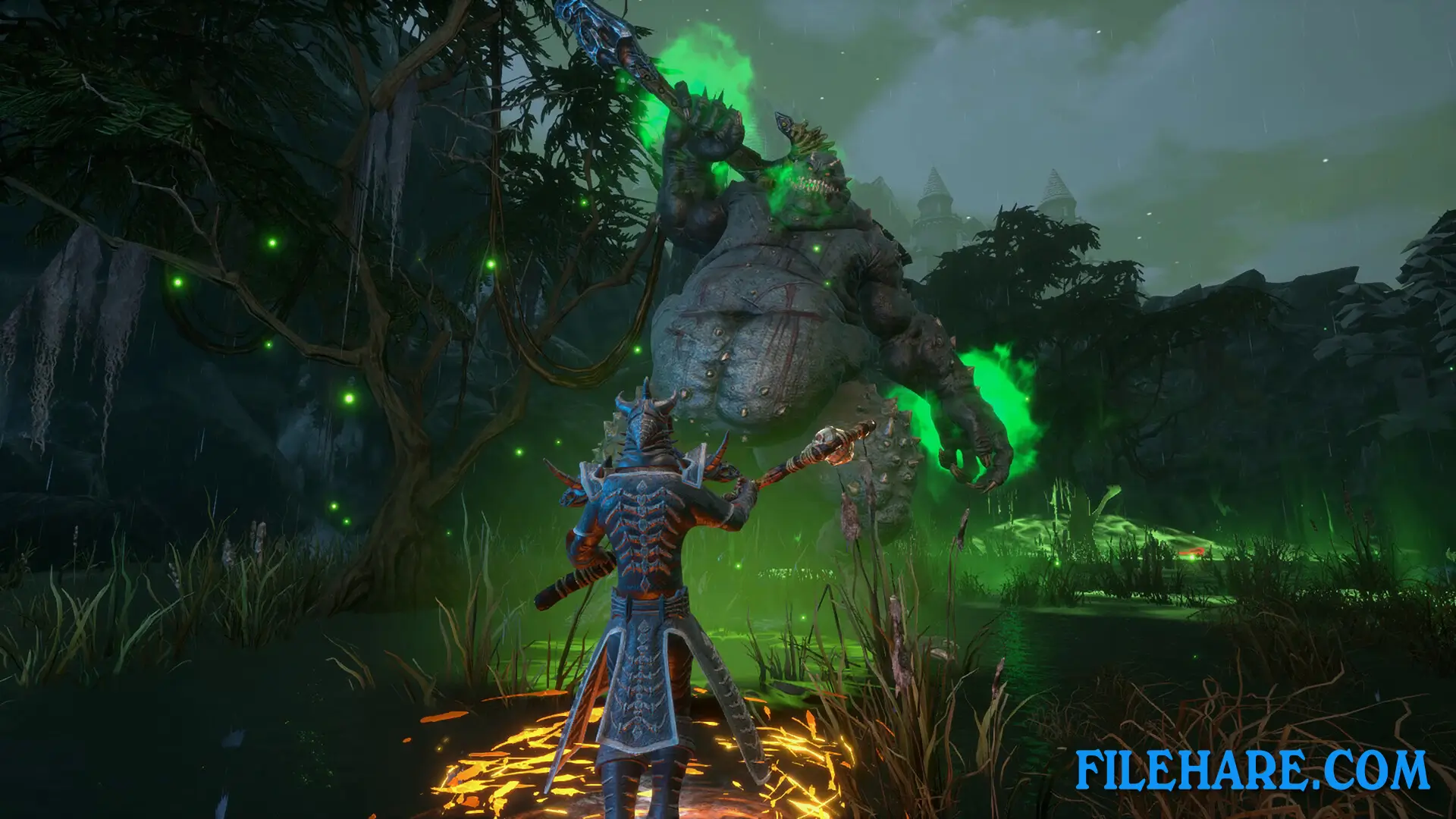
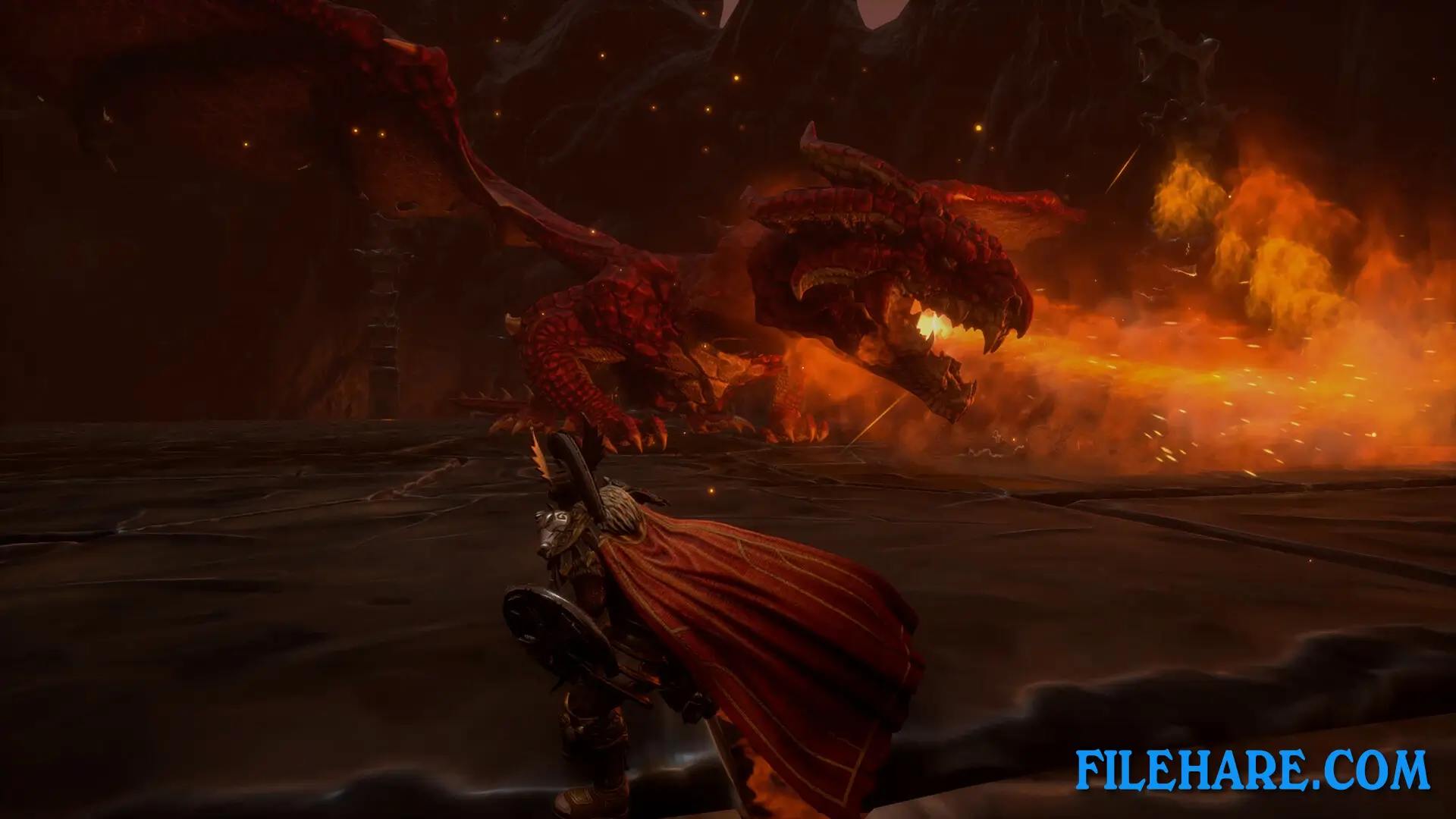
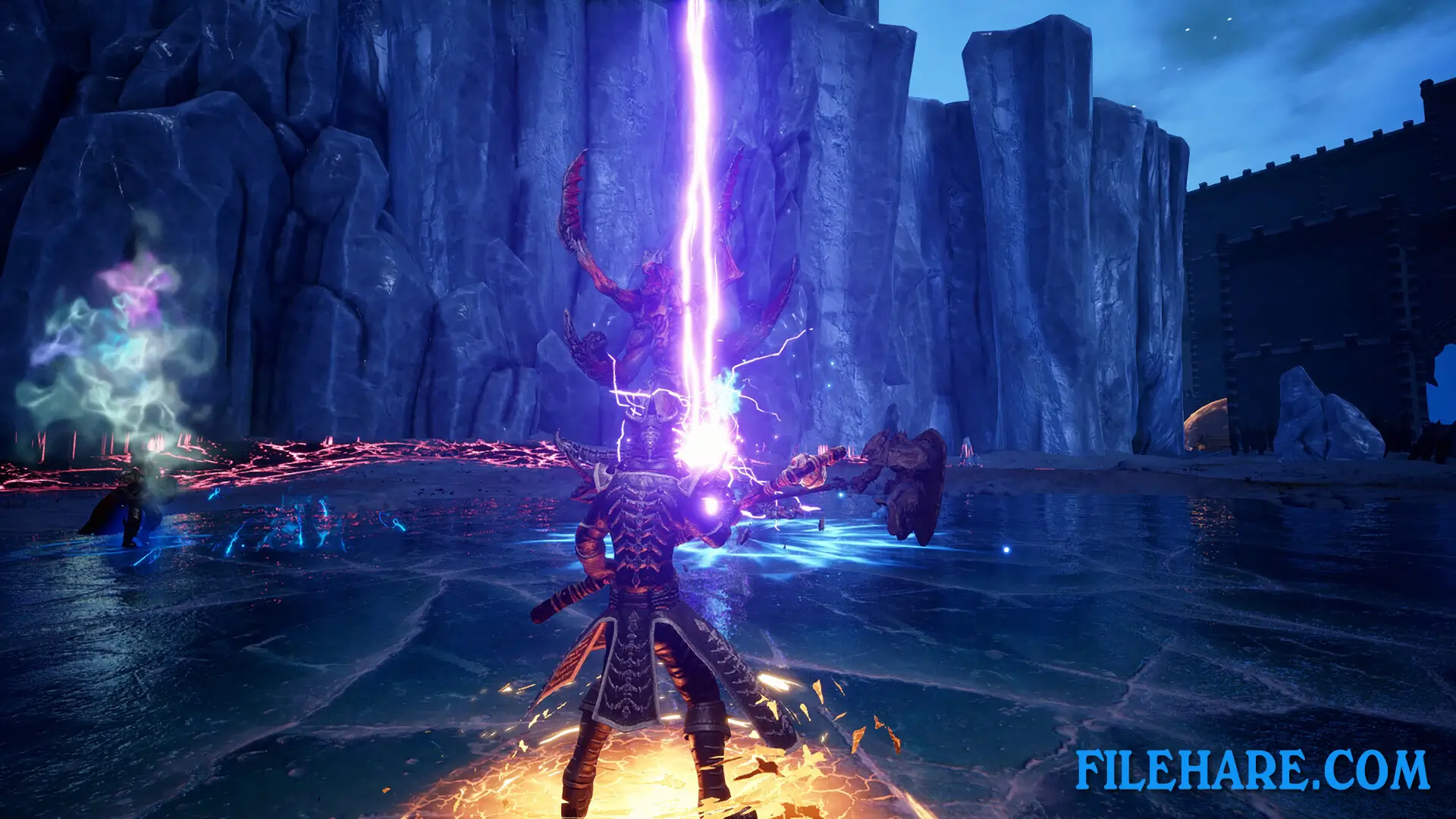
The game has eight large dungeons where you face hundreds of monsters and many powerful enemies. You attack enemies in real-time combat using weapons and abilities specific to your class. Champions use heavy armor and melee weapons, Rangers attack from a distance with bows, Clerics heal allies and fight undead, Wizards cast destructive spells, and Rogues deal quick damage with daggers and poisons. When you defeat enemies, they drop weapons, armor, and accessories that you can equip to become stronger. The game offers three difficulty levels: Normal, Hard, and Nightmare. You can play solo or join up to three other players online. The game also supports local split-screen multiplayer for up to four players using just one copy of the game.
Dungeons of Sundaria Features
The game includes eight dungeons to explore, with more variety added since the early access version started with four dungeons. You collect many types of weapons, armor pieces, and accessories throughout your adventure. The game has an equipment creation mechanic where you can build powerful gear instead of just finding it. Multiple tiers of armor and weapons are available, so you keep finding better equipment as you get stronger. Character customization goes beyond just stats, as you can change how your hero looks before starting your adventure. The game supports both online cooperative play and local split-screen, which is unusual for modern PC games. The split-screen feature requires only one game copy, so friends can play together locally without everyone buying the game.
Recommended System Requirements
Requires a 64-bit processor and operating system
- OS: Windows 10
- Processor: 2.5 GHz Quad-Core 64-bit CPU
- Memory: 8 GB RAM
- Graphics: Nvidia GTX 1070
- DirectX: Version 11
- Storage: 4 GB available space
Gameplay Screenshots
| Name | Dungeons of Sundaria |
|---|---|
| Developer | Industry Games |
| File Size | 4.30 GB |
| Category | Action |
| Minimum System Requirements | |
| CPU | Intel/AMD 2 GHz Dual-Core 64-bit CPU |
| RAM | 4 GB |
| Graphics | Nvidia GTX 760 with 2 GB Video RAM |
| Free Disk Space | 5 GB |
| Operating System | Windows 10 / 11 / 7 / 8 (64-bit) |
| User Rating | |
Buy this game to support the developer. Store Page
How to Download and Install Dungeons of Sundaria PC Game?
We have simple instructions for you to download and install the PC game. Before following the steps, Ensure your PC meets the minimum system requirements for Playing the game on your PC.
- First, click on the DOWNLOAD button and you will be redirected to the final Download page. Then, Download the Game on your PC.
- Once you have downloaded the Dungeons of Sundaria PC Game, Open the folder where you saved the Game.
- Then Right-click on the Zip file and click on the "Extract files" option from the dropdown menu. If your computer does not have a Zip file extract software installed, you must first install it. (such as WinRAR, 7Zip software)
- After Extracting the Zip file, Open the Dungeons of Sundaria PC Game folder.
- Then, double-click on the Setup.exe file to Install the Game.
- If asked to allow the program to make changes to your device, click Yes to continue.
- After the installation, if you get any missing ".dll" errors or the Game is not launching, open the Readme.txt file located in the game folder and follow the instructions shown in the document file to play the game.
Done!. Now, you can launch the game from your desktop.