For The King II PC Game Download for Windows 10/11

For The King II is a tactical role-playing game developed by IronOak Games and published by Curve Games. The game was released on November 2, 2023, for PC via Steam. IronOak Games is a Vancouver-based developer. The game is the sequel to the original For The King game from 2018.
Table of Contents
For The King II Story
The game takes place 20 years after the events of the first game. In the past, King Bronner’s death led Queen Rosomon to emerge as a symbol of hope. She united the kingdom and led an uprising against Vexor, a sorcerer who commanded Chaos forces. Three unlikely heroes confronted Vexor and sacrificed their lives to close a portal. After their heroic sacrifice, peace and prosperity came to Fahrul under Queen Rosomon’s rule. However, over time, Queen Rosomon became increasingly paranoid. She now funds a mysterious project by taxing her citizens heavily and enslaving those who cannot afford to pay. Queen Rosomon has turned against her subjects, casting them into servitude in the darkness of Fahrul’s mines while building alliances with sinister and malevolent forces.
For The King II Gameplay
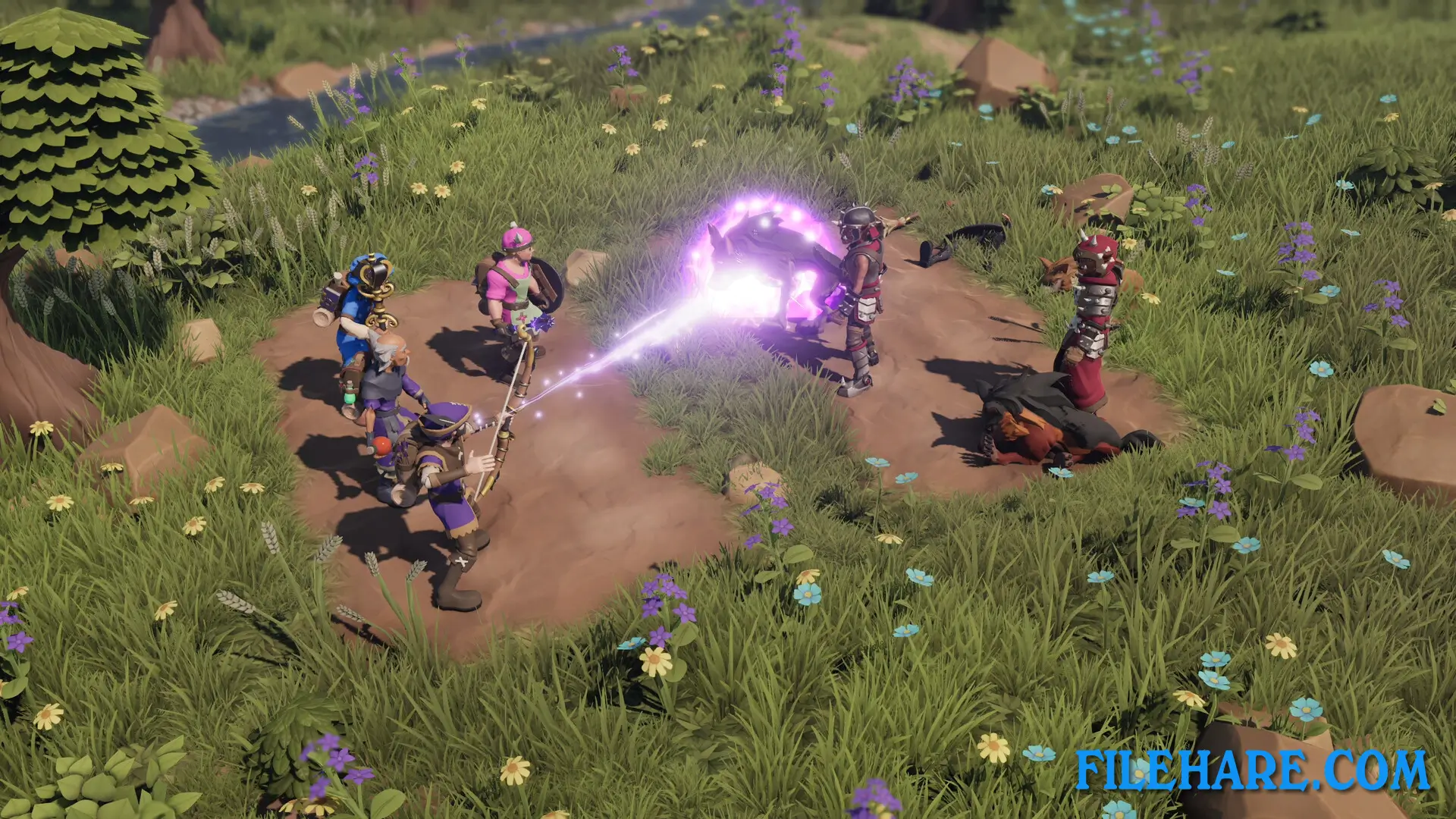
For The King II is a tactical role-playing game with roguelite features such as a procedurally-generated map and permadeath. Combat takes place on a Battle Grid similar to digital tabletop games. There can be up to four members in your party. The grid has two rows for both sides, allowing weaker characters to hide behind someone with a shield. Movement and position provide you and your enemies with strategic buffs and penalties. You can defend the back row by equipping a Tower Shield, push enemies into lethal pools of burning fire, or use dark magic. You can create your party from 12 unique character classes. The game provides a complete campaign with over 30 hours of gameplay, split into 5 separate adventures. You can play solo and control all characters in your party, or play with up to three friends in four-player co-op online or offline.
Recommended System Requirements
Requires a 64-bit processor and operating system
- OS: Windows 10 x64
- Processor: Intel Core i7-6700K (4 * 4000) or equivalent / AMD Ryzen 5 1500X (4 * 3500) or equivalent
- Memory: 16 GB RAM
- Graphics: GeForce RTX 2060 Super (8 GB) / Radeon RX 5700 XT (8 GB)
- Storage: 7 GB available space
- Additional Notes: SSD recommended
Gameplay Screenshots
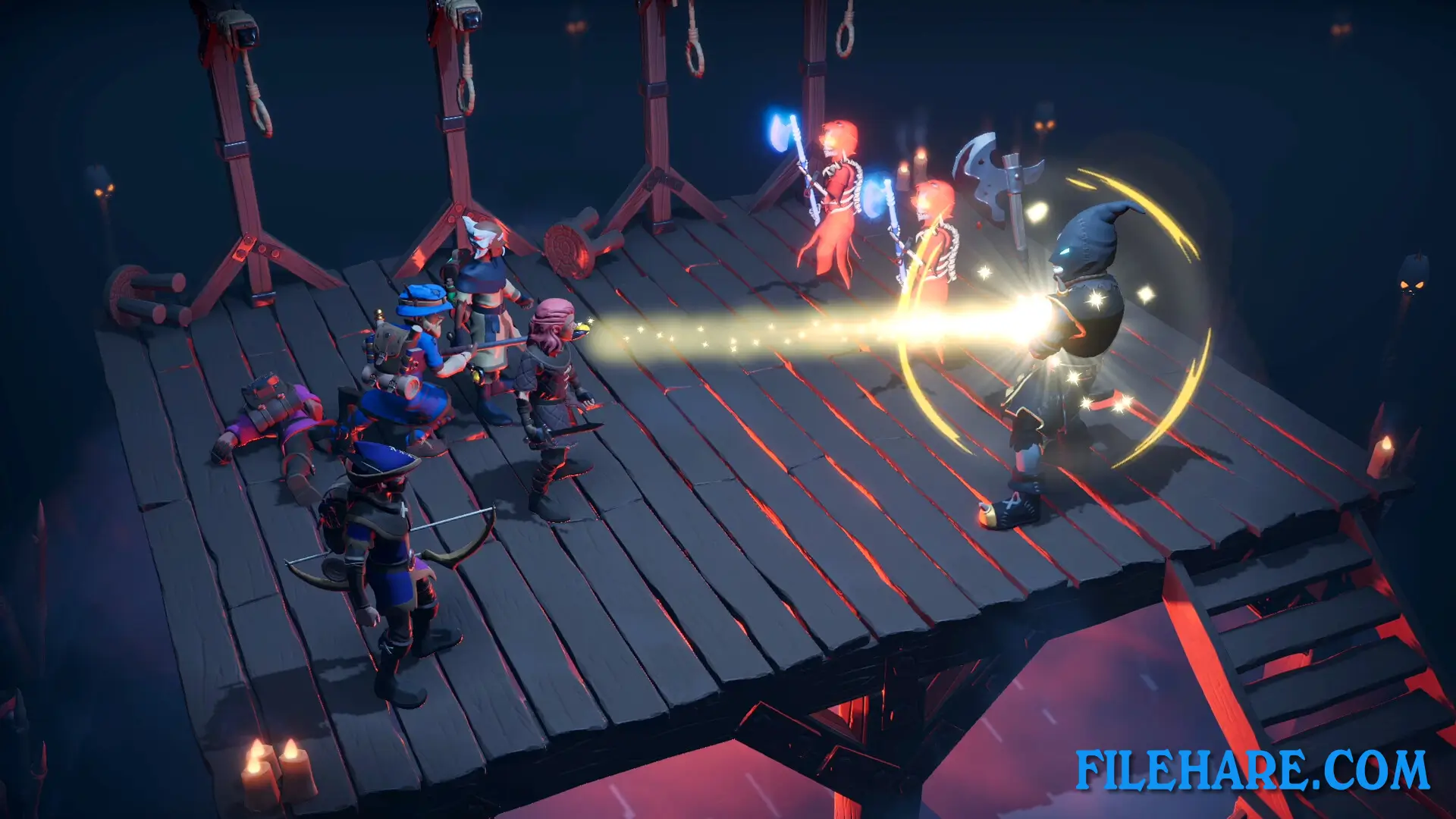
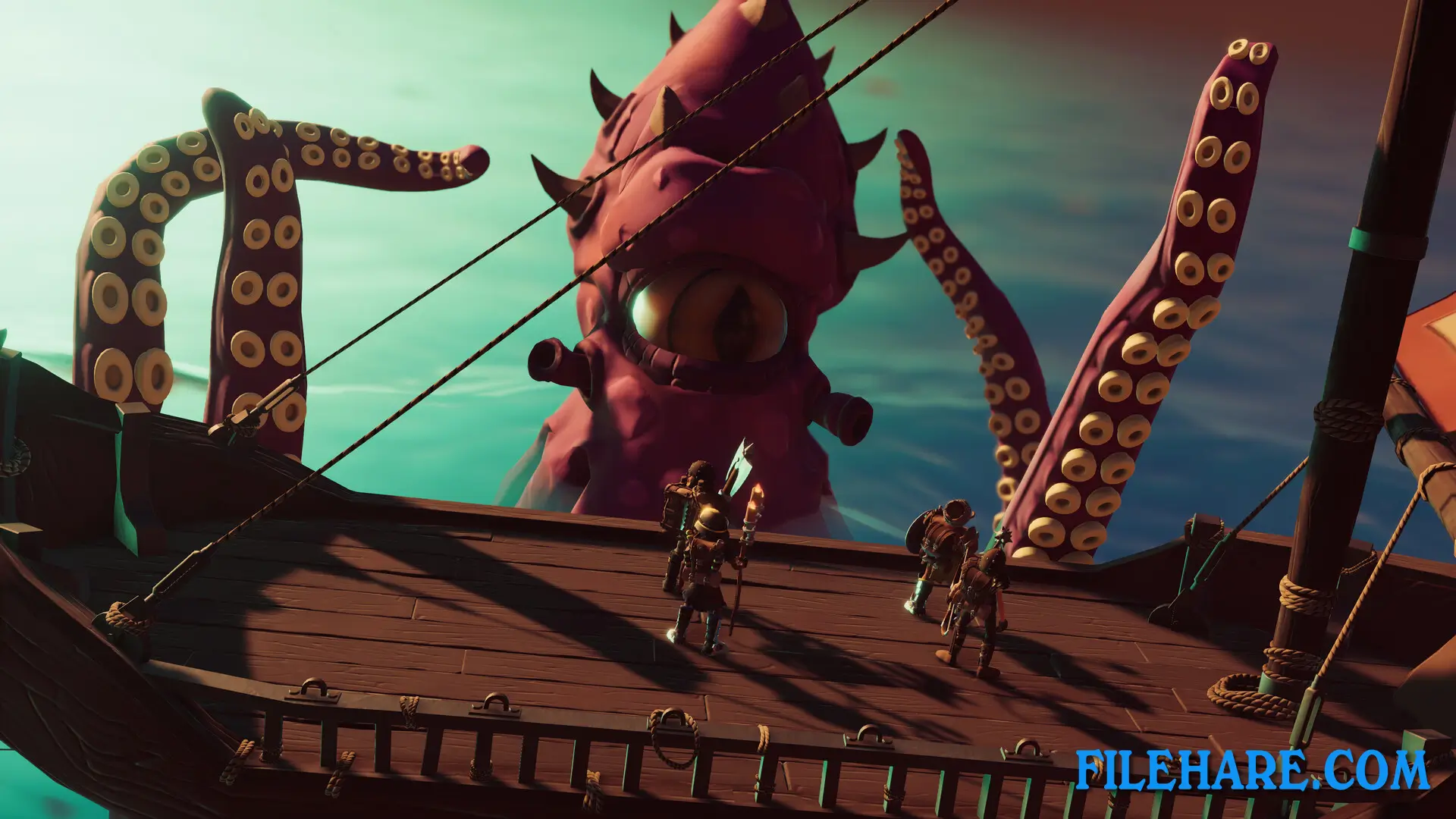
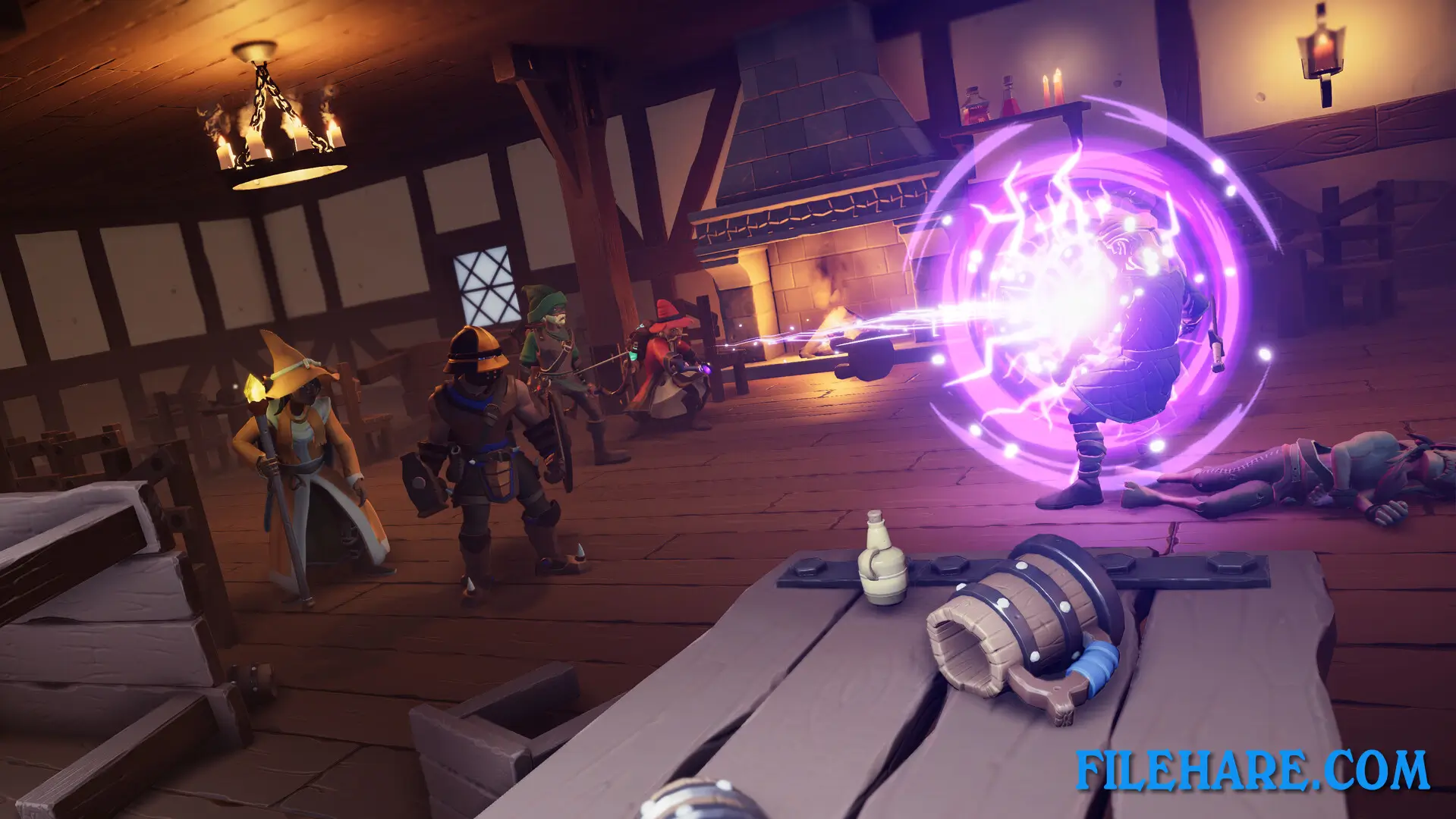
| Name | For The King II |
|---|---|
| Developer | IronOak Games |
| File Size | 2.12 GB |
| Category | RPG Game |
| Minimum System Requirements | |
| CPU | Intel Core i5-4670K (4 * 3400) or equivalent / AMD FX-8350 (4 * 4000) or equivalent |
| RAM | 8 GB |
| Graphics | GeForce GTX 960 (4 GB) / Radeon RX 550 (4 GB) |
| Free Disk Space | 7 GB |
| Operating System | Windows 10 / 11 (64-bit) |
| User Rating | |
Buy this game to support the developer. Store Page
How to Download and Install The King II PC Game?
We have simple instructions for you to download and install the PC game. Before following the steps, Ensure your PC meets the minimum system requirements for Playing the game on your PC.
- First, click on the DOWNLOAD button and you will be redirected to the final Download page. Then, Download the Game on your PC.
- Once you have downloaded the The King II PC Game, Open the folder where you saved the Game.
- Then Right-click on the Zip file and click on the "Extract files" option from the dropdown menu. If your computer does not have a Zip file extract software installed, you must first install it. (such as WinRAR, 7Zip software)
- After Extracting the Zip file, Open the The King II PC Game folder.
- Then, double-click on the Setup.exe file to Install the Game.
- If asked to allow the program to make changes to your device, click Yes to continue.
- After the installation, if you get any missing ".dll" errors or the Game is not launching, open the Readme.txt file located in the game folder and follow the instructions shown in the document file to play the game.
Done!. Now, you can launch the game from your desktop.