Gunsmith Simulator PC Game Download for Windows 10/11
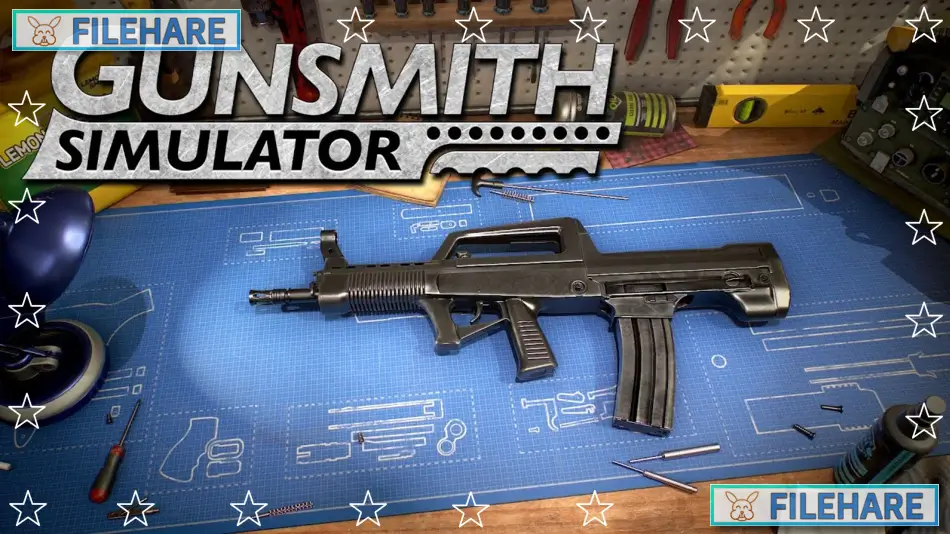
Gunsmith Simulator is a simulation game developed by GameHunters and published by PlayWay S.A. The game was released on October 4, 2024, for PC on Steam. Before the full release, an early access version was available starting July 19, 2023. A free version called Gunsmith Simulator: Prologue was released on May 10, 2023, to let players try the game before buying it. This game is for people who want to run a gun repair shop.
Table of Contents
Gunsmith Simulator Gameplay
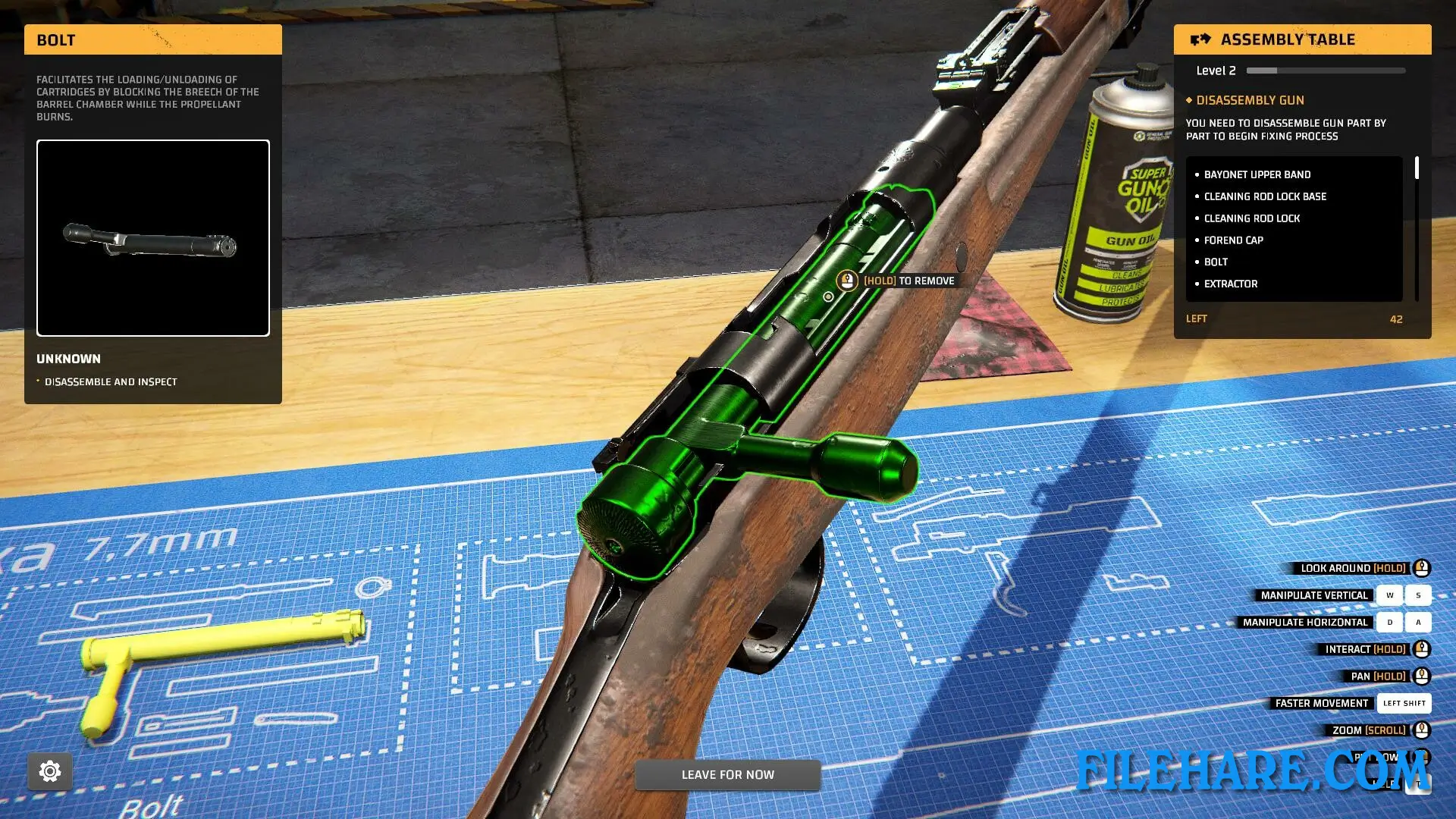
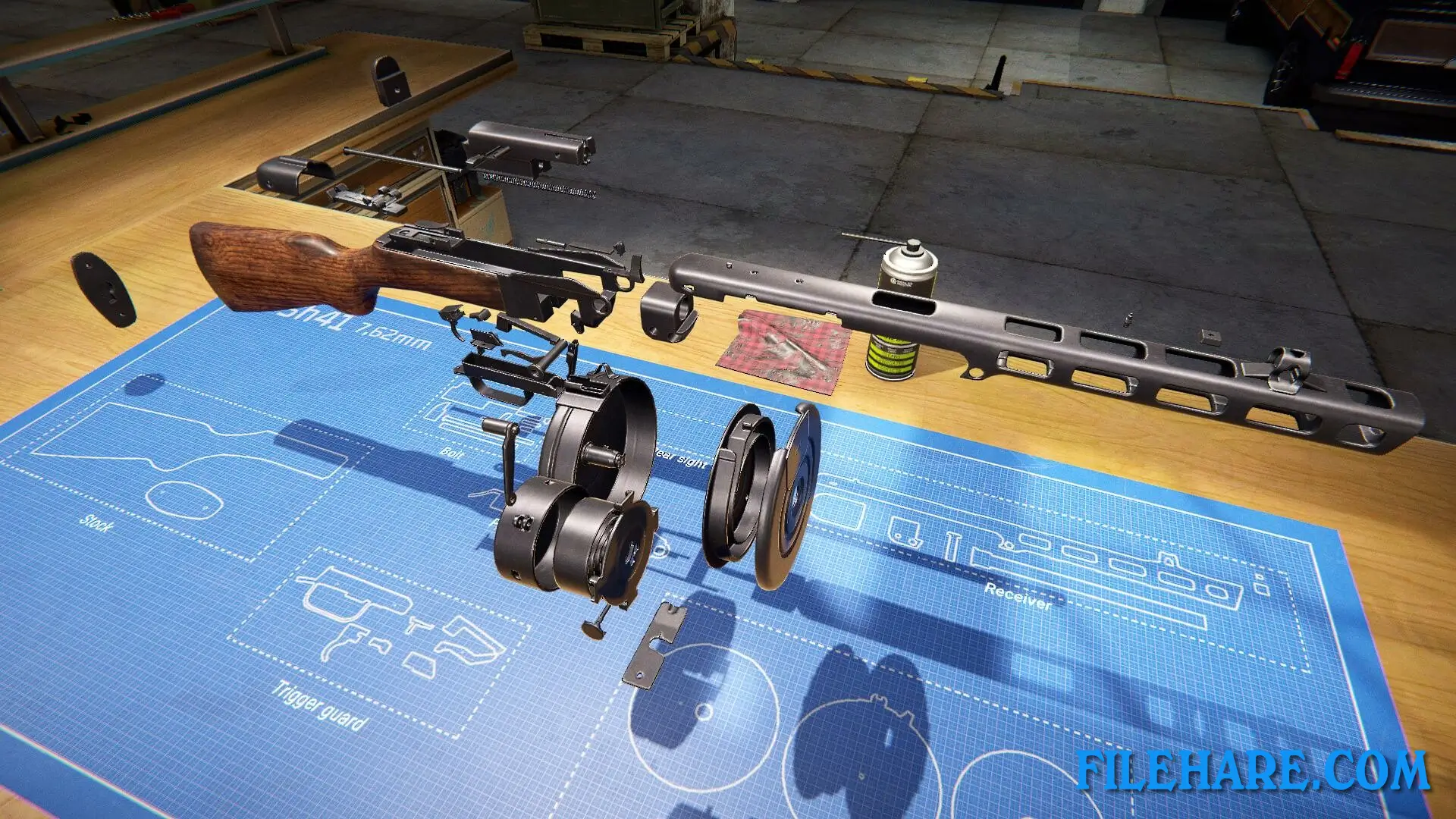
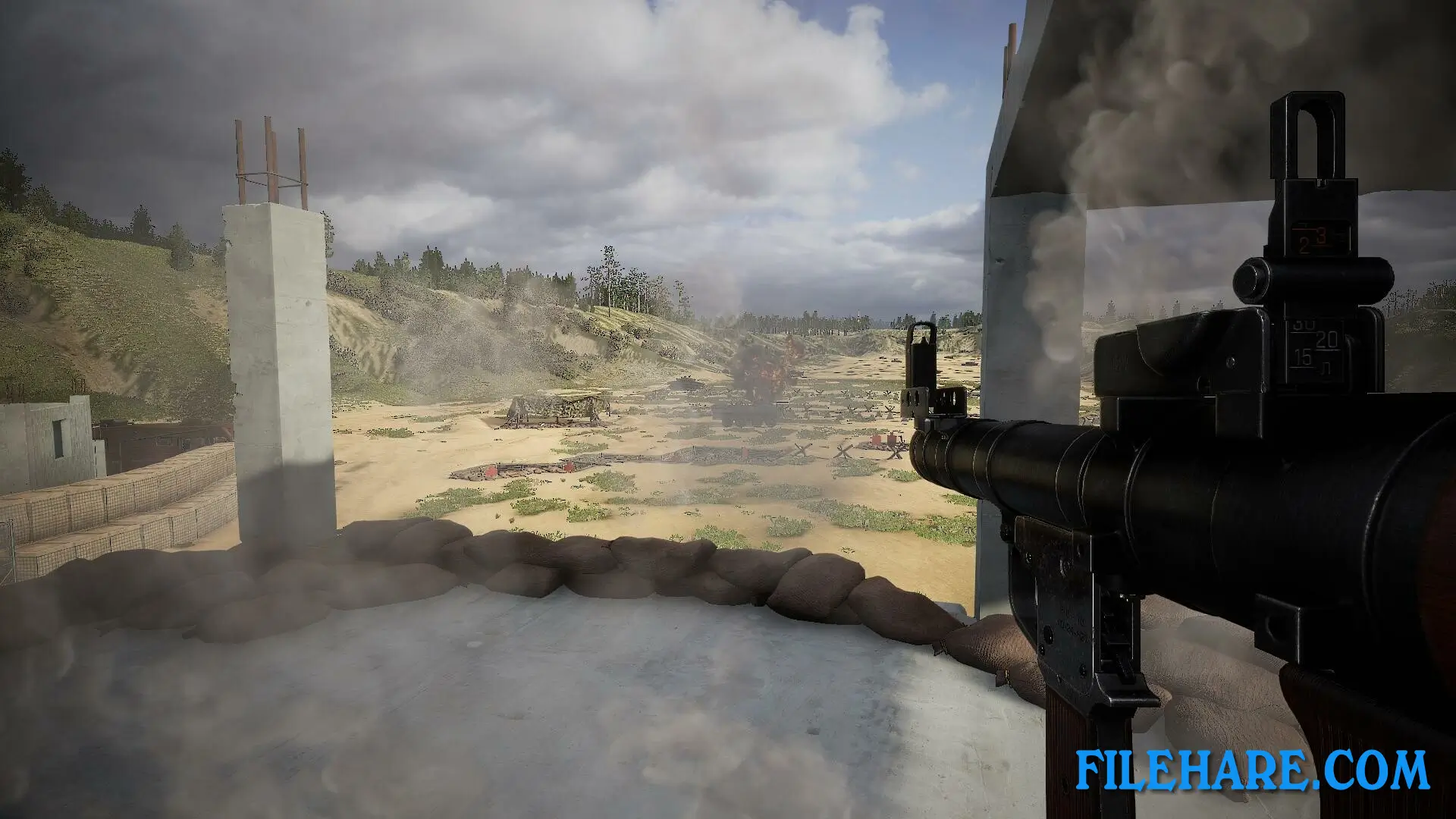
You run your own gunsmith workshop where you repair, restore, and modify guns. You get orders from customers through a website called GunStock. You inspect weapons to see what needs repair. First, you clean the guns and remove rust from old parts. You can do this by hand or use chemical treatments. Some gun parts are worn out and need replacement. You can buy new parts or create your own custom parts. After cleaning and repairing, you renew the protective layer on wood and metal surfaces. You need to balance the parts correctly so the gun works well. When repairs are done, you can paint the guns in any colour the customer wants. You can also test weapons at a shooting range in the forest. There are tasks like trap shooting and free shooting to see if the guns work correctly.
Gunsmith Simulator Features
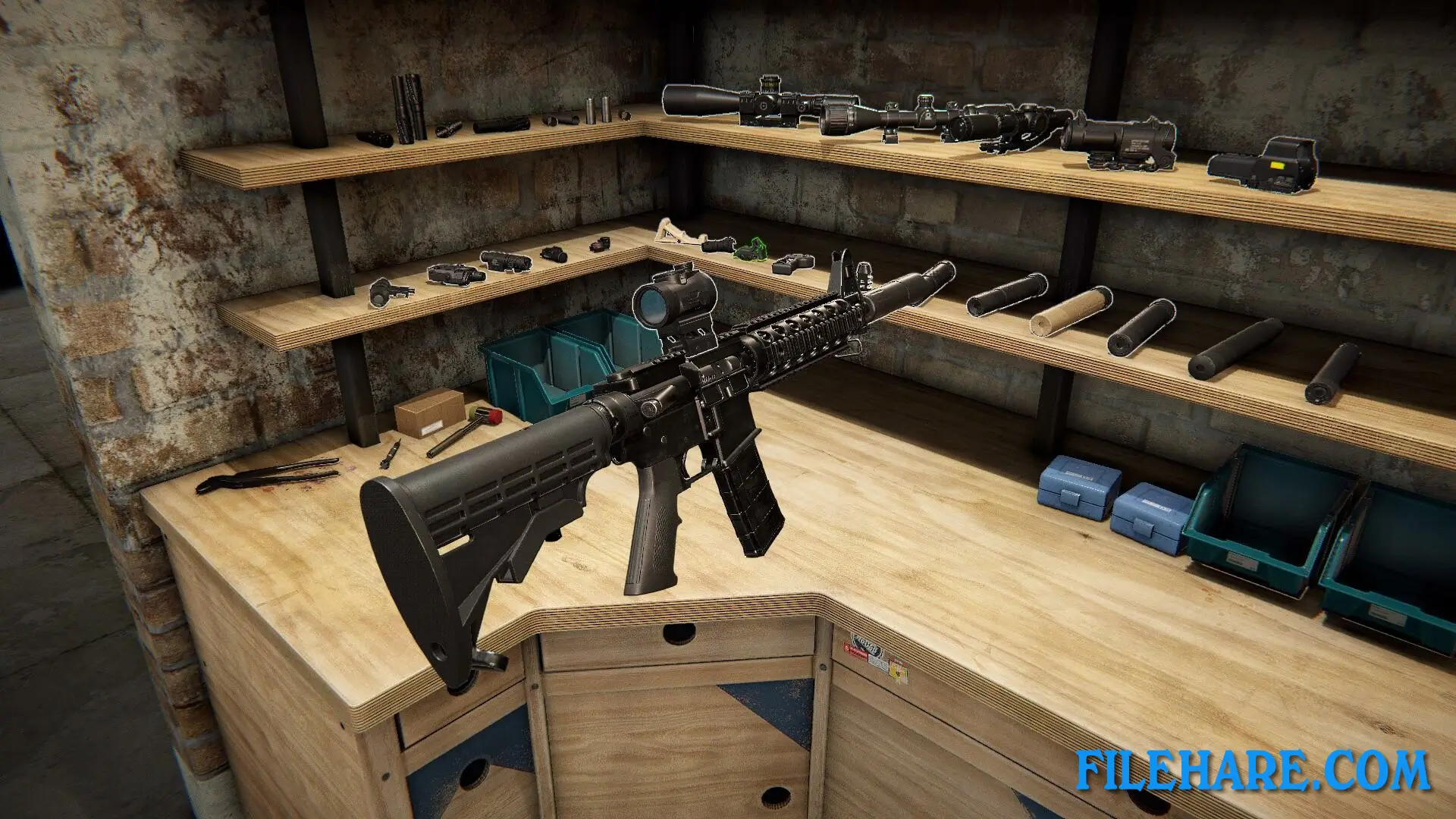
The game has many types of real guns to work on, including shotguns, revolvers, and automatic rifles. You can customise weapons with modern accessories like optical sights, pistol grips, lasers, flashlights, and collimators. The game has a painting feature where you can paint guns in any colour and design. You can change weapon configurations to fit what customers need. The workshop has all the equipment a gunsmith needs. After finishing repairs, you can sell guns, give them back to customers, or keep them for yourself.
The game has a first-person view, so you see everything through the gunsmith’s eyes. There is also a co-op multiplayer mode where friends can play together. The game supports mods so players can add new content. You need to manage your workshop business and complete many customer orders to grow your shop.
Recommended System Requirements
Requires a 64-bit processor and operating system
- OS: Windows 10
- Processor: Intel i5-9400F
- Memory: 16 GB RAM
- Graphics: GTX 1070 8GB
- Storage: 15 GB available space
- Additional Notes: .NET Framework 4.8 (32-bit), Windows 10N needs installed Media Feature Pack
Gameplay Screenshots
| Name | Gunsmith Simulator |
|---|---|
| Developer | GameHunters |
| File Size | 8 GB |
| Category | Simulation |
| Minimum System Requirements | |
| CPU | Intel i5-4590 |
| RAM | 8 GB |
| Graphics | GTX 960 4GB |
| Free Disk Space | 15 GB |
| Operating System | Windows 10 / 11 (64-bit) |
| User Rating | |
Buy this game to support the developer. Store Page
How to Download and Install Gunsmith Simulator PC Game?
We have simple instructions for you to download and install the PC game. Before following the steps, Ensure your PC meets the minimum system requirements for Playing the game on your PC.
- First, click on the DOWNLOAD button and you will be redirected to the final Download page. Then, Download the Game on your PC.
- Once you have downloaded the Gunsmith Simulator PC Game, Open the folder where you saved the Game.
- Then Right-click on the Zip file and click on the "Extract files" option from the dropdown menu. If your computer does not have a Zip file extract software installed, you must first install it. (such as WinRAR, 7Zip software)
- After Extracting the Zip file, Open the Gunsmith Simulator PC Game folder.
- Then, double-click on the Setup.exe file to Install the Game.
- If asked to allow the program to make changes to your device, click Yes to continue.
- After the installation, if you get any missing ".dll" errors or the Game is not launching, open the Readme.txt file located in the game folder and follow the instructions shown in the document file to play the game.
Done!. Now, you can launch the game from your desktop.