Hacker Simulator PC Game Download for Windows 10/11/7/8
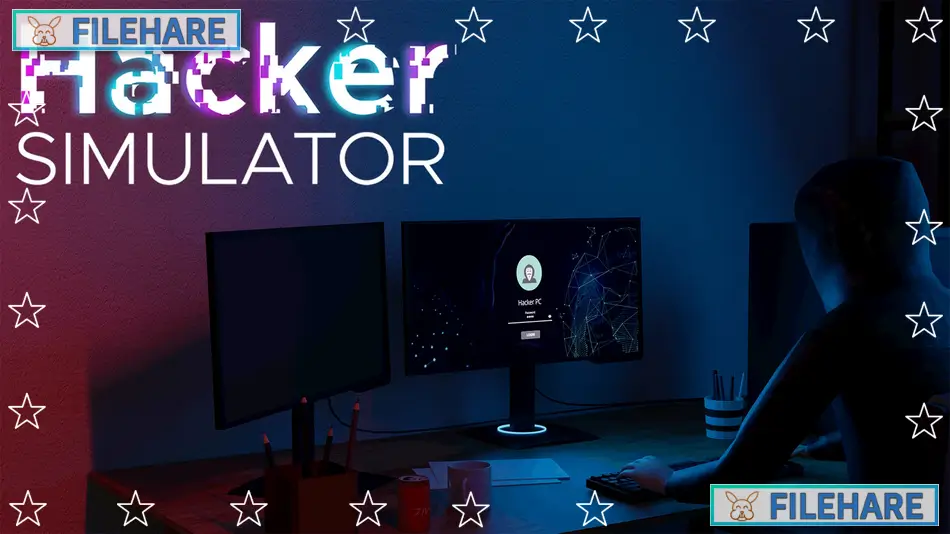
Hacker Simulator is a simulation game that came out on October 20, 2021. The game was developed and published by Save All Studio. It can be played on PC through Steam. In this game, you become a hacker who completes jobs for clients while trying to build an online reputation. The game uses simplified versions of real hacking methods like bruteforce, exploits, and phishing to give players an idea of how hacking works. You start with a basic computer and slowly upgrade it as you earn money from contracts. The game is played from a first-person view where you can walk around your apartment and interact with your computer.
Table of Contents
Hacker Simulator Gameplay
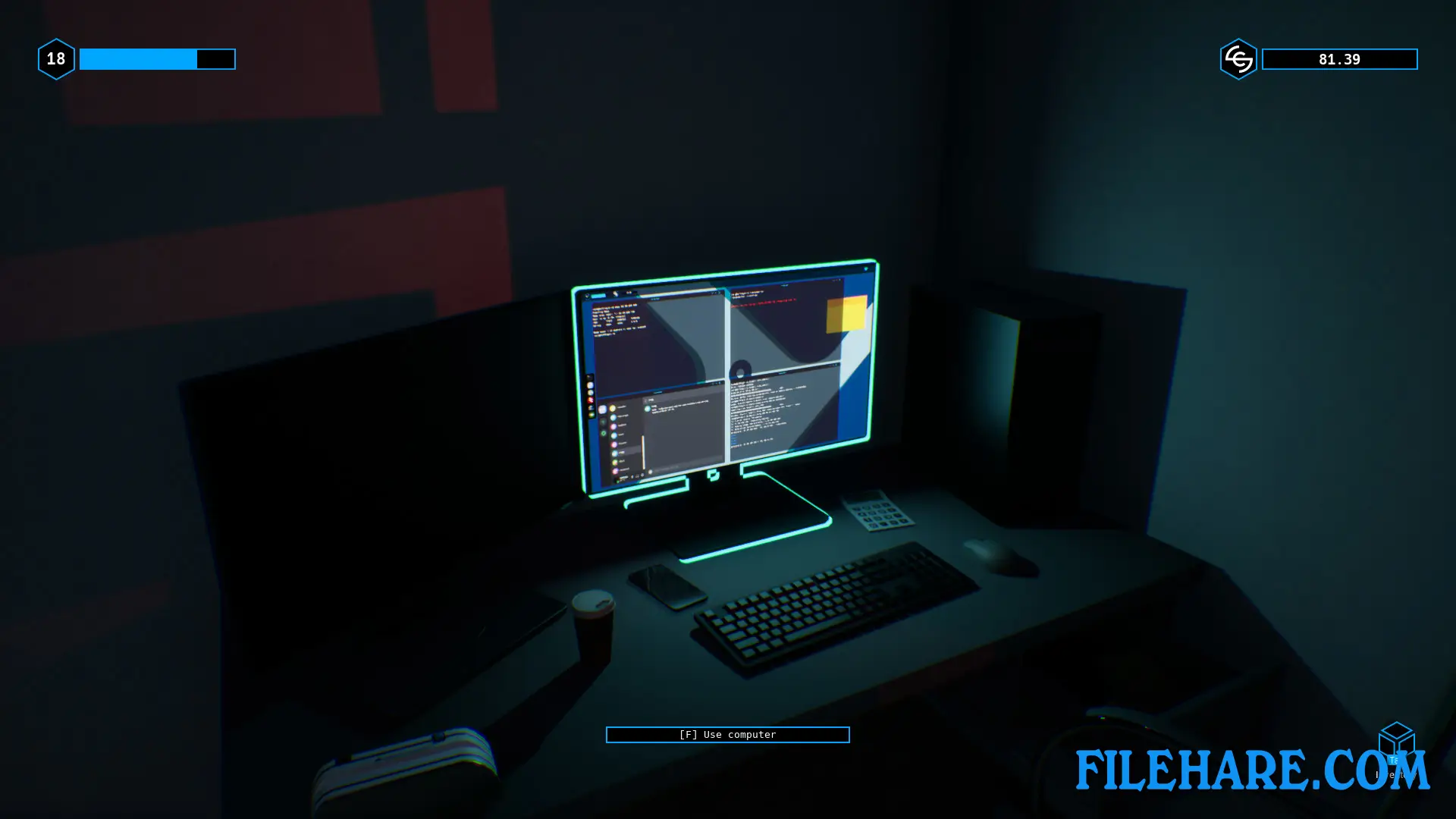
The game is played by accepting contracts from clients who need hacking services. These contracts involve tasks like stealing files from computers, hacking into company networks, breaking into wifi connections, and sending phishing emails to get passwords. When you accept a contract, you use your computer to type commands that help you complete the job. For wifi hacking, you use a tool called Aircrack-ng. You type commands like airodump to scan for networks, aireplay to capture data, and aircrack to break the password. For computer hacking, you use tools like Nmap to scan networks and find weak spots. You can also send phishing emails that trick people into giving away their information.
The game has a risk element where you must stay anonymous while hacking. You do this by hiding behind wifi networks you crack. If you get caught, you lose everything and must start over. The detection level increases while you work, so you need to finish jobs quickly or switch wifi networks to avoid getting caught. As you complete more contracts, you earn money and reputation points. Higher reputation unlocks harder and better-paying contracts.
Hacker Simulator Features
You can upgrade your computer with better parts like more storage space, faster processors, and improved monitors. These upgrades help you complete contracts more quickly and handle more complex jobs. The game includes several hacking tools that you buy and install on your computer. New programs give you more ways to complete contracts and access harder targets.
The game has a tutorial that teaches you the basic commands and how each hacking method works. Some jobs require you to steal specific files, while others ask you to plant bugs or transfer money between accounts. The networks you hack have security measures, so you need to pay attention and use the right tools for each job. The game saves your progress automatically, so you can continue from where you stopped. You can also fail contracts if you take too long or get detected.
Gameplay Screenshots
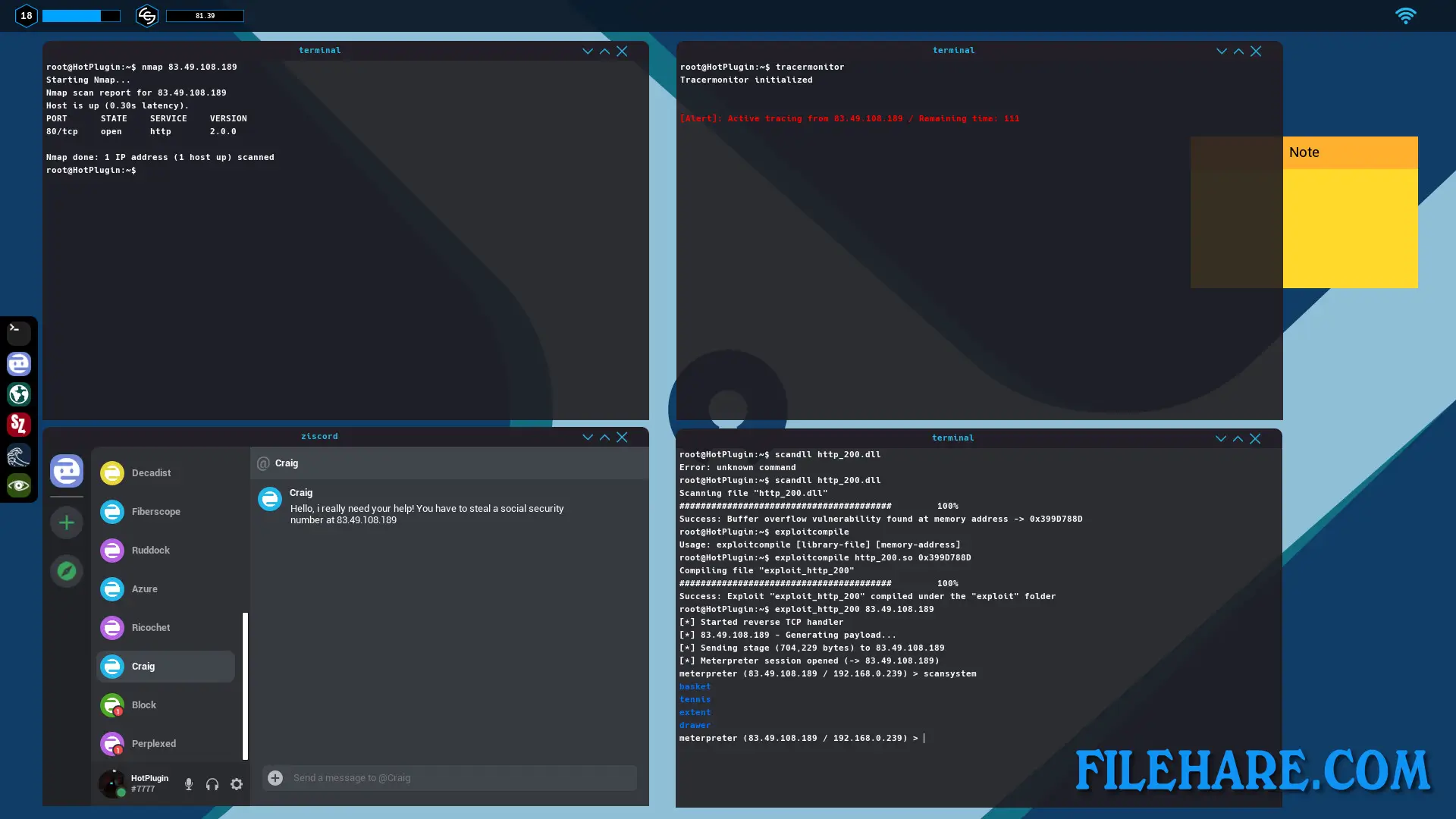
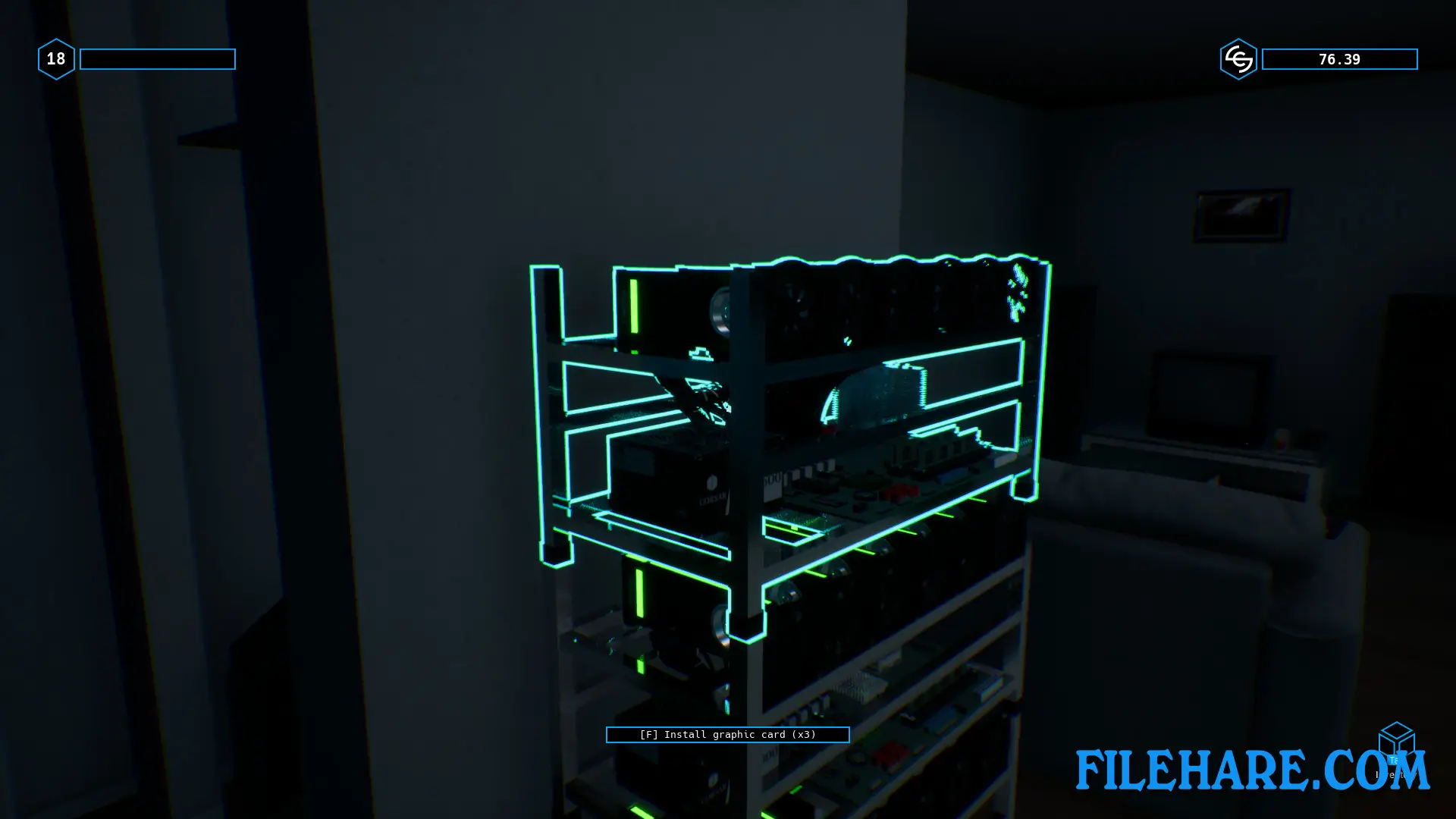
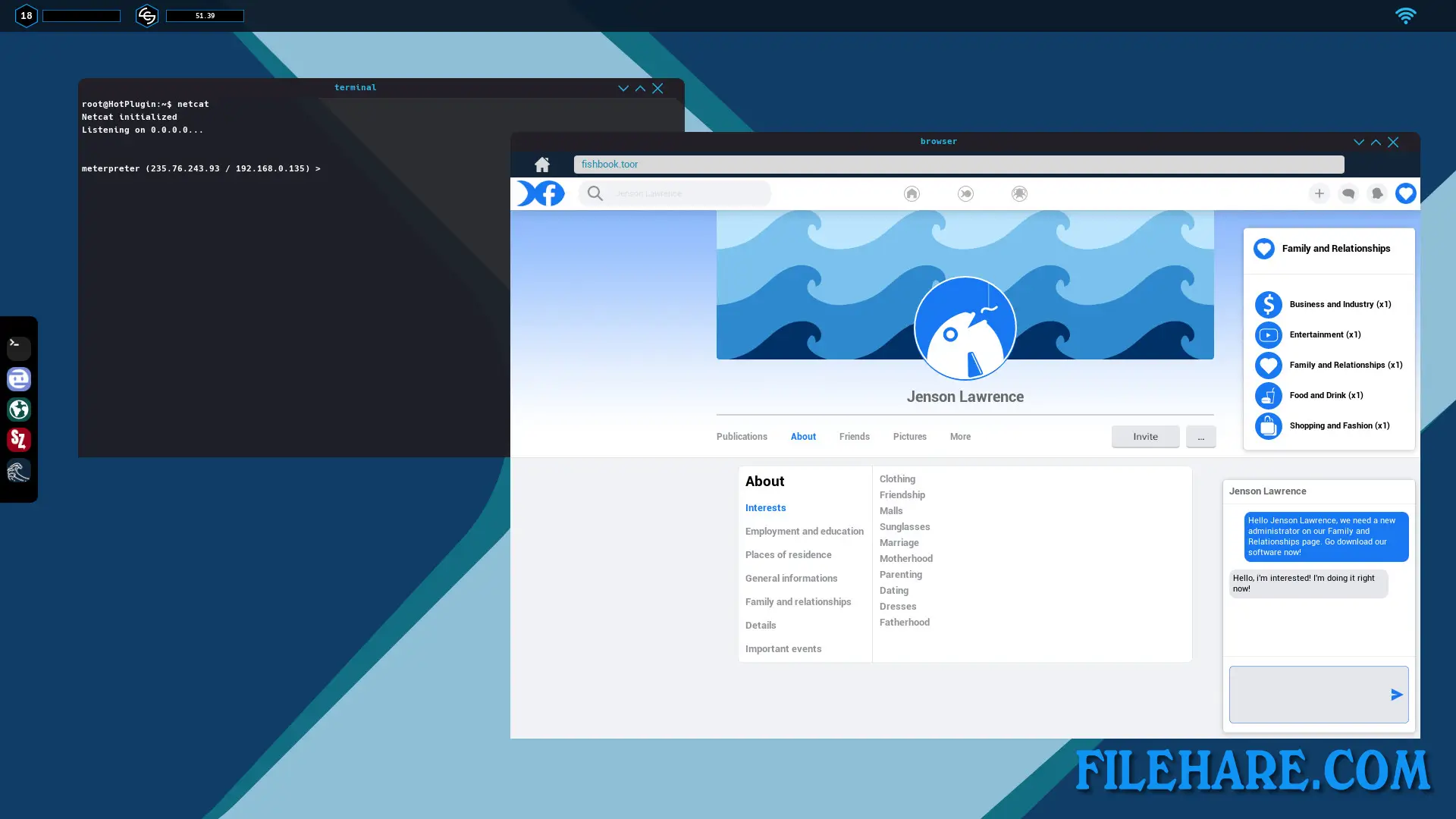
| Name | Hacker Simulator |
|---|---|
| Developer | Save All Studio |
| File Size | 1.16 GB |
| Category | Simulation |
| Minimum System Requirements | |
| CPU | Intel Core i5-2500 3.30 GHz |
| RAM | 8 GB |
| Graphics | NVIDIA GeForce 780 GTX or AMD Radeon Radeon R7 260X series card or higher |
| Free Disk Space | 10 GB |
| Operating System | Windows 10 / 11 / 7 / 8 (64-bit) |
| User Rating | |
Buy this game to support the developer. Store Page
How to Download and Install Hacker Simulator PC Game?
We have simple instructions for you to download and install the PC game. Before following the steps, Ensure your PC meets the minimum system requirements for Playing the game on your PC.
- First, click on the DOWNLOAD button and you will be redirected to the final Download page. Then, Download the Game on your PC.
- Once you have downloaded the Hacker Simulator PC Game, Open the folder where you saved the Game.
- Then Right-click on the Zip file and click on the "Extract files" option from the dropdown menu. If your computer does not have a Zip file extract software installed, you must first install it. (such as WinRAR, 7Zip software)
- After Extracting the Zip file, Open the Hacker Simulator PC Game folder.
- Then, double-click on the Setup.exe file to Install the Game.
- If asked to allow the program to make changes to your device, click Yes to continue.
- After the installation, if you get any missing ".dll" errors or the Game is not launching, open the Readme.txt file located in the game folder and follow the instructions shown in the document file to play the game.
Done!. Now, you can launch the game from your desktop.